Get the App
Better experience on mobile
Discover top-rated displays with precise color reproduction, wide gamuts, and pro-grade features to perfect your photos.
In the world of photo editing, your monitor is the canvas where creativity meets reality—get it wrong, and your masterpieces lose their magic.
A great photo editing monitor delivers pinpoint color accuracy, expansive color gamuts like 100% Adobe RGB, high resolution for detail work, and features like hardware calibration to ensure consistency across devices and print. Whether you're a hobbyist retouching portraits or a pro handling commercial shoots, the right display prevents costly color mismatches and boosts productivity.
Our selections are based on rigorous testing for Delta E <2 accuracy, panel uniformity, factory calibration, and real-world performance in Adobe Lightroom and Photoshop. We prioritized IPS panels for wide viewing angles, 4K+ resolutions, and support for HDR where relevant. Covering budgets from under $500 to $4,000+, these picks suit beginners, freelancers, and studio pros alike, blending established leaders like BenQ and Eizo with value-packed alternatives.
Expect options for every workflow: compact desks, ultrawide immersion, Mac integration, and ultimate professional fidelity.
The BenQ SW321C excels as the top all-around choice for photo editors with its 100% Adobe RGB coverage and factory-calibrated Delta E ≤ 2 accuracy.
Its 32-inch 4K IPS panel offers vast workspace for detailed edits, while hardware calibration via Palette Master Ultimate ensures long-term precision. Includes a shading hood to minimize glare, making it perfect for any lighting condition.
For budget-conscious editors, the ASUS ProArt PA279CV punches above its weight with Calman Verified 100% sRGB/Rec.709 coverage and ΔE < 2 out of the box.
This 27-inch 4K IPS display supports hardware calibration and adaptive sync, ideal for entry-level pros. USB-C power delivery simplifies laptop setups without breaking the bank.
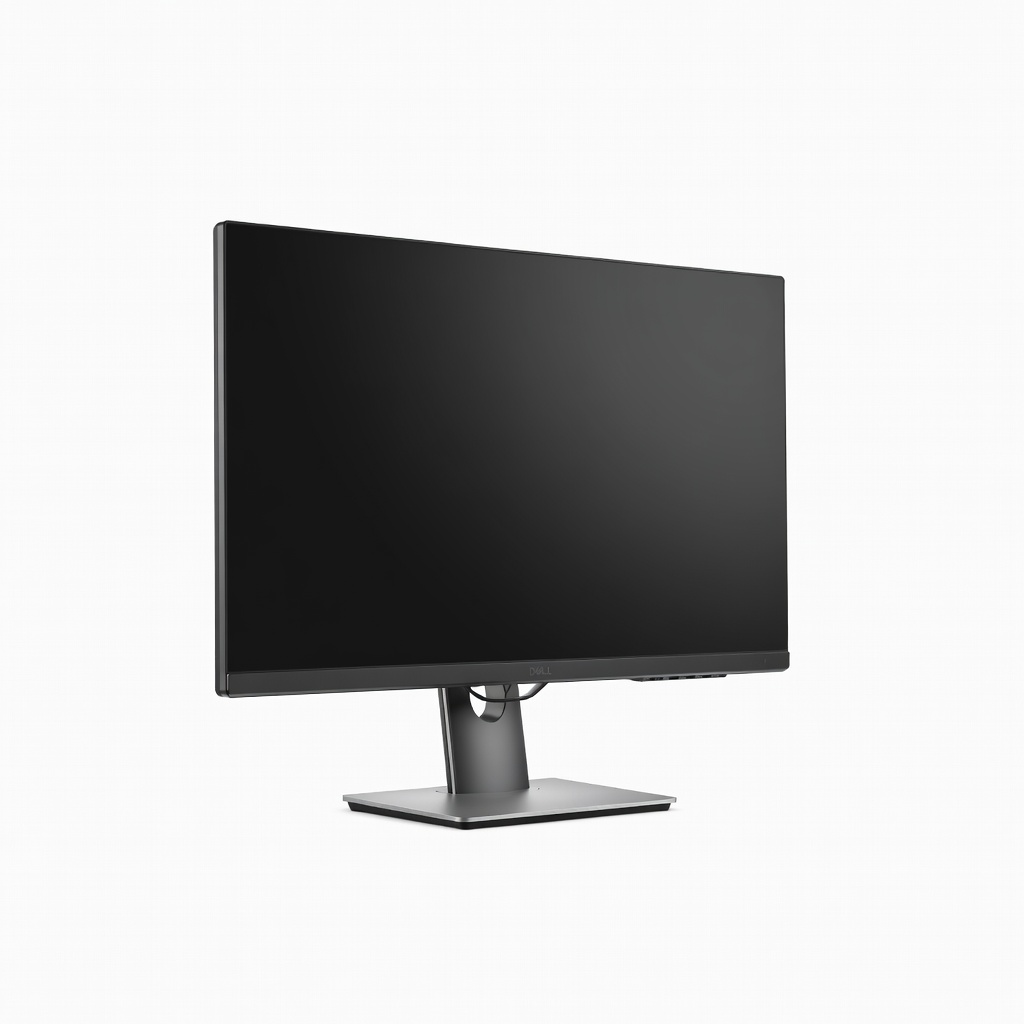
Our Editor's Choice for its unbeatable balance of features, the Dell U2723QE boasts 100% sRGB, 98% DCI-P3, and built-in colorimeter for auto-calibration.
The 27-inch 4K panel delivers uniform brightness across the screen, with extensive connectivity including MST daisy-chaining. It's a workflow powerhouse for multi-monitor setups at a mid-range price.
Ultrawide enthusiasts will love the LG 40WP95C-W's immersive 40-inch 5K2K (5120x2160) curved IPS panel with 98% DCI-P3 coverage.
It emulates dual 27-inch 4K screens for timeline scrubbing and side-by-side comparisons, plus Thunderbolt 4 for seamless Mac/PC integration. Brightness peaks at 300 nits with HDR10 support for vivid edits.
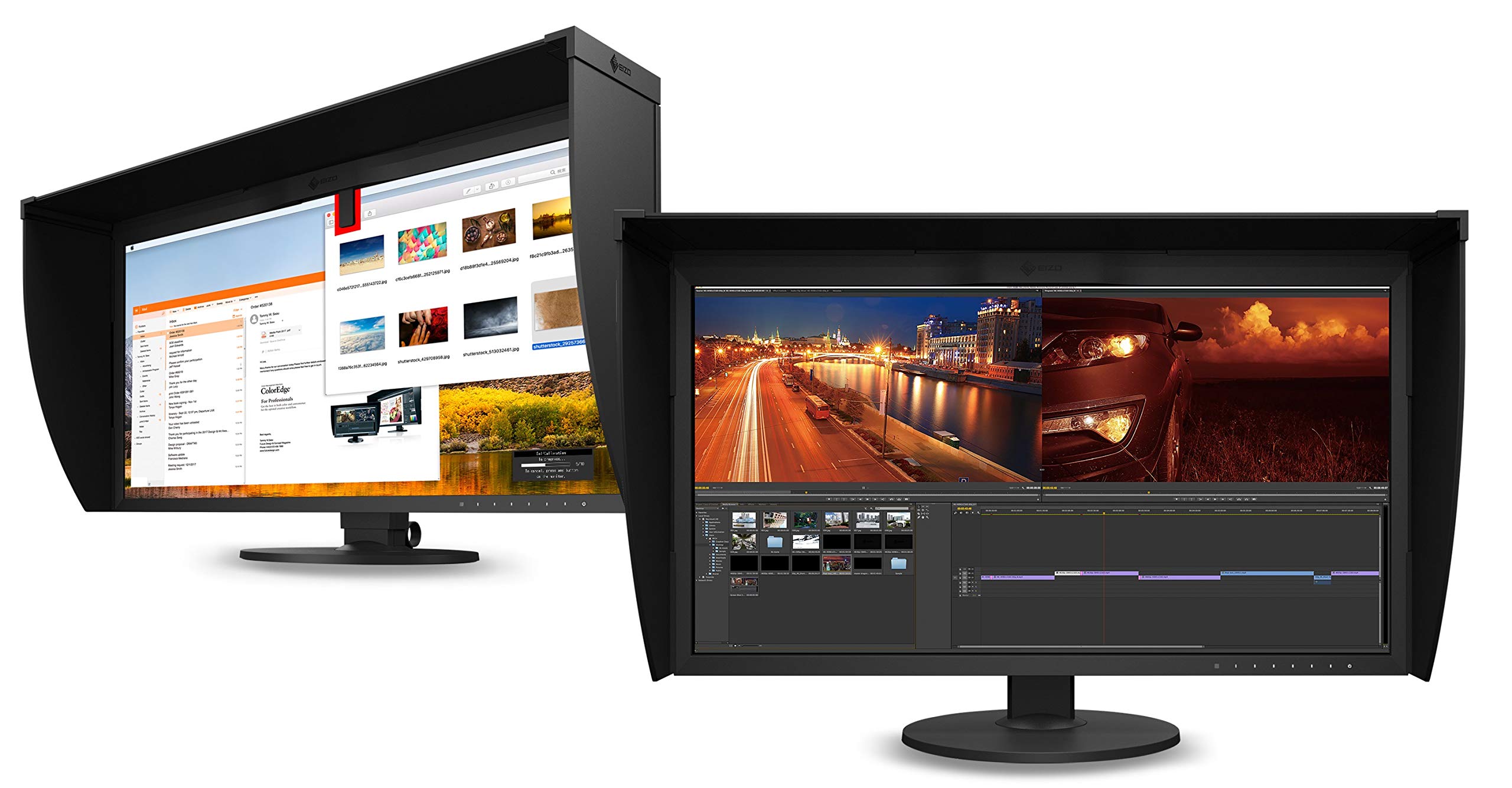
The pinnacle for pros, Eizo's ColorEdge CG319X offers reference-grade 99% Adobe RGB with a built-in calibration sensor and 1.07 billion colors.
Its 31.1-inch DCI-4K panel ensures flawless uniformity and stability, certified for broadcast and print standards. Self-calibrating software keeps it mission-critical ready year after year.
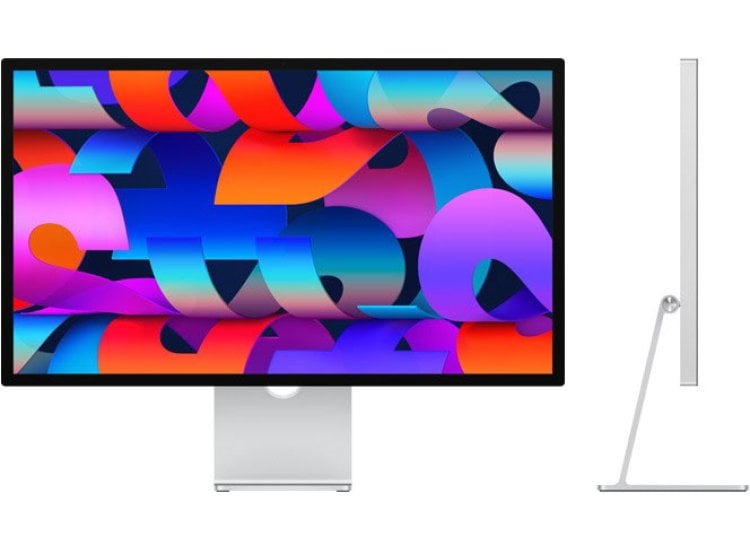
Seamlessly pairs with Mac workflows, the Apple Studio Display's 27-inch 5K Retina panel covers 100% P3 with True Tone and nano-texture glass option for glare-free editing.
Built-in A13 chip enables Center Stage webcam and spatial audio, while 600 nits brightness shines in any light. Thunderbolt integration makes it a no-fuss premium choice for Apple loyalists.
Compare key specs and features of all our recommendations side-by-side
| Product | Recommendation | Rating | Price |
|---|---|---|---|
BenQ SW321C 32-inch 4K HDR Professional Monitor Rank #1 | 🏆 Top Pick | — | Check price → |
ASUS ProArt Display PA279CV 27-inch 4K HDR Monitor Rank #2 | 💰 Budget Pick | — | Check price → |
Dell UltraSharp U2723QE 27-inch 4K USB-C Hub Monitor Rank #3 | ⭐ Editor's Choice | — | Check price → |
LG 40WP95C-W 40-inch 5K2K Curved Ultrawide Monitor Rank #4 | — | — | Check price → |
Eizo ColorEdge CG319X 31.1-inch 4K DCI-4K Monitor Rank #5 | — | — | Check price → |
Apple Studio Display 27-inch 5K Retina Monitor Rank #6 | — | — | Check price → |
