Get the App
Better experience on mobile
Top-rated displays for photographers and designers, balancing gamut coverage, calibration, and value across budgets.
Imagine spending hours perfecting a landscape shot, only to find the colors shift dramatically when printed or viewed on another device. For photo editors, a subpar monitor can undermine your entire workflow. That's why choosing the right display is non-negotiable—it's the window through which you see your creative vision come to life.
In 2026, monitors for photo editing prioritize IPS panels with wide color gamuts (like 99% Adobe RGB or DCI-P3), factory calibration, high resolution for detail work, and features like hardware calibration sensors. These ensure colors are true-to-life, viewing angles are consistent, and edits are reliable across outputs. We tested for panel uniformity, brightness (up to 500 nits for HDR previews), and connectivity like USB-C Thunderbolt hubs.
Our selection criteria focused on real-world performance from lab tests and pro user feedback, covering budget options under $300, mid-range workhorses ($500-$1,000), and premium pro tools ($1,500+). We included established leaders like Dell and Eizo alongside value-packed alternatives, with variety in sizes from 27-inch standards to ultrawide canvases.
Whether you're a hobbyist retouching portraits or a studio pro handling commercial shoots, these picks deliver exceptional value and precision for every skill level and budget.
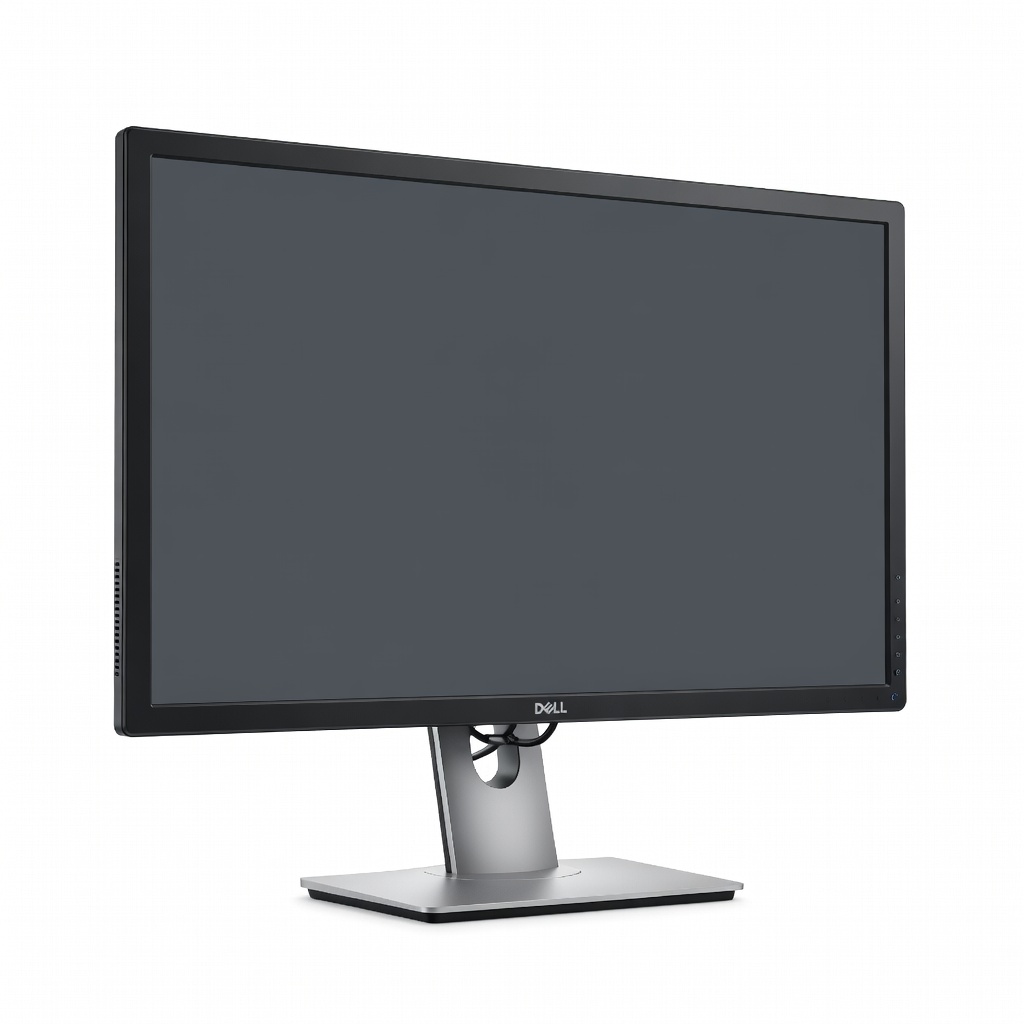
The Dell U2723QE sets the standard for photo editing with its factory-calibrated 100% sRGB, 98% DCI-P3 coverage, and exceptional panel uniformity. Its 4K resolution and USB-C hub with 90W power delivery make it a versatile daily driver. Ideal for most users seeking pro-level accuracy without breaking the bank.
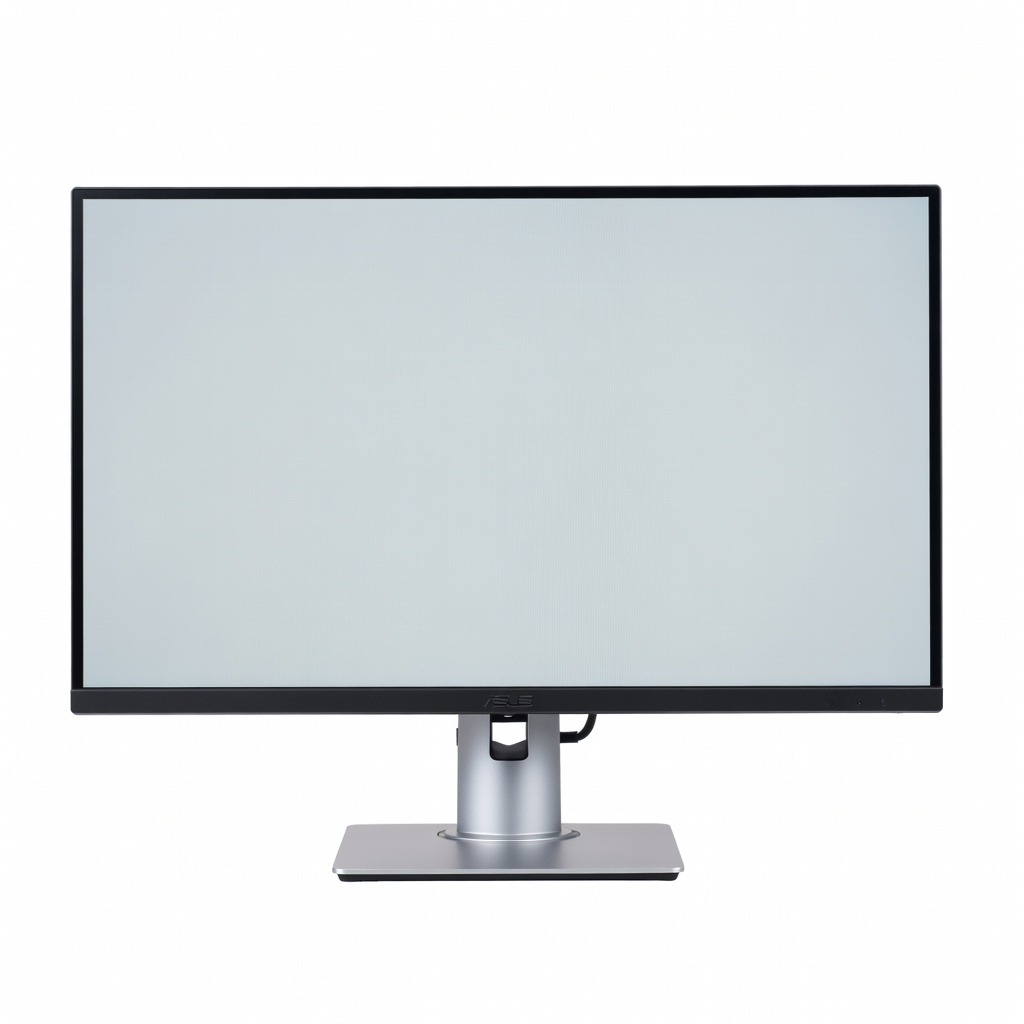
Delivering Calman-verified 100% sRGB and Rec. 709 coverage at an entry-level price, the PA278CV punches above its weight for aspiring editors. Adaptive-Sync and ergonomic stand add versatility for light gaming or multitasking. A steal for color-critical work on a tight budget.
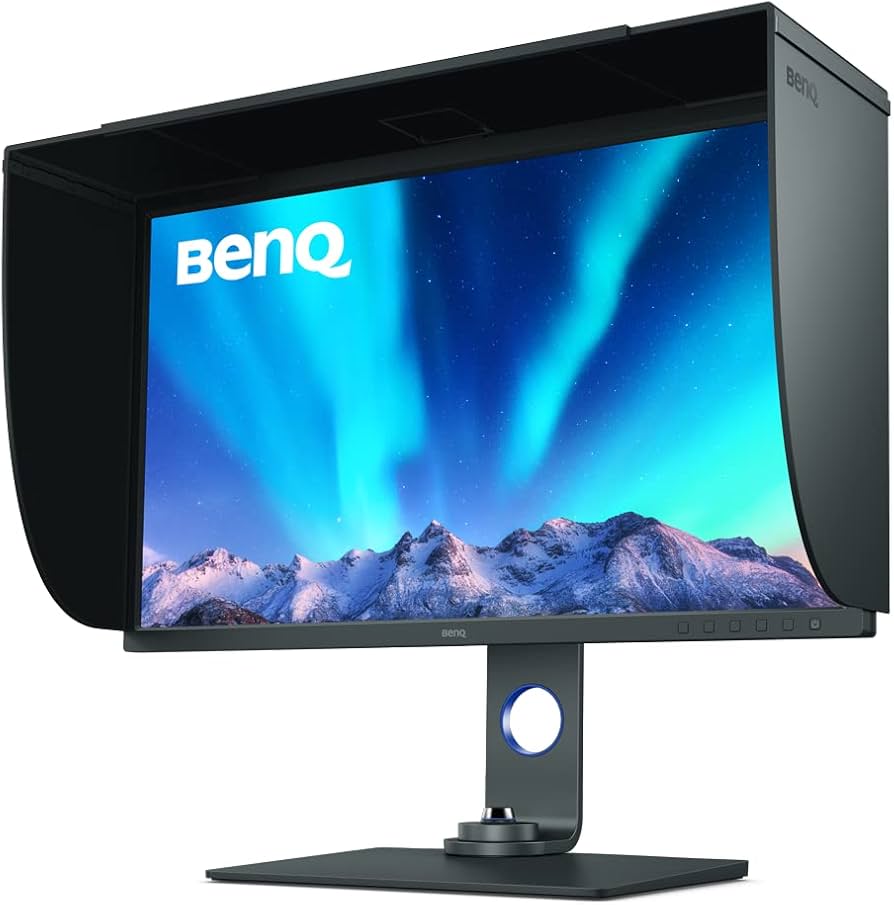
This photographer-focused beast offers 99% Adobe RGB and a bundled Palette Master Element software with hardware puck for effortless calibration. The anti-glare hood and 4K detail make it shine for print workflows. Our top unique pick for serious color fidelity.
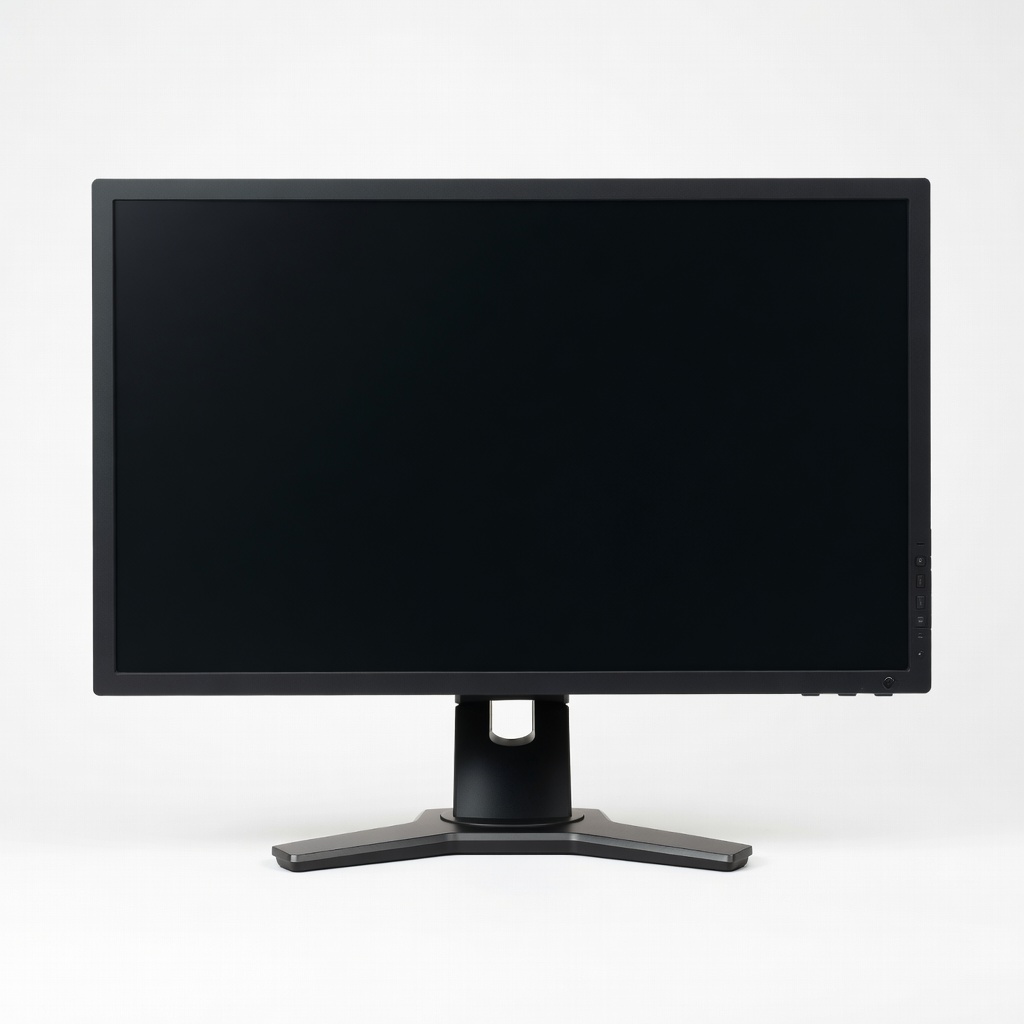
Eizo's built-in calibration sensor and 99% Adobe RGB coverage make the CS2740 a studio staple for unmatched stability over years of use. Auto color space switching and 500 nits brightness handle any lighting. For pros demanding the ultimate in reliability.
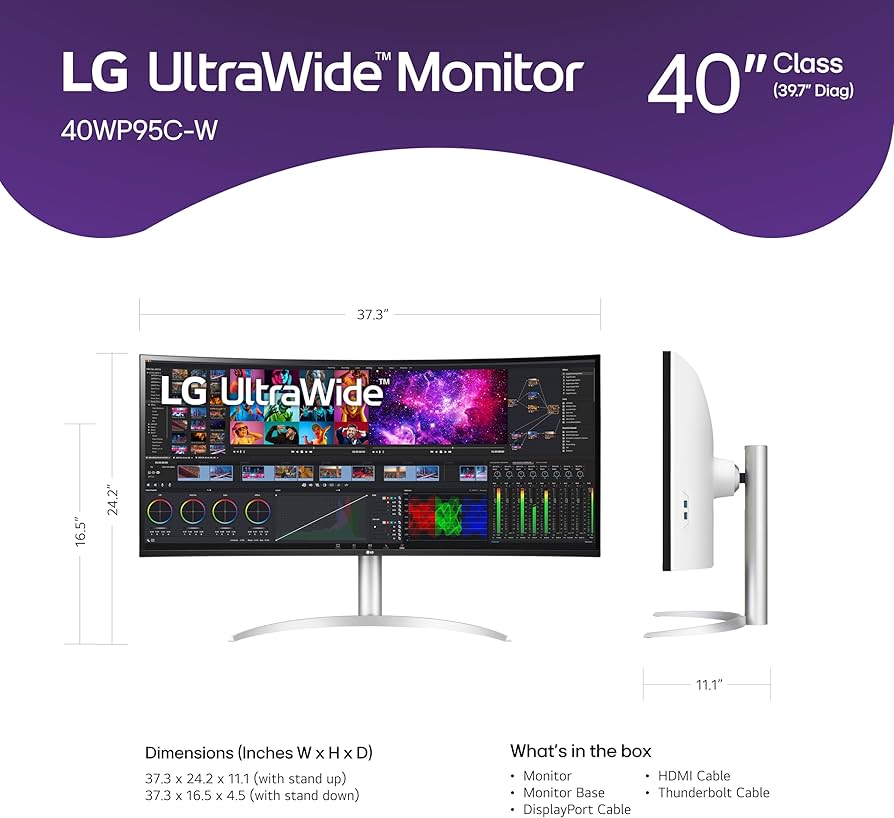
This immersive 40-inch beast with 98% DCI-P3 and Thunderbolt 4 docking expands your timeline without bezels. Perfect for multitasking edits across multiple apps. A game-changer for landscape and panoramic work.
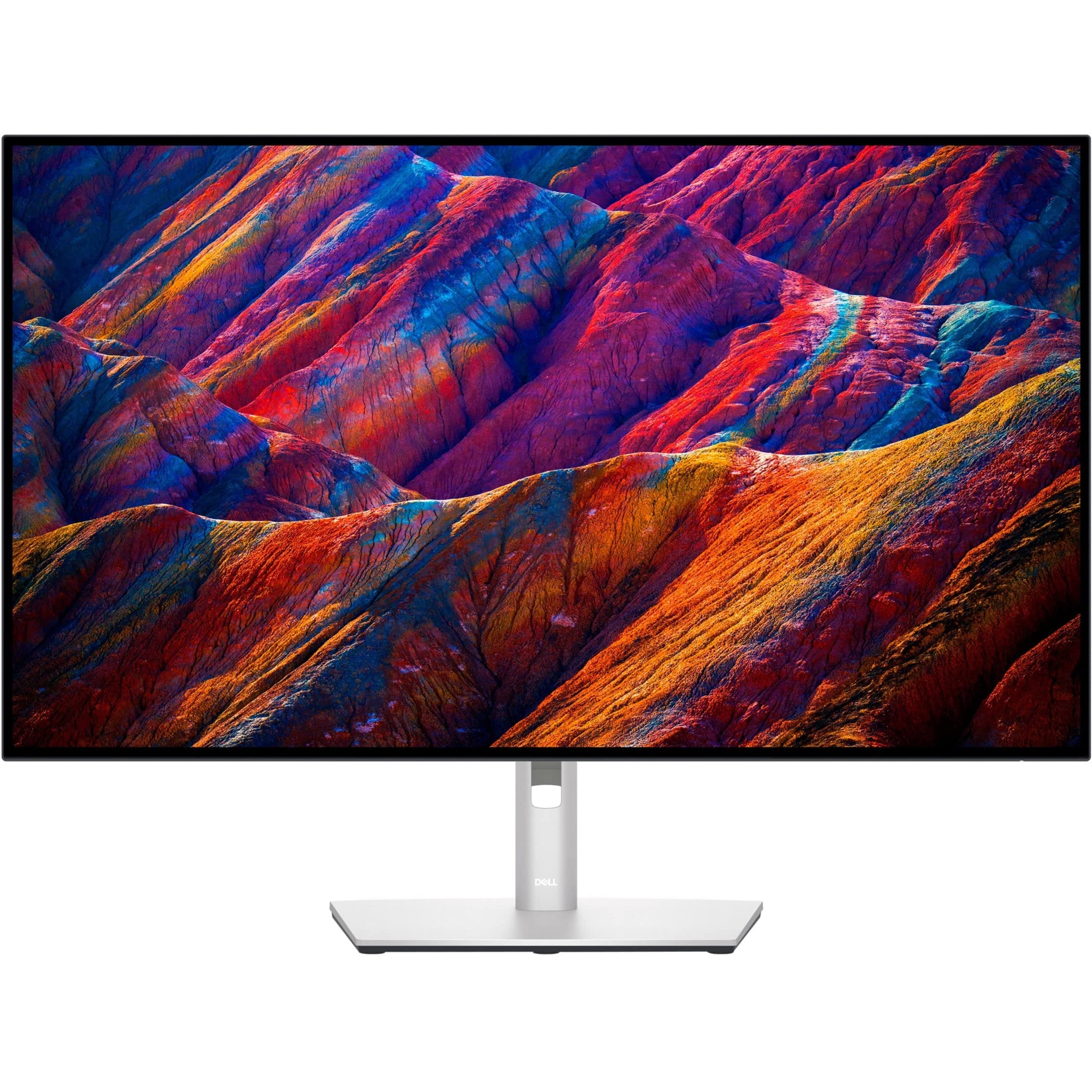
Larger canvas for detailed retouching with the same elite color accuracy as its 27-inch sibling (100% sRGB, 98% DCI-P3). KVM and extensive ports boost productivity. Great mid-range step-up for bigger projects.
Compare key specs and features of all our recommendations side-by-side
| Product | Recommendation | Rating | Price |
|---|---|---|---|
Dell UltraSharp U2723QE 27-inch 4K IPS Monitor Rank #1 | 🏆 Top Pick | — | Check price → |
ASUS ProArt PA278CV 27-inch QHD Professional Monitor Rank #2 | 💰 Budget Pick | — | Check price → |
BenQ SW321C 31.5-inch 4K HDR PhotoVue Monitor Rank #3 | ⭐ Editor's Choice | — | Check price → |
Eizo ColorEdge CS2740 27-inch WQHD Monitor Rank #4 | — | — | Check price → |
LG 40WP95C-W 40-inch 5K2K Nano IPS Ultrawide Monitor Rank #5 | — | — | Check price → |
Dell UltraSharp U3223QE 32-inch 4K Monitor Rank #6 | — | — | Check price → |
