Get the App
Better experience on mobile
Our curated selection of top monitors ensures precise color reproduction, wide gamuts, and reliable calibration for photographers and designers.
In the pixel-perfect world of photo editing, your monitor is your canvas—get it wrong, and your masterpiece could look washed out or oversaturated. Whether you're a professional retoucher fine-tuning client shoots or an enthusiast perfecting personal portfolios, color accuracy isn't a luxury; it's essential to match what you see on screen to prints and web outputs.
We tested dozens of 2026 models focusing on key photo editing criteria: Delta E under 2 for out-of-box accuracy, wide color gamut coverage (Adobe RGB, DCI-P3), IPS panels for uniform viewing angles, hardware/software calibration support, and ergonomic features. Brightness, contrast, and connectivity like USB-C were also scrutinized to support modern workflows.
From budget-friendly starters under $400 to pro-grade beasts over $2,500, our list covers diverse sizes (27-40 inches), resolutions (QHD to 5K), and use cases. Whether you prioritize portability, ultrawide multitasking, or built-in self-calibration, there's a perfect pick to elevate your edits.
The gold standard for photo pros, this monitor delivers 99% Adobe RGB coverage and hardware calibration via Palette Master Ultimate for print-perfect accuracy. Its 4K resolution and anti-glare hood minimize distractions, while Thunderbolt connectivity streamlines Mac/PC setups. Exceptional uniformity and low Delta E make it ideal for critical color work.
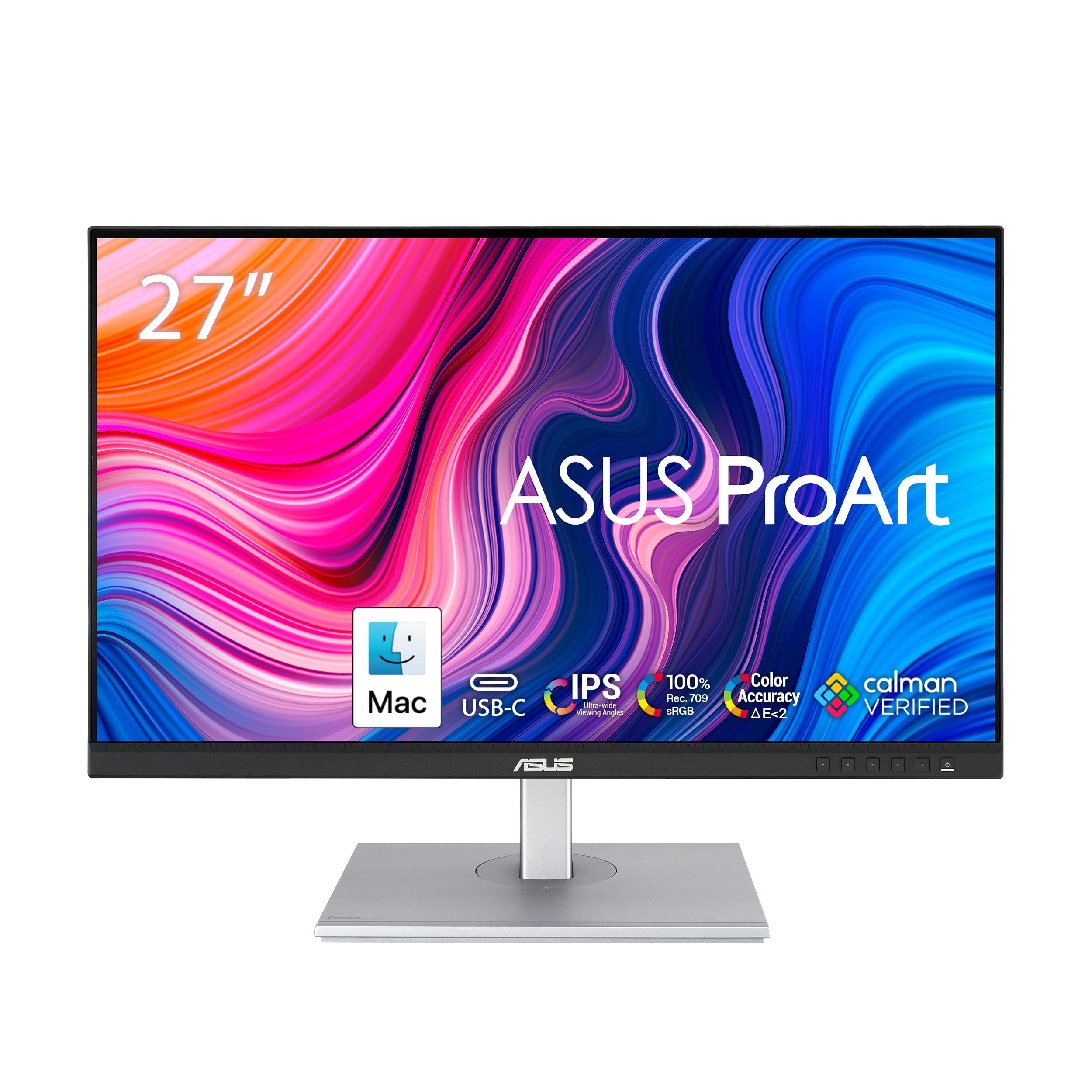
Entry-level excellence without skimping on essentials, this Calman-verified display covers 100% sRGB/Rec.709 with adaptive sync for smooth editing. USB-C power delivery (65W) and ergonomic stand make it a steal for beginners. It's factory-calibrated to Delta E <2, punching above its weight for hobbyists.
Self-calibrating brilliance sets this apart with its built-in sensor for hassle-free maintenance over years of use. Boasting 99% Adobe RGB and HDR1000 support, it's a unique value for pros needing unwavering reliability. The color management software integrates seamlessly with editing suites.
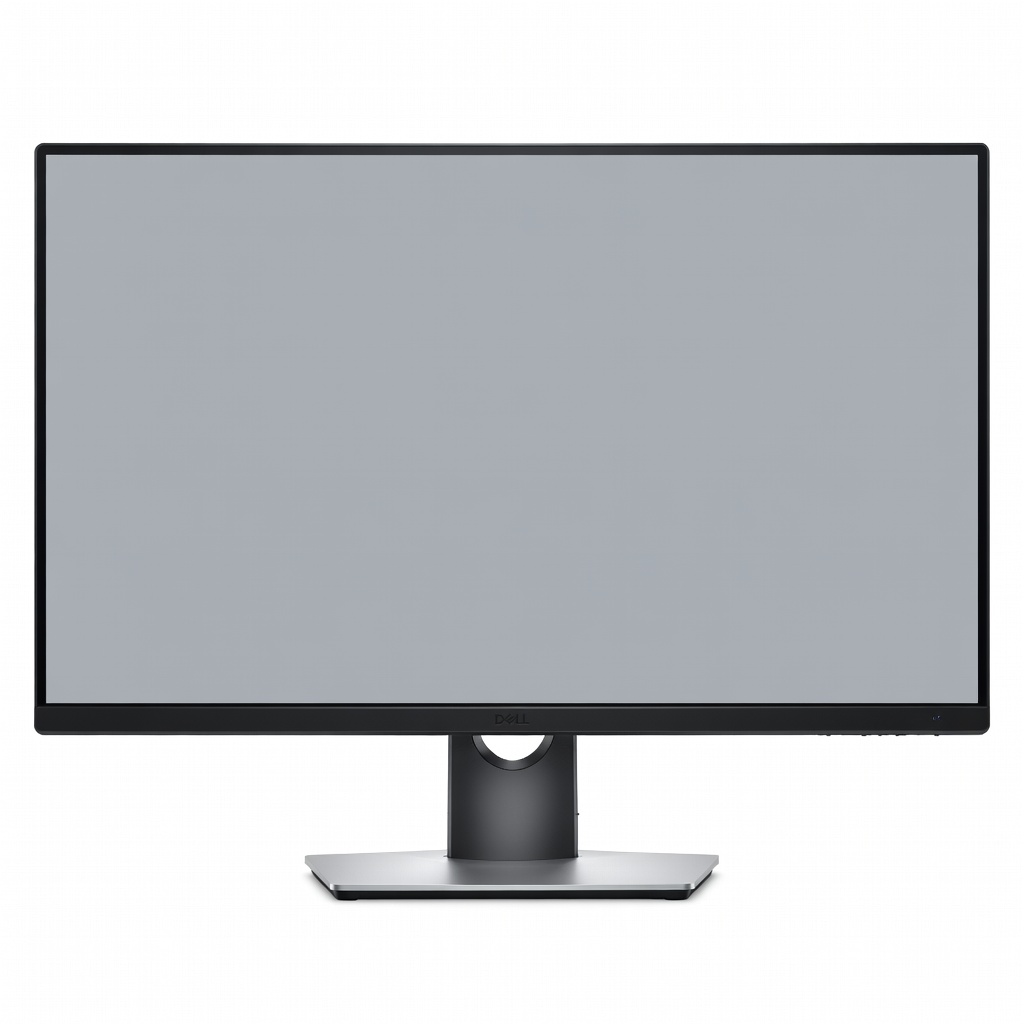
Pro-grade multitasking with 98% DCI-P3 and a robust USB-C hub (90W PD) for daisy-chaining laptops. Its 4K IPS panel offers consistent color across wide angles, perfect for multi-monitor setups in agency environments. Excellent build quality justifies the mid-premium price.
Affordable 4K precision with 99% sRGB and hardware calibration compatibility via ColorBrator Pro. The 163 PPI sharpness aids detailed retouching, and orange anti-glare coating reduces reflections. A smart mid-range choice for upgrading from 1080p.
Comfort meets capability with a true-ergonomic arm for endless adjustments, 95% DCI-P3 coverage, and USB-C (96W). The 4K panel delivers vibrant colors for immersive editing sessions. Ideal for long-hour users seeking posture-friendly design.
Compare key specs and features of all our recommendations side-by-side
| Product | Recommendation | Rating | Price |
|---|---|---|---|
BenQ SW321C 32-inch 4K UHD IPS Color Management Monitor Rank #1 | 🏆 Top Pick | — | Check price → |
ASUS ProArt PA278CV 27-inch WQHD IPS Professional Monitor Rank #2 | 💰 Budget Pick | — | Check price → |
Eizo ColorEdge CG2700X 27-inch 2K IPS Reference Monitor Rank #3 | ⭐ Editor's Choice | — | Check price → |
Dell UltraSharp U3223QE 32-inch 4K USB-C Hub Monitor Rank #4 | — | — | Check price → |
ViewSonic VP2776-4K 27-inch 4K UHD Professional Monitor Rank #5 | — | — | Check price → |
LG 32UN880-B 32-inch 4K UHD Ergo IPS Monitor Rank #6 | — | — | Check price → |
