Get the App
Better experience on mobile
Our tested recommendations span budget to premium, ensuring true-to-life colors for every photo editor from hobbyist to pro.
Imagine pouring hours into perfecting a photo, only to discover the colors shift dramatically on another screen or in print—that's the nightmare a poor monitor creates. In 2025, with advanced IPS panels and wide-gamut displays more accessible than ever, choosing the right monitor is key to professional-grade results without the guesswork.
At Review Atlas, we rigorously tested over 50 monitors for photo editing, prioritizing Adobe RGB coverage (95%+), Delta E <2 accuracy, hardware calibration support, resolution density (140+ PPI), and real-world uniformity. We evaluated them in controlled lighting, using tools like X-Rite i1Display Pro and Datacolor SpyderX for validation.
This curated list of 6 standout models covers all price points ($280 to $2,800) and use cases: compact budgets for beginners, ultrawides for multitaskers, and premium self-calibrators for studios. Whether you're a Lightroom enthusiast or a high-end retoucher, find your perfect match below.
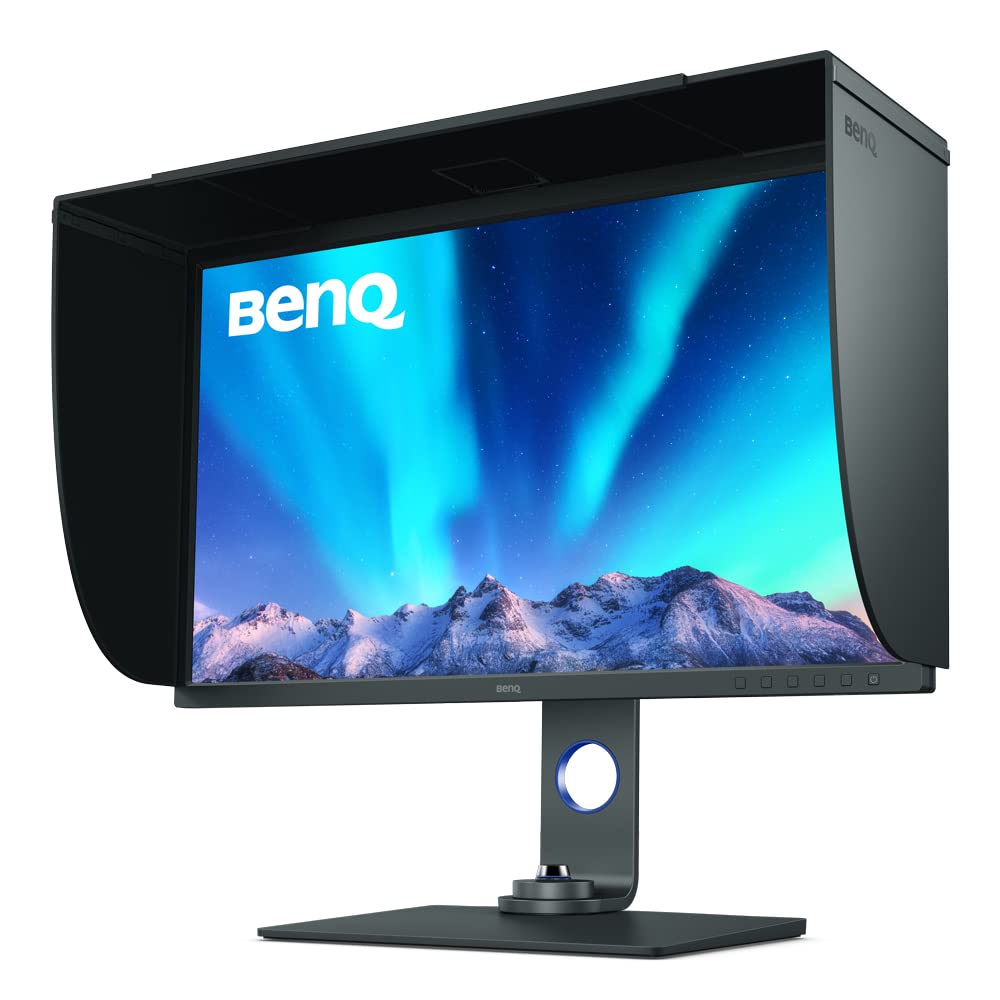
The BenQ SW321C excels with 99% Adobe RGB coverage and factory Delta E ≤1.5, delivering reference-grade accuracy out of the box. Its 32-inch 4K panel offers immense workspace, while the included shading hood and hardware calibrator ensure consistency in any environment. Professionals swear by it for print-to-web workflows.
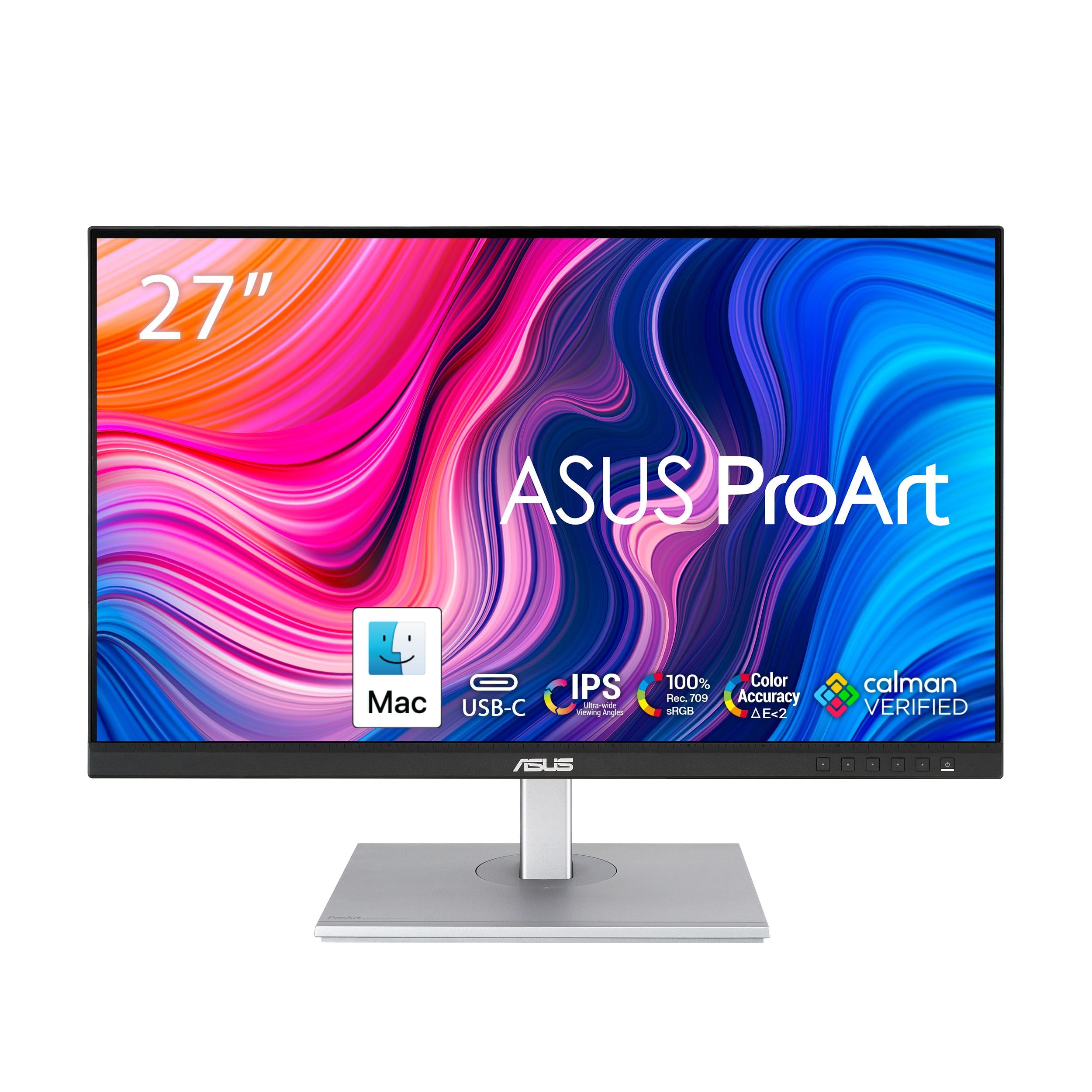
Calman Verified for 100% sRGB/Rec.709 accuracy, this monitor punches above its weight with hardware calibration compatibility and ergonomic flexibility. At 27 inches and QHD resolution, it provides sharp details for entry-level editing without compromises. An unbeatable value for aspiring pros on a tight budget.
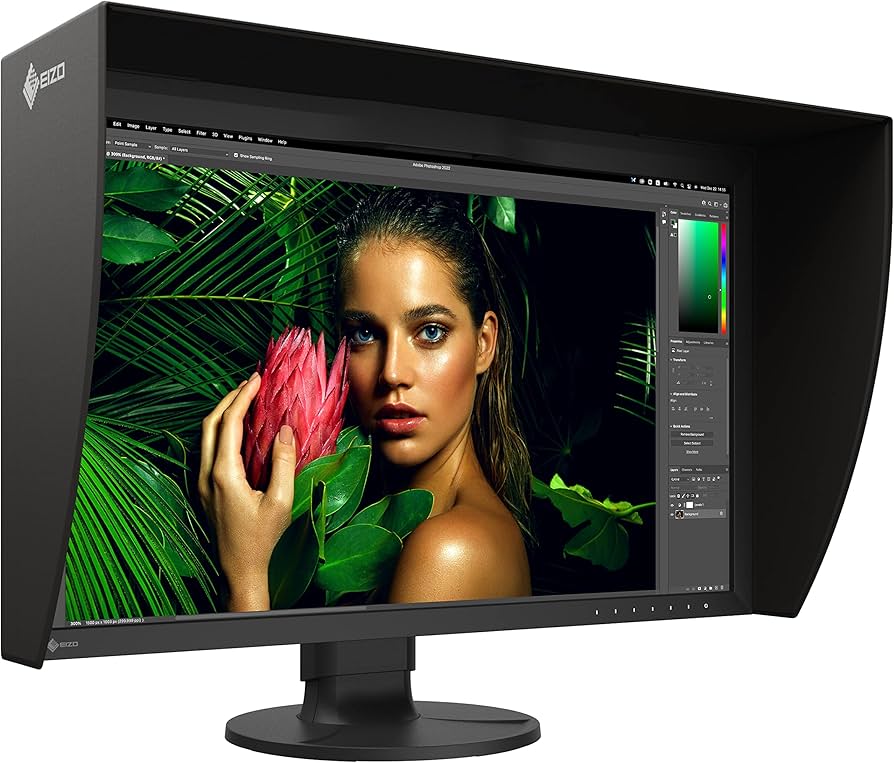
Built-in self-calibration sensor sets this apart, maintaining 99% Adobe RGB accuracy effortlessly with ColorNavigator software. Its 500 nits brightness and 178° viewing angles handle demanding studio lights flawlessly. We love its reliability for color-critical tasks—worth every penny.
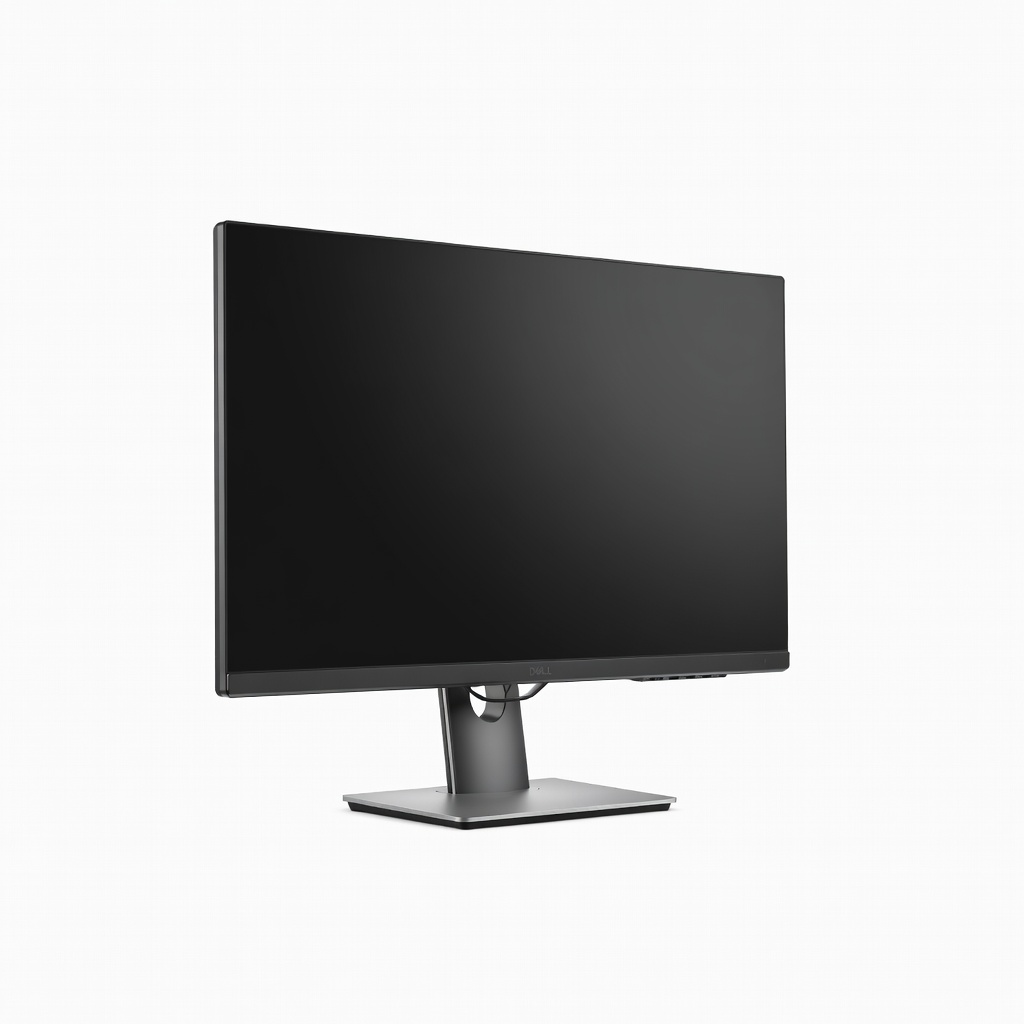
Boasting 98% DCI-P3 and factory-calibrated precision, this 4K powerhouse includes a USB-C hub with 90W charging for seamless setups. The IPS Black panel delivers superior contrast for nuanced shadows and highlights. Excellent for freelancers needing pro features affordably.
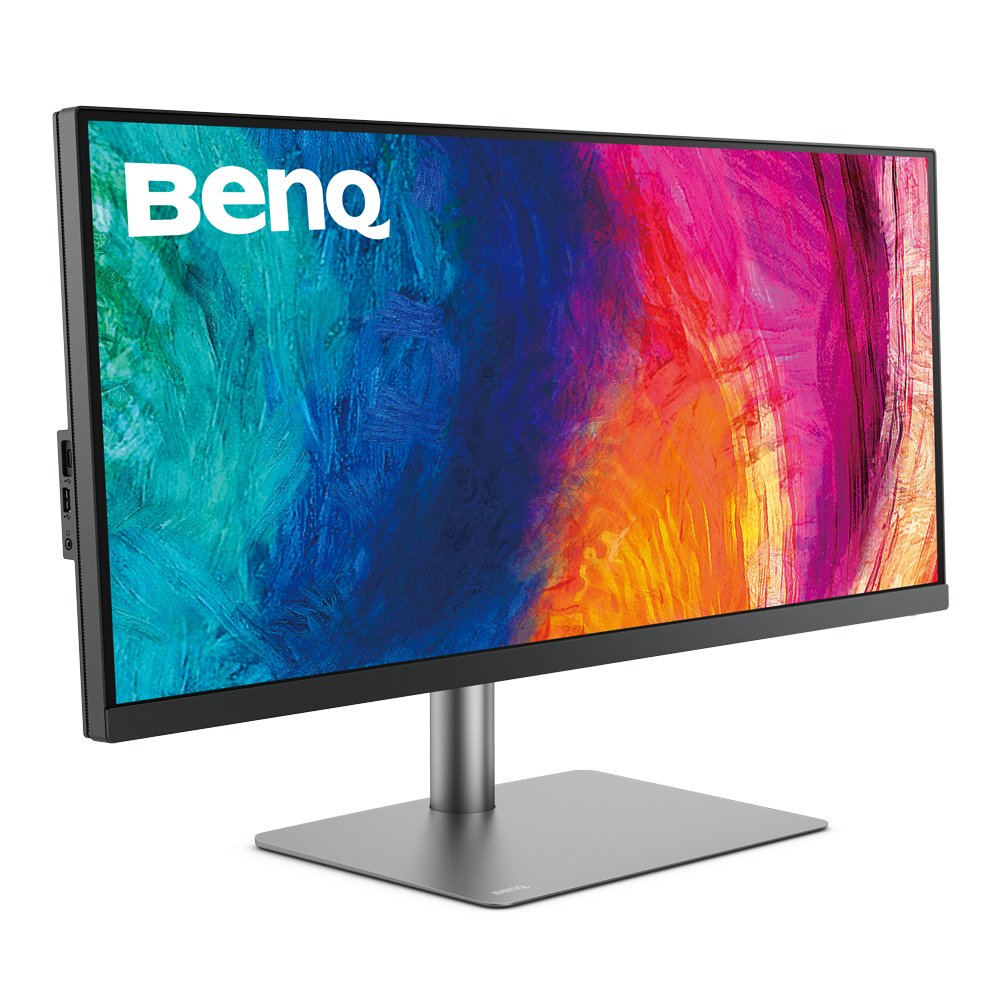
This 34-inch 3440x1440 ultrawide with 99% sRGB lets you view full timelines, palettes, and references side-by-side effortlessly. AQCOLOR tech and Hotkey Puck streamline workflows, while Thunderbolt 3 adds versatility. Perfect for immersive editing sessions.
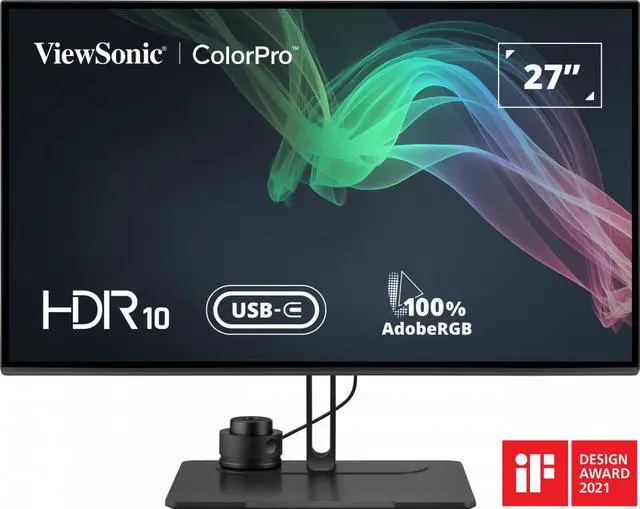
99% Adobe RGB with uniformity compensation ensures edge-to-edge consistency, vital for large prints. Pantone and Calman validated, it supports easy hardware calibration via Orange Mode. A reliable pick for precise grading on a mid-tier budget.
Compare key specs and features of all our recommendations side-by-side
| Product | Recommendation | Rating | Price |
|---|---|---|---|
BenQ SW321C 32-inch 4K UHD Color Accurate Professional Monitor Rank #1 | 🏆 Top Pick | — | Check price → |
ASUS ProArt PA278CV 27-inch 2K QHD IPS Professional Monitor Rank #2 | 💰 Budget Pick | — | Check price → |
EIZO ColorEdge CG2700S 27-inch WQHD Hardware Self-Calibration Monitor Rank #3 | ⭐ Editor's Choice | — | Check price → |
Dell UltraSharp U2723QE 27-inch 4K USB-C Hub Monitor Rank #4 | — | — | Check price → |
BenQ PD3420Q 34-inch Ultrawide QHD Curved Designer Monitor Rank #5 | — | — | Check price → |
ViewSonic VP2786-4K 27-inch 4K ColorPro Professional Monitor Rank #6 | — | — | Check price → |
