Get the App
Better experience on mobile
From budget-friendly starters to pro-grade displays, these monitors deliver the accurate colors and sharp details essential for professional photo workflows.
Imagine spending hours perfecting a photo, only to discover the colors look off on another screen. For photographers, graphic designers, and editors, a monitor with superior color accuracy isn't a luxury—it's essential to ensure your work translates perfectly from screen to print or web.
In 2025, the best photo editing monitors prioritize wide color gamuts like 99%+ Adobe RGB or DCI-P3, high bit-depth support (10-bit or higher), uniform IPS panels, and calibration tools. We tested dozens based on real-world performance, including Delta E <2 accuracy, resolution for detail, connectivity, and ergonomics, sourcing from lab data and user feedback.
Our curated list of six spans budgets from under $400 to premium setups, covering compact portables, ultrawides, and 6K beasts. Whether you're a hobbyist dipping into Lightroom or a studio pro handling print deadlines, there's a pick here to elevate your edits.
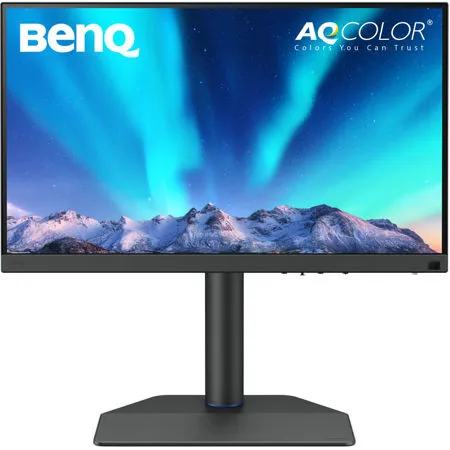
The BenQ SW272U excels as the top all-around choice with 99% Adobe RGB coverage, hardware calibration, and a 16-bit LUT for precise color grading. Its anti-reflection coating and uniform matte panel minimize distractions, while USB-C docking streamlines setups. Ideal for most photo editors seeking reliability without compromise.
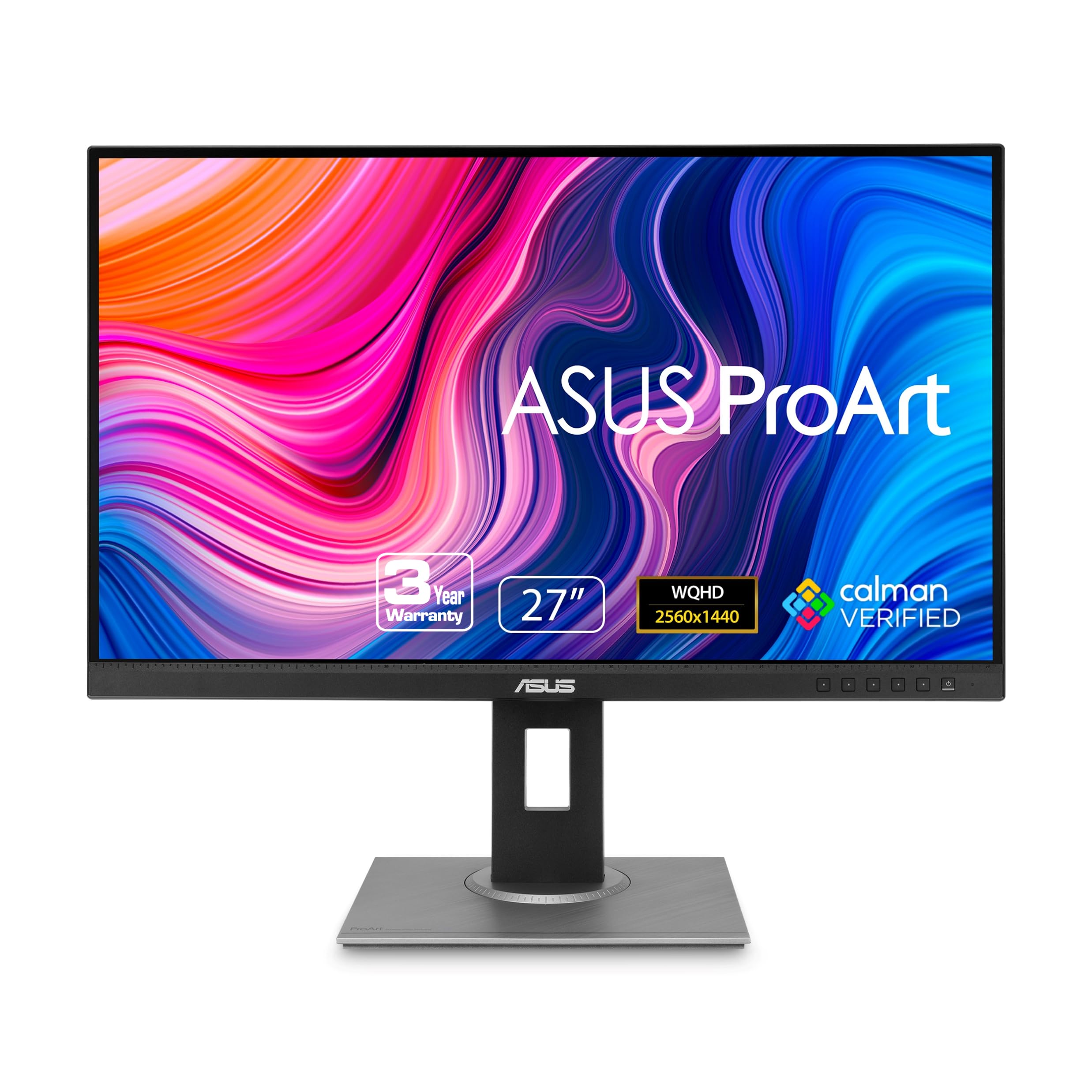
Affordable yet pro-caliber, the ASUS ProArt PA278QV delivers factory-calibrated 100% sRGB accuracy for entry-level photo editing. Adaptive sync and ergonomic adjustments make it versatile, punching above its price for hobbyists transitioning to serious work.
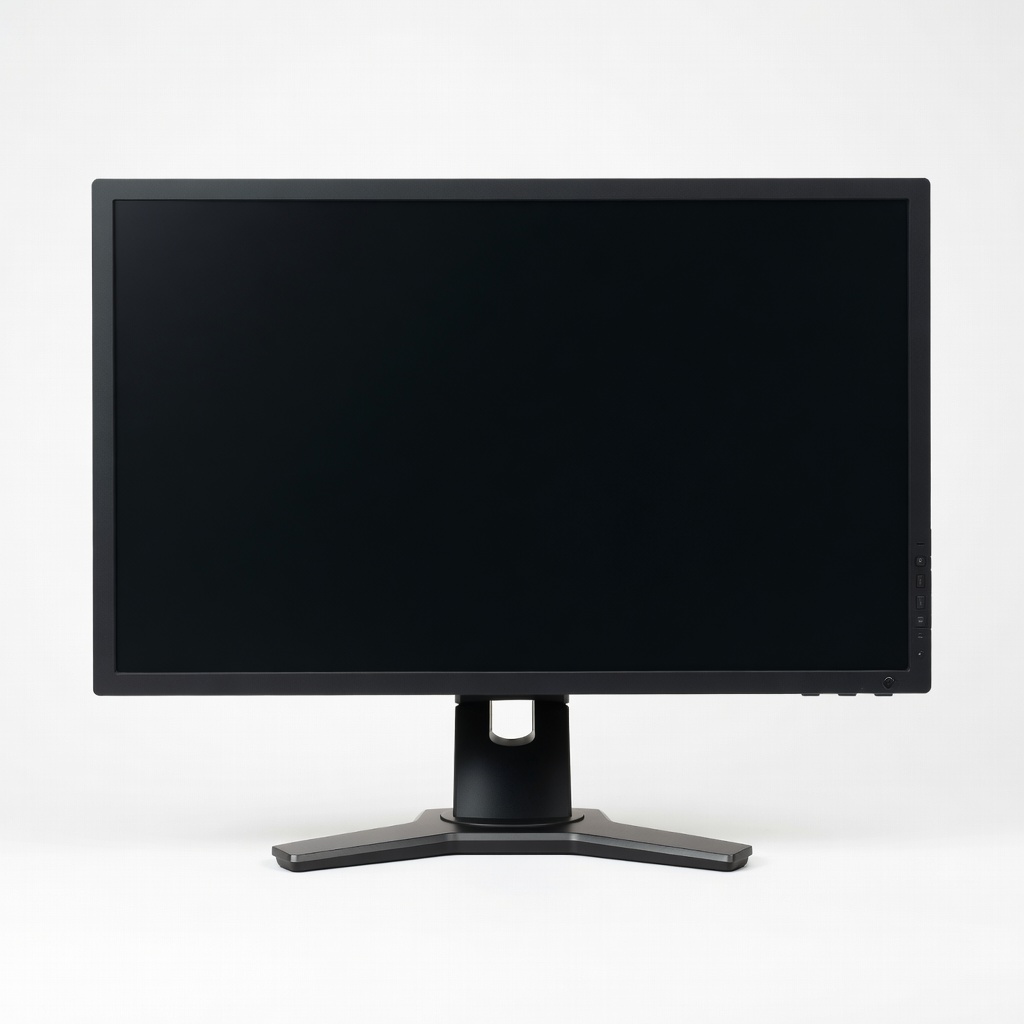
Eizo's ColorEdge CS2740 redefines precision with a built-in self-calibration sensor and unmatched panel uniformity for critical color work. Its 5-year warranty and HDR support offer future-proof value that outshines competitors in consistency.
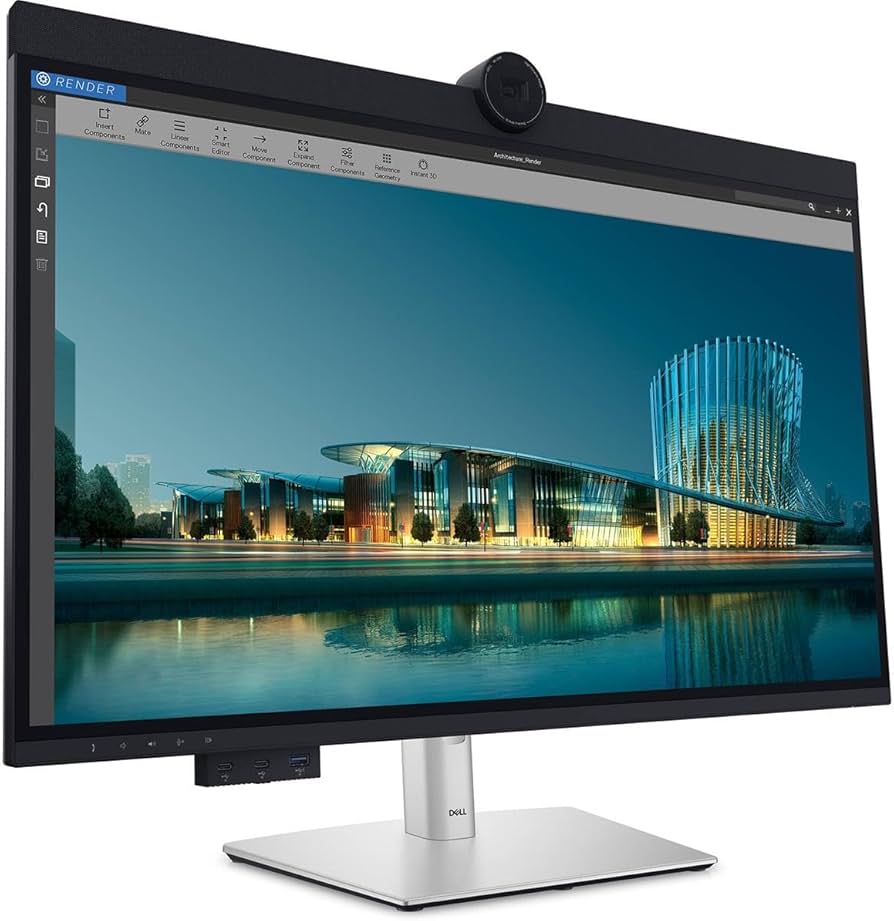
Power users will love the Dell UltraSharp U3224KB's stunning 6K resolution paired with 99% DCI-P3 for hyper-detailed edits. Thunderbolt 4 hub and IPS Black tech provide deep blacks and seamless multi-device integration.
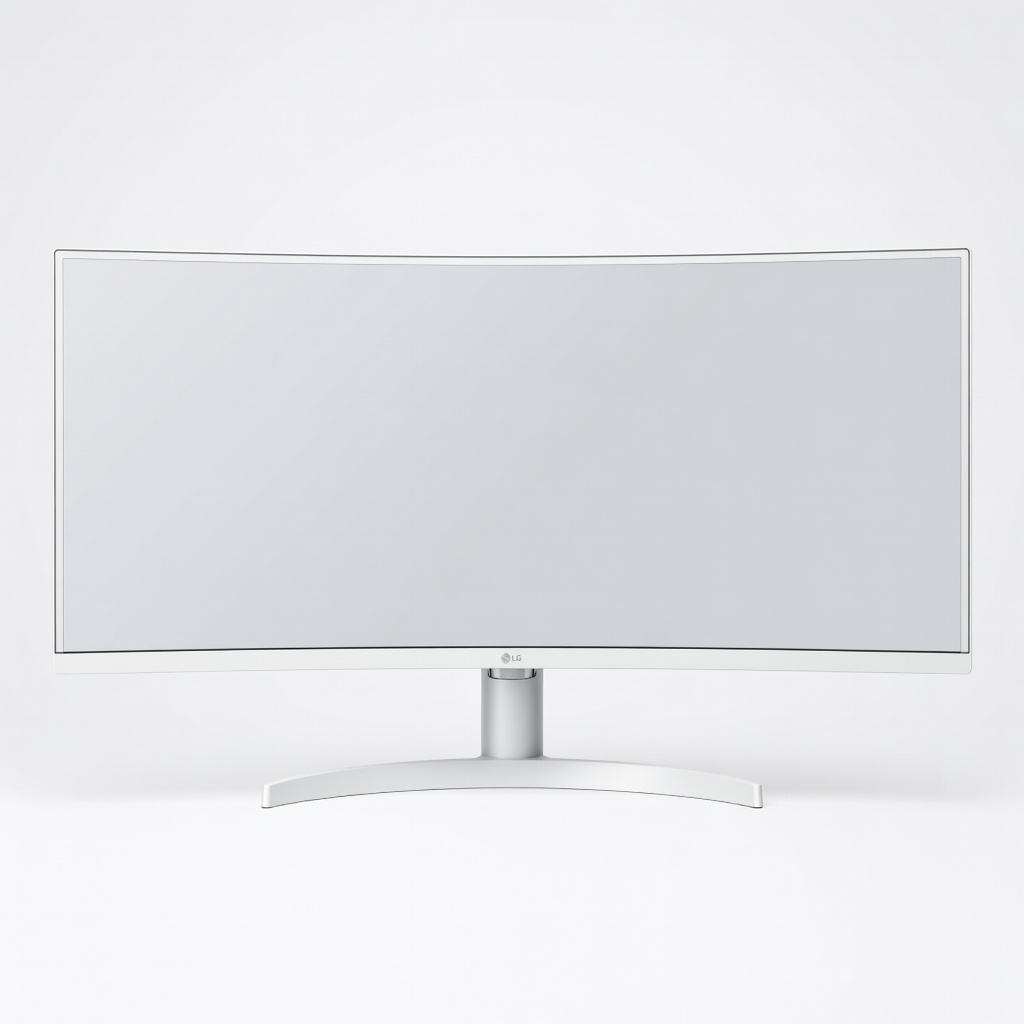
Maximize productivity with the LG 40WP95C-W, a 40-inch beast offering 5K2K resolution and 98% DCI-P3 for immersive side-by-side editing. Its subtle curve and Thunderbolt docking reduce neck strain during long sessions.
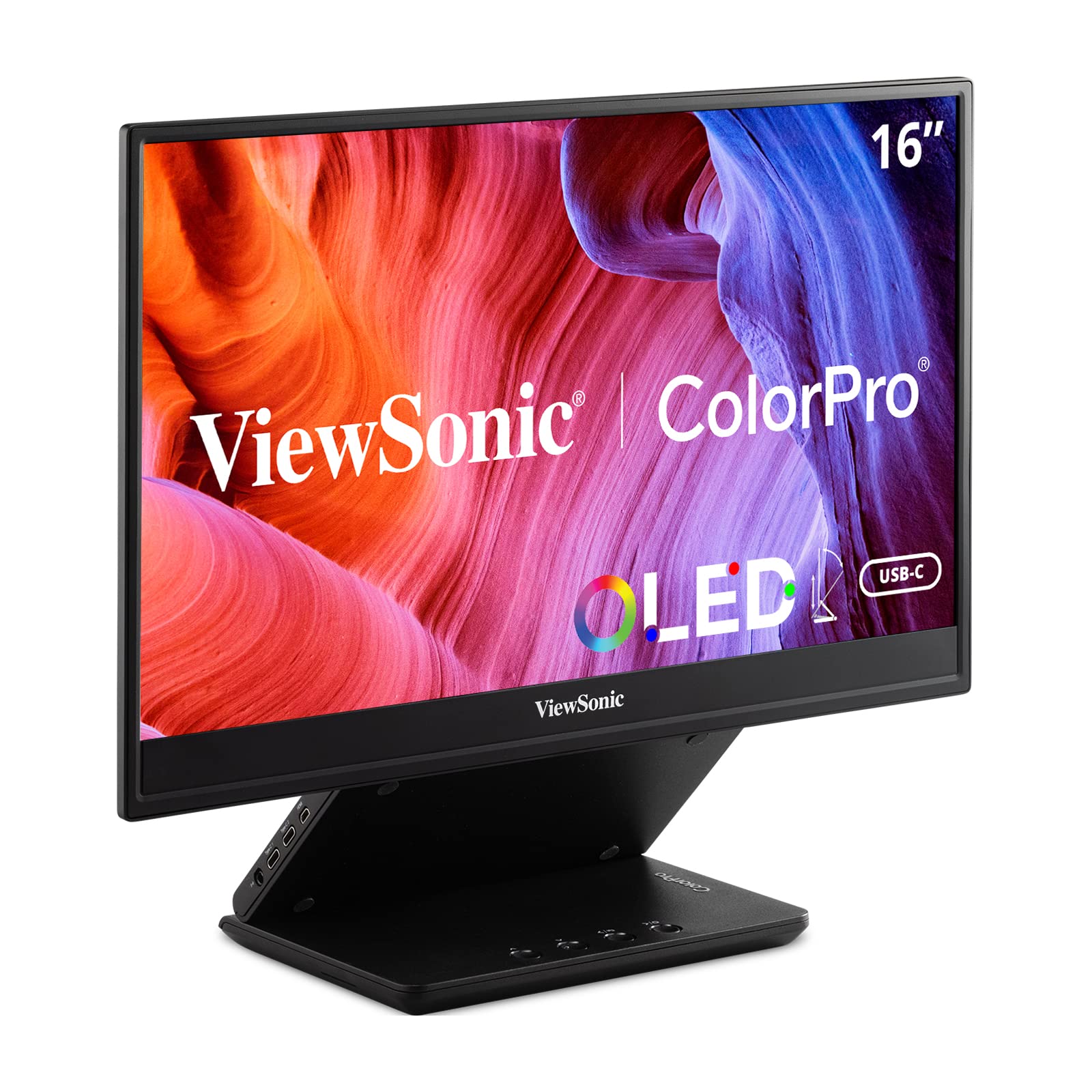
Take color accuracy anywhere with the ViewSonic VP16-OLED, featuring Pantone-validated 100% DCI-P3 and infinite contrast for vibrant edits on the go. USB-C single-cable setup makes it a must-have secondary display.
Compare key specs and features of all our recommendations side-by-side
| Product | Recommendation | Rating | Price |
|---|---|---|---|
BenQ SW272U 27-inch 4K IPS Monitor Rank #1 | 🏆 Top Pick | — | Check price → |
ASUS ProArt PA278QV 27-inch QHD Professional Monitor Rank #2 | 💰 Budget Pick | — | Check price → |
Eizo ColorEdge CS2740 27-inch WQHD Monitor Rank #3 | ⭐ Editor's Choice | — | Check price → |
Dell UltraSharp U3224KB 32-inch 6K Thunderbolt Hub Monitor Rank #4 | — | — | Check price → |
LG 40WP95C-W 40-inch 5K2K UltraWide Nano IPS Monitor Rank #5 | — | — | Check price → |
ViewSonic ColorPro VP16-OLED 15.6-inch Portable OLED Monitor Rank #6 | — | — | Check price → |
