Get the App
Better experience on mobile
Discover top monitors that excel in high-refresh-rate gaming and precise color work for professionals.
In 2025, the line between gaming and productivity monitors has blurred, offering displays that deliver buttery-smooth gameplay alongside stunning visuals for content creation, coding, and office tasks. Whether you're a streamer multitasking with OBS or a designer needing accurate colors and ample screen real estate, the right monitor can supercharge your setup. Our experts at Review Atlas tested dozens of models for refresh rates, panel quality, ergonomics, and value.
We prioritized dual-purpose monitors with at least 144Hz refresh rates, IPS or OLED panels for color accuracy, and resolutions from 1440p to 4K. Selections span budget options under $300 to premium beasts over $1,000, including curved ultrawides for immersion and compact 27-inchers for desks. From established giants like Dell and Samsung to innovative alternatives like ASUS and LG, these picks ensure versatility without compromise.
Expect a mix of Top Pick for all-around excellence, Budget Pick for entry-level wins, Editor's Choice for standout innovation, and specialized options for gaming enthusiasts and pros. Each recommendation includes real-world insights to help you choose confidently.
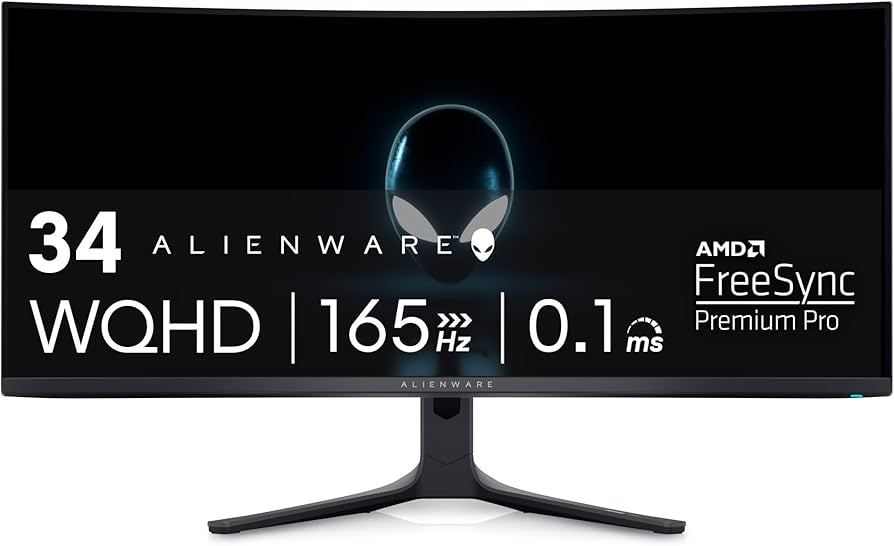
The Alienware AW3423DWF sets the gold standard for dual-use with its QD-OLED panel delivering infinite contrast, vibrant colors, and 175Hz refresh for tear-free gaming. Productivity shines with 3440x1440 ultrawide resolution, perfect for multitasking in Adobe Suite or spreadsheets. At this price, its USB-C hub and adjustable stand make it a workspace hero.
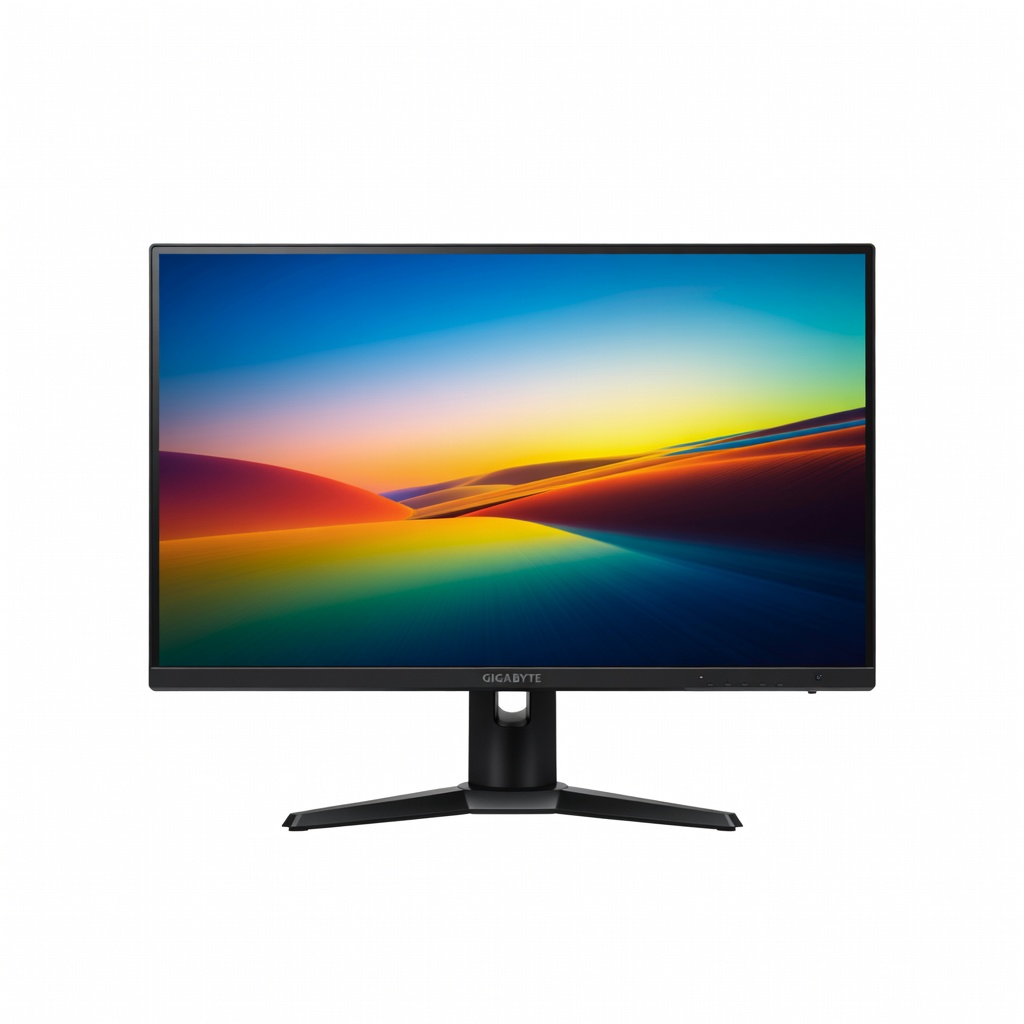
For under $300, the Gigabyte M27Q X punches way above its weight with a 240Hz IPS panel, sharp 1440p resolution, and built-in KVM for seamless PC/laptop switching. Gaming is fluid with low input lag, while productivity benefits from 92% DCI-P3 colors and USB hub. It's the ultimate value pick for students or home offices.
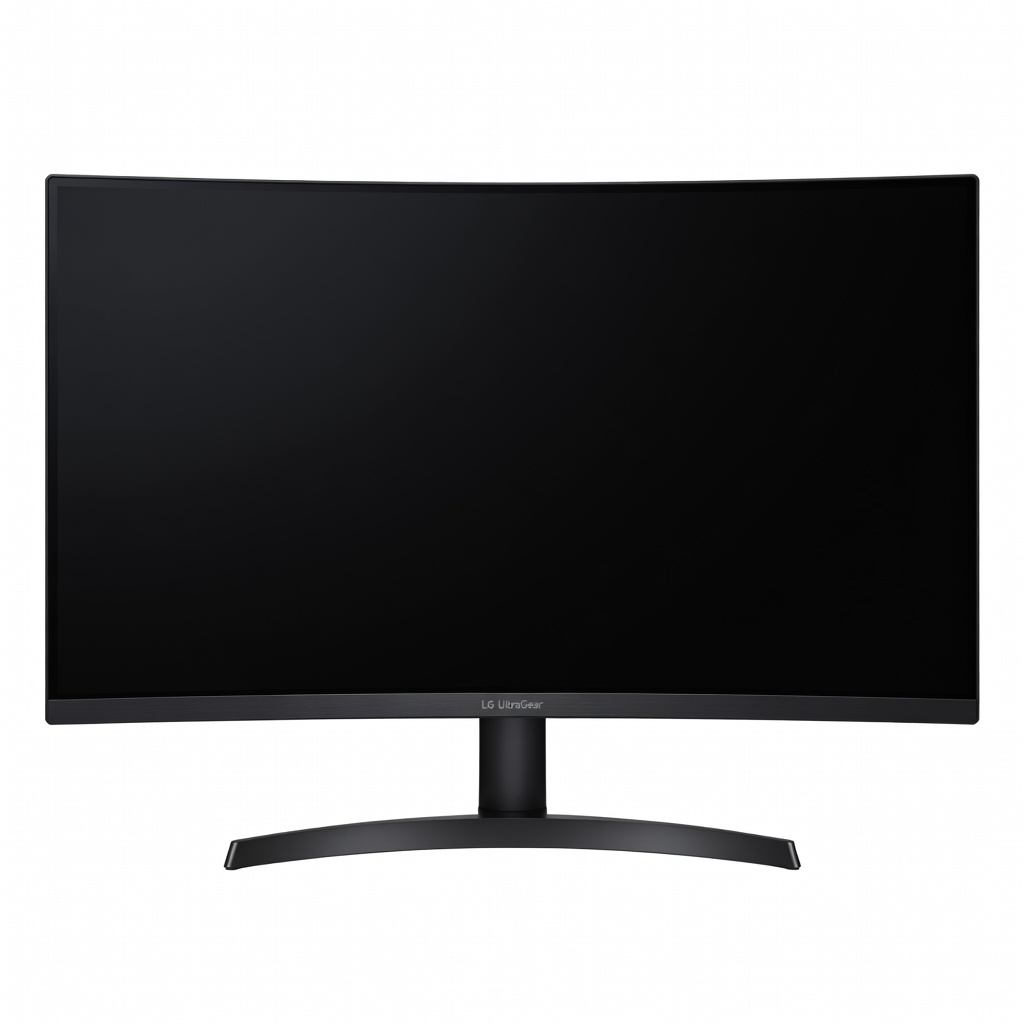
This massive 45-inch OLED beast offers unmatched immersion for sim racing or video editing timelines, with 240Hz refresh and pixel-perfect blacks. Its 21:9 ultrawide aspect ratio excels in productivity by fitting multiple windows effortlessly. We love its anti-glare coating and value for cinematic workflows.
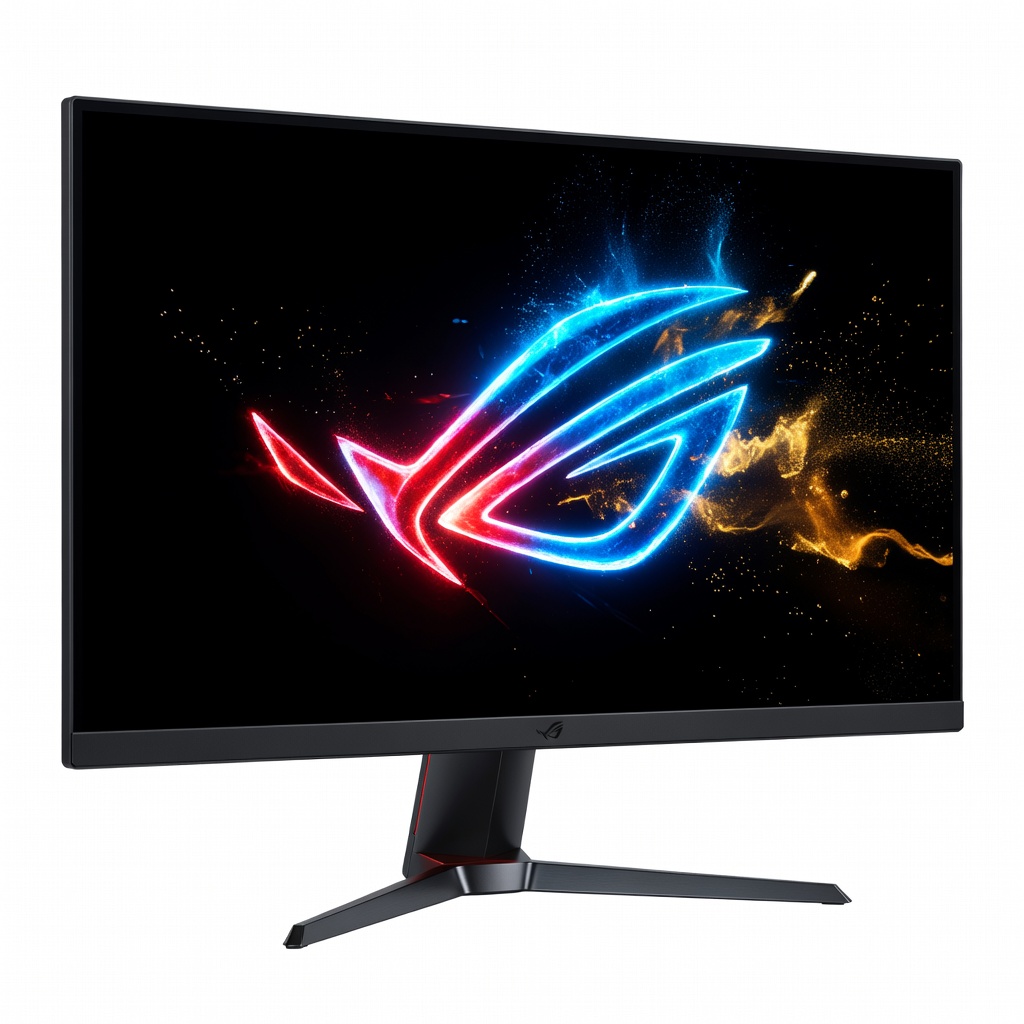
Gamers rejoice: the PG27AQDM's WOLED panel hits 240Hz at 1440p with Dolby Vision HDR for explosive visuals in FPS titles. Productivity perks include uniform brightness and color calibration tools. Its anti-burn-in tech ensures longevity for daily desk use.
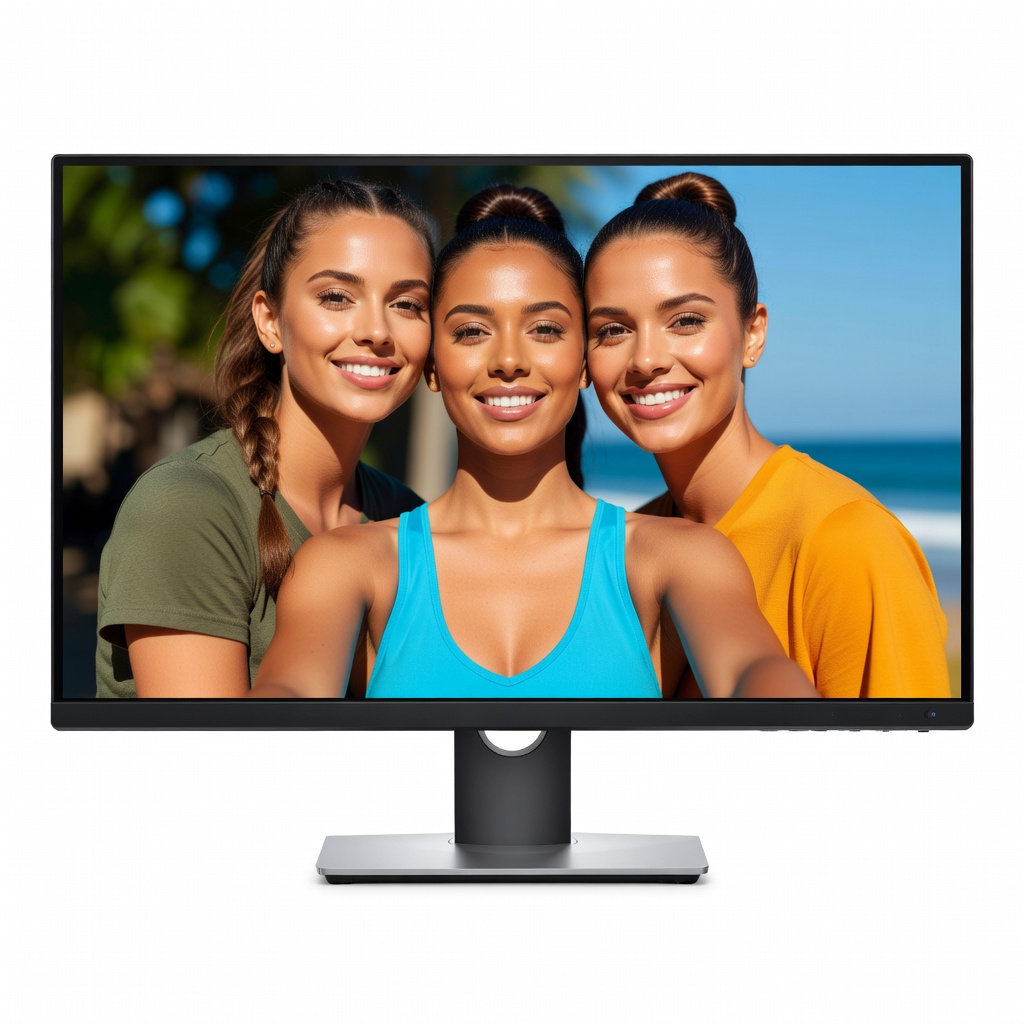
Designed for pros, this 4K IPS monitor boasts 100% sRGB/Rec.709 coverage and a robust USB-C daisy-chain hub for multi-monitor setups. Gaming holds up at 60Hz with solid motion handling, but it shines in CAD, photo editing, and finance spreadsheets. Ergonomics are top-tier with height/pivot adjustments.
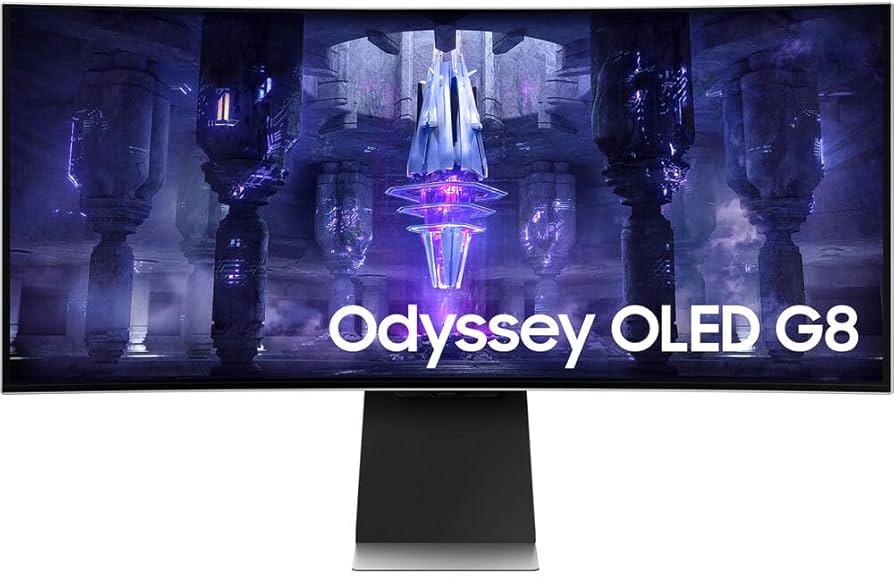
Samsung's 34-inch OLED ultrawide marries 175Hz gaming prowess with Smart TV features for streaming during work breaks. Productivity thrives on the expansive 21:9 screen for code reviews or dashboards. Glare-free matte finish and slim bezels enhance any setup.
Compare key specs and features of all our recommendations side-by-side
| Product | Recommendation | Rating | Price |
|---|---|---|---|
Dell Alienware AW3423DWF 34-Inch QD-OLED Curved Gaming Monitor Rank #1 | 🏆 Top Pick | — | Check price → |
Gigabyte M27Q X 27-inch IPS Gaming Monitor Rank #2 | 💰 Budget Pick | — | Check price → |
LG 45GR95QE-B 45-inch OLED UltraGear Curved Gaming Monitor Rank #3 | ⭐ Editor's Choice | — | Check price → |
ASUS ROG Swift OLED PG27AQDM 27-inch 1440p OLED Gaming Monitor Rank #4 | — | — | Check price → |
Dell UltraSharp U3223QE 32-inch 4K IPS Monitor Rank #5 | — | — | Check price → |
Samsung Odyssey OLED G8 LS34BG850SNXGO 34-inch Ultrawide Rank #6 | — | — | Check price → |
