Get the App
Better experience on mobile
Six USB and XLR microphones chosen for their ability to make your voice sound clear and professional on a live broadcast.
The microphone is the most important part of a streaming setup: viewers will forgive a slightly grainy camera, but audio that is hollow, echoing, or gritty will make them click away in seconds. What many new streamers don't realize is that the most expensive microphone rarely guarantees the best result. A modest dynamic mic placed correctly and backed by a little acoustic treatment will often outperform a premium condenser sitting in a noisy, bare-walled bedroom.
This guide focuses on microphones that pair well with streaming workflows in 2026, where live audio isn't just voice chat — it's a blend of your voice, game audio, music, alerts, and often a Discord call with friends. We looked at both USB and XLR options to find models that offer the right balance of sound quality, convenience, and streaming-specific features. We also paid close attention to software ecosystems, because the microphone itself is only half the story in a modern streaming production.
Across the six microphones we recommend, you'll find a range of pickup patterns, connectivity options, and price points. Some are plug-and-play; others are designed for streamers who want total control over their broadcast sound. All of them have earned strong reputation among long-term owners and professional reviewers for their ability to make a streamer's voice sound clear, present, and free of common audio gremlins. Here are our best streaming microphones of 2026.
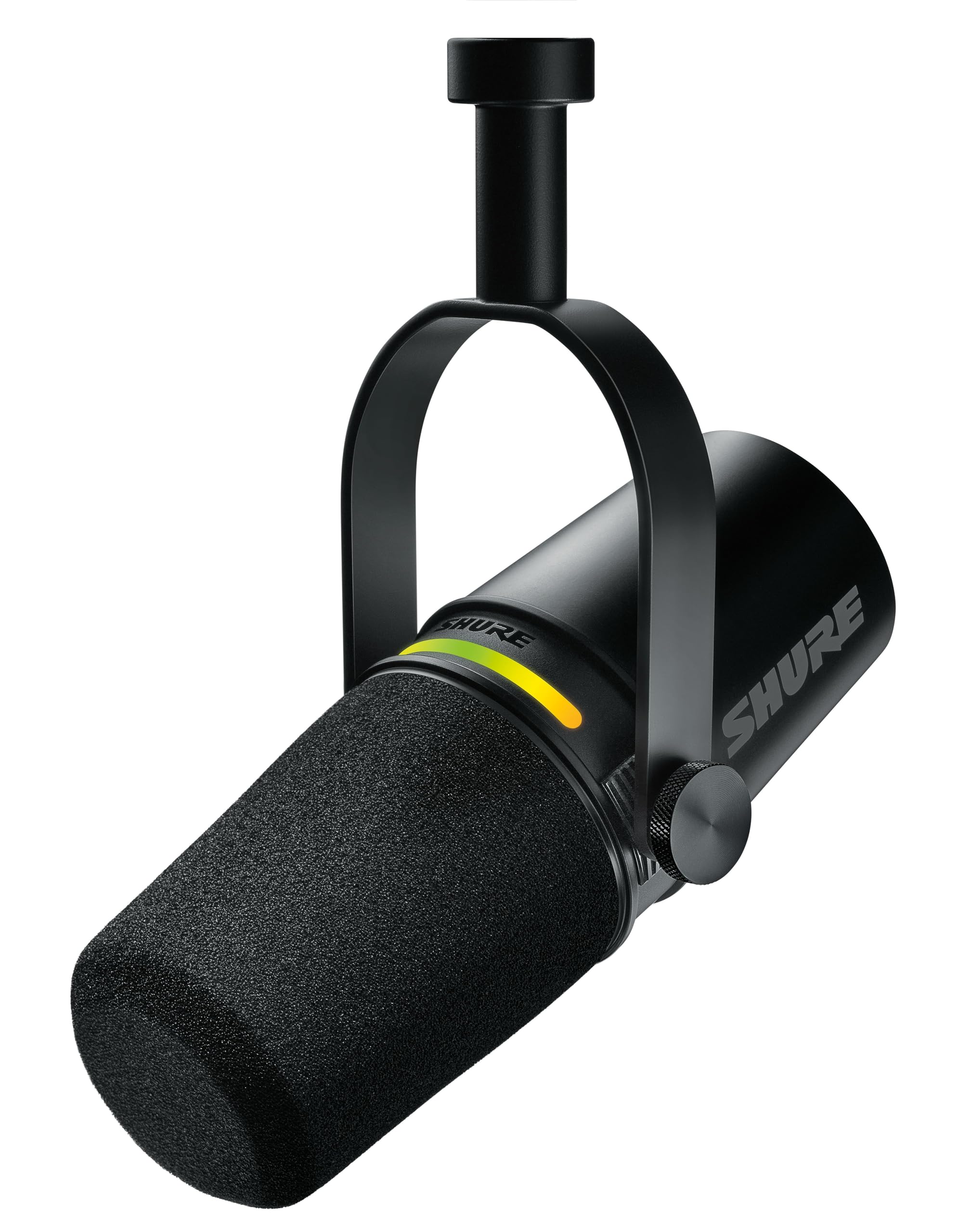
The Shure MV7 strikes the ideal balance between broadcast-quality dynamic sound and genuine plug-and-play convenience. Its USB and XLR connectivity lets you start streaming immediately and upgrade to a pro interface later. The main trade-off is that it requires a little time exploring the ShurePlus MOTIV app to dial in the tone you want.
Main limitation: The built-in headphone monitoring output has a lower maximum volume than some standalone interfaces, so you'll likely monitor from your computer instead.
Skip if: If you want a condenser microphone's airy, sensitive sound for painting vocals, this dynamic will feel less flattering.
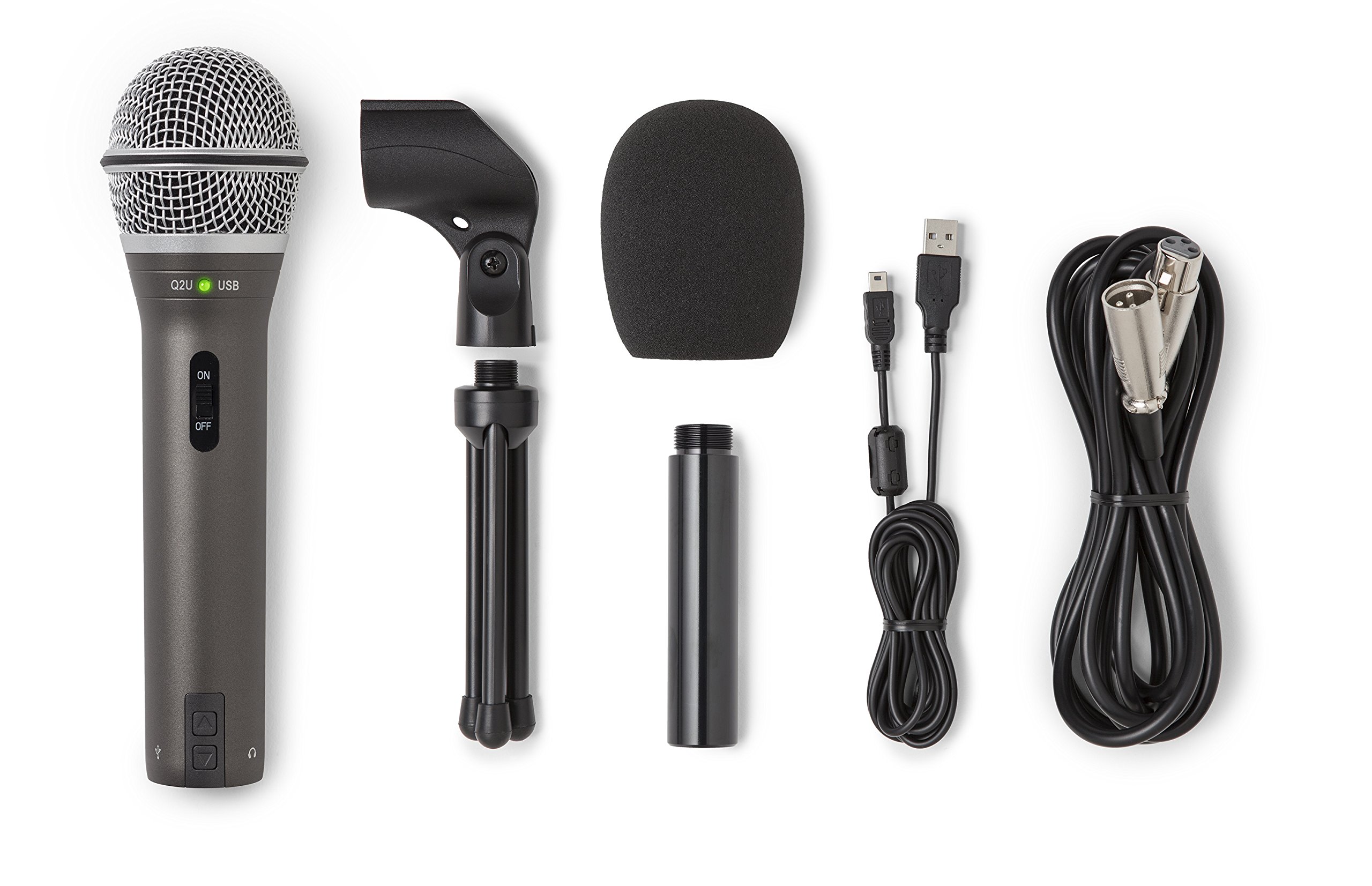
The Samson Q2U proves you don't need to spend a lot to get a dependable, clean-sounding dynamic mic for streaming. It works over USB right out of the box, includes a shock mount and pop filter, and even offers an XLR output for future upgrades. The trade-off is that it doesn't have the low-frequency richness or modern software plug-ins you'll find in pricier options.
Main limitation: The USB cable is fairly short at 9 feet, and there is no headphone jack, so you'll need a separate audio output for monitoring.
Skip if: If you want a mic with streaming-dedicated software or digital effects, this straightforward design won't keep you busy.
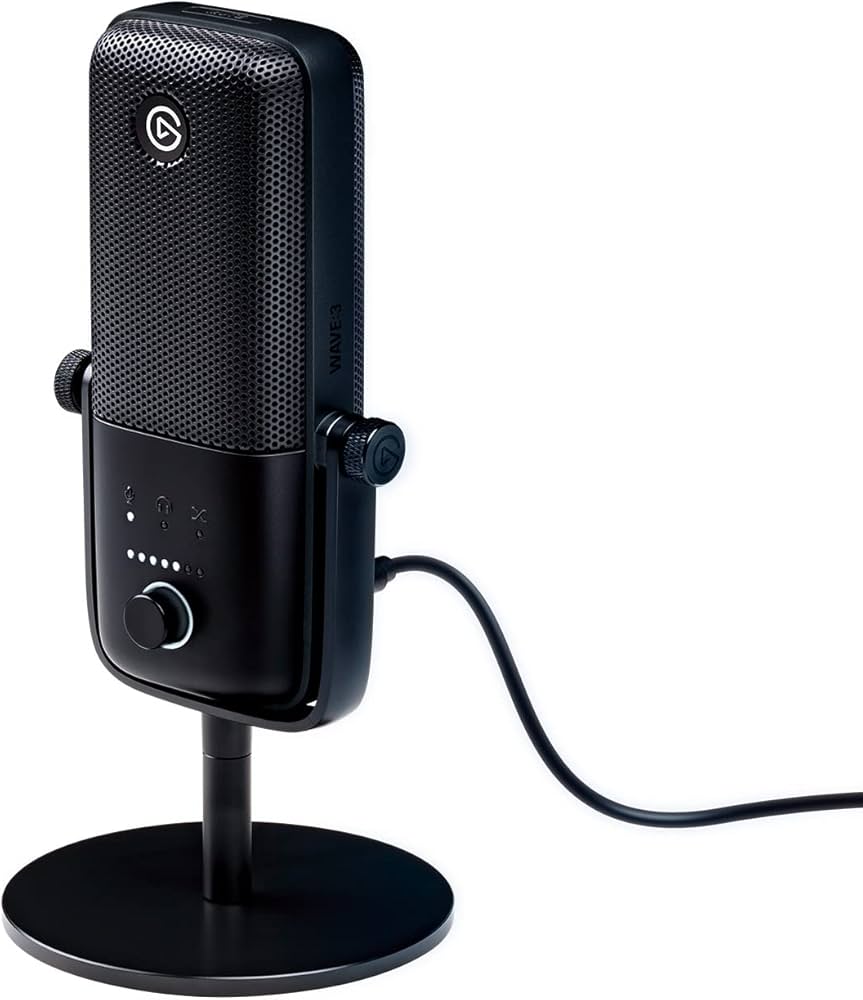
The Elgato Wave 3's real charm is how it integrates with your stream: the Wave Link software lets you mix up to nine audio sources, add effects, and route channels to separate outputs. The recording quality is excellent for a USB condenser, and the built-in mute button is perfect for live use. The trade-off is that the Wave 3 is a condenser, so it needs a reasonably quiet room to avoid picking up keyboard and mouse noise.
Main limitation: The Wave Link software is Windows-focused; while it works on Mac, some advanced plug-ins require Windows.
Skip if: If you want a dynamic mic that ignores ambient noise, this open condenser will pick up every click and clack.
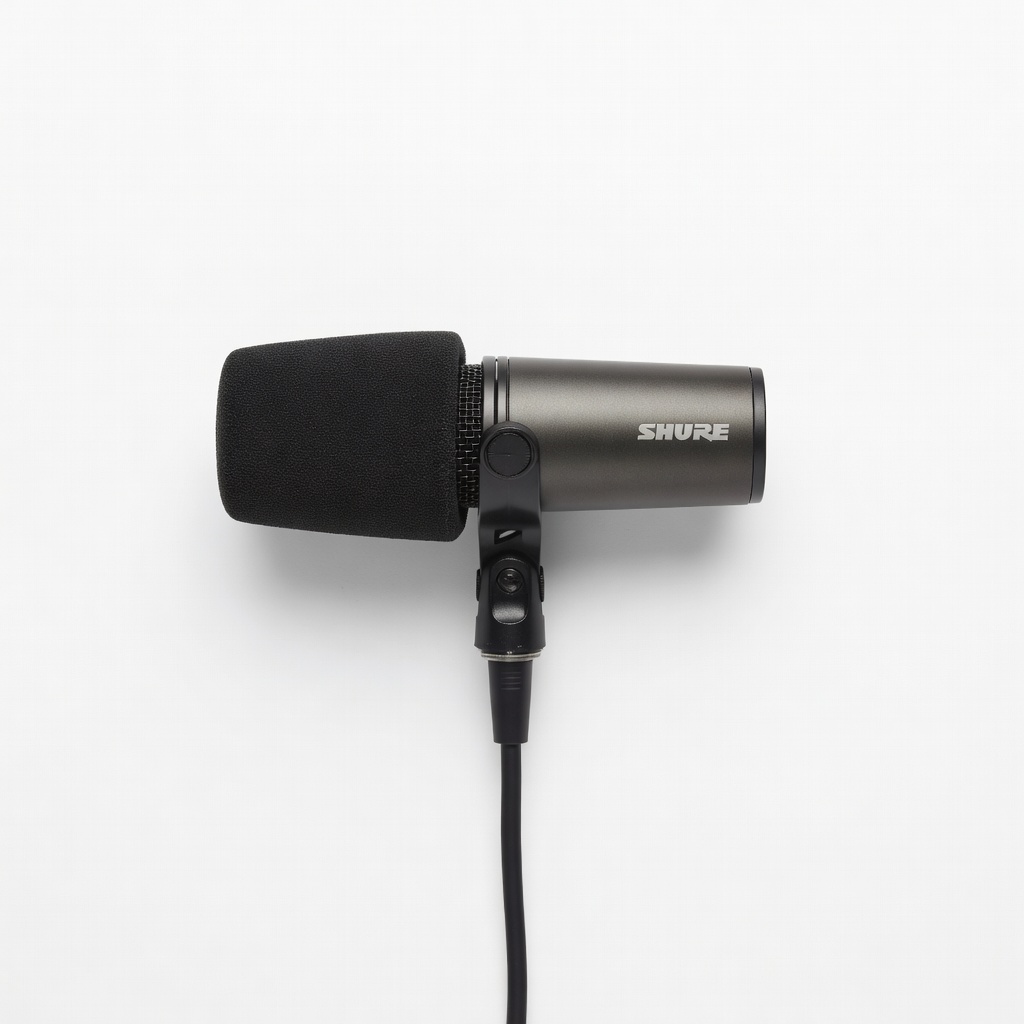
The Shure SM7B is the legendary broadcast microphone that defines the warm, authoritative voice you hear on many podcasts and streams. Its extremely flat response and built-in pop filter make it a safe choice for spoken word, and it handles loud volumes without distortion. However, the SM7B produces a low output level, so you'll need an audio interface with a clean preamp or an external signal booster like a CloudLifter.
Main limitation: Requires an audio interface (and likely a CloudLifter) to reach its full potential, adding hundreds to the total cost.
Skip if: If you're not ready to invest in a full XLR setup, this mic alone won't deliver its best sound.
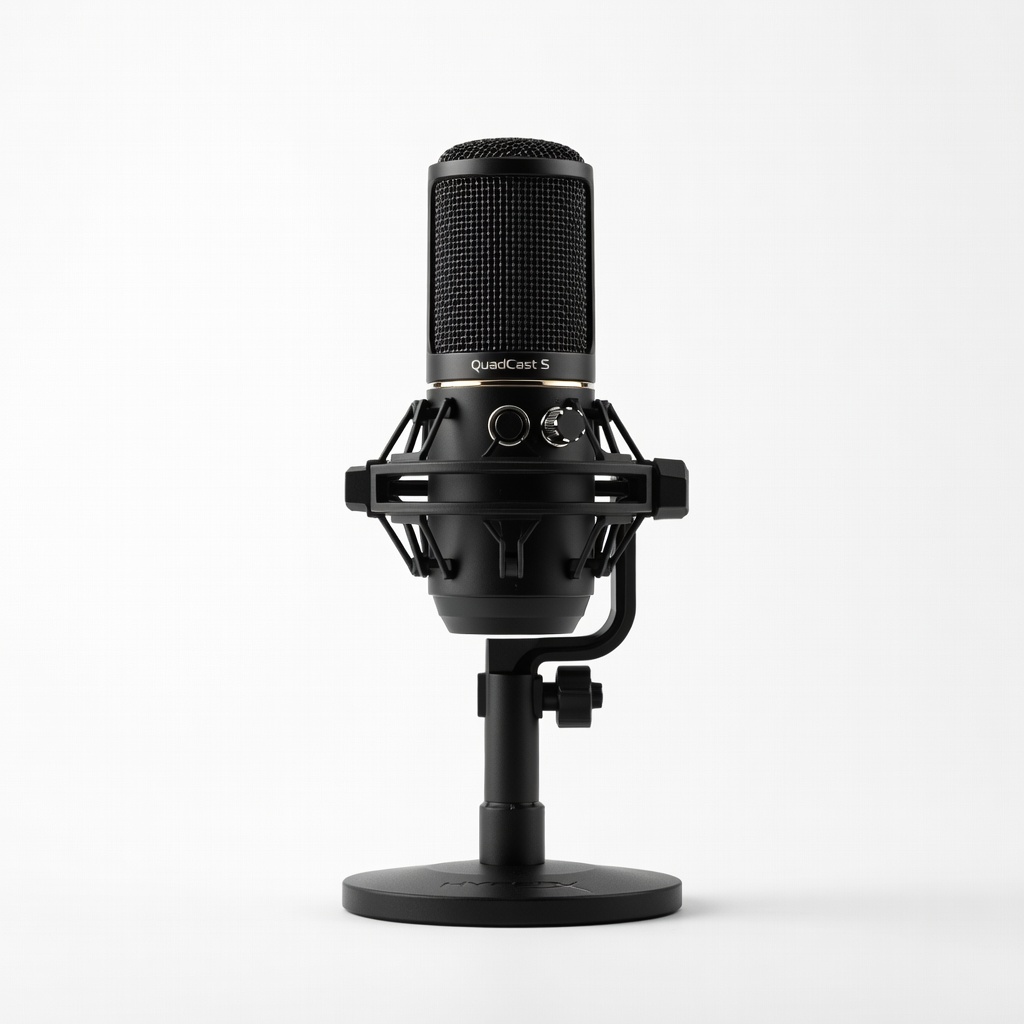
The HyperX QuadCast S is as much a visual centerpiece as a microphone, with fully customizable RGB lighting that reacts to in-game events and your voice. It's a sturdy USB condenser with crisp audio, a built-in shock mount, and a handy tap-to-mute function. The trade-off is that the RGB flair and larger build are purely aesthetic; the sound quality doesn't outperform more straightforward options at the same price.
Main limitation: The RGB lighting cannot be turned off via the mic itself — you must rely on Windows software, and the heavy body requires a sturdy boom arm.
Skip if: If you want a no-frills mic that won't light up your setup, you'll find better value elsewhere.
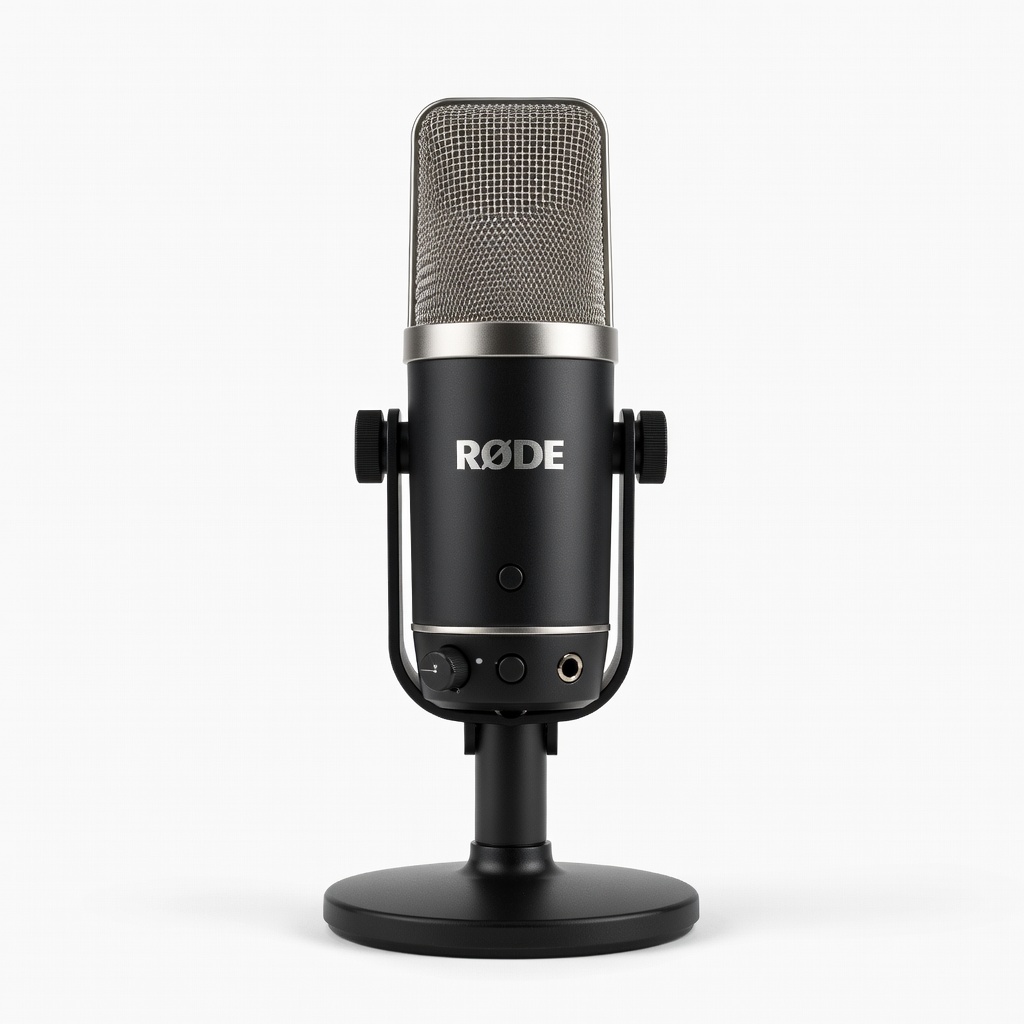
The Rode NT-USB+ is a large-diaphragm condenser that captures bright, detailed vocals with excellent clarity, making it a favorite for streamers with softer or more expressive voices. It offers 24-bit/48kHz recording, a single-polar-pattern cardioid design, and a built-in pop filter-cover combo. The trade-off is that its sensitivity means it will pick up more room noise, and it does not come with a shock mount in the box.
Main limitation: The built-in pop shield improves clarity but also makes it awkward to pair with a typical external pop filter, and you'll need to buy the separate mount if you want shock isolation.
Skip if: If you stream from an untreated room with lots of background noise or reverb, this sensitive condenser will amplify those problems.
Compare key specs and features of all our recommendations side-by-side
| Product | Recommendation | Rating | Price |
|---|---|---|---|
Shure MV7 Rank #1 | 🏆 Top Pick | 9.0/10 | Around $230 Check current price → |
Samson Q2U Rank #2 | 💰 Budget Pick | 8.0/10 | Around $80 Check current price → |
Elgato Wave:3 Rank #3 | ⭐ Editor's Choice | 8.5/10 | Around $160 Check current price → |
Shure SM7B Rank #4 | — | 8.5/10 | Around $400 Check current price → |
HyperX QuadCast S Rank #5 | — | 7.8/10 | Around $150 Check current price → |
Rode NT-USB+ Rank #6 | — | 8.2/10 | Around $180 Check current price → |
Common questions buyers have about this category.
Dynamic microphones use a moving coil and are less sensitive, which means they naturally reject background noise and room echo. Condenser microphones have a thin diaphragm that picks up more detail and high-frequency shimmer, but they also capture more room sound. For streaming, dynamic mics are almost always the safer choice unless you have an acoustically treated space.
USB microphones are perfect for simplicity: you plug them in, install the driver (if any), and start streaming. XLR microphones require an audio interface, but they allow you to use dedicated preamps and mixers, and they're easier to upgrade down the road. If you're just starting, a USB mic like the Shure MV7 or Elgato Wave 3 will serve you well. If you're a serious streamer with a dedicated studio setup, an XLR mic like the Shure SM7B might be worth the extra investment.
A polar pattern describes how a microphone picks up sound from different directions. Cardioid is the most common for streaming — it captures sound from the front and slightly the sides, rejecting most of what comes from the rear. Some mics also offer omnidirectional (picks up everything) or bidirectional (front and back). For streaming, cardioid is almost always the best option because it isolates your voice and reduces background sound from your keyboard or friends in the room.
Only if you choose an XLR microphone. A small USB audio interface like the Focusrite Scarlett Solo costs around $130 and gives you a clean preamp to connect the SM7B or other XLR mics. If you're using a USB mic, you don't need an interface — the mic itself is the interface. Some streamers use a USB mic plus a separate audio interface for additional inputs (like a mixer), but that's optional.
First, use a dynamic mic with a cardioid pattern — that alone will reject a lot of background noise from the sides and rear. Second, place the mic close to your mouth (within 6-10 inches) to raise the signal-to-noise ratio. Third, add simple acoustic treatment, like a sound-absorbing panel behind your screen or moving to a carpeted room. Software like noise gates and noise suppression filters (both built into OBS and some mics' companion apps) can also help clean up remaining hums.
A boom arm is the better choice for almost all streamers. It lets you position the mic exactly where you need it, keeping it close to your mouth and off your desk, which reduces vibration and frees up space. Desktop stands are wobbly and often too low, forcing you to hunch over. A basic boom arm costs $20-40 and pairs well with any of the mics on this list — just make sure the arm can handle the weight of heavier mics like the HyperX QuadCast S.
You can get a solid, reliable streaming microphone for around $80-100, like the Samson Q2U, and it will sound surprisingly good. At the $150-250 price point, you get better build quality, software integration, and more refined tuning — the Shure MV7 and Elgato Wave 3 are in this sweet spot. Above $400, you're paying for professional XLR components like the SM7B that require additional interface gear, so factor that into your total budget. Unless you have a well-treated room, spending beyond $250 rarely improves your stream audio enough to justify the jump.
Products we evaluated but did not recommend — and why.
