Get the App
Better experience on mobile
From budget-friendly OLED machines to repairable modular laptops, these are the top Windows alternatives to Apple's MacBook lineup for 2026.
MacBooks have long dominated the premium laptop market, but they're no longer the only refined choice. In 2026, Windows ultrabooks close the gap with impressive hardware—many feature OLED displays that outshine Apple's Liquid Retina panels, and some even allow component repairs Apple only dreams of. The key is knowing which compromises you're willing to accept, and which features genuinely matter for the way you work.
For many, the biggest concerns are battery life and performance. Modern Intel Core Ultra, AMD Ryzen AI, and Qualcomm Snapdragon X chips deliver competitive performance per watt, and some Windows laptops now outlast MacBooks on a single charge. On the other hand, touchscreens and 2-in-1 versatility remain distinctly non-Mac advantages, as do user-upgradeable SSDs and accessible RAM slots.
We compared dozens of Windows laptops against the current MacBook Air and Pro baselines, combing through spec sheets, expert reviews, and aggregated buyer feedback. Our 7 picks range from budget Acer machines to premium business-ready Lenovo laptops, each selected to fill a specific role—whether you prioritize battery endurance, repairability, or just the lowest price for a great OLED display. Below, you'll find the best MacBook alternatives of 2026, ranked by overall value, with honest notes on who'll love each one and who should steer clear.
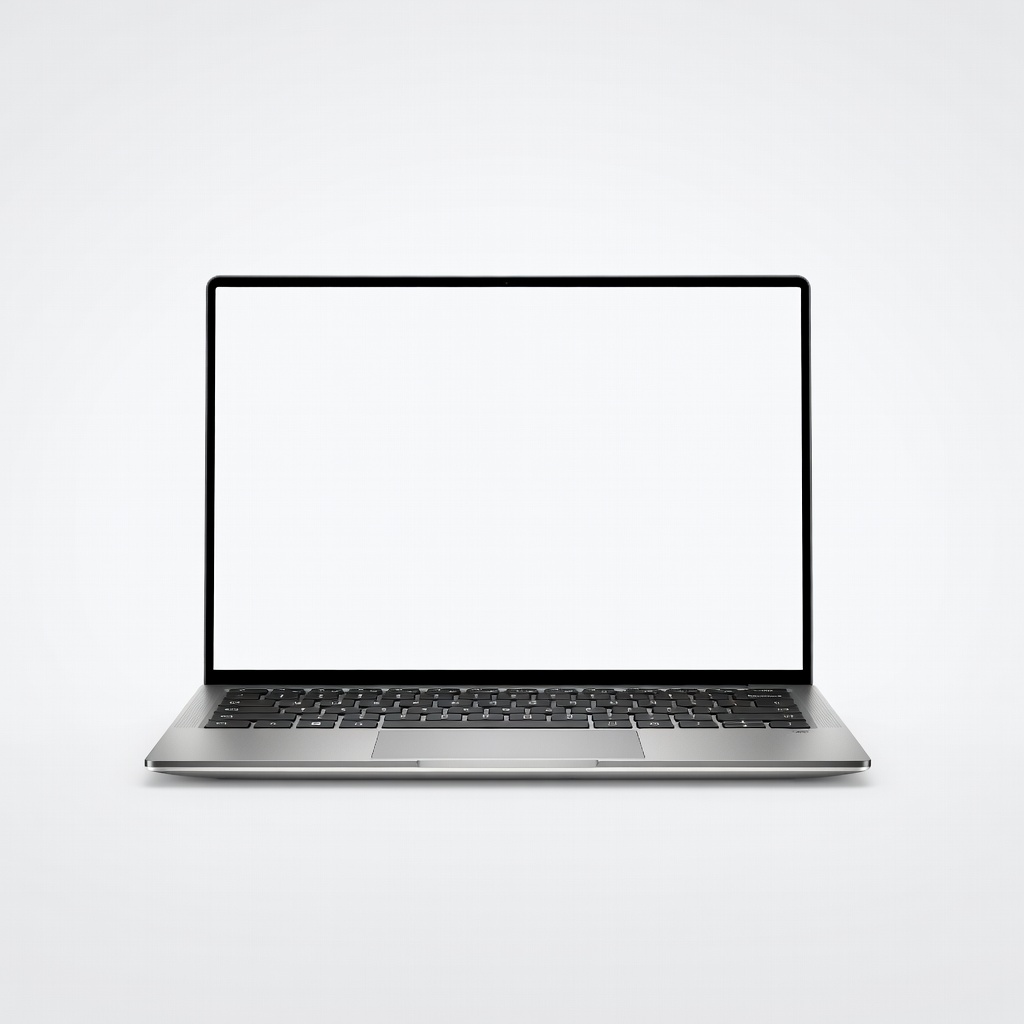
The Dell XPS 13 delivers the closest MacBook Air rival in the Windows world: a premium aluminum unibody, an edge-to-edge display, and all-day battery life in a thinner frame than the Air. It's an excellent daily driver for most people, but the limited port selection and shallow keyboard travel are real compromises.
Main limitation: The base model has only USB-C ports (no USB-A or HDMI), and the keyboard's short key travel can feel stiff for prolonged typing sessions.
Skip if: If you rely on legacy USB-A accessories or need a laptop with discrete graphics, this ultra-slim Dell isn't the right fit.
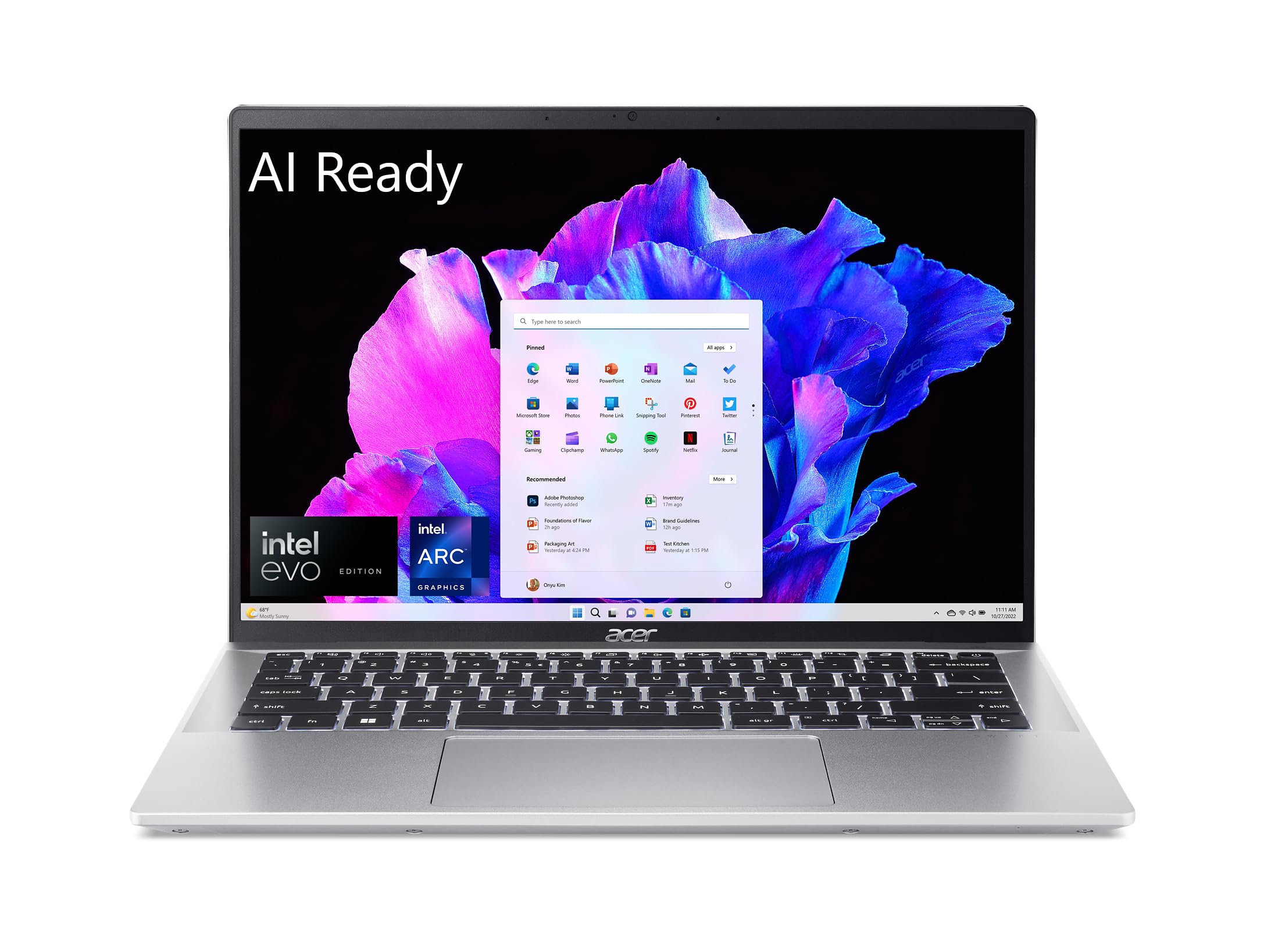
The Acer Swift Go 14 offers a 14-inch 2.8K OLED display, a fast AMD Ryzen 7 CPU, and a slim chassis for a fraction of a MacBook Air's price. It's a standout value for everyday productivity, though the plastic build and weaker speakers reveal its budget roots.
Main limitation: The all-plastic construction feels less premium than aluminum alternatives, and the battery life trails more expensive ultrabooks.
Skip if: If you're seeking a premium unibody design or require marathon battery endurance, the Swift Go's compromises will frustrate you.
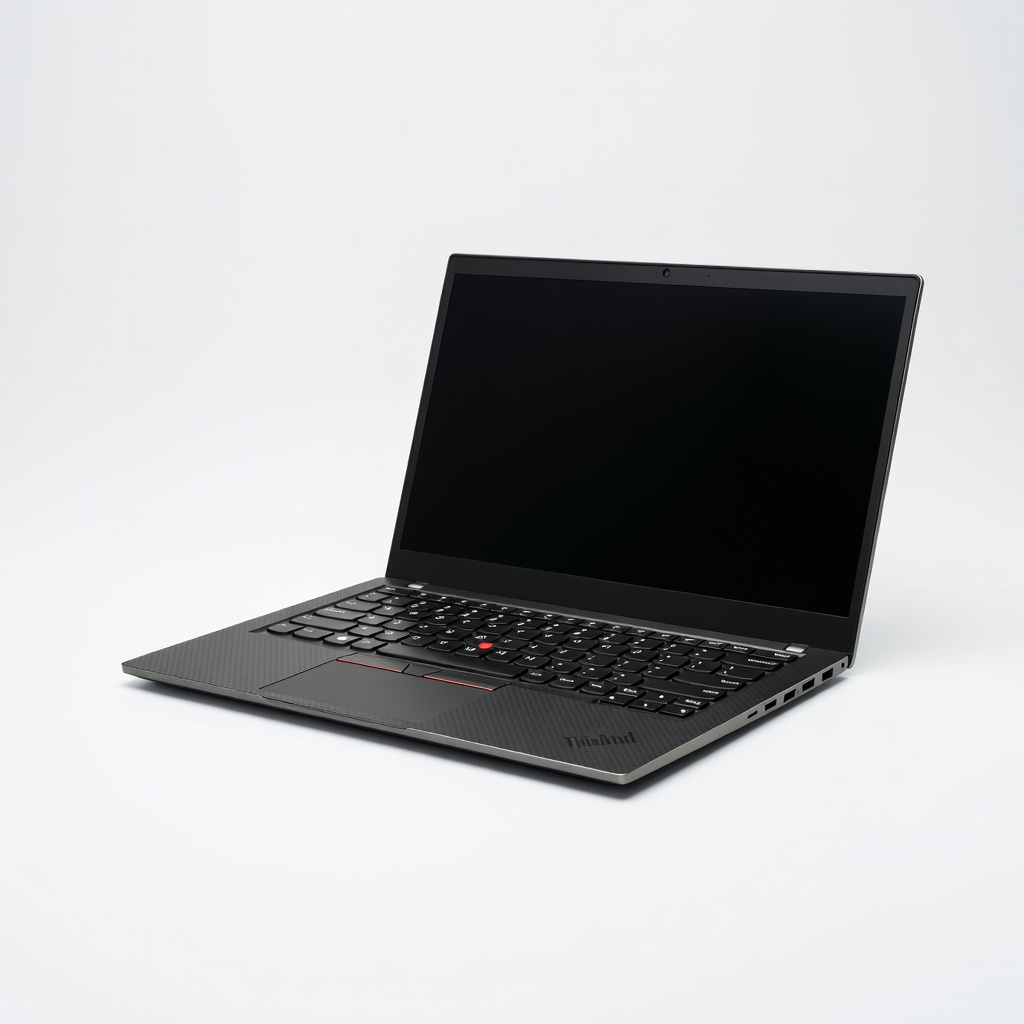
The ThinkPad X1 Carbon remains the gold standard for typing comfort and business durability, with its legendary keyboard and MIL-SPEC-tested chassis. It's also lighter than the MacBook Pro in some configurations, but upgrades like 5G and a 2.8K OLED escalate the price quickly.
Main limitation: The baseline model ships with only 512GB storage and a 1080p display, and the integrated GPU won't satisfy heavy creative workloads.
Skip if: If you're a creative professional needing powerful graphics rendering, the X1 Carbon's integrated Intel GPU will be a bottleneck.
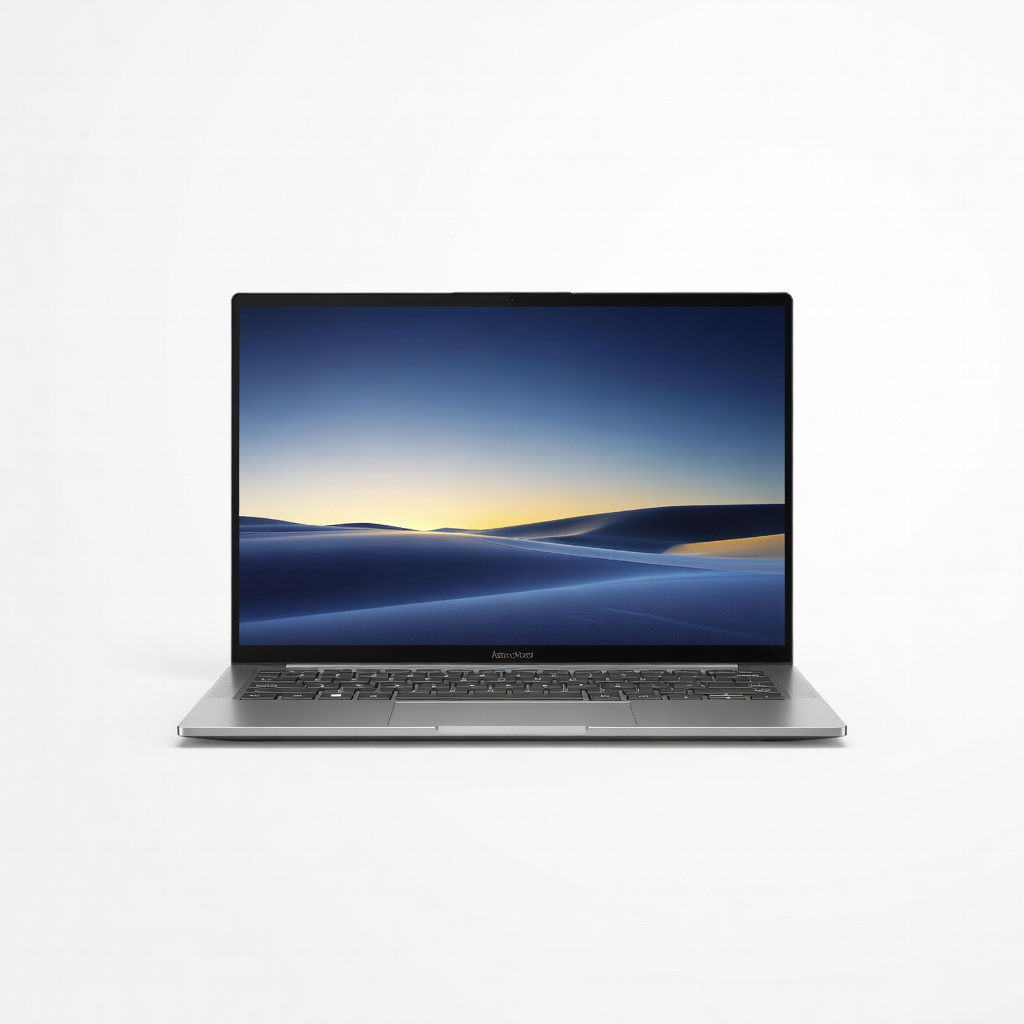
The Zenbook 14 OLED pairs a stunning 3K OLED panel with 100% DCI-P3 color coverage, making it an excellent budget-friendly tool for photo editing and design work. It's compact and light, but the high-res screen takes a toll on battery life, and the keyboard is a bit cramped for larger hands.
Main limitation: Battery life noticeably drops under heavy loads, and there's no discrete GPU option for demanding 3D work.
Skip if: If you edit 4K video or work with complex 3D scenes, this ultrabook's integrated graphics will force you into proxy workflows.
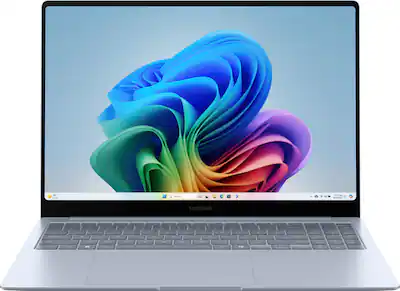
Powered by the Snapdragon X Elite, the Galaxy Book4 Edge delivers industry-leading battery life—often exceeding 20 hours in mixed usage—and stays cool and silent during long sessions. It's a fantastic choice for road warriors, but software compatibility with x86 apps remains the catch with Arm-based Windows.
Main limitation: Some legacy Windows applications and certain games with anti-cheat software may not run or require emulation, which slows performance.
Skip if: If you depend on niche enterprise software or play multiplayer PC games, avoid Arm-based Windows laptops until compatibility improves.
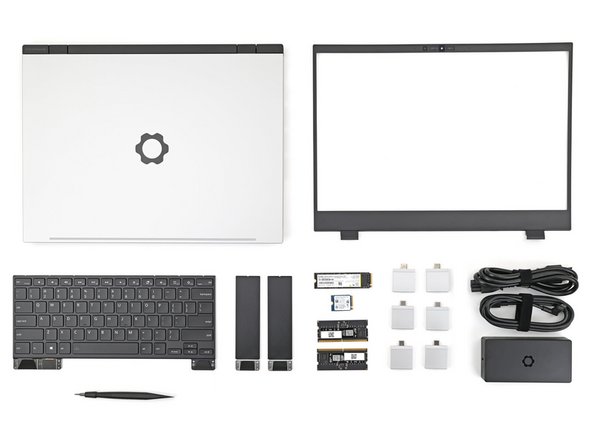
The Framework Laptop 16 is the anti-MacBook in the best way: it lets you swap the mainboard, SSD, memory, keyboard, and even GPU modules in minutes, drastically extending its lifespan. It's a bit bulkier and heavier than a MacBook Pro, but for tinkerers it's unmatched.
Main limitation: The modular design adds thickness and weight, and the DIY assembly requires patience—though no soldering or specialized tools.
Skip if: If you want the absolute slimmest, lightest ultrabook and have no interest in opening a laptop, this isn't for you.
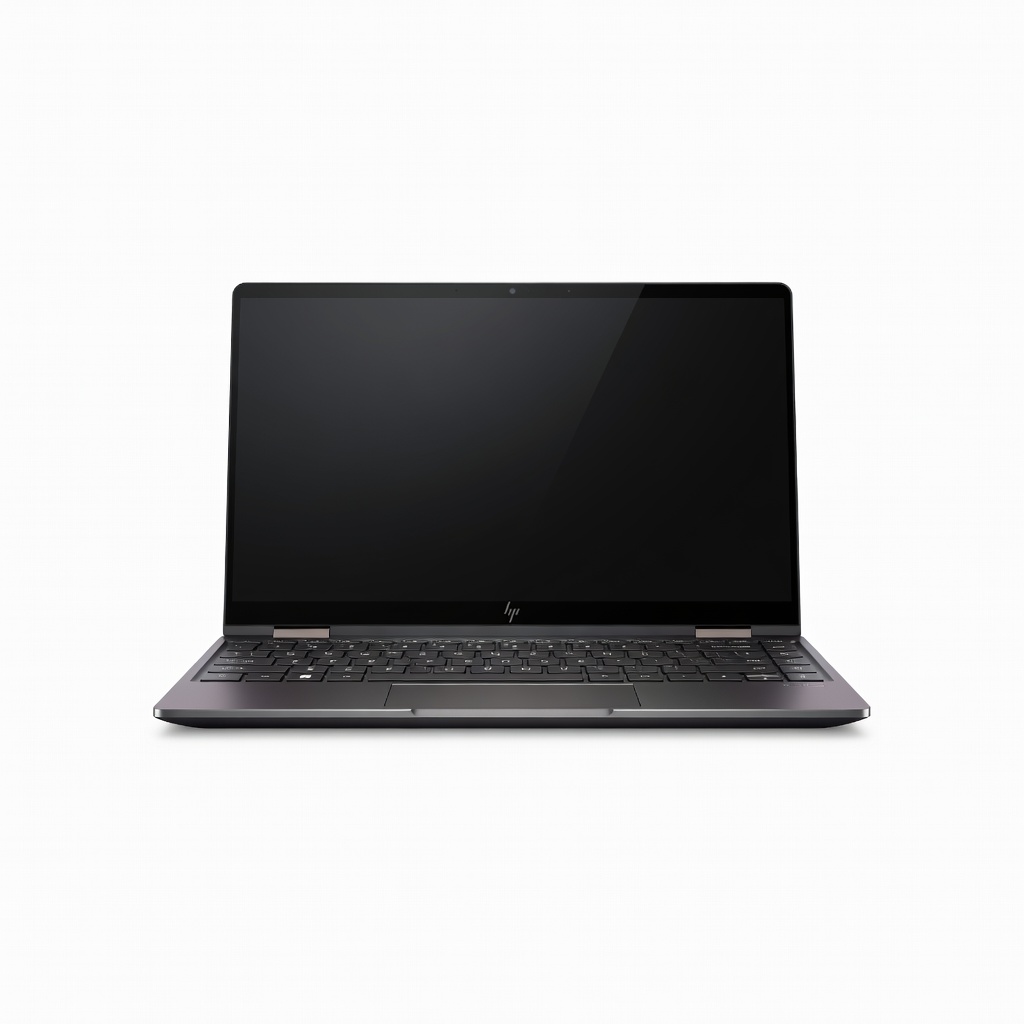
The Spectre x360 14 transforms into a tablet with a smooth 360-degree hinge and supports the included Tilt Pen, making it ideal for note-takers, sketchers, and presenters. It's a bit heavier than a MacBook Air, and the OLED screen's glossy finish can be distracting in bright lighting.
Main limitation: The 2-in-1 mechanism adds weight, and the fan can become audible during heavy multitasking or video calls.
Skip if: If you rarely use touch or pen input, the premium for the convertible hinge and touchscreen is a poor investment over a clamshell.
Compare key specs and features of all our recommendations side-by-side
| Product | Recommendation | Rating | Price |
|---|---|---|---|
Dell XPS 13 (2026) Rank #1 | 🏆 Top Pick | 9.0/10 | $1,299–$1,699 Check current price → |
Acer Swift Go 14 (2026) Rank #2 | 💰 Budget Pick | 8.2/10 | $749–$899 Check current price → |
Lenovo ThinkPad X1 Carbon Gen 13 Rank #3 | ⭐ Editor's Choice | 8.8/10 | $1,599–$2,099 Check current price → |
ASUS Zenbook 14 OLED (2026) Rank #4 | — | 8.5/10 | $1,099–$1,399 Check current price → |
Samsung Galaxy Book4 Edge 16-inch Rank #5 | — | 8.0/10 | $1,199–$1,449 Check current price → |
Framework Laptop 16 (DIY Edition) Rank #6 | — | 8.4/10 | $1,499–$1,899 Check current price → |
HP Spectre x360 14 (2026) Rank #7 | — | 8.1/10 | $1,249–$1,599 Check current price → |
Common questions buyers have about this category.
Yes, absolutely. Modern Windows ultrabooks match or exceed MacBooks in raw performance for everyday tasks like web browsing, office work, and photo editing, thanks to Intel Core Ultra, AMD Ryzen AI, and Qualcomm Snapdragon X chips. The only real losses are Apple-exclusive services like iMessage continuity and Final Cut Pro; if you don't rely on those, a high-end Windows laptop can be just as reliable, and often adds touchscreen and better port selection.
The Dell XPS 13 is the most direct rival—similar aluminum unibody, ultra-thin bezels, and a high-resolution display. The Microsoft Surface Laptop 7 also matches the MacBook Air in build quality and display brightness, and it has been praised for its keyboard and trackpad. Both typically cost $1,200–$1,600, though they frequently go on sale, putting them in MacBook Air territory.
They're worth it for battery life and light-to-moderate workloads. Snapdragon X Elite models like the Galaxy Book4 Edge. However, some niche software—older Windows utilities, drivers, and games with anti-cheat—may not work properly under emulation. If you're fine with mainstream apps (Chrome, Office, Spotify, Slack), a Snapdragon laptop will give you marathon stamina; otherwise, stick with Intel or AMD for compatibility peace of mind.
Yes, most of these laptops support USB-C/Thunderbolt 4 output to 4K or 8K monitors, and Thunderbolt 4 docks allow single-cable charging and video. The Dell XPS 13, Lenovo ThinkPad X1 Carbon, and ASUS Zenbook 14 OLED are particularly good at this. The HP Spectre x360 also has full-size HDMI for direct connection. Just make sure to check the port specifications—some budget models may have limited (but still functional) display output capabilities.
OLED delivers true blacks, infinite contrast, and punchier colors, which is ideal for streaming, photo editing, and gaming. However, it can suffer from burn-in over time and typically uses more power, slightly reducing battery life. Apple's Liquid Retina displays are extremely well-calibrated, bright, and efficient. For most general use, both are excellent—choose OLED if you prioritize media consumption, and choose IPS if battery life is your top concern.
With proper care, a budget laptop with 16GB RAM and a 512GB SSD should last 4–5 years for typical productivity tasks. The plastic build won't look as pristine after years of use, but the hardware is generally reliable. To extend its life, avoid maxing out the CPU for prolonged periods, clean the fans annually, and replace the battery if needed. Upgrading the SSD is possible on many budget models, which can further extend usefulness.
Products we evaluated but did not recommend — and why.
