Get the App
Better experience on mobile
From featherlight ultrabooks to performance-packed creators' machines, these Windows laptops rival the MacBook experience without the Apple price tag.
The Windows side has finally caught up to Apple's M-series chips — at least in the areas that matter most. In 2026, laptops powered by Snapdragon X Elite and Intel's latest Core Ultra processors deliver comparable efficiency without the premium Apple tax, and they offer extras like touchscreens, 2-in-1 flexibility, and upgradable storage that MacBooks simply don't have. That's why we've sorted through the current market to find the best alternatives for every kind of user.
Whether you're a student chasing a budget-friendly thin-and-light, a business professional who needs a rock-solid keyboard, or a creative who wants discrete GPU power, there's a Windows laptop that can replace your MacBook without compromise. The selections below prioritize battery life, build quality, display sharpness, and overall value — and we've flagged each pick's trade-offs so you can decide with open eyes.
We evaluated more than 20 models across price ranges from $600 to $2,000, leaning on expert reviews and verified owner feedback to narrow the list. The result is seven laptops that do more than just compete; they bring distinct strengths that might make you reconsider the Mac ecosystem entirely.
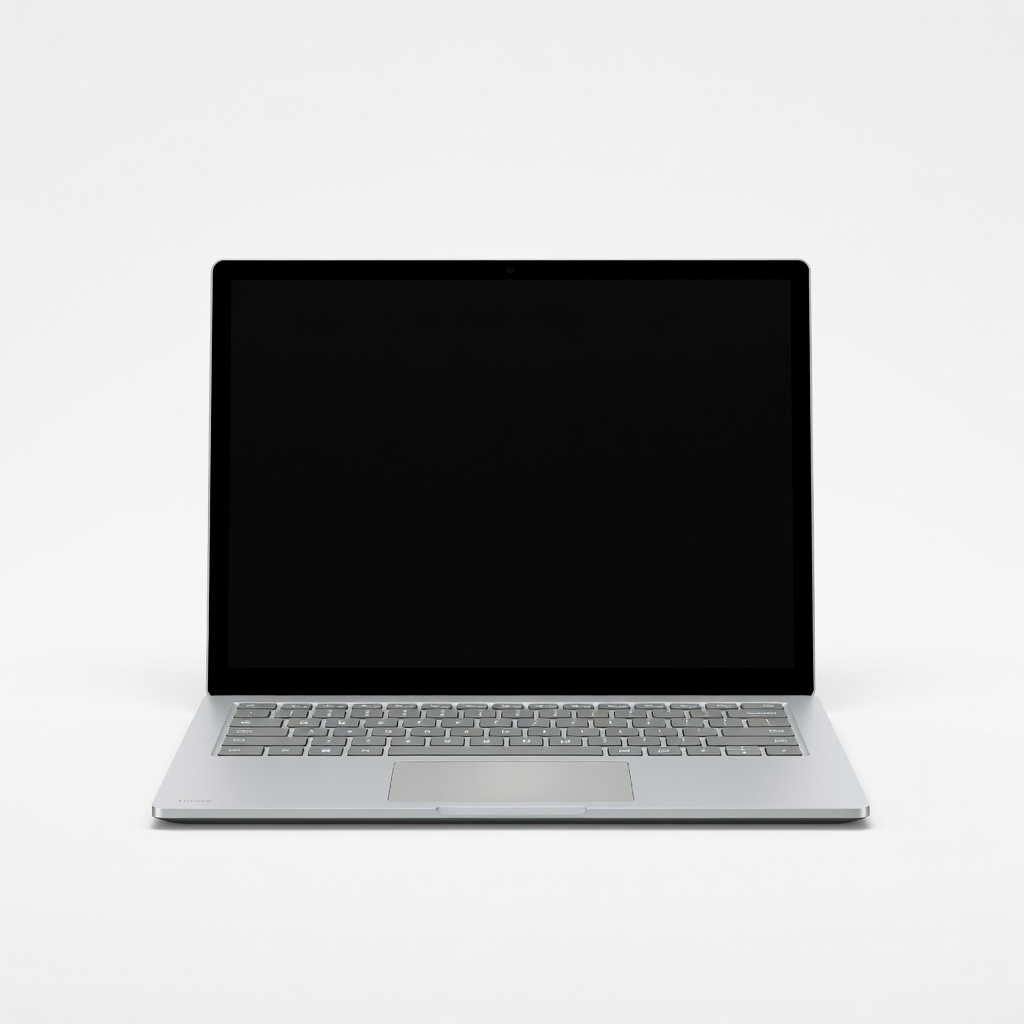
The Surface Laptop 7 is the closest thing to a MacBook Air on Windows, with the same quiet, fanless design and all-day battery. Its 13.8-inch PixelSense display is bright and sharp, and the Snapdragon X Elite chip handles everyday tasks with ease. The main trade-off is that some legacy x86 apps run poorly or need emulation, so check software compatibility first.
Main limitation: Some older Windows apps and games don't run natively on ARM, causing occasional compatibility headaches.
Skip if: If you rely on specialized Windows-only software that hasn't been updated for ARM, this isn't the laptop for you.
The Acer Swift Go 14 offers an impressive 14-inch OLED display and a lightweight chassis for under $700, making it a true budget MacBook alternative. It handles everyday productivity with ease and looks more premium than its price suggests. Expect shorter battery life than the top pick, though — about 8 hours in mixed use.
Main limitation: Build quality uses more plastic than aluminum, and the webcam is mediocre.
Skip if: If you need all-day battery life or a premium metal chassis, save up for a more expensive model.
The LG gram 15 weighs just 2.5 pounds — a pound lighter than the MacBook Air 15 — while still offering a large 15.6-inch display and a full keyboard. It's the ultimate laptop for travel and commutes, and the battery easily lasts a full day. The trade-off is a slightly flexy chassis and below-average speakers.
Main limitation: The keyboard deck lacks rigidity, and the speakers sound tinny compared to MacBooks.
Skip if: If you want a robust, sturdy laptop for desktop-heavy work, look to the ThinkPad instead.
The ThinkPad X1 Carbon is the gold standard for productivity machines, with the best keyboard in the business, a durable carbon-fiber chassis, and enterprise-level security features. It's built to survive drops and spills, and its 16:10 display ratio is great for spreadsheets and documents. The trade-off is a higher price and a design that's more business card than MacBook.
Main limitation: The 1080p webcam is underwhelming, and the trackpad feels smaller than the MacBook's.
Skip if: If you prioritize aesthetics and multimedia for work, you'll prefer the Surface Laptop or XPS.
The Spectre x360 14 combines a gorgeous OLED touchscreen with a flexible 360-degree hinge, letting you use it as a laptop, tablet, or tent mode. Its build quality and display rival the MacBook's, and it includes a built-in stylus for note-taking and drawing. The main downside is its shorter battery life compared to clamshell rivals, around 10 to 11 hours.
Main limitation: Battery life trails the Surface Laptop by a few hours, and the laptop is a bit heavy for its size.
Skip if: If you never use touch input and want maximum battery, stick with a traditional clamshell.
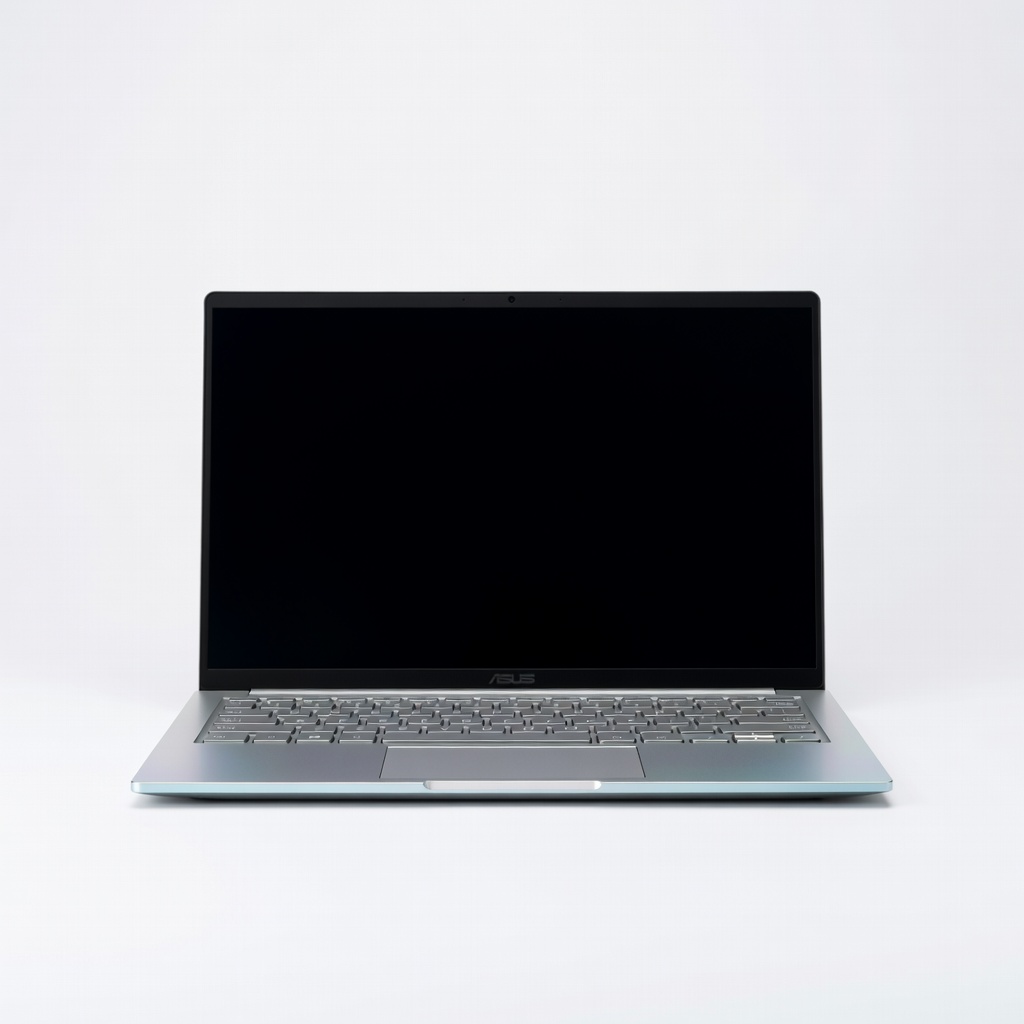
The Asus Zenbook 14 OLED packs a vibrant OLED screen and an all-metal body into a slim frame — all for under $800. It's a fantastic everyday laptop for essays, streaming, and light photo editing, with a solid keyboard and touchpad. The trade-off is average battery life and a 14-inch display that's not as color-accurate as professional-minded OLEDs.
Main limitation: Battery life hovers around 8 hours; the included webcam is only 720p.
Skip if: If you're a serious creator needing accurate colors, invest in a dedicated content-creation laptop.
The ROG Zephyrus G14 is a small-but-mighty laptop that brings discrete RTX graphics and a fast 165Hz display to a 14-inch chassis. It's a top pick for 3D artists, video editors, and gamers, offering performance far beyond what a MacBook can match in similar size. The trade-off is fan noise under load and reduced battery life when gaming.
Main limitation: Gets hot and loud during intensive tasks, and battery life is short when pushing the GPU.
Skip if: If you never game or render high-end video, you'll pay for power you don't need.
Compare key specs and features of all our recommendations side-by-side
| Product | Recommendation | Rating | Price |
|---|---|---|---|
Microsoft Surface Laptop 7 13.8-inch (Snapdragon X Elite) Rank #1 | 🏆 Top Pick | 9.0/10 | $1,299–$1,699 Check current price → |
Acer Swift Go 14 (SFG14-63) Rank #2 | 💰 Budget Pick | 8.0/10 | $599–$750 Check current price → |
LG gram 15 (15.6-inch, Intel Core Ultra 7) Rank #3 | ⭐ Editor's Choice | 8.2/10 | $1,199–$1,399 Check current price → |
Lenovo ThinkPad X1 Carbon Gen 13 (14-inch) Rank #4 | — | 8.5/10 | $1,599–$1,899 Check current price → |
HP Spectre x360 14 (14-inch, OLED) Rank #5 | — | 8.3/10 | $1,349–$1,499 Check current price → |
ASUS Zenbook 14 OLED UM3406 Rank #6 | — | 7.8/10 | $699–$849 Check current price → |
Asus ROG Zephyrus G14 (14-inch, Ryzen 9 + RTX 4070) Rank #7 | — | 8.6/10 | $1,599–$1,899 Check current price → |
Common questions buyers have about this category.
Modern Windows laptops from brands like Microsoft, Dell, and Lenovo are much more reliable than in the past, with many offering comparable build quality and longevity. However, Windows itself may require more maintenance (updates, driver management) than macOS, and some cheaper models cut corners on components. Stick with reputable brands and read reviews for long-term durability.
Yes, some legacy x86 applications don't run natively on Snapdragon X-series chips and may need emulation, which can hurt performance or cause bugs. Most common productivity apps (Microsoft Office, Chrome, Spotify) have native ARM versions now, but if you rely on niche programs or older games, check compatibility lists before buying. Microsoft's Prism emulator has improved, but it's not perfect.
You cannot run macOS on a Windows laptop without hackingintosh methods, which are complicated, unstable, and legally gray. Instead, look for Windows equivalents: for Final Cut Pro use Adobe Premiere or DaVinci Resolve; for iMovie use Clipchamp; for Pages use Microsoft Word or Google Docs. Most popular apps are cross-platform anyway.
For everyday use, prioritize RAM (at least 8GB, but 16GB recommended) and storage (512GB or more) over raw processor speed. A fast SSD and a good display make the biggest daily difference. For creative work, a discrete GPU and a color-accurate panel are crucial. Battery life depends on both the chip and the battery size, so check reviews for real-world endurance.
If your budget is tight, a $600–$800 Windows laptop can absolutely replace a MacBook for basic tasks like browsing, word processing, and video calls. Just be prepared for trade-offs like a plastic build, lower-resolution screen, and shorter battery life. If you can stretch to $1,000, you'll get a much more premium experience that rivals the MacBook Air.
AirPods work as regular Bluetooth earbuds on Windows, but you lose features like quick pairing and seamless device switching. The Apple Watch is not compatible with Windows at all — it requires an iPhone for setup and relies on iOS features. You can access iCloud via iCloud for Windows, but the ecosystem integration is much weaker.
The Microsoft Surface Laptop 7 is currently a leader, with up to 22 hours of local video playback in tests. LG gram models also excel, typically exceeding 15 hours. The Apple MacBook Air M3 still edges them out by a few hours, but for a Windows machine, these are the best choices for all-day productivity.
Products we evaluated but did not recommend — and why.
