Get the App
Better experience on mobile
Windows, ChromeOS, and Linux laptops that rival Apple's lineup in design, performance, and value.
Let’s be clear upfront: the MacBook Air and MacBook Pro are excellent machines. Apple’s silicon changed the game for performance-per-watt, and the unibody design remains a benchmark. But macOS isn’t for everyone. Maybe your workplace mandates Windows, you’re a gamer, you rely on a specific Linux toolchain, or you’re simply not willing to pay Apple’s premium for a base model with 8GB of RAM. That’s where this guide comes in — not to replace the MacBook, but to help you find the laptop that serves you better than a Mac ever would.
In 2026, the alternatives are stronger than ever. Qualcomm’s Snapdragon X Elite chips have finally brought ARM-powered Windows laptops to a level where battery life and performance genuinely compete with Apple’s M-series. Intel’s Core Ultra series (with integrated AI accelerators) and AMD’s Ryzen AI chips have closed the gap in both efficiency and graphics. Meanwhile, Google and Samsung continue to push ChromeOS into premium territory, and niche Linux vendors are delivering laptops with rock-solid driver support and repairability that Apple won’t touch.
So what actually matters when choosing a MacBook alternative? Start with your operating system — if you need Windows, that’s a hard constraint. Then prioritize your three most important daily tasks: typing, screen quality, and portability. Don’t get seduced by specs alone. A 4K OLED panel sounds great on paper, but if the battery drains in four hours, it’s a constant annoyance. The best alternatives match the MacBook’s “it just works” feeling: instant wake, reliable trackpad gestures, and an all-day charge.
The seven picks below span from $600 budget machines to $3,000 business workhorses. Each one was chosen for a specific role — from creators and developers to travelers and students — so you can find the laptop that fits your life, not the one Apple hopes you’ll buy.
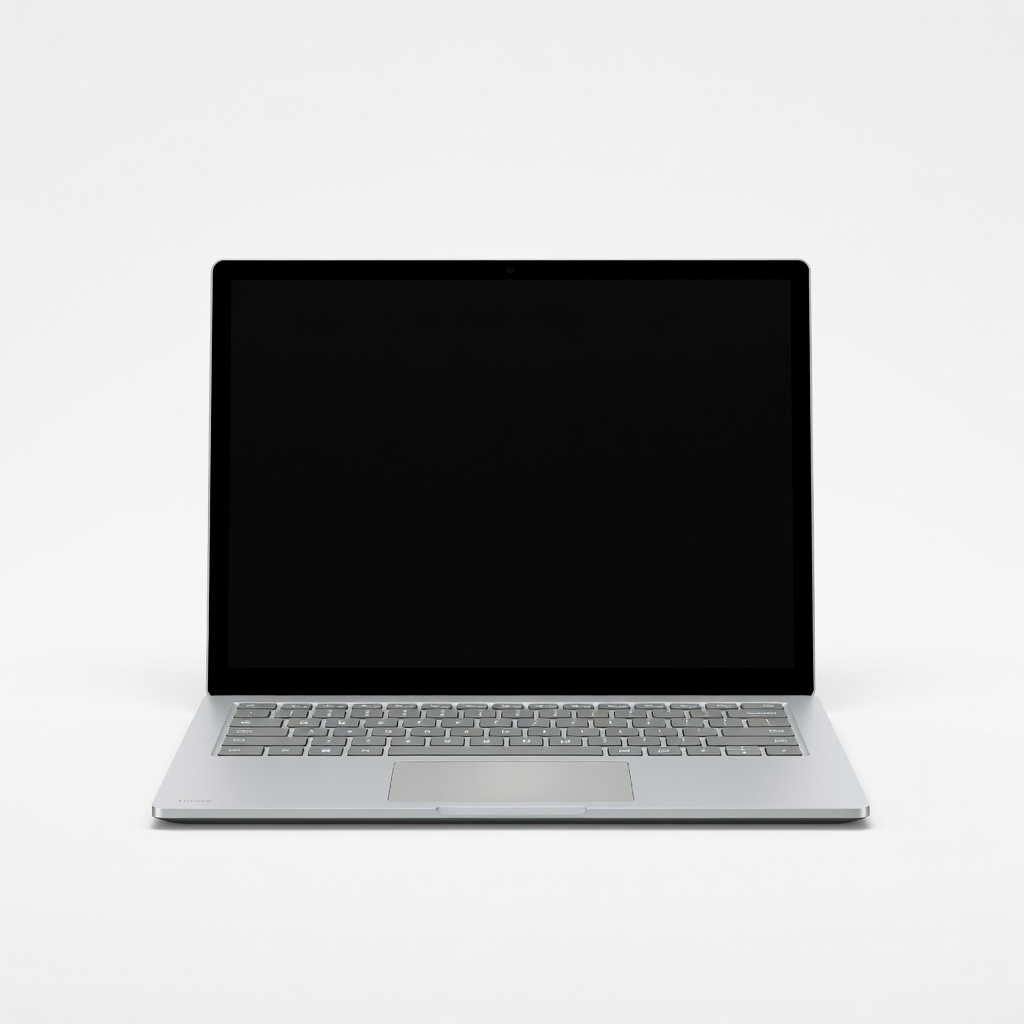
The closest a Windows laptop gets to a MacBook Air in both design and performance. With the Snapdragon X Elite processor, it delivers outstanding all-day battery life, a crisp PixelSense display, and a keyboard/trackpad combo that rivals Apple’s. The main trade-off is that some older x64 apps may run slower via emulation, though most modern apps run natively.
Main limitation: ARM compatibility can be a stumbling block for legacy Windows software, and the configuration with 16GB RAM is expensive.
Skip if: If you rely on niche x86-64 applications that haven’t updated for ARM Windows, or you need heavy CUDA support for deep learning, this isn’t the safest bet.
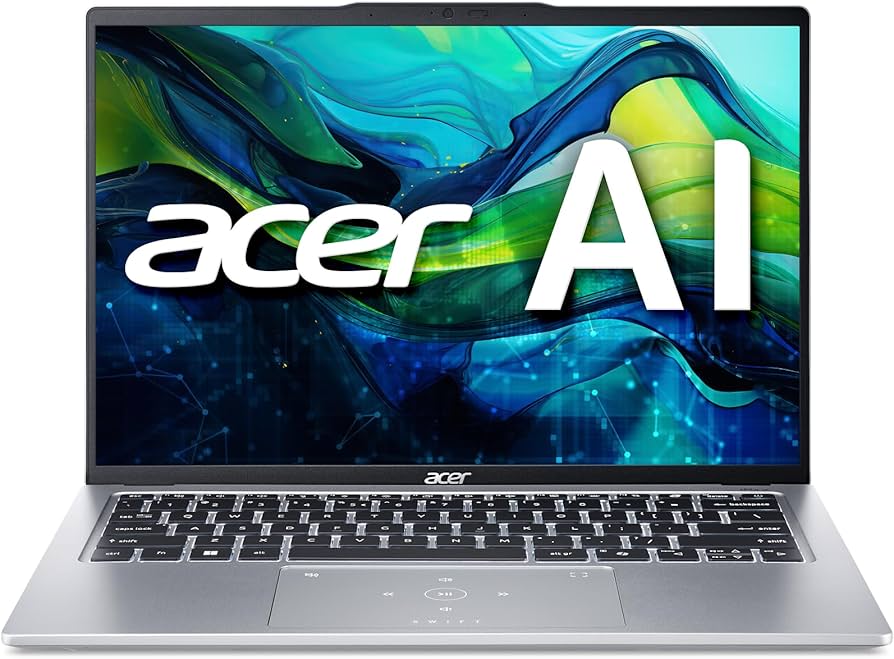
The Acer Swift Go 14 delivers 90% of the daily experience of a premium ultrabook at half the price. You get a 14-inch 2.8K OLED display, solid Ryzen 7 or Core Ultra performance, and a comfortable keyboard — all in a surprisingly light 1.3kg chassis. The trade-off is a plastic build and a noisy fan under sustained load.
Main limitation: Build quality feels less robust than pricier metal laptops, and the battery life with the OLED panel starts strong but drops quickly at high brightness.
Skip if: If you’re rough with your gear and need a laptop that can survive drops and dings, a ThinkPad or a ruggedized business laptop is safer.
A MacBook Pro alternative that packs NVIDIA RTX 4060 graphics and a PANTONE-validated OLED display into a 13-inch convertible. It crushes photo editing, 4K video exports, and 3D rendering without the bulk of a 15-inch workstation. The trade-off is that it’s a bit thicker and heavier than the MacBook Air, and the fans get loud when rendering.
Main limitation: The battery life under GPU load is short (around 4 hours), and the base model with 32GB RAM is pricey.
Skip if: If you only edit photos and never do 3D or video, you can get similar display quality with less cost and weight elsewhere.
The ThinkPad X1 Carbon has been the gold standard for business laptops for years, and the Gen 12 refines it further. It’s phenomenally light (1.09kg), has the best keyboard in the Windows world, and offers militar-grade durability plus a massive selection of ports including Thunderbolt 4 and HDMI. The trade-off is a premium price and a display that, while great, doesn’t have quite as many nits as a MacBook Pro’s XDR panel.
Main limitation: The biggest weakness is pricing: a well-configured X1 Carbon costs as much as a MacBook Pro 14, but with a less powerful CPU.
Skip if: If you prioritize raw performance per dollar over build quality and keyboard, a mid-range gaming laptop or a MacBook Pro will serve you better.
The LG gram SuperSlim weighs a startling 990 grams — over a pound lighter than a MacBook Air 13 — while still packing a massive 16-inch OLED screen. Its 77Wh battery holds on for up to 15 hours of mixed use, making it the undisputed king of long-haul travel. The trade-off is a flexy chassis that doesn't feel as rigid as an Apple product, and the RAM is soldered.
Main limitation: The magnesium alloy feels almost too flimsy under pressure, and the 16-inch 1080p display in the base model isn't as crisp as competitors' OLED panels.
Skip if: If you need a laptop that can handle drops and twists, avoid this featherweight portable.
If you want Linux but prefer a laptop that comes with Linux pre-installed and driver support verified out of the box, the Lemur Pro is a rare gem. It’s absurdly light (1.05kg) and runs long on a 73Wh battery, making it a favorite among developers and sysadmins. The trade-off is that it uses a Core Ultra 7 (non-vPro) chip and lacks a discrete GPU, so it’s not a creator laptop.
Main limitation: The 1080p matte display is a step behind premium 2.8K panels, and the build quality is plastic-ish compared to MacBook standards.
Skip if: If you’re not comfortable living in the terminal or regularly need Windows-only software, this is not the laptop for you.
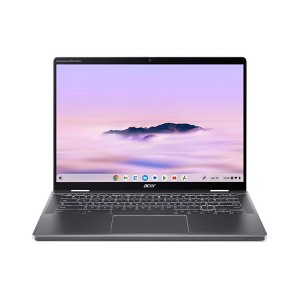
Chromebooks have grown up, and the Spin 714 is one of the first “premium” Chromebooks that can genuinely replace a MacBook for everyday work. It has a 2.8K 120Hz display, a 180° hinge, and excellent performance for web apps, Android apps, and even basic Linux. The trade-off is that ChromeOS remains a browser-centric OS; heavy desktop software like Adobe Premiere isn't available.
Main limitation: Android app compatibility can be hit-or-miss, and the build quality doesn't match Apple's aluminum unibody.
Skip if: If you rely on Windows or macOS-specific software (like full Photoshop or native Microsoft Office), a Chromebook will frustrate you.
Compare key specs and features of all our recommendations side-by-side
| Product | Recommendation | Rating | Price |
|---|---|---|---|
Microsoft Surface Laptop 7 13.8-inch (Snapdragon X Elite) Rank #1 | 🏆 Top Pick | 8.8/10 | $1,199–$1,499 Check current price → |
Acer Swift Go 14 (SFG14-73) Rank #2 | 💰 Budget Pick | 7.8/10 | $649–$899 Check current price → |
Asus ProArt PX13 (HN7302) Rank #3 | ⭐ Editor's Choice | 8.3/10 | $1,499–$1,899 Check current price → |
Lenovo ThinkPad X1 Carbon Gen 12 (2025/2026) Rank #4 | — | 8.5/10 | $2,300–$2,900 Check current price → |
LG gram SuperSlim (16Z9DT) Rank #5 | — | 8.0/10 | $1,199–$1,599 Check current price → |
System76 Lemur Pro 12 (Linux) Rank #6 | — | 7.5/10 | $1,290–$1,650 Check current price → |
Acer Chromebook Plus Spin 714 Rank #7 | — | 7.2/10 | $699–$999 Check current price → |
Common questions buyers have about this category.
Yes — modestly. Snapdragon X Elite and Core Ultra 7 chips now deliver 12-15 hours of real-world battery life in flagship ultrabooks like the Surface Laptop 7 and Asus Zenbook S 14. However, that's still 1-3 hours short of the longest-lasting MacBook Pro 13 models. If battery endurance is critical, prioritize laptops with efficient OLED panels and 70Wh+ batteries.
You can still enjoy most of the ecosystem experience via iCloud for Windows, Phone Link, and Bluetooth. Features like AirDrop and Handoff are exclusive to macOS, but Windows 11 has Nearby Share and Phone Link for notifications/messaging. If you heavily rely on iMessage syncing, a MacBook is still the easiest path — but not a necessity.
Absolutely, if the student’s workflow is cloud-based: Google Docs, Canvas, Zoom, and most educational web apps. The Acer Chromebook Plus Spin 714 we recommend runs Android apps too, which covers things like Kindle and many note-taking tools. But if the school requires specific desktop software (like Proctorio on Windows/macOS or Microsoft Office offline), check the requirement first.
The Microsoft Surface Laptop 7 and Lenovo ThinkPad X1 Carbon are the closest rivals. Surface uses a smooth aluminum finish and has the smallest tolerance gaps, while ThinkPad’s carbon fiber is durable yet light. Many reviewers still prefer the MacBook’s stiffness, but these two are no longer second best.
Not for serious gaming. Snapdragon X Elite laptops handle emulation well, but they lack discrete GPUs and can’t run most AAA titles natively. If gaming is a priority, look for a machine with an RTX 4060+ (like the Asus ProArt PX13) or a dedicated gaming laptop with a Ryzen 7/RTX combo.
The System76 Lemur Pro 12 is the top pick because it comes with Linux pre-installed, has a 14-hour battery, and weighs just 1.05kg. If you prefer a more mainstream laptop and are willing to configure Linux yourself, the ThinkPad X1 Carbon also works well and has better speakers, but the Lemur Pro offers better keyboard to Linux compatibility.
Products we evaluated but did not recommend — and why.
