Get the App
Better experience on mobile
From premium Windows ultrabooks to budget-friendly Chromebooks, these are the best MacBook alternatives that fit any need.
Windows ultrabooks have quietly caught up to the MacBook in almost every way that matters—except price, which is often lower. In 2026, you don't have to sacrifice build quality or battery life to get a laptop that handles everything a MacBook does, and some alternatives even add touchscreens, 2-in-1 flexibility, and gaming muscle. But with so many models claiming to be 'MacBook killers,' the challenge is separating true rivals from marketing hype.
We evaluated the leading contenders based on published expert reviews, manufacturer specs, and aggregated buyer feedback. We focused on build quality, display, battery life, keyboard feel, port selection, and performance for everyday tasks—the factors that make a MacBook so loved. We also considered that not everyone needs a MacBook's limited port selection, so we gave credit to laptops that offer more connectivity at the same price.
The picks below span from budget $600 Chromebooks to $1,800 business machines, so there's an alternative for every budget. We've ranked the best overall, the best value, and the best in specific niches like display quality and battery life.
Remember, the best laptop is not always the most expensive; it's the one that fits your work flow and your hand. We'll walk you through what to look for and what to watch out for, so you can make the right decision.
The Dell XPS 13 Plus combines a stunning edge-to-edge display, a premium aluminum build, and excellent performance for most users. Its compact design directly rivals the MacBook Air, but the haptic touchpad and function row may take getting used to.
Main limitation: The touchpad and function row are unconventional, and battery life lags behind the MacBook Air.
Skip if: If you prefer a more traditional keyboard layout or need more ports, this isn't for you.
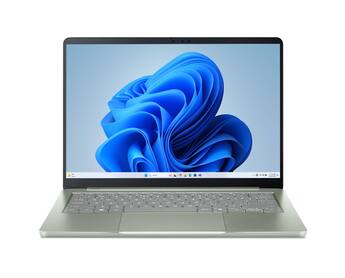
The Acer Swift 3 offers solid daily performance, a decent FHD display, and a lightweight design at a fraction of the cost of a MacBook. It's a great choice for budget-conscious users, though the build quality and battery life won't match premium laptops.
Main limitation: Plastic construction and average speakers show its budget roots.
Skip if: If you need a laptop for heavy video editing or premium materials, skip this.
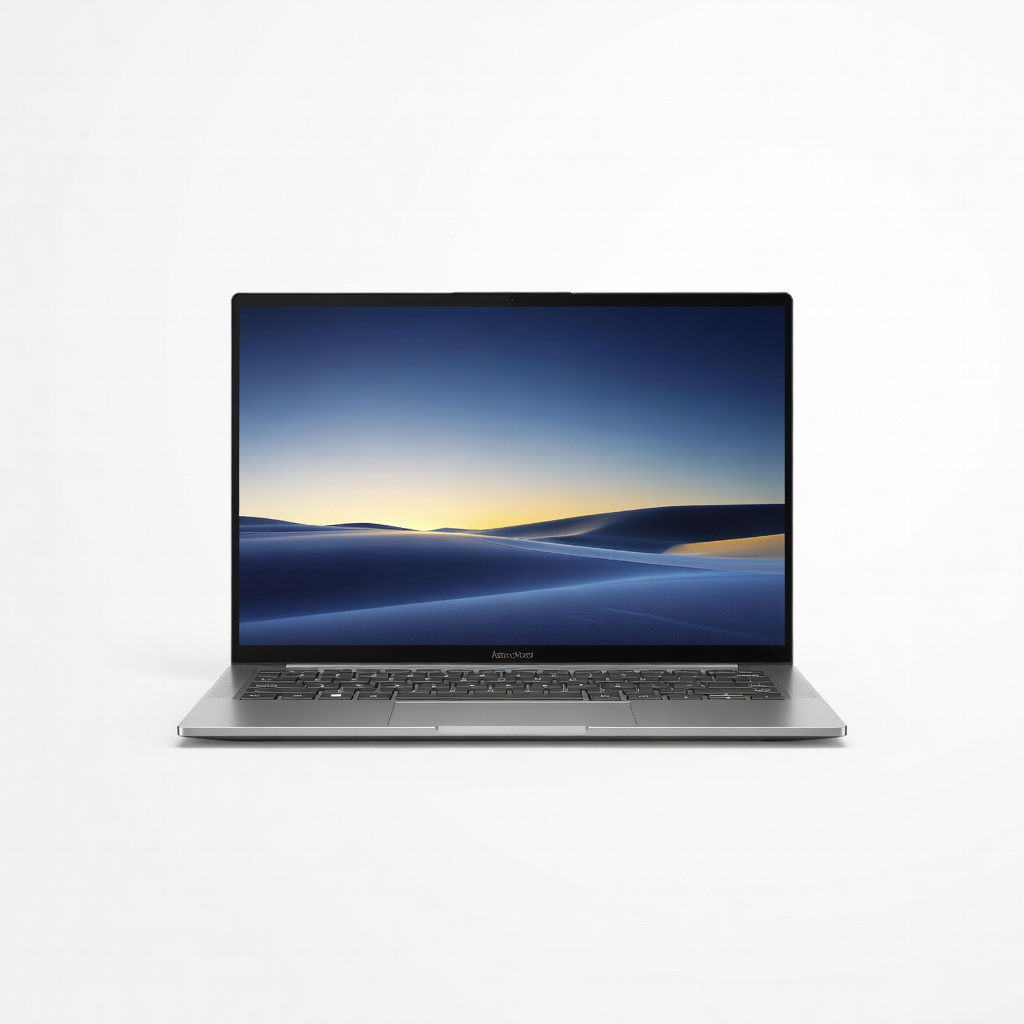
The Zenbook 14 OLED is a display-first laptop, offering deep blacks, vibrant colors, and excellent contrast that makes it a joy for streaming and photo editing. Its all-metal body is also surprisingly light, but the small battery and limited port selection are trade-offs.
Main limitation: Battery life is mediocre, and there's no USB-A port without an adapter.
Skip if: If you need all-day battery or legacy ports, consider another option.
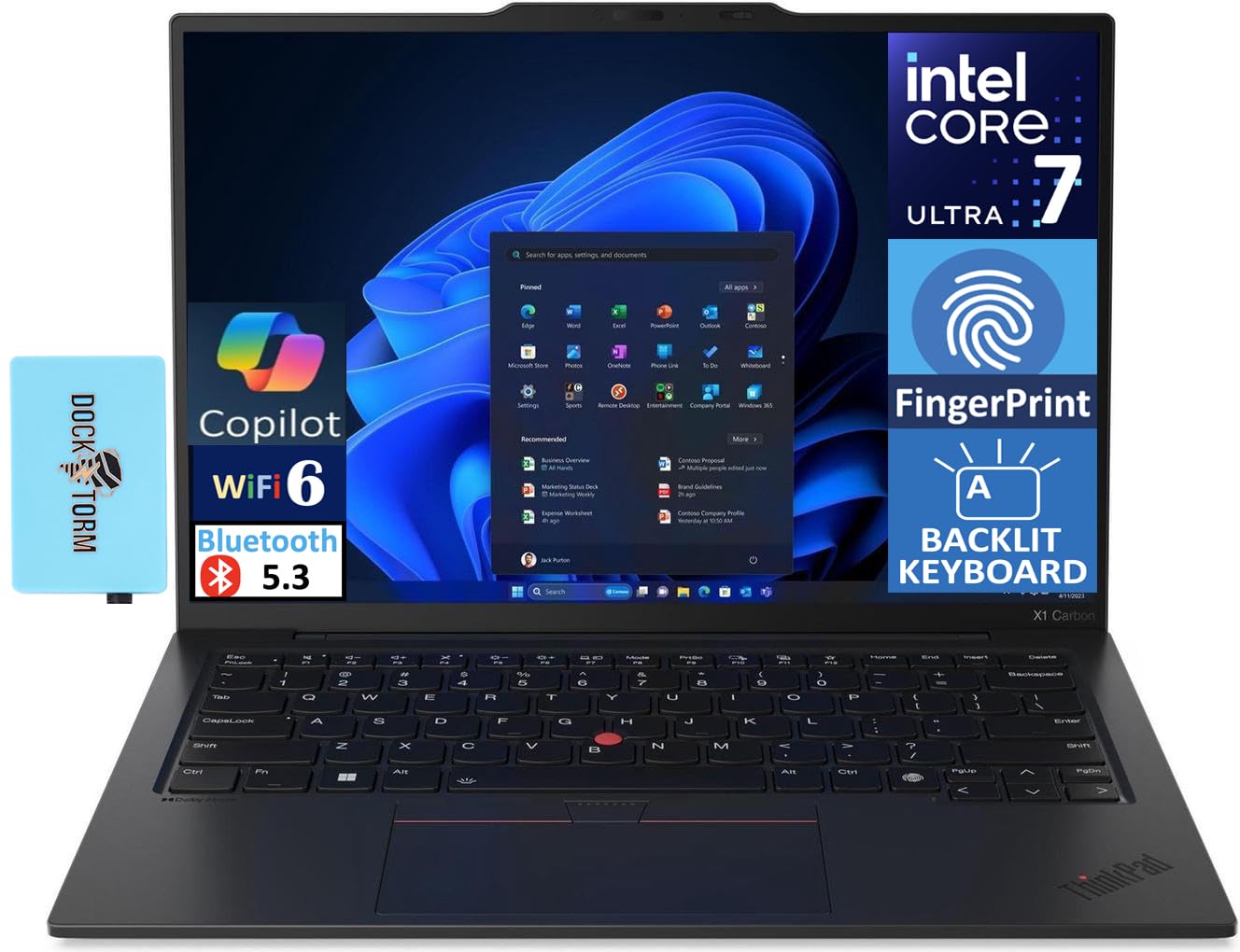
The ThinkPad X1 Carbon is the quintessential business ultrabook, with a legendary keyboard, MIL-SPEC durability, and all-day battery life. It's a reliable workhorse, but you'll pay a premium for its reputation and modest display options.
Main limitation: It's expensive for the base specs, and the display is often only FHD unless you upgrade.
Skip if: If you prioritize entertainment features or a lower price, this is not for you.
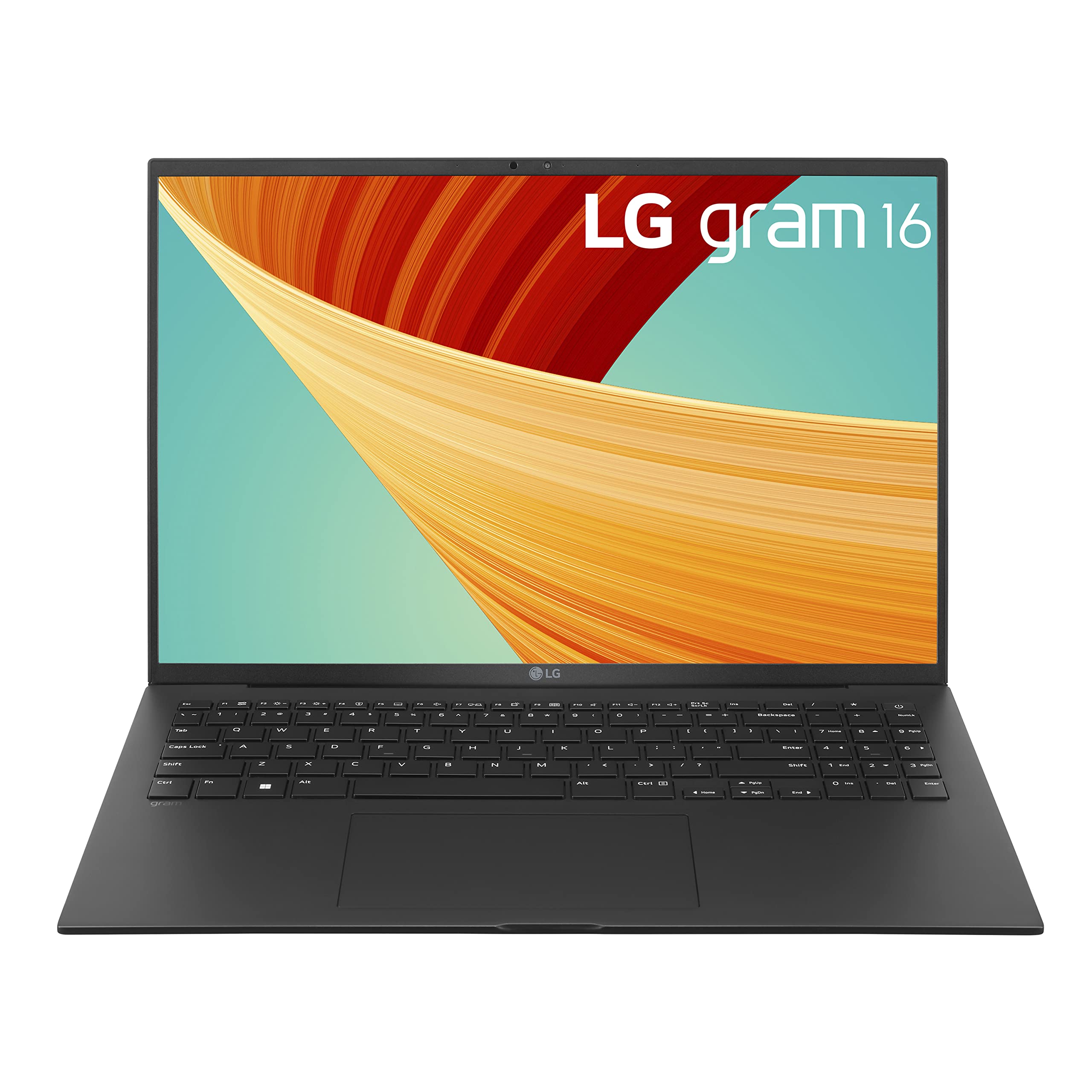
The LG gram 16 packs a large 16-inch display and an 80Wh battery into a remarkably light 2.7-pound body. It easily lasts through a full workday and then some, making it an ideal companion for travel or long lectures.
Main limitation: The chassis feels flexy, and the fans can get noisy under load.
Skip if: If you need a rugged laptop or plan to game, skip this.
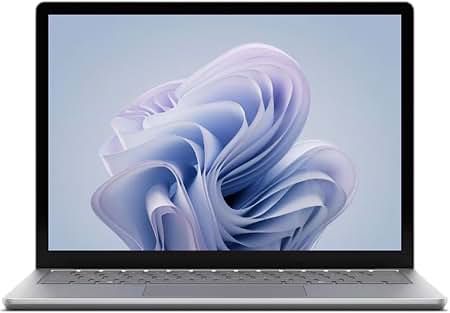
The Surface Laptop 6 offers seamless integration with Windows 11 and Microsoft 365, featuring a beautiful PixelSense touchscreen and excellent build quality. Its sleek design mirrors the MacBook's simplicity, but the proprietary charger and few ports are drawbacks.
Main limitation: Limited USB-C ports and no Thunderbolt support (depending on configuration).
Skip if: If you need a laptop with extensive port options or are not tied to Microsoft services, consider another.
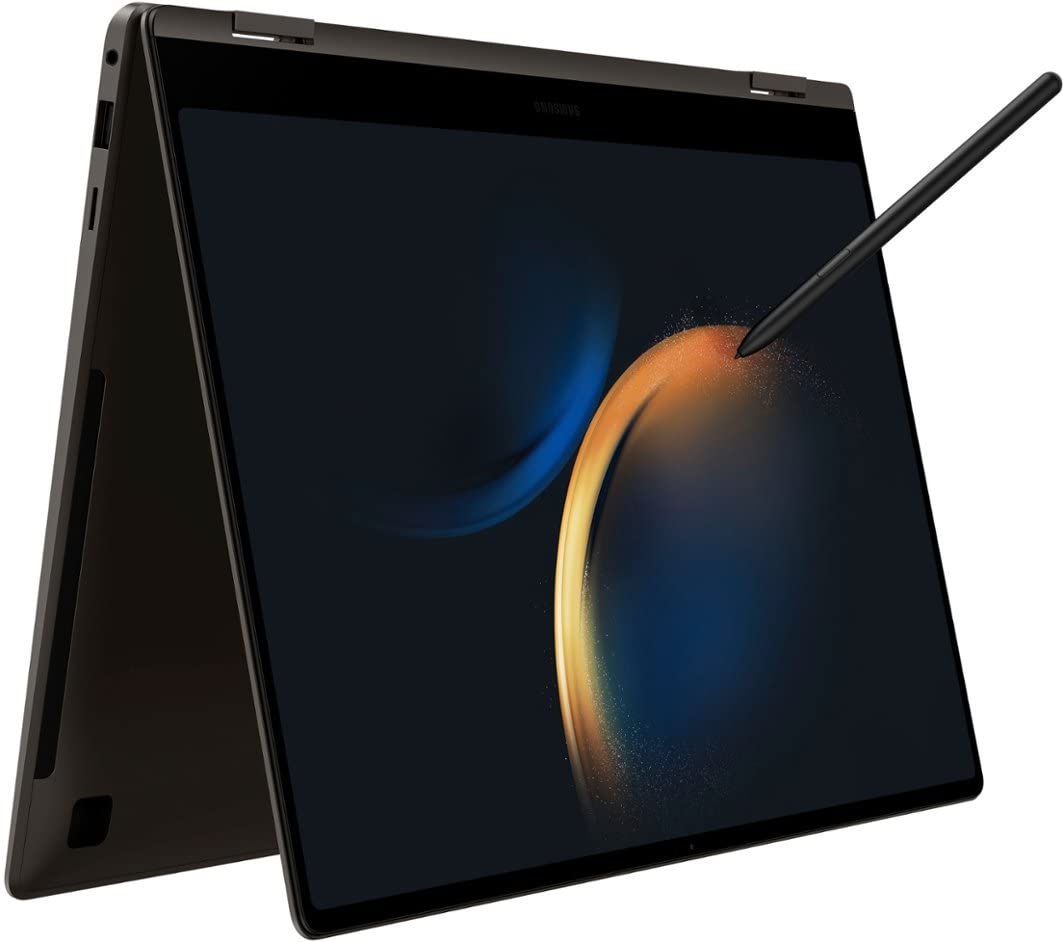
The Galaxy Book3 Pro delivers powerful performance with Intel Core Ultra processors, a gorgeous AMOLED display, and a featherweight design. It's a great choice for photo editing and creative work, though battery life trails some competitors.
Main limitation: Battery life is only average, and the webcam quality is subpar.
Skip if: If you need long unplugged sessions or a better webcam, look elsewhere.
Compare key specs and features of all our recommendations side-by-side
| Product | Recommendation | Rating | Price |
|---|---|---|---|
Dell XPS 13 Plus (2026) Rank #1 | 🏆 Top Pick | 9.0/10 | $1,499 – $1,799 Check current price → |
Acer Swift 3 (2026) Rank #2 | 💰 Budget Pick | 8.0/10 | $649 – $799 Check current price → |
ASUS Zenbook 14 OLED (2026) Rank #3 | ⭐ Editor's Choice | 8.5/10 | $999 – $1,199 Check current price → |
Lenovo ThinkPad X1 Carbon Gen 12 (2026) Rank #4 | — | 8.5/10 | $1,399 – $1,699 Check current price → |
LG Gram 16 (2026) Rank #5 | — | 8.0/10 | $1,299 – $1,499 Check current price → |
Microsoft Surface Laptop 6 (2026) Rank #6 | — | 8.5/10 | $1,199 – $1,499 Check current price → |
Samsung Galaxy Book3 Pro (2026) Rank #7 | — | 8.0/10 | $1,399 – $1,599 Check current price → |
Common questions buyers have about this category.
Technically, you can install macOS on some Windows PCs through 'Hackintosh' methods, but it's complex, unreliable, and violates Apple's licensing. It also requires unsupported drivers and you'll miss out on OS updates. For practical purposes, expect to use Windows or Linux when you buy a MacBook alternative.
Yes, generally. Windows laptops are available with powerful discrete GPUs from NVIDIA and AMD, while MacBooks rely on Apple Silicon with limited gaming support. Many Windows ultrabooks also come with RTX graphics for entry-level gaming, and the library of compatible games is far larger on Windows.
You can use an external drive formatted as exFAT, which both systems read, or transfer over Wi-Fi using apps like Feem or Sharedrop. Another option is cloud storage (Dropbox, Google Drive) or using Microsoft's Migration Tool. For large amounts of data, an external SSD is fastest.
The Acer Swift 3 is the best-value budget pick, offering a lightweight design, Ryzen/Core processors, and a full HD screen for under $700. If you prefer a Chromebook, the Acer Chromebook Spin 714 is a solid option around $600, but it runs ChromeOS and won't run Windows software.
Generally, no. MacBooks have some of the highest resale values in laptops, especially over 2–3 years. Windows laptops, particularly budget models, depreciate faster. Premium Windows laptops like the XPS hold value better than budget notebooks, but you'll still resell for a lower percentage than a comparable MacBook.
For basic tasks like browsing, email, and Google Workspace, a Chromebook is excellent and often cheaper. However, it won't run traditional desktop software like Adobe Premiere Pro or most PC games. If you're already invested in the Google ecosystem and don't need Windows apps, it's a worthwhile alternative.
Products we evaluated but did not recommend — and why.
