Get the App
Better experience on mobile
A research-backed guide to ultraportable laptops that balance weight, battery life, performance, and price.
A lightweight laptop is a daily-carry tool, and the spec sheet rarely tells the whole story. Two laptops can both weigh under three pounds, yet one feels effortless in a backpack while the other flexes under a thumb and runs hot during a video call. The difference usually comes down to chassis rigidity, keyboard comfort, thermal tuning, and battery efficiency—details that do not always show up in a processor name.
Portability matters because the best laptop is the one you actually take with you. A machine that stays on a desk because it is too heavy or too bulky defeats the purpose of an ultraportable. For students, remote workers, and frequent travelers, the right balance of weight, battery life, and screen quality can change how—and where—you get things done.
This guide covers seven lightweight laptops across budget, midrange, and premium price bands. We selected them based on manufacturer specifications, published expert reviews, aggregated buyer feedback, and typical retail pricing, with priority given to everyday usability rather than benchmark bragging rights. Every pick includes a genuine trade-off so you can match the laptop to your needs.
Whether you want a sub-$500 machine for web and documents, a premium business ultraportable, or a convertible for note-taking, there is an option here. The key is to decide which compromises you can live with: fewer ports, a dimmer screen, soldered RAM, or a higher price.
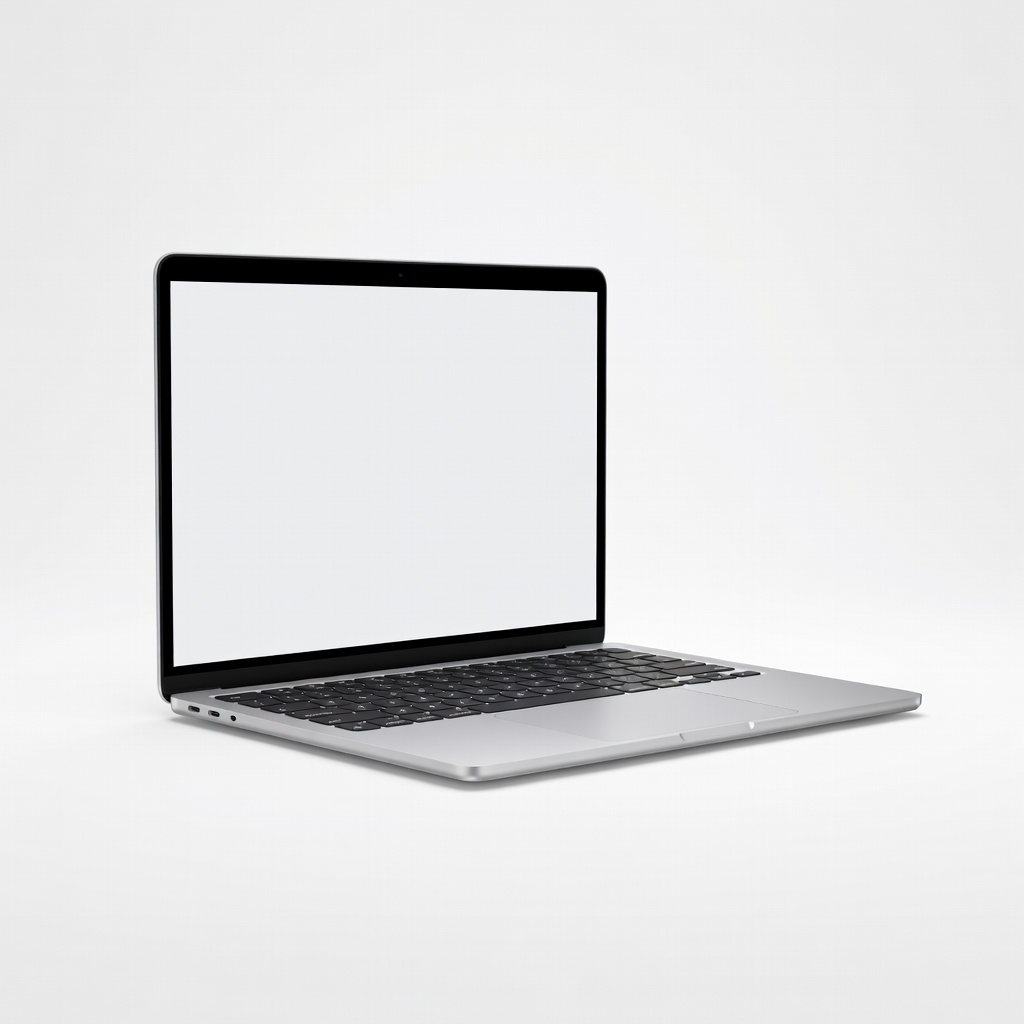
The MacBook Air M4 remains the ultraportable benchmark for most people: it is fast enough for everyday work, runs silently, and delivers all-day battery life in a 2.7-pound chassis. The trade-off is a limited two-port design and a 60Hz display that feels basic next to premium Windows rivals.
Main limitation: Only two USB-C ports and a 60Hz display limit its flexibility and smoothness for the price.
Skip if: Skip it if you need Windows-only software, a high-refresh display, or more than two USB-C ports.
The Aspire Go 14 is the rare budget laptop that does not feel like a punishment: it handles web browsing, email, and documents for under $500. The catch is a dim 250-nit screen, a plastic build, and 8GB of RAM that limits heavy multitasking.
Main limitation: The dim display, plastic chassis, and 8GB of RAM make it best for light-duty use only.
Skip if: Skip it if you regularly edit photos or videos, keep dozens of browser tabs open, or need a bright screen outdoors.
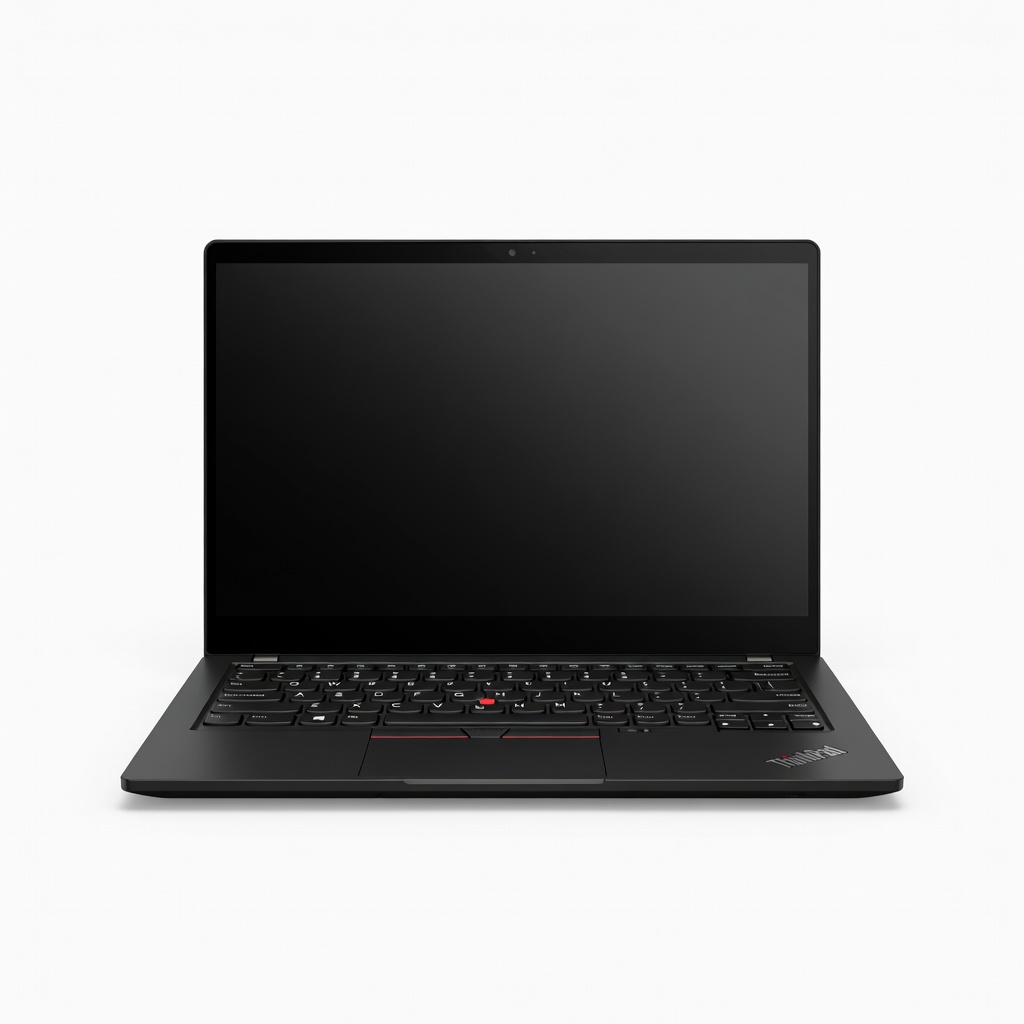
The ThinkPad X1 Carbon Gen 12 is built for people who live out of a carry-on: it pairs a legendary keyboard and robust security with a sub-2.5-pound chassis. You pay a premium, and the OLED upgrade can shorten battery life.
Main limitation: It is expensive, and the OLED screen option can drain the battery faster than the standard low-power panel.
Skip if: Skip it if you are shopping on a tight budget or want a laptop for gaming.
The Zenbook 14 OLED delivers a gorgeous 3K 120Hz OLED screen and strong everyday performance at a midrange price. Its RAM is soldered, so you cannot upgrade it later, and the speakers are average.
Main limitation: The RAM is soldered to the motherboard, so you cannot upgrade it after purchase.
Skip if: Skip it if you need a discrete GPU for 3D work or gaming, or if you want to upgrade RAM later.
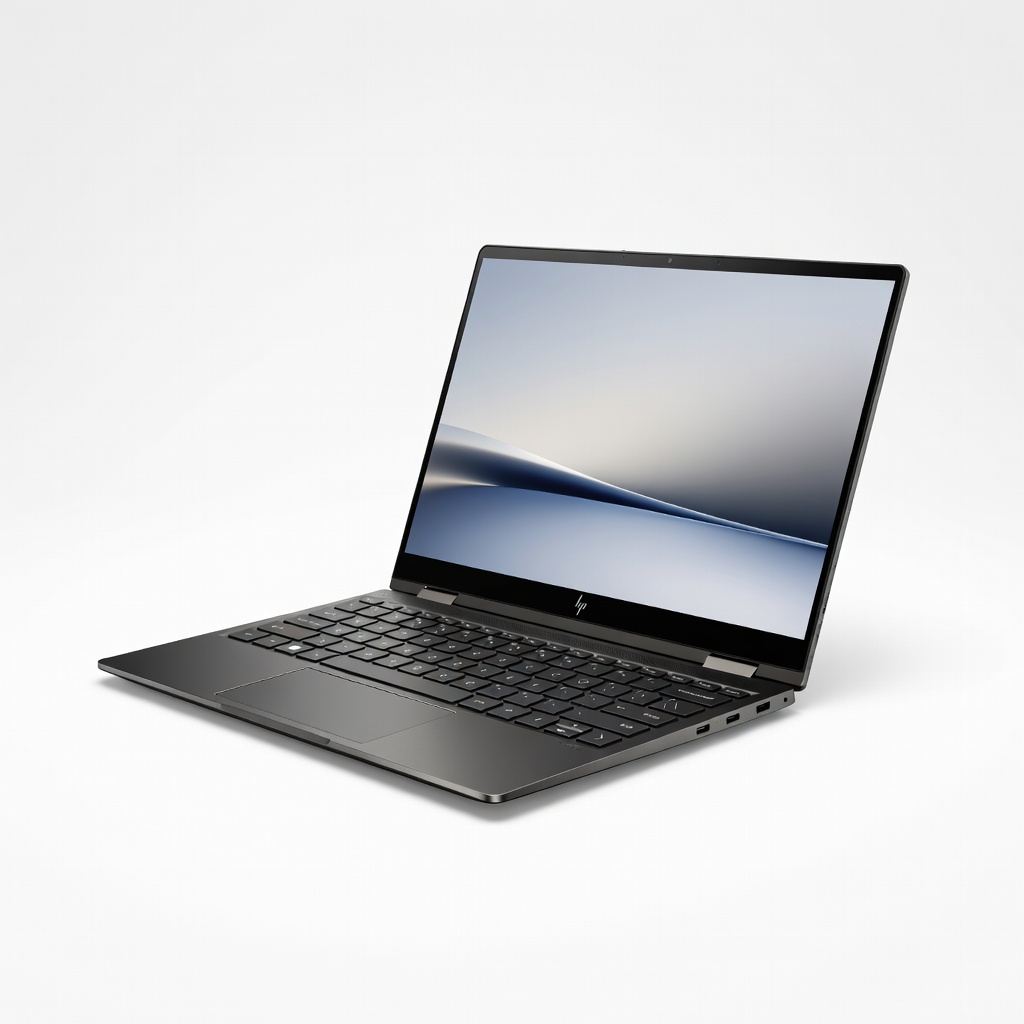
The Spectre x360 14 is a flexible 2-in-1 with a sharp OLED touchscreen, a comfortable keyboard, and a 360-degree hinge for note-taking or sketching. It is expensive, and the thin chassis can get warm and noisy under sustained load.
Main limitation: The thin chassis can run warm and produce fan noise under sustained workloads.
Skip if: Skip it if you want a simple clamshell laptop or the longest possible battery life.
The Vivobook S 14 OLED is one of the best values for students who want a bright OLED screen and modern components without paying premium prices. The chassis flexes a bit, and the webcam is only average in low light.
Main limitation: The build has some flex, and the webcam struggles in dim lighting.
Skip if: Skip it if you need a rugged chassis or professional-grade webcam for frequent video calls.
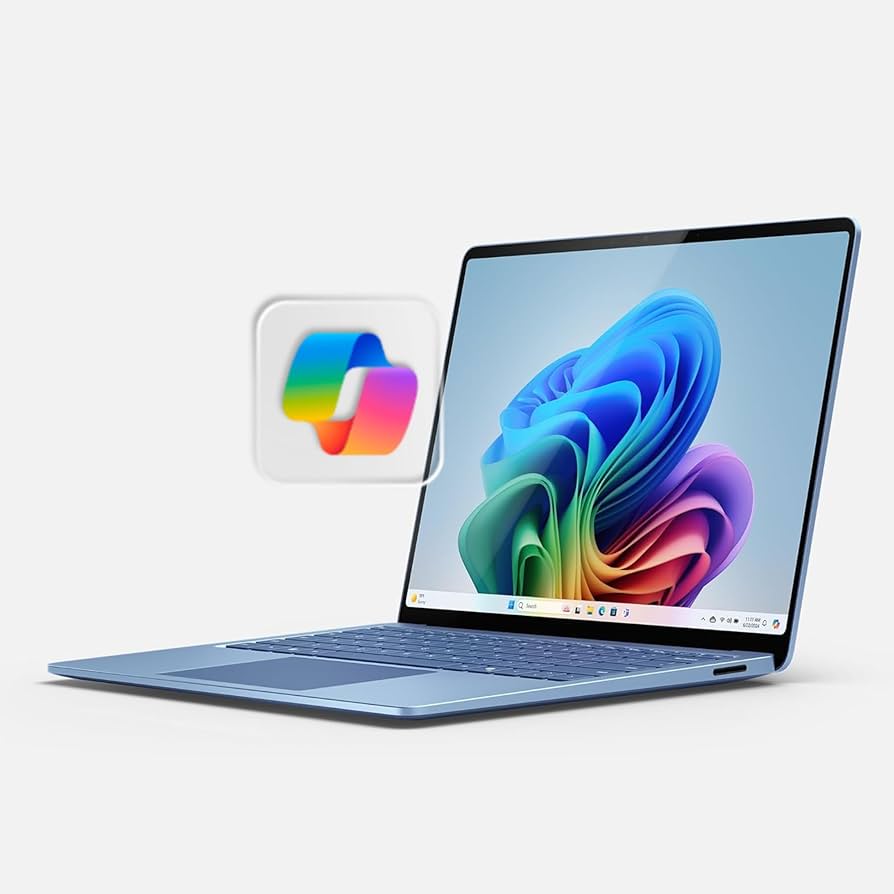
The Surface Laptop 7 combines a premium build, a smooth 120Hz touchscreen, and excellent battery life in a sub-3-pound design. The ARM-based processor can still stumble with some legacy Windows apps and most games.
Main limitation: Some legacy x86 Windows apps and most games do not run natively or smoothly on ARM.
Skip if: Skip it if you rely on specialized Windows software that has not been updated for ARM.
Compare key specs and features of all our recommendations side-by-side
| Product | Recommendation | Rating | Price |
|---|---|---|---|
Apple MacBook Air 13-inch M4 (2025) Rank #1 | 🏆 Top Pick | 9.4/10 | $999–$1,299 Check current price → |
Acer Aspire Go 14 (AG14-31P, 2025) Rank #2 | 💰 Budget Pick | 7.8/10 | $349–$499 Check current price → |
Lenovo ThinkPad X1 Carbon Gen 12 (2024) Rank #3 | ⭐ Editor's Choice | 9.0/10 | $1,399–$2,199 Check current price → |
ASUS Zenbook 14 OLED (UX3405, 2024) Rank #4 | — | 8.6/10 | $799–$1,099 Check current price → |
HP Spectre x360 14 (2024) Rank #5 | — | 8.5/10 | $1,149–$1,649 Check current price → |
ASUS Vivobook S 14 OLED (S5406, 2024) Rank #6 | — | 8.2/10 | $699–$899 Check current price → |
Microsoft Surface Laptop 7 13.8-inch (2024) Rank #7 | — | 8.7/10 | $999–$1,999 Check current price → |
Common questions buyers have about this category.
Most manufacturers consider anything under 3.5 pounds to be lightweight, while true ultraportables usually land between 2.2 and 3 pounds. The charger matters too: a 2.8-pound laptop with a bulky 1-pound power brick is less travel-friendly than its spec sheet suggests.
For general consumers, 16GB is the sweet spot for Windows and macOS in 2026 because it handles browser tabs, video calls, and basic photo editing without slowdowns. Choose 8GB only if your use is limited to email, documents, and light web browsing, and choose 32GB if you regularly run virtual machines or professional creative software.
The MacBook Air is an excellent lightweight laptop, but it runs macOS, so Windows-only applications require workarounds such as virtual machines or cloud PCs. If your daily software is Windows-native and cannot be replaced, a ThinkPad, Spectre, or Surface Laptop is a more practical choice.
Thin laptops have less room for cooling, so they can run warm and reduce performance during long video exports, gaming, or heavy multitasking. If you need sustained speed, look for a model with an efficient processor and a reputation for stable thermals, and accept that the lightest designs prioritize portability over maximum performance.
A 13- to 14-inch screen is the best compromise for most people because it keeps the laptop under three pounds while providing enough workspace for everyday tasks. Larger 15- and 16-inch models can still be light, but they are harder to use on a tray table or in a cramped coffee shop.
For most general consumers, yes: battery life, keyboard comfort, and display quality affect daily use more than benchmark scores. A laptop that lasts through a workday but feels slightly slower is usually more useful than a fast laptop that needs a charger by lunch.
If you need a laptop now and a current model meets your needs, buying a well-reviewed 2024 or 2025 ultraportable at a discount is often smarter than waiting. If you want the latest battery improvements or ARM performance, wait for independent reviews of 2026 models before committing.
Products we evaluated but did not recommend — and why.
