Get the App
Better experience on mobile
From budget-friendly to premium, these are the best ultraportables for travel, work, and everyday use.
The modern lightweight laptop no longer requires a sacrifice in performance. Thanks to advances in chip efficiency and thermal engineering, the best options around 2.5 to 3.2 pounds now deliver enough power for daily tasks, creative work, and even some light gaming. But with so many choices available, the real question is: which one will you actually be happy with six months from now?
After analyzing spec sheets and customer feedback from major retailers, we focused on key factors: weight (under 3.3 pounds), battery life, display quality, keyboard comfort, and real-world usability. We also considered how trustworthy the brand is for warranty and after-sales support. Pricing was taken from typical street price in early 2026, not sticker prices.
The picks below range from budget-friendly models under $800 to premium machines over $1,500, but all share one trait: they won't weigh you down during the workday. We've grouped them by use case, so you can quickly find the right fit for your lifestyle.
That said, there is no perfect laptop — every model makes trade-offs. We call out those limitations openly so you know exactly what you're getting into. If you need more than just a lightweight shell, read on to see which ones deserve a spot in your backpack.
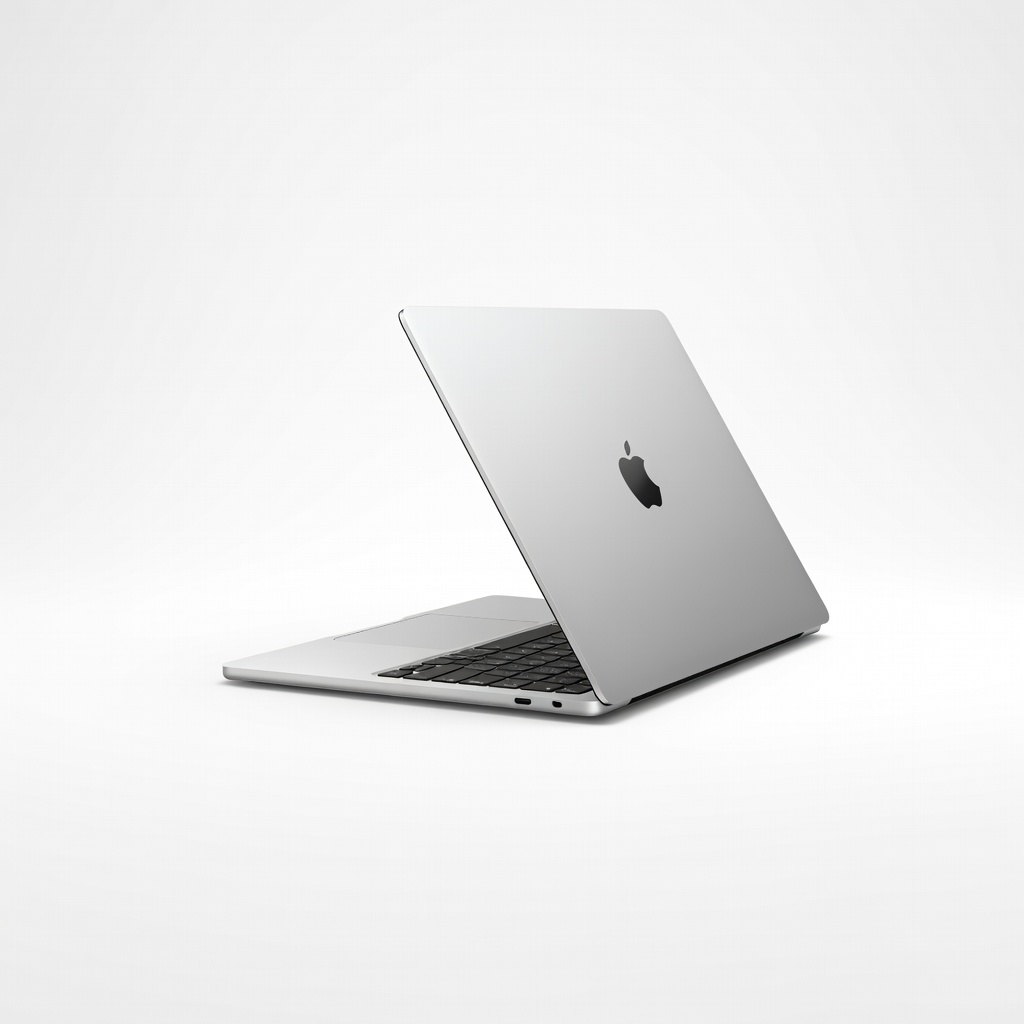
The MacBook Air M4 remains the gold standard for lightweight laptops, combining exceptional performance in a 2.7-pound chassis with all-day battery life. It's silent, runs cool, and the Liquid Retina display is gorgeous. The main trade-off is the price and limited port selection (only two USB-C ports).
Main limitation: The 13-inch model only supports one external display and has limited port selection.
Skip if: If you need Windows-specific software or want a touchscreen, this isn't the right fit.
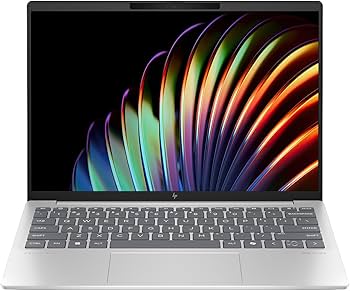
The HP Pavilion Aero 13 delivers genuinely thin-and-light design (under 2.2 pounds) at a price that won't break the bank. It's powered by AMD Ryzen 5/7 processors, and the 13.3-inch IPS display is bright and color-accurate for the price. The main trade-off is a plastic build and below-average webcam.
Main limitation: Build quality isn't as premium as aluminum competitors, and the base config includes just 8GB of RAM.
Skip if: If you prefer a premium metal shell or need 16GB+ RAM for multitasking, look elsewhere.
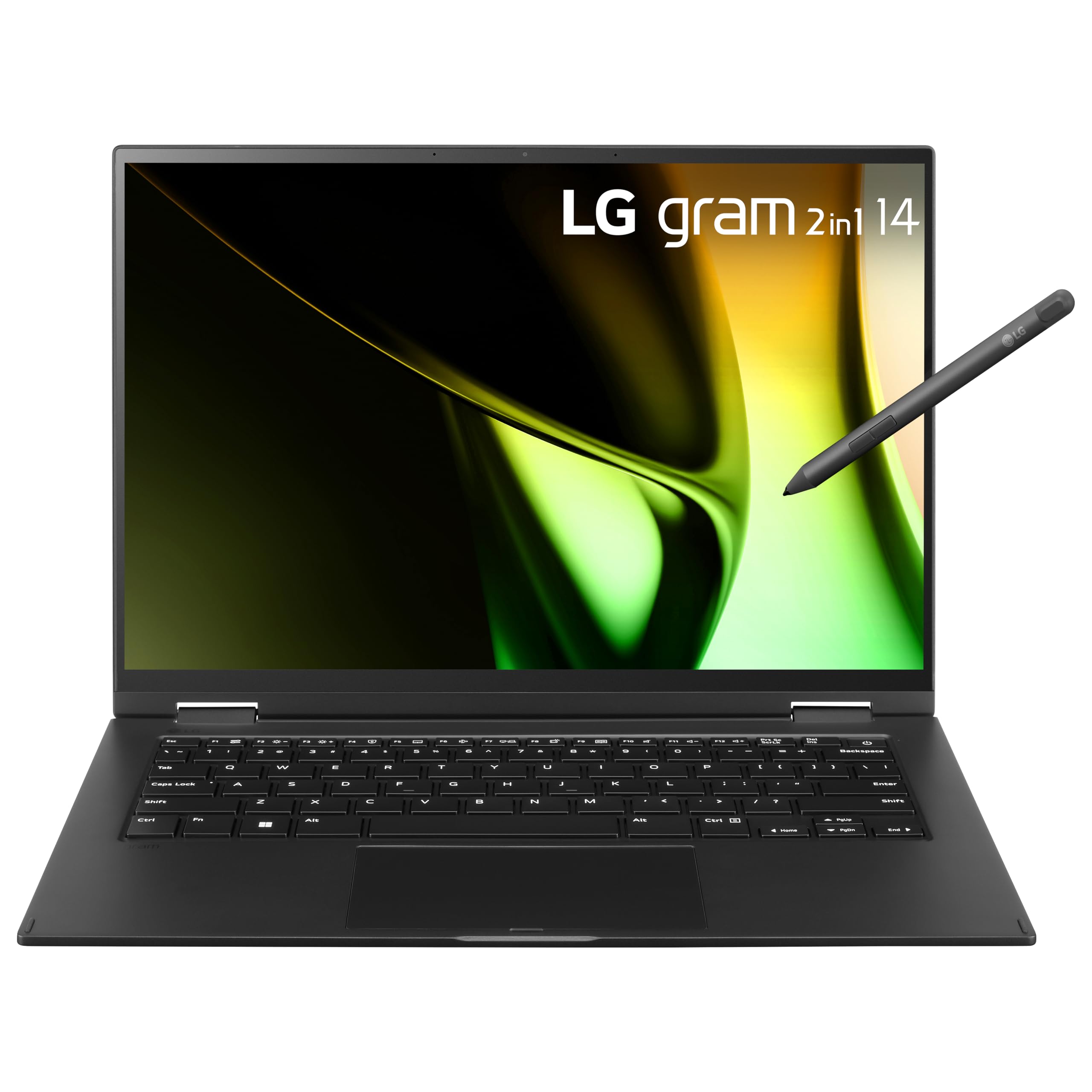
The LG Gram 14 is absurdly light for its size — just 2.2 pounds — yet packs a floor-to-ceiling 14-inch WUXGA+ display and a massive 72Wh battery in its magnesium-aluminum chassis. It's a champion for travelers who need a full keyboard and marathon battery life. However, the keyboard deck can flex under heavy typing, and the fan can occasionally spin up under load.
Main limitation: The chassis feels a bit flexy, and the included PCIe/NVMe SSD is a bit slow on base configs.
Skip if: If you need high processor speeds for intensive tasks or prefer a sturdier chassis, consider a ThinkPad.
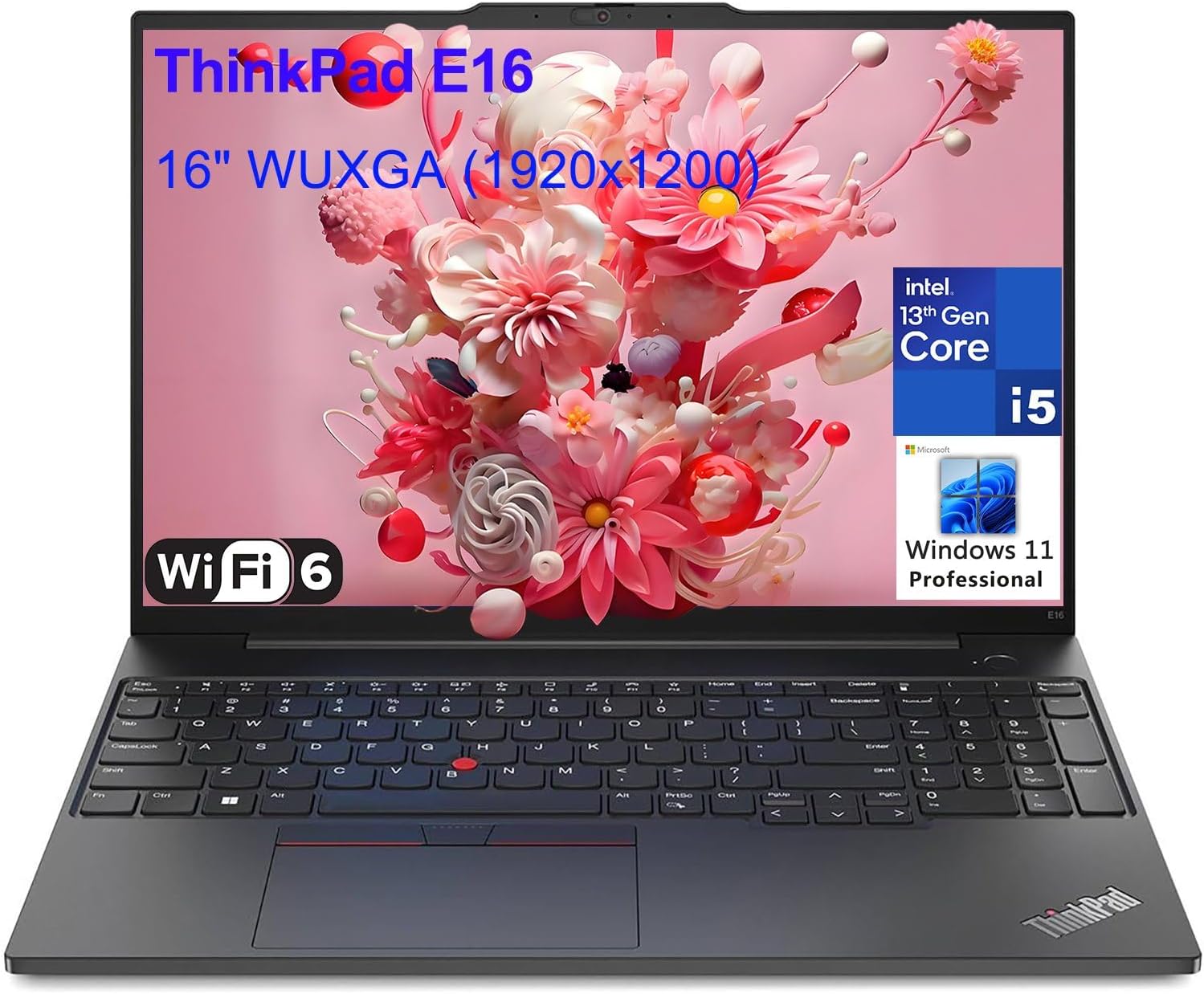
The ThinkPad X1 Carbon Gen 12 is the corporate traveler's companion: a 2.4-pound 14-inch ultrabook with the best keyboard in the industry and top-tier durability (MIL-SPEC tested). It's built around an Intel Core Ultra 7/9 CPU, supports up to 64GB RAM, and includes a 4G/5G option for on-the-go connectivity. The premium price and average battery life (compared to Apple) are its main compromises.
Main limitation: Battery life is average for the price, and the base config only has 16GB RAM (soldered).
Skip if: If you prioritize battery life over keyboard feel or need a macOS, this is not the way to go.
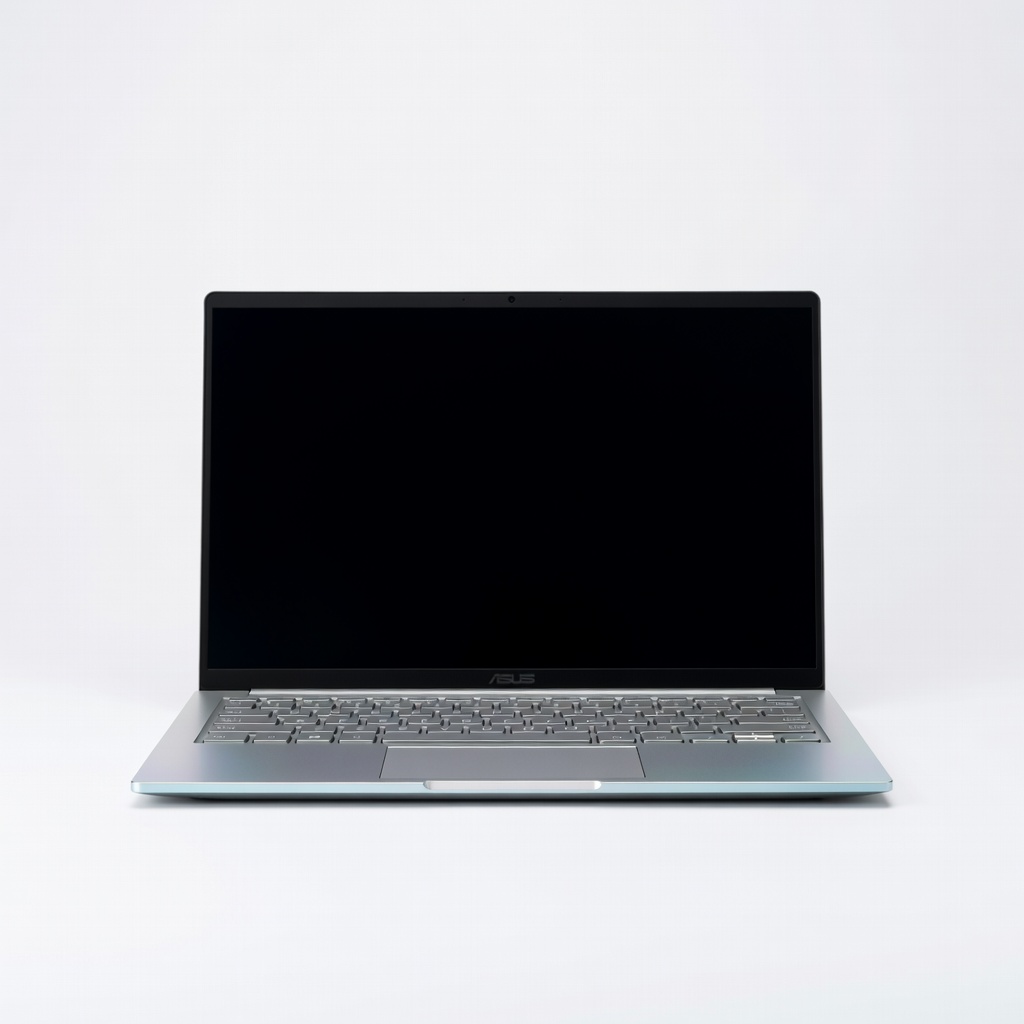
The ASUS Zenbook 14 OLED (UM3406) stands out with a gorgeous 14-inch 3K OLED panel that covers every color gamut with striking vibrancy, all in a 2.82-pound chassis. It's powered by AMD Ryzen 7 8840HS, so performance is snappy, and it includes plenty of ports, including HDMI 2.1 and a microSD slot. The trade-off is that the OLED panel can suffer from battery drain and potential burn-in for static images.
Main limitation: Battery life is okay but not class-leading, and the OLED is glossy and prone to reflections.
Skip if: If you work outdoors frequently or need a matte display, look for an IPS alternative.
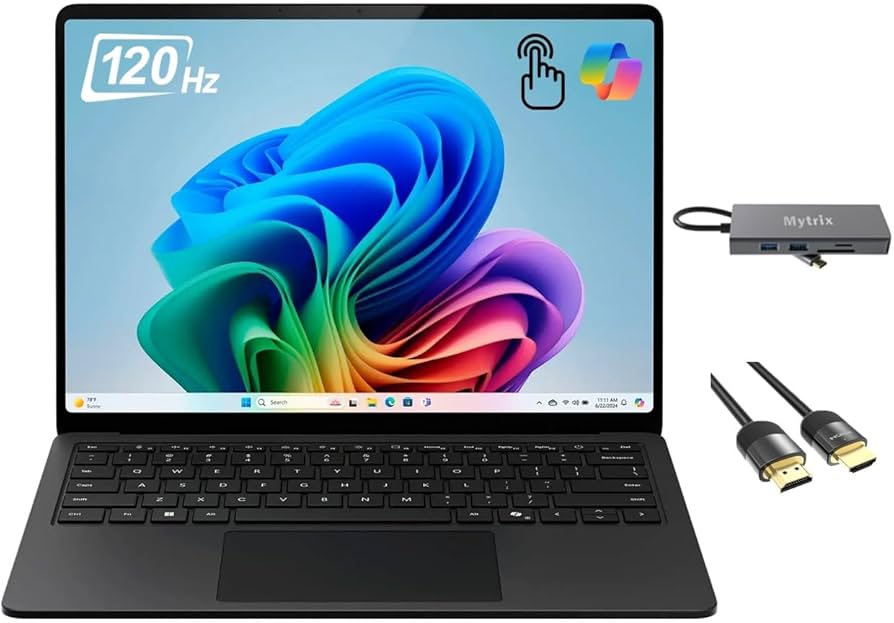
The Surface Laptop 7 for consumers is Microsoft's flagship ultraportable with a 13.8-inch PixelSense touchscreen that feels like glass, packed into a 2.96-pound body. The Snapdragon X Elite (or X Plus) delivers strong performance and all-day battery life, while the 3:2 aspect ratio and actual AI features make it great for productivity. However, it's not as fanless as Apple, and the SSD is user-replaceable but not easy.
Main limitation: Windows on ARM still has some compatibility gaps with legacy x86 apps.
Skip if: If you rely on legacy Windows applications or need a thinner/light-mid device, this isn't ideal.
The Samsung Galaxy Book4 Pro 14-inch cuts down to 2.75 pounds while offering a brilliant 3K AMOLED touchscreen and the same AI features as the Galaxy S25 phones. It's a superb choice if you're entrenched in Samsung's ecosystem, with Multi Control and Samsung Notes seamlessly syncing across devices. The trade-off is that the charging brick is slower than competitors, and the base model uses DDR5 soldered memory.
Main limitation: The 65W charger is not the fastest, and the keyboard is a bit shallow for some taste.
Skip if: If you're not a Samsung phone/tablet user, the AI features are lost on you.
Compare key specs and features of all our recommendations side-by-side
| Product | Recommendation | Rating | Price |
|---|---|---|---|
Apple MacBook Air M4 13-inch Rank #1 | 🏆 Top Pick | 9.3/10 | $1,099–$1,400 Check current price → |
HP Pavilion Aero 13 Rank #2 | 💰 Budget Pick | 8.0/10 | $749–$999 Check current price → |
LG Gram 14 Rank #3 | ⭐ Editor's Choice | 8.7/10 | $1,199–$1,499 Check current price → |
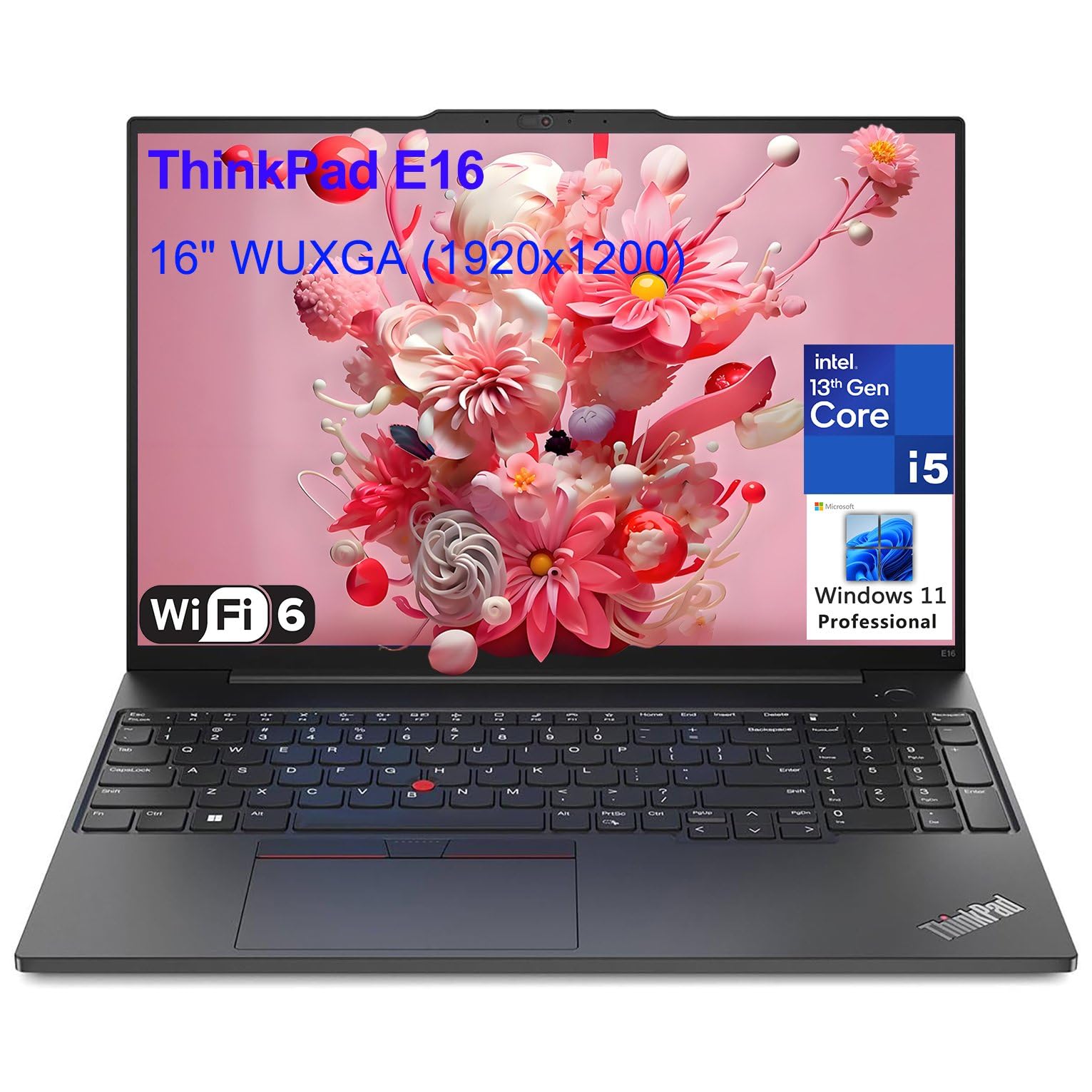 Lenovo ThinkPad X1 Carbon Gen 12 Rank #4 | — | 4.6 4.6 | $1,699–$2,400 Check current price → |
ASUS Zenbook 14 OLED UM3406 Rank #5 | — | 8.4/10 | $899–$1,199 Check current price → |
Microsoft Surface Laptop 7 13.8-inch Rank #6 | — | 8.5/10 | $999–$1,600 Check current price → |
Samsung Galaxy Book4 Pro (14-inch) Rank #7 | — | 8.2/10 | $1,249–$1,499 Check current price → |
Common questions buyers have about this category.
Generally, laptops under 3 pounds (1.36 kg) are considered lightweight or ultraportable. Some ultralights go under 2.2 pounds, but you often sacrifice ports, battery, and keyboard size. For most people, the sweet spot is 2.5-3.0 pounds, which offers plenty of screen and ports while still being easy to carry.
For everyday tasks like web browsing, streaming, and document editing, 8GB of RAM is the minimum, but 16GB is recommended for future-proofing and smoother multitasking. In terms of storage, 256GB is tight; 512GB is a safer baseline, especially if you plan to store photos or software.
Most modern ultraportables with efficient processors (like Apple M4 or Intel Core Ultra) are capable of 4K video editing, but they may throttle under sustained loads because of the slim chassis. If you do heavy editing, look for a model with a dedicated GPU or more powerful processor, and consider an OLED display for color accuracy.
It depends on your ecosystem. MacBooks tend to have better battery life and faster performance per watt, but Windows laptops offer more variety in terms of screen sizes, touchscreens, and budget options. If you rely on Windows-specific software, a Windows ultraportable is smarter; otherwise, MacBook Air is a safe bet.
Yes, but it varies. OLED panels can consume more power, and high-refresh-rate displays can reduce battery life. Look for laptops with large battery capacities (70Wh+) and efficient CPUs to get 10-15 hours of real-world battery life. The MacBook Air and LG Gram often achieve 15-20 hours in tests.
Ultralight laptops often sacrifice upgradeability (RAM is soldered), and they may have fewer ports (often USB-C only). Additionally, the thin chassis can lead to keyboard flex or thermal throttling during heavy loads. Consider a model with good thermal design if you plan to run demanding software.
Products we evaluated but did not recommend — and why.
