Get the App
Better experience on mobile
Get the best products related to our top picks
In 2023, laser engravers have revolutionized DIY crafting, small business prototyping, and professional customization, offering precise etching and cutting on materials like wood, metal, acrylic, glass, and leather. Choosing the right one matters because the market spans from affordable entry-level diode lasers under $200 to high-end fiber models exceeding $5,000, each suited to different skill levels, project scales, and budgets. A mismatched engraver can lead to frustrating limitations, such as insufficient power for metals or tiny work areas that restrict creativity, while the ideal model boosts efficiency and output quality.
Budget options prioritize accessibility for hobbyists, delivering basic engraving on non-metals with compact footprints and simple setups, but they often lack advanced safety or speed. Premium engravers, conversely, incorporate fiber technology for deep metal marking, AI-assisted features, and larger areas, ideal for commercial use but at a steep cost. This guide compares these approaches to help you navigate the trade-offs.
Readers will learn key features to evaluate, like laser power and spot precision; budget breakdowns from entry-level to pro; performance-price sweet spots; pitfalls to dodge; and detailed reviews of top models. We'll spotlight the LONGER Ray5 5W for versatile DIY value, ACMER S1 6W as a compact beginner's choice, Creality Falcon A1 10W for enclosed safety, the K15 Pro 10W for portable power, and xTool F2 Ultra 60W for industrial metal work. By the end, you'll confidently select an engraver that aligns with your needs, whether you're etching custom gifts or scaling a side hustle. (Word count: 278)
When selecting a laser engraver, focus on these 5-7 core specs to match your projects:
Laser Power (Watts): Measured in milliwatts or watts, this determines cutting depth and speed. Diode lasers (5-10W) handle wood and acrylic up to 3-5mm thick but struggle with metals; fiber lasers (60W+) excel at metal marking without preprocessing. For example, 5W suits light engraving, while 10W cuts faster.
Spot Size and Precision: Smaller spots (0.04-0.08mm) yield sharper details. The ACMER S1's 0.04mm spot outperforms the LONGER Ray5's 0.08mm for intricate designs on small items, reducing pixelation on text or logos.
Working Area: This is the engraving bed size, from 130x130mm for portable units to 400x400mm for larger projects. Compact areas like the ACMER S1 limit to jewelry, while the LONGER Ray5 accommodates A4-sized wood panels.
Speed (mm/min): Higher rates (up to 15,000mm/min) mean quicker jobs. The xTool F2 Ultra's 15,000mm/min crushes the K15 Pro's 10,000mm/min for production runs, but slower speeds suffice for hobbyists.
Safety Features: Enclosed designs with interlocks (e.g., Creality Falcon A1) prevent eye exposure; air assist reduces smoke. Class 1 certification ensures compliance, vital for home use versus open-frame models like the LONGER Ray5.
Software and Connectivity: Compatibility with LightBurn or xTool Creative Space enables offline use and advanced editing. Touch screens (LONGER Ray5's 3.5") simplify operation over app-only controls.
Material Compatibility: Diode engravers work on organics; fiber like xTool F2 adds 100+ metal colors. Check for add-ons like rotary attachments for cylinders.
Laser engravers tier by price, reflecting power, build, and extras:
Entry-Level ($150-$250): Basic diode models like the ACMER S1 ($151.99) or LONGER Ray5 ($190.54) offer 5-6W power, small-to-medium areas (130-400mm), and DIY assembly. You get reliable engraving on wood/acrylic for casual use, but expect manual focusing and basic software. Ideal for beginners testing the waters without commitment.
Mid-Range ($250-$500): Units like the K15 Pro ($229.99) or Creality Falcon A1 ($466) bump to 10W, enclosed safety, and air assist for cleaner cuts on thicker materials. Larger areas and cameras (Falcon's HD positioning) enhance usability, justifying the jump for semi-pros handling varied projects.
Premium ($1,000+): High-end like xTool F2 Ultra ($5,499) features 60W fiber lasers, AI 3D scanning, dual cameras, and ultra-speed for metal/commercial work. You gain durability, color options, and scalability, but the cost suits businesses—not hobbyists. Factor in ongoing expenses: diodes last 10,000+ hours; fibers up to 100,000.
Overall, allocate 20% extra for accessories (lenses, exhaust fans) and software ($50-100).
The sweet spot lies in mid-range 10W diodes ($200-400), balancing power, precision, and affordability. For instance, the K15 Pro at $229.99 delivers 10W output and 10,000mm/min speed, engraving metals lightly and cutting 5mm wood—outpacing budget 5W models like ACMER S1 without premium bloat. It handles 80% of hobby/prosumer needs at half the Falcon A1's cost, which adds enclosure but similar core performance.
Budget picks like LONGER Ray5 offer 90% of entry performance for $190, but falter on speed (10,000mm/min max) versus pricier options. Premium xTool F2 justifies expense only for metal-heavy workflows, engraving stainless steel in colors at 15,000mm/min—3x faster than mid-tier. ROI analysis: Hobbyists recoup via custom sales in months; pros in weeks. Prioritize if your volume exceeds 20 jobs/month.
Overlooking Ventilation: Lasers produce fumes; skipping exhaust (e.g., with open-frame LONGER Ray5) causes health risks and residue buildup. Always pair with a 50CFM fan.
Ignoring Material Limits: Diode engravers like ACMER S1 can't deeply cut metals—attempting it warps lenses. Test samples first; fiber for metals only.
Neglecting Eye Safety: Class 4 lasers (most diodes) require 405-450nm goggles. Buying cheap knockoffs leads to injury; verify OD6+ rating.
Underestimating Software Learning Curve: Free apps work, but incompatible files (e.g., SVG only) waste time. Invest in LightBurn for all models reviewed.
Choosing Based on Power Alone: 10W isn't always better—spot size matters more for detail. The Creality Falcon's enclosure trumps raw power for safe home use.
Our top 3:
ACMER S1 ($151.99): Best for absolute beginners or portable engraving. Ultra-compact and precise (0.04mm spot), it's ideal for small-scale hobbyists on wood/acrylic who want quick setup without bells and whistles.
LONGER Ray5 5W ($190.54): Top value for DIY enthusiasts. With a 400x400mm area and touch screen, it suits versatile home projects on multiple materials, offering more workspace than budget rivals at a low price.
xTool F2 Ultra ($5,499): For professional metalworkers. Its 60W fiber and AI features excel in high-volume, colorful engravings, perfect for businesses needing speed and precision beyond diode capabilities. (Word count: 742)
A laser engraver uses a focused beam to etch designs into surfaces by vaporizing or discoloring material, typically to a depth of 0.1-1mm, without fully cutting through. In contrast, a laser cutter slices completely through materials like wood or acrylic, often requiring higher power (40W+ for CO2 types). Most 2023 models reviewed here, like the LONGER Ray5 or ACMER S1, are diode engravers that handle light cutting (up to 5mm wood at 10W), but they're optimized for marking. Fiber engravers like xTool F2 excel at surface-level metal etching with color variations. For hobbyists, start with a hybrid like K15 Pro; pros may need separate tools. Always match to materials—diodes for organics, fiber for metals—to avoid damage.
Diode lasers in these models (5-10W) are generally Class 4, meaning direct beam exposure can cause eye damage, but enclosed options like Creality Falcon A1 mitigate risks with Class 1 certification and interlocks. Open-frame units (LONGER Ray5, ACMER S1) require 405nm-rated goggles (OD6+), a fire-resistant workspace, and ventilation to handle fumes/acrolein from plastics. The K15 Pro's Class 1 adds portability safety. Avoid reflective surfaces and never leave unattended. Premium xTool F2 includes auto-shutoff. For homes, prioritize enclosed models; budget ones need $20-50 add-ons for fans/goggles. Check local regs—some areas restrict >5W without licensing.
Diode lasers (e.g., 5-10W in ACMER S1, Creality Falcon) are compact, affordable ($150-500), and best for non-metals like wood/acrylic, using 450nm blue light for 0.04-0.08mm spots. They're entry-level but limited on reflective metals. CO2 lasers (not in this list, typically $500+) use infrared for thicker cuts (10mm+) on organics but need larger setups. Fiber/MOPA (xTool F2's 60W) pulses at 1064nm for precise metal marking, enabling colors on aluminum/steel without prep—ideal for pros but pricey ($5,000+). For 2023, diodes dominate budgets; fiber for metal-focused work. Hybrid use: Diode for prototypes, fiber for finals.
Annual costs range $20-100 for hobby models, scaling with use. Clean lenses weekly


Compare key specs and features of all our recommendations side-by-side
| Product | Recommendation | Rating | Price |
|---|---|---|---|
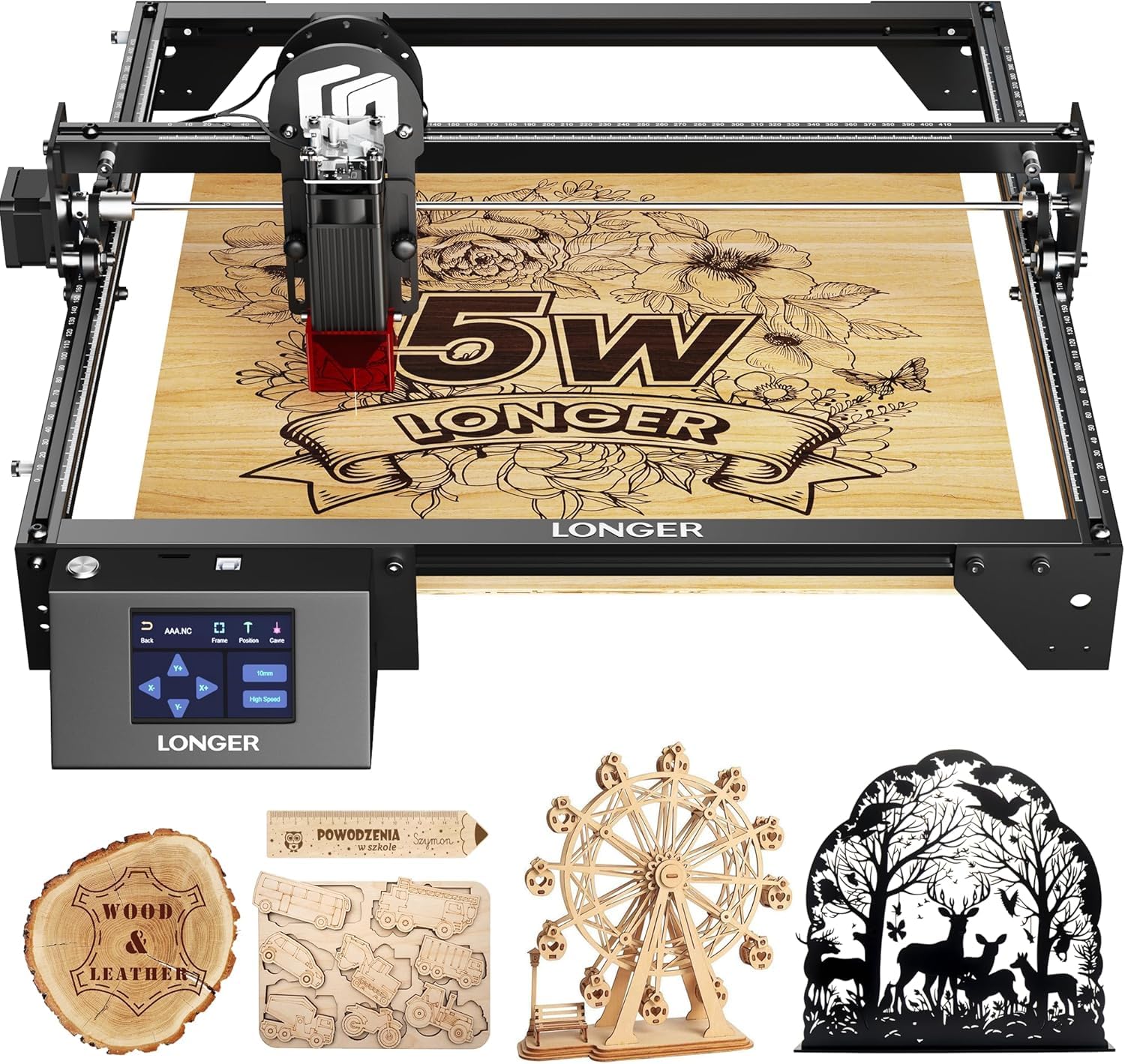 LONGER Laser Engraver Ray5 5000MW Higher Precision DIY Laser Engraving Machine for Wood Metal Acrylic Glass Leatherwith 3.5" Touch Screen, 400x400mm,0.08mm Laser Spot 10000mm/min 5w Rank #1 | 🏆 Top Pick | 5.0 5.0 | |
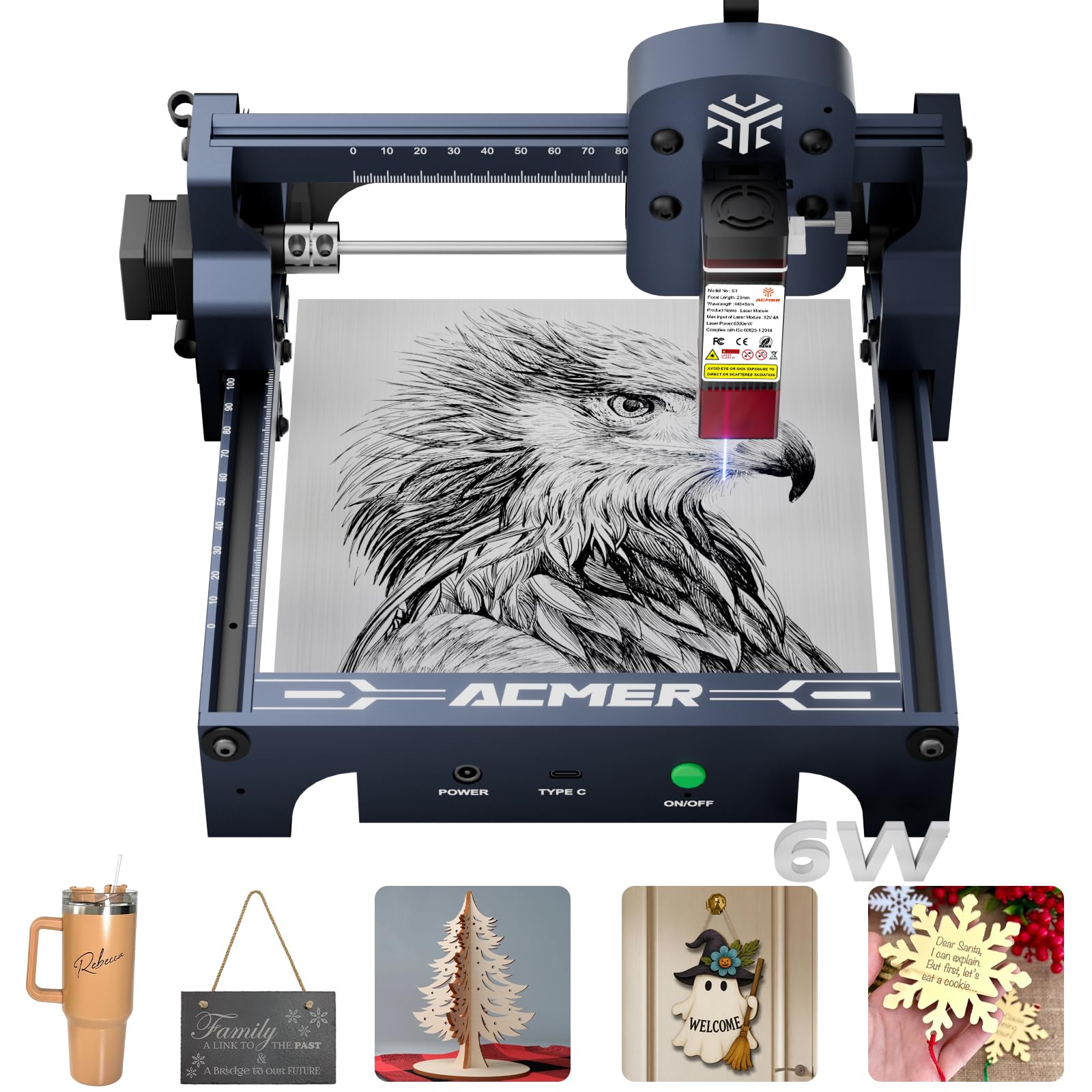 ACMER S1 Laser Engraver, 6000mW Laser Engraver Machine Higher Accuracy Wood Cutter and Engraving Machine with Working Area 130x130mm,0.04mm Laser Spot for Wood Acrylic Metal Glass S1-6W Rank #2 | 4.9 4.9 | ||
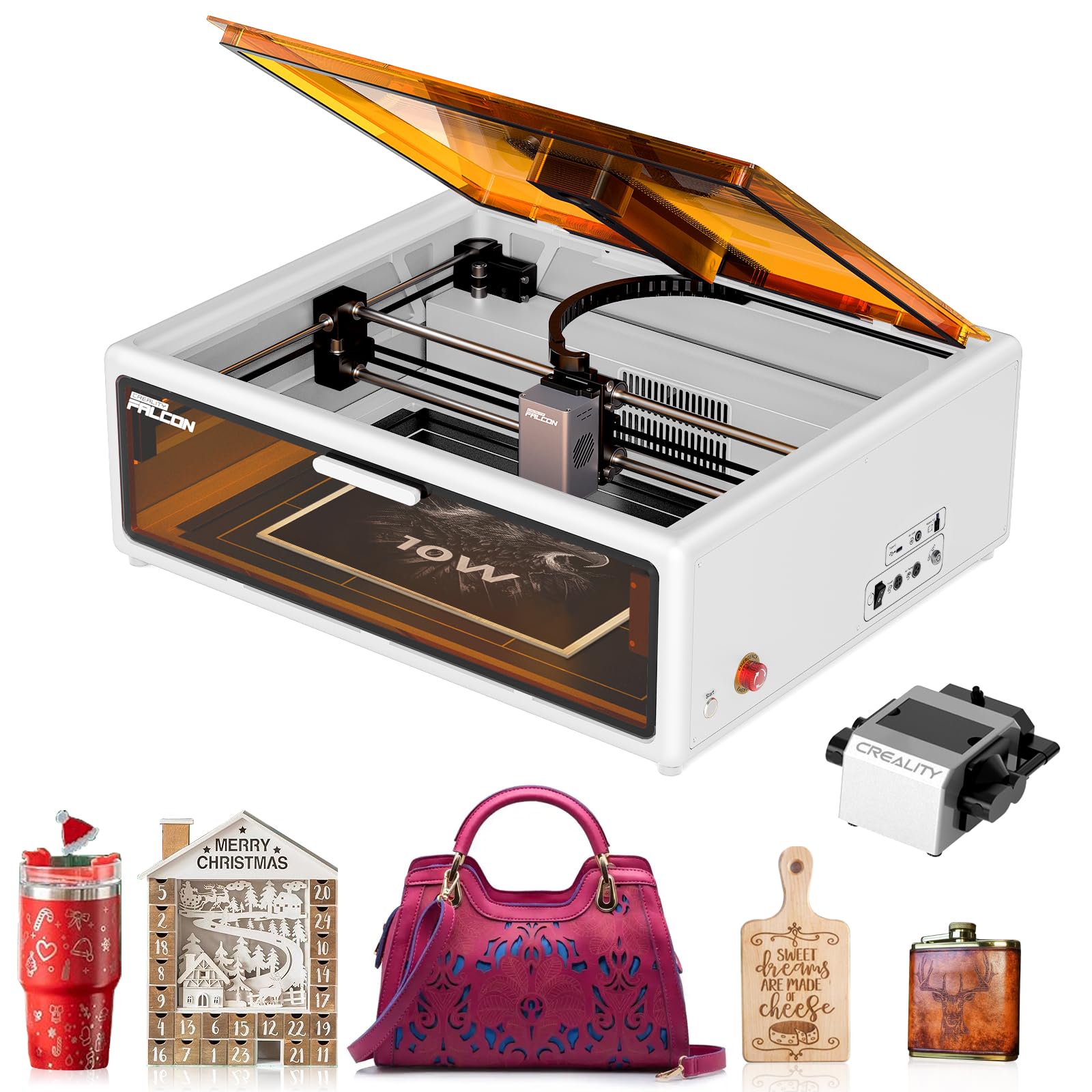 Creality Falcon A1 10W Laser Engraver, Enclosed Laser Cutter with Air Assist, HD Camera Positioning, Beginner-friendly, Class 1 Safety Engravering Machine for Wood and Metal, Acrylic(White) Falcon A1 10W-White Rank #3 | — | 3.9 3.9 | |
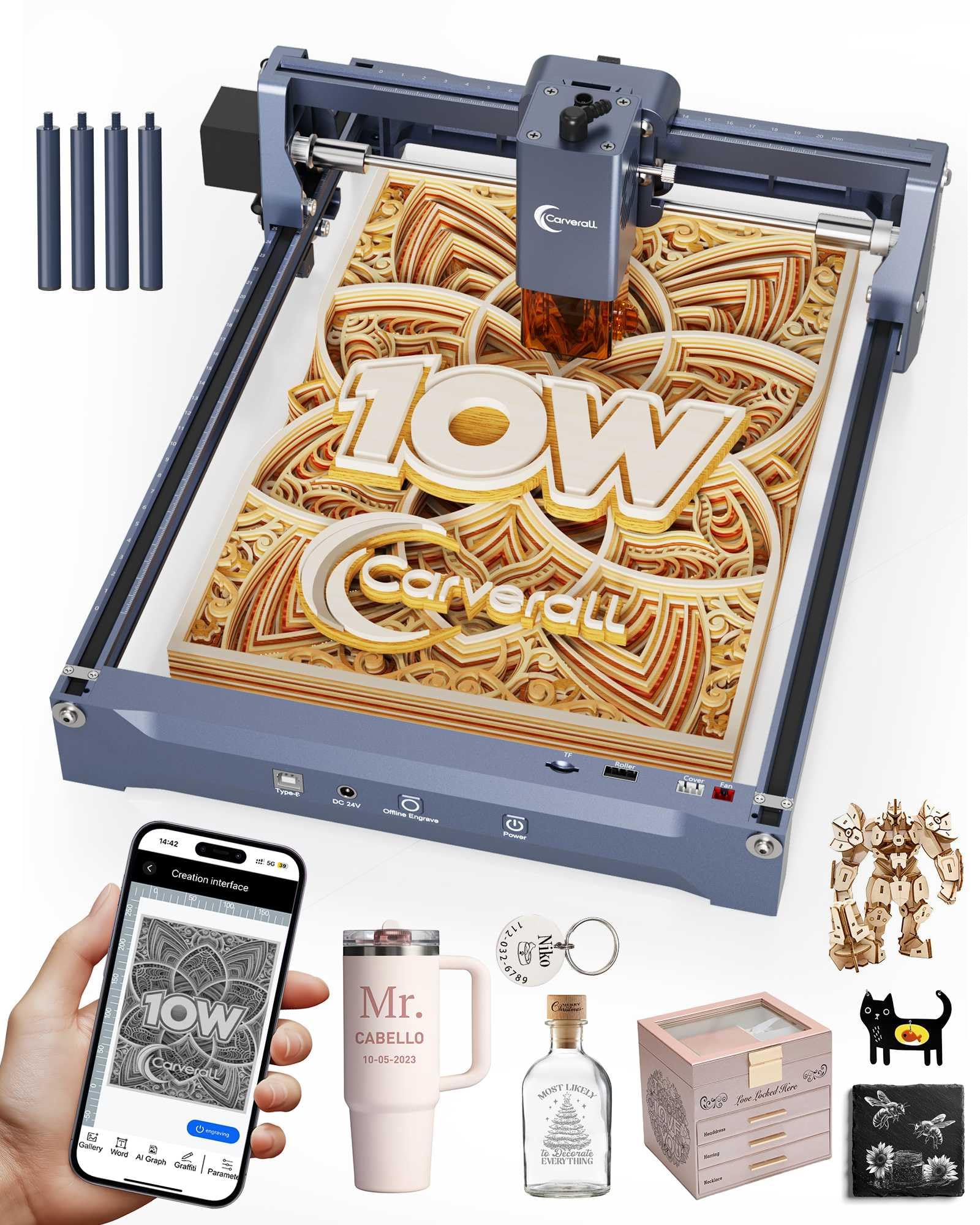 Laser Engraver 10W Laser Engraving Machine for Wood Metal Acrylic Glass Stone, Powerful DIY CNC Portable Laser Cutter 7.9" x 11.8" (Near A4) Offline Engraving Carverall K15 Pro, 10000mW, Class 1 Rank #4 | — | 4.7 4.7 | |
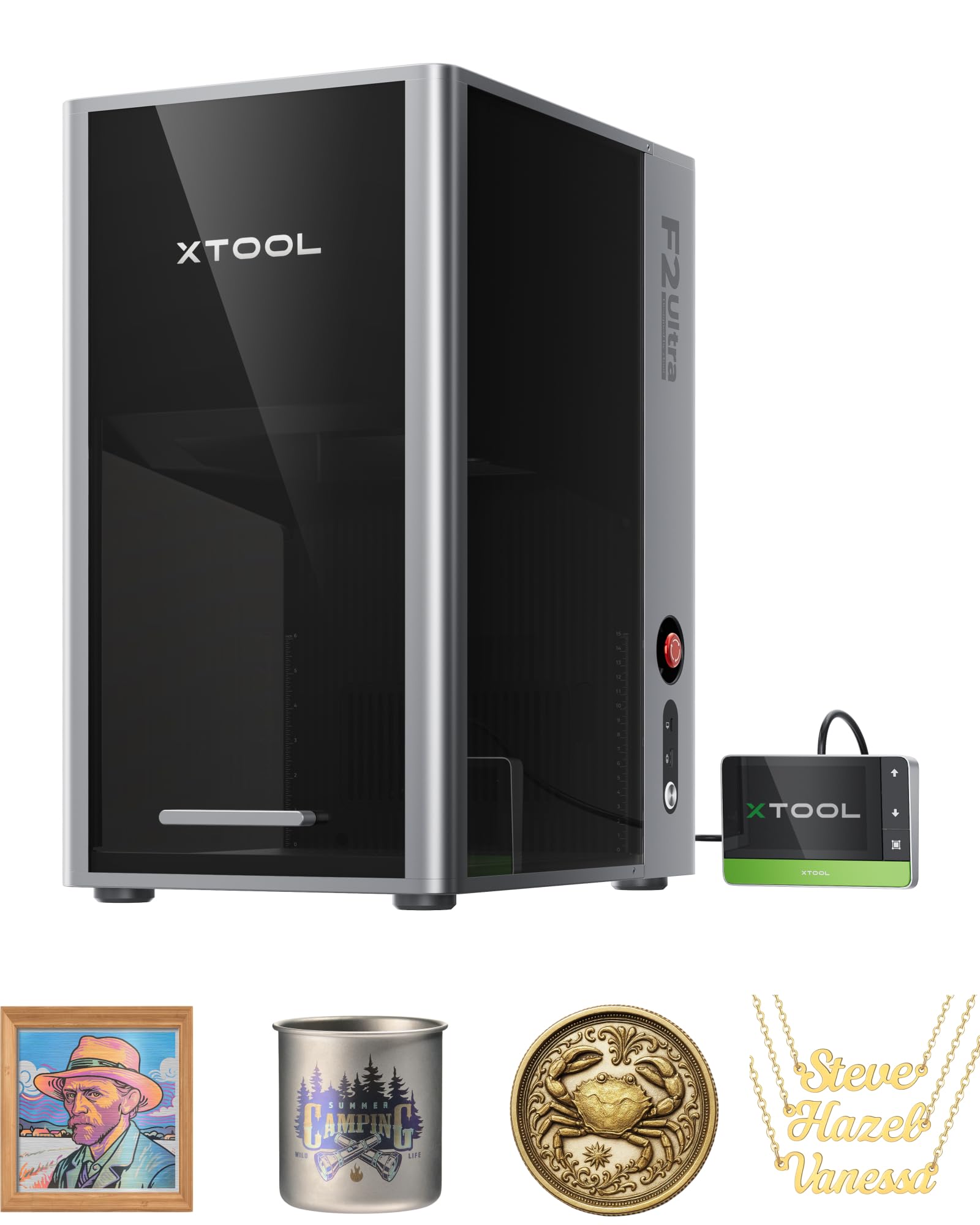 xTool F2 Ultra Single 60W MOPA Fiber Laser Engraver, 100+ Color Metal Engraving, Dual 48MP Cameras, Auto Streamline, 15,000mm/s Ultra-Fast, AI Powered 3D Laser Engraving Machine Single Laser (60W MOPA) Rank #5 | 💰 Budget Pick | 4.4 4.4 |
