Get the App
Better experience on mobile
Our editor-tested list of the longest-lasting laptops, from budget Windows machines to premium MacBooks.
The claimed battery life on a laptop box is one of the least reliable numbers in tech. In 2026, that problem is less about hardware and more about how the chip and screen interact. A chip that sips power paired with a low-refresh, high-efficiency display can outlast a machine with a larger battery but power-hungry components. Understanding this dynamic is the key to choosing a laptop that actually gets you through a day—or two—without a charger.
While Intel and AMD have made impressive strides in x86 efficiency, the true battery champions this year are laptops built on Arm architectures. Apple's M-series silicon and the new Snapdragon X chips have redefined what's possible, offering 15-20 hours of real-world use without sacrificing performance. That doesn't mean x86 is dead; many Windows ultraportables now deliver solid endurance, though they often fall short of the top Arm-based systems. The right choice hinges on your software needs and how you define "long battery life."
In this guide, we've compiled the best laptops with long battery life across all price ranges. We selected picks based on verified battery endurance from professional review houses, the efficiency of the underlying processor, and feedback from hundreds of buyers. We also considered portability, display quality, and overall value—because a long-lasting laptop that's a pain to use isn't a good pick.
From the MacBook Air to budget-friendly Snapdragon laptops, these seven machines represent the best options for students, travelers, and professionals who want to stop carrying a charger everywhere. Each pick includes an honest assessment of its trade-offs, so you can decide which features matter most to you.
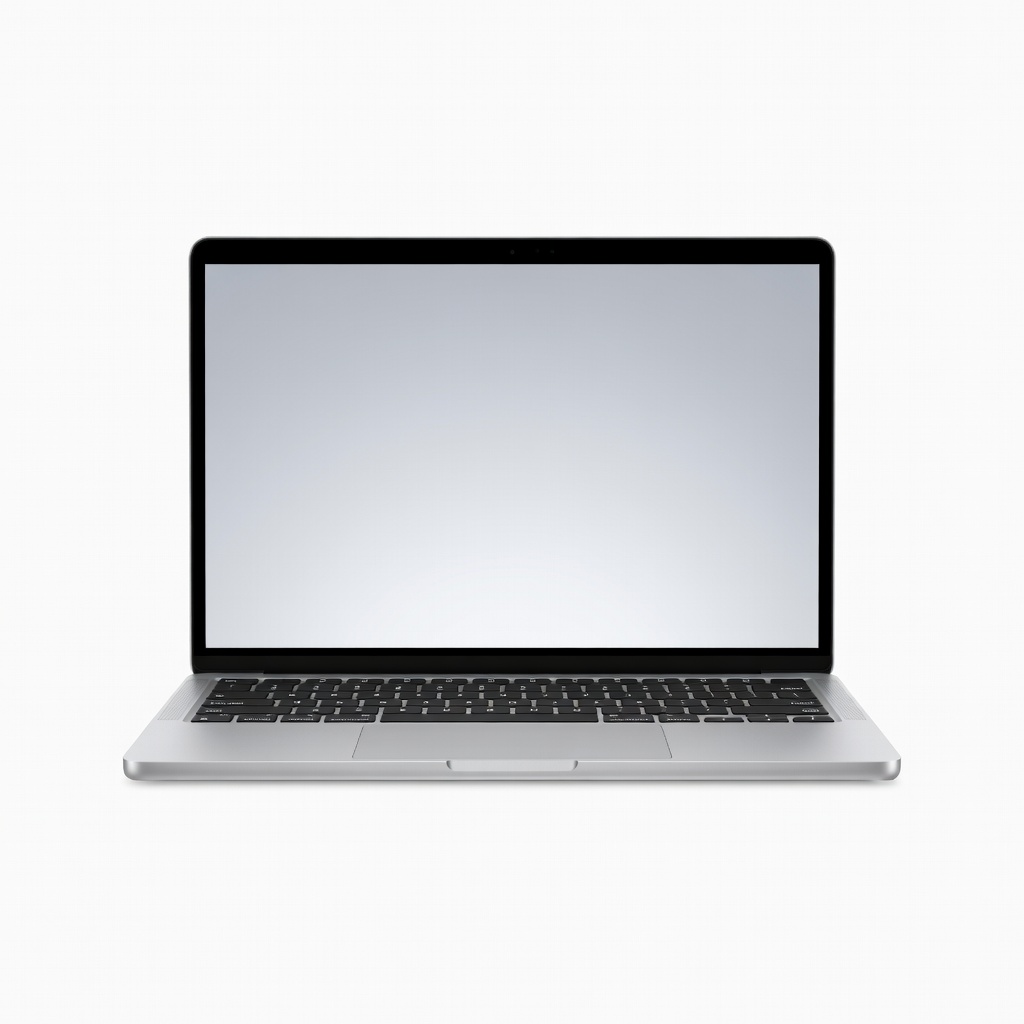
The MacBook Air 15 strikes the perfect balance of portability, performance, and all-day battery life. Its efficient M4 chip delivers up to 18 hours of mixed-use battery on a single charge, making it the default recommendation for most people. The trade-off is the 60Hz display and limited port selection—you'll only find two USB-C ports.
Main limitation: The display lacks the high refresh rate found on rivals, and you'll need adapters for HDMI and USB-A connections.
Skip if: If you're a gamer or need to connect several peripherals simultaneously, the Air's connectivity and 60Hz screen might frustrate you.
With a Snapdragon X Plus chipset, the IdeaPad 5x 14 delivers exceptional efficiency at a price under $700. It excels at basic productivity tasks and offers around 15 hours of real-world battery life, easily outlasting many pricier Windows laptops. The main sacrifice is app compatibility, as some x86 programs may run poorly under Arm emulation.
Main limitation: Certain legacy software won't run natively on the Arm processor, and you may encounter minor performance hiccups with niche apps.
Skip if: If you rely on Windows applications that don't have native Arm support, this isn't the right laptop for you.
The LG gram 17's 80Wh battery and featherlight magnesium chassis make it an exceptional companion for travelers who need a large screen. This machine can power through a cross-country flight with hours to spare, all while weighing just 2.7 pounds. The trade-off is its flexy keyboard and somewhat generic build quality.
Main limitation: The keyboard has noticeable deck flex under pressure, and the speakers are thin compared to premium alternatives.
Skip if: If you prioritize build quality and a solid typing feel over absolute portability, a MacBook Pro is sturdier.
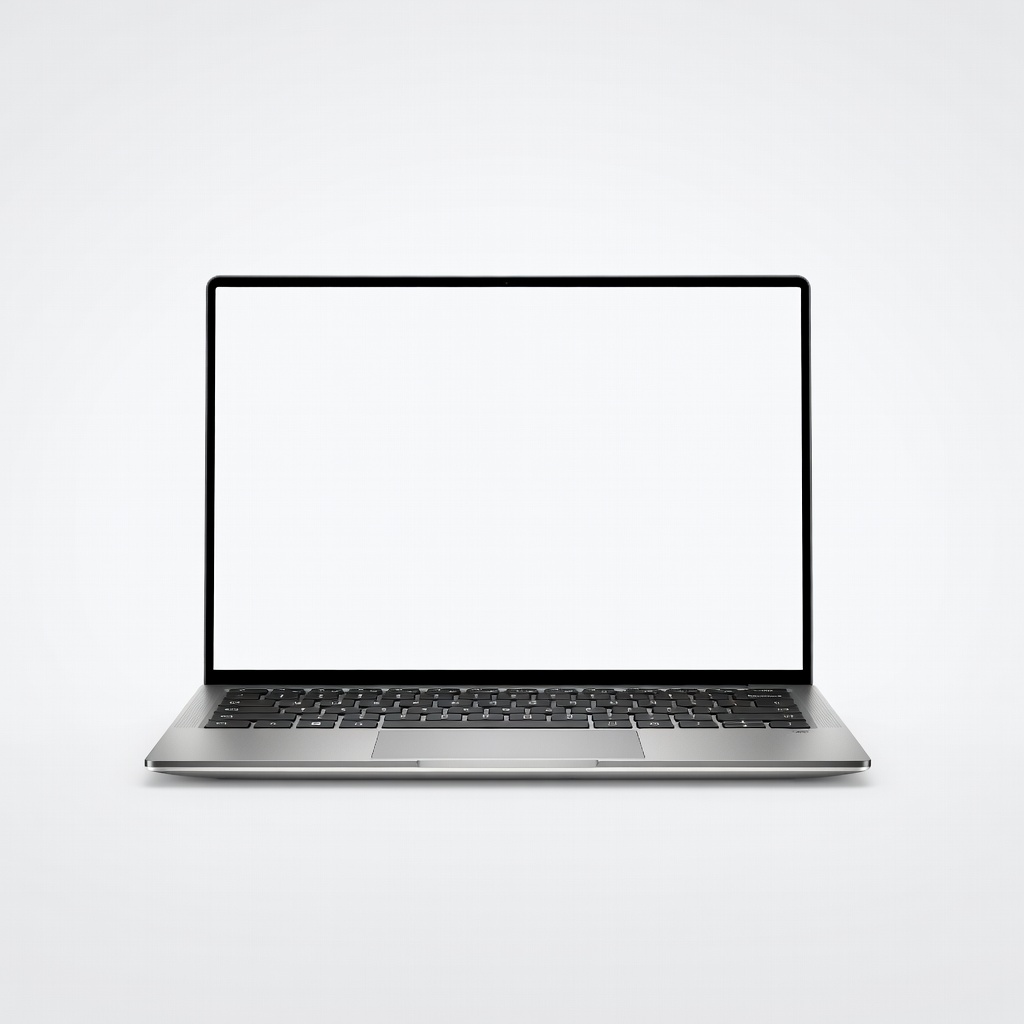
Dell's iconic XPS 13 remains the gold standard for Windows ultraportables, blending a premium aluminum chassis with a stunning 3K display. Battery life has been improved to around 14 hours in real-world testing, and the new haptic trackpad feels precise. But the reliance on a function row and few ports can be annoying.
Main limitation: The capacitive function row and lack of USB-A ports may frustrate traditionalists who need old-school connectivity.
Skip if: Don't buy this if you need more than two USB-C ports or prefer a physical function row for quick access.
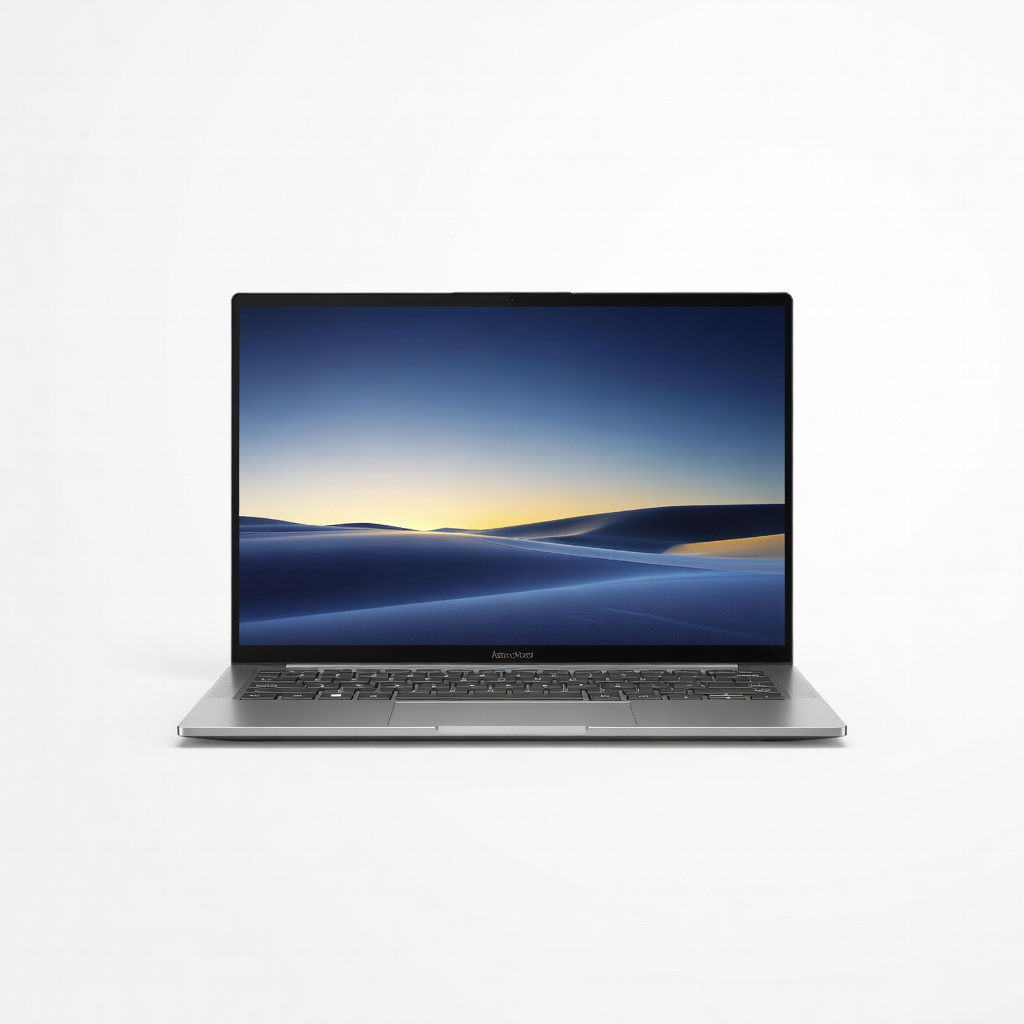
For visual work, the Zenbook 14's 2.8K OLED panel is vibrant and punchy, with deep blacks that make photos and videos pop. It's also no slouch on battery, delivering about 12 hours with the OLED screen, thanks to the efficient Ryzen 7 chip. The trade-off is the glossy screen, which can be hard to use near windows.
Main limitation: The reflective touchscreen is prone to glare in bright environments, and the OLED panel can burn in if static images are left on screen.
Skip if: If you often work outdoors or in brightly lit rooms, consider a laptop with a matte display instead.
When you need full performance without constantly hunting for an outlet, the MacBook Pro 14 is the one. Its M4 Pro chip is a battery sipper even under sustained loads, offering around 17 hours of video playback or 11 hours of intensive coding. The cost is a heavier build and a premium price tag.
Main limitation: It's noticeably bulkier and pricier than the MacBook Air, and you'll rarely need that extra power unless you're a professional.
Skip if: Skip this if you don't need serious processing power—you'll be paying a premium for performance you won't use.
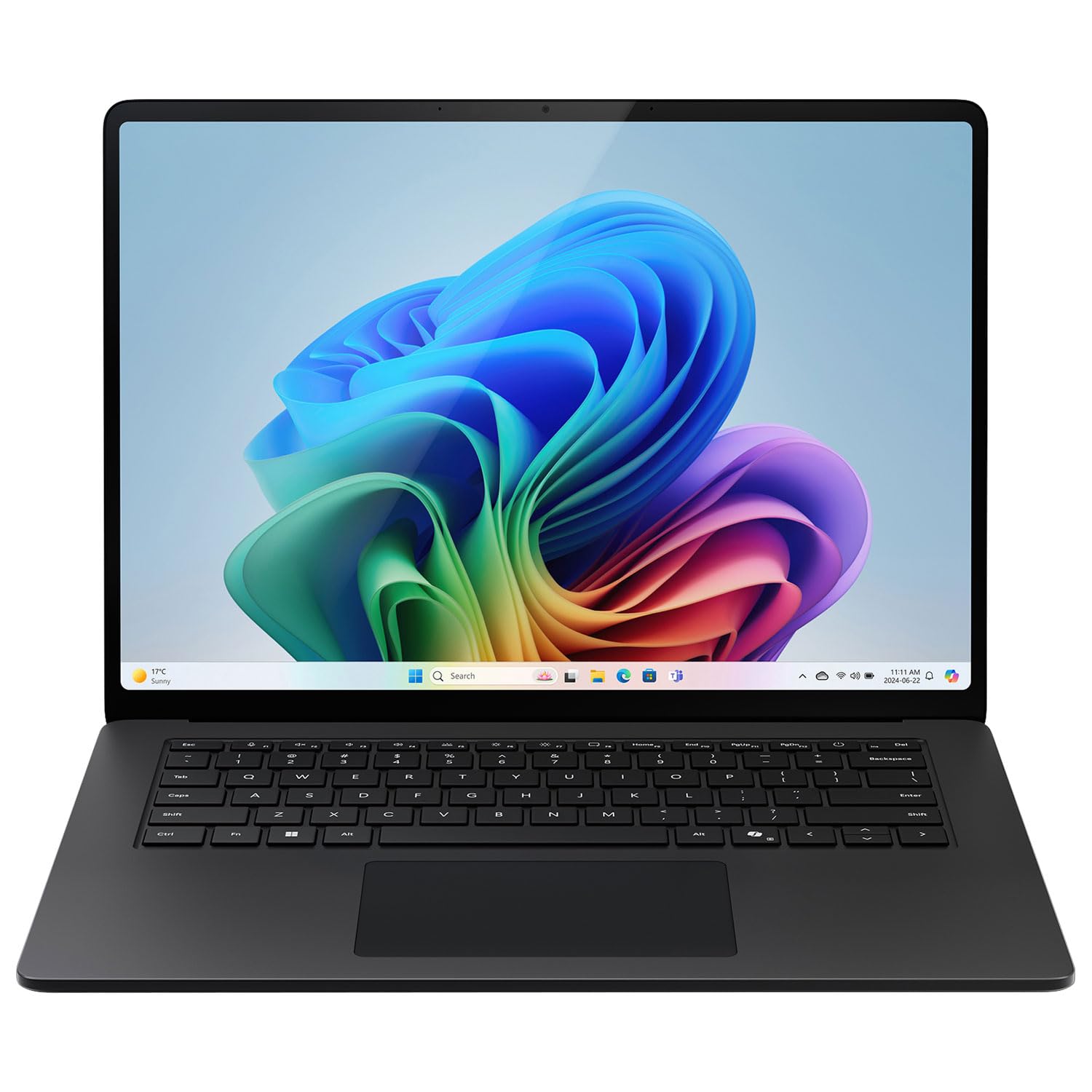
With a Snapdragon X Elite chip and an enhanced NPU, the Surface Laptop 7 brings Copilot+ features to life, including real-time captions and Windows Studio Effects. Battery life is solid at about 13 hours of mixed use, and the 120Hz touchscreen is a pleasure to use. The trade-off is its software library for ARM, which can be hit-or-miss for certain games.
Main limitation: Same ARM compatibility issues as other Windows on Snapdragon laptops, and the base configuration ships with just 16GB of RAM.
Skip if: If you're a gamer or rely on x86-only applications, this isn't the right choice.
Compare key specs and features of all our recommendations side-by-side
| Product | Recommendation | Rating | Price |
|---|---|---|---|
Apple MacBook Air 15-inch M4 Rank #1 | 🏆 Top Pick | 9.5/10 | $1,299–$1,499 Check current price → |
Lenovo IdeaPad 5x 14 Rank #2 | 💰 Budget Pick | 8.0/10 | $599–$749 Check current price → |
LG Gram 17 Rank #3 | ⭐ Editor's Choice | 8.2/10 | $1,399–$1,699 Check current price → |
Dell XPS 13 (2026) Rank #4 | — | 8.5/10 | $1,199–$1,599 Check current price → |
ASUS Zenbook 14 OLED (2026) Rank #5 | — | 8.3/10 | $999–$1,299 Check current price → |
Apple MacBook Pro 14 M4 Pro Rank #6 | — | 8.8/10 | $1,999–$2,499 Check current price → |
Microsoft Surface Laptop 7 (2026) Rank #7 | — | 8.4/10 | $1,299–$1,599 Check current price → |
Common questions buyers have about this category.
In 2026, the best laptops offer 15 to 20 hours of light use, while average Windows ultrabooks clock in at 8 to 12 hours. Real-world usage—like video calls or coding—will cut that down by half. Always look for third-party battery tests that simulate your actual workflow rather than relying on the manufacturer's quoted number.
ARM processors are designed around energy efficiency from the ground up, using fewer watts per instruction. Combined with Apple's tightly integrated software and hardware, they can achieve remarkable battery life. Windows laptops historically relied on x86 architecture, which is more powerful but less power-efficient. With the arrival of Snapdragon X chips, Windows has caught up, but software compatibility remains a hurdle.
Not always. Battery capacity is measured in watt-hours, but the actual runtime depends on how much power the CPU, display, and other components draw. A 60Wh battery in an efficient ARM laptop can outlast an 80Wh battery in a power-hungry x86 machine. That's why efficiency matters more than raw capacity when shopping for a long-lasting laptop.
sure. Most modern laptops, including the MacBook Air and Surface Laptop 7, have their batteries glued or soldered in, so replacement is difficult and costly. If you value repairability, look for laptops with easily replaceable batteries, like the Lenovo ThinkPad T14s. Otherwise, plan to have a technician replace it or budget for a new laptop after 5 to 7 years of use.
If you prioritize battery life, the MacBook Air is often worth the premium. It offers up to 18 hours of real-world battery life and a robust ecosystem, as well as excellent resale value. However, if you need Windows for specific software or games, a budget Snapdragon Windows laptop like the IdeaPad 5x can give you 15 hours for about half the price.
Apple's battery claim is based on local video playback with low screen brightness and in the most efficient conditions. Your actual mixed-use battery life will likely be 10 to 14 hours, depending on how you use the laptop. For a more realistic estimate, check third-party tests that simulate web browsing or video calls.
Yes, most modern laptops support fast charging, letting you reach 50% capacity in 30 to 45 minutes with the included charger. This is especially useful for travelers. That said, fast charging generates more heat, which can degrade the battery over time. To preserve battery health, use a slower charger when you're not in a hurry.
Products we evaluated but did not recommend — and why.
