Get the App
Better experience on mobile
Our editor's picks for the most battery-efficient laptops, from budget ultrabooks to premium MacBooks.
Battery life is the most misleading spec in laptops. Manufacturers advertise numbers based on a 720p video playback loop with Wi-Fi off and brightness at 50%—conditions few of us actually work in. In real life, a laptop that claims 15 hours might only give 8 or 9 when you're juggling Chrome, Slack, and Spotify. That's why we've curated this list using not just manufacturer claims, but independent battery tests from major review sites that simulate web browsing, video streaming, and multitasking.
The key to true all-day battery comfort lies in three things: the processor's power efficiency, the display's resolution and refresh rate, and how well the software manages background tasks. Apple's M-series chips and AMD's recent Ryzen processors are leading the charge, with Intel's Core Ultra right behind. But even a powerful chip can't overcome a huge, bright 4K panel or a poorly optimized OS.
We've selected seven laptops that excel in battery life while balancing performance, portability, and price. From the featherweight LG gram to the budget-friendly Acer Swift Go, there's something for every laptop user. We've also noted each model's trade-offs—because no laptop is perfect, and knowing what you're giving up helps you make a smarter choice.
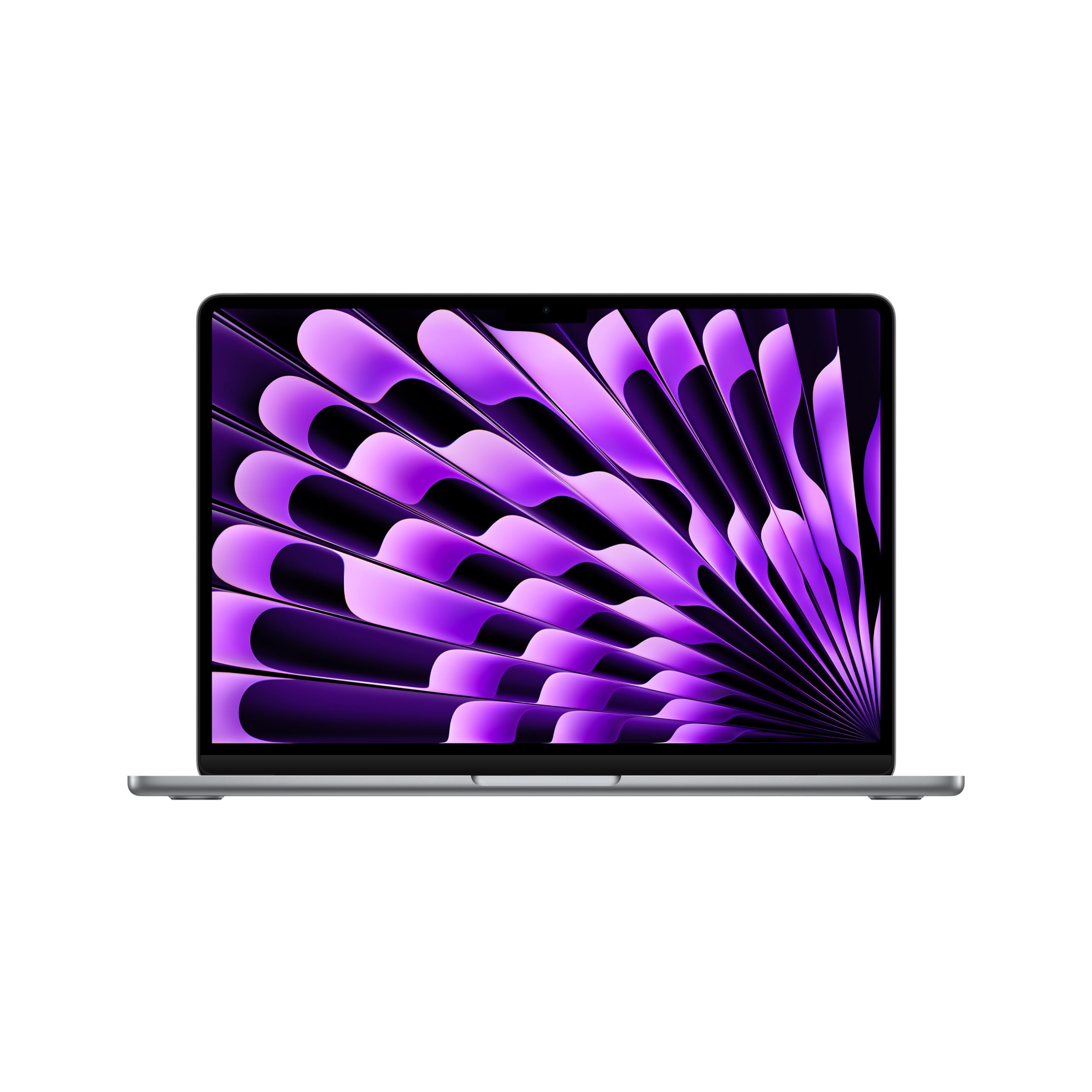
The best all-around laptop for battery life, combining the M3 chip's incredible efficiency with a fanless design that sips power. It easily lasts a full workday plus a movie, but new owners should expect to add a dongle or two.
Main limitation: Only two USB-C ports and no active cooling means it can throttle under prolonged heavy load.
Skip if: Windows-only software users or anyone needing more than 24GB of RAM.
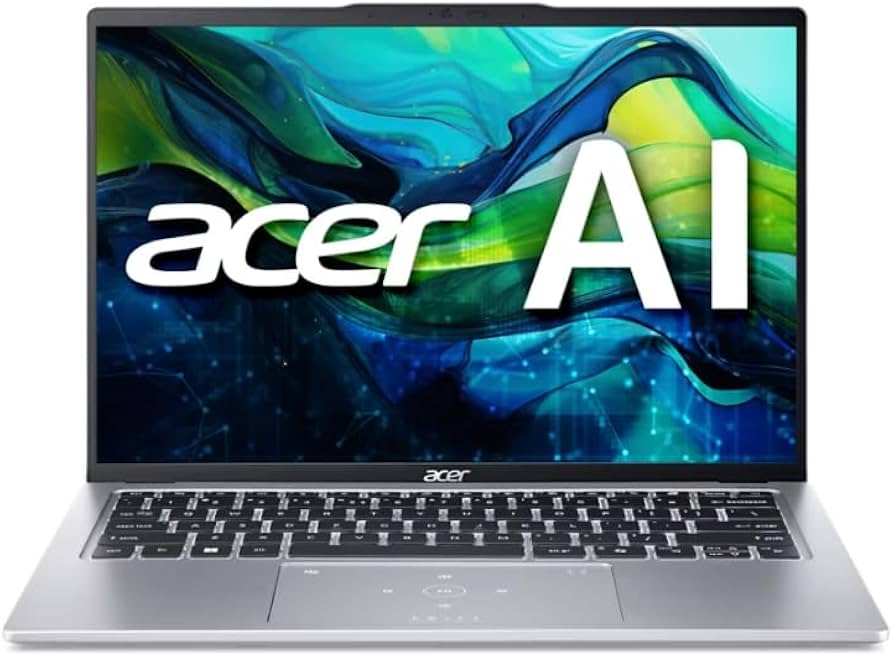
An affordable ultrabook that still manages 10–12 hours of real-world use, thanks to a low-power AMD Ryzen CPU. The build is plasticky and the screen is only average, but for the price it's the value king.
Main limitation: Dim 250-nit display and flexible chassis make it feel cheaper than it is.
Skip if: Anyone who needs a premium feel or a color-accurate screen for photo editing.
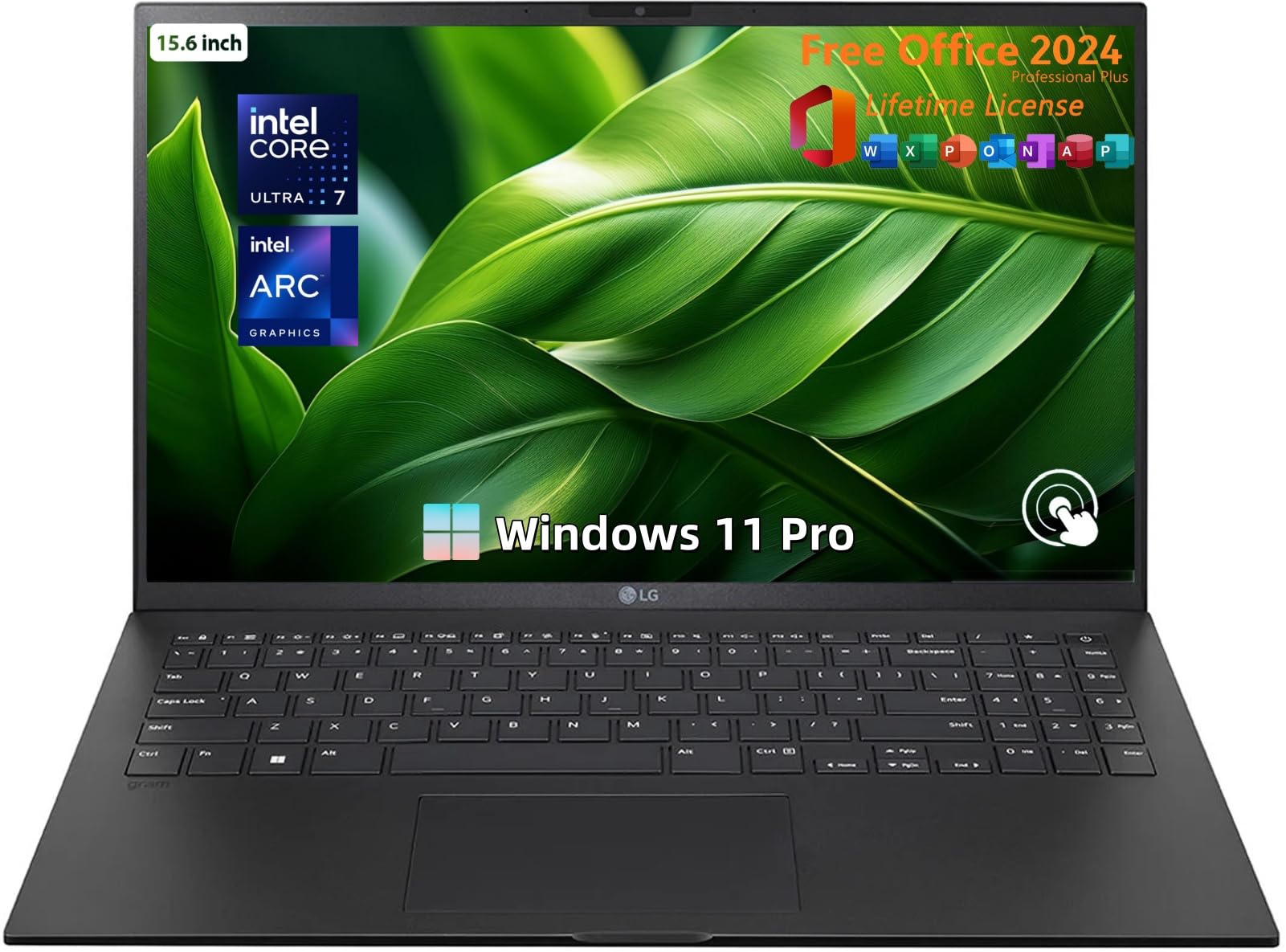
A 15.6-inch laptop that weighs just 2.7 pounds and runs for over 14 hours in real-world tests—unheard of until recently. It's a travel dream, but the body flexes more than some users like.
Main limitation: The featherweight chassis isn't as rigid as premium rivals, and some units have reported coil whine.
Skip if: Users who want a tanky build and aren't willing to trade stability for weight.
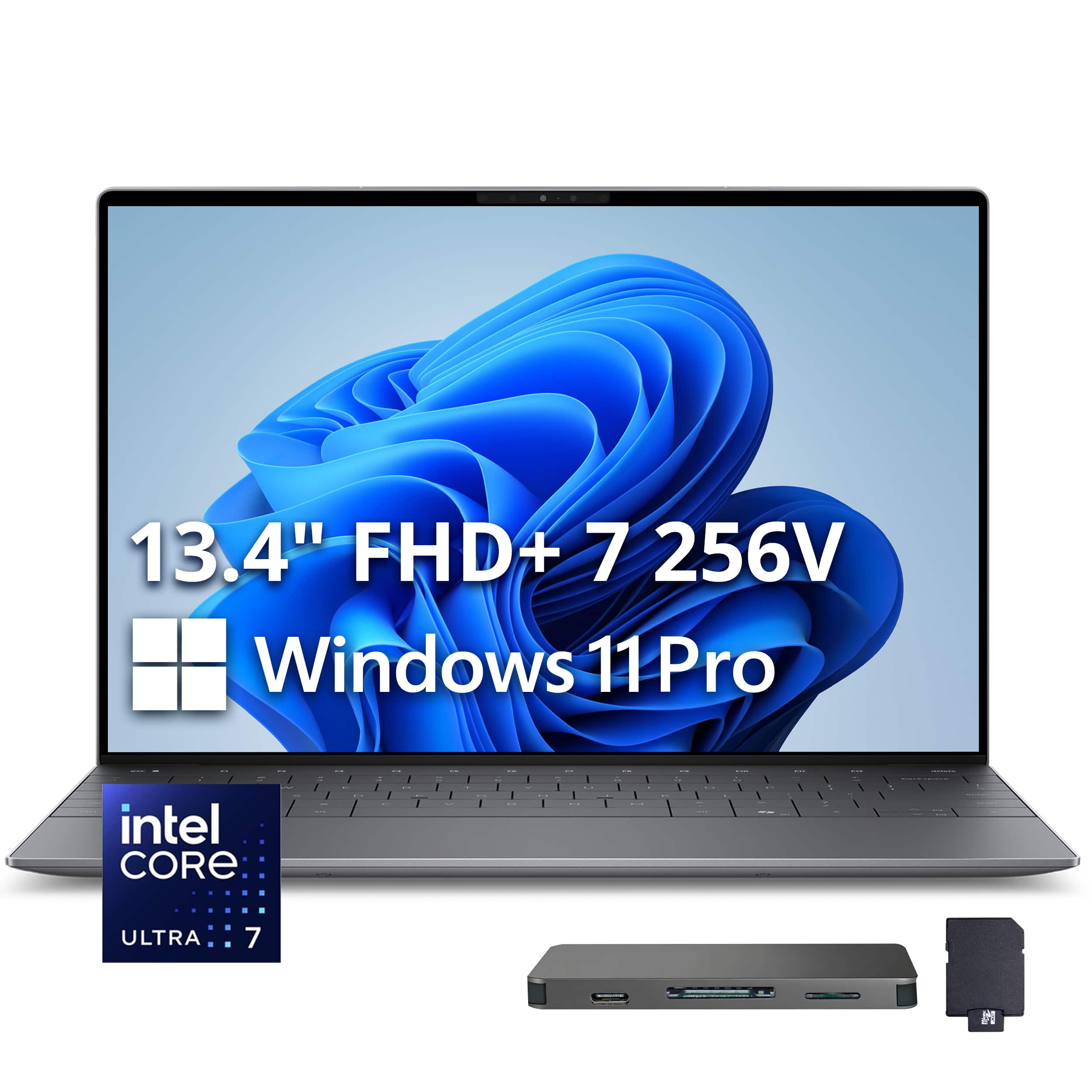
A sleek, premium Windows alternative to the MacBook Air with a gorgeous display and solid all-day battery life. It's not the longest-lasting Windows laptop, but it's one of the most polished.
Main limitation: Battery life trails the MacBook Air by a few hours, and the price climbs quickly with upgrades.
Skip if: Power users who need thunderbolt 4 on both sides or more than 16GB RAM.
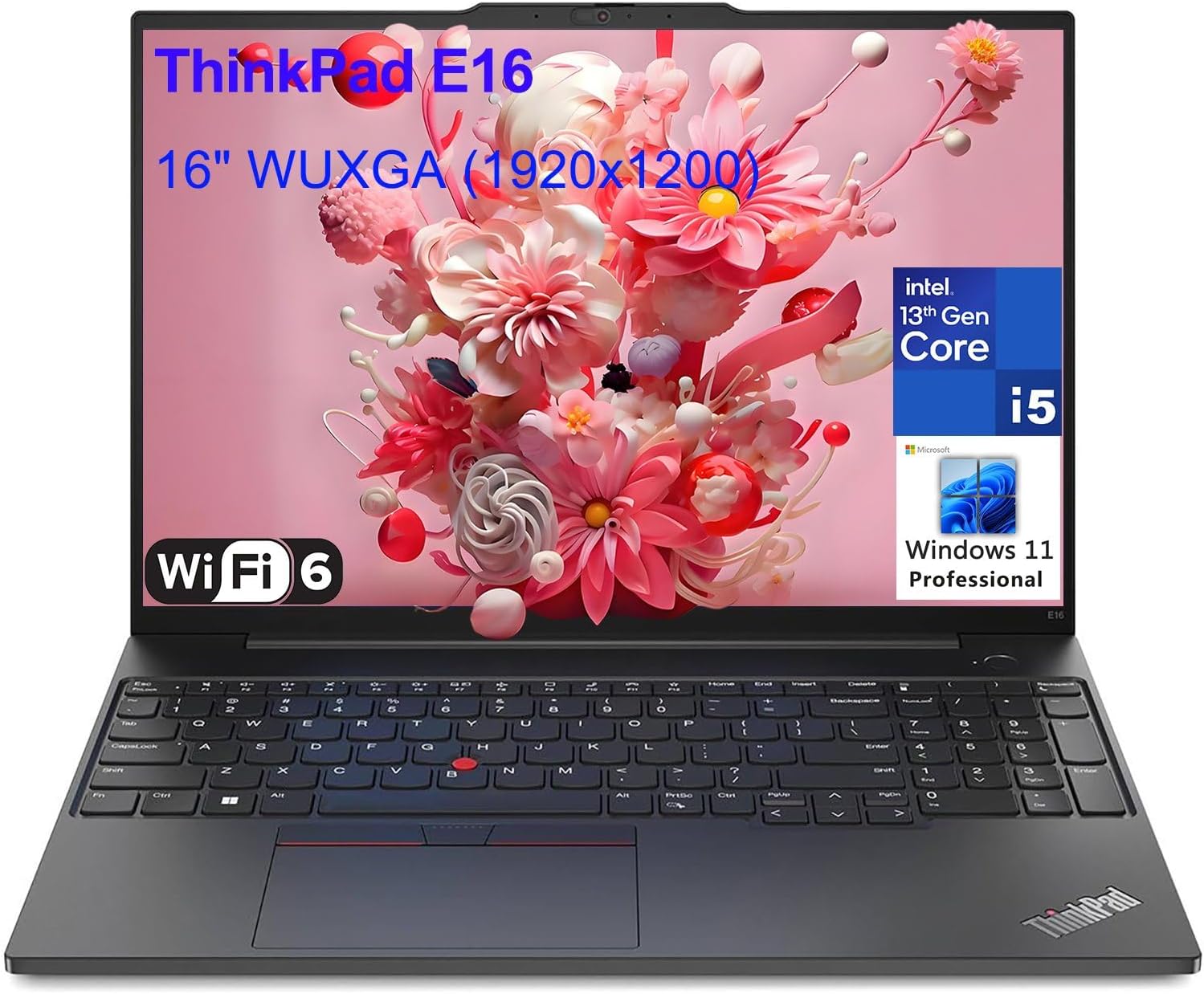
The gold standard of business laptops, with a legendary keyboard, durable build, and enough battery to power through endless meetings. It's pricey, but for a workhorse that lasts for years, it's worth it.
Main limitation: OLED screen drains battery faster than the IPS version, and the base model is RAM-limited to 16GB.
Skip if: Casual users who don't need enterprise-level durability or a fantastic typing experience.
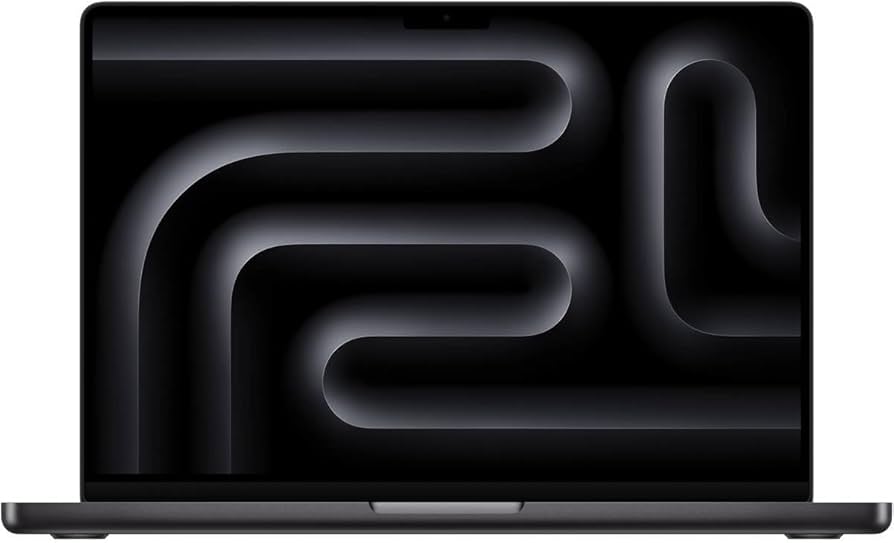
If you need serious performance for video editing or coding, this Pro model still delivers over 12 hours of battery life—phenomenal for a workstation. The Mini-LED display is stunning, but you'll sacrifice portability.
Main limitation: Heavy (3.4 pounds) and expensive with a 1080p webcam that's not great.
Skip if: Anyone who doesn't need the M3 Pro or Max chipset and is fine with a fanless Air.
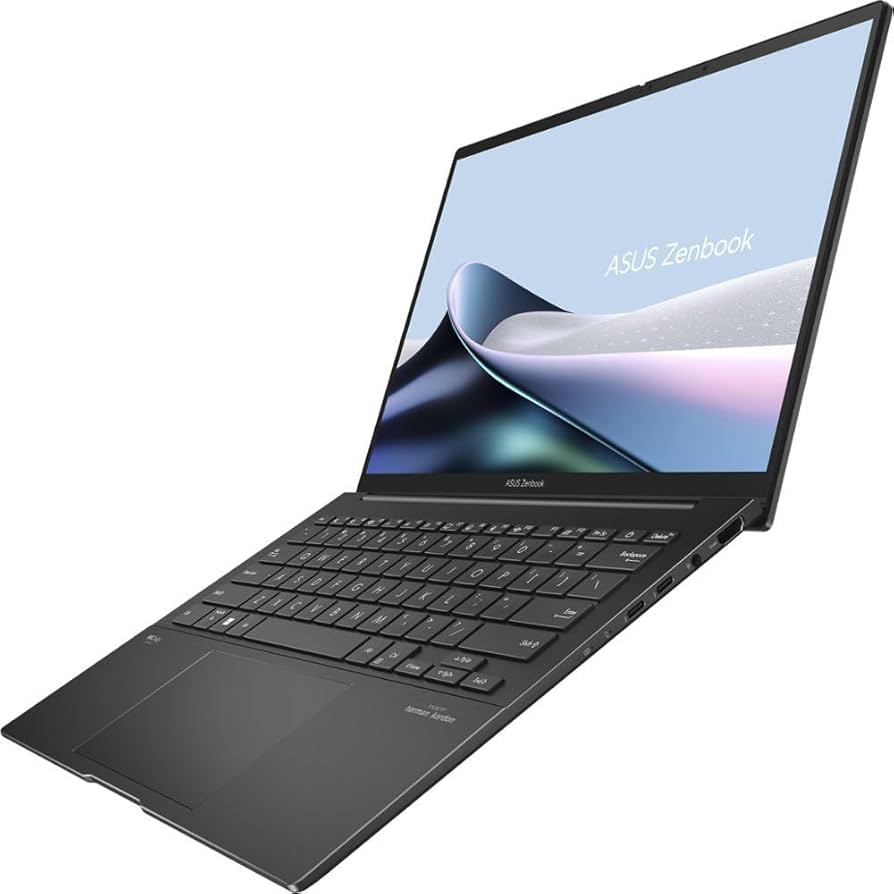
A stunning OLED screen with true blacks and vivid colors, plus a battery that doesn't tank—testers get around 10–11 hours in real-world mixed use. It's a great media consumption laptop that can also handle spreadsheets.
Main limitation: The OLED screen can be prone to burn-in if left on static images, and the webcam is below average.
Skip if: Users who leave the screen on static dashboards all day or prefer a matte anti-glare panel.
Compare key specs and features of all our recommendations side-by-side
| Product | Recommendation | Rating | Price |
|---|---|---|---|
Apple MacBook Air 13-inch M3 Rank #1 | 🏆 Top Pick | 9.0/10 | $1,099–$1,399 Check current price → |
Acer Swift Go 14 Rank #2 | 💰 Budget Pick | 7.8/10 | $649–$799 Check current price → |
LG gram 15.6-inch (2024) Rank #3 | ⭐ Editor's Choice | 8.2/10 | $1,299–$1,499 Check current price → |
Dell XPS 13 (2024) Rank #4 | — | 8.0/10 | $1,199–$1,599 Check current price → |
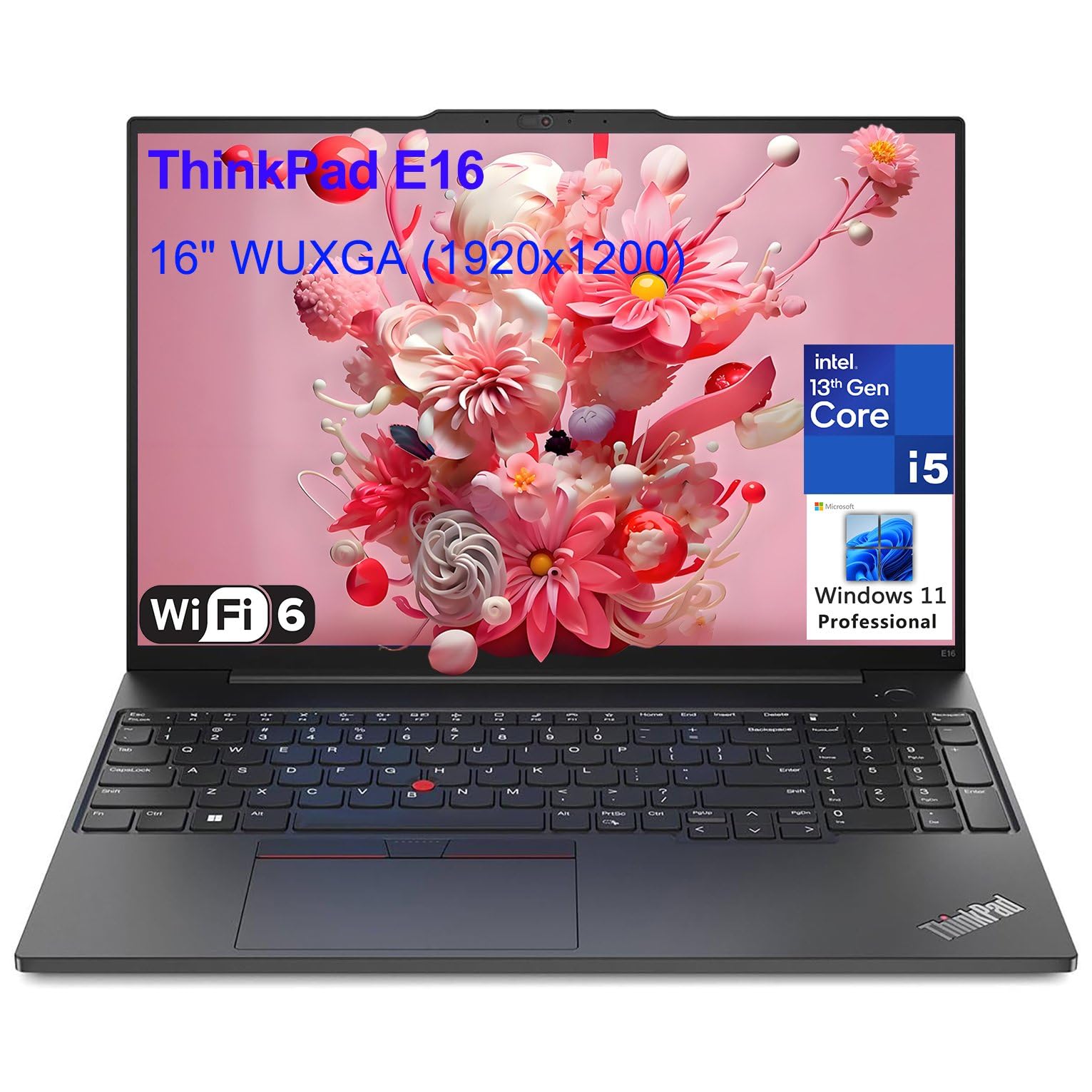 Lenovo ThinkPad X1 Carbon Gen 12 Rank #5 | — | 4.6 4.6 | $1,599–$1,999 Check current price → |
Apple MacBook Pro 14-inch M3 Pro Rank #6 | — | 8.8/10 | $1,999–$2,499 Check current price → |
ASUS Zenbook 14 OLED Rank #7 | — | 8.0/10 | $1,299–$1,499 Check current price → |
Common questions buyers have about this category.
For light use like web browsing and document editing, aim for at least 10 hours of advertised battery life, which usually translates to 7-8 hours of real-world use. For all-day travel or heavy video streaming, look for 15+ hours advertised, with efficient processors like Apple M-series or AMD Ryzen.
Manufacturers typically list battery life based on video playback in controlled settings with low brightness and Wi-Fi off. Real-world use—especially with multiple apps, cloud syncing, and higher screen brightness—can cut that number by 25-50%. Independent tests from publications like Tom's Guide or NotebookCheck give more realistic estimates.
Yes, OLED displays can be less efficient for static images, but they often have adaptive refresh rates and deep blacks that save power during video playback. With modern laptops like the ASUS Zenbook 14 OLED, manufacturers have tuned the panel to balance quality and longevity. Still, their battery life rarely matches IPS panels of the same size.
The processor is crucial: Apple's M3 series and AMD's Ryzen 7000+ lead in performance-per-watt, while Intel's Core Ultra 7 is competitive in newer models. Beyond the chip, the display resolution, refresh rate, and battery capacity matter just as much. You can't judge a laptop by its battery size alone.
Most modern laptops have sealed, internal batteries that are difficult to replace without special tools or professional service. MacBooks have no user-serviceable battery, while some Windows laptops like the ThinkPad X1 Carbon have replaceable batteries, but require unplugging from the motherboard. If you plan to keep your laptop beyond 3-4 years, look for a model with a battery replacement program or an easy service door.
Under $700, the Acer Swift Go 14 stands out with up to 12 hours of real-world use thanks to its energy-sipping AMD Ryzen CPU. It's not the most premium or fastest, but for students and light tasks, it's the best value. Alternatively, consider the ASUS Zenbook 14 OLED if you can stretch closer to $1,200—it offers a much better display and longer lifespan.
Products we evaluated but did not recommend — and why.
