Get the App
Better experience on mobile
From ultraportable productivity to budget-friendly workhorses, these laptops keep you going from coffee shop to bedtime.
Battery life is the one spec that no benchmark can fully capture—a laptop that lasts eight hours in the box might barely survive a four-hour afternoon of video calls. In 2026, the best options pair energy-efficient silicon with robust battery cells, but choosing the right one means looking past the marketing numbers. Whether you're a student bouncing between lectures, a consultant living on planes, or a creative who never wants to see the low-battery warning, the laptops below are kategóriák based on their real-world endurance, not just their official 'up to' estimates.
What separates a truly long-lasting laptop from one that merely looks good on paper? The interplay between processor, display, and power management. Apple’s M-series chips continue to set the pace for efficiency, while Qualcomm’s Snapdragon X and Intel’s Evo platform have closed the gap on Windows. Even ChromeOS has evolved, with Chromebooks now offering all-day stamina at budget prices. Display technology matters too: OLED panels can be harder on battery, while efficient IPS and mini-LED displays stretch every watt further.
We've focused on laptops that deliver at least 10 hours of realistic mixed-use battery life—enough to get through a full workday without reaching for the charger. We've also balanced performance, portability, and price, because a laptop with a giant battery that's too heavy to carry isn't helpful. Our list spans seven picks, from an affordable Chromebook to a flagship business ultraportable, so there's a long-lasting companion for every type of user and budget.
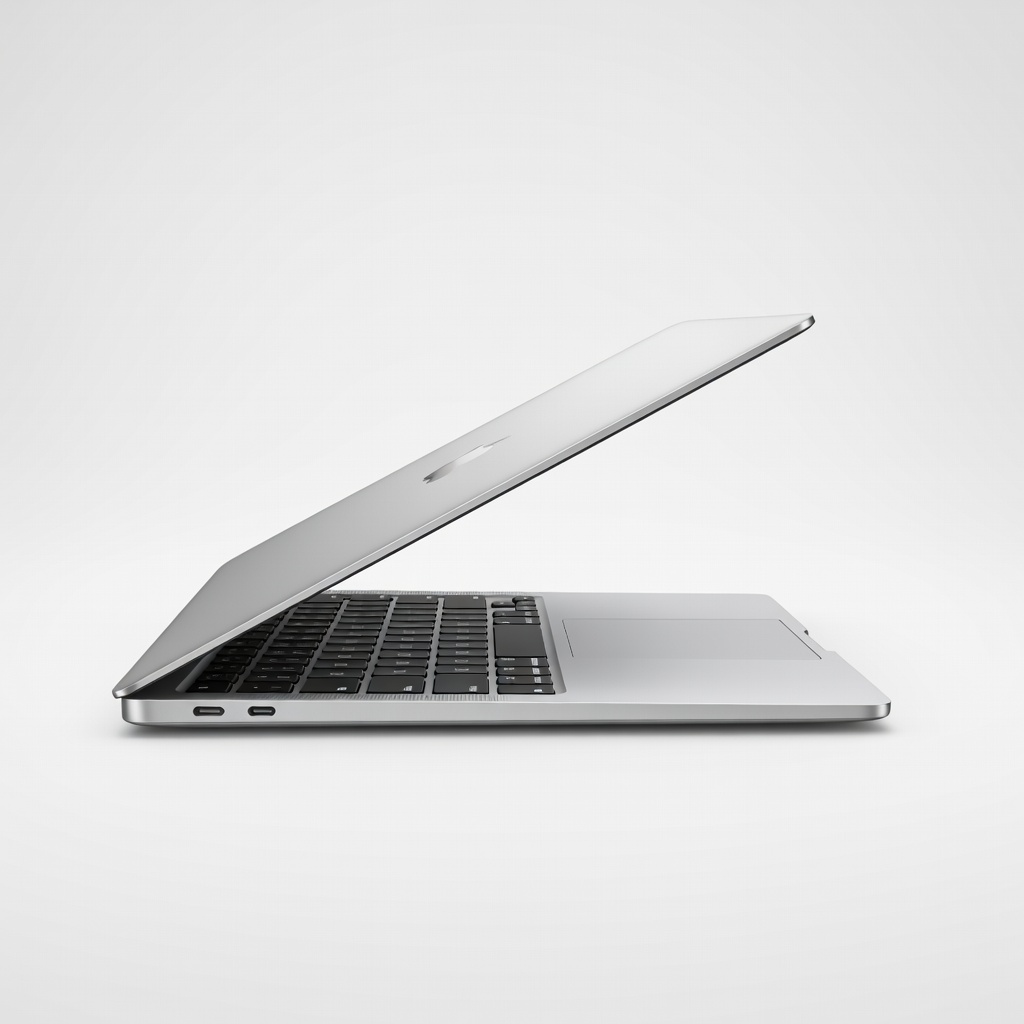
The MacBook Air combines Apple's M4 chip with a remarkably efficient design, delivering class-leading battery life that easily spans a full workday. Its quiet, fanless body and bright 13.6-inch Liquid Retina display make it the default choice for most buyers. The trade-off is limited port selection and 8GB of base RAM in the entry model.
Main limitation: Only two Thunderbolt ports and the base config starts at a modest 8GB of RAM.
Skip if: If you need a touchscreen or run heavy Windows-only applications, this Mac won't fit the bill.
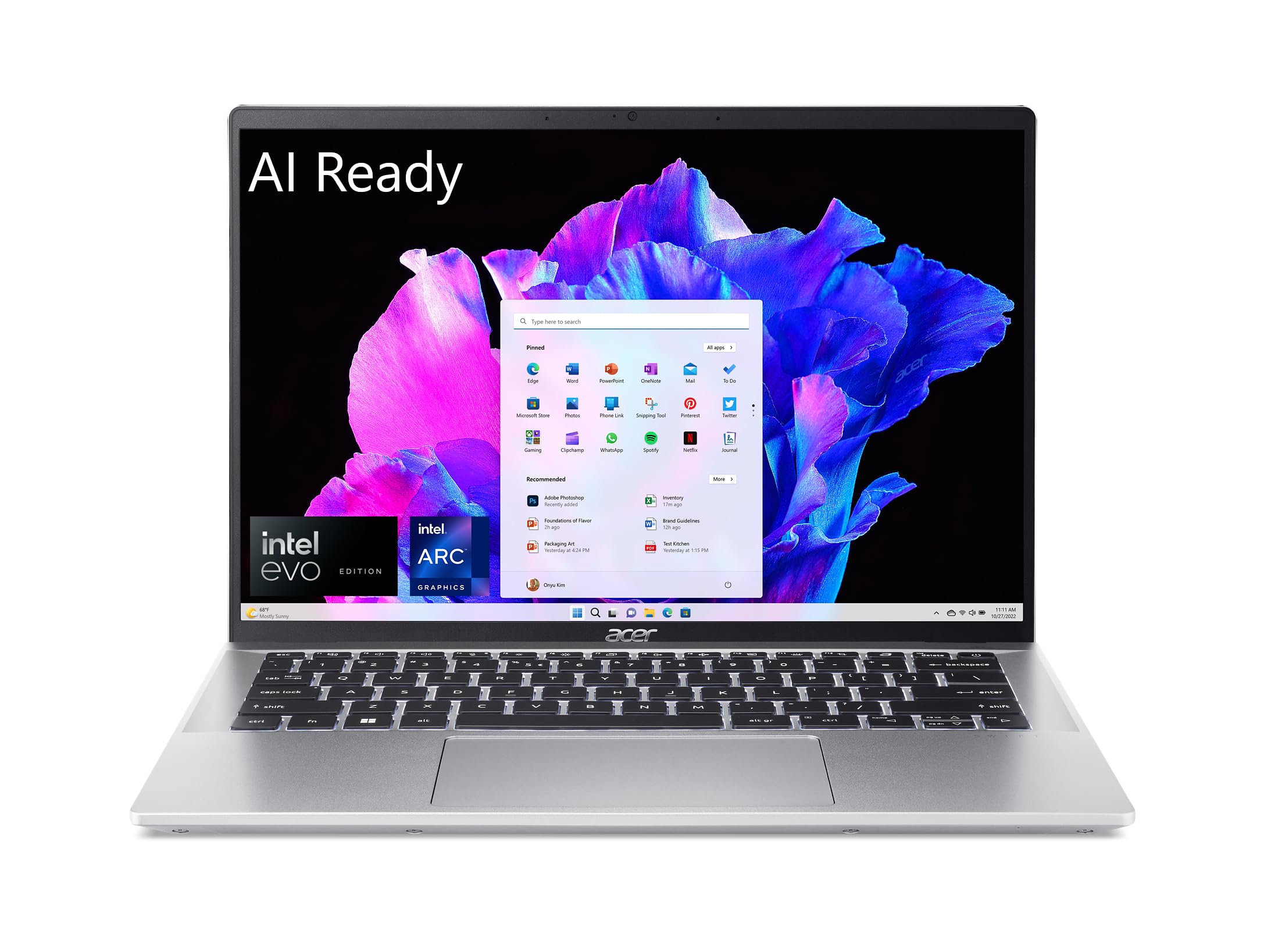
The Acer Swift Go 14 offers up to 13 hours of real-world battery life in a sub-$800 package, thanks to Intel's Evo platform and an efficient display. It's lightweight enough for commutes and has all the ports you'll actually need. Just don't expect the premium build or speaker quality of more expensive rivals.
Main limitation: The all-plastic chassis flexes under pressure and the 1080p display is only average.
Skip if: Users who want a premium all-metal feel or a higher-resolution screen should look elsewhere.
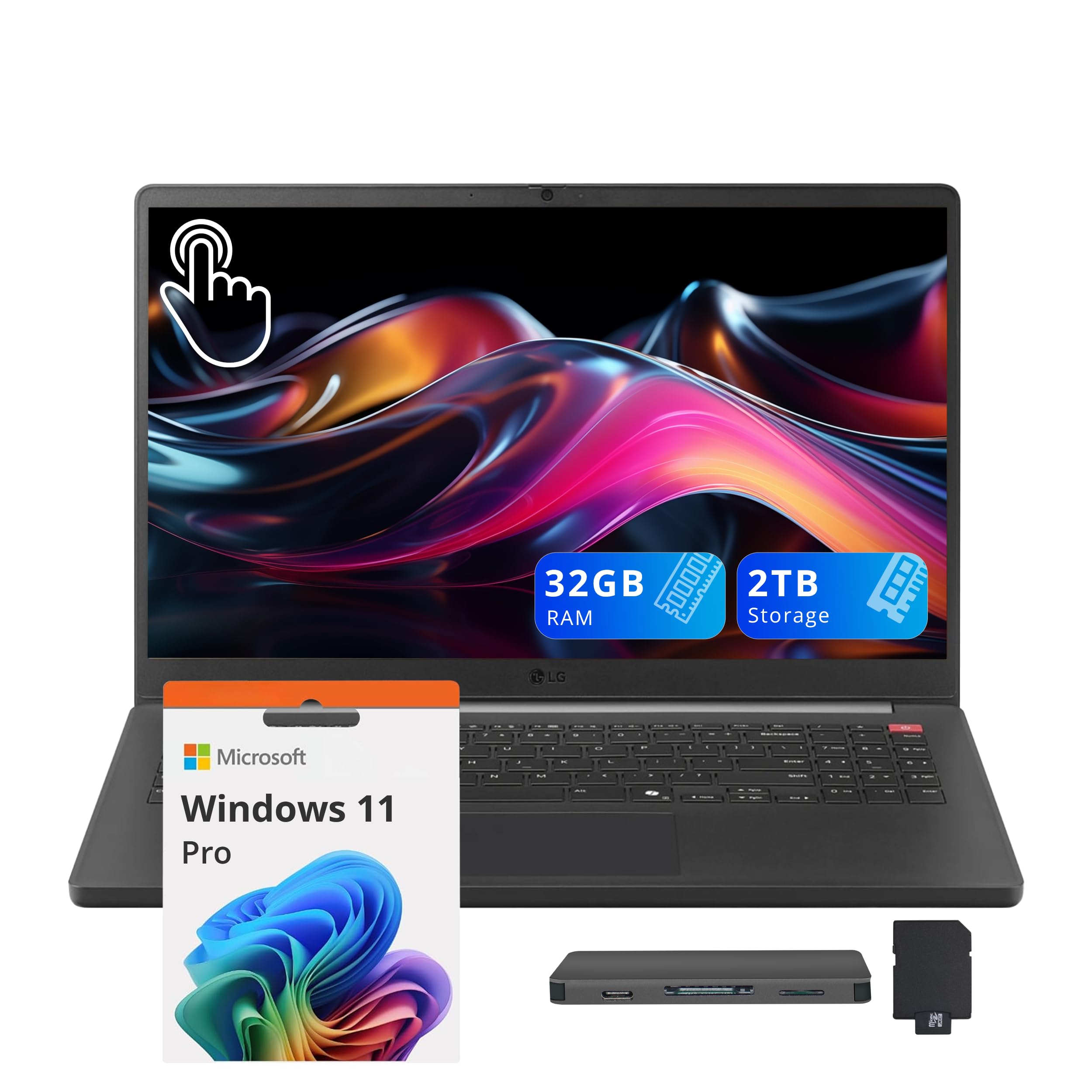
The LG gram 15.6 weighs just 2.5 pounds while still fitting a massive battery that can push past 15 hours. It's the rare large-screen laptop that moves like a compact one, making it ideal for travelers who need a bigger display. The downside is a flexy keyboard deck and a so-so display color accuracy.
Main limitation: Keyboard and lid lack stiffness, and the 1080p display isn't as color-accurate as OLED competitors.
Skip if: Creative professionals needing high color accuracy or a robust metal chassis won't be satisfied.
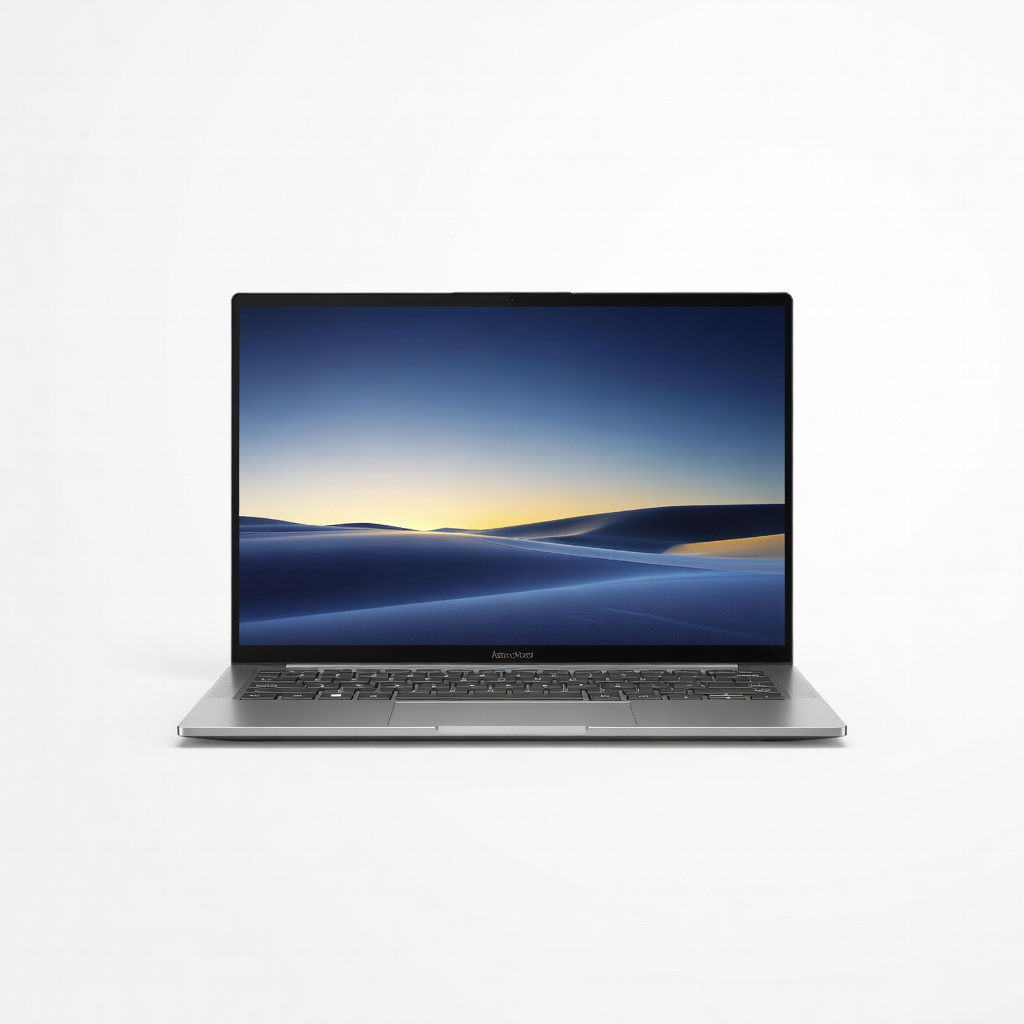
For media lovers and creative workers, the Zenbook 14 OLED's vibrant 120Hz OLED panel is the standout, while its efficient Intel/AMD internals still manage 12+ hours of battery life. It's a rare marriage of gorgeous colors and all-day endurance. Only modest port selection and a slightly heavy price for the spec keep it from perfection.
Main limitation: Only two USB-C ports (no HDMI) and the OLED panel can be more power-hungry in certain workloads.
Skip if: If you primarily work in dark-mode apps and want maximum battery over visuals, this may not be the priority pick.
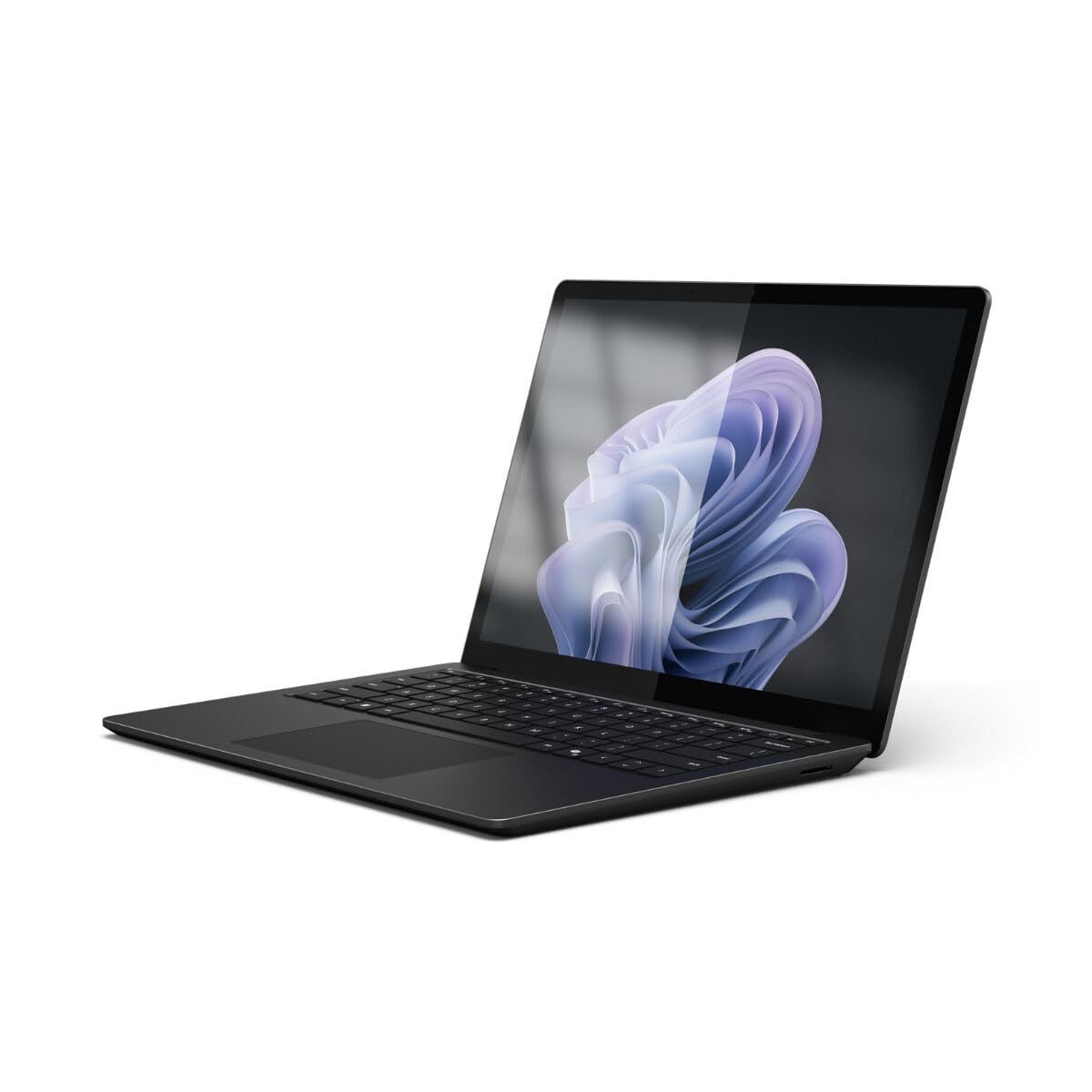
Microsoft's Surface Laptop 6 adds a new haptic touchpad and the latest Snapdragon X chips, giving it excellent battery life of up to 14 hours and a beautiful PixelSense touchscreen. It's the best Windows laptop for users who want a true MacBook Air rival. But the ports are sparse and configuration options are limited.
Main limitation: Only two USB-C ports and no USB-A, which forces dongle use for most peripherals.
Skip if: If you rely on legacy USB-A devices or want a lot of upgrade options, the sealed design is a drawback.
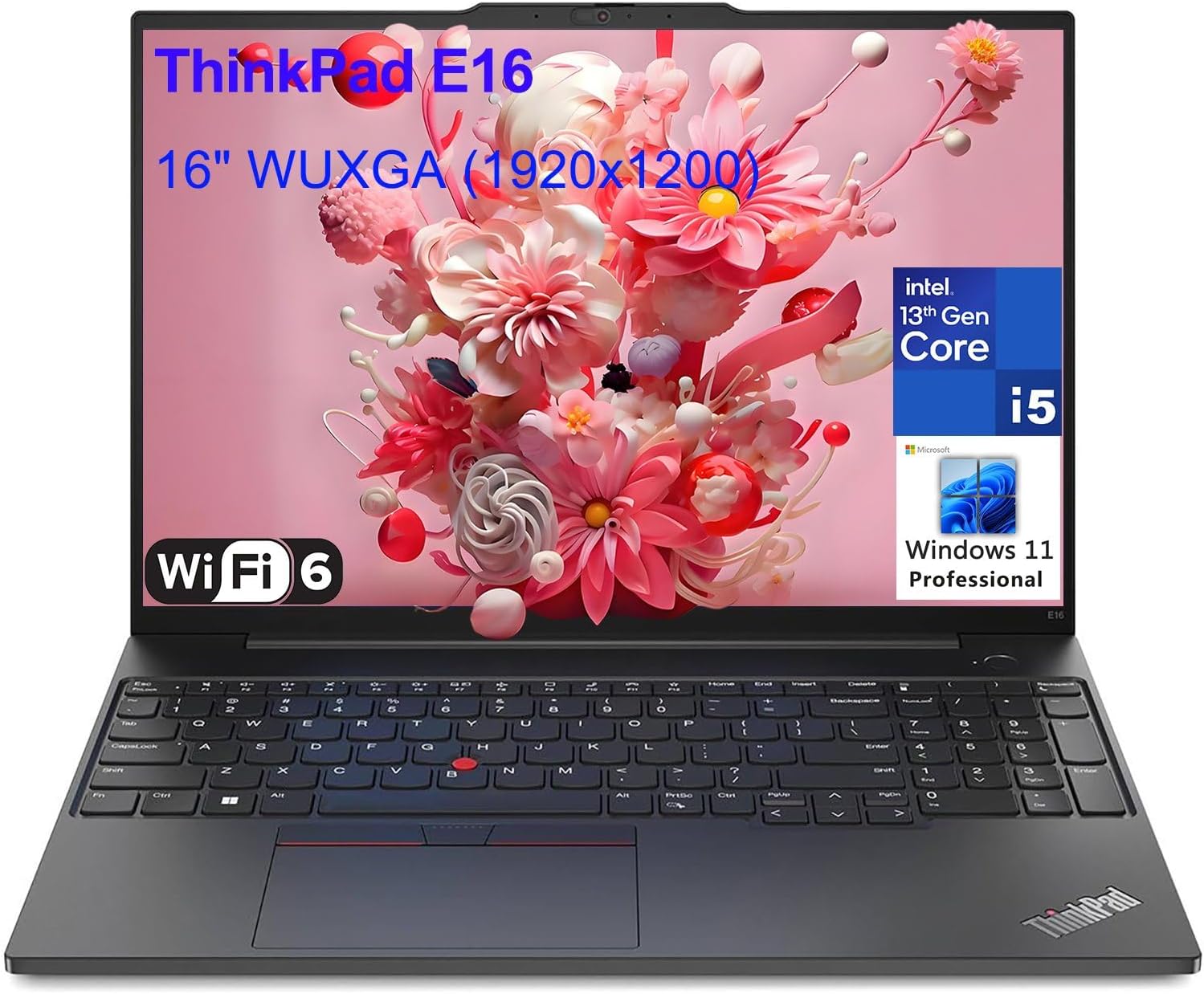
The Gold-standard ThinkPad X1 Carbon delivers serious battery life (up to 12-13 hours) in a 2.4-pound carbon-fiber business chassis. Its legendary keyboard and military-grade durability make it a no-brainer for consultants and jet-setters. Expect to pay a premium, and the included 1080p panel isn't as sharp as OLED competitors.
Main limitation: Base model starts with a 1080p display and can be pricey once you add specs.
Skip if: Home users who aren't bothered by ports or keyboard feel won't see the value over cheaper options.
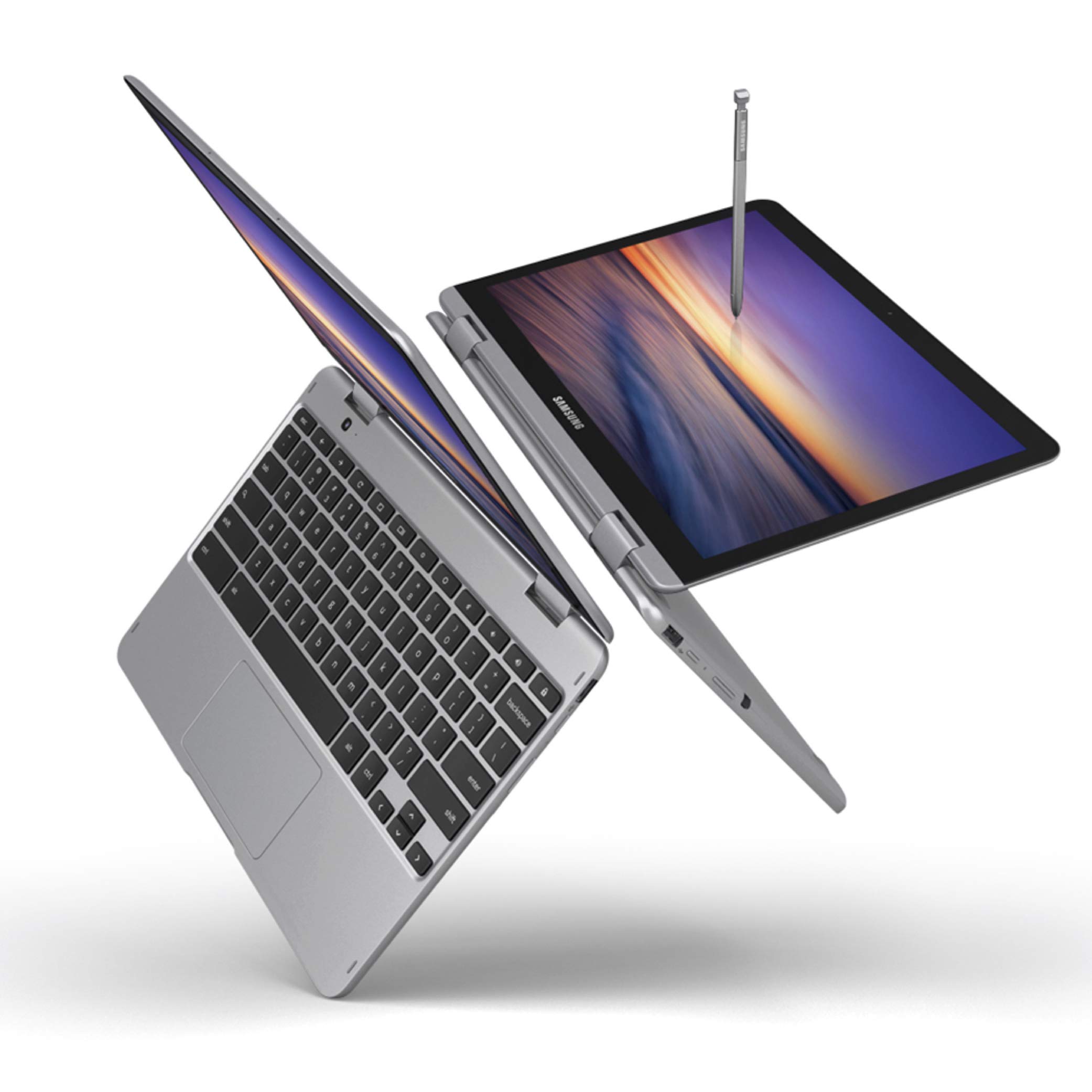
The Galaxy Chromebook Plus leverages ChromeOS's efficiency to reach 13+ hours per charge while staying fanless and feather-light. It's a fantastic secondary machine or a first laptop for students. The weakness: it runs an older chip that may feel slow for heavy multitasking.
Main limitation: Performance is sufficient for basic tasks but won't handle heavy multitasking or advanced applications.
Skip if: If you need Windows or macOS software, or want to do serious photo/video editing, skip this.
Compare key specs and features of all our recommendations side-by-side
| Product | Recommendation | Rating | Price |
|---|---|---|---|
Apple MacBook Air 13-inch M4 Rank #1 | 🏆 Top Pick | 9.0/10 | $1,099–$1,499 Check current price → |
Acer Swift Go 14 (2026) Rank #2 | 💰 Budget Pick | 8.0/10 | $699–$899 Check current price → |
LG gram 15.6 (2026) Rank #3 | ⭐ Editor's Choice | 8.0/10 | $1,199–$1,499 Check current price → |
ASUS Zenbook 14 OLED (2026) Rank #4 | — | 8.5/10 | $1,299–$1,599 Check current price → |
Microsoft Surface Laptop 6 Rank #5 | — | 8.0/10 | $999–$1,299 Check current price → |
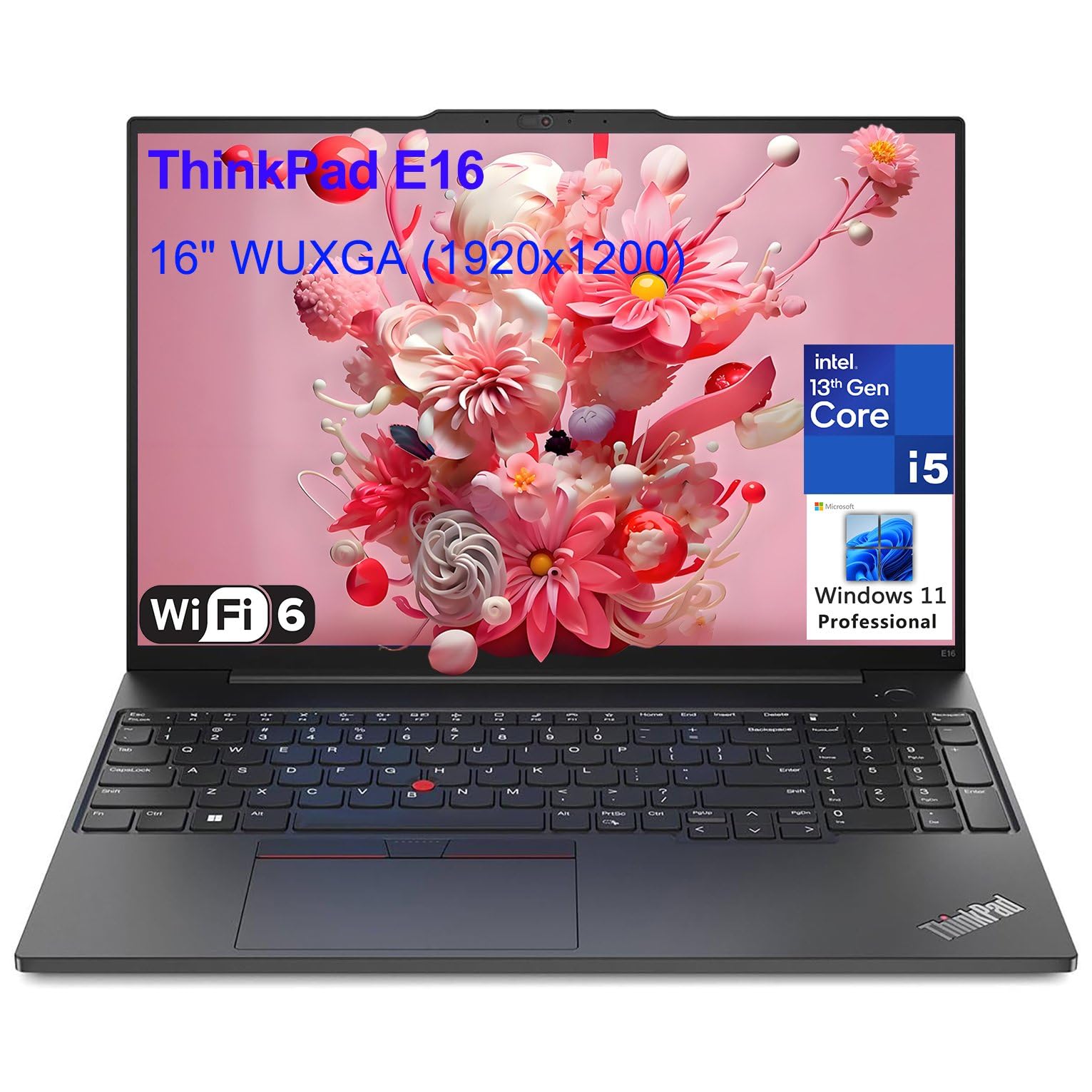 Lenovo ThinkPad X1 Carbon Gen 12 Rank #6 | — | 4.6 4.6 | $1,499–$2,199 Check current price → |
Samsung Galaxy Chromebook Plus Rank #7 | — | 7.5/10 | $499–$699 Check current price → |
Common questions buyers have about this category.
A genuinely long-lasting laptop in 2026 should deliver at least 10 hours of mixed-use battery life (web browsing, document editing, video streaming). Premium models like the MacBook Air or LG gram boast 15+ hours, but realistic endurance tends to be 15–20% lower than the manufacturer's test loop. For most people, 10–12 hours is sufficient for a full workday without charging.
No. Battery capacity is only one piece of the puzzle. A laptop with a high-capacity battery but a power-hungry processor or a large 4K display can still drain faster than a more efficient machine with a smaller cell. For example, an Intel Evo ultraportable with a 60Wh battery often outlasts a gaming laptop with an 80Wh pack. Always consider efficiency first, capacity second.
Not if you prioritize maximum battery life above all else. OLED panels deliver richer colors and true blacks but generally consume more power, especially when displaying bright, white content. If you're a creative professional who values color accuracy, the trade-off might be worth it. But for pure endurance, a high-quality IPS or mini-LED display with a standard refresh rate will stretch your battery further.
Generally, yes. ChromeOS is a lightweight operating system that uses fewer resources, and most Chromebooks come with power-efficient processors and modest displays, so they often achieve 12+ hours of real-world battery life. However, Windows and macOS ultraportables with modern ARM or Intel Evo chips are closing the gap. Chromebooks also lack the software versatility of Windows or macOS, so they're best for tasks that happen in a browser.
Start by lowering your screen brightness to around 50% and disabling the keyboard backlight when not needed. Use battery saver mode and limit background processes, especially those that sync photos or fetch mail. Keep your laptop in 'power efficiency' mode rather than 'performance' mode for everyday tasks. Also, avoid extreme temperatures and calibrate the battery every few months by draining it below 20% and then charging to 100%.
Yes, especially Apple's M-series MacBook Air and MacBook Pro models. They are widely regarded as some of the most power-efficient laptops on the market, with official claims of 15–18 hours and real-world endurance frequently exceeding 12 hours. That said, if you rely on Windows-only software or gaming, a MacBook isn't a practical choice. For general productivity and web use, a MacBook Air is among the most reliable battery performers available.
Products we evaluated but did not recommend — and why.
