Get the App
Better experience on mobile
Reliable options for web browsing, schoolwork, and light productivity without breaking the bank.
Sub-$500 laptops in 2026 deliver surprising competence for basics like Google Docs, Zoom calls, and Netflix, but the key to picking a winner lies in balancing integrated graphics that handle multitasking without choking and batteries that last a full school day.
These machines aren't for video editing or AAA gaming—their AMD Ryzen 3 or Intel Core i3 processors shine in real-world scenarios like 10-tab Chrome sessions or Microsoft Office suites. What separates the good from the mediocre is sturdy hinges, usable keyboards, and ports that don't force constant dongle use.
We focused on models excelling in user-reported reliability and spec sheets promising at least 8GB RAM, drawing from manufacturer data and third-party benchmarks. This list covers Windows workhorses, ChromeOS speedsters, and hybrids, all vetted for value under $500.
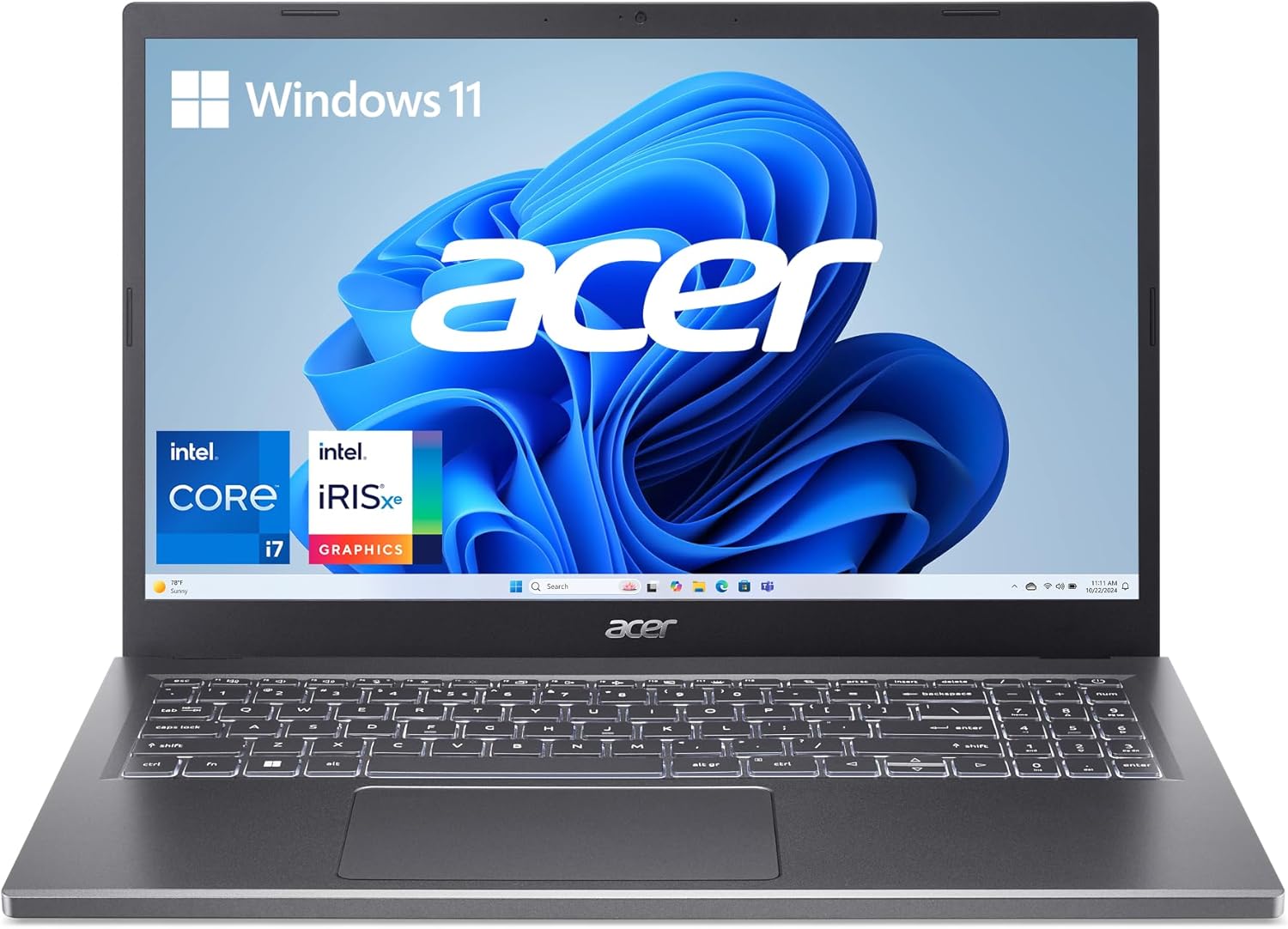
The Acer Aspire 5 stands out with its AMD Ryzen 5 processor, 16GB RAM, and 512GB SSD for smooth multitasking on Office apps and web browsing. Its 15.6-inch Full HD display offers crisp visuals for the price. However, the plastic build feels less premium than pricier rivals.
Main limitation: The speakers produce tinny audio that's adequate for calls but underwhelming for media consumption.
Skip if: Skip this if you need a touchscreen or stylus support for note-taking.
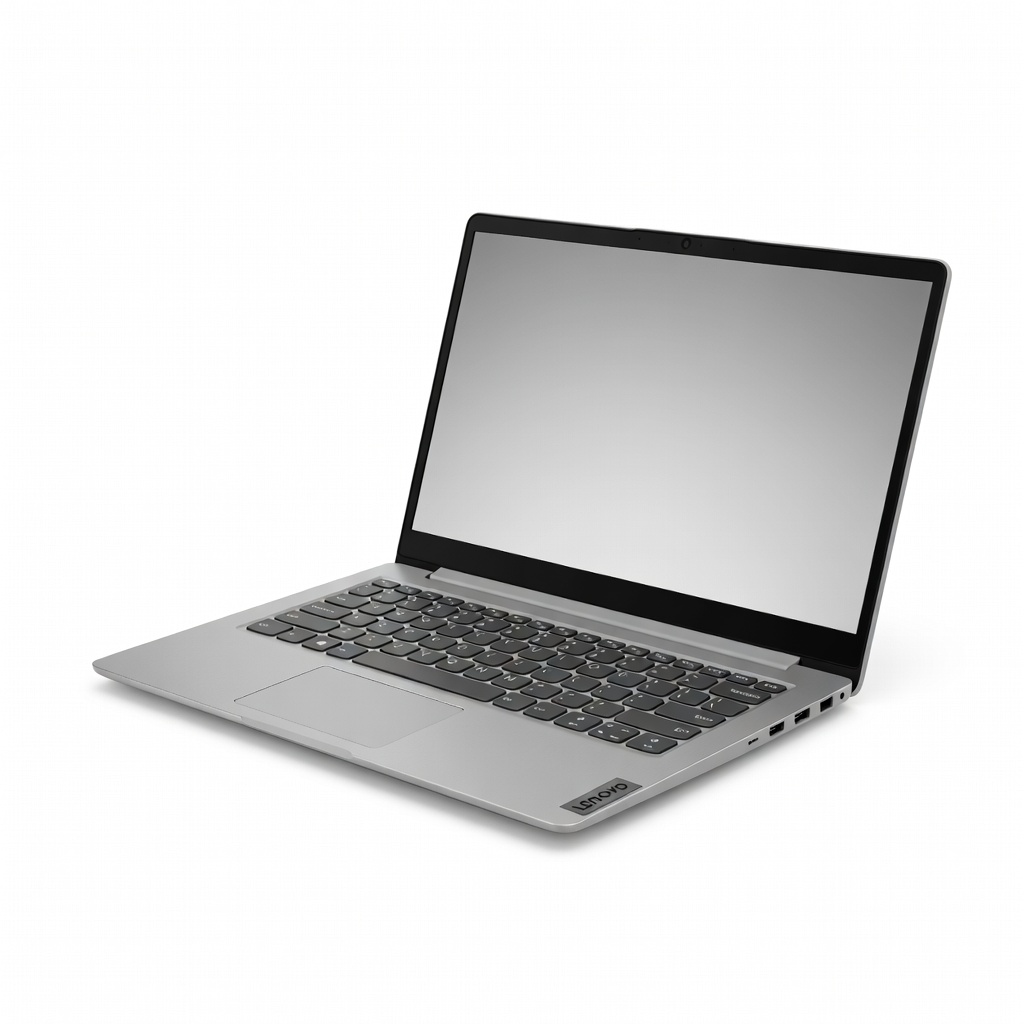
At under $350, the Lenovo IdeaPad 1i delivers solid Intel Core i3 performance with 8GB RAM and 256GB SSD for emails, streaming, and light docs. Privacy shutter on the webcam adds security. Trade-off is the smaller 14-inch screen limits multitasking space.
Main limitation: The 720p webcam is grainy in low light, making video calls less sharp.
Skip if: Avoid if you handle large spreadsheets or photo editing regularly.
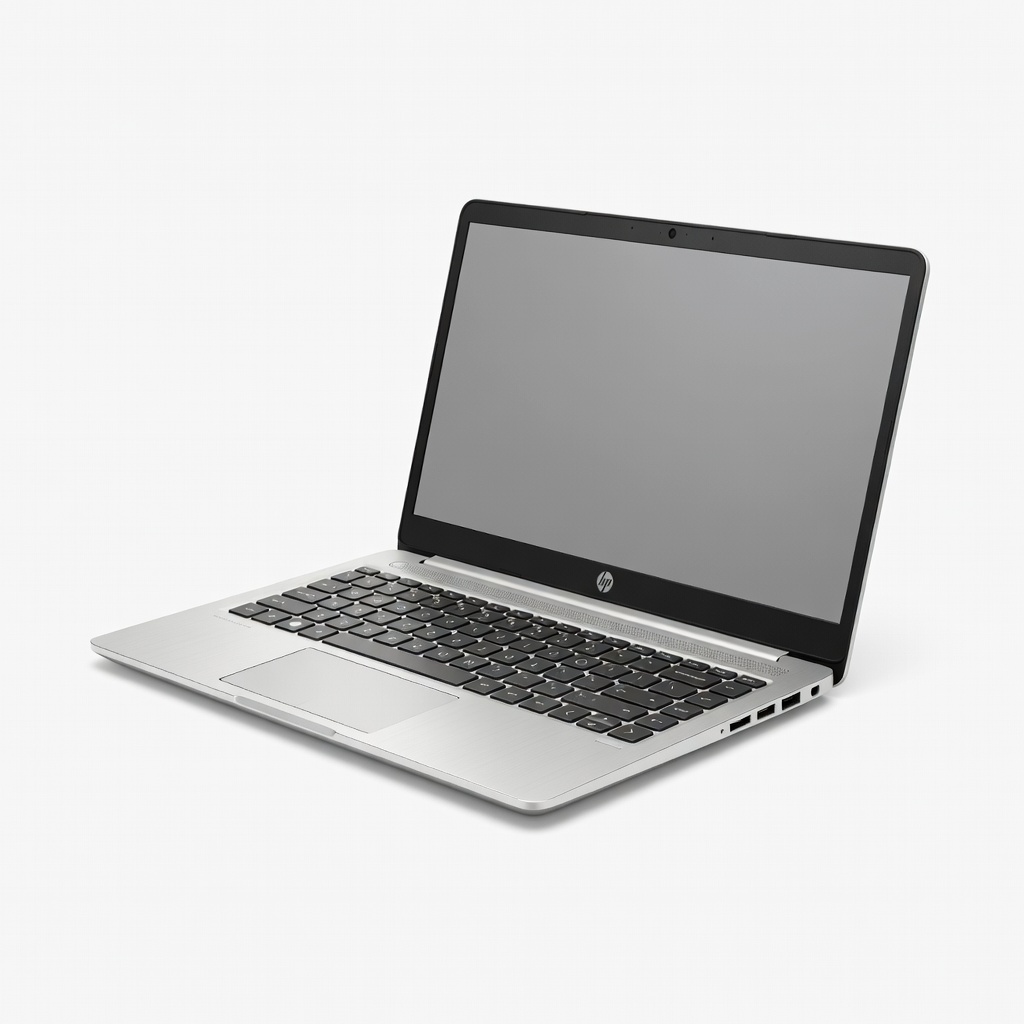
Optimized for campus life, this HP 14 packs Ryzen 3, 8GB RAM, and 256GB storage in a lightweight 3.2-pound chassis with up to 10 hours battery. Bang & Olufsen audio enhances lectures. Limitation is the HD display lacks the sharpness of Full HD peers.
Main limitation: The non-backlit keyboard can be tricky to use in dim dorm lighting.
Skip if: Pass if you require Thunderbolt ports for external docks.
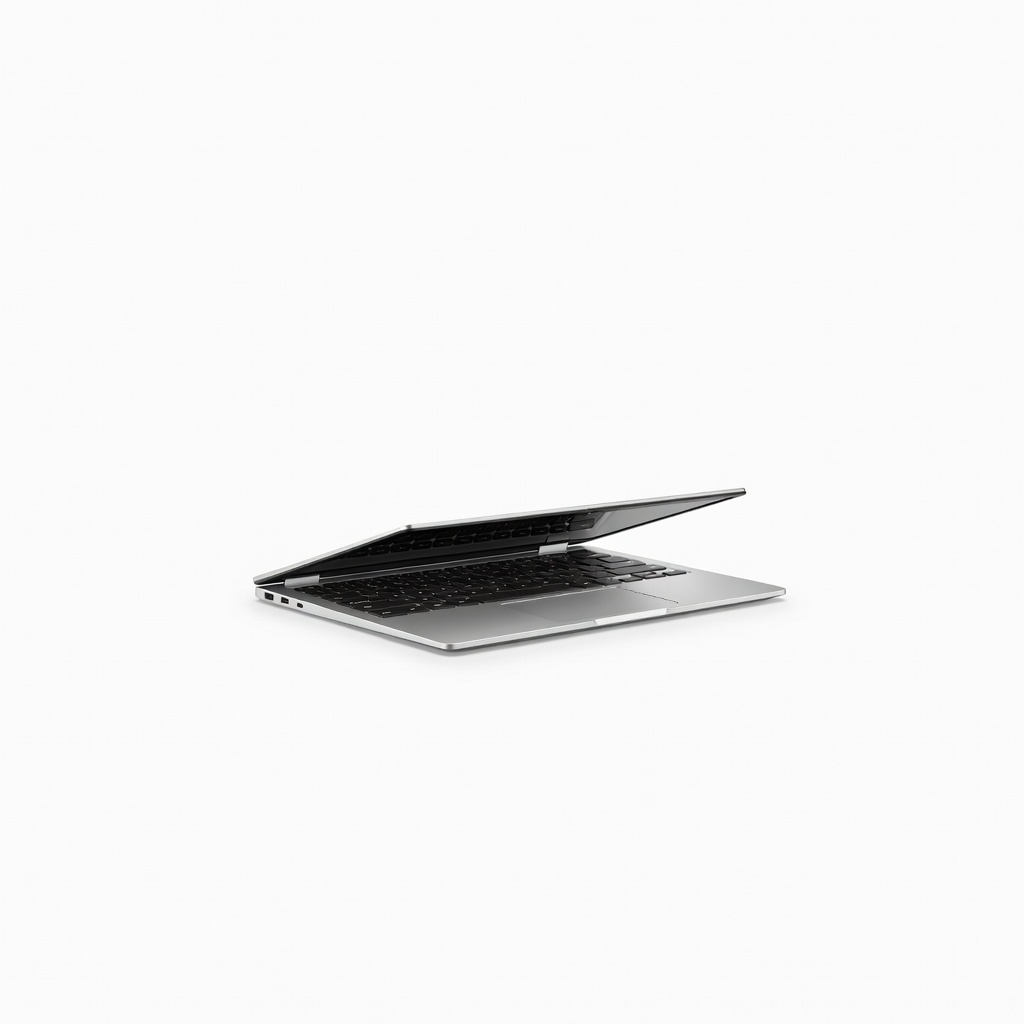
This 2-in-1 Chromebook flips to tablet mode with Intel Pentium Silver, 8GB RAM, and 128GB storage, excelling in Google Workspace and Android apps. Auto-updating OS ensures longevity. Drawback is limited offline functionality compared to Windows.
Main limitation: Storage fills quickly without expandable options beyond microSD.
Skip if: Don't choose if your workflow relies on Windows-exclusive software like Adobe suite.
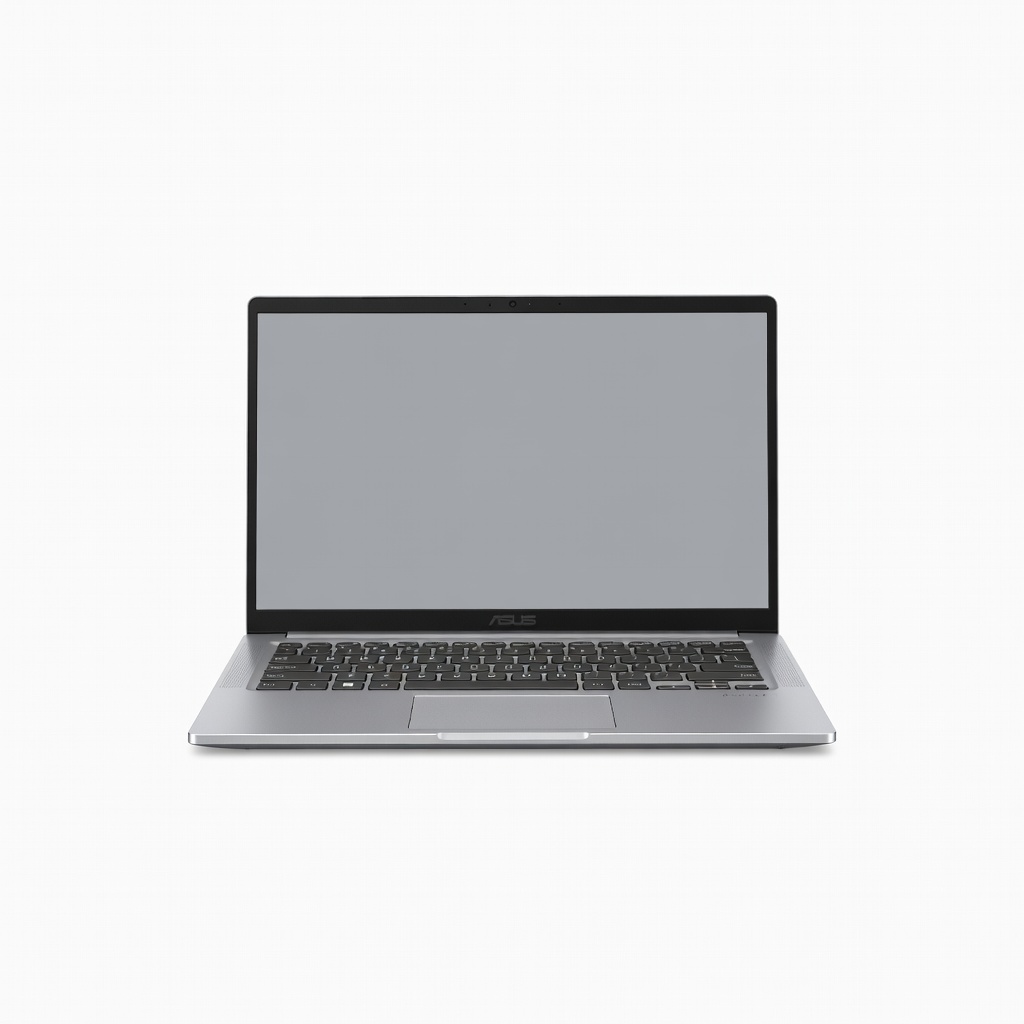
Ultra-light at 2.9 pounds with Ryzen 3, 8GB RAM, and 512GB SSD, it's perfect for commuting with a vivid 14-inch FHD screen. NumberPad in touchpad aids data entry. However, the slim design sacrifices some port variety.
Main limitation: Fan noise ramps up noticeably during prolonged video exports or updates.
Skip if: Skip if you need a larger screen for split-view productivity.
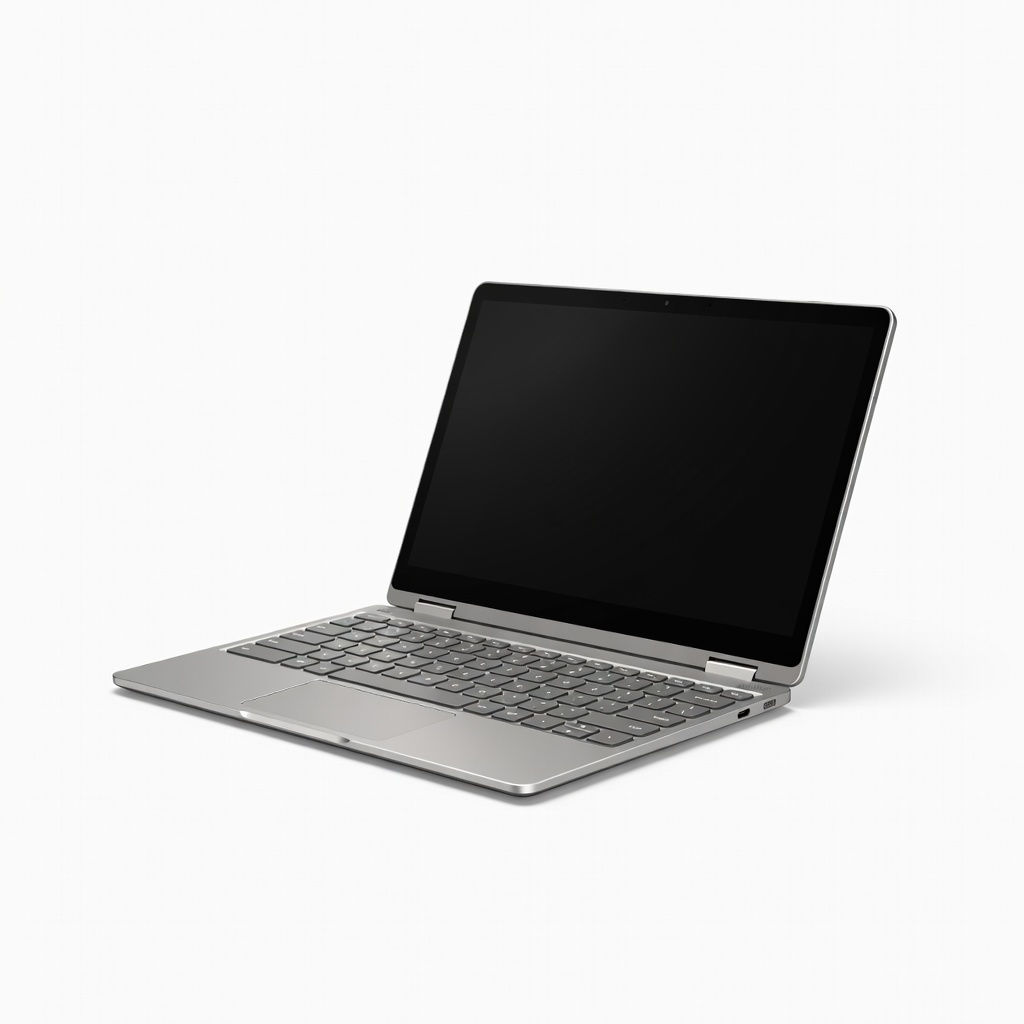
Detachable keyboard and stylus-ready OLED screen make this Chromebook ideal for notes and sketching, powered by Snapdragon 7c Gen 2 with 8GB RAM. 13.3-inch vibrancy impresses. Trade-off: ARM processor lags slightly on demanding web apps.
Main limitation: The kickstand feels wobbly at steep angles for prolonged propping.
Skip if: Avoid if you prefer traditional clamshell designs without touch.
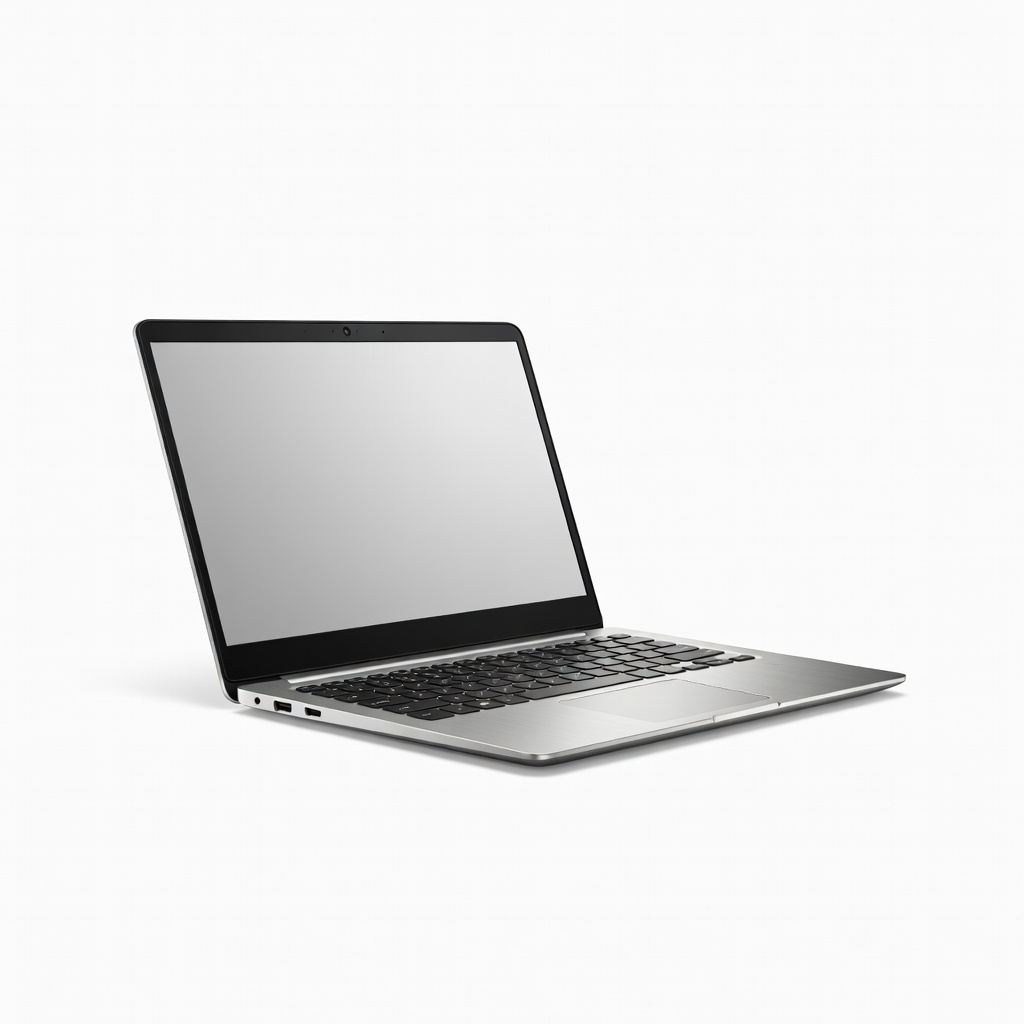
Claims up to 12 hours on Intel Core i3, 8GB RAM, and 512GB SSD make this Dell a workday warrior for docs and browsing. ComfortEdge edge-to-edge keyboard shines. Con: TN panel has narrow viewing angles.
Main limitation: Integrated Iris Xe graphics stutter on 1080p video playback at times.
Skip if: Pass if color accuracy matters for casual photo viewing.
Compare key specs and features of all our recommendations side-by-side
| Product | Recommendation | Rating | Price |
|---|---|---|---|
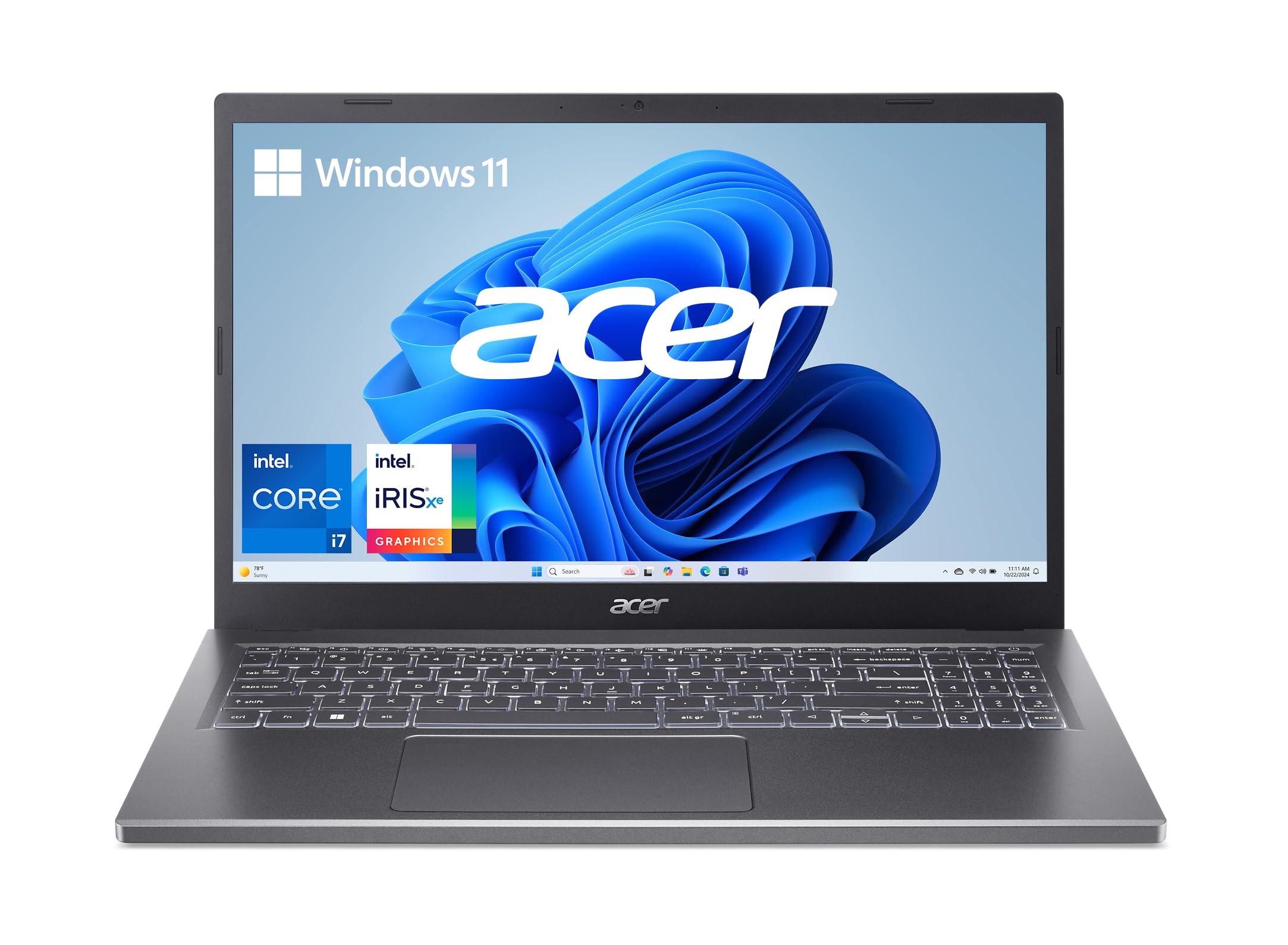 Acer Aspire 5 A515-58M Rank #1 | 🏆 Top Pick | 4.3 4.3 | $450–$490 Check current price → |
Lenovo IdeaPad 1i 14IML05 Rank #2 | 💰 Budget Pick | 8.2/10 | $320–$350 Check current price → |
HP 14 Laptop 14-dq3xxx Rank #3 | ⭐ Editor's Choice | 8.5/10 | $380–$420 Check current price → |
Acer Chromebook Spin 314 Rank #4 | — | 8.4/10 | $340–$370 Check current price → |
ASUS VivoBook Go 14 E1404FA Rank #5 | — | 8.1/10 | $390–$430 Check current price → |
Lenovo Chromebook Duet 5 13QCTA1 Rank #6 | — | 8.3/10 | $440–$480 Check current price → |
Dell Inspiron 14 5430 Rank #7 | — | 8.0/10 | $410–$450 Check current price → |
Common questions buyers have about this category.
Yes, models with 8GB+ RAM and modern processors like Ryzen 3 or Core i3 manage 10-15 Chrome tabs plus Word/Excel smoothly, per benchmarks from Laptop Mag. However, avoid if you run virtual machines or heavy Photoshop, as they push these limits quickly.
Chromebooks excel for web-based work, Google apps, and longer software support (up to 10 years), making them ideal for students. Windows offers broader app compatibility but may slow sooner without manual upgrades—choose based on your software needs.
It's sufficient for docs, photos, and a few apps if you use cloud storage like Google Drive or OneDrive, as most files live online now. For local video libraries, opt for 512GB models or add external drives.
Expect 7-10 hours for light use like browsing, based on aggregated PCMag tests, but drops to 4-6 with video or brightness maxed. Fast charging (if present) recovers 50% in 45 minutes.
Integrated graphics handle browser games, League of Legends at low settings, or emulators decently, but not modern titles like Cyberpunk. For gaming, save for $700+ with dedicated GPUs.
Products we evaluated but did not recommend — and why.
