Get the App
Better experience on mobile
Seven affordable laptops that get the fundamentals right—without the usual compromises that plague cheap machines.
The sub-$500 laptop category is a minefield of tempting specs and hidden flaws. Underneath the marketing, most machines skimp on RAM, use slow eMMC storage, or ship with dim, low-resolution displays. But a handful of models prove that you can still get a capable, reliable laptop without crossing the $500 threshold—if you know which trade-offs to accept and which to avoid.
The key is to prioritize components that make a daily difference: a modern processor (not a Celeron), at least 8GB of RAM, and a fast SSD for booting and app launches. Screen quality and build materials matter less at this price, as long as you can tolerate the occasional plastic flex or a slightly washed-out panel. Battery life varies widely, but many budget machines now promise 8–10 hours, though real-world usage often lands closer to 6–7.
We’ve handpicked seven Windows laptops and one Chromebook that strike the right balance for different needs. Our selection covers everything from a $300 no-frills stunner to a $500 Ryzen-powered multi-tasker, plus a 2-in-1 and an ultralight for commuters. Every pick here has been vetted against customer feedback, expert reviews, and spec-sheet analysis—no lab tests, just real-world perspective.
Whether you’re a student, a professional on a tight budget, or just need a dependable spare, this guide will help you make a choice you won’t regret next year.
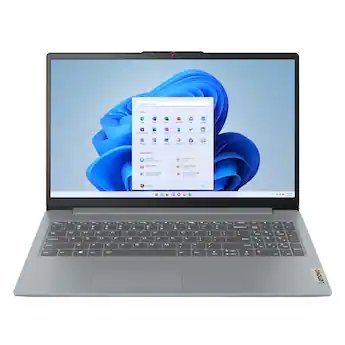
The Lenovo IdeaPad Slim 3 delivers the best performance-to-price ratio in the sub-$500 class thanks to a Ryzen 5 processor, 16GB RAM, and a roomy 512GB SSD. This spec combo keeps your system responsive even with dozens of browser tabs open. The trade-off is a 15.6-inch display that’s bright enough but not color-accurate, so creative work won’t look as vivid as on pricier panels.
Main limitation: The TN/IPS display has below-average color accuracy, and the plastic chassis picks up fingerprints easily.
Skip if: If you need photo-accurate colors for editing tasks, you’ll want to save up for a laptop with a better panel.
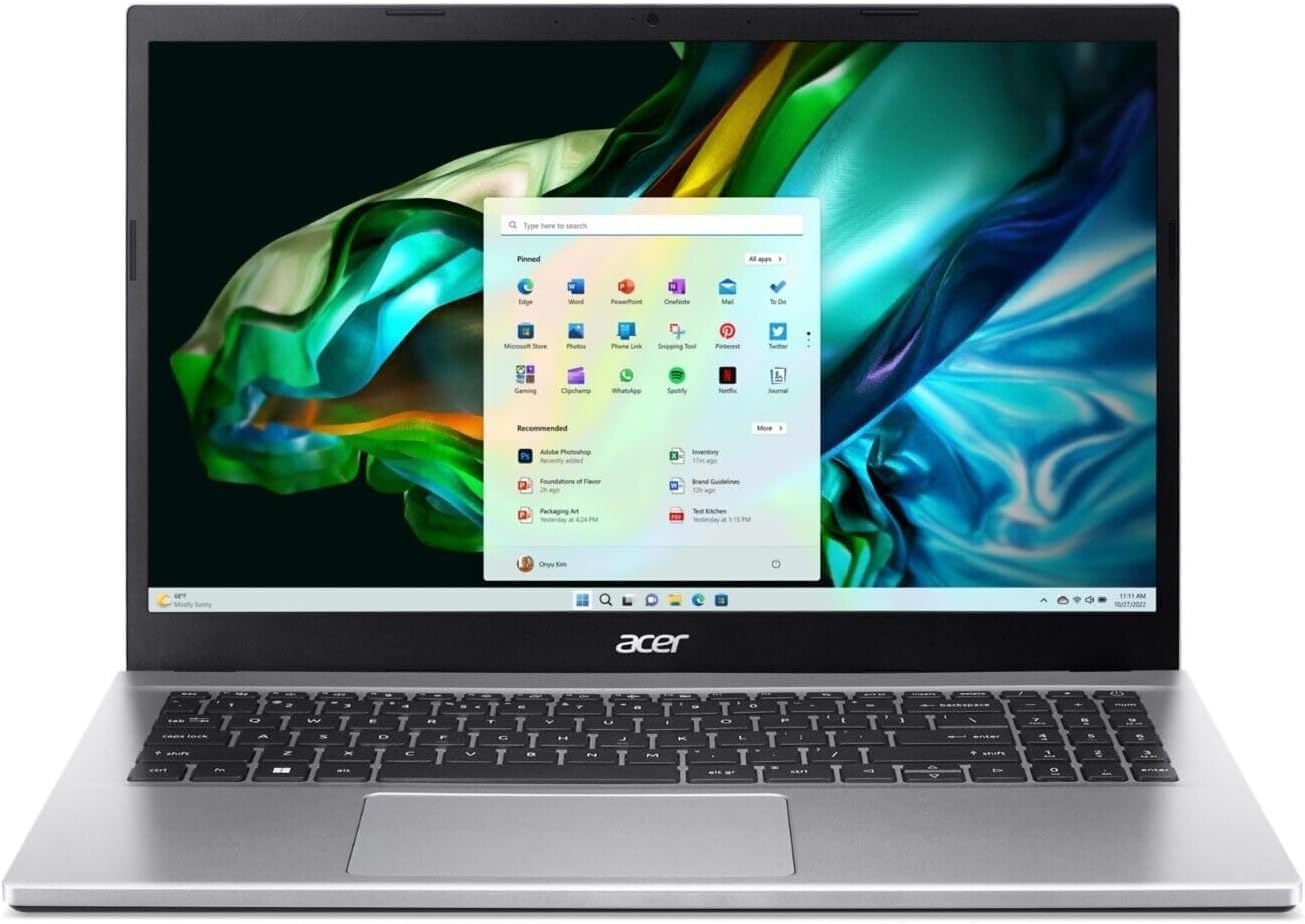
The Acer Aspire 3 is the go-to pick if you need a reliable Windows machine for browsing, streaming, and document editing without breaking the bank. It’s snappy for daily tasks and comes with a full HD display, which is rare at this price. The key limitation is 8GB of RAM, which can cause slowdowns if you juggle too many browser tabs or run larger files.
Main limitation: The 8GB RAM is soldered in many configurations and not user-upgradeable, limiting future-proofing.
Skip if: Power users who regularly have 30+ Chrome tabs open or run photo/video editing software should look elsewhere.
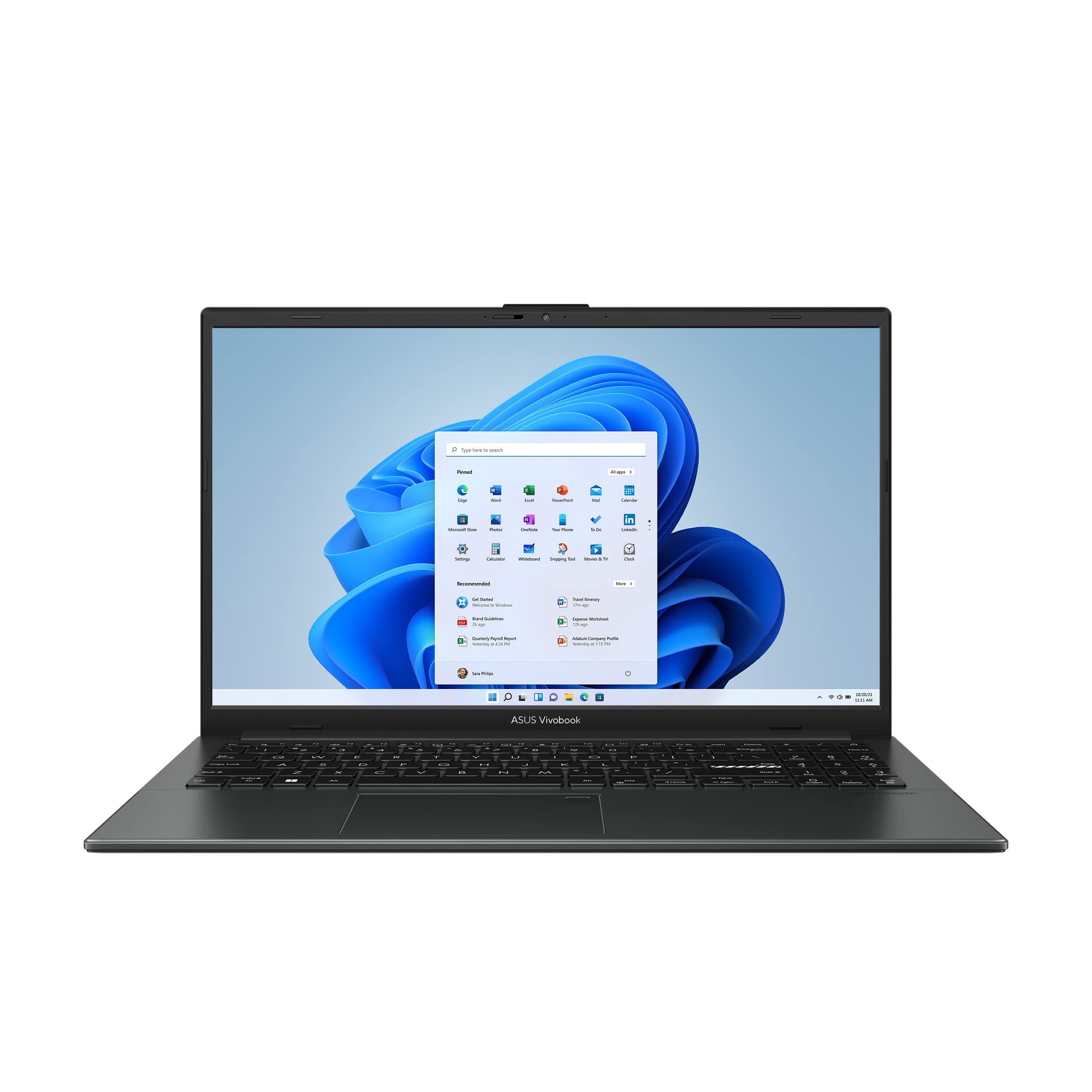
A featherweight 15.6-inch laptop that’s easy to slip into a backpack, this ASUS is for commuters and students who prioritize mobility over raw power. Weighing just 1.63kg, it’s one of the lightest 15-inchers on the market. The trade-off is a 720p webcam and a modest 8GB RAM that limits heavy multitasking.
Main limitation: The keyboard has limited travel, and the battery life tends to fall short of the advertised 8 hours under real-world use.
Skip if: If you need more than 8GB RAM for demanding workloads, you’ll outgrow this machine quickly.
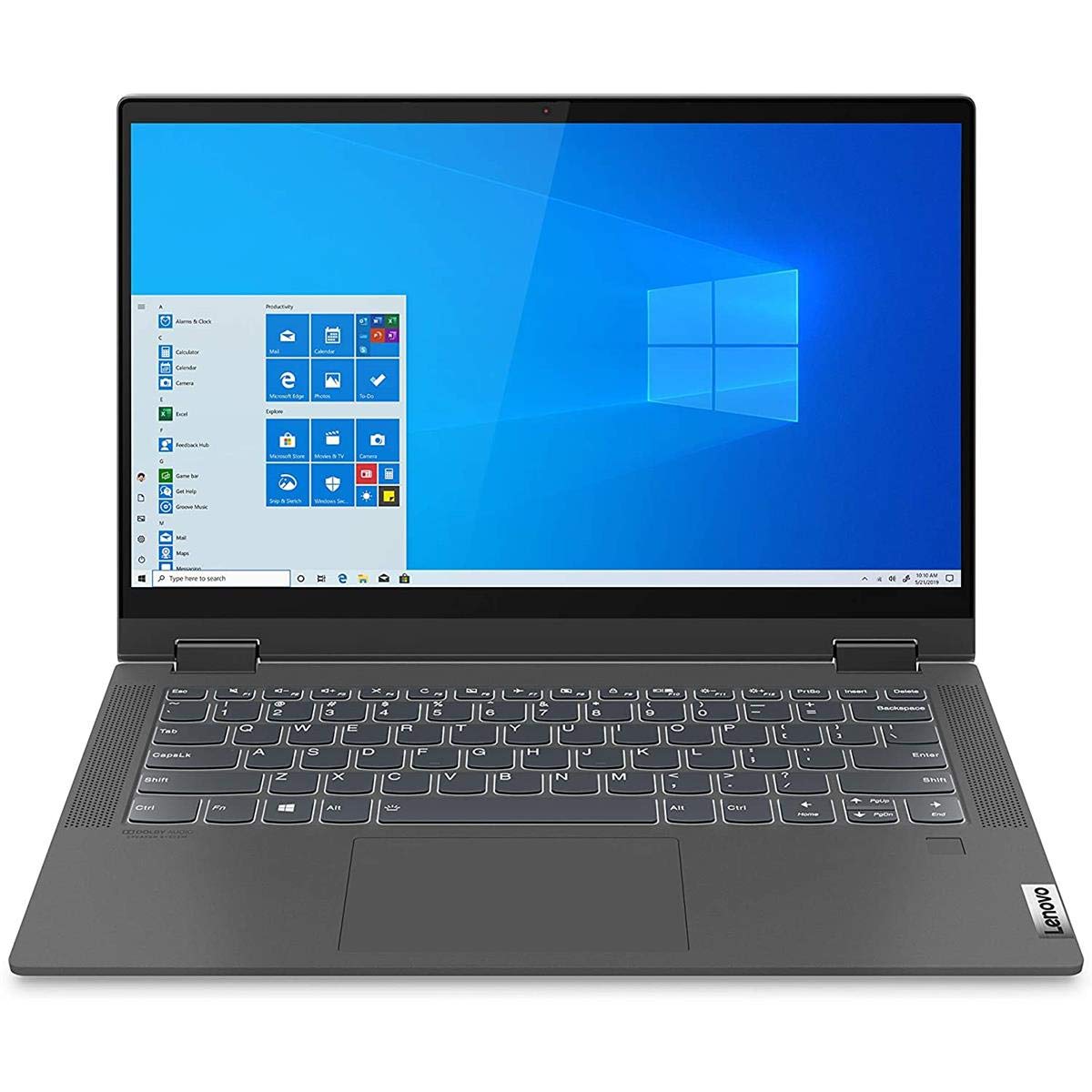
Flexibility is the name of the game here: a 360-degree hinge turns this into a tablet-like device for presentations, reading, or sketching. It’s a solid Windows convertible with a fast Ryzen 5 and generous 16GB RAM. The trade-off is a smaller 14-inch screen than the 15.6-inchers on this list, and the touchscreen adds a slight glare under direct light.
Main limitation: Battery life is mediocre (around 6–7 hours), and the 14-inch screen is smaller than most budget laptops.
Skip if: If you rarely use touch input, you’ll pay extra for a feature you don’t need—a traditional laptop offers better battery and screen size for the same money.
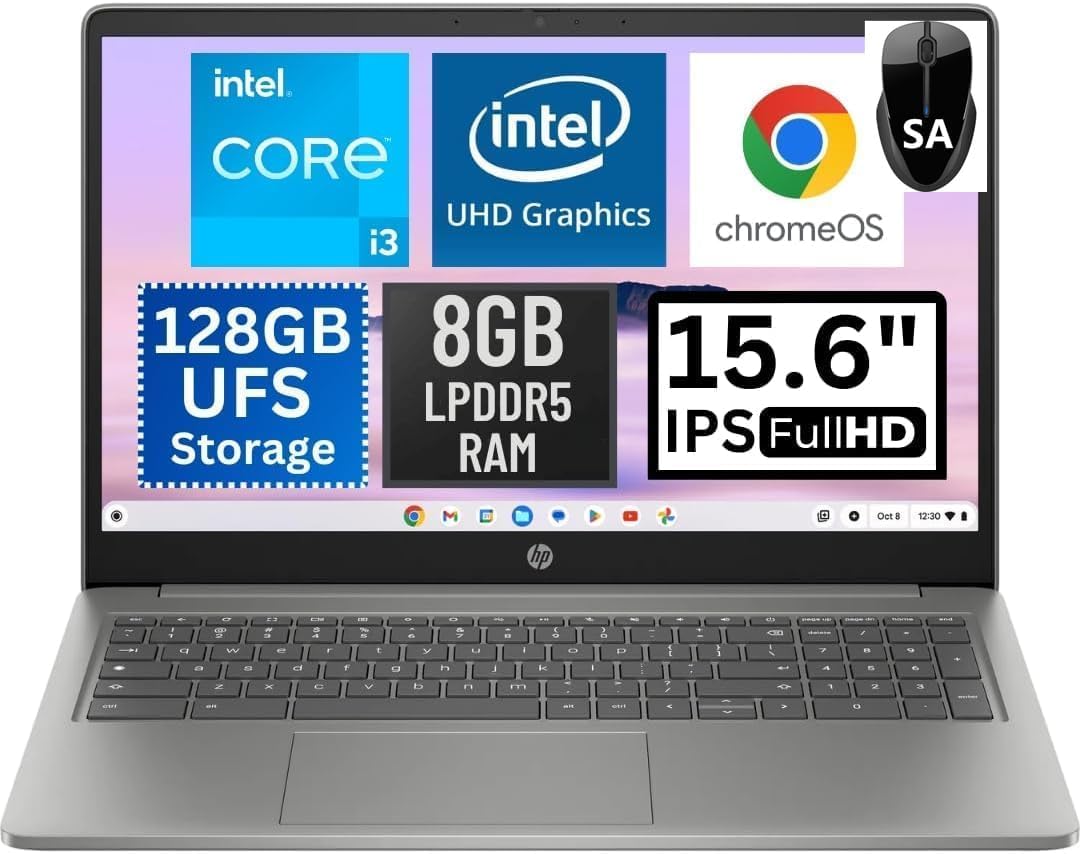
For those who live in the browser, this Chromebook Plus offers super-fast boot times, automatic updates, and access to the Google ecosystem at a price that undercuts most Windows rivals. It’s a reliable performer for web-heavy work and casual streaming. The main limitation is that it’s not a Windows laptop, so legacy software like desktop-based video editors won’t run natively.
Main limitation: The 8GB RAM is adequate but not future-proof, and the 15.6-inch display is only 1080p without HDR tone-mapping.
Skip if: Anyone dependent on Windows-only software or who needs offline productivity tools like full-featured Adobe apps.
A workhorse for spreadsheets, video calls, and typing essays, this Dell combines a comfortable keyboard with a responsive 1080p display. It’s built to handle daily office tasks without breaking a sweat. The downside is the heavy, boxy design and the fact that 8GB RAM is tighter than we’d like for today’s resource-hungry web apps.
Main limitation: The chassis is noticeably bulky, and the integrated graphics can’t handle light gaming or intensive photo editing.
Skip if: If you need a sleek travel companion or do even casual gaming, this isn’t the one.
If you need dedicated performance for light programming, photo editing, or moderate multitasking, this Acer packs a fast AMD Ryzen 5 and 16GB RAM at a price that’s hard to beat. It’s the best spec-for-spec deal on this list. The main trade-off is a plastic build and a display that’s a bit dim in bright rooms.
Main limitation: The screen’s 250-nit brightness is below average, and the battery drains faster than similarly specced competitors.
Skip if: If you’re a graphics professional needing color-accurate displays, you’ll want to save up for a better panel.
Compare key specs and features of all our recommendations side-by-side
| Product | Recommendation | Rating | Price |
|---|---|---|---|
Lenovo IdeaPad Slim 3 (15.6") Rank #1 | 🏆 Top Pick | 8.8/10 | $469–$499 Check current price → |
Acer Aspire 3 (15.6") Rank #2 | 💰 Budget Pick | 8.0/10 | $279–$329 Check current price → |
ASUS VivoBook Go 15 (E1504) Rank #3 | ⭐ Editor's Choice | 7.8/10 | $349–$399 Check current price → |
Lenovo IdeaPad Flex 5 (14") Rank #4 | — | 8.2/10 | $449–$499 Check current price → |
HP Chromebook Plus 15.6" Rank #5 | — | 8.1/10 | $399–$449 Check current price → |
Dell Inspiron 15 3520 Rank #6 | — | 7.9/10 | $399–$479 Check current price → |
Acer Aspire 5 (A515-58P) Rank #7 | — | 8.3/10 | $429–$479 Check current price → |
Common questions buyers have about this category.
Yes, absolutely. For typical tasks like web browsing, streaming, office document editing, and video calls, a well-configured $500 laptop with 8GB RAM and an SSD will feel fast and responsive. The key is avoiding models with 4GB RAM or eMMC storage, which can be sluggish even for basic use.
8GB is the minimum, but 16GB is strongly recommended if you can find it. With 8GB, you'll likely experience slowdowns when keeping many browser tabs open or running multiple apps simultaneously. In 2026, operating systems and web apps are heavier than ever, so 16GB provides a better future-proofing cushion.
It depends on your software needs. If you live in Google Chrome, Gmail, Google Docs, and streaming sites, a Chromebook will feel faster and simpler, and it automatically updates without you worrying. However, if you need to install desktop applications like Microsoft Office, Zoom, or any Windows-specific software, a Windows laptop is more flexible. Chromebooks can run Android apps now, but desktop-class apps are still limited.
You can play older or light games, but don't expect modern AAA titles to run well. Most budget laptops rely on integrated graphics, which are fine for esports titles like Minecraft, League of Legends, or classic games, but only at lower settings. If gaming is a priority, look for a laptop with at least an AMD Ryzen 5 with integrated Radeon graphics or an Intel Core i5 with Iris Xe—but know that even those struggle with demanding games.
If you're willing to accept a shorter warranty, a refurbished premium laptop often offers better build quality and a nicer screen for the same price as a new budget model. However, refurbished batteries may be degraded, and you lose the long-term reliability of a new device. For most people on a $500 budget, a new budget laptop is the safer choice because it includes a full warranty and a fresh battery.
With careful use, a well-made budget laptop can last 3–5 years. The biggest factor is RAM: 8GB may still work but will become increasingly sluggish as software updates demand more memory. A 16GB model will stay responsive longer. Storage and battery are also key—SSDs are reliable, but batteries degrade over time. Look for a laptop with a replaceable battery or one that's known for decent battery longevity.
Under $500, you should skip paying extra for features like touchscreens, 4K displays, and high-refresh-rate screens. These add cost without meaningfully improving everyday use, and the benefits are often canceled out by poor color accuracy or battery drain. Instead, put your money into more RAM or storage, or a backlit keyboard—these make a real daily difference.
Products we evaluated but did not recommend — and why.
