Get the App
Better experience on mobile
We compared 30+ laptops based on battery life, portability, and performance to find the best study companions for every major and budget.
Choosing a laptop for college is a balancing act. You need something powerful enough to handle research papers, spreadsheets, and the occasional late-night streaming session, but portable and durable enough to survive four years of dorm life, crowded libraries, and cramped lecture halls. The biggest mistake students make is buying a laptop that's either overpriced and overbuilt, or so budget-centric that it begins lagging by the end of the first semester.
The secret to a good student laptop is focusing on three things: battery life that lasts at least a full day, a keyboard you don't hate typing on, and enough RAM to keep a hundred browser tabs open. Everything else—raw benchmark scores, 4K displays, or a discrete GPU—matters only for specific majors or hobbies.
In this guide, we've filtered through the current laptop market based on published expert reviews, manufacturer specs, and aggregated buyer feedback. We looked at build quality, weight, battery longevity, and performance for everyday student workloads. We've also taken into account that budgets vary widely, so you'll find options from under $600 to over $2,000.
Whether you're a humanities major drowning in PDFs or an engineering student running simulations, our picks cover the spectrum. We've included 2-in-1s for note-takers, ultralights for commuters, and powerhouses for creatives—each with honest trade-offs so you can choose like an informed buyer.
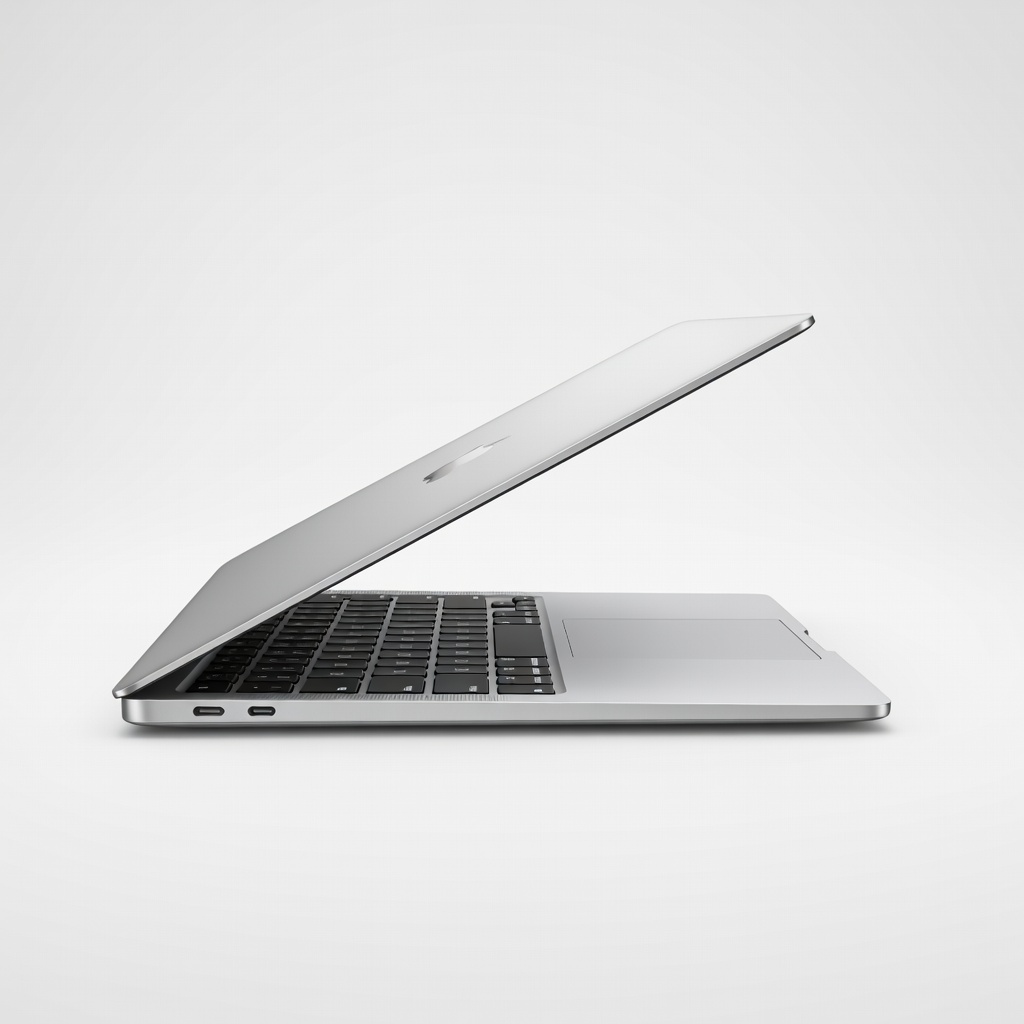
The MacBook Air M4 nails the balance of performance, battery life, and portability that most students need. With up to 18 hours of rated battery life and silent fanless operation, it handles classes, projects, and streaming effortlessly. Trade-off: the base 256GB SSD can feel cramped if you store lots of media.
Main limitation: Limited to 16GB RAM in the base config and supports only one external monitor, which might frustrate power users.
Skip if: If you rely on specific Windows-only software for your major, skip the MacBook Air.
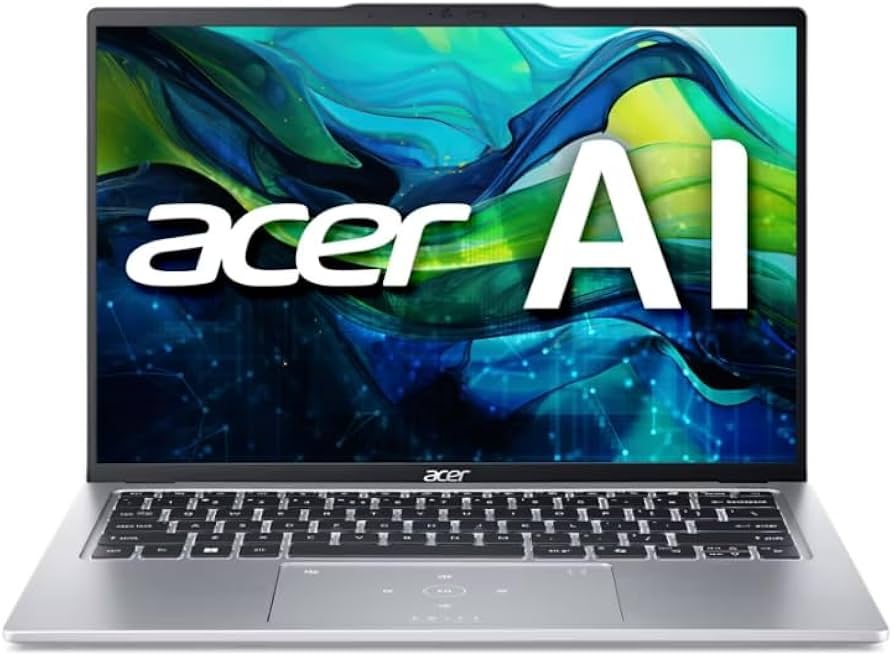
Acer Swift Go 14 offers huge value with an Intel Core 5 processor, 16GB RAM, and a 1440p display for under $700. It's lightweight and has a solid keyboard, making it a reliable companion for lecture halls and libraries. The main trade-off is the so-so battery life and a basic build that feels a bit flexy.
Main limitation: Battery life is average (7-8 hours) and the build quality isn't as premium as costlier options.
Skip if: If you need all-day battery or a fancier chassis for campus style, consider spending a bit more.
The Yoga 7i's 360-degree hinge and active pen support make it a great choice for students who take handwritten notes or annotate documents. The 14-inch 2.8K OLED option delivers vivid colors, and Intel Core Ultra chips provide solid everyday performance. The main trade-off is that the pen is sold separately, adding $50 to the cost.
Main limitation: Active pen not included, and the chassis is heavier than a traditional ultrabook.
Skip if: If you won't use the touchscreen or pen, a conventional laptop will give you better battery life for less.
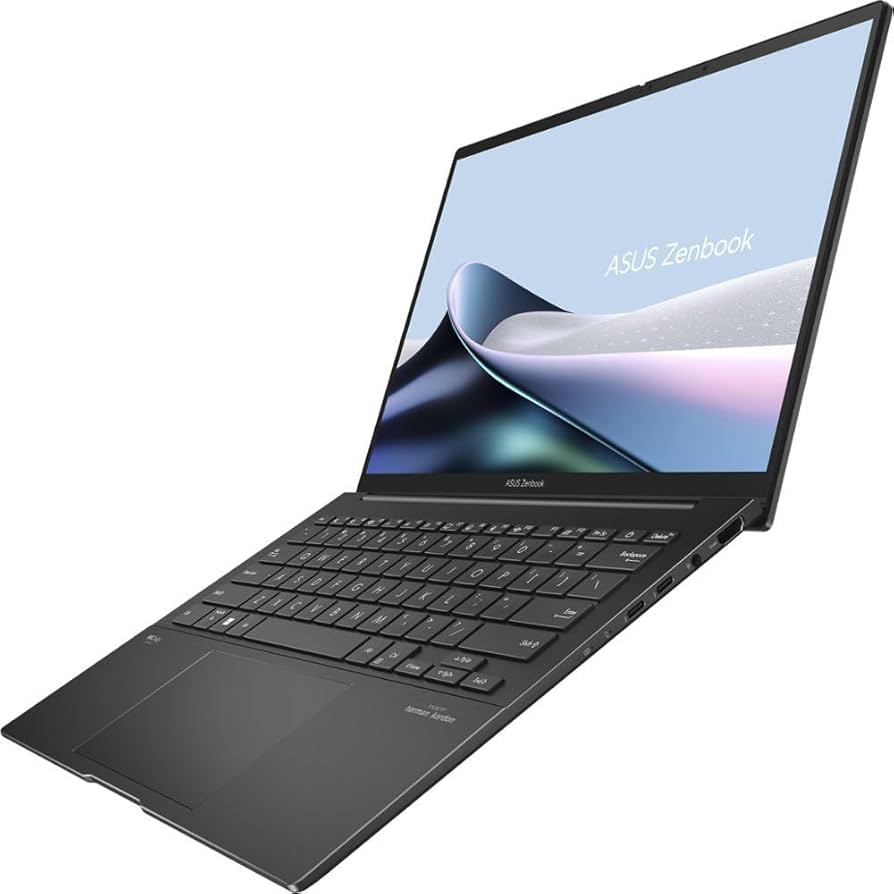
This Asus laptop packs a stunning 2.8K OLED display that makes movies, photos, and design projects look incredible. With an AMD Ryzen 7 CPU and fast SSD, it's a productivity workhorse for a mid-range price. Trade-off: battery life is slightly below average due to the power-hungry OLED panel.
Main limitation: Average battery life (around 7 hours) and no discrete GPU for heavy rendering.
Skip if: If you edit long videos or play 3D games, consider a laptop with a discrete GPU.
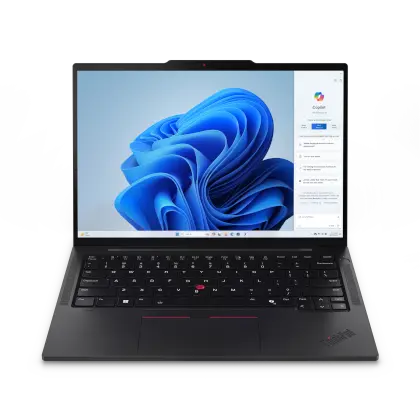
ThinkPad's legendary keyboard and MIL-SPEC durability make the T14s a favorite among engineering and CS students who type a lot and need reliability. With solid Intel or AMD options and a matte display for readability, it handles demanding workloads. The trade-off is the no-nonsense design and a higher price for the brand.
Main limitation: Battery life is good but not exceptional (around 10-12 hours), and the design is conservatively styled.
Skip if: If you're looking for a flashy consumer laptop, you'll be disappointed by the ThinkPad's professional gray/black looks.
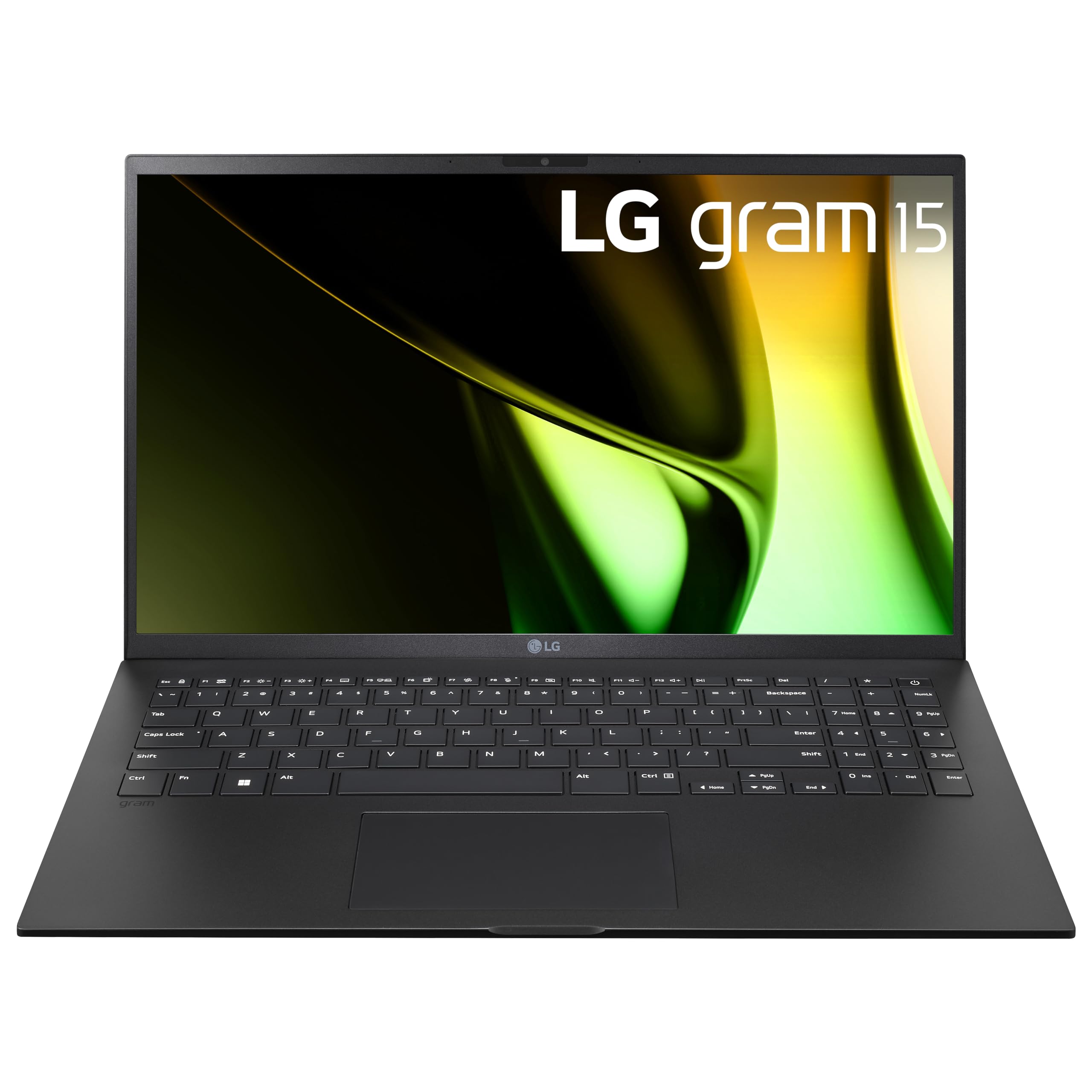
At just 2.6 pounds, the LG gram is absurdly light for a 15-inch laptop, making it perfect for hauling across campus all day. It also packs a big battery and a bright display. The trade-off is the ultra-light chassis bends a bit under pressure and the fan can get audible under load.
Main limitation: The magnesium alloy body isn't as rigid as aluminum, and the 15-inch model might feel flimsy to some.
Skip if: If you prioritize build sturdiness over weight, consider something like a ThinkPad.
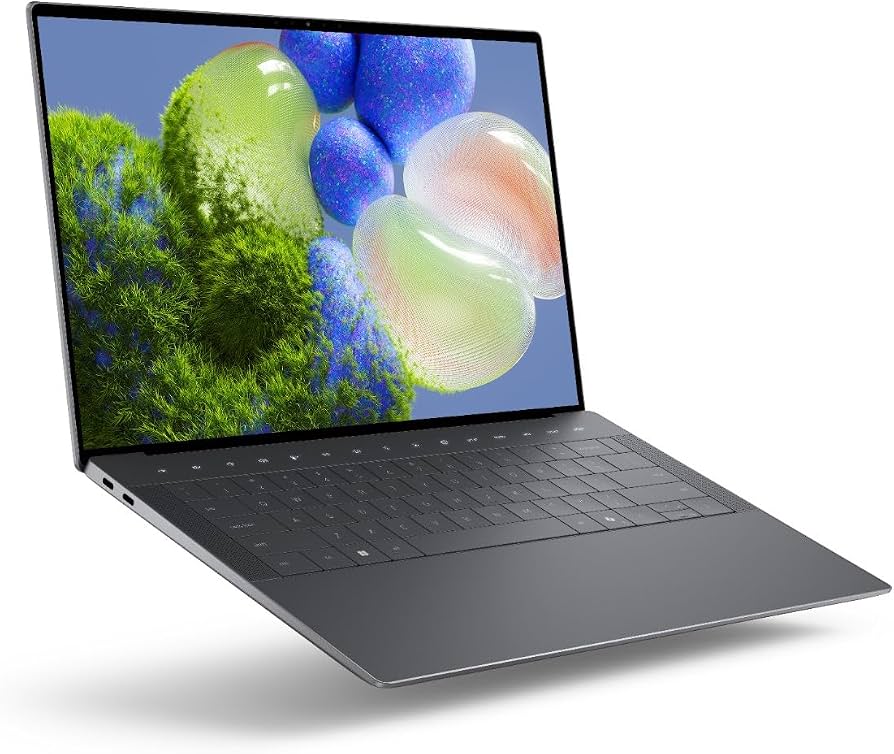
The XPS 14 combines a gorgeous 3.2K OLED display with a premium aluminum and glass design that rivals Apple's build quality. It also includes the option of an RTX 4050 for students who do light creative work. The trade-off is the price, which climbs quickly with upgrades.
Main limitation: Battery life is only average (8-9 hours) for the OLED version, and the touchbar-like function row can take getting used to.
Skip if: If you're on a tight budget, this is not the laptop for you; you can get 80% of the performance for half the price.
Compare key specs and features of all our recommendations side-by-side
| Product | Recommendation | Rating | Price |
|---|---|---|---|
Apple MacBook Air 13-inch M4 Rank #1 | 🏆 Top Pick | 9.2/10 | $1,099–$1,499 Check current price → |
Acer Swift Go 14 Rank #2 | 💰 Budget Pick | 8.0/10 | $599–$749 Check current price → |
Lenovo Yoga 7i 2-in-1 Rank #3 | ⭐ Editor's Choice | 8.3/10 | $749–$1,099 Check current price → |
ASUS Zenbook 14 OLED Rank #4 | — | 8.4/10 | $799–$1,099 Check current price → |
Lenovo ThinkPad T14s Gen 5 Rank #5 | — | 8.6/10 | $1,299–$1,899 Check current price → |
LG gram 15 Rank #6 | — | 8.1/10 | $1,299–$1,699 Check current price → |
Dell XPS 14 Rank #7 | — | 8.5/10 | $1,499–$2,199 Check current price → |
Common questions buyers have about this category.
It depends on your major and personal preference. MacBooks excel in battery life and build quality, and they integrate well with iPhones. Windows laptops offer a wider range of software compatibility and price points, plus touchscreen options. Check with your department for any software requirements; engineering and business programs often need Windows.
Aim for at least 16GB of RAM. While 8GB can handle basic tasks, a student often has dozens of tabs, a word processor, and maybe a presentation open at once, and 8GB will lead to slowdowns. 16GB is the sweet spot for typing, coding, and even light video editing, and 32GB is only necessary for heavy CAD or video work.
If you prefer handwritten notes and want to annotate lecture slides or PDFs, a 2-in-1 with active pen support is definitely worth it. It replaces a paper notebook and makes it easy to search your notes. However, if you're comfortable typing notes, a traditional laptop will offer better battery life and a more rigid chassis for the same price.
Very. Most college lectures are 1-2 hours, and you'll likely have classes back-to-back with minimal access to outlets. A laptop with at least 8-10 hours of real-world battery life will get you through a full day comfortably. Look at reviews that simulate real usage rather than just manufacturer ratings.
Only if you're gaming, doing 3D modeling, or heavy video editing. The integrated graphics in today's Intel Core Ultra and Apple M-series chips are plenty for coding, research, and light photo editing. A discrete GPU adds weight, heat, and battery drain, so avoid it unless your major truly requires it.
Aim for at least 512GB of SSD storage. Between course materials, lecture recordings, and personal files, 256GB fills up quickly, especially on a MacBook with limited upgrade options. If you save everything to the cloud, 256GB might be okay, but 512GB offers more breathing room.
Products we evaluated but did not recommend — and why.
