Get the App
Better experience on mobile
Our top recommendations for every need and budget, based on expert reviews and real-world value.
The laptop market in 2026 is defined by a quiet revolution: efficiency. The latest chips from Apple, Intel, and AMD deliver more performance per watt than ever, meaning you no longer have to sacrifice battery life for speed. But with that efficiency comes a bewildering array of choices—ultrabooks, 2-in-1s, gaming rigs, and budget workhorses—each promising to be the perfect fit.
The truth is, the 'best' laptop for you depends entirely on how you use it. A machine that's perfect for a video editor will frustrate a student on a budget. That's why we've curated this list not by chasing benchmarks, but by matching real-world needs to the right tool.
We've combed through expert reviews, spec sheets, and user feedback to bring you ten standout laptops across every price range. Whether you need a $400 Chromebook for browsing or a $3,000 workstation for 3D rendering, you'll find a clear recommendation here—along with honest trade-offs, so you can decide with confidence.
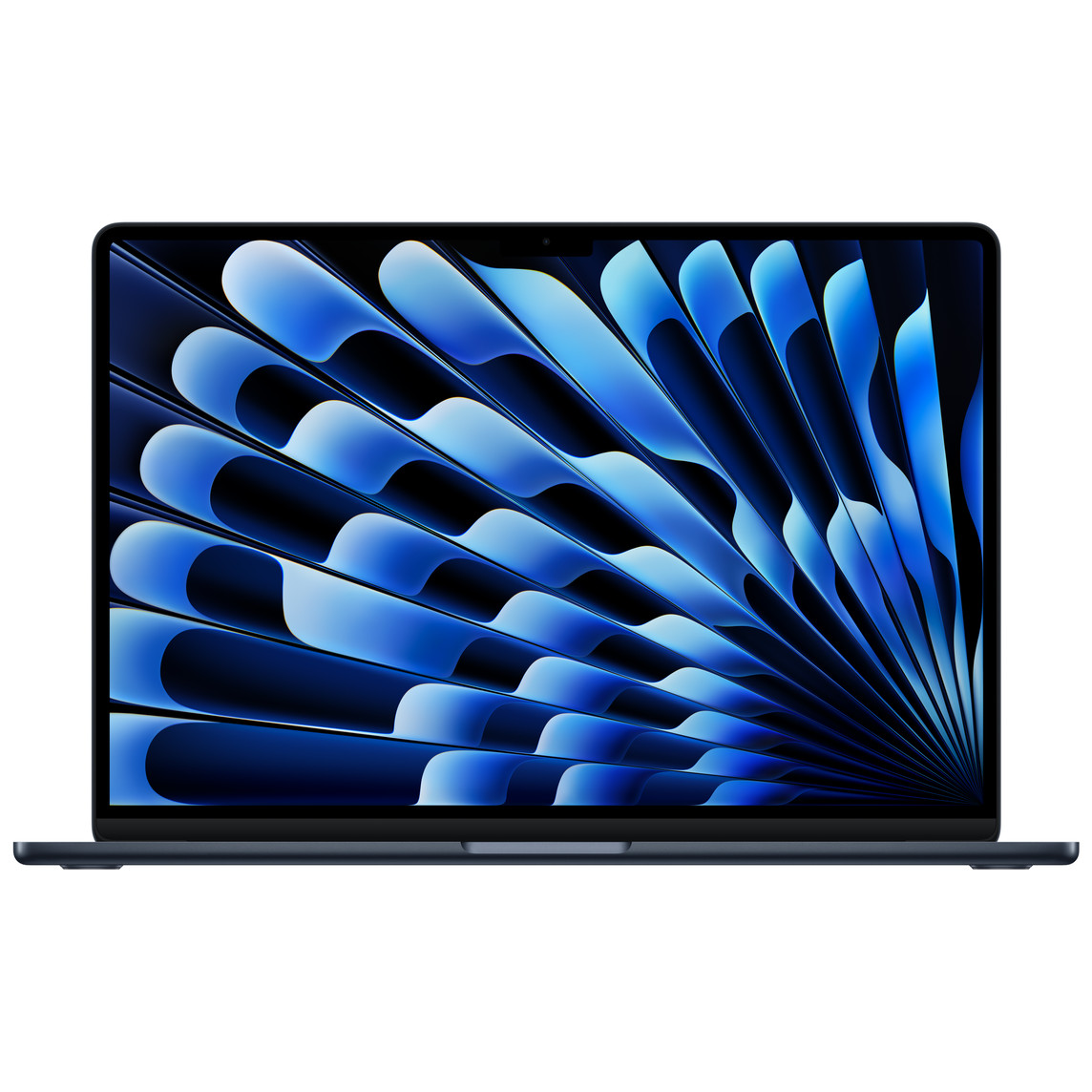
The MacBook Air M4 continues to set the standard for mainstream laptops, offering a rare blend of performance, portability, and all-day battery life. Its fanless design keeps it silent, and the 15-inch model provides ample screen real estate without bulk. The main trade-off is limited port selection (only two Thunderbolt ports) and no touchscreen option.
Main limitation: Port selection is minimal, and upgrading storage or RAM is expensive at purchase.
Skip if: Users who need a touchscreen, dedicated GPU, or extensive port variety should look elsewhere.
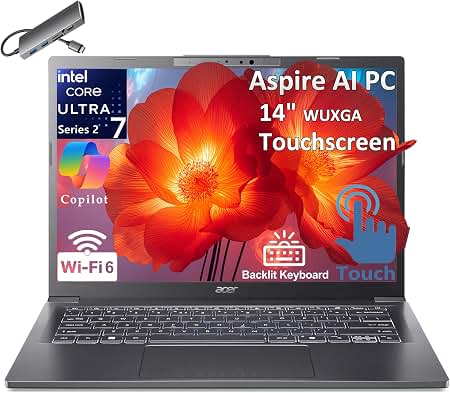
The Acer Aspire 5 delivers impressive bang for the buck, with solid everyday performance and a comfortable keyboard. It's a great choice for students or home users who need a reliable machine for browsing, office work, and streaming. However, the build is mostly plastic and the display is dimmer than pricier options.
Main limitation: The plastic chassis flexes slightly, and the display covers only 45% of the NTSC color gamut, making it less ideal for photo editing.
Skip if: Creative professionals or gamers will want a more powerful and color-accurate machine.
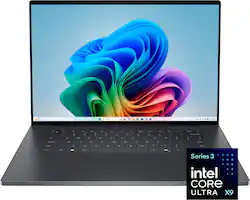
The Dell XPS 16 is a powerhouse for creators, combining a stunning OLED display with top-tier components. Its sleek design and robust build quality make it a joy to use. The trade-off is a high starting price and a somewhat polarizing zero-lattice keyboard and hidden function row.
Main limitation: The keyboard and trackpad take adjustment, and the laptop runs warm under sustained load.
Skip if: Budget-conscious buyers or those who prefer a traditional keyboard layout.
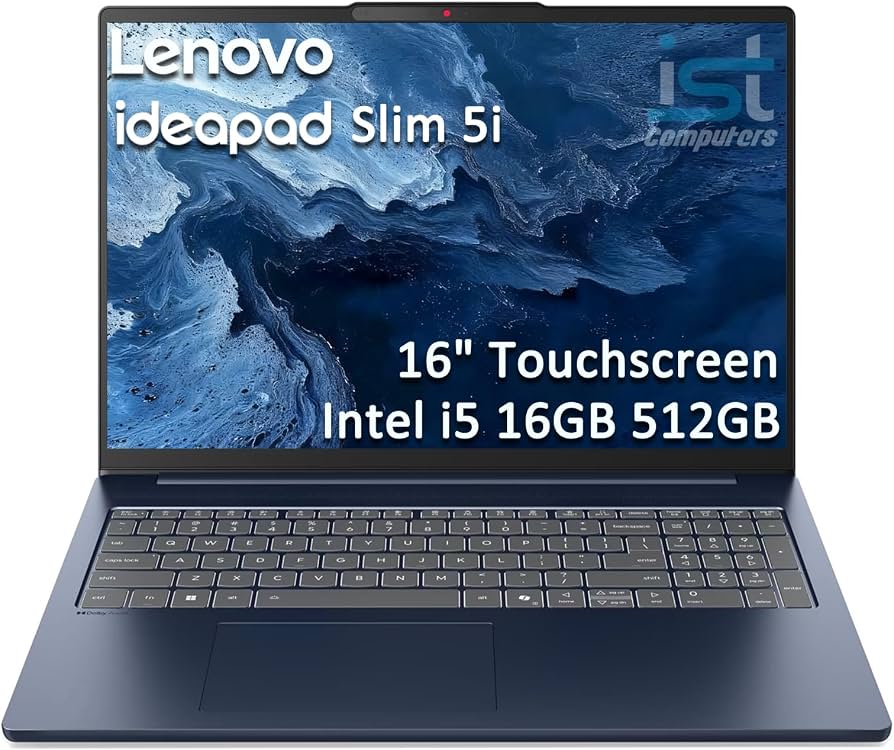
Students will appreciate the IdeaPad Slim 5's balance of price, performance, and battery life. The large 16-inch display is great for multitasking, and the keyboard is comfortable for long typing sessions. However, it's not the lightest laptop at around 4.2 pounds, so frequent travelers may want something more portable.
Main limitation: At 4.2 pounds, it's heavier than typical ultrabooks, and the speakers are mediocre.
Skip if: Students who need maximum portability and plan to carry it all day.
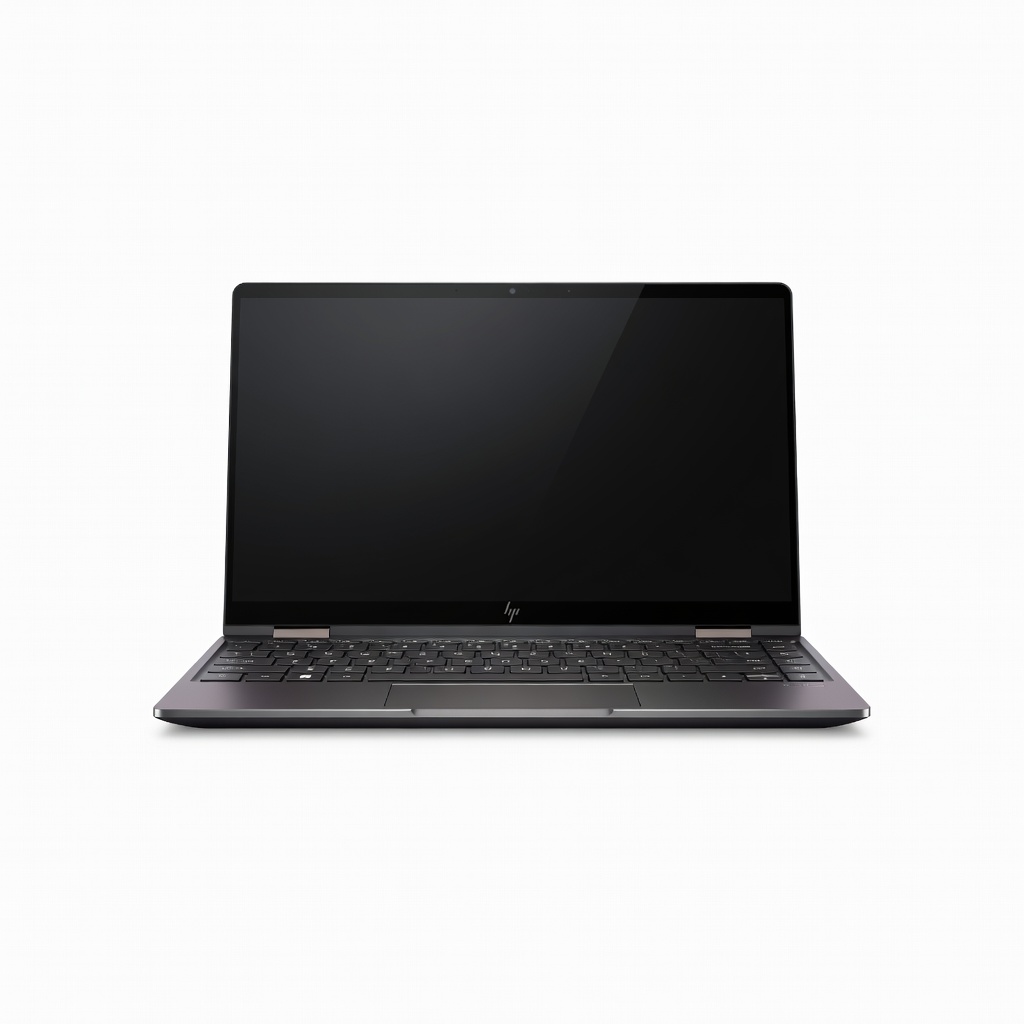
The HP Spectre x360 14 is a premium convertible that excels as both a laptop and a tablet. Its OLED display is gorgeous, and the included stylus makes it great for note-taking and sketching. The main downside is that the high-end configuration gets expensive, and battery life is average compared to non-convertibles.
Main limitation: Battery life takes a hit due to the OLED display, and the laptop can get warm when used as a tablet.
Skip if: Users who prioritize maximum battery life over versatility.
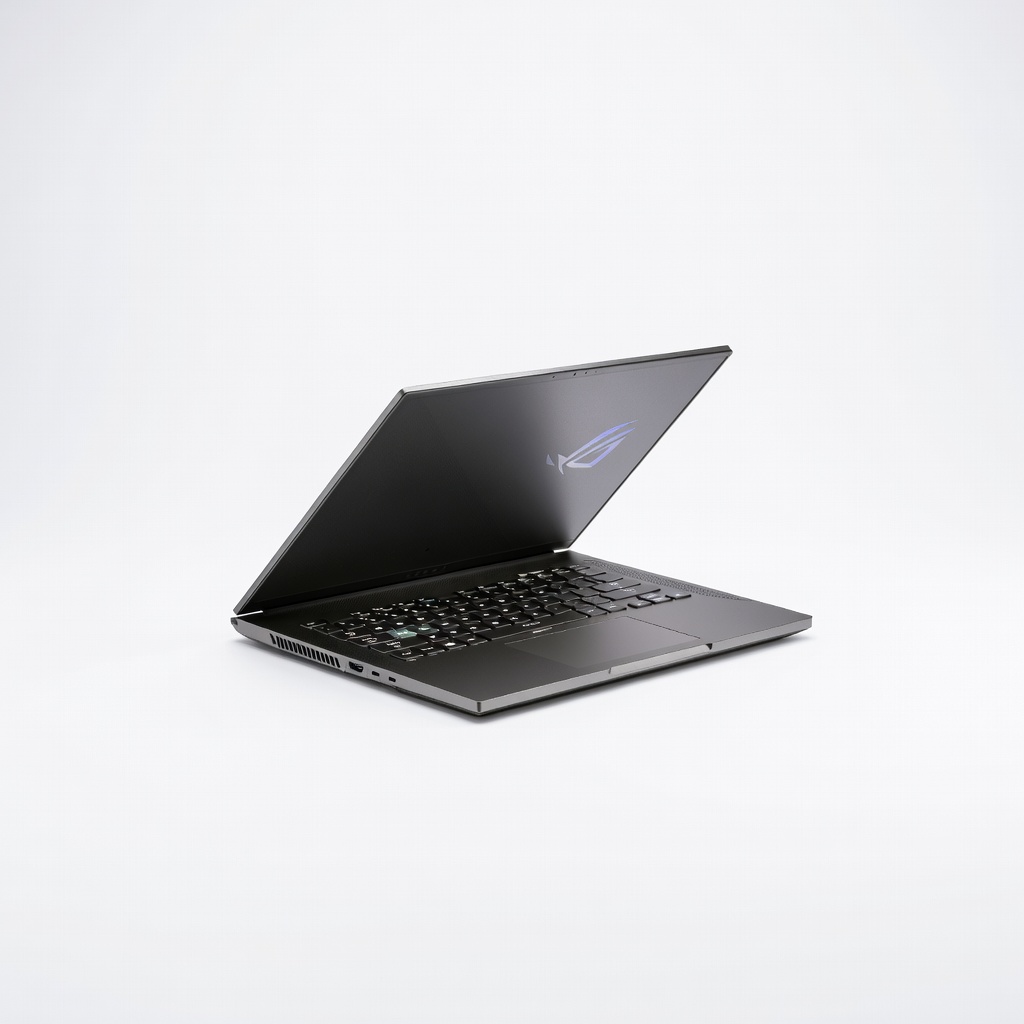
The Zephyrus G14 packs serious gaming performance into a compact, portable chassis. Its 165Hz display is smooth, and the build quality rivals premium ultrabooks. The trade-off is that it can get loud under load and battery life while gaming is predictably short.
Main limitation: Fan noise is noticeable during intense gaming, and the laptop runs hot.
Skip if: Gamers who want a larger screen or don't need portability.
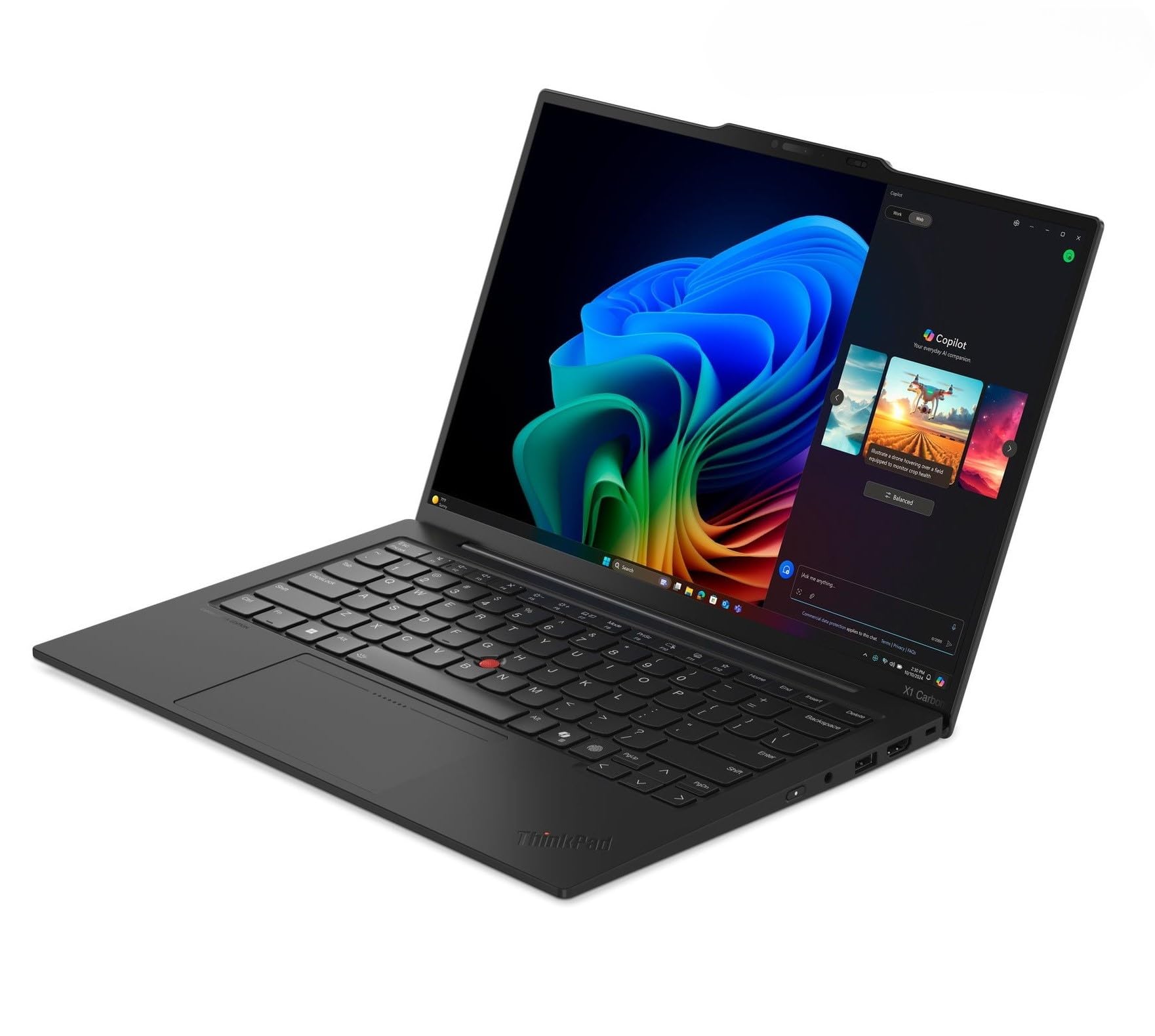
The ThinkPad X1 Carbon remains the gold standard for business laptops, offering superb build quality, a best-in-class keyboard, and robust security features. It's lightweight and durable, perfect for professionals on the go. The main drawback is the premium price, and the design is conservative compared to consumer laptops.
Main limitation: It's expensive for the specs, and the webcam is only 1080p (though decent).
Skip if: Budget-conscious buyers or those who want a flashy design.
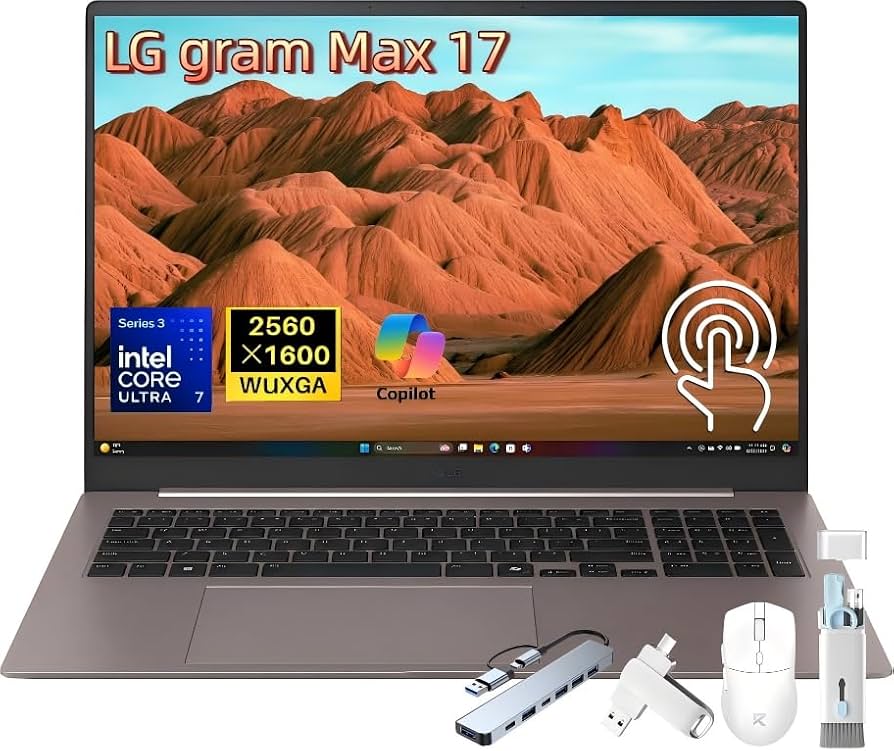
The LG Gram 17 is a marvel of engineering, offering a large 17-inch display in a chassis that weighs under 3 pounds. It's ideal for frequent travelers who need screen real estate without the bulk. However, the build feels less rigid than metal competitors, and the speakers are weak.
Main limitation: The chassis flexes slightly, and performance is tuned for efficiency rather than raw power.
Skip if: Users who need a rugged machine or maximum performance.
The Swift X 14 offers a compelling mix of creative performance and portability at a mid-range price. The OLED display is color-accurate, and the RTX 4050 handles video editing and 3D modeling reasonably well. The trade-off is that the battery life is average and the fan can get noisy under load.
Main limitation: Battery life is unimpressive, and the laptop struggles with sustained heavy workloads.
Skip if: Professional creators who need maximum rendering power or all-day battery life.
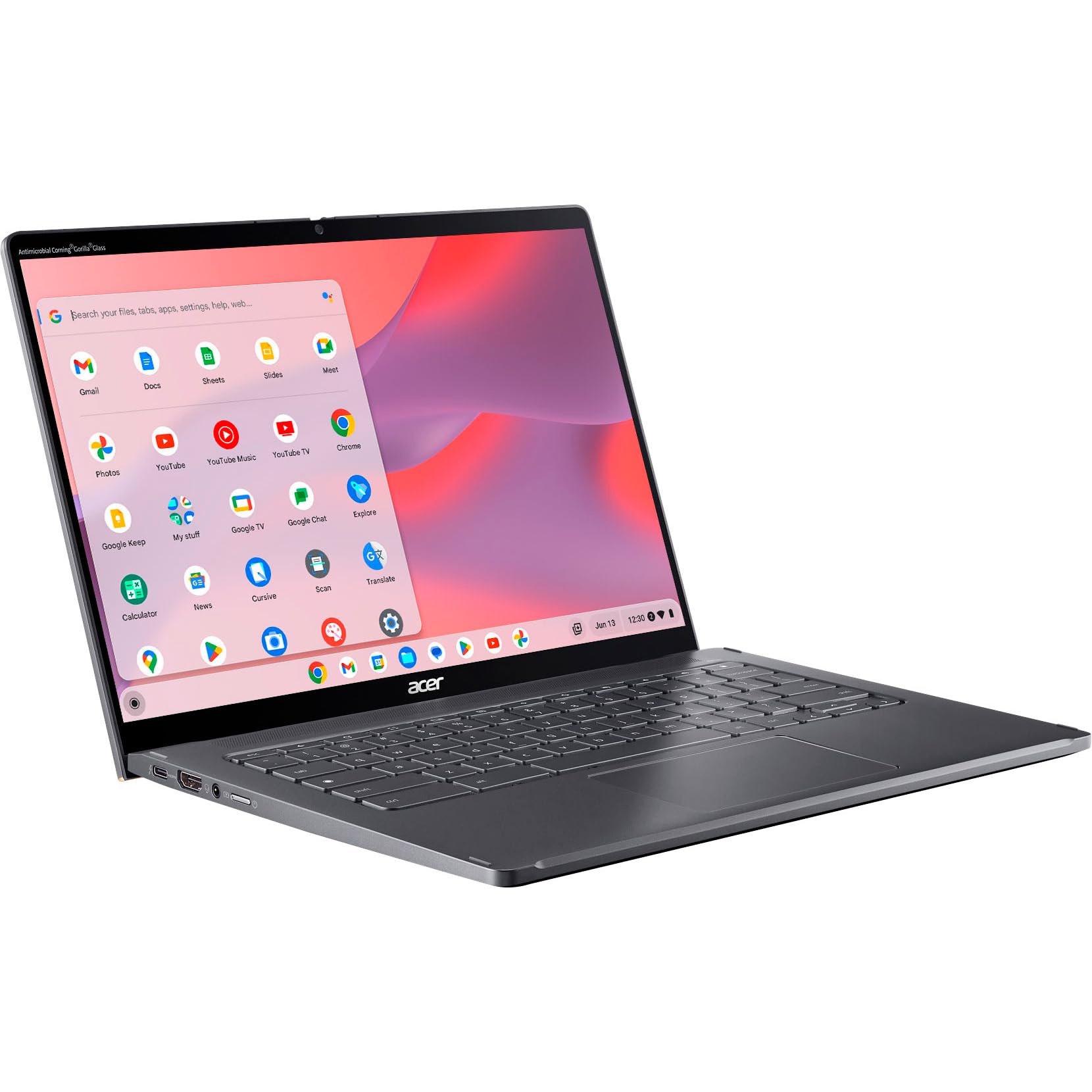
The Chromebook Spin 714 is a premium ChromeOS device that offers a great typing experience, a vibrant touchscreen, and long battery life. It's perfect for students and casual users who live in the browser. However, ChromeOS has limitations for demanding software, and the price is high for a Chromebook.
Main limitation: ChromeOS can't run full Windows or macOS applications, and the price approaches that of entry-level Windows ultrabooks.
Skip if: Users who need Windows-specific software or high-end gaming.
Compare key specs and features of all our recommendations side-by-side
| Product | Recommendation | Rating | Price |
|---|---|---|---|
Apple MacBook Air M4 15-inch (2026) Rank #1 | 🏆 Top Pick | 9.3/10 | $1,299–$1,499 Check current price → |
Acer Aspire 5 2026 Rank #2 | 💰 Budget Pick | 8.0/10 | $499–$649 Check current price → |
Dell XPS 16 (2026) Rank #3 | ⭐ Editor's Choice | 8.9/10 | $1,899–$2,499 Check current price → |
Lenovo IdeaPad Slim 5 (2026) Rank #4 | — | 8.3/10 | $649–$799 Check current price → |
HP Spectre x360 14 (2026) Rank #5 | — | 8.7/10 | $1,449–$1,899 Check current price → |
Asus ROG Zephyrus G14 (2026) Rank #6 | — | 8.8/10 | $1,599–$2,199 Check current price → |
Lenovo ThinkPad X1 Carbon Gen 13 (2026) Rank #7 | — | 8.6/10 | $1,699–$2,299 Check current price → |
LG Gram 17 (2026) Rank #8 | — | 8.5/10 | $1,499–$1,799 Check current price → |
Acer Swift X 14 (2026) Rank #9 | — | 8.2/10 | $1,099–$1,399 Check current price → |
Acer Chromebook Spin 714 (2026) Rank #10 | — | 8.0/10 | $699–$799 Check current price → |
Common questions buyers have about this category.
For most users, 16GB of RAM is the new baseline. It comfortably handles dozens of browser tabs, office applications, and light photo editing. If you're a heavy multitasker, video editor, or gamer, consider 32GB to avoid slowdowns in the coming years.
Only if you play modern games, edit video, or do 3D modeling. Integrated graphics in 2026 are powerful enough for everyday tasks, streaming, and even some light creative work. A dedicated GPU adds cost, weight, and often reduces battery life, so skip it unless you truly need it.
Windows offers the widest software compatibility and hardware variety, making it the safest bet for most people. macOS is excellent for creative professionals and integrates seamlessly with other Apple devices. ChromeOS is fast, secure, and affordable but limited to web-based apps—ideal for students and casual users.
Battery life is crucial if you frequently work away from a power outlet. Aim for at least 10 hours of real-world use for an ultrabook. Gaming laptops typically last 4–6 hours, so keep expectations modest if you prioritize performance.
A 14-inch laptop is the sweet spot for portability and usability, offering enough screen space without being cumbersome. If you primarily work at a desk, a 15- or 16-inch model provides more room for multitasking. 17-inch laptops are best for those who need maximum screen real estate and don't mind the extra weight.
2-in-1s are worth it if you need tablet functionality for note-taking, sketching, or presentations. They add versatility but often cost more and may have slightly shorter battery life than traditional clamshells. If you rarely use a touchscreen, a standard laptop is a better value.
Most laptops last 4–5 years before performance or battery degradation becomes noticeable. If your current machine still handles your daily tasks well, there's no need to upgrade just for a new model. However, if you're experiencing slowdowns or need new features like AI acceleration, 2026 models offer meaningful improvements.
Products we evaluated but did not recommend — and why.
