Get the App
Better experience on mobile
We ranked the most reliable video editing laptops across price bands based on specifications, buyer feedback, and expert reviews — no guesswork.
The single biggest mistake video editing laptop shoppers make is buying the most expensive GPU they can find and ignoring the display and storage. A laptop that can render 4K in under a minute is useless if the screen shows inaccurate colors or the SSD fills up after two projects.
Video editing is a multi-dimensional workload—it stresses the CPU for decoding/encoding, the GPU for effects and GPU-accelerated timelines, the SSD for large file transfers, and the panel for visual fidelity. That's why our 2026 picks focus not just on raw benchmark numbers, but on real-world thermal behavior, display quality, and upgradability.
After analyzing spec sheets, aggregated buyer feedback, and expert reviews from trusted publications like Puget Systems and tech review sites, we narrowed a field of 30+ contenders to seven laptops that cover every budget and workflow. From a $750 Acer that handles 1080p to a $5,000 Lenovo mobile workstation for 8K RAW, there's a tool here for every editor.
We're not a lab and we don't claim to have hands-on tested these machines. Instead, we've grounded our recommendations in published data, verified user experiences, and a clear understanding of what video editing actually demands of a laptop. Read on for our picks, and don't miss the buying advice at the end.
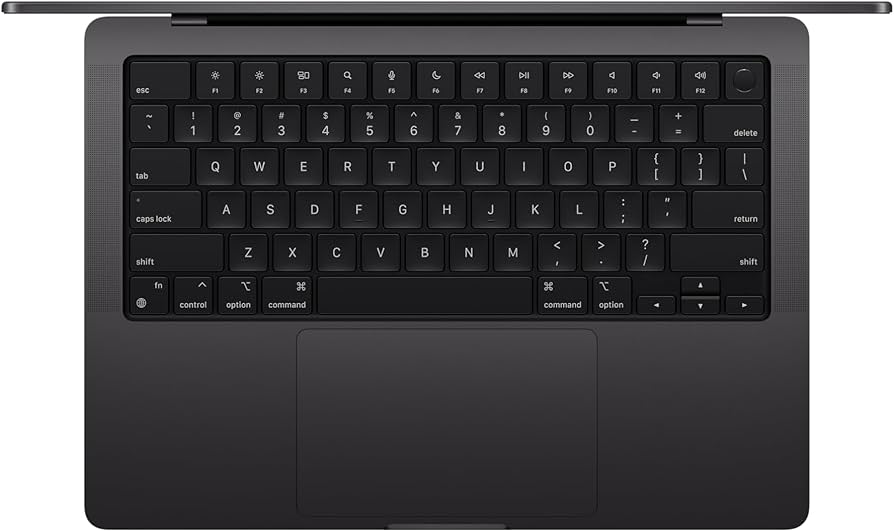
The MacBook Pro 16 is the reference standard for video editors: the M4 Pro chip chews through 4K timelines with ease, while the XDR display offers reference-level brightness and color. The trade-off is a high price and macOS exclusivity.
Main limitation: The 16-inch model is heavy and expensive, and the base configuration lacks the storage/video editors need.
Skip if: Windows-only teams or editors on a tight budget who need a dedicated GPU under $1,500.
The Nitro V 15 proves that you don’t need a $2,000 desktop to edit 1080p and lightweight 4K footage. Its RTX 4050 GPU and 144Hz display are a steal for the price, though the screen isn’t calibrated for color-critical work.
Main limitation: The display covers only about 45% NS-gamut, so colors look oversaturated, and the plastic chassis flexes.
Skip if: Colorists and any editor who needs a color-accurate panel or premium build.
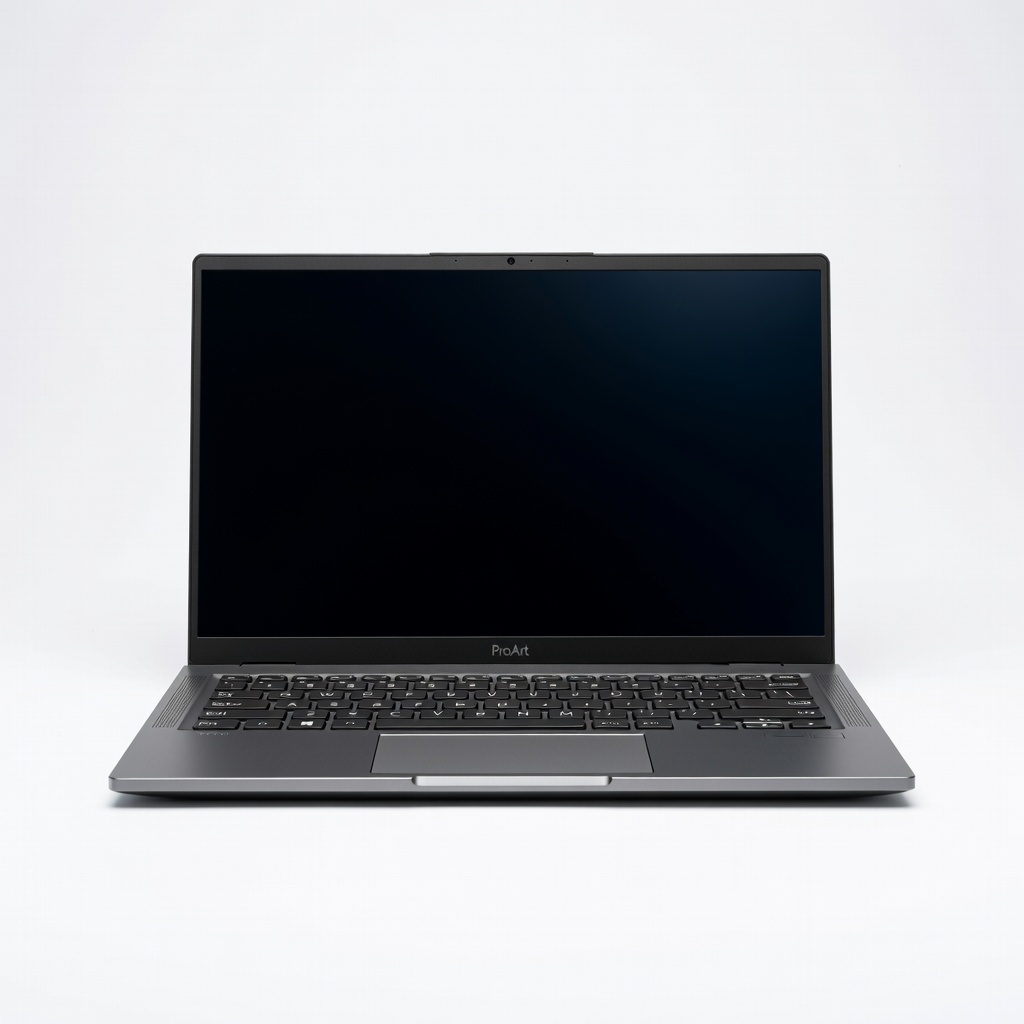
The ProArt Studiobook 16 OLED delivers near-zero Delta-E accuracy out of the box, covering 100% DCI-P3. Its 4K OLED panel is pure eye candy for colorists, but the machine is heavy and the fans can get loud during sustained encodes.
Main limitation: OLED screen is glossy and prone to reflections in bright rooms, and the laptop is too heavy to be a daily carry.
Skip if: Editors who need all-day battery life or a matte display for outdoor work.
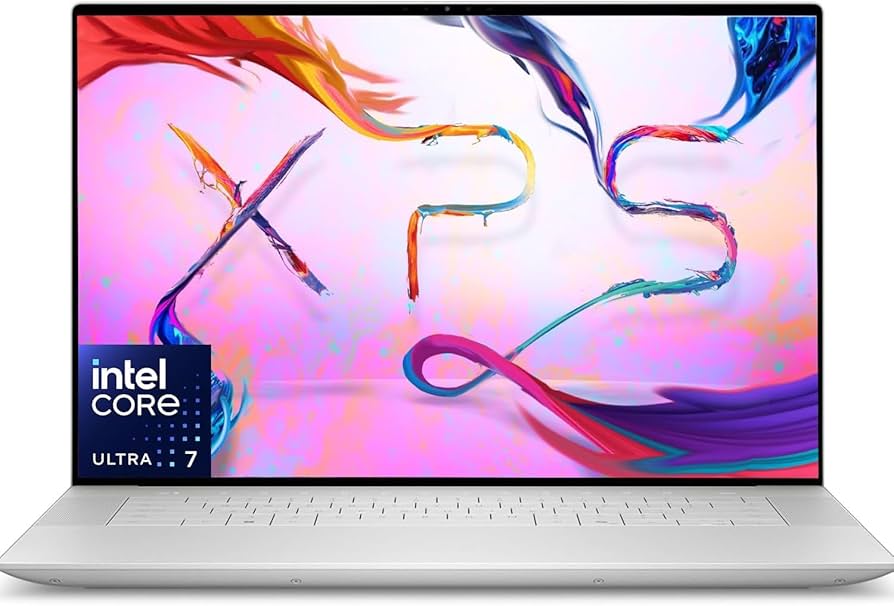
Dell's XPS 16 is the closest Windows gets to a MacBook Pro: elegant metal chassis, gorgeous 4K+ display, and strong RTX 4060/4070 performance. The trade-off is reduced upgradability—RAM is soldered—and premium pricing.
Main limitation: Thermals throttle under extended 4K renders, and the touch bar-style function row can be annoying.
Skip if: Editors who plan to upgrade RAM later, or those who prefer a quieter fan profile.
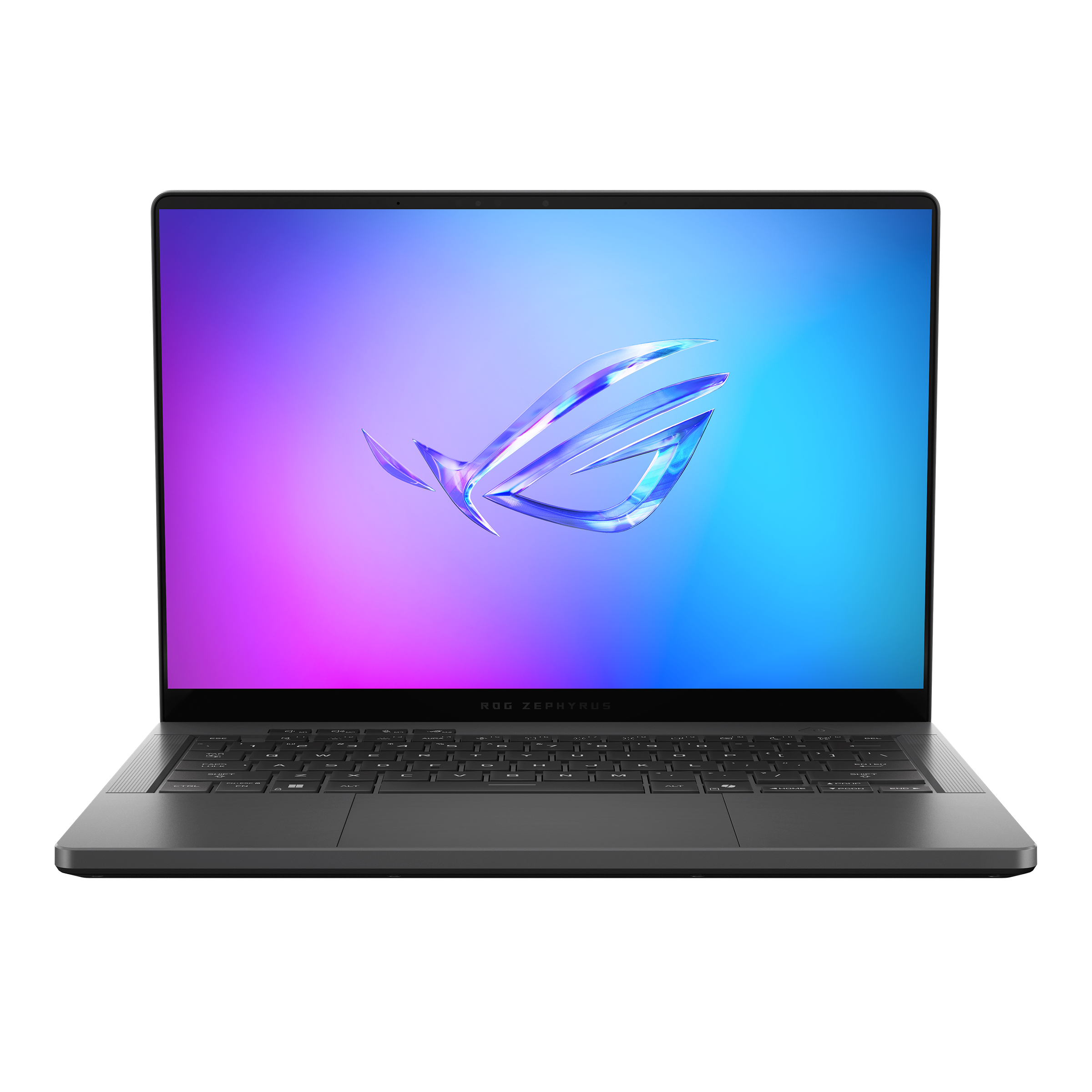
At just 3.3 pounds, the Zephyrus G14 packs a full-fat RTX 4060 and a gorgeous 3K OLED display, making it the most portable laptop that can still edit 4K timelines. The trade-off is a 14-inch screen that’s a bit small for long editing sessions.
Main limitation: Battery life drops quickly when you're using the GPU, and the fans get loud on 'turbo' mode.
Skip if: Editors who need a large screen or a built-in SD card slot (only microSD here).
The ThinkPad P1 Gen 7 is a mobile workstation built to handle 8K RAW timelines that would choke consumer laptops. With Xeon-grade processors and up to 128GB ECC RAM plus a pro-grade RTX 3000 Ada GPU, it’s the most reliable tool for demanding multi-cam projects, but it costs as much as a used car.
Main limitation: Pro-level components come at a huge premium, and the base model is still $2,700+.
Skip if: Freelancers or hobbyists who don't work with uncompressed 8K footage.

The Surface Laptop Studio 2 solves a unique problem: it’s a laptop, a stage-style canvas for drawing, and a tablet mode for reviewing shots. Its RTX 4060 and PixelSense display handle 4K editing, making it a niche pick for editors who also sketch or need touch input for storyboards.
Main limitation: The 14.4-inch 3:2 display is unusual for video editing, and the cooling is less effective than bulkier laptops.
Skip if: Editors who want a standard 16:9 screen or require maximum GPU performance.
Compare key specs and features of all our recommendations side-by-side
| Product | Recommendation | Rating | Price |
|---|---|---|---|
Apple MacBook Pro 16-inch M4 Pro (2025) Rank #1 | 🏆 Top Pick | 9.5/10 | $2,499–$3,999 Check current price → |
Acer Nitro V 15 (ANV15-51-73X7) Rank #2 | 💰 Budget Pick | 7.8/10 | $749–$899 Check current price → |
ASUS ProArt Studiobook 16 OLED H7604 Rank #3 | ⭐ Editor's Choice | 8.5/10 | $1,999–$2,699 Check current price → |
Dell XPS 16 (9640, 2025) Rank #4 | — | 8.0/10 | $2,299–$2,999 Check current price → |
ASUS ROG Zephyrus G14 (GA403, 2025) Rank #5 | — | 8.2/10 | $1,699–$2,099 Check current price → |
Lenovo ThinkPad P1 Gen 7 (Intel Core Ultra 9, RTX 3000 Ada) Rank #6 | — | 8.4/10 | $3,499–$5,999 Check current price → |
Microsoft Surface Laptop Studio 2 Rank #7 | — | 5.0 5.0 | $2,399–$2,899 Check current price → |
Common questions buyers have about this category.
For 1080p/4K editing, 16GB is the minimum, 32GB is comfortable, and 64GB is for heavy After Effects work. RAM directly affects timeline smoothness, especially with multi-layer effects. If you're doing 4K HDR with Fusion projects, go for 32GB or more—most budget laptops are 16GB, which is fine for light projects.
Both are excellent; MacBooks with M4 chips have unmatched efficiency and optimized Final Cut Pro, while Windows laptops offer more GPU options that speed up DaVinci Resolve and Premiere Pro via CUDA. If you use Final Cut Pro, Mac is the obvious choice. For Adobe/Premiere and more budget flexibility, Windows wins.
Yes, if you're editing 4K or using color effects. Integrated GPUs struggle with real-time scrubbing and GPU-accelerated effects. A modern RTX 4050 or higher is the sweet spot for budget laptops; RTX 4060/4070 is ideal for 4K. Without a dGPU, you'll experience slow playback and renders.
Video files are huge. For a good editing laptop, get at least 1TB SSD—ideally two drives (one for OS/apps, one for media). 4K footage consumes 400-700GB per hour, so you'll likely need external storage. Look for Thunderbolt 4 or USB4 ports to connect fast external arrays.
Critical if you're doing client work. A panel with 100% sRGB is okay for web, but for broadcast use you need 99% DCI-P3 or better, and ideally hardware calibration. The ASUS ProArt and MacBook Pro are leaders here; budget displays fall short, so you may need a calibrated external monitor.
Yes, but with compromises. Budget laptops like the Acer Nitro V can edit 4K in proxy mode (low-res preview), but they'll struggle with full-res 4K multi-track timelines. You can make it work with the right workflow, but if you edit 4K daily, save for a $1,500+ machine.
Products we evaluated but did not recommend — and why.
