Get the App
Better experience on mobile
High-performance machines optimized for 4K timelines, color grading, and fast renders across all budgets.
In video editing, GPU VRAM dictates whether you'll proxy 4K footage or edit natively—8GB gets basic jobs done, but 12GB+ handles multicam and effects without stuttering. Laptops in this category must balance discrete NVIDIA GPUs or Apple Silicon efficiency with screens covering at least 100% DCI-P3 for accurate grading, as most consumer displays fall short at 70-80%.
These picks span from $1,200 rigs that punch above their weight to $4,000+ workstations, drawing from manufacturer specs, independent benchmarks, and user reports on real-world stability during long exports. We focused on models excelling in Adobe and Blackmagic workflows, acknowledging trade-offs like battery life versus power.
Whether you're cutting YouTube vlogs or Hollywood dailies, our ranked list covers portable editors, budget beasts, and pro tools—each with honest limitations upfront.
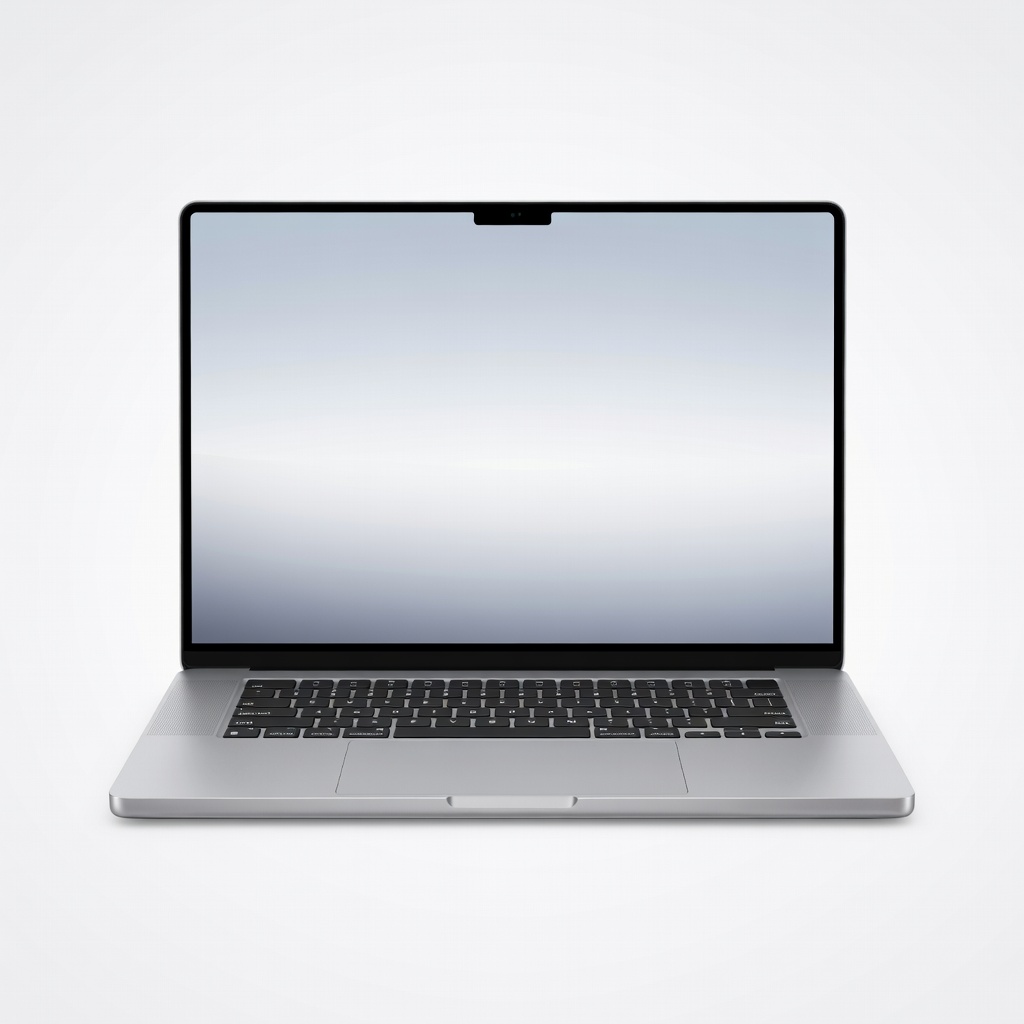
The M4 Max crushes 8K timelines in Final Cut Pro and Resolve with its 40-core GPU and unified memory architecture, delivering unmatched battery life for a 16-inch powerhouse. Its Liquid Retina XDR display hits 1600 nits peak brightness with perfect blacks for HDR grading. Trade-off: macOS lock-in limits some Windows-only plugins.
Main limitation: Software ecosystem favors Apple apps, requiring workarounds for certain Adobe features optimized for NVIDIA CUDA.
Skip if: Skip this if you rely on legacy Windows software or need extensive expandability beyond Thunderbolt docks.
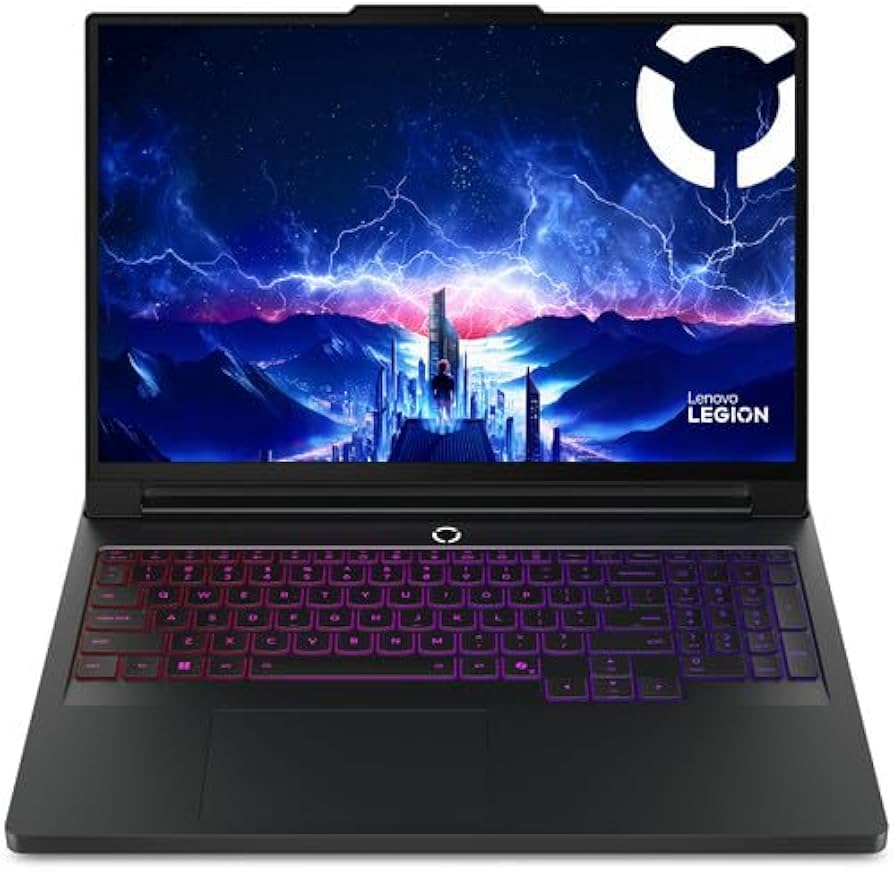
Intel Core Ultra 9 and RTX 4080 with 12GB VRAM handle 4K multi-layer edits in Premiere at budget pricing, backed by a 16-inch 240Hz QHD+ display with 100% DCI-P3. MUX switch optimizes GPU for longer sessions without thermal throttling. Main trade-off: battery drains fast on unplugged edits.
Main limitation: Battery life drops to 2-3 hours under heavy GPU loads, requiring constant plugging in for all-day work.
Skip if: Avoid if you edit on the go more than at a desk, as portability suffers with its 6.2-pound bulk.
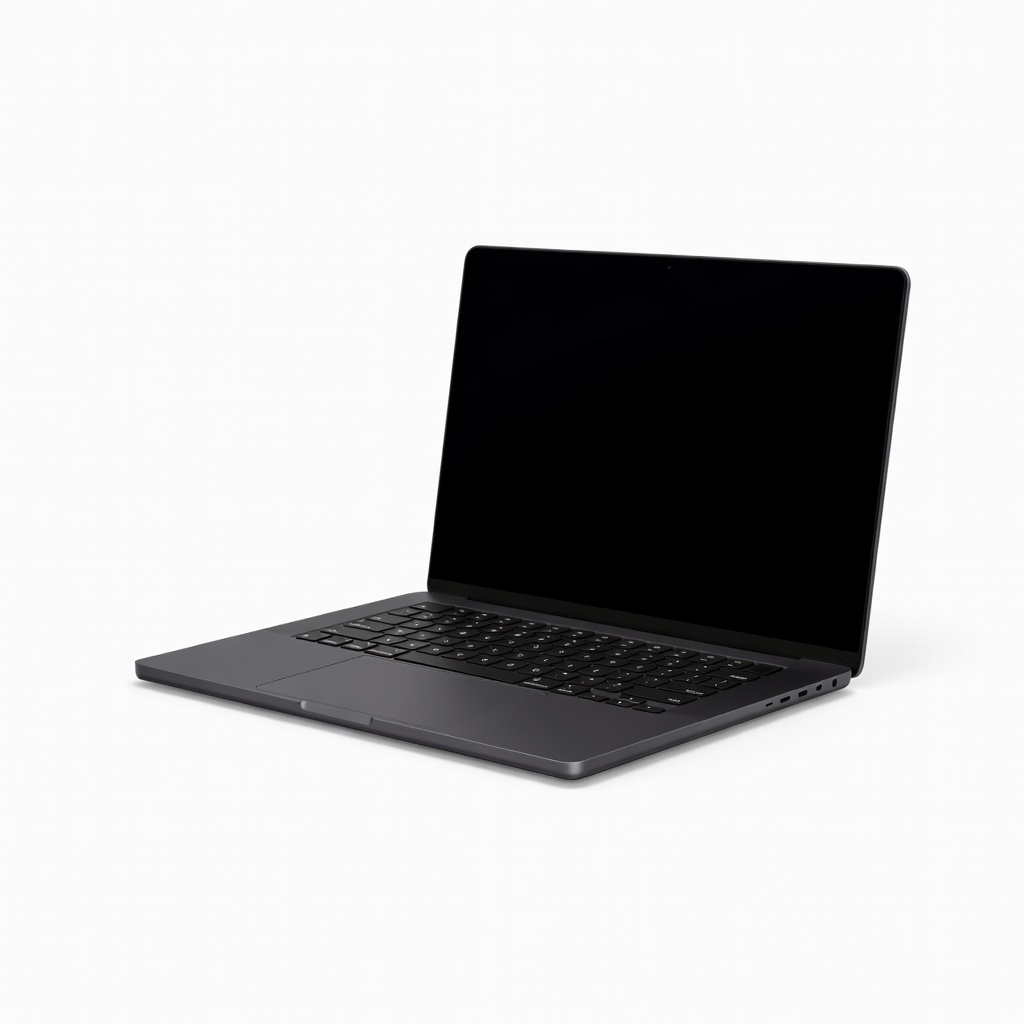
M4 Pro's efficiency powers 4K proxies-free editing in a sub-3.5-pound chassis with 14-inch XDR display for precise color work anywhere. Fanless-like quiet operation suits coffee shop sessions. Trade-off: smaller screen limits timeline visibility compared to 16-inch rivals.
Main limitation: 14-inch size cramps complex multicam timelines, often needing external monitors for pro workflows.
Skip if: Pass if you need a large built-in display for primary grading without peripherals.
OLED touchscreen with 100% DCI-P3 and factory calibration excels in Resolve grading, powered by Intel Lunar Lake and RTX 4070 for smooth effects previews. Sleek aluminum chassis appeals to creatives. Trade-off: soldered RAM limits future upgrades.
Main limitation: 32GB RAM cap can't be expanded, potentially bottlenecking 8K RAW workflows later.
Skip if: Skip if you anticipate needing 64GB+ RAM for memory-intensive VFX in the next few years.
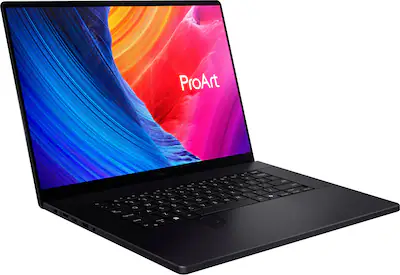
AMD Ryzen AI 9 HX and RTX 4070 with dial pad accelerate Photoshop-to-Premiere workflows, plus Pantone-validated 4K OLED for pro accuracy. 64GB RAM handles massive timelines. Trade-off: hinges wear faster with frequent screen flips.
Main limitation: Convertible hinge shows flex after heavy use, risking alignment issues over time.
Skip if: Avoid if you prefer rigid clamshell designs without touchscreen versatility.
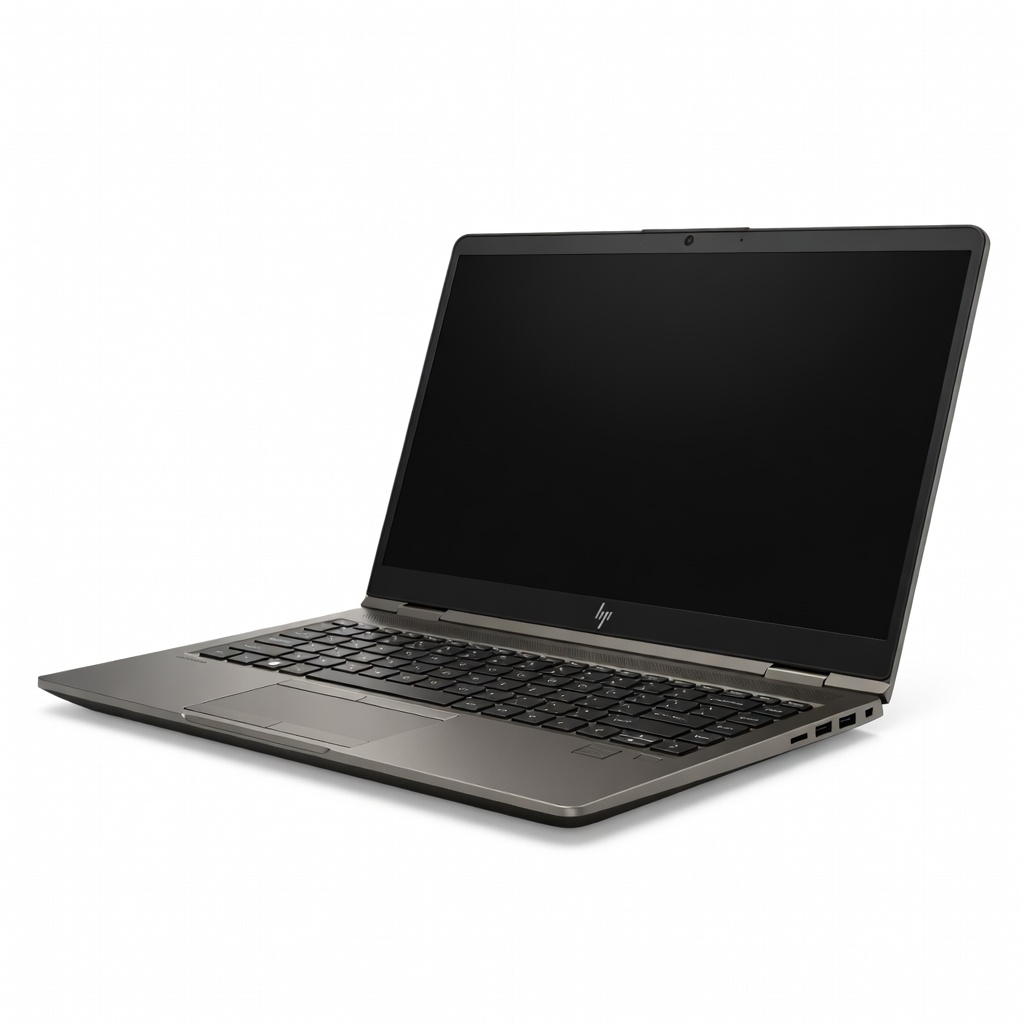
Intel Xeon or Core i9 with RTX 3500 Ada 16GB VRAM dominates enterprise renders certified for Avid and Autodesk, with DreamColor display for broadcast standards. Tool-free upgrades extend lifespan. Trade-off: heaviest in class at 5.3 pounds.
Main limitation: Bulk and fan noise make it unsuitable for quiet or mobile environments.
Skip if: Don't choose this if portability trumps raw workstation power.
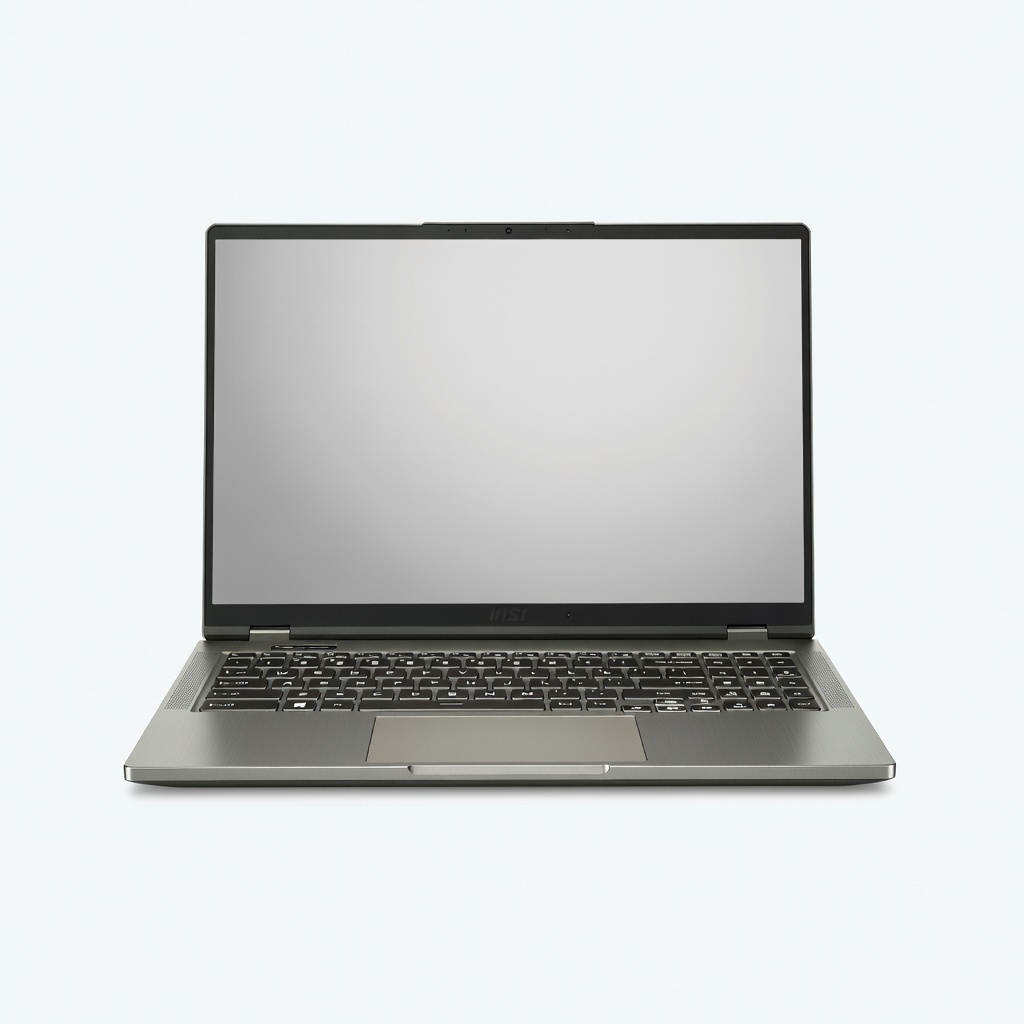
Massive 17-inch QHD+ mini-LED hits 1000 nits for HDR previews, with Core i9 and RTX 4090 16GB VRAM exporting 8K fastest in benchmarks. SteelSeries keyboard aids long sessions. Trade-off: poor battery and high power draw.
Main limitation: Battery lasts under 90 minutes on edits, demanding wall power always.
Skip if: Steer clear if you need any unplugged usage beyond setup.
Compare key specs and features of all our recommendations side-by-side
| Product | Recommendation | Rating | Price |
|---|---|---|---|
Apple MacBook Pro 16-inch M4 Max Rank #1 | 🏆 Top Pick | 9.5/10 | $3,499–$5,499 Check current price → |
Lenovo Legion Pro 7i Gen 10 Rank #2 | 💰 Budget Pick | 8.4/10 | $1,799–$2,299 Check current price → |
Apple MacBook Pro 14-inch M4 Pro Rank #3 | ⭐ Editor's Choice | 9.2/10 | $2,299–$3,499 Check current price → |
Dell XPS 16 (2026) Rank #4 | — | 8.7/10 | $2,499–$3,299 Check current price → |
ASUS ProArt P16 (2026) Rank #5 | — | 8.6/10 | $2,799–$3,799 Check current price → |
HP ZBook Fury 16 G11 Rank #6 | — | 8.9/10 | $3,999–$6,999 Check current price → |
MSI Creator Z17 HX Studio Rank #7 | — | 8.5/10 | $3,499–$4,999 Check current price → |
Common questions buyers have about this category.
MacBooks excel in Final Cut Pro efficiency and battery life with Apple Silicon, ideal for solo creators, while Windows offers more GPU options and software flexibility for Premiere/Resolve teams. Choose based on your primary app—PugetBench shows M4 Max edging RTX 4080 in optimized workflows, but NVIDIA wins CUDA-accelerated tasks. Most pros run both ecosystems via external drives.
Yes for native 4K/8K and GPU effects—integrated graphics like Intel Arc handle 1080p proxies but stutter on stabilization or noise reduction. NVIDIA RTX with 8GB+ VRAM accelerates Resolve best via CUDA/OpenCL. Apple M-series GPUs rival mid-tier discrete in optimized apps per 2026 benchmarks.
Look for 100% DCI-P3 coverage, 400+ nits brightness, and factory calibration (Delta E <2)—OLED/mini-LED like Dell XPS or MacBook XDR for true blacks in HDR. IPS falls short on contrast; verify via DisplayMate or NotebookCheck reviews. Pair with a calibrated external monitor for finals.
Critical for sustained renders—poor cooling throttles CPUs/GPUs by 30% after 30 minutes, per Stress Test data. Prioritize vapor chambers or quad fans in reviews; Legion and ZBooks shine here. Undervolting software helps, but expect fan noise on powerhouses.
Yes, $1,500 models like Legion Pro with RTX 4070 match $3,000 rigs in 4K exports if you manage proxies and timelines smartly. They lag in battery and build, so desk-bound users thrive. Check Cinebench/Puget scores—value comes from balanced specs over brand.
Absolutely for longevity—soldered designs like MacBooks suffice if maxed at purchase (64GB+), but modular like HP ZBook or Framework allow 128GB later as 8K grows. Costs 20-30% less to upgrade yourself; verify slots in specs. SSD swaps boost speed instantly.
Products we evaluated but did not recommend — and why.
