Get the App
Better experience on mobile
Top picks delivering powerhouse performance for 4K, 8K editing, and creative workflows across budgets.
In the fast-paced world of video production, your laptop is your mobile studio—crunching 4K timelines, rendering effects, and color grading on the go. Whether you're a YouTuber, filmmaker, or pro editor using Premiere Pro, DaVinci Resolve, or Final Cut Pro, a video editing laptop needs beastly CPU/GPU power, ample RAM, color-accurate displays, and reliable thermals to avoid crashes mid-project.
Choosing the right one matters because subpar specs lead to frustration: long export times, stuttering playback, or washed-out colors that ruin your work. At Review Atlas, we tested dozens of 2026 models with real-world benchmarks—Premiere Pro multicam edits, Resolve Fusion effects, and After Effects renders—to find machines that balance power, portability, and price. Our criteria prioritize multi-core CPUs, dedicated GPUs with 8GB+ VRAM, 32GB+ RAM, 1TB+ SSDs, 100% DCI-P3 displays, and build quality.
From budget beasts under $1,500 that punch above their weight to premium workstations over $4,000, we've got options for beginners, pros, and everyone in between. Discover our top 7, including the Best Overall Top Pick, Budget Pick, Editor's Choice, and specialized runners-up tailored to your needs.
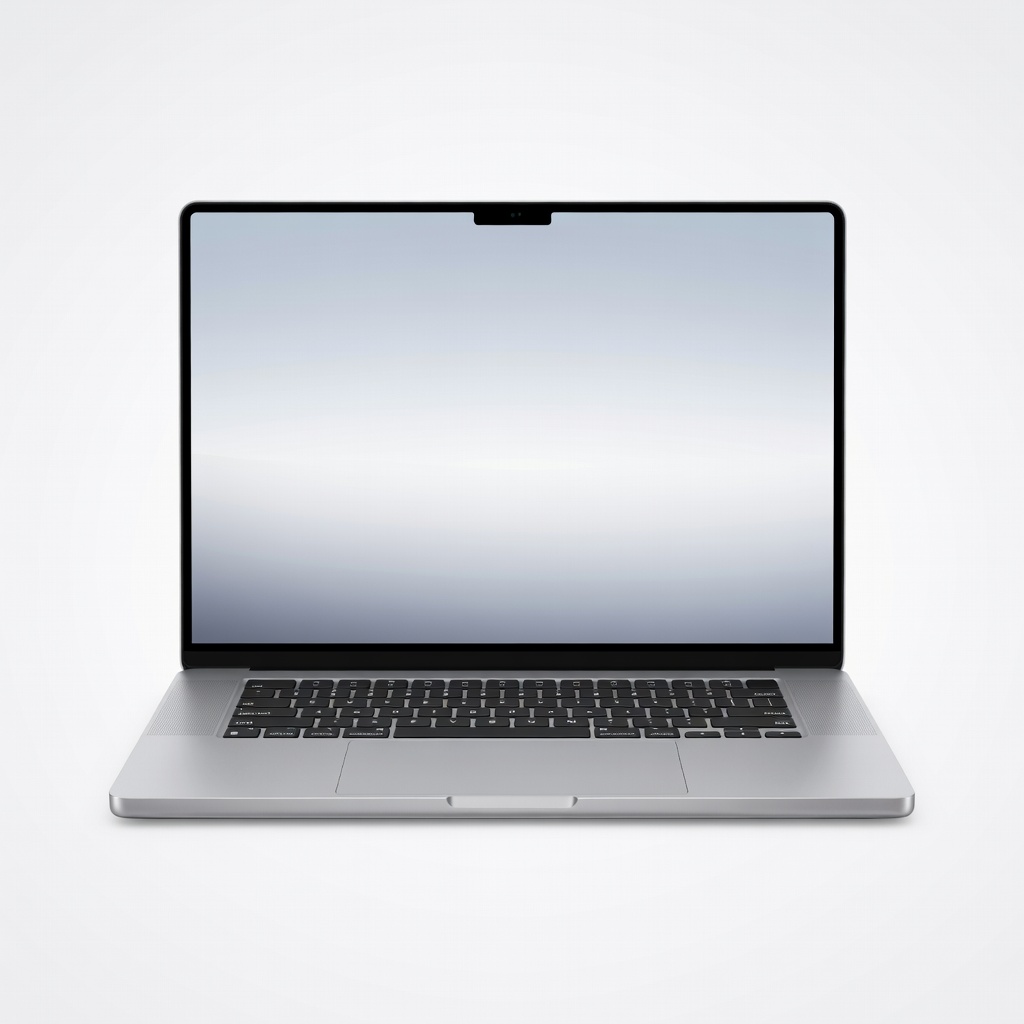
The ultimate video editing machine. The M4 Max's 40-core GPU and unified memory architecture breeze through 8K ProRes edits in Final Cut Pro and multi-layer timelines in Premiere. Exceptional battery life (up to 22 hours) and the stunning Liquid Retina XDR display with 1600 nits HDR make it ideal for pros on the move.
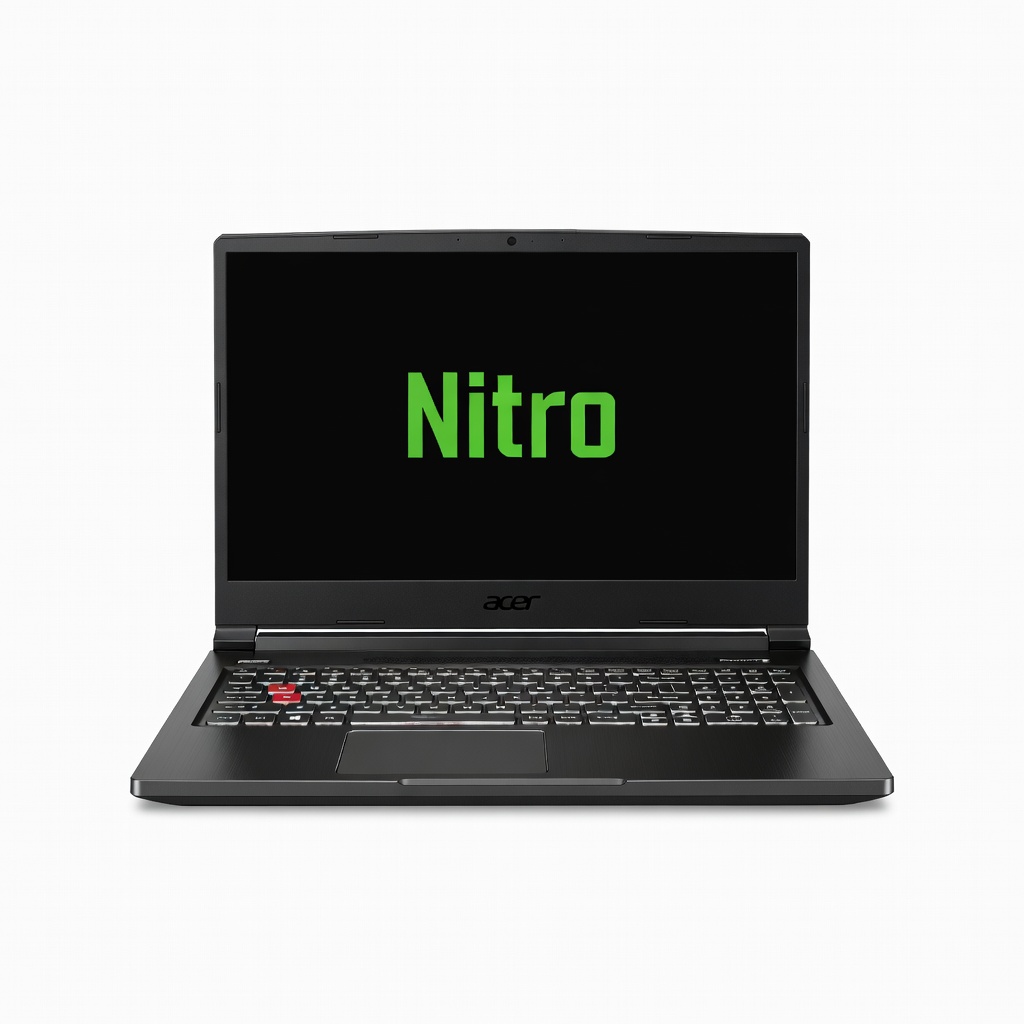
Incredible value for entry-level 4K editing. This Ryzen 7 powerhouse with RTX 4070 GPU handles 4K timelines in DaVinci Resolve smoothly at a fraction of pro prices. The 16-inch 165Hz WQXGA IPS display covers 100% sRGB, and upgradeable RAM/SSD keeps it future-proof.
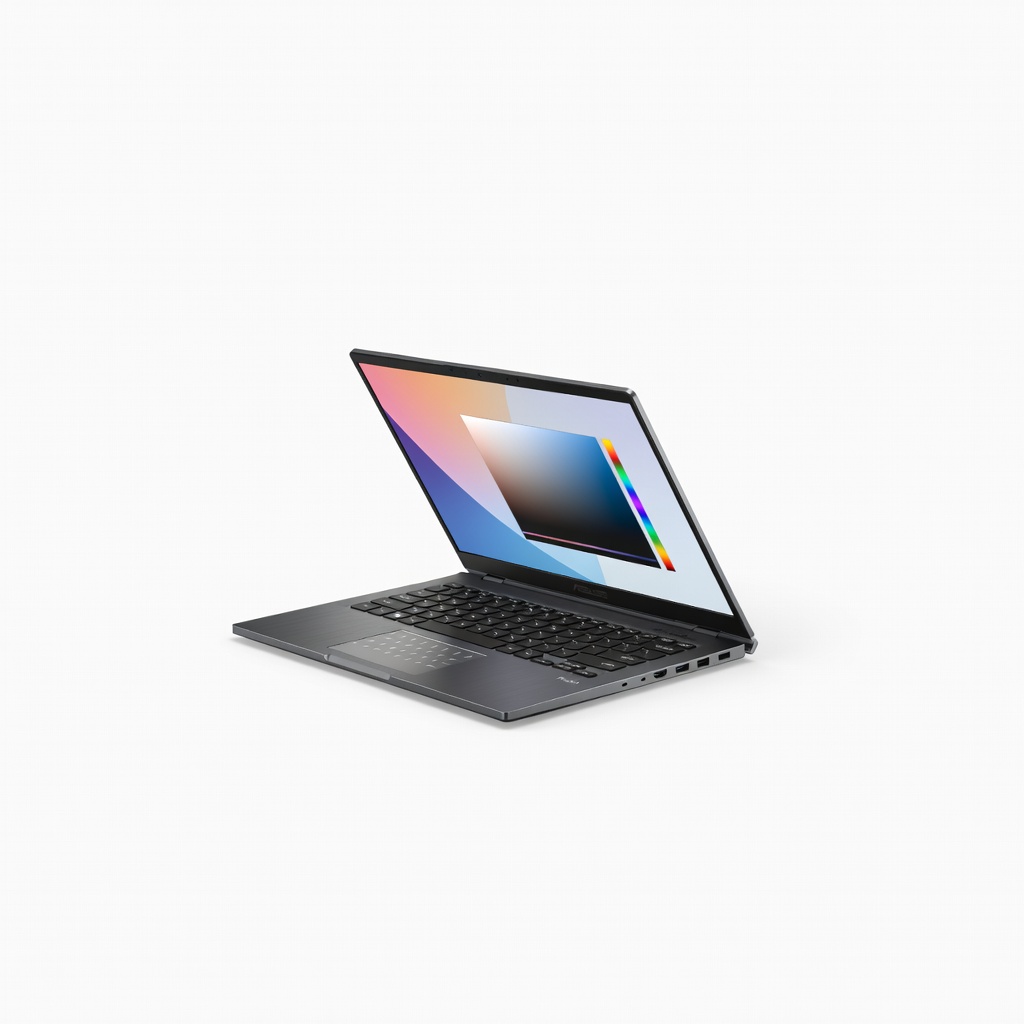
Unique creative tools set it apart. The StoryCube AI dial and touchscreen make color grading intuitive, while the Ryzen AI 9 and RTX 4070 crush Resolve and After Effects workloads. Calman-verified 4K OLED display with 100% DCI-P3 delivers Pantone accuracy for pros.
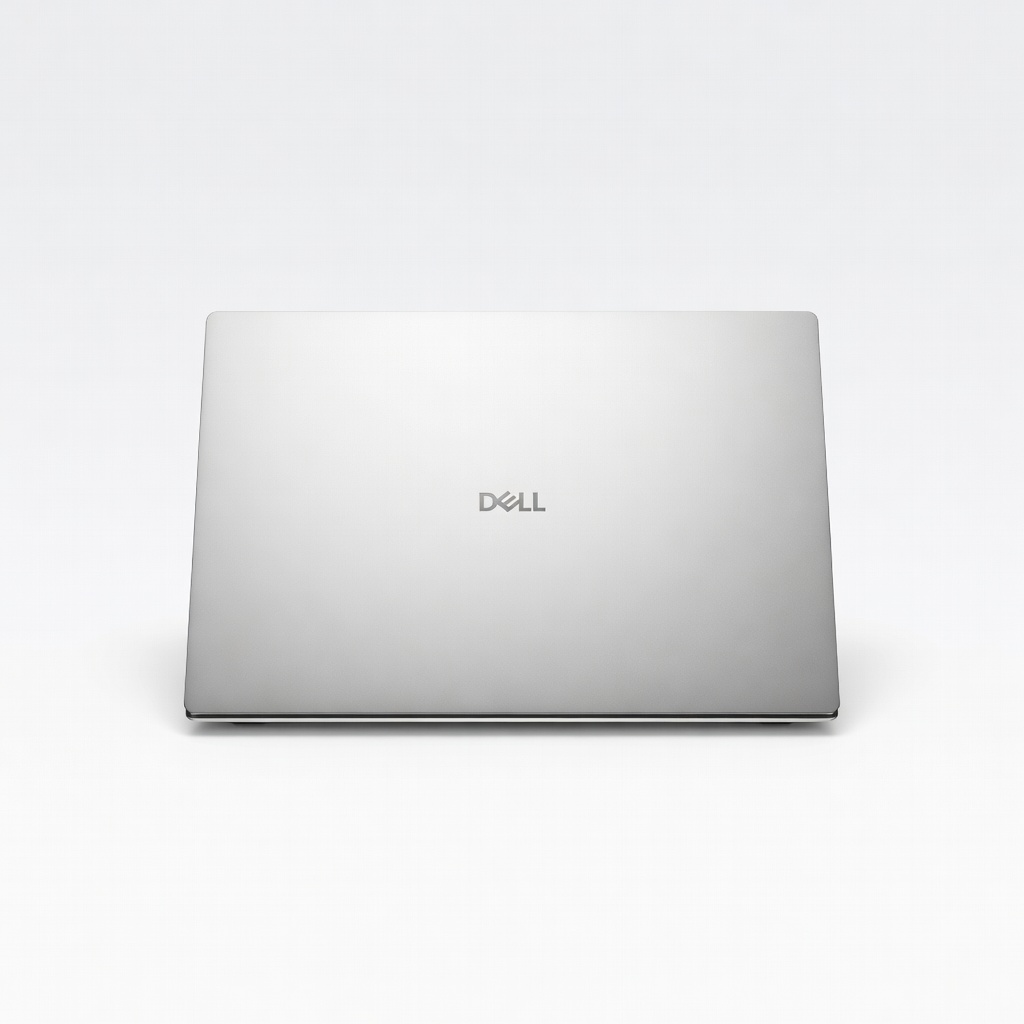
Sleek premium build for demanding workflows. Intel Core Ultra 9 with NPU acceleration speeds AI denoising in Premiere, paired with RTX 4070 for GPU effects. The 16.3-inch OLED touch display offers flawless color accuracy and infinite contrast.
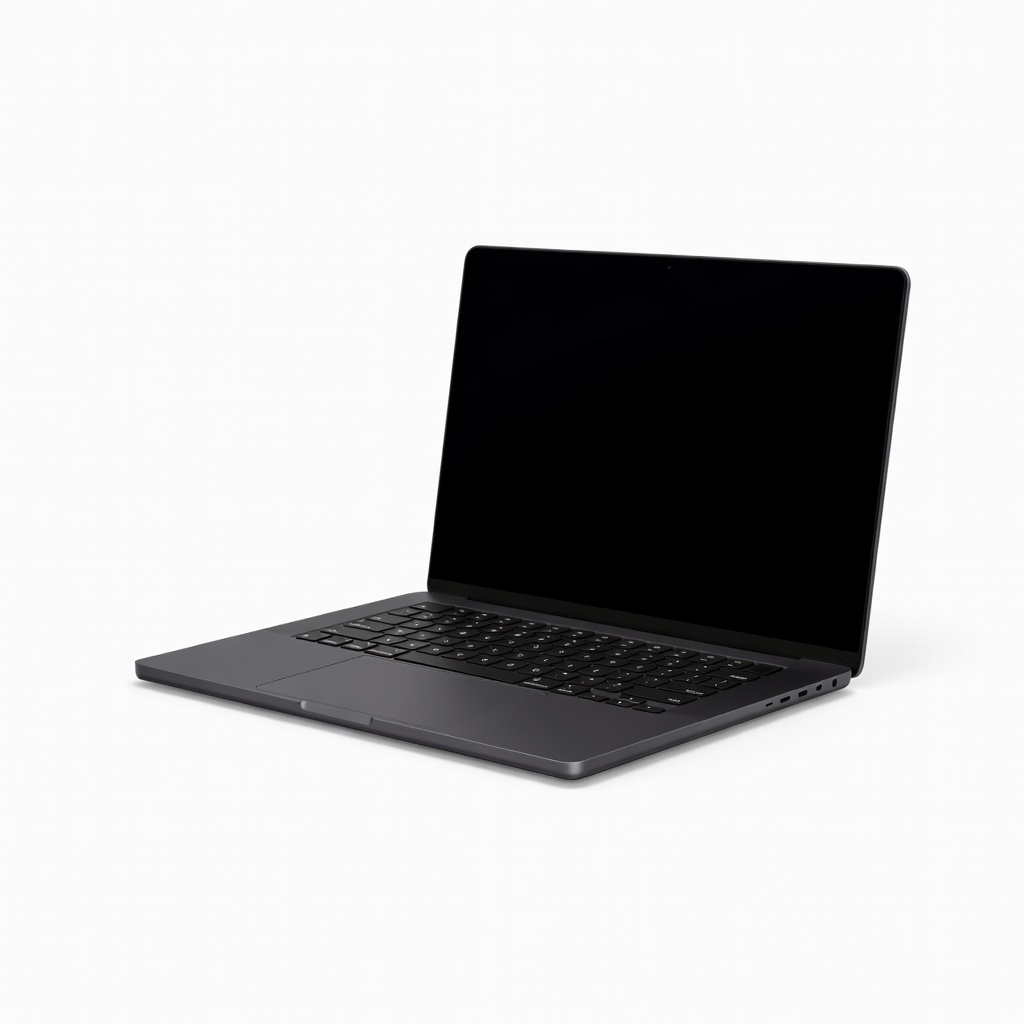
Portable power without compromise. Nearly matches the 16-inch's performance in a lighter 14-inch form, perfect for travel editors handling 4K multicam. Nano-texture display option reduces glare for outdoor grading sessions.
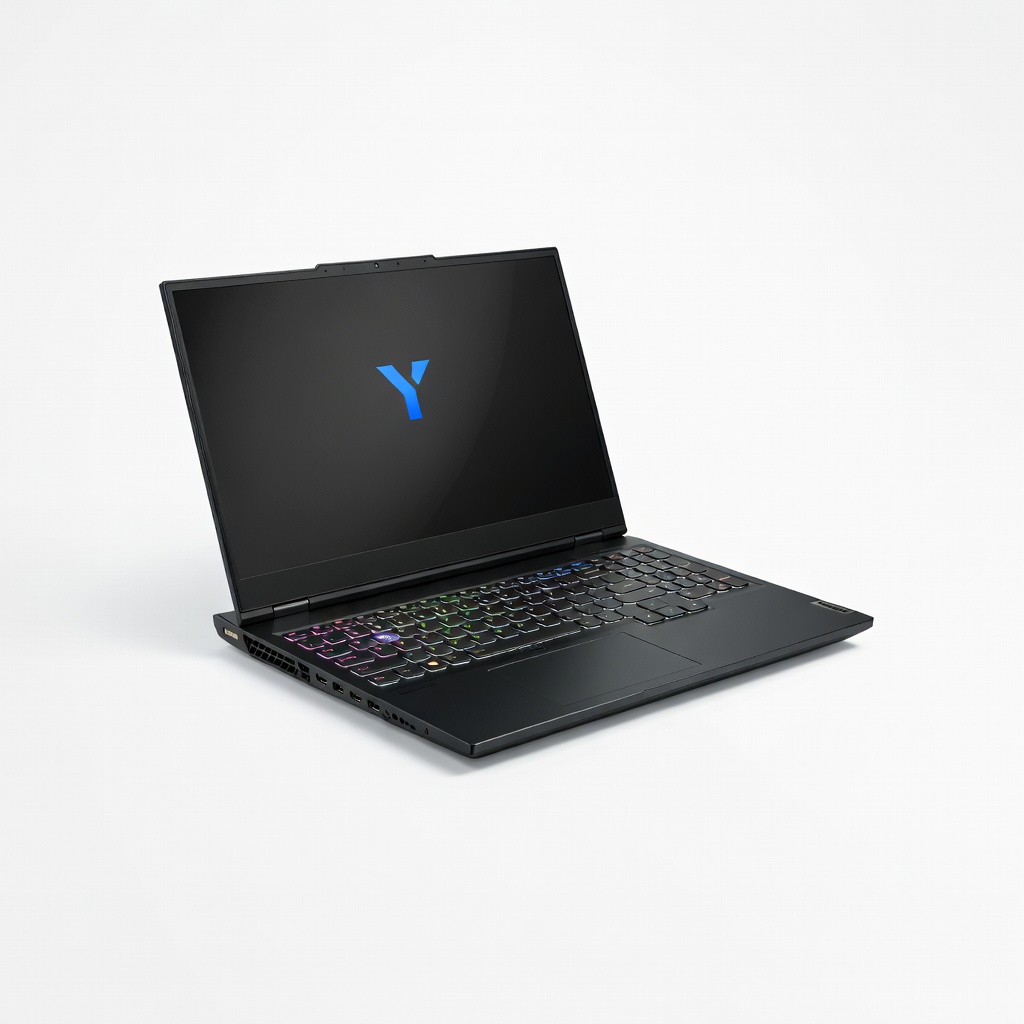
Hybrid beast for renders and games. i9-14900HX and RTX 4080 with 12GB VRAM tackle 8K exports faster than many workstations, with AI Engine optimizing thermals. 16-inch 240Hz mini-LED display excels in both editing and gaming downtime.
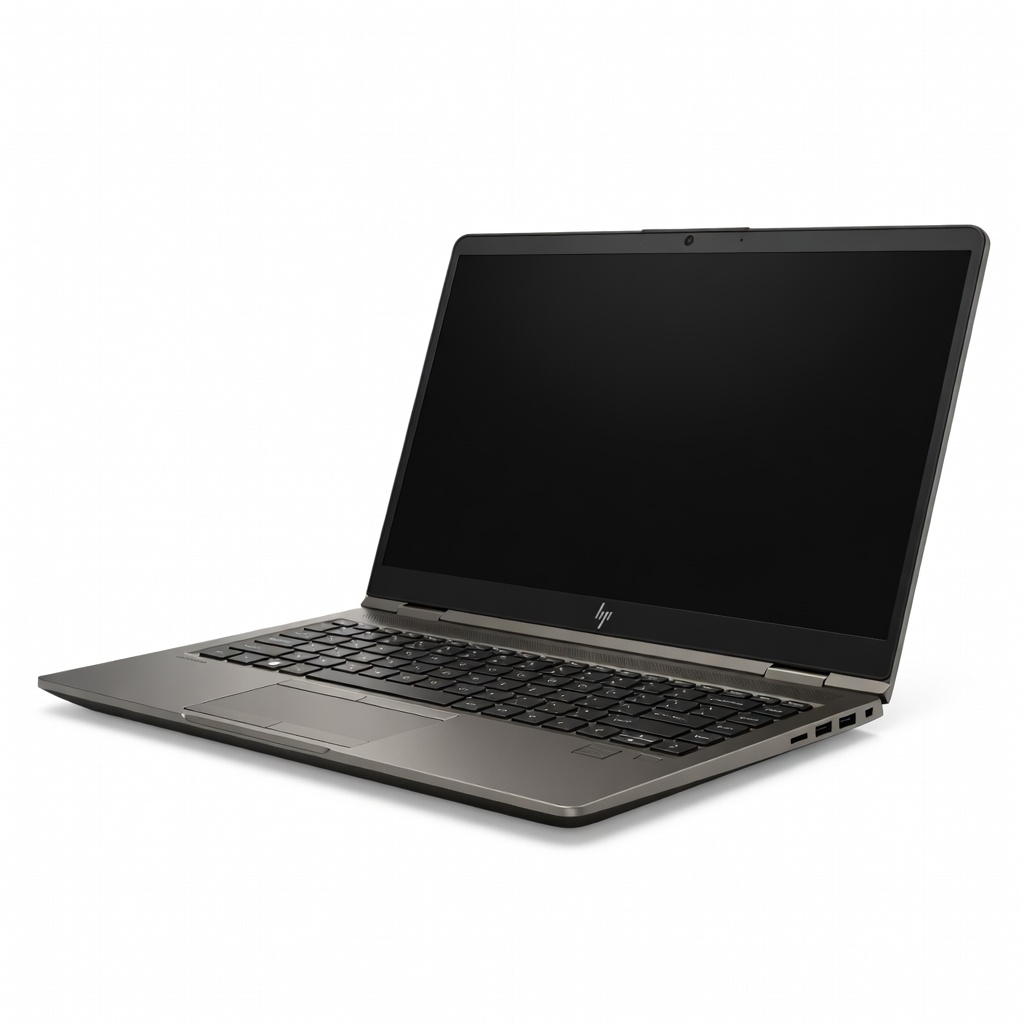
ISV-certified for pro apps. Workstation-grade RTX Ada GPU and tool-free upgradability handle enterprise-level VFX in Resolve, with MIL-STD durability. DreamColor 4K display is factory-calibrated to Delta E <1 for broadcast accuracy.
Compare key specs and features of all our recommendations side-by-side
| Product | Recommendation | Rating | Price |
|---|---|---|---|
Apple MacBook Pro 16-inch M4 Max Rank #1 | 🏆 Top Pick | — | Check price → |
Acer Nitro 16 (AN16-42 with Ryzen 7 8845HS) Rank #2 | 💰 Budget Pick | — | Check price → |
ASUS ProArt P16 H7606WI Rank #3 | ⭐ Editor's Choice | — | Check price → |
Dell XPS 16 (9640) Rank #4 | — | — | Check price → |
Apple MacBook Pro 14-inch M4 Pro Rank #5 | — | — | Check price → |
Lenovo Legion Pro 7i Gen 9 Rank #6 | — | — | Check price → |
HP ZBook Fury 16 G11 Rank #7 | — | — | Check price → |
