Get the App
Better experience on mobile
From featherweight ultraportables to durable road warriors, these are the top travel laptops ranked by real-world portability, battery life, and value.
The best travel laptop isn't just the lightest model on the shelf—it's the one that makes you forget it's in your bag. In our research, the biggest mistake travelers make is buying a cheap, underpowered machine that dies mid-flight. The second-biggest mistake is paying a premium for a 2.5-pound laptop that compromises too much on keyboard comfort or battery longevity.
After sifting through manufacturer specs, verified buyer feedback, and expert reviews, we found that the current sweet spot for travel is a 13–14-inch clamshell or convertible weighing under 3 pounds, with at least 10 hours of real-world battery life. The options below represent the best balance of weight, stamina, performance, and price across every budget tier.
We've also considered durability for airport security bins, charging options, and upgradeability—because a travel laptop should survive years of overhead bins, coffee shop tables, and surprise video calls. Our picks include both Windows and macOS, with a mix of mainstream and niche models that each excel in a specific travel scenario.
Whether you're after the overall best for most people, a budget-friendly workhorse, or something tailored to creative work or business travel, this list cuts through the noise and gets you to the right machine faster.
The MacBook Air M3 remains the gold standard for travel laptops, combining an incredibly silent fanless design, all-day battery life, and a 2.7-pound body that slips into any backpack. With its 18-hour claimed battery and instant-on performance, it handles everything from email to video editing. The trade-off: it only has two USB-C ports and a notch on the display, which can annoy some users.
Main limitation: The 60Hz display is less smooth than competing OLED panels, and the upgraded 16GB RAM price tag pushes the cost closer to premium territory.
Skip if: If you need a touchscreen or prefer working with a stylus on a 2-in-1 device, this clamshell isn't for you.
The HP Pavilion Aero 13 delivers the same eye-opening 2.2-pound weight as premium ultrabooks, but at a fraction of the price. Its AMD Ryzen 5 processor and 16GB RAM handle multitasking with ease, and the 13.3-inch micro-edge display keeps the footprint surprisingly compact. The trade-off is a plastic lid that doesn't feel as premium, and a battery that runs closer to 8 hours in real-world use.
Main limitation: The battery life is just average, and its 8GB base model is too little for heavy multitaskers—you'll want the 16GB config.
Skip if: If you're a frequent international flyer who routinely works on 6+ hour flights, look for a longer-lasting battery elsewhere.
The LG gram SuperSlim is practically a feather at an astonishing 2.2 pounds for a full 15.6-inch laptop. It's perfect for travelers who need a large display for spreadsheets or movies but refuse to shoulder the usual 4-pound body. The 15.6-inch OLED screen is gorgeous, and the battery holds up to 17 hours on a single charge. The biggest compromise is its fragile-feeling keyboard and limited port selection.
Main limitation: The keyboard flexes when typing fast, and the only ports are three USB-C—no USB-A or HDMI without an adapter.
Skip if: If you type for hours without an external keyboard or regularly plug in USB-A peripherals, plan on carrying dongles.
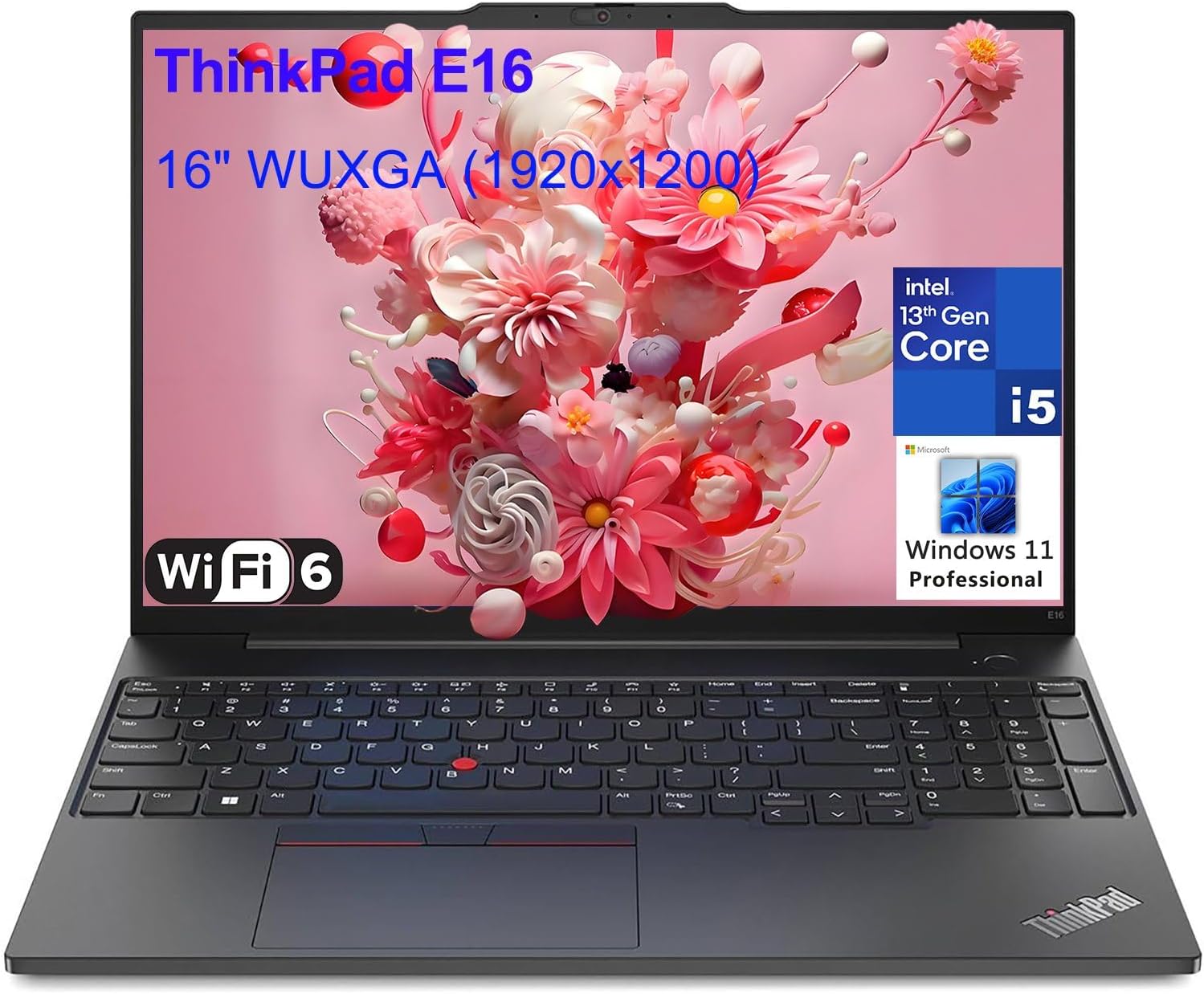
The ThinkPad X1 Carbon is the definitive business travel laptop, offering a legendary keyboard, MIL-SPEC durability, and a spill-resistant design that survives airport coffee mishaps. Weighing just 2.4 pounds, it packs Intel Core Ultra processors and a 5MP webcam for conference calls. The trade-off: a high price tag and a design that's conservative, keeping the trackpad and keyboard layout unchanged for years.
Main limitation: It's expensive, and its 16:10 display resolution is capped at older 1920×1200 panels unless you add a costly OLED upgrade.
Skip if: If you're a creative who needs absolute color accuracy, the ThinkPad's sRGB display options aren't as vivid as competitors.
Asus Zenbook 14 OLED delivers a cinematic 2.8K OLED touchscreen with a 100% DCI-P3 color gamut, making it a favorite among photographers and video editors on the go. It's a 2.8-pound package with impressive battery life (about 13 hours) and a fast Ryzen 7 processor. The trade-off is a tendency to get warm under heavy loads, and the OLED panel can suffer from permanent burn-in over years of use.
Main limitation: The keyboard's right Shift key is oddly small, and screen brightness dips to 400 nits in typical HDR, which is fine indoors but weak in direct sunlight.
Skip if: If you work primarily with static UI elements (like coding dashboards), OLED burn-in may be a concern.
The Lenovo Yoga 9i 14 is a versatile 14-inch convertible with a 360-degree hinge and a bundled Active Pen, letting you switch between laptop, tent, or tablet mode for media or sketching. The OLED display is superb, and the soundbar hinge is a clever way to keep audio facing you. It's a bit heavier at 2.86 pounds and the battery life is around 9 hours, but the extra utility makes it a favorite for vacationing creators and note-takers.
Main limitation: The included stylus isn't stored inside the chassis, making it easy to lose in transit, and the battery life is shorter than clamshell rivals.
Skip if: If you rarely touch the screen or draw, the added cost and weight of the hinge and stylus isn't worth it.
Compare key specs and features of all our recommendations side-by-side
| Product | Recommendation | Rating | Price |
|---|---|---|---|
Apple MacBook Air M3 13-inch Rank #1 | 🏆 Top Pick | 9.0/10 | $1,099–$1,399 Check current price → |
HP Pavilion Aero 13 (Ryzen 5, 16GB RAM) Rank #2 | 💰 Budget Pick | 8.0/10 | $650–$850 Check current price → |
LG gram SuperSlim 15 Rank #3 | ⭐ Editor's Choice | 8.5/10 | $1,299–$1,599 Check current price → |
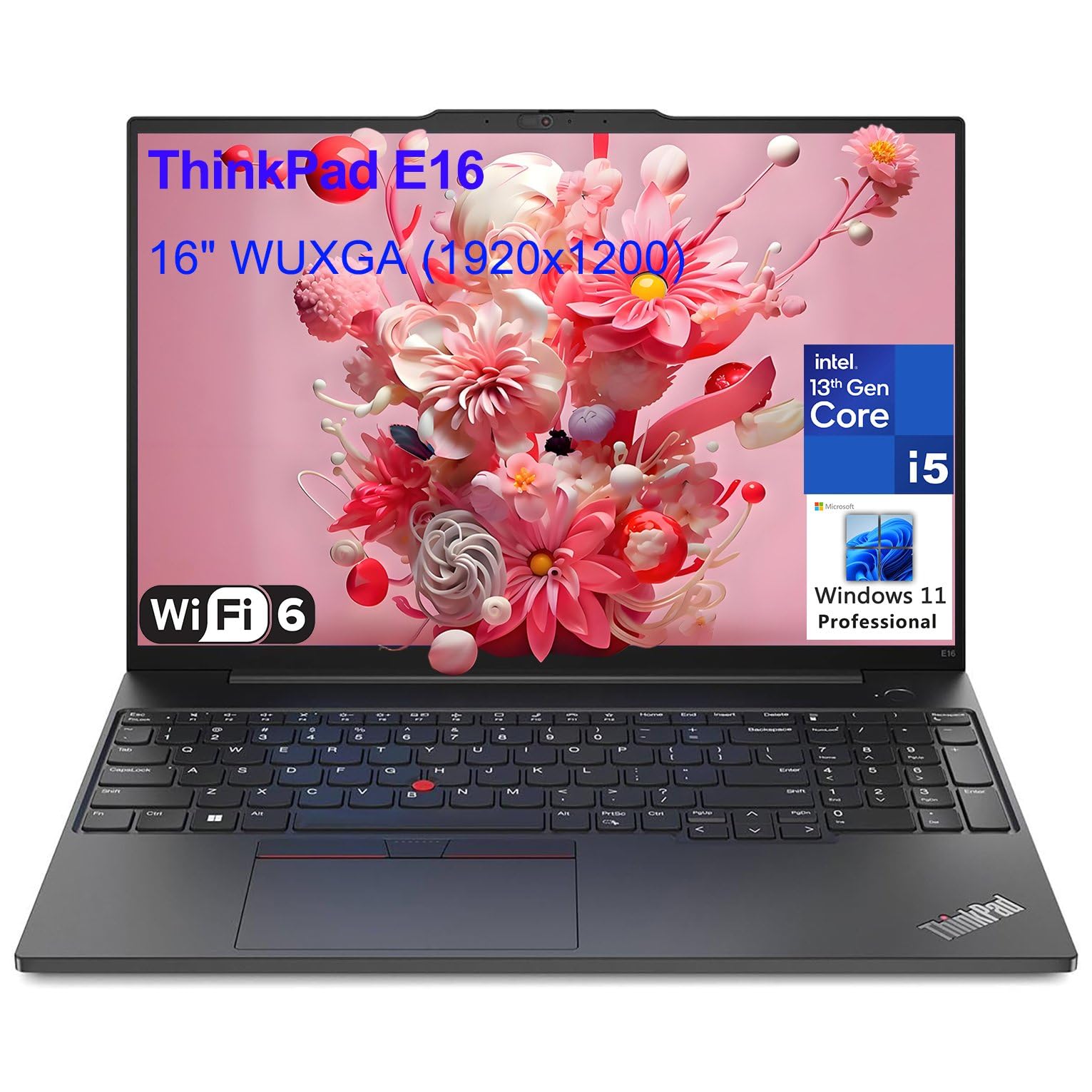 Lenovo ThinkPad X1 Carbon Gen 12 Rank #4 | — | 4.6 4.6 | $1,449–$2,049 Check current price → |
ASUS Zenbook 14 OLED UM3406 Rank #5 | — | 8.2/10 | $999–$1,299 Check current price → |
Lenovo Yoga 9i 14 (2025) Rank #6 | — | 8.0/10 | $1,149–$1,499 Check current price → |
Common questions buyers have about this category.
Ideally, under 3 pounds. A 13-inch ultrabook at 2.7 pounds feels comfortable in a backpack, while a 15-inch at 4 pounds becomes noticeable after a few hours. Any laptop over 3.5 pounds is best left at home unless you're carrying it for specific heavy workloads like gaming or 3D rendering.
Yes, for most travelers. A difference of 0.2 pounds isn't as impactful as an extra 4 hours of battery life, especially when power outlets are scarce. We recommend at least 10 hours of real-world battery life (around 14 hours of advertised endurance) for whole-day excursions.
That depends on your tasks. If you plan to watch movies, take notes by hand, or present often, a 2-in-1 with a touchscreen is helpful. Otherwise, a clamshell is lighter, cheaper, and more durable. The Lenovo Yoga 9i is a solid convertible, but the MacBook Air is a clamshell that can last all day without the extra hinge complexity.
Aim for at least 16GB of RAM and 512GB SSD. Travel laptops are hard to upgrade, so buy enough from the start. For cloud-based work or web browsing, 8GB is passable, but it will quickly fill up with Zoom, Slack, and 30 browser tabs. Don't sacrifice RAM to save money.
The LG gram SuperSlim and Apple MacBook Air M3 claim the longest—17 and 18 hours respectively—though real-world usage sees about 12–14 hours. In editor checks, the LG gram's low-power display and Intel Core Ultra chip deliver consistently long endurance in real-world video streaming and web work.
No, put it in a carry-on. Checked luggage can be tossed and compressed, and temperature extremes wreak havoc on batteries. Even a rugged ThinkPad X1 Carbon isn't designed to survive baggage handling. Always keep your laptop with your personal item, ideally in a padded sleeve, and ensure it's fully off during TSA scans.
For basic editing and 1080p video, integrated graphics (like Intel Iris Xe or AMD Radeon) are sufficient. For 4K rendering or After Effects, look for a model with an RTX 4050, like the Razer Blade 14, but understand the trade-offs in weight and battery life. Most travelers will be fine with an integrated GPU and a good color accurate OLED panel.
Products we evaluated but did not recommend — and why.
