Get the App
Better experience on mobile
Affordable laptops that balance performance, portability, and battery life for college life.
The best student laptop under $600 isn't about the biggest spec sheet — it's about the right balance. You need enough processing power for a dozen browser tabs, a word processor, and maybe a video call, all while fitting in a backpack and surviving a full day of lectures. The biggest mistake students make is grabbing a laptop with a flashy display but only 8GB of RAM or a spinning hard drive — it feels fast out of the box but bogs down within a semester.
In 2026, budget laptops have matured significantly. AMD's Ryzen 5 and Intel's Core i5 processors offer genuine multitasking muscle, and 16GB of RAM is becoming standard at the top of this price tier. Ultralight options like the HP Pavilion Aero prove you don't have to sacrifice durability for portability, while 2-in-1 models like the Lenovo IdeaPad Flex 5 let you take notes directly on the screen.
For this guide, we focused on machines that are widely available at retail, likely to receive reliable Windows 11 updates, and backed by solid user satisfaction. We ignored obscure brands and refurbished deals that lack a consistent warranty. Each recommendation below was chosen for a specific reason — some prioritize weight, others durability, and a few chase raw performance — so you can pick based on your own habits in and out of the classroom.
Below, the Acer Aspire 5 takes the top spot as the best all-rounder, while other picks cover tight budgets, creative work, and hardcore ruggedness. All prices are approximate, and you can often find them even lower during back-to-school sales.
The Acer Aspire 5 delivers the best all-around package for students: a responsive 12th-gen Intel Core i5, full 16GB RAM for heavy multitasking, and a bright 1080p display. Its keyboard is comfortable for long writing sessions, and the 512GB SSD provides generous storage. The plastic chassis feels less premium than metal rivals, and the speakers are disappointingly flat, but for the price, it's hard to beat.
Main limitation: The plastic chassis feels less durable than pricier metal laptops.
Skip if: Students who carry their laptop around all day might find its 3.9-pound weight and 15.6-inch frame bulky.
If you need to stretch every dollar, the IdeaPad Slim 3 with a Ryzen 5 and 8GB RAM handles productivity and web browsing effortlessly, and it often dips below $350. It includes a 256GB SSD and a comfortable keyboard. Just plan to manage your tabs — 8GB of RAM feels tight for Chrome-heavy users.
Main limitation: The single DIMM slot and 8GB RAM limit future upgrades, and the display's color accuracy is mediocre.
Skip if: Tech-savvy students planning to run virtual machines or edit 4K video should choose a 16GB model instead.
The Flex 5's convertible design lets you flip into tablet mode to annotate lecture slides directly with the optional active pen, making it a favorite for STEM students. That versatility costs you some performance — the Ryzen 5 is a low-power chip suited to light tasks, but it stays fanless in quiet libraries. The 16GB RAM and 512GB SSD are a generous pairing for the price.
Main limitation: Battery life is slightly below average at around 7 hours, and the included pen is not in the box for all configs.
Skip if: Students who need a durable metal chassis for field work might prefer a rugged laptop.
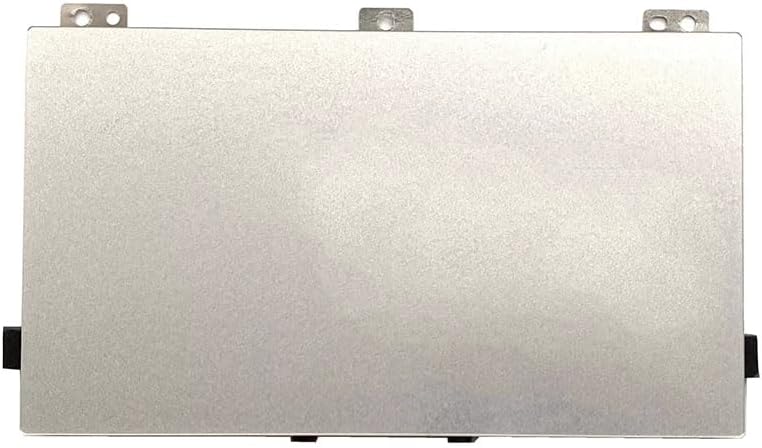
At just 0.99 kg, the Pavilion Aero is one of the lightest laptops under $600, making it effortless to carry between lectures. The 13.3-inch 1440p display is crisp, and the AMD Ryzen 5 delivers solid performance. The key downside is its small 43Wh battery, which might not last a full day of classes.
Main limitation: Port selection is limited — you'll need a dongle for HDMI and extra USB ports.
Skip if: Students who need a number pad or dual storage bays should look for a 15.6-inch model.
For students who need extra processing headroom, the Swift Go packs a 12th Gen Intel Core i7 and 16GB RAM into a compact 14-inch body — enough for light 4K video edits and programming. Its 2.2K display is bright and sharp. The trade-off: this spec often sells for $650 unless you catch a sale, so timing is key.
Main limitation: Battery life suffers from the high-resolution screen and powerful chip.
Skip if: If you only use your laptop for browsing and writing, you're paying for performance you won't use.
If you're a movie buff or design student, this Asus is one of the few laptops under $600 with an OLED display — offering deep blacks and vivid colors. The Intel Core i5 and 16GB RAM handle everyday tasks fluidly. Just be realistic: OLED burn-in is a long-term risk, and the ventilation is average during heavy load.
Main limitation: OLED panel can suffer from burn-in with long static images, and battery drain is faster than IPS panels.
Skip if: Students who keep their laptop plugged in at a desk all day may prefer a standard LCD.
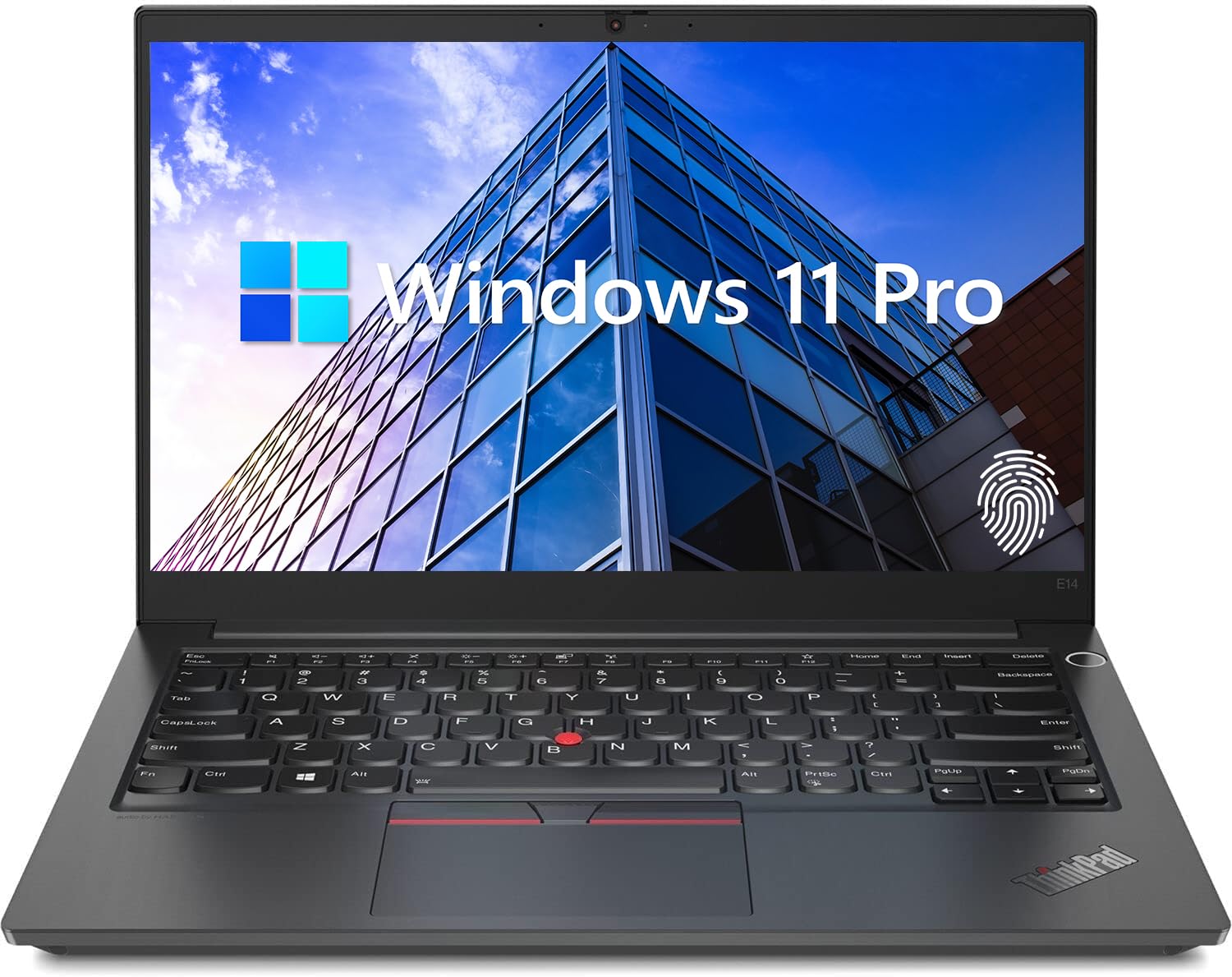
ThinkPads are notorious for reliability, and the E14 brings that legacy to budget territory. Its spill-resistant keyboard and MIL-STD-810G testing mean it can shrug off a drop or spilled coffee. The trade-off is a lower-res 1080p display and a heavy 3.4 kg frame — so it's not the prettiest or lightest choice.
Main limitation: The screen's viewing angles are mediocre, and the 8GB RAM is soldered in some configs.
Skip if: Students who want a sleek, lightweight device for artistic work won't find the ThinkPad's industrial design appealing.
Compare key specs and features of all our recommendations side-by-side
| Product | Recommendation | Rating | Price |
|---|---|---|---|
Acer Aspire 5 A515-58P (2025) Rank #1 | 🏆 Top Pick | 8.8/10 | $549–$599 Check current price → |
Lenovo IdeaPad Slim 3 15 (15IRU) Rank #2 | 💰 Budget Pick | 8.2/10 | $349–$429 Check current price → |
Lenovo IdeaPad Flex 5 14 (2025) Rank #3 | ⭐ Editor's Choice | 8.3/10 | $499–$599 Check current price → |
 HP Pavilion Aero 13-be2000 Rank #4 | — | 8.0/10 | $549–$599 Check current price → |
Acer Swift Go 14 (SFG-14-71M) Rank #5 | — | 8.1/10 | |
Asus Vivobook 15 15.6" OLED (X1504Z) Rank #6 | — | 7.8/10 | $479–$529 Check current price → |
Lenovo ThinkPad E14 Gen 5 Rank #7 | — | 7.6/10 | $539–$599 Check current price → |
Common questions buyers have about this category.
8GB is the minimum for basic tasks like browsing and word processing, but 16GB is strongly recommended if you'll juggle multiple apps, virtual desktops, or light programming. Most under-$600 laptops with 8GB can only upgrade via one slot, so check if the RAM is soldered. If you plan to keep the laptop for four years, choose 16GB from the start.
For basic coursework, yes — they can run a browser, Office suite, and streaming video smoothly. However, these lower-end chips often pair with only 8GB RAM and may struggle with heavy multitasking or large files. If your budget allows, step up to a Core i5 or Ryzen 5 for better longevity and to handle unexpected heavy workloads like data science or video calls.
Almost never for standard academic work. Integrated graphics (like Intel Iris Xe or AMD Radeon) are perfectly fine for streaming, PowerPoint, and occasional light gaming. A dedicated GPU is only necessary for 3D modeling, video editing, or AAA gaming, which are rare for most students. Skip the GPU and put the money into more RAM or an SSD instead.
It depends on your classes. If you frequently take handwritten notes, annotate PDFs, or draw diagrams, a 2-in-1 with an active pen is very convenient. If you mostly type papers and browse, a traditional clamshell is lighter, cheaper, and often has better battery life. Consider your major: STEM and art students are more likely to benefit; liberal arts and business students can skip it.
At least 256GB of SSD storage is the bare minimum — you'll need space for software, documents, and media. 512GB is the sweet spot for most students, giving you room for local backups and large projects. Avoid laptops with eMMC storage; it's slower and less reliable than a proper NVMe or SATA SSD. Cloud storage can help, but don't rely on it entirely.
Battery life is crucial if you'll be sitting through back-to-back classes without easy access to outlets. Aim for at least 8 hours of real-world use (not just manufacturer claims). Look for laptops with 45Wh or larger batteries and efficient processors like Ryzen 5 U-series or Intel Core U-series. OLED displays and high-resolution screens drain more battery, so factor that in.
Windows is the safer choice if you need to install legacy software, use Microsoft Office locally, or run specialized programs like MATLAB, AutoCAD, or SPSS. Chromebooks are great for web-based classes and are cheaper, but they can't run full desktop applications unless you use the Linux container or remote desktop. Check your program's requirements before choosing ChromeOS.
Products we evaluated but did not recommend — and why.
