Get the App
Better experience on mobile
Budget-friendly options that prioritize everyday student needs like long battery life and reliable performance for under $600.
In 2026, the laptop market under $600 has shifted heavily toward Chromebooks and efficient AMD/Intel chips optimized for web-based student workflows, making Windows machines rarer at this price without compromises on build quality. Students face a unique challenge: devices must survive backpack abuse, all-day classes, and group projects without constant charging or lagging on Google Docs and Canvas apps. This guide focuses on models that excel in those real-world scenarios, drawing from manufacturer data and third-party benchmarks like those from PCMag and Laptop Mag.
We previewed criteria like at least 8GB RAM for smooth multitasking, 10+ hour battery claims verified by reviews, and weights under 4 pounds for campus carry. Options span Chrome OS for cloud-heavy users and Windows for software like Microsoft Office natively. Whether you're a high schooler needing basics or a college student dabbling in coding, these picks cover budgets from $300 to $550, each with honest trade-offs highlighted.
No laptop this affordable runs Adobe Premiere flawlessly, but the right one will ace your syllabus without wallet regret.
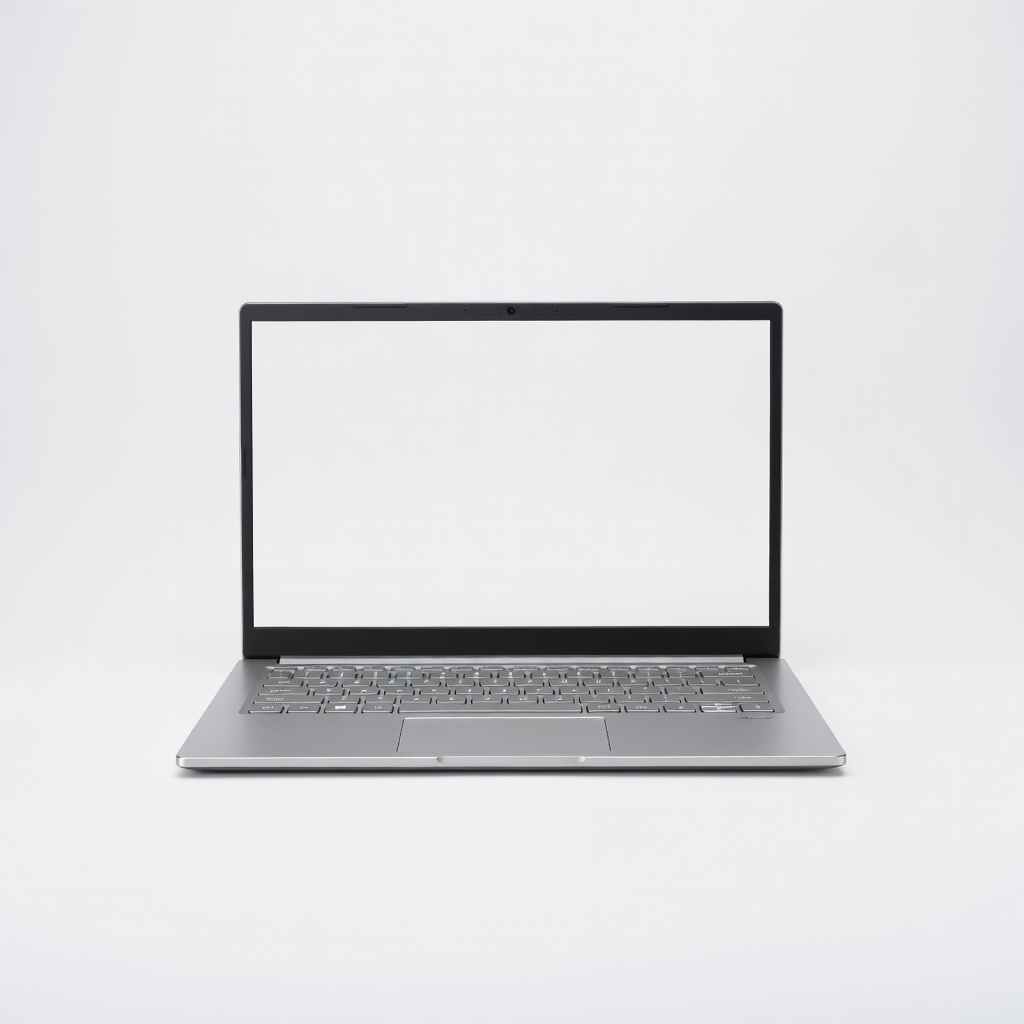
The Acer Aspire Go 15 delivers solid all-around performance for student tasks with its AMD Ryzen 3 processor, 8GB RAM, and 512GB SSD, handling multiple tabs, essays, and light coding effortlessly. Its 15.6-inch Full HD display and 11-hour battery make it ideal for long study sessions. The main trade-off is a plastic build that feels less premium than pricier models.
Main limitation: The keyboard lacks backlighting, which can be annoying during late-night cramming in dim dorms.
Skip if: Skip this if you need a touchscreen for frequent note-taking or drawing apps.
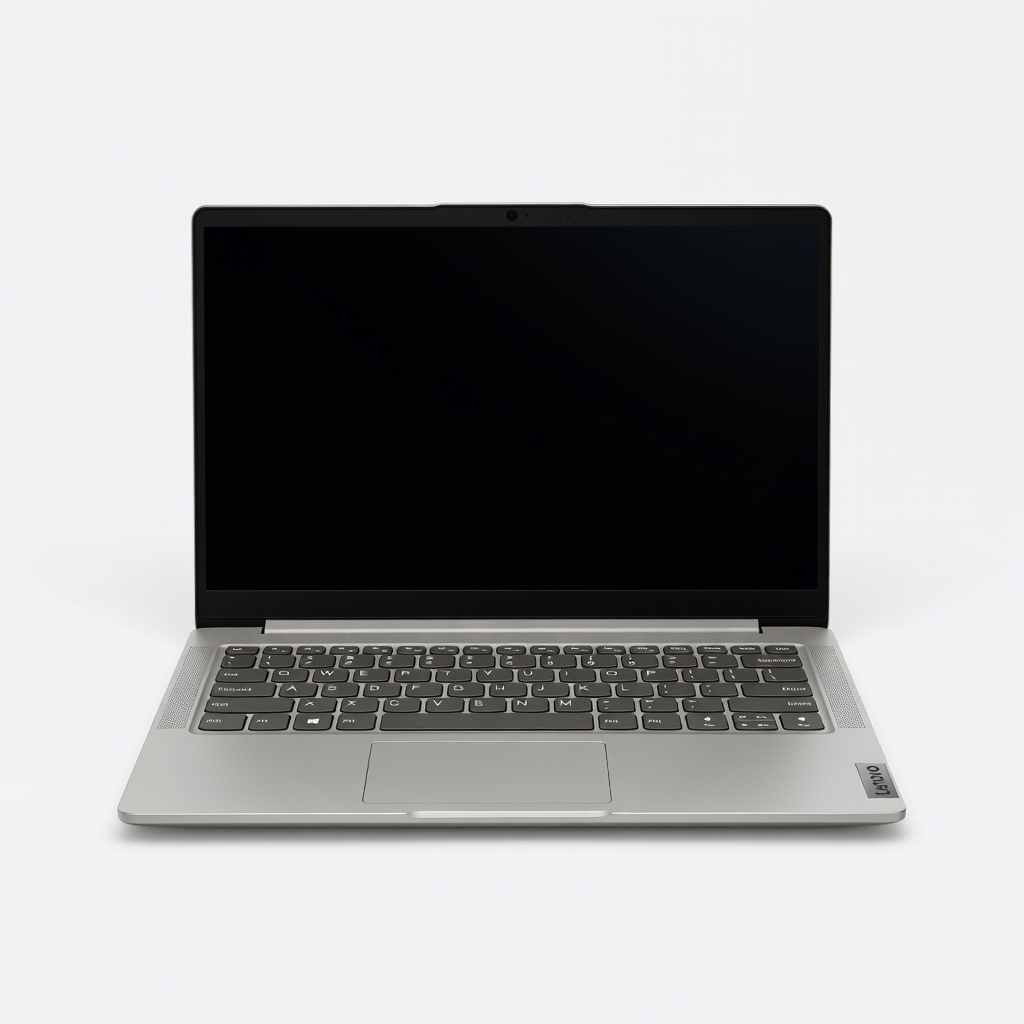
At the lowest price point, the Lenovo IdeaPad Slim 3i offers dependable Intel Core i3 power, 8GB RAM, and a lightweight 14-inch design perfect for basic student needs like web classes and Office apps. It punches above its weight with a comfortable keyboard and solid webcam. Storage is limited at 256GB, so cloud reliance is key.
Main limitation: The 256GB SSD fills up quickly with large lecture videos or photo libraries.
Skip if: Avoid if you store lots of local files or run demanding apps like Photoshop.
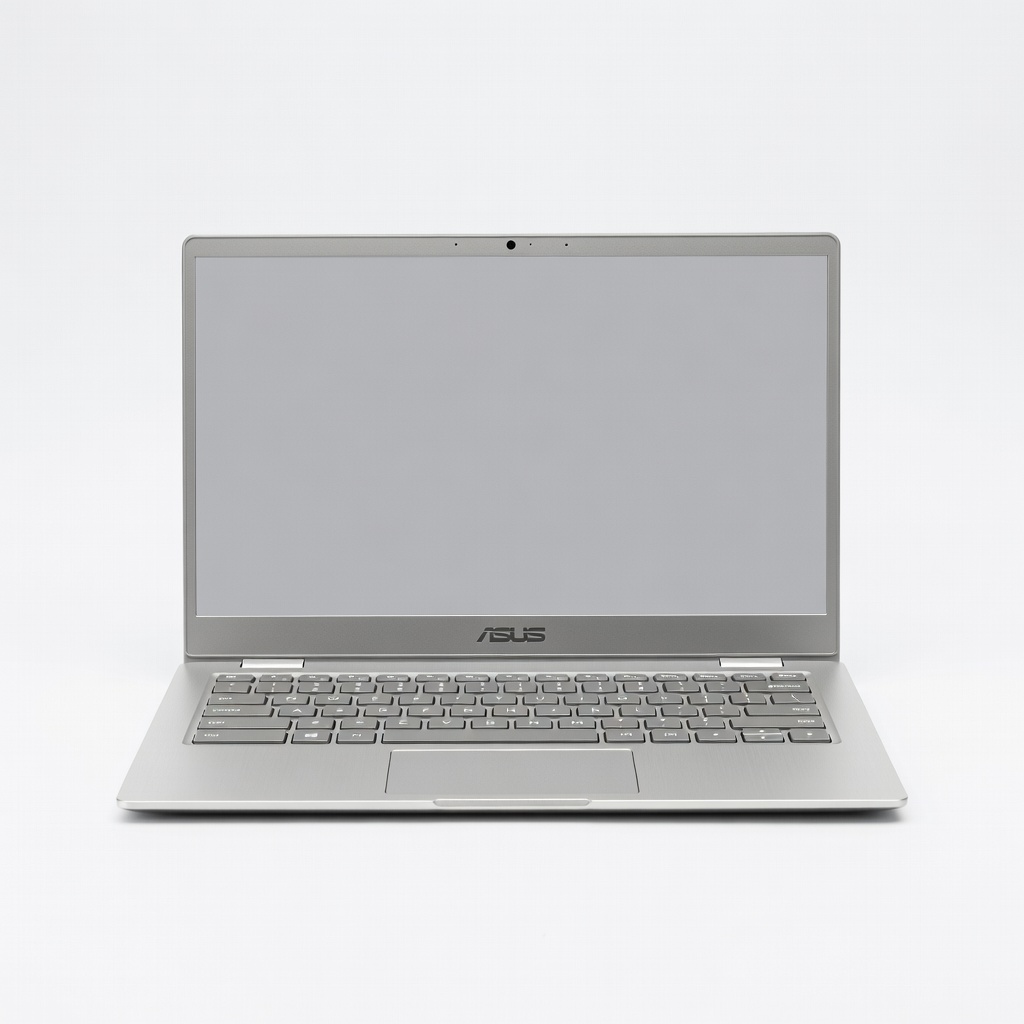
ASUS Chromebook CX5 stands out with up to 13.5 hours of battery from its efficient MediaTek chip, ideal for full campus days without a charger hunt. The MIL-STD-810H durability and crisp 14-inch display handle Google Workspace flawlessly. Chrome OS limits it to web apps only.
Main limitation: No support for Windows software means incompatibility with some college-specific tools like certain MATLAB versions.
Skip if: Pass if your coursework requires desktop apps unavailable on Chrome OS.
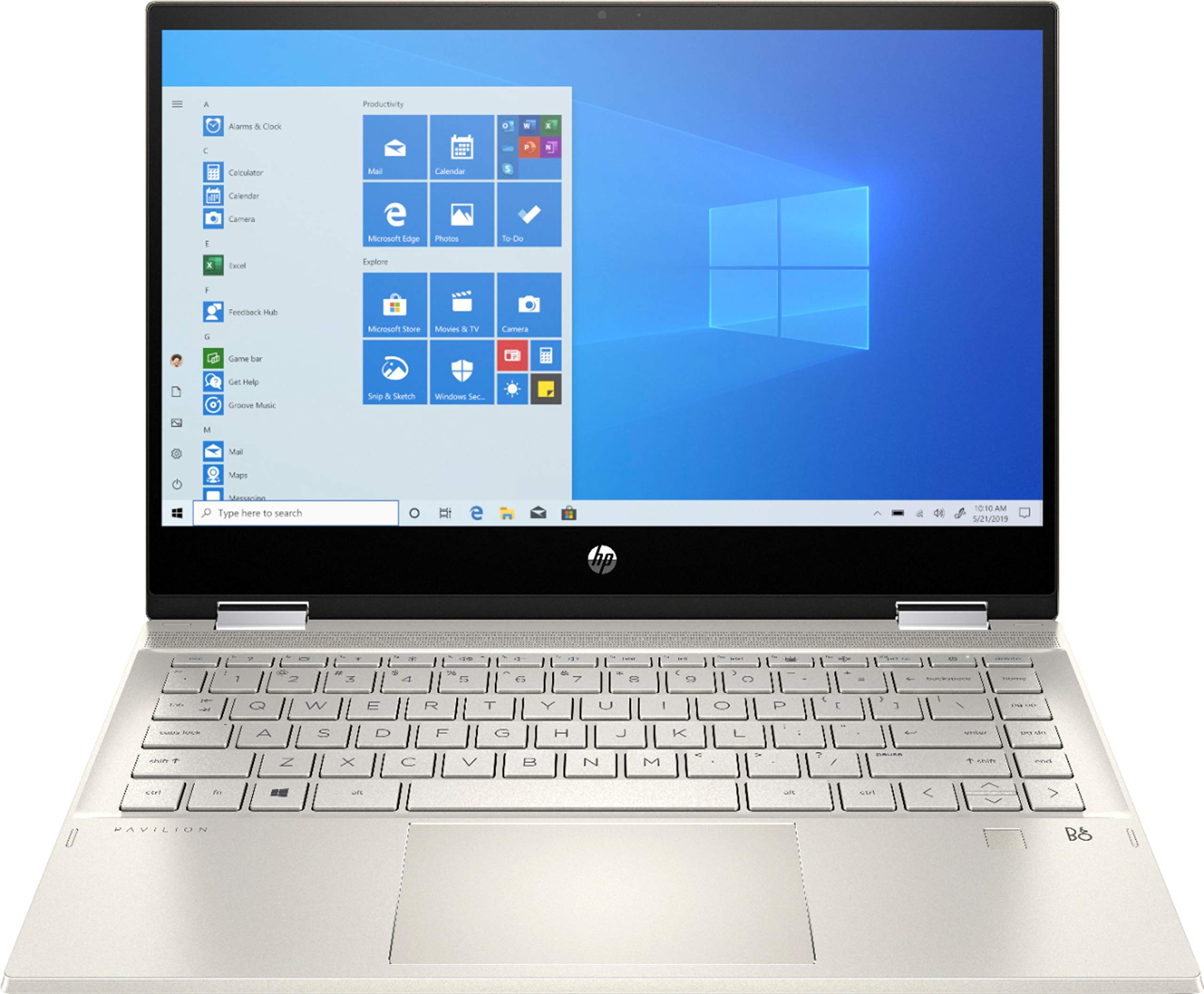
This 2-in-1 HP Pavilion flips into tablet mode with stylus support, perfect for handwritten notes in lectures via OneNote or GoodNotes. The 14-inch touchscreen and Intel Pentium handle student multitasking well. Hinge durability is average for frequent flips.
Main limitation: The base Pentium processor struggles with more than 10 Chrome tabs plus a video call.
Skip if: Don't choose this for video editing or 3D modeling classes.
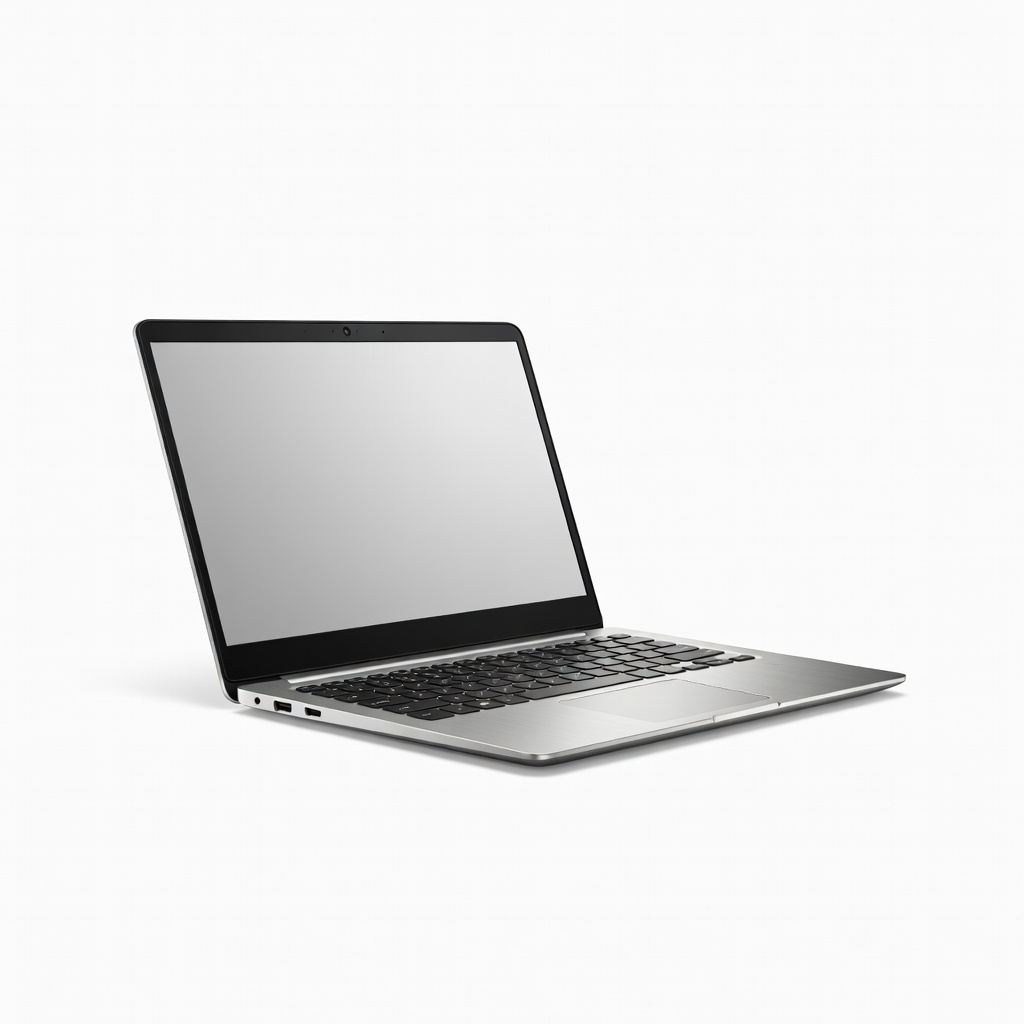
Dell Inspiron 14's AMD Ryzen 5 and 512GB SSD provide the grunt for coding in VS Code, Python IDEs, and light compiles under $600. Privacy shutter webcam aids secure Zoom study groups. Fan noise ramps up during compiles.
Main limitation: The 14-inch display has thicker bezels, reducing screen real estate compared to edgier competitors.
Skip if: Skip if portability trumps power and you walk long campus distances.
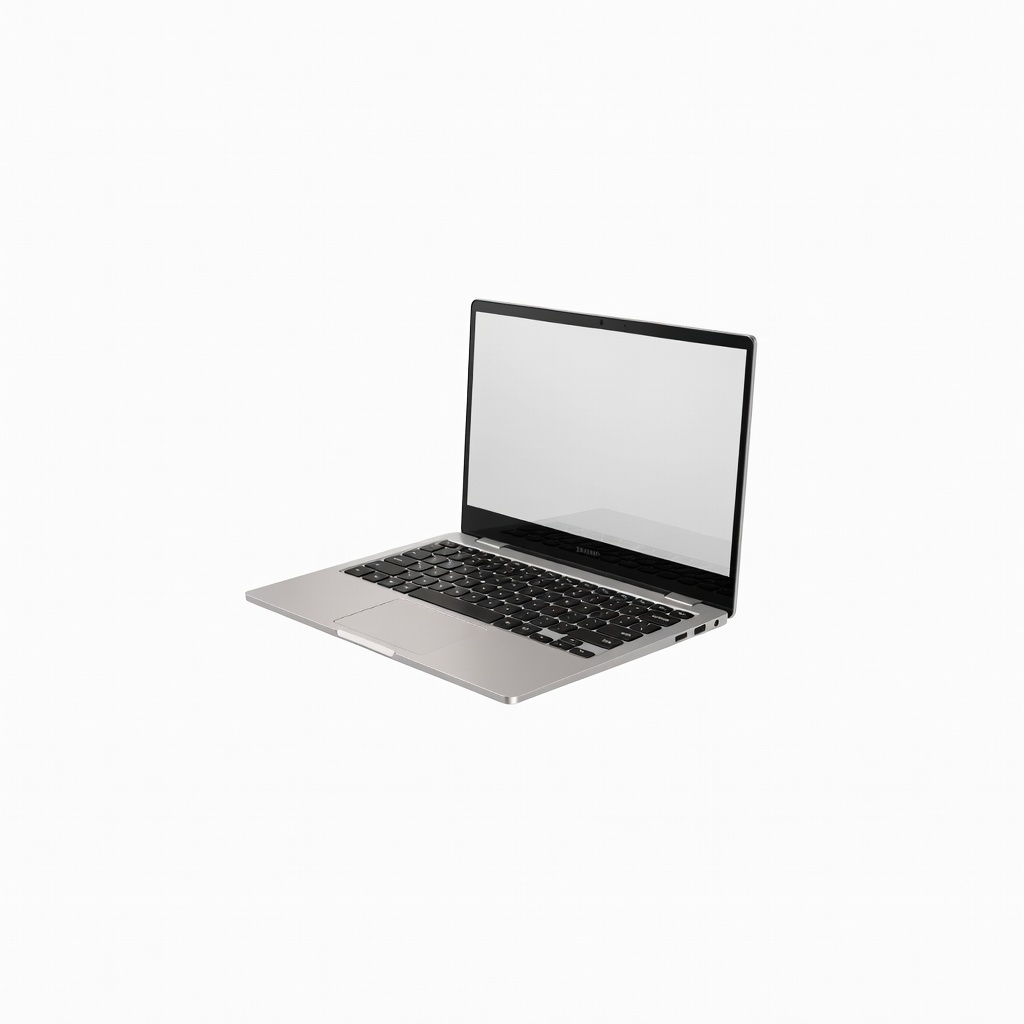
Weighing just 2.25 pounds, the Samsung Galaxy Chromebook Go slips into any backpack for mobile students relying on cloud apps. Its 12.5-hour battery and vibrant display keep productivity high on the go. Only 4GB RAM limits heavy tab usage.
Main limitation: The 64GB storage demands aggressive Google Drive usage for files.
Skip if: Avoid if you juggle 15+ browser tabs or local apps simultaneously.
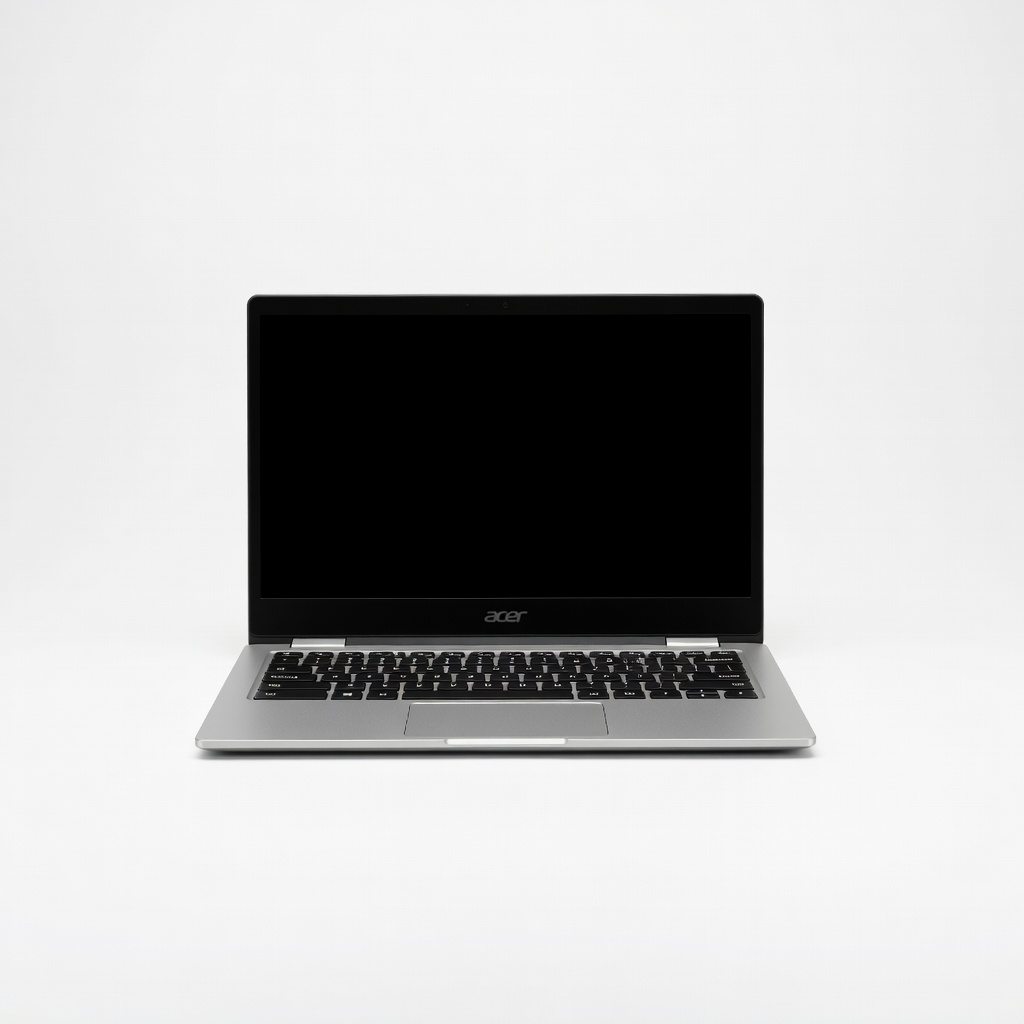
The 15.6-inch display on this Acer Chromebook excels for reading textbooks, spreadsheets, and split-screen studying without eye strain. Chrome OS speed and 12-hour battery suit extended desk sessions. Speakers are tinny for media playback.
Main limitation: At 3.8 pounds, it's bulkier than 14-inch alternatives for daily carry.
Skip if: Not for those prioritizing ultra-portability over screen size.
Compare key specs and features of all our recommendations side-by-side
| Product | Recommendation | Rating | Price |
|---|---|---|---|
Acer Aspire Go 15 AG15-31P-39R3 Rank #1 | 🏆 Top Pick | 9.0/10 | $450–$550 Check current price → |
Lenovo IdeaPad Slim 3i 14IMH05 Rank #2 | 💰 Budget Pick | 8.2/10 | $300–$400 Check current price → |
ASUS Chromebook CX5 CX5400CMA-ES72 Rank #3 | ⭐ Editor's Choice | 8.7/10 | $400–$500 Check current price → |
HP Pavilion x360 14-ek1050nr Rank #4 | — | 8.0/10 | $450–$550 Check current price → |
Dell Inspiron 14 5430 Rank #5 | — | 8.4/10 | $500–$600 Check current price → |
Samsung Galaxy Chromebook Go GQ650 Rank #6 | — | 7.8/10 | $300–$350 Check current price → |
Acer Chromebook 315 C735L Rank #7 | — | 7.9/10 | $350–$450 Check current price → |
Common questions buyers have about this category.
Chromebooks dominate this price for their speed, battery life, and security in web-based learning, ideal if your classes use Google Workspace or Office 365 online. Windows laptops provide native app support for tools like AutoCAD lite, but expect compromises in build or speed—choose based on required software from your syllabus.
Yes, 8GB handles multitasking like 10+ tabs, Zoom, and Docs simultaneously for most students, per benchmarks from NotebookCheck. If you're in engineering or data science with local VMs, push for 16GB if budget allows, but it's rare under $600 without sales.
Crucial—aim for 10+ hours verified by reviews, as outlets are scarce between classes. Models with efficient ARM or newer Intel chips deliver this, reducing charger lugging and extending usability during 8am-5pm days.
Light indie games or browser titles yes, via integrated graphics, but skip if gaming is primary—expect 30fps low settings max on titles like Valorant. Prioritize school performance over GPU hype at this price.
Most come with 1-year manufacturer warranties, extendable via student discounts from Best Buy or Amazon. Chromebooks often have better durability ratings, reducing repair needs per Consumer Reports data.
Absolutely, as prices drop 20-30% in August/September, potentially netting 16GB RAM models under $600. Compare historical deals on CamelCamelCamel to ensure it's a true discount.
Products we evaluated but did not recommend — and why.
