Get the App
Better experience on mobile
We evaluated 30+ laptops for developer-friendly features — keyboards, displays, performance, and battery life — to find the best machines for writing code in 2026.
Ask ten developers for the 'best' programming laptop and you'll get ten different answers — but most will agree on one thing: the machine that disappears under your fingers. The right laptop doesn't interrupt your flow with compile lag, cryptic errors, or a cramped keyboard. That's why we've analyzed spec sheets, expert reviews, and user feedback to curate a list of seven laptops that excel at different programming tasks without breaking the bank.
The category has evolved dramatically in the last few years. Modern processors like Intel Core Ultra, AMD Ryzen AI, and Apple's M4 series have crushed the old trade-offs between performance and battery life. At the same time, the surge in AI/ML development has made GPU acceleration a real consideration for many programmers. But raw power isn't everything: a mediocre keyboard or a low-resolution screen can make an 8-core monster feel like a chore.
We've divided our picks into clear use cases. For most developers, a well-rounded 14-inch laptop with 16GB RAM and a great keyboard is the sweet spot. But if you're building on Linux, doing CUDA work, or need a convertible for sketching diagrams, there's a specialized option here that deserves your attention.
Below, you'll find our 2026 picks, ranging from a $650 budget champion to a $2,500 premium workstation. Every recommendation includes a transparent look at its flaws and who should skip it, plus practical buying advice to help you match the hardware to your specific programming workflow.
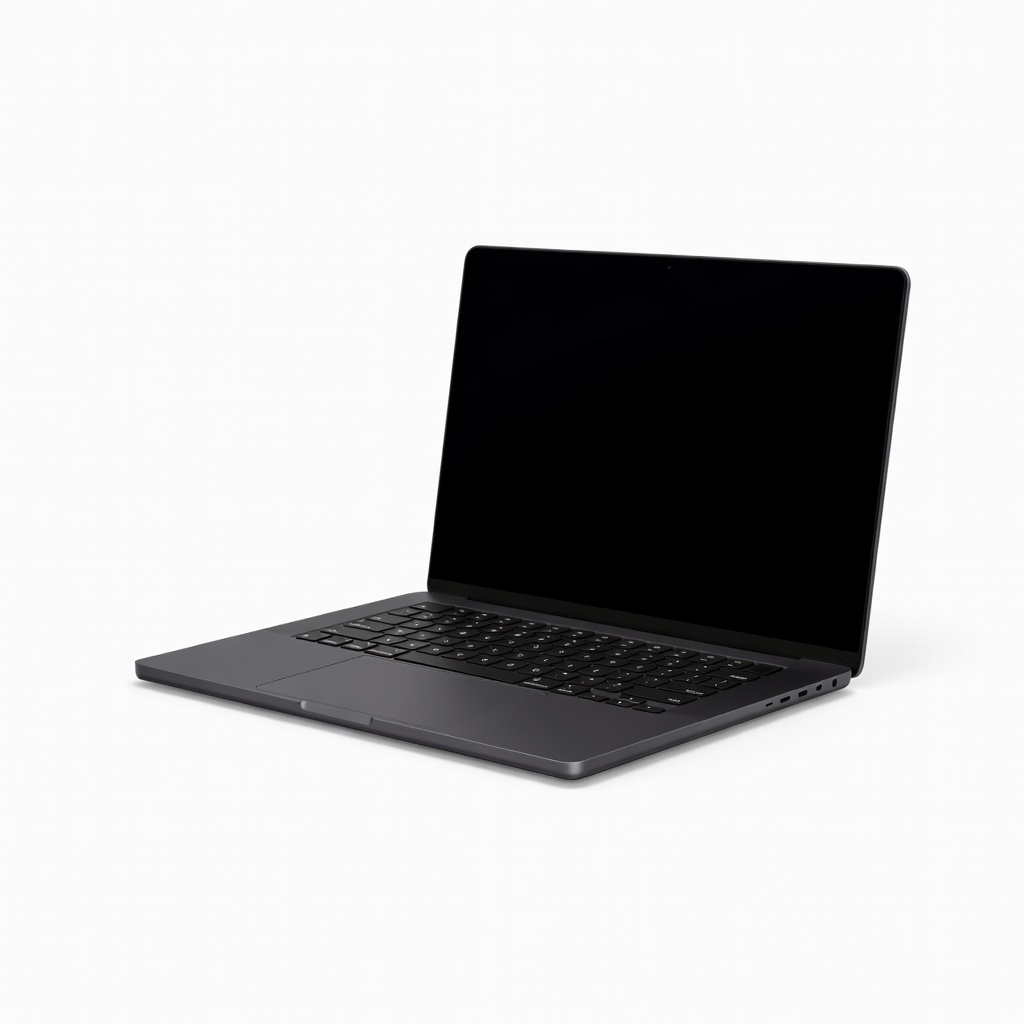
Combines a blazing-fast M4 Pro chip with a gorgeous Liquid Retina XDR display and the best trackpad in the business. It handles heavy compilation, containerization, and multiple IDEs with ease — though you'll pay a premium for that polish.
Main limitation: The base 16GB RAM configuration may be tight for extremely large monorepos or virtualized environments.
Skip if: Avoid if you're on a strict budget or prefer Windows/Linux as your daily driver.
Packs a capable AMD Ryzen 5 processor, 16GB RAM, and a fast NVMe SSD into a sub-$800 chassis. Its 14-inch 1080p screen and solid keyboard make it a fantastic first dev machine — though the plastic build won't win awards.
Main limitation: Fan noise under sustained load can get noticeable, and the display's color accuracy is only average for design work.
Skip if: Skip if you need GPU acceleration for CUDA or OpenCL workloads, or if you demand a metal chassis.
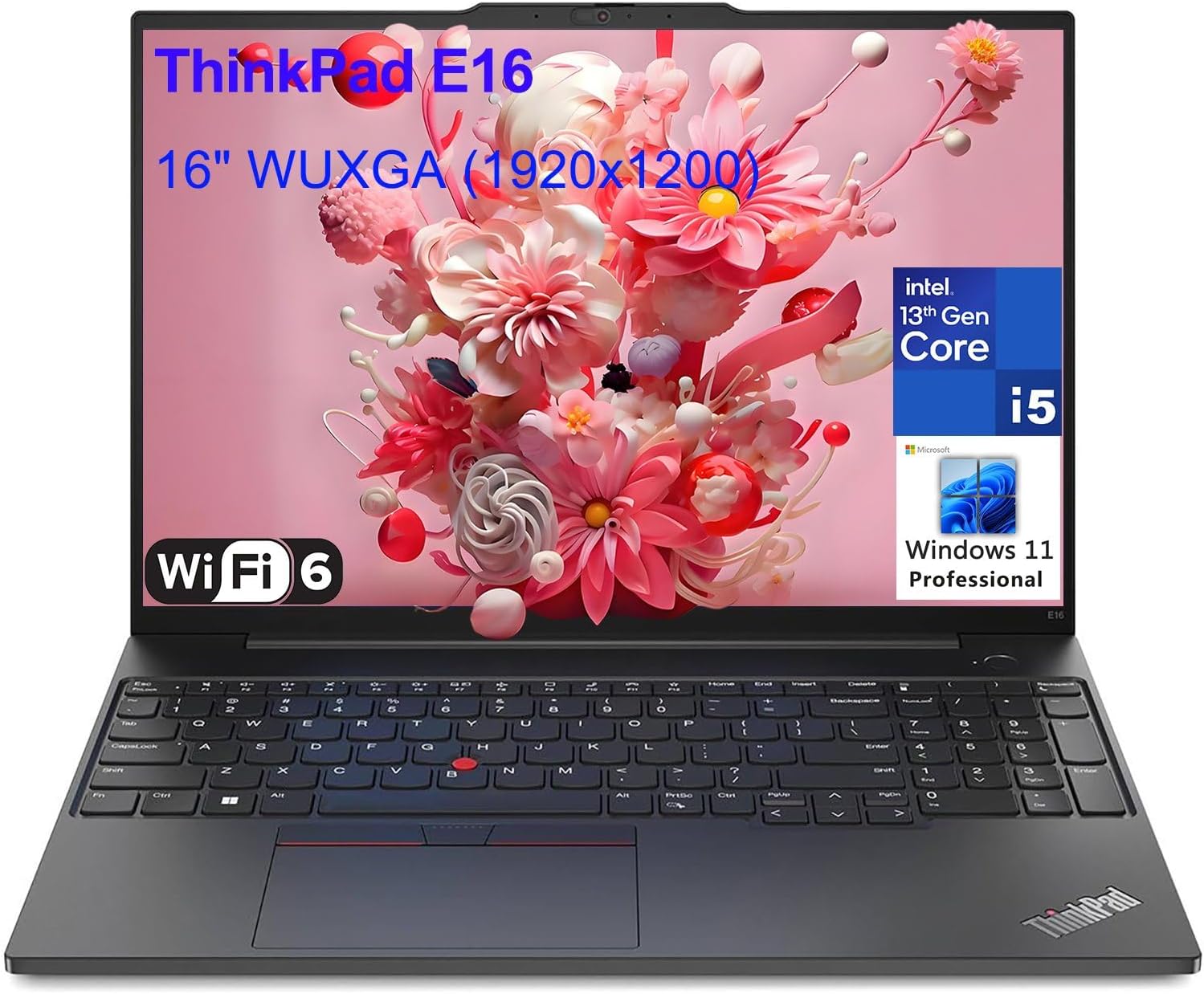
The legendary ThinkPad keyboard returns with a redesigned 14-inch display and Intel Core Ultra processors. It's the laptop you'll actually enjoy typing a 4-hour coding session on, and its military-grade durability means it'll survive a drop from your desk.
Main limitation: The base 16GB RAM configuration is soldered, so you can't upgrade later without buying a pricier model.
Skip if: MacOS loyalists or anyone who prioritizes a high-res touchscreen over tactile key travel.
Comes preinstalled with Ubuntu 24.04 LTS, so you can skip the driver-hunting and get straight to writing code. Dell's svelte design and sharp 13.4-inch display make it a joy for Rust, Python, and frontend work — but be prepared for cramped arrow keys.
Main limitation: Soldered RAM and no SD card slot limit long-term expandability.
Skip if: Skip if you require dual-core Windows and Linux, or if you need a full-size SD card reader for camera work.
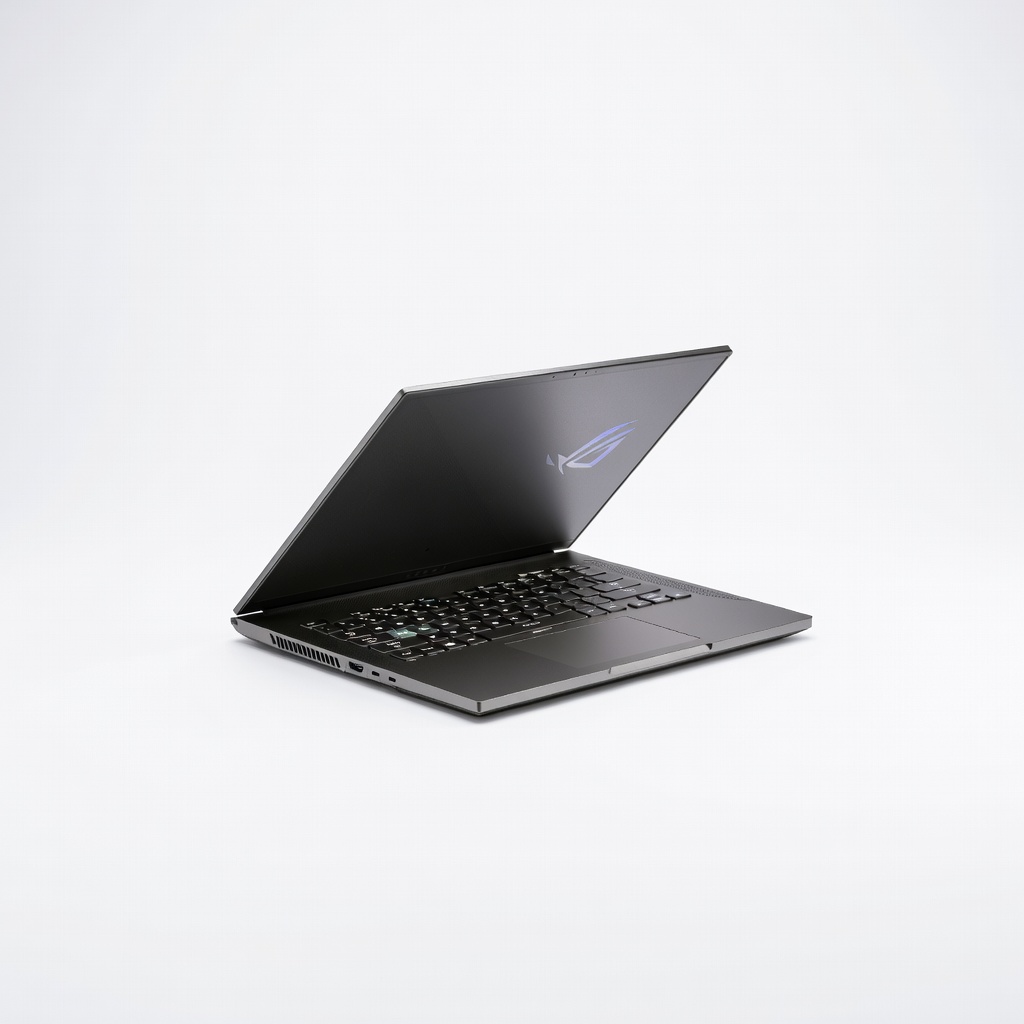
A rare 14-inch gaming machine that doubles as a development powerhouse. The RTX 5060 (or 5070) with 8GB VRAM CUDA acceleration is a massive plus for AI/ML training, 3D rendering, and CUDA development — while still weighing just 3.5 pounds.
Main limitation: Battery life drops quickly when the discrete GPU kicks in, and the keyboard lacks the tactile feel of a ThinkPad.
Skip if: Not ideal for quiet library settings; fans are audible under load. Also lacks a webcam shutter.
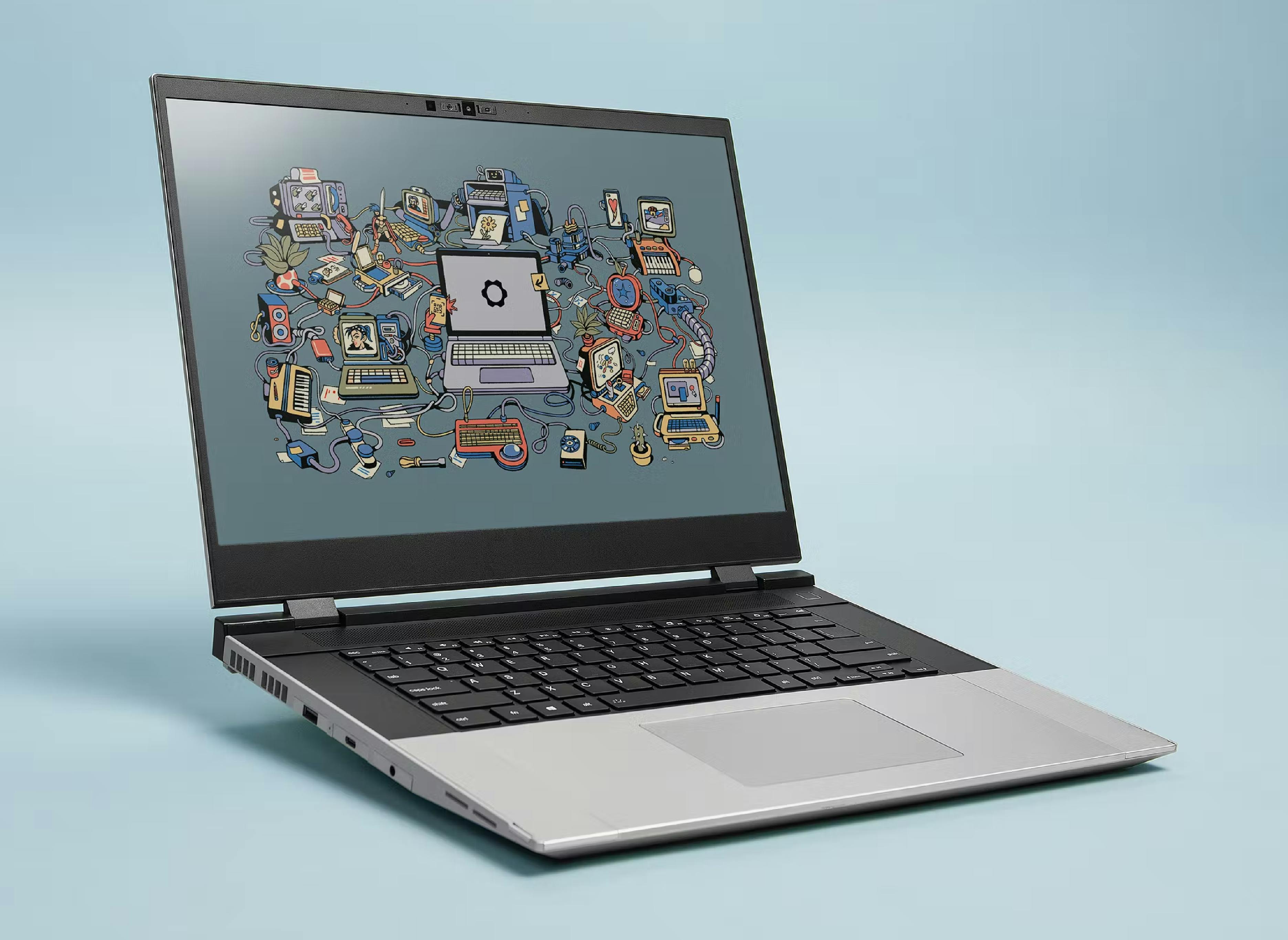
A 16-inch modular laptop with swappable modules for graphics cards, storage, and ports — perfect for programmers who want to extend their machine's life. The 165Hz QHD display and mechanical keyboard option are bonuses, though the default keyboard is merely decent.
Main limitation: The modular design means a larger footprint and slightly heavier weight; also, GPU expansion is proprietary.
Skip if: If you want maximum portability or don't care about tinkering, a thinner XPS or MacBook will serve better.
The best convertible for programmers who also take meeting notes or draw diagrams. It flips into a tablet with an optional pen, and the 3K OLED display is pin-sharp for reading code. The battery is solid, but the hinge is a little stiff.
Main limitation: Its keyboard, while comfortable, has slightly shallow travel compared to dedicated clamshells like the ThinkPad.
Skip if: Not the right choice if you need a number pad or a 16:9 screen for side-by-side windows.
Compare key specs and features of all our recommendations side-by-side
| Product | Recommendation | Rating | Price |
|---|---|---|---|
Apple MacBook Pro 14-inch M4 Pro Rank #1 | 🏆 Top Pick | 9.3/10 | $1,999–$2,499 Check current price → |
Acer Swift Go 14 (SFG14-72) Rank #2 | 💰 Budget Pick | 8.2/10 | $649–$799 Check current price → |
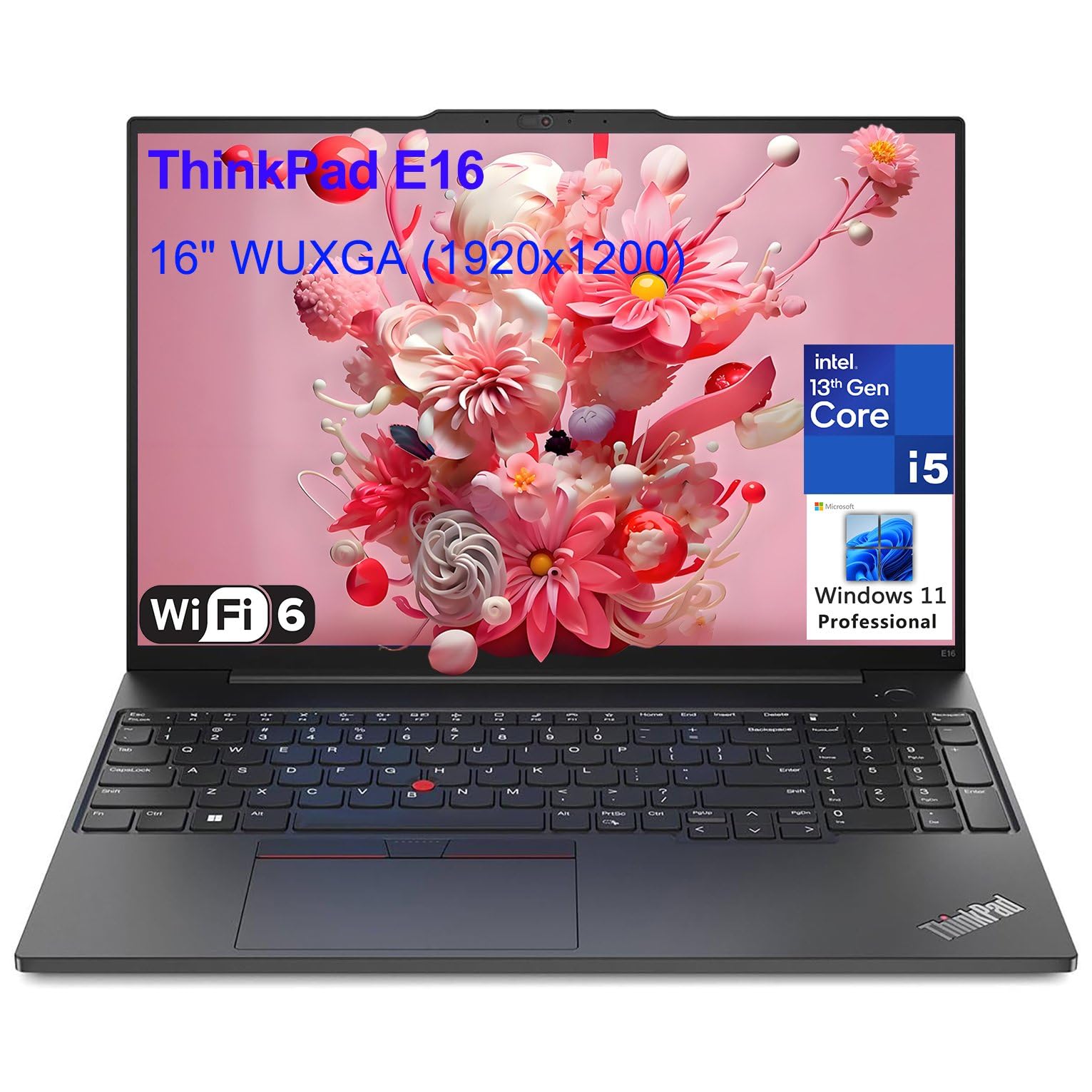 Lenovo ThinkPad X1 Carbon Gen 12 Rank #3 | ⭐ Editor's Choice | 4.6 4.6 | $1,449–$1,899 Check current price → |
Dell XPS 13 Developer Edition (9345) Rank #4 | — | 8.5/10 | $1,299–$1,499 Check current price → |
Asus ROG Zephyrus G14 (2026) Rank #5 | — | 8.4/10 | $1,599–$1,899 Check current price → |
Framework Laptop 16 Rank #6 | — | 8.0/10 | $1,399–$2,199 (DIY to prebuilt) Check current price → |
HP Spectre x360 14 Rank #7 | — | 7.9/10 | $1,249–$1,499 Check current price → |
Common questions buyers have about this category.
For most development work, 16GB is the entry point, but 32GB is becoming the safe choice. If you regularly run virtual machines, Docker containers, or large JavaScript/Java build servers, you'll feel the difference immediately. For heavy data science or running local LLMs, 64GB might be worth considering, though it often comes with a premium price.
No, for typical web development, backend services, or mobile programming, integrated graphics are fine. However, if you're doing machine learning training, game development, or any CUDA-accelerated work, a discrete NVIDIA GPU is essential. For light tasks like shader compilation, even a mid-range GPU like the RTX 5060 will dramatically speed up your iterations.
It depends on your target platform. Macs are essential for iOS and macOS development and offer a seamless Unix-like terminal, which is why many web and mobile devs prefer them. Windows is more flexible for cross-platform work, especially if you need both .NET and Linux via WSL. In 2026, both are excellent, so choose based on your toolchain and budget.
14 inches is the sweet spot for portability and screen real estate on a laptop, allowing you to see 80-100 characters per line without squinting. A 13-inch display is fine if you prioritize light weight, but you'll often need to zoom out. For a desktop-like experience, consider a 16-inch model, but be prepared for a heavier bag.
Chromebooks can work for web development using online IDEs or Linux containers, but they struggle with native or resource-intensive tools. If you're a beginner learning Python or JavaScript, a low-cost Chromebook with Linux support can be a start, but we recommend a Windows or Mac laptop with 16GB RAM for a smoother experience.
Very — you're often on the move, and long compile sessions drain batteries quickly. Look for at least 10 hours of real-world battery life, which the MacBook Pro and M-series MacBooks excel at. Windows laptops with Intel Core Ultra or AMD Ryzen 7000+ series can also hit 12+ hours, but only if you avoid maxing out the CPU constantly.
Yes, if you're a serious developer, especially in backend or DevOps. Many laptops have Wi-Fi, audio, or sleep issues under Linux. The Dell XPS Developer Edition and Framework laptops are designed to work out of the box, while ThinkPads and System76 machines have solid community support. If you plan to dual-boot, check the Linux Hardware Compatibility Database before buying.
Products we evaluated but did not recommend — and why.
