Get the App
Better experience on mobile
From budget workhorses to premium mobile workstations, we've rounded up the best laptops for coding in 2026.
The best laptop for programming isn't the one with the fastest processor or the most RGB lighting. It's the one that lets you forget about the hardware and focus on the code. A great keyboard, a crisp display, and enough RAM to keep your IDE, browser, and local server running smoothly matter far more than benchmark bragging rights.
In 2026, developers have more choices than ever: Apple's M4 chips deliver incredible performance per watt, AMD and Intel have closed the gap with efficient multi-core CPUs, and Linux-focused vendors like System76 offer tailored experiences. But with this choice comes confusion. Should you prioritize battery life or raw power? Is a dedicated GPU necessary for machine learning? And how much RAM is truly enough?
To help you decide, we've researched dozens of laptops, analyzing specifications, expert reviews, and verified user feedback. We focused on factors that directly impact programming: keyboard quality, display clarity, port selection, upgradeability, and long-term reliability. We also considered operating system flexibility, because whether you prefer macOS, Windows, or Linux, the right laptop should support your workflow, not fight it.
Our picks range from budget-friendly workhorses under $800 to premium mobile workstations over $3,000. Whether you're a student writing your first Python script or a senior engineer compiling massive projects, there's an option here for you.
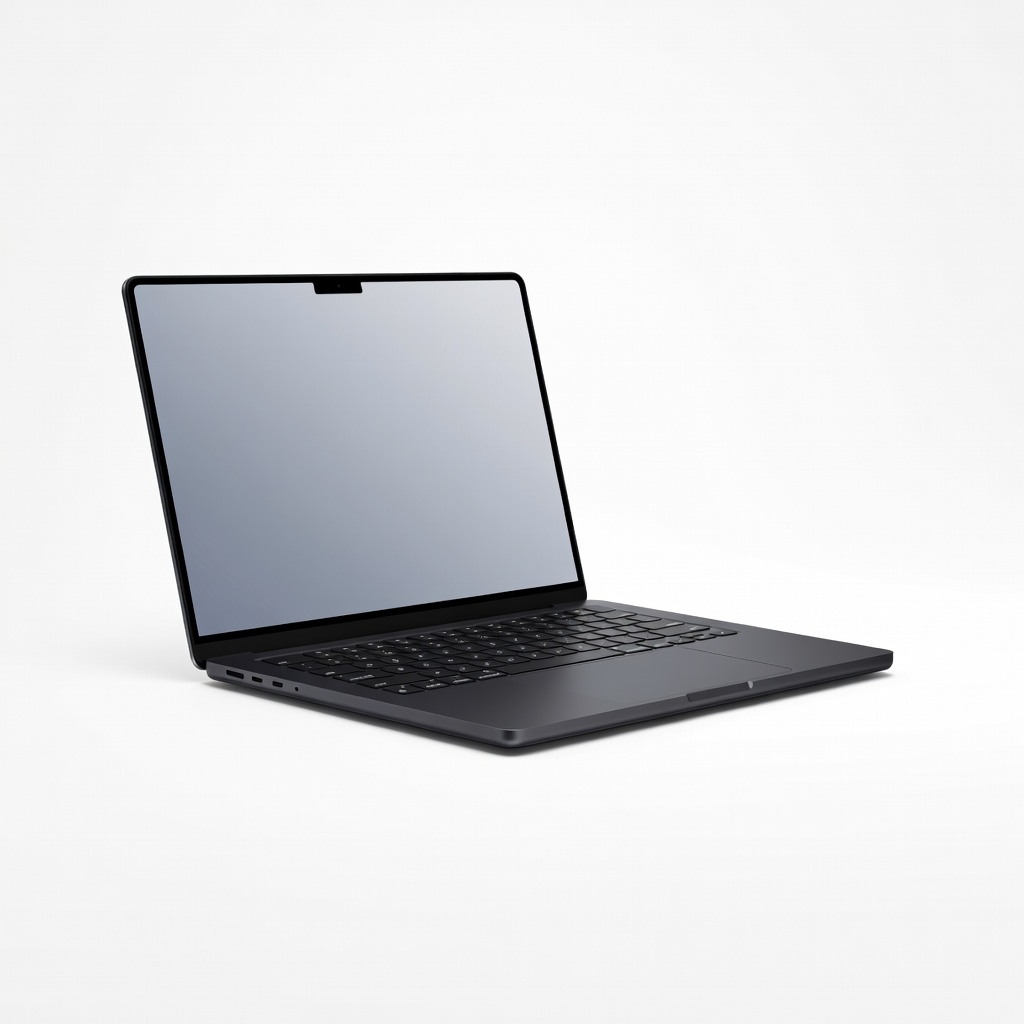
The MacBook Pro 14-inch with M4 Pro chip delivers exceptional performance for compiling large codebases, a stunning Liquid Retina XDR display, and a keyboard that developers love. It runs macOS with native Unix support, making it ideal for programming. The main trade-off is the high price and limited repairability.
Main limitation: Expensive, and RAM/storage upgrades come at a steep premium.
Skip if: Windows or Linux enthusiasts who prefer full control over their OS and hardware.
The IdeaPad Slim 5 offers impressive performance for the price, with a Ryzen 7 processor, 16GB RAM, and a fast SSD. Its keyboard is comfortable for long coding sessions, and the 14-inch OLED display is sharp. The trade-off is a plastic build and average battery life.
Main limitation: Battery life is mediocre, and the chassis flexes slightly.
Skip if: Developers who need all-day battery life or a premium, durable build.
The Lemur Pro is designed for Linux from the ground up, with excellent driver support and a focus on repairability. It offers a great keyboard, a 14-inch 1080p display, and long battery life. The trade-off is a less premium design and limited retail availability.
Main limitation: Display is only 1080p, and build quality is functional rather than luxurious.
Skip if: Those who want a high-resolution display or the polish of a mainstream brand.
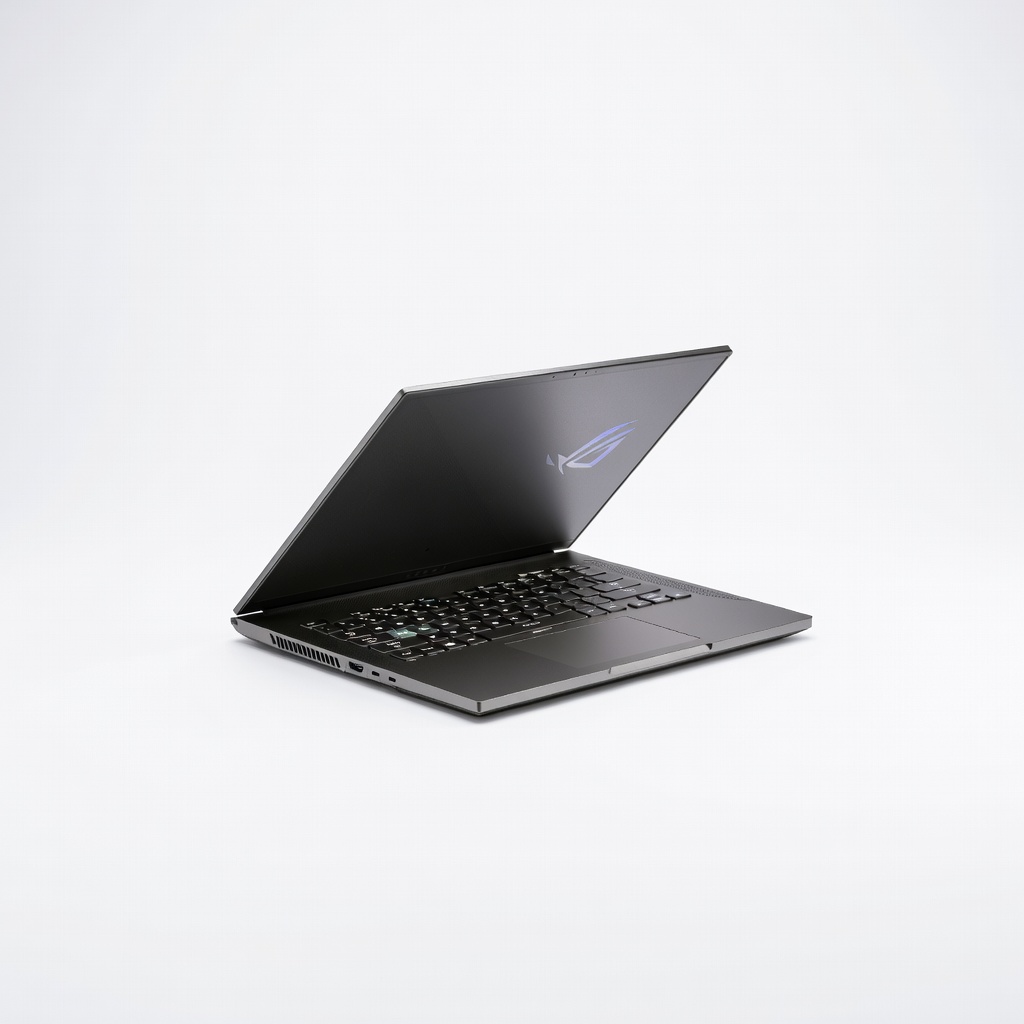
With a powerful AMD Ryzen 9 CPU and NVIDIA RTX 4070 GPU, the Zephyrus G14 is a portable powerhouse for machine learning and data science workloads. It has a gorgeous 14-inch OLED display and a solid keyboard. The trade-off is loud fans under load and mediocre battery life.
Main limitation: Runs hot and loud during intensive tasks, and battery drains quickly when gaming or training models.
Skip if: Developers who prioritize quiet operation and long battery life over raw GPU power.
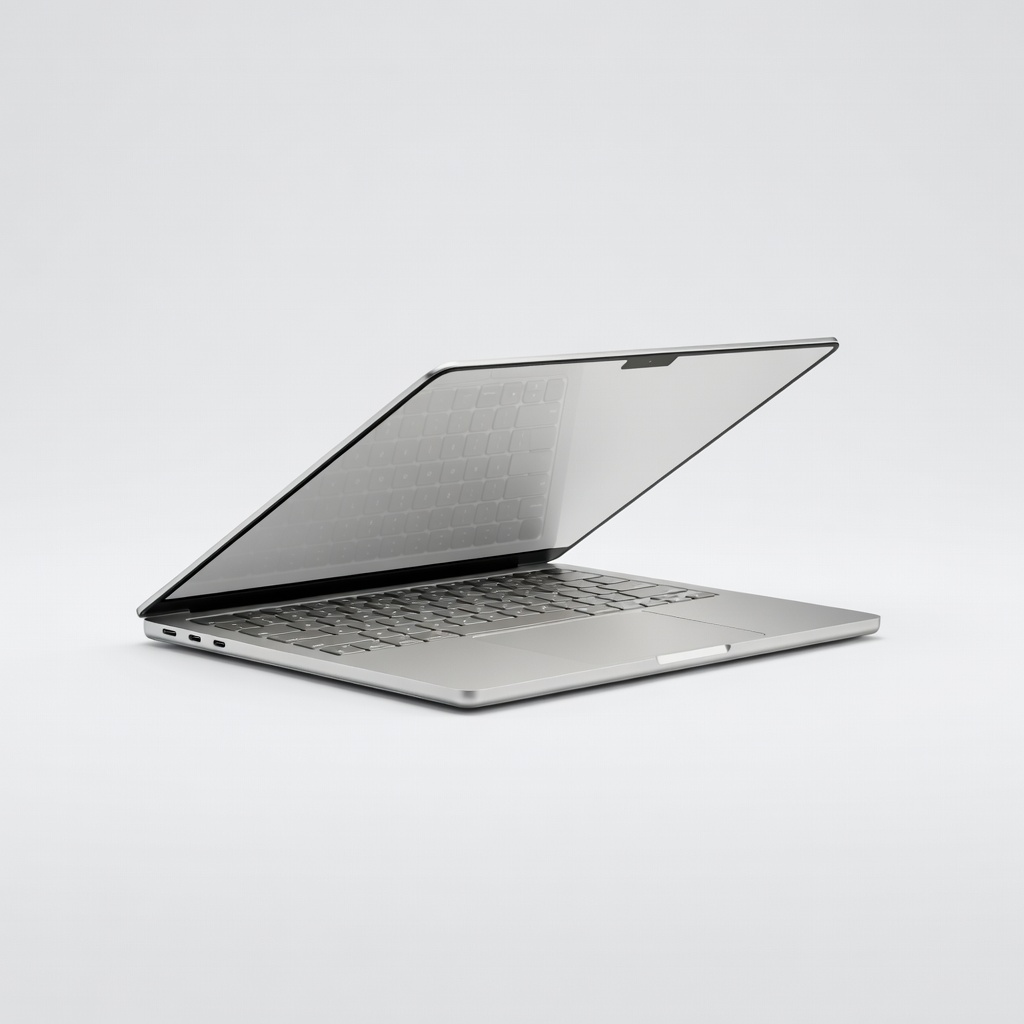
The MacBook Air 15-inch with M4 chip offers exceptional battery life (up to 20 hours) and a large, vibrant display, making it perfect for coding on the go. It's silent, thin, and light. The trade-off is limited ports and no active cooling, which can throttle under sustained heavy loads.
Main limitation: No fan means performance throttles during extended compiles, and it has only two Thunderbolt ports.
Skip if: Developers who frequently run CPU-intensive tasks like large builds or virtual machines.
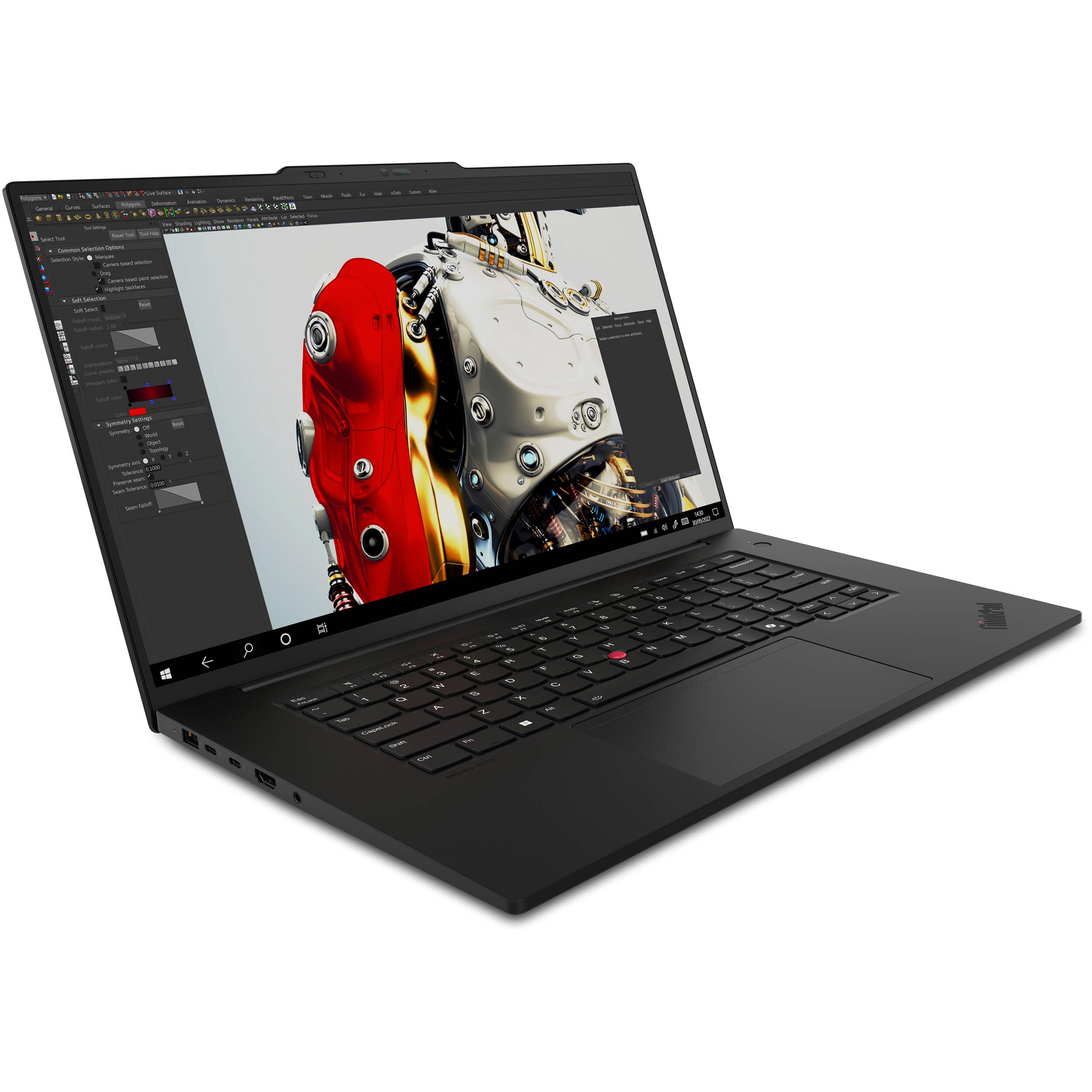
The ThinkPad P1 Gen 7 is a mobile workstation with desktop-class performance, featuring Intel Core Ultra 9 and NVIDIA RTX 4070 graphics. It can handle massive codebases and virtual machines with ease. The trade-off is its high price and bulky power adapter.
Main limitation: Very expensive, and the 4K display option significantly impacts battery life.
Skip if: Budget-conscious developers or those who need a lightweight laptop for daily carry.
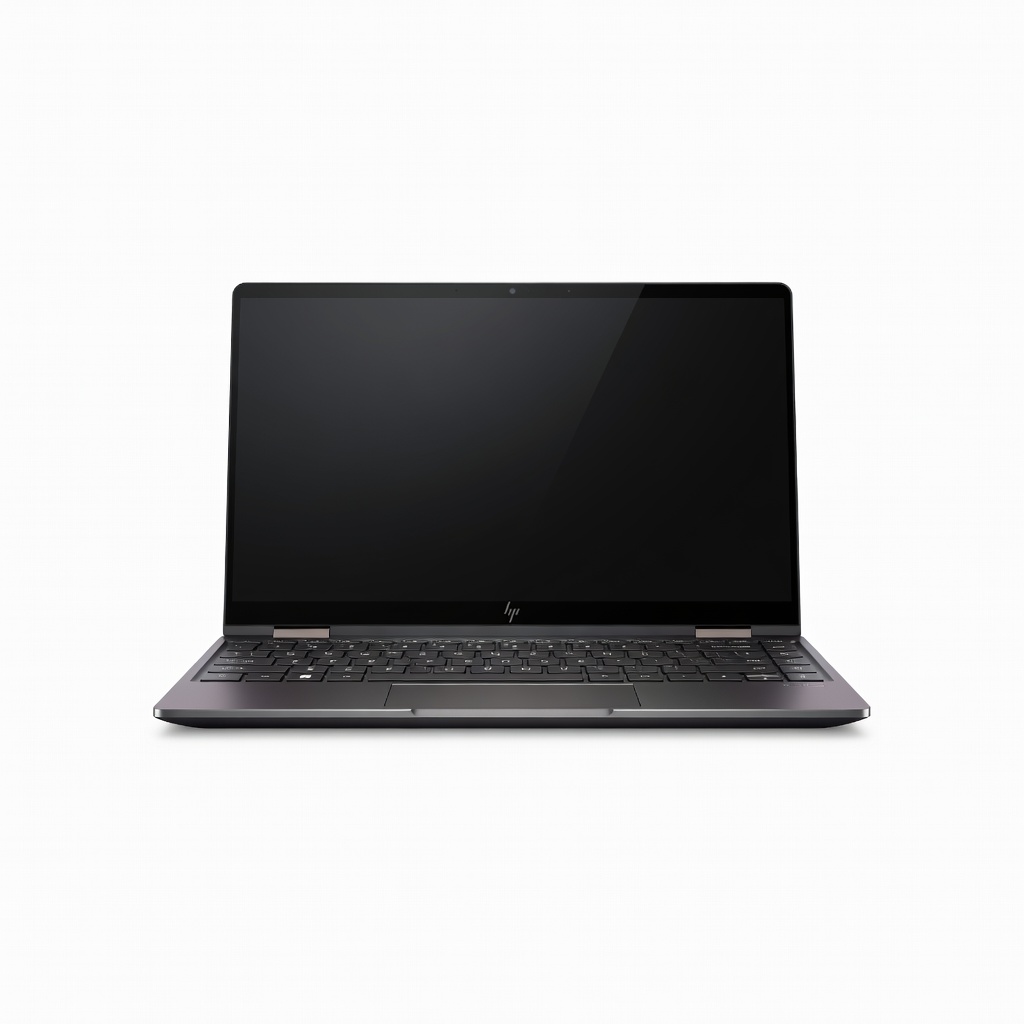
The Spectre x360 14 combines a premium 2-in-1 design with strong programming performance, thanks to Intel Core Ultra 7 and 16GB RAM. The 2.8K OLED touchscreen is great for reading code, and the keyboard is comfortable. The trade-off is that the convertible hinge adds weight and the display is glossy.
Main limitation: Glossy display attracts reflections, and the 2-in-1 form factor adds bulk compared to traditional laptops.
Skip if: Developers who don't need touch or pen input and prefer a lighter, simpler laptop.
Compare key specs and features of all our recommendations side-by-side
| Product | Recommendation | Rating | Price |
|---|---|---|---|
Apple MacBook Pro 14-inch M4 Pro (2026) Rank #1 | 🏆 Top Pick | 9.5/10 | $1,999–$2,499 Check current price → |
Lenovo IdeaPad Slim 5 (2026) with AMD Ryzen 7 8845HS Rank #2 | 💰 Budget Pick | 8.5/10 | $750–$900 Check current price → |
System76 Lemur Pro (2026) Rank #3 | ⭐ Editor's Choice | 9.0/10 | $1,200–$1,800 Check current price → |
Asus ROG Zephyrus G14 (2026) Rank #4 | — | 8.5/10 | $1,800–$2,200 Check current price → |
Apple MacBook Air 15-inch M4 (2026) Rank #5 | — | 9.0/10 | $1,299–$1,699 Check current price → |
Lenovo ThinkPad P1 Gen 7 (2026) Rank #6 | — | 8.5/10 | $2,800–$3,500 Check current price → |
HP Spectre x360 14 (2026) Rank #7 | — | 8.0/10 | $1,500–$1,800 Check current price → |
Common questions buyers have about this category.
For most programming tasks, 16GB is the minimum comfortable amount. This allows you to run an IDE, a web browser with multiple tabs, a local server, and a database without slowdowns. If you work with virtual machines, Docker containers, or large datasets, 32GB or more is recommended.
Yes, MacBooks are excellent for programming because macOS is Unix-based, which means you have native access to a terminal and many development tools. However, some Windows-specific software (like certain .NET or game development tools) may not run natively, though alternatives often exist. The main downside is higher upfront cost and limited upgradeability.
The Lenovo IdeaPad Slim 5 with AMD Ryzen 7 and 16GB RAM offers outstanding value for around $750. It provides strong multi-core performance for compiles, a comfortable keyboard, and a sharp OLED display. Just be aware that battery life is average and the build is mostly plastic.
Only if you're working in fields like machine learning, game development, or 3D rendering. For web development, mobile app development, or general software engineering, integrated graphics are perfectly adequate. A dedicated GPU adds weight, cost, and power consumption, so skip it unless your workload demands it.
A 2-in-1 can be a good choice if you also want to use it as a tablet for reading or sketching, but the convertible hinge often adds weight and can make the laptop less stable on your lap. The keyboard on premium 2-in-1s like the HP Spectre x360 is excellent, so it's a viable option if versatility matters more than pure portability.
Battery life matters if you frequently work away from a desk, such as in cafes, libraries, or on flights. If you mostly work at a desk with power outlets, you can prioritize performance over battery. Ultrabooks like the MacBook Air offer up to 20 hours, while powerful workstations may last only 4-6 hours.
A 1080p (Full HD) display is the minimum for comfortable coding, as it allows you to see a reasonable amount of code. Higher resolutions like 1440p or 4K provide sharper text and more screen real estate, which can reduce scrolling. However, higher resolutions consume more battery, so balance your need for clarity with portability.
Products we evaluated but did not recommend — and why.
