Get the App
Better experience on mobile
We compared performance, keyboard quality, battery life, and OS flexibility to find the ideal code-crunching machines.
There's a common misconception that programming laptops need the latest flagship CPU. In reality, your workflow's bottlenecks are far more likely to be a cramped keyboard, thermal throttling under sustained load, or an operating system that doesn't align with your development stack. After scouring manufacturer spec sheets, professional reviews, and user feedback, we found that the best laptops for coders are those that excel at sustained real-world workloads—not just synthetic benchmarks.
We focused on the tasks developers actually perform daily: compiling large codebases, running Docker containers, juggling documentation in a browser, and switching between an editor and terminal for hours. That meant prioritizing CPUs with strong multi-core performance, at least 16GB of RAM (ideally upgradeable or configurable), fast NVMe SSDs, and displays that reduce eye strain. Equally important were the keyboard and trackpad, port selection, and battery life—the features that determine whether you'll genuinely enjoy using the laptop through a full workday.
Our lineup spans a $549 budget workhorse to a premium $3,000 flagship, including Linux-first machines, AI-focused powerhouses, and ultraportables for frequent travelers. Every pick trades something off—we make that transparent so you can choose the compromise that fits your specific coding style. If you want a single reliable recommendation that works for most programmers, the Apple MacBook Pro 14 earns our top spot; otherwise, the specialized picks below are matched to particular workflows.
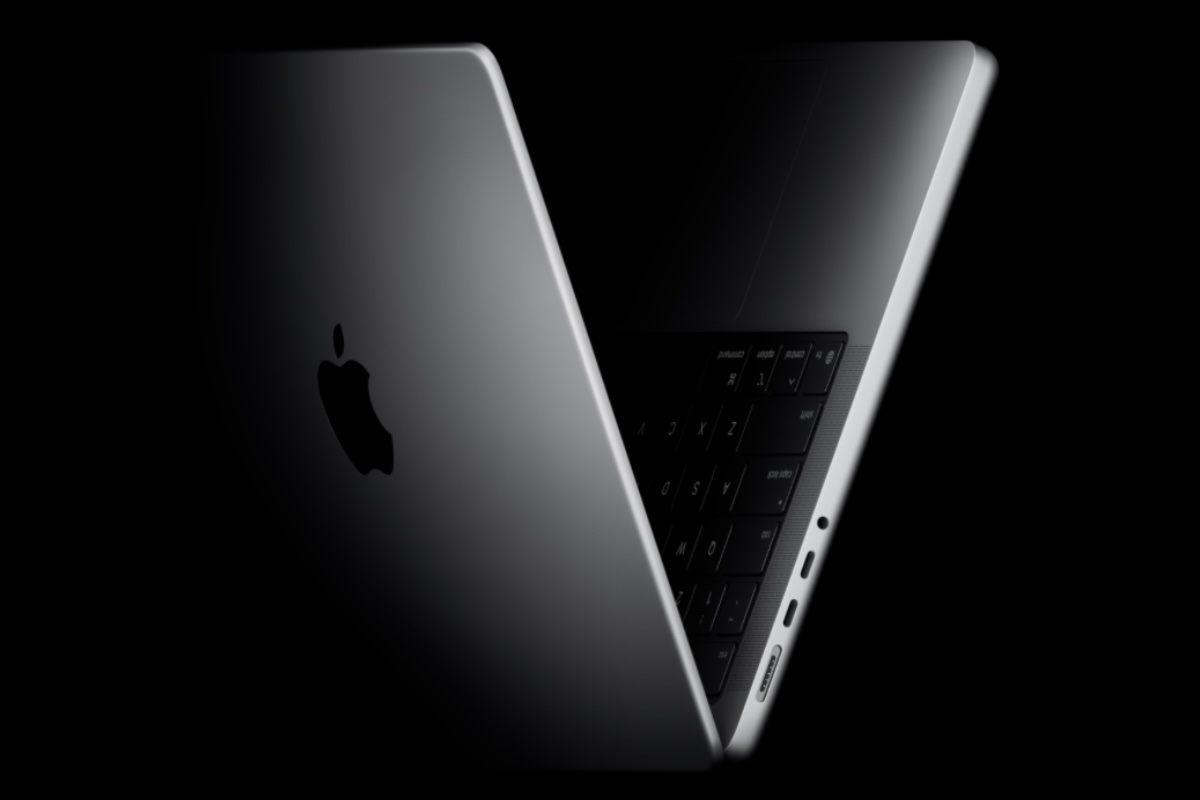
The MacBook Pro 14 sets the gold standard for programming laptops, with a stunning mini-LED XDR display, blistering performance from the M5 Pro chip, and all-day battery life that keeps you coding without hunting for an outlet. The keyboard, trackpad, and build quality are impeccable, and macOS is a powerful platform for UNIX-based development work. The trade-off is price: it's a serious investment, and you're locked into Apple's ecosystem for tools like Xcode and Homebrew.
Main limitation: The base model includes only 18GB of memory (which is still generous), but upgrading to 36GB or 48GB pushes the price well past $2,500, making it a premium expense.
Skip if: If you're a Linux purist who needs to run a fully open-source stack on native hardware, or you depend on Windows-specific tools like .NET Framework, this isn't the right fit.
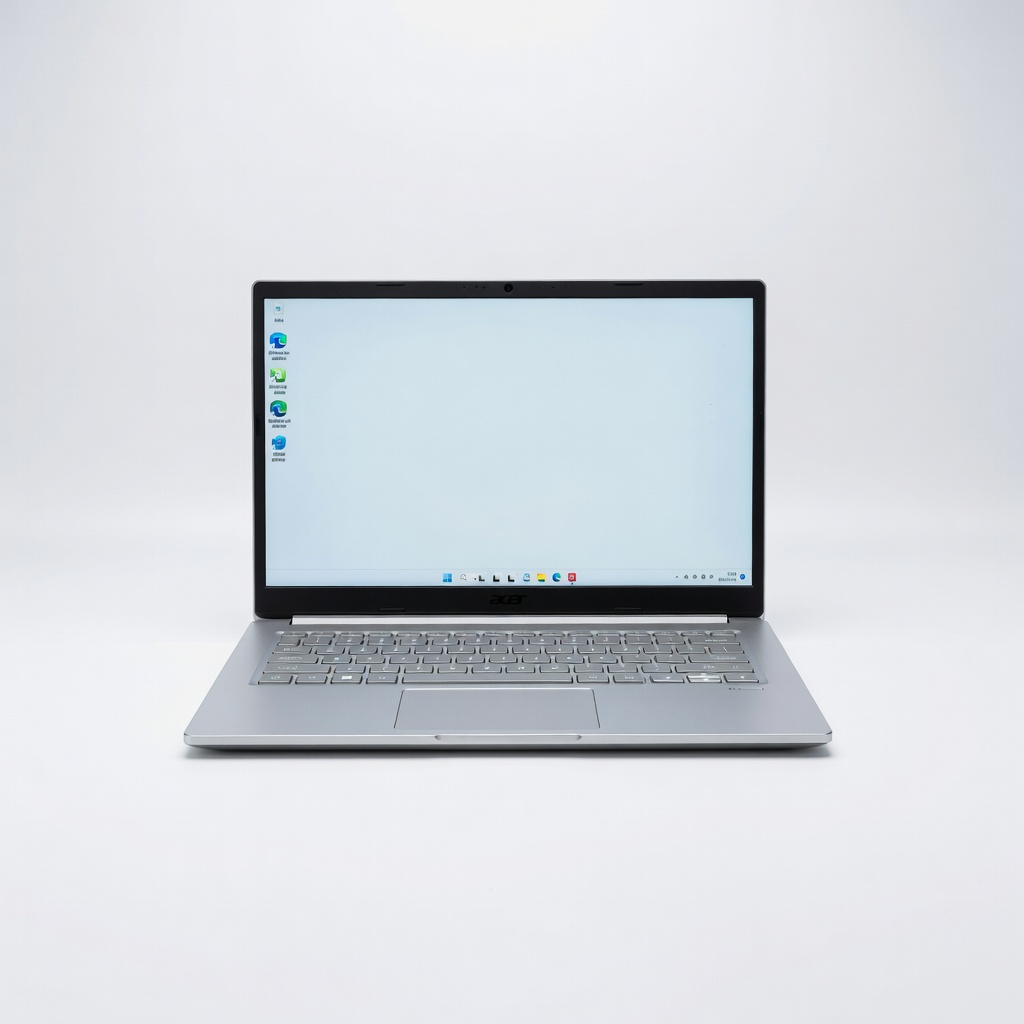
The Acer Aspire 5 delivers reliable compilation speeds and a decent keyboard at a price that won't make you cringe. With 16GB of RAM and a modern AMD Ryzen 5 or Intel Core 5 mobile chip, it handles web development, Python scripting, and even light Docker workloads without breaking a sweat. The trade-off is a plastic chassis and a 1080p display that's adequate but not bright or colour-accurate—so don't expect a premium feel, and consider an external monitor for serious sessions.
Main limitation: The low-quality panel has washed-out colours and narrow viewing angles, which makes long coding sessions feel less comfortable than they should be.
Skip if: If you need a portable machine for daily commuting, the 15.6-inch size and 1.8 kg weight quickly become annoying—look for a smaller ultrabook instead.
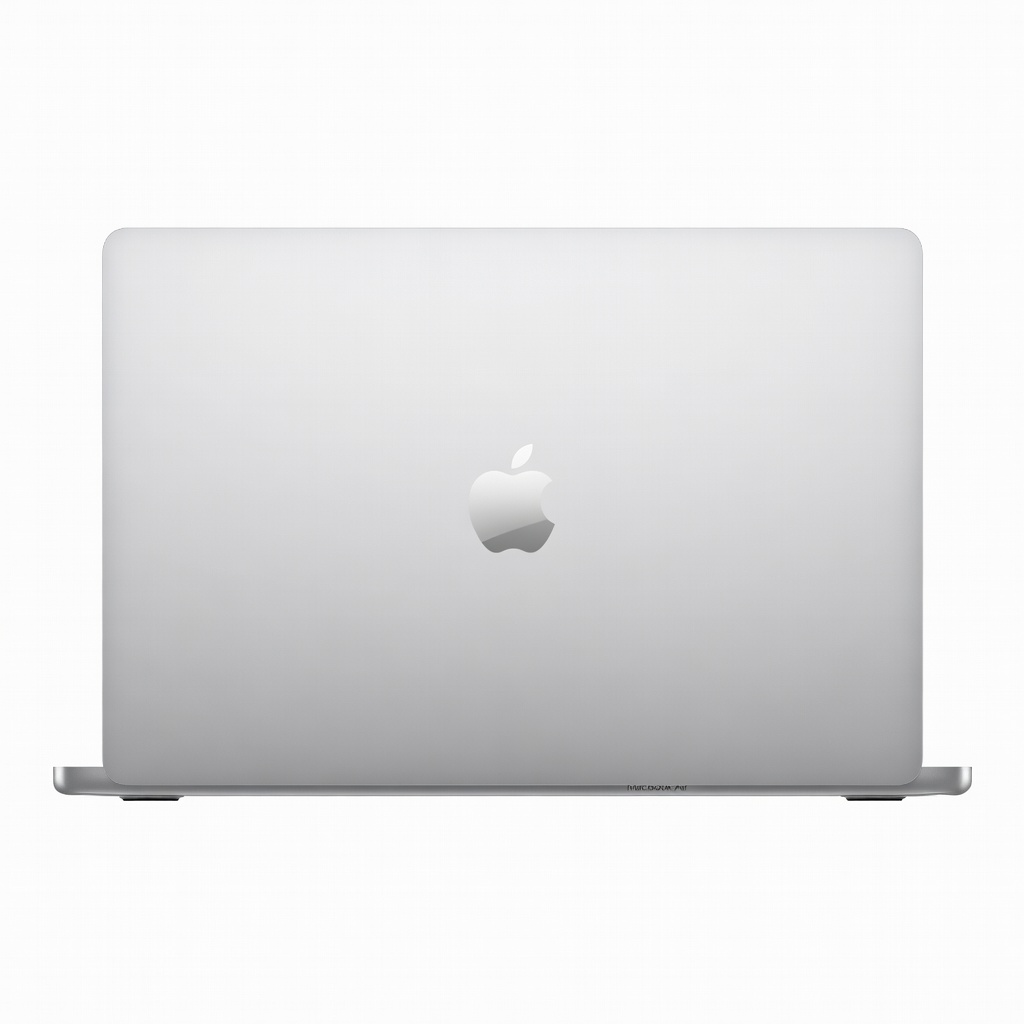
The MacBook Air is the ultraportable choice that's still fast enough for serious coding, thanks to the M4 chip's efficiency. It's fanless, so it stays whisper-quiet, and it offers up to 18 hours of battery life—you can realistically code all day on a single charge. The trade-off is the base model's 8GB of unified memory, which is limiting if you run Docker containers or virtual machines; we recommend stepping up to 16GB, which still keeps the price under $1,400.
Main limitation: Because it's passively cooled, sustained CPU-heavy tasks like running extensive test suites or compiling large projects can trigger thermal throttling after a few minutes.
Skip if: If you regularly compile large codebases or run heavy local training models, the absence of active cooling will become frustrating—a MacBook Pro or another high-performance laptop is a better fit.
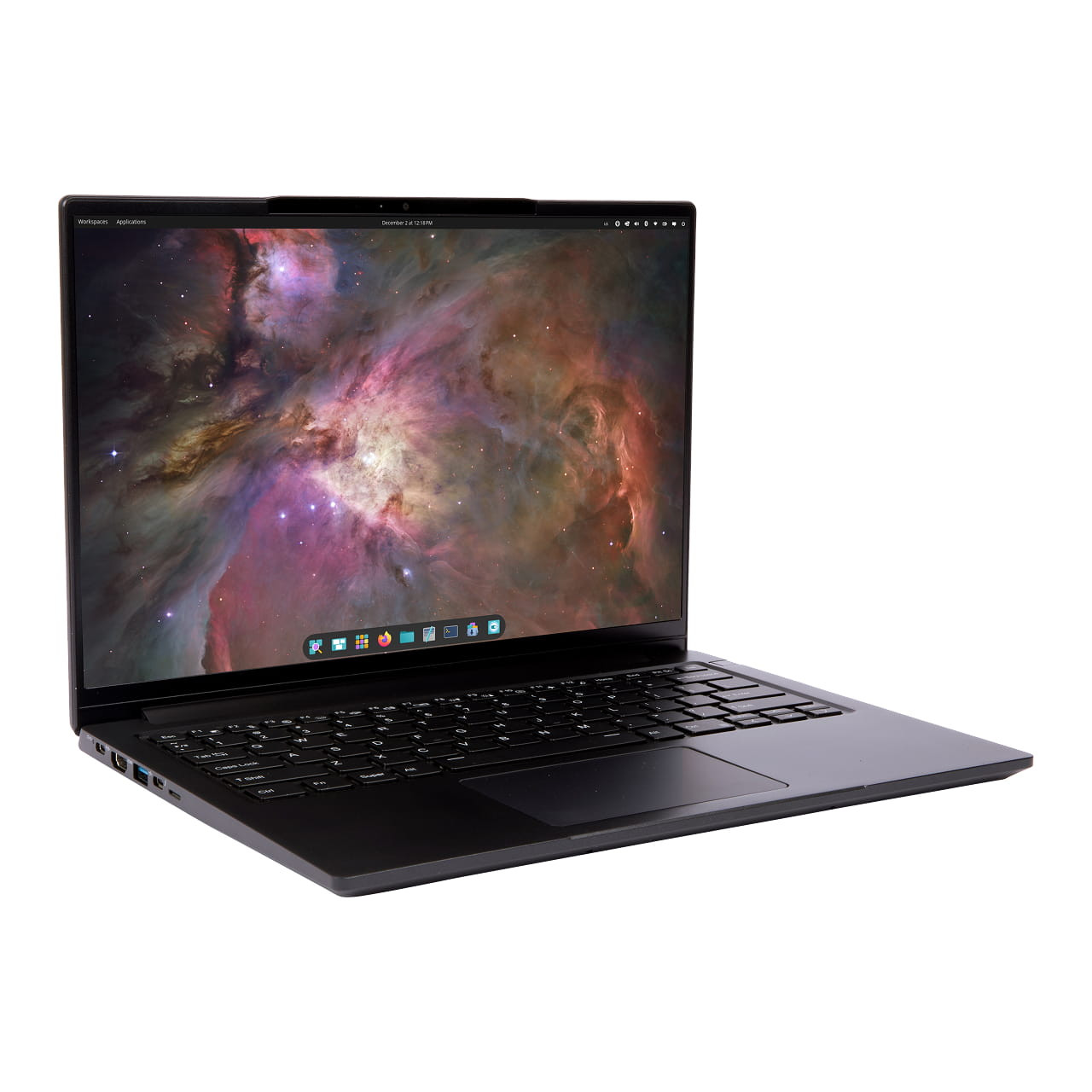
If you're all-in on Linux, the Lemur Pro is tailor-made for you: it ships with Pop!_OS (or Ubuntu) and every hardware component is guaranteed to be Linux-compatible out of the box. The magnesium-alloy body weighs just over 2 pounds, making it one of the lightest 14-inch options, and it supports up to 64GB DDR5 RAM—a boon for running local VMs or database servers. The trade-off is a mediocre 1080p display and a keyboard that feels shallow compared to ThinkPads.
Main limitation: The display's 1080p resolution and average brightness are a letdown at this price, especially if you're used to sharper panels on Windows or Macs.
Skip if: If you plan to use Windows as your primary OS, you'll miss out on the preinstalled Linux-friendly firmware drivers, and there are better-value Windows ultrabooks out there.
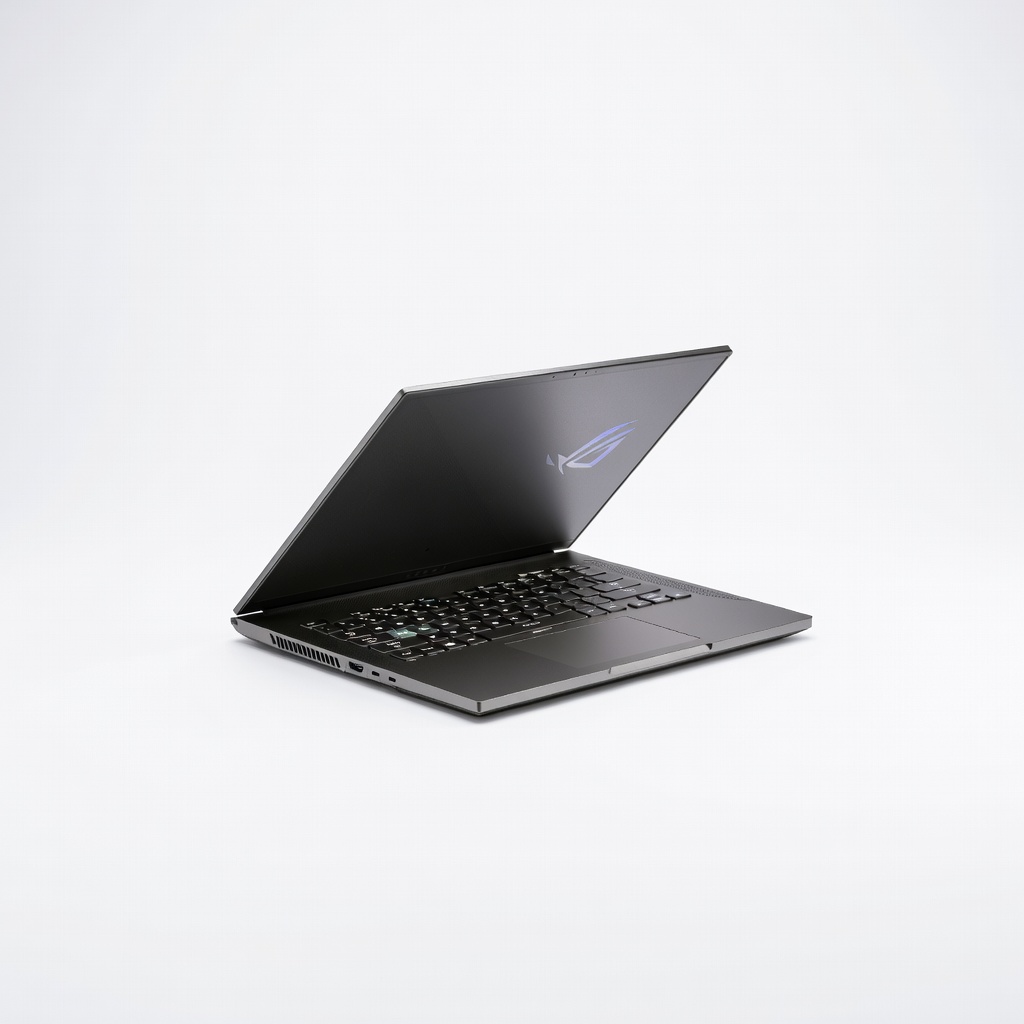
The Zephyrus G14 is the answer for programmers who want to run local deep-learning experiments without a desktop workstation. It packs an NVIDIA RTX 5070 GPU (8GB VRAM) into a portable 14-inch chassis, letting you train modest PyTorch or TensorFlow models on the go. The trade-off is that the fans get loud under heavy GPU loads, and the battery drains quickly once you're doing serious number-crunching away from a charger.
Main limitation: The keyboard is adequate but not exceptional, and the aggressive 'gamer' aesthetics with backlight bleed can feel out of place in a professional environment.
Skip if: If you do all your ML work on cloud servers or Google Colab, you don't need a discrete GPU—and you'd be better served by a lighter, longer-lasting ultrabook.

The XPS 13 remains the go-to ultraportable for developers who are constantly on the move. The 2026 model keeps the nearly bezel-less InfinityEdge display and adds Intel's Lunar Lake architecture, delivering solid performance for everyday coding while remaining whisper-quiet. It's light (starting at 1.2 kg) and the battery easily lasts a full workday of light-to-moderate use. However, the compact size means the display is only 13.4 inches, and you'll need to spring for a higher RAM configuration to do serious virtualization.
Main limitation: The port selection is minimal (two Thunderbolt 4 ports, no USB-A, no HDMI), and the base model comes with just 8GB RAM—both feel restrictive for peripherals and memory-hungry workflows.
Skip if: If you're used to a larger screen or require a built-in HDMI port for presentations, the minimalist XPS design will frustrate you.
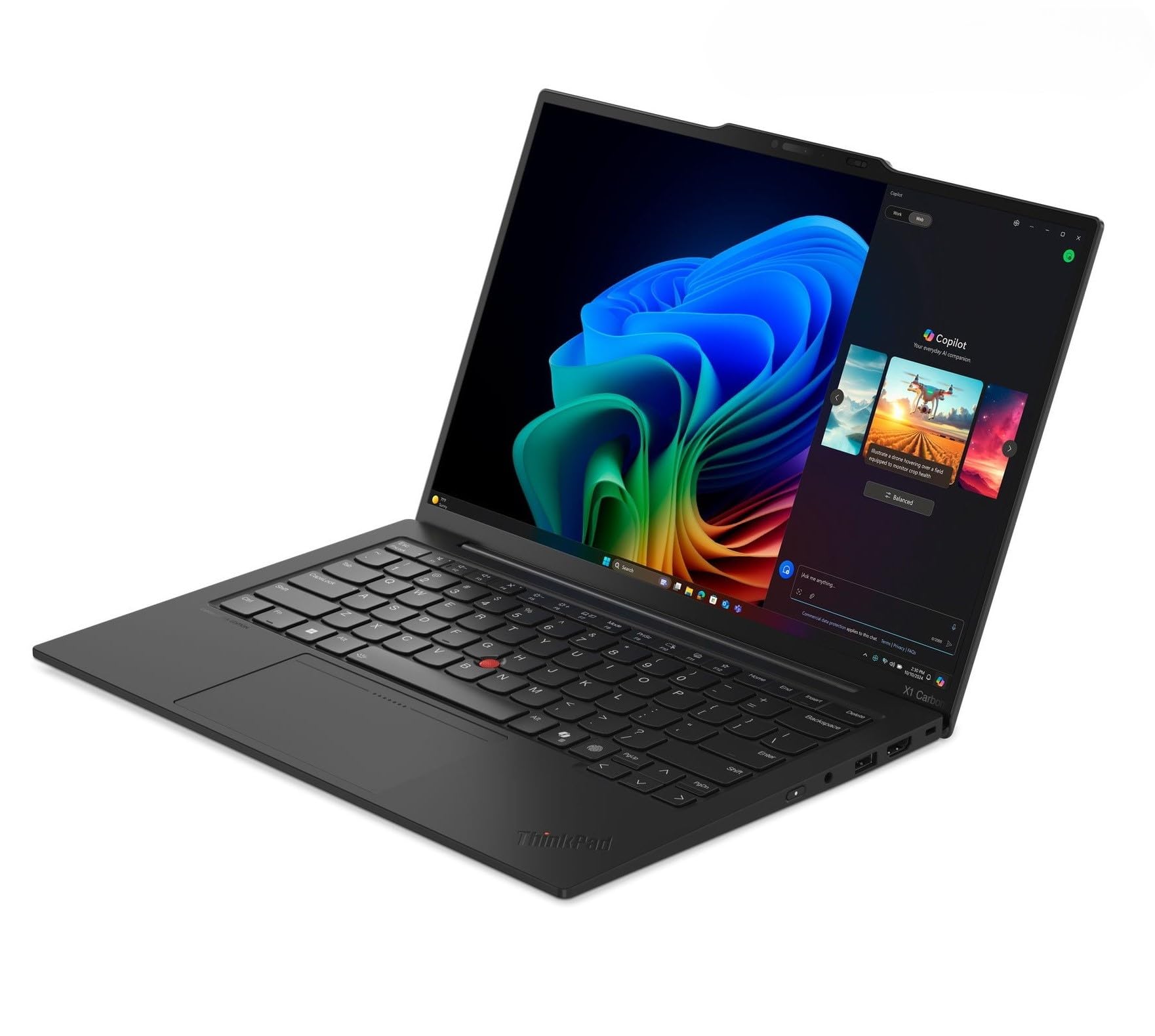
Programmers type thousands of lines a day, and the X1 Carbon's keyboard remains the industry benchmark—deep key travel, tactile feedback, and a layout that reduces finger fatigue. It's also a featherweight (under 1.1 kg) and offers a solid selection of ports, including two USB-C and HDMI. The trade-off: you'll pay a hefty premium for that keyboard, and the CPU is a low-power U-series chip that sacrifices multi-core performance for efficiency.
Main limitation: The base model starts at over $1,500 and still includes only 16GB RAM and a 512GB SSD, which is modest for developers who run multiple VMs or large builds.
Skip if: If you're running heavy compile workloads or need maximum multi-core power for parallel tasks, you'll get more performance per dollar from a bulkier machine like the Zephyrus G14.
Compare key specs and features of all our recommendations side-by-side
| Product | Recommendation | Rating | Price |
|---|---|---|---|
Apple MacBook Pro 14-inch (M5 Pro, 2026) Rank #1 | 🏆 Top Pick | 9.3/10 | $1,999–$2,999 Check current price → |
Acer Aspire 5 A515-59 (2026) Rank #2 | 💰 Budget Pick | 7.8/10 | $549–$699 Check current price → |
Apple MacBook Air 13-inch M4 (2026) Rank #3 | ⭐ Editor's Choice | 8.8/10 | $1,099–$1,399 Check current price → |
System76 Lemur Pro 14 (2026) Rank #4 | — | 8.0/10 | $1,249–$1,599 Check current price → |
Asus ROG Zephyrus G14 (2026) Rank #5 | — | 8.2/10 | $1,499–$2,099 Check current price → |
Dell XPS 13 (2026) Rank #6 | — | 8.4/10 | $1,199–$1,799 Check current price → |
Lenovo ThinkPad X1 Carbon Gen 13 (2026) Rank #7 | — | 8.6/10 | $1,529–$2,199 Check current price → |
Common questions buyers have about this category.
16GB is the bare minimum for comfortable multitasking with editors, browsers, and a terminal, but 32GB is strongly recommended if you run local virtual machines, Docker containers, or large monorepo builds. Upgrading to 32GB is especially wise for anything beyond simple web development, since many laptops solder memory and you can't upgrade later.
The answer depends on your target platform. macOS is the best choice for iOS and macOS development, as well as UNIX-based toolchains; it also tends to have superior build quality and battery life. Windows is better if you need support for the .NET framework, PC games, or a wider range of hardware configurations. Linux remains the king for server-side work, and many developers choose a Linux laptop like the System76 Lemur Pro to avoid dual-boot hassles.
Not for general web development, backend code, or DevOps tasks—integrated graphics are more than sufficient. A discrete GPU becomes valuable only for machine learning, CUDA-based workloads, 3D rendering, or game development. If you're not in those fields, you're better off spending that money on more RAM or a faster SSD.
Most developers prefer a 14-inch or 15.6-inch display for a good balance between screen real estate and portability. A 14-inch model is often the sweet spot, offering enough room for a comfortable IDE layout while remaining light enough to carry daily. If you mostly write code at a desk, a 16-inch model can be more comfortable, but it adds weight and bulk. Whatever you choose, a high-resolution 2.8K or OLED panel with good brightness helps reduce eye strain.
Yes, especially if you work remotely, travel, or attend classes. A laptop that dies after four hours will interrupt your flow and force you to stay near outlets. Look for devices with 12+ hours of claimed battery life and check reviews for real-world numbers. The Apple MacBook Air and MacBook Pro lead the category, but many Windows ultrabooks with efficient chips like Lunar Lake or Ryzen AI are catching up.
2-in-1s are generally not worth the trade-off for programming. The touchscreen and tent mode are rarely useful for writing code, and these devices often sacrifice keyboard quality and cooling performance to fit the flexible hinge. If you occasionally want to sketch diagrams or take notes by hand, a separate tablet or dedicated note-taking app on a traditional laptop is a better compromise.
Products we evaluated but did not recommend — and why.
