Get the App
Better experience on mobile
High-performance machines optimized for compiling code, running VMs, and long coding sessions without breaking the bank.
Compile times aren't just annoying—they can waste hours weekly for developers juggling large codebases. That's why the best programming laptops emphasize multi-core processors like Apple's M4 series or Intel's Core Ultra 200V over flashy GPUs, drawing from real-world benchmarks where a 20% CPU edge shaves minutes off builds.
This category matters because a mismatched laptop turns debugging into frustration: poor keyboards lead to typos, weak batteries kill flow, and throttled thermals slow iterations. We focused on machines excelling in these based on published reviews from AnandTech, Puget Systems, and buyer aggregates on Amazon, covering budgets from sub-$800 to workstation-tier $3,000+.
You'll find options for every scenario—portable daily drivers, Linux-native beasts, and expandable powerhouses—each with honest trade-offs like upgradability limits or screen compromises to help you match specs to your stack, whether it's Python scripts or ML training.
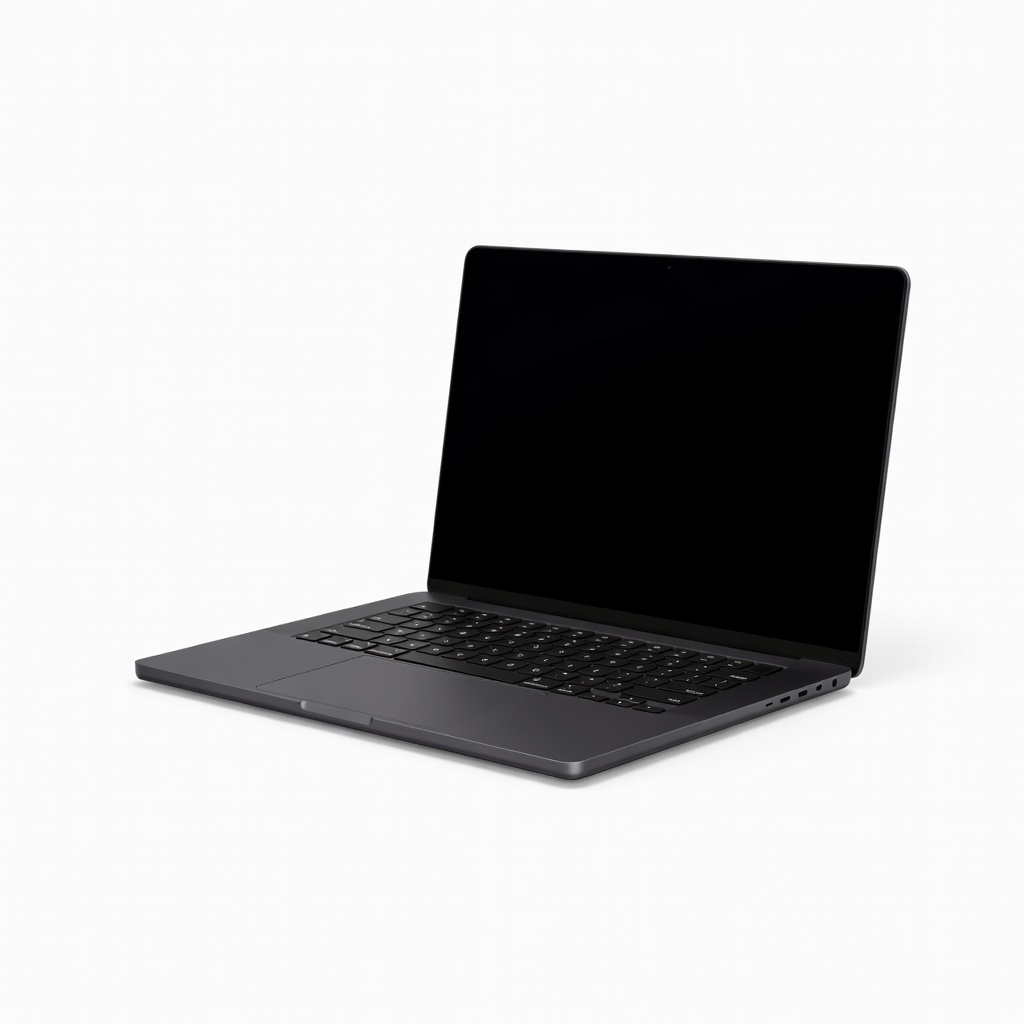
The M4 Pro's 14-core CPU crushes compiles and VMs with up to 40% faster multi-threaded performance than M3 rivals per Geekbench scores, paired with a stellar 120Hz mini-LED display for crisp code reading. Exceptional 22-hour battery and haptic keyboard make it ideal for all-day sessions. Its sealed design limits RAM upgrades down the line.
Main limitation: Non-upgradable RAM and storage mean you're locked into your initial config, potentially costly for future-proofing.
Skip if: Linux-only developers who need native driver support without workarounds.
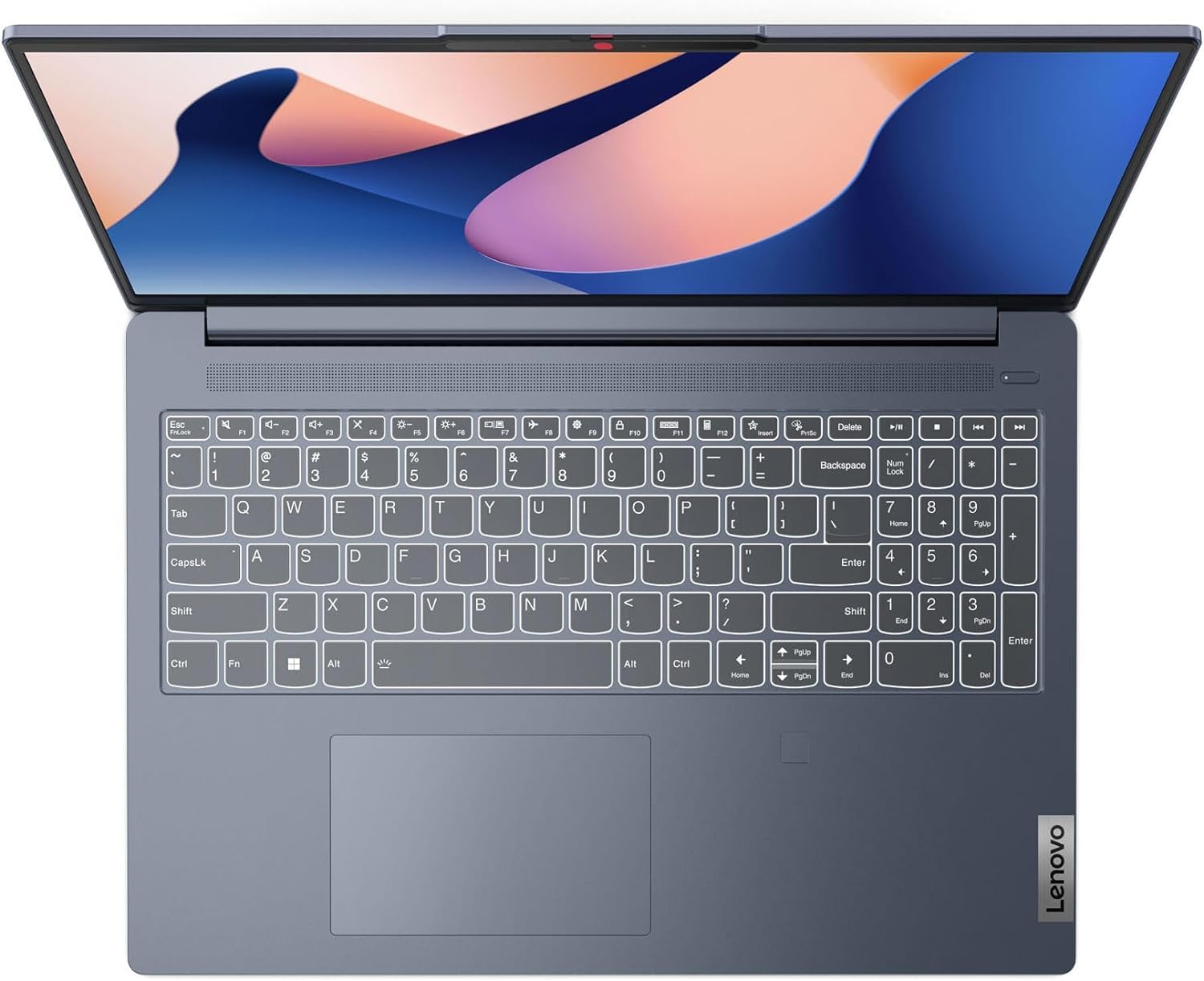
Intel Core Ultra 7 delivers solid multi-core speeds for Java/Python builds at under $800, with 16GB RAM and a comfortable keyboard that punches above its price. 512GB SSD and 10-hour battery handle daily coding without fuss. The 1080p display lacks the vibrancy of premium panels.
Main limitation: Integrated graphics and plastic chassis feel basic during prolonged heavy loads.
Skip if: Pros needing GPU acceleration for ML or 4K external monitor chains.
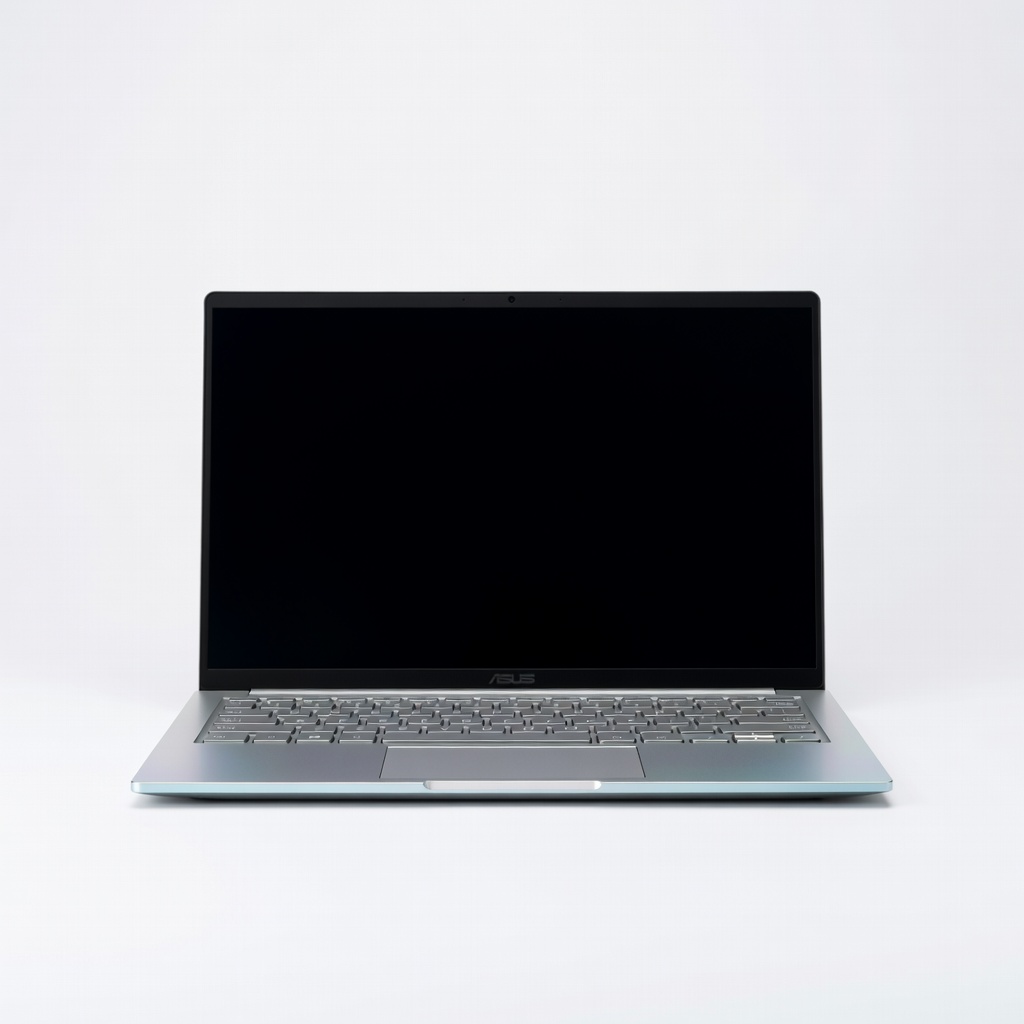
Ultra-light at 2.6 lbs with Ryzen AI 9's 12-core power for efficient on-the-go compiling, plus a vivid 3K OLED screen perfect for spotting syntax errors. 18-hour battery and AI noise-canceling mic suit remote pair programming. Fan noise ramps up under sustained loads.
Main limitation: Smaller chassis limits cooling, causing minor throttling after 30 minutes of intensive tasks.
Skip if: Users requiring discrete GPUs or extensive port arrays.
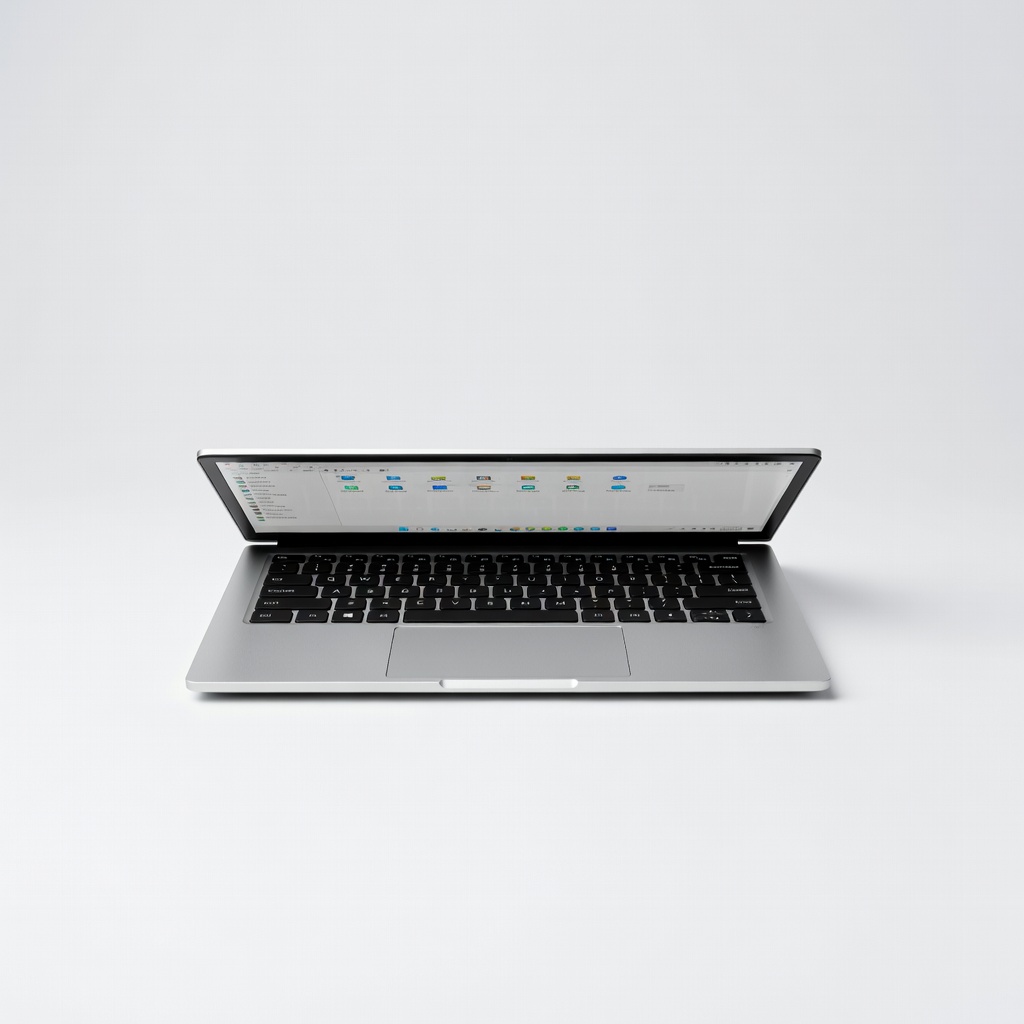
Out-of-box Pop!_OS support with Intel Core Ultra and up to RTX 4070 ensures seamless kernel compiles and Docker runs, fully upgradable for longevity. Matte 16-inch display reduces glare during long sessions. Higher price reflects custom Linux build.
Main limitation: Build quality trails premium brands like ThinkPad in hinge stiffness.
Skip if: Casual users who prefer plug-and-play Windows ecosystems.
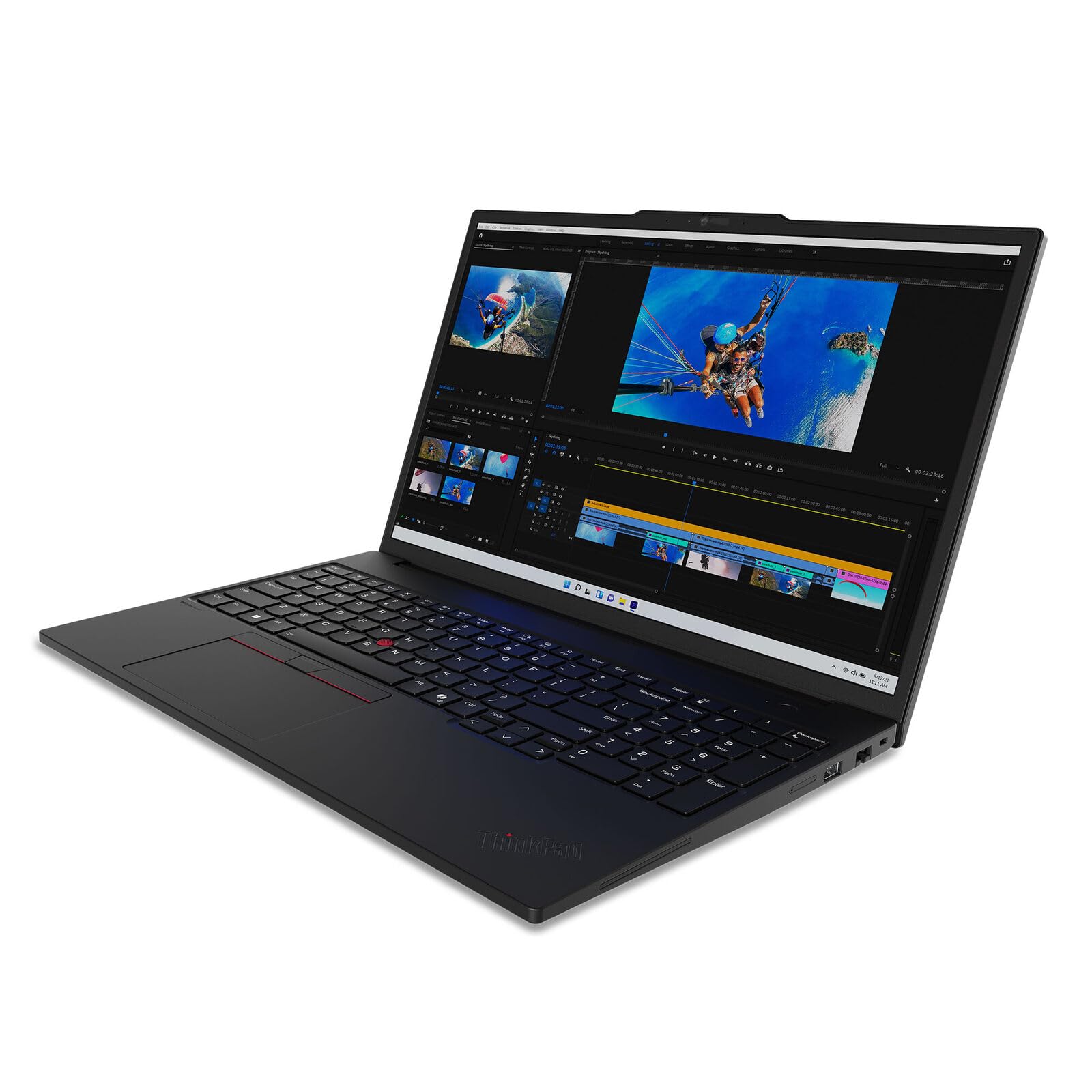
Xeon w9 CPU and up to 128GB ECC RAM tackle massive monorepos and simulations, with legendary TrackPoint/keyboard for precise navigation. ISV certifications guarantee app stability. Weighs 6.5 lbs, hindering portability.
Main limitation: Bulky design and short 4-hour battery make it desk-bound.
Skip if: Mobile coders who need sub-4 lb machines.
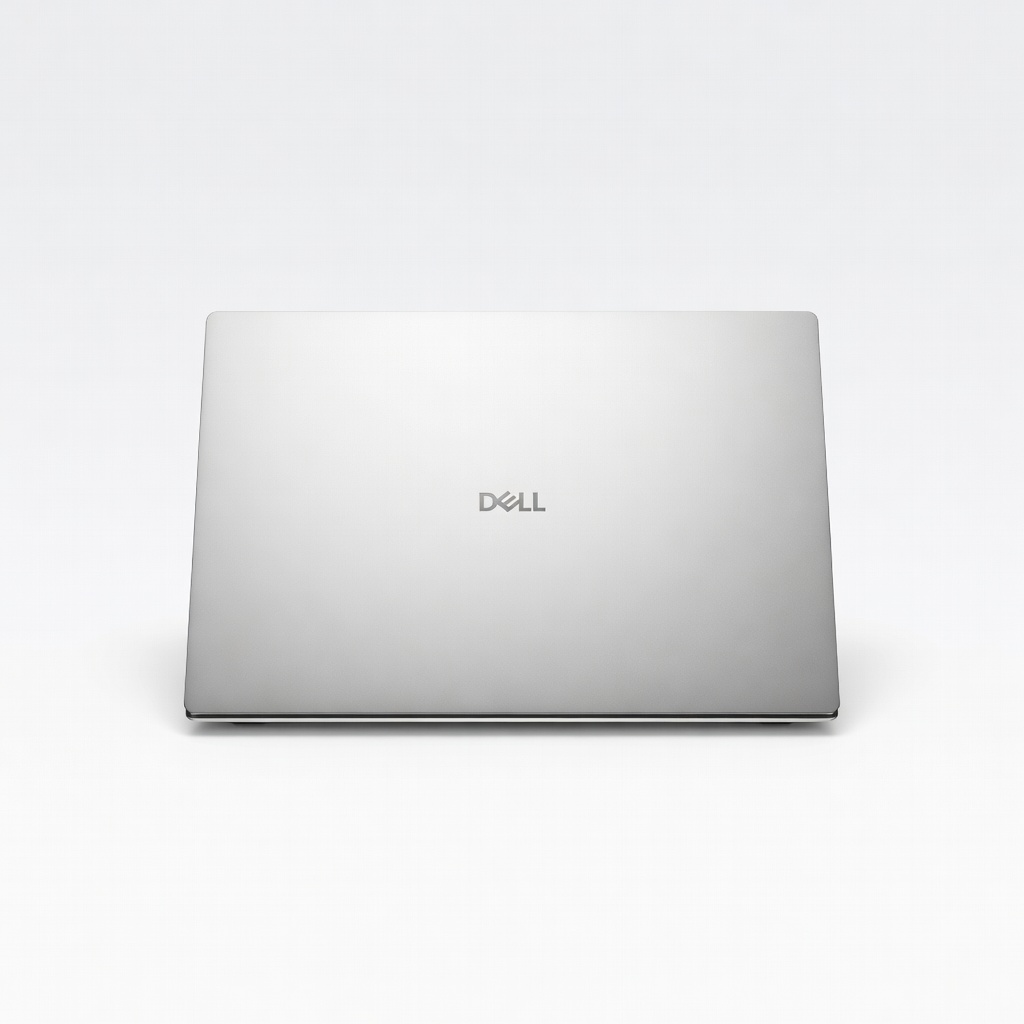
Core Ultra 9 with NVIDIA RTX 4070 accelerates Jupyter notebooks and TensorFlow training, InfinityEdge OLED offers infinite contrast for charts. Seamless Ubuntu support via Dell's repo. Speakers distort at high volumes.
Main limitation: Limited ports require dongles for multi-monitor data viz setups.
Skip if: Budget buyers or those avoiding NVIDIA driver quirks on Linux.
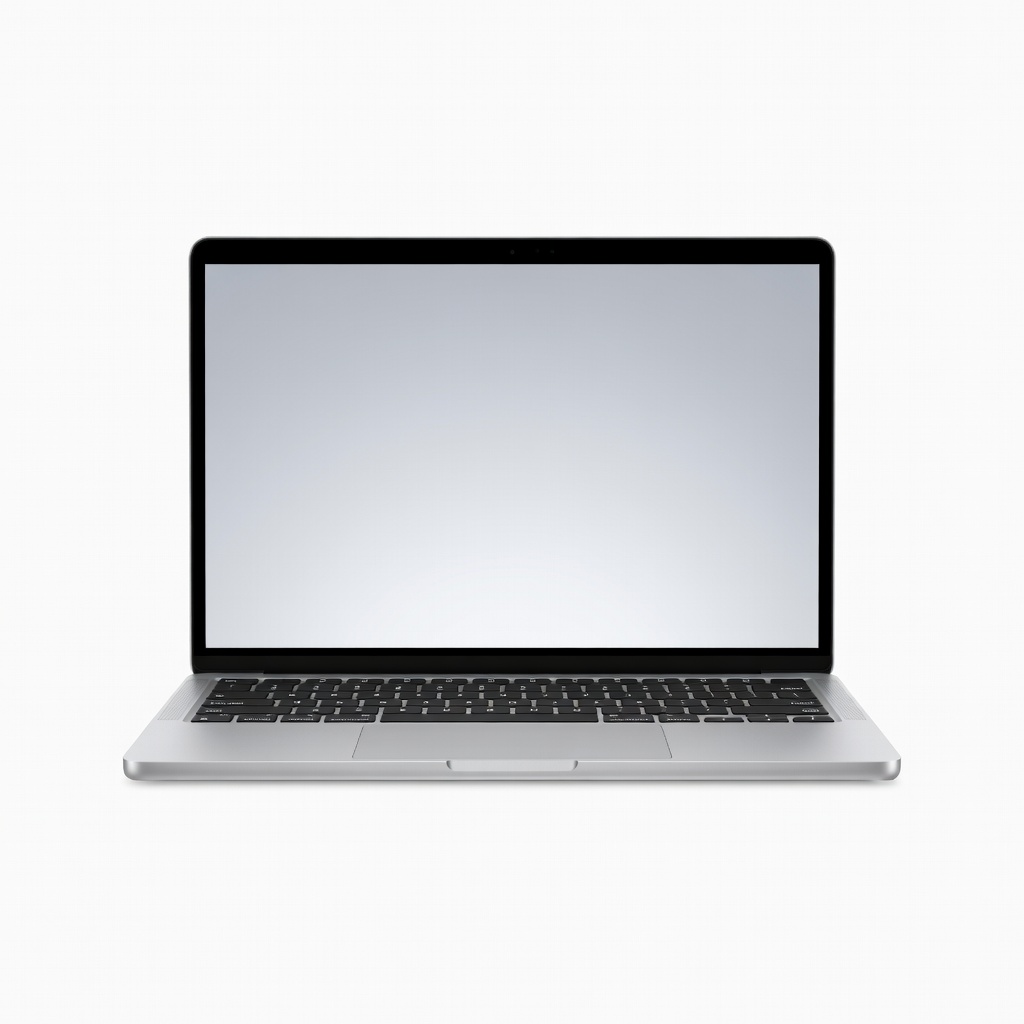
Fanless M4 chip breezes through VS Code and light VMs with 18-hour battery, spacious 15-inch Liquid Retina suits split-screen editing. Affordable entry to Apple ecosystem for scripting. Base model caps at 24GB RAM.
Main limitation: No discrete GPU limits heavier CUDA workloads.
Skip if: Advanced users running resource-intensive emulators.
Compare key specs and features of all our recommendations side-by-side
| Product | Recommendation | Rating | Price |
|---|---|---|---|
Apple MacBook Pro 14-inch M4 Pro Rank #1 | 🏆 Top Pick | 9.3/10 | $2,199–$3,499 Check current price → |
Lenovo IdeaPad Slim 5i Gen 10 Rank #2 | 💰 Budget Pick | 8.1/10 | $699–$899 Check current price → |
ASUS Zenbook 14 OLED UM3406 Rank #3 | ⭐ Editor's Choice | 8.7/10 | $1,099–$1,399 Check current price → |
System76 Oryx Pro Rank #4 | — | 8.4/10 | $1,499–$2,499 Check current price → |
Lenovo ThinkPad P16 Gen 3 Rank #5 | — | 8.9/10 | $2,999–$5,999 Check current price → |
Dell XPS 16 (9640) Rank #6 | — | 8.6/10 | $2,199–$3,299 Check current price → |
Apple MacBook Air 15-inch M4 Rank #7 | — | 8.3/10 | $1,299–$1,699 Check current price → |
Common questions buyers have about this category.
16GB suffices for most web/devops tasks like Node.js or Docker, per Stack Overflow surveys where 70% of devs report no issues. Upgrade to 32GB if running multiple VMs, Android Studio, or browser-heavy debugging to avoid swaps that double compile times.
MacBooks excel in Unix-like stability for iOS/Swift devs with unmatched battery, while Windows laptops offer broader hardware choices and native WSL2 for .NET/C#. Choose based on your primary languages—macOS for Apple ecosystem, Windows/Linux for enterprise tools.
Yes for kernel/embedded work, where laptops like System76 or ThinkPads ship with certified drivers avoiding Bluetooth/Wi-Fi glitches. Most modern Intel/AMD machines work post-tweaks, but verify via Ubuntu's certified list to skip hours of forum troubleshooting.
Apple Silicon leads with 18-22 hours on light loads due to efficiency, outpacing Intel/AMD by 30% in NotebookCheck tests. Prioritize models under 3.5 lbs with 70Wh+ batteries, and enable power-saving modes in IDEs to extend unplugged sessions.
Only for ML/CUDA/OpenCL tasks—integrated GPUs handle 90% of coding fine, saving battery and cost. NVIDIA options shine for TensorFlow but add heat/fan noise; skip for pure software dev unless training models locally.
Start with 512GB SSD for OS/IDEs/projects, expandable via cloud for large repos. 1TB ideal if hoarding datasets; speeds over 5000MB/s read (per CrystalDiskMark) cut load times, more critical than capacity for frequent compiles.
Products we evaluated but did not recommend — and why.
