Get the App
Better experience on mobile
We’ve picked 7 development-ready laptops across every price tier, covering macOS, Windows, and Linux, with honest trade-offs for each.
A laptop for programming isn’t just a machine—it’s the thing you spend thousands of hours staring at while your code compiles. The right choice hinges less on raw benchmark scores and more on how the device fits your daily workflow: keyboard feel, display clarity, battery life, and the OS you’re most productive in. A JavaScript developer who mostly writes in a browser needs something different than a machine learning engineer training models on PyTorch.
We sorted through the current 2026 landscape, comparing specifications, reading expert reviews, and aggregating user feedback from IT forums and online retail sites. We didn't rely on any single metric; instead, we focused on real-world usability for programmers—things like memory bandwidth for compiling, the presence of a comfortable keyboard, and whether the screen lets you see enough code side-by-side.
One big insight from our research is that many developers overspend on a GPU they don't need. If you're not doing game development, AI training, or heavy video work, that money is better spent on more RAM or a faster CPU. On the other hand, a great display is often underrated—a 16:10 or 3:2 aspect ratio can significantly reduce scrolling in long functions.
Below, you’ll find our 7 picks for the best programming laptops of 2026, each tailored to a specific subset of the software engineering world. We’ve deliberately included budget, mid-range, and premium options, and we’ll tell you exactly who each one is for—and who should keep looking.
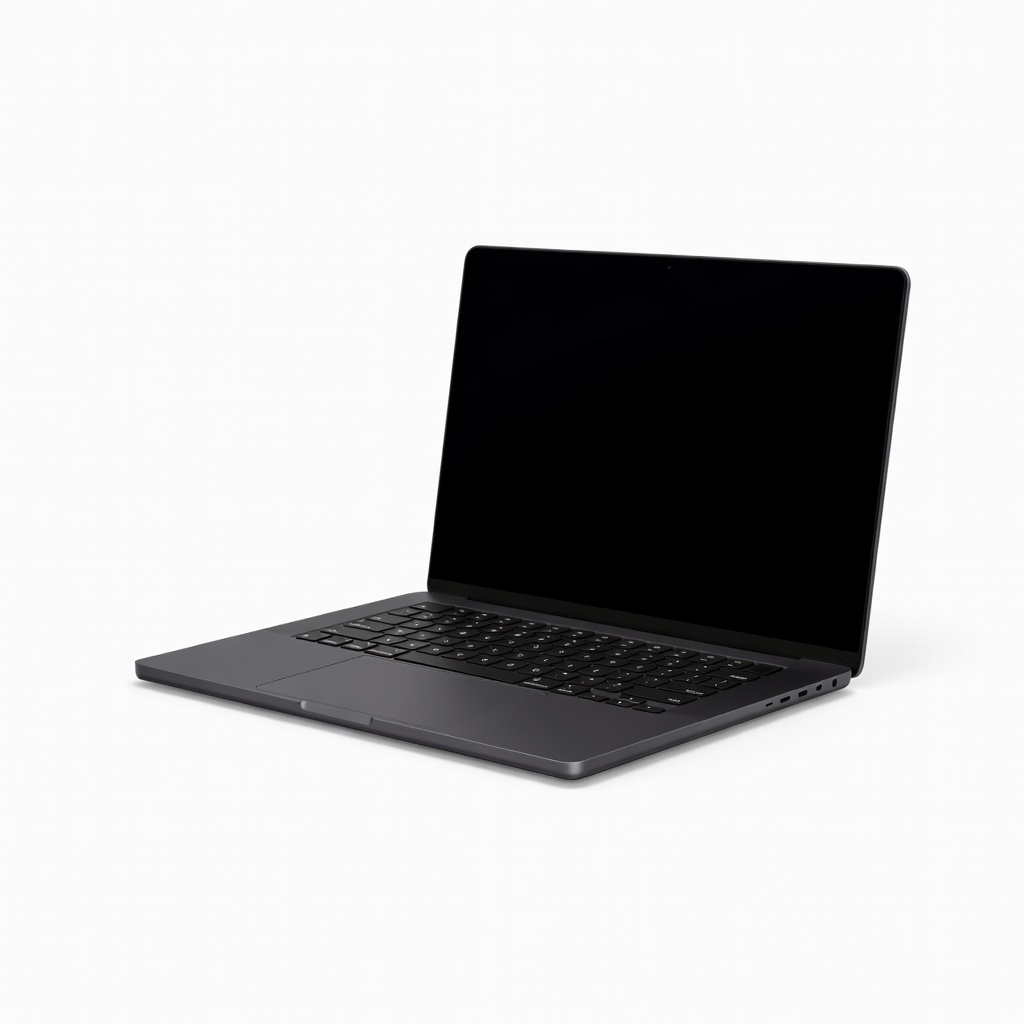
The MacBook Pro 14-inch with the M4 Pro chip is the closest thing to a perfect developer laptop: blazingly fast compile times, a gorgeous mini-LED display, and a keyboard that’s comfortable for long typing sessions. It also handles heavy workloads without thermal throttling, making it ideal for running multiple Docker containers and test suites. The trade-off is the high cost—especially if you upgrade to 32GB of RAM or a larger SSD—and the fact that Windows-only developers will need to use a VM or dual-boot.
Main limitation: Base model starts with only 24GB of RAM, and Apple’s upgrade prices are notoriously steep, so fully specced units easily exceed $3,000.
Skip if: If you work in a Windows-centric environment (e.g., .NET development) or are on a tight budget, you’ll get more value from a Windows ultrabook or a MacBook Air.
The Acer Aspire 5 (A515-58) is the cheapest reliable laptop that can still run a modern dev stack—think VS Code, a few local servers, and a browser with twenty tabs. It’s powered by a 12th-gen Intel Core i5 and comes with 16GB of RAM, which is the minimum we’d recommend for any serious coding in 2026. The real trade-off is the dim, 60Hz display and the chassis that feels a bit plastic, but at a typical price under $600, it’s a steal for students and jr. developers.
Main limitation: The trackpad and keyboard are serviceable but not stellar, and battery life typically hovers around five hours, so you’ll want to stay near an outlet.
Skip if: If you do heavy virtualization, ML training, or work with large compile units, you’ll quickly outgrow this Acer and need to upgrade.
The Lemur Pro 14 is a Linux-first laptop that comes with Pop!_OS (System76’s own Ubuntu-based distribution) preinstalled and fully configured. It’s incredibly light at just 2.4 lbs, and you can spec it with up to 32GB of RAM and a 4TB SSD, making it a fantastic portable for Linux kernel hackers or server engineers. The trade-off: the 14-inch 1920x1080 display is not exceptional, and you’ll be paying a premium compared to a Windows ultrabook with similar specs.
Main limitation: Battery life under heavy use can be unpredictable if you run a custom kernel or have less power-efficient hardware; the display also lacks the punch of OLED or mini-LED panels.
Skip if: If you’re not planning to run Linux as your primary OS, the System76 is overpriced for the hardware—a Windows or Mac machine would serve you better.
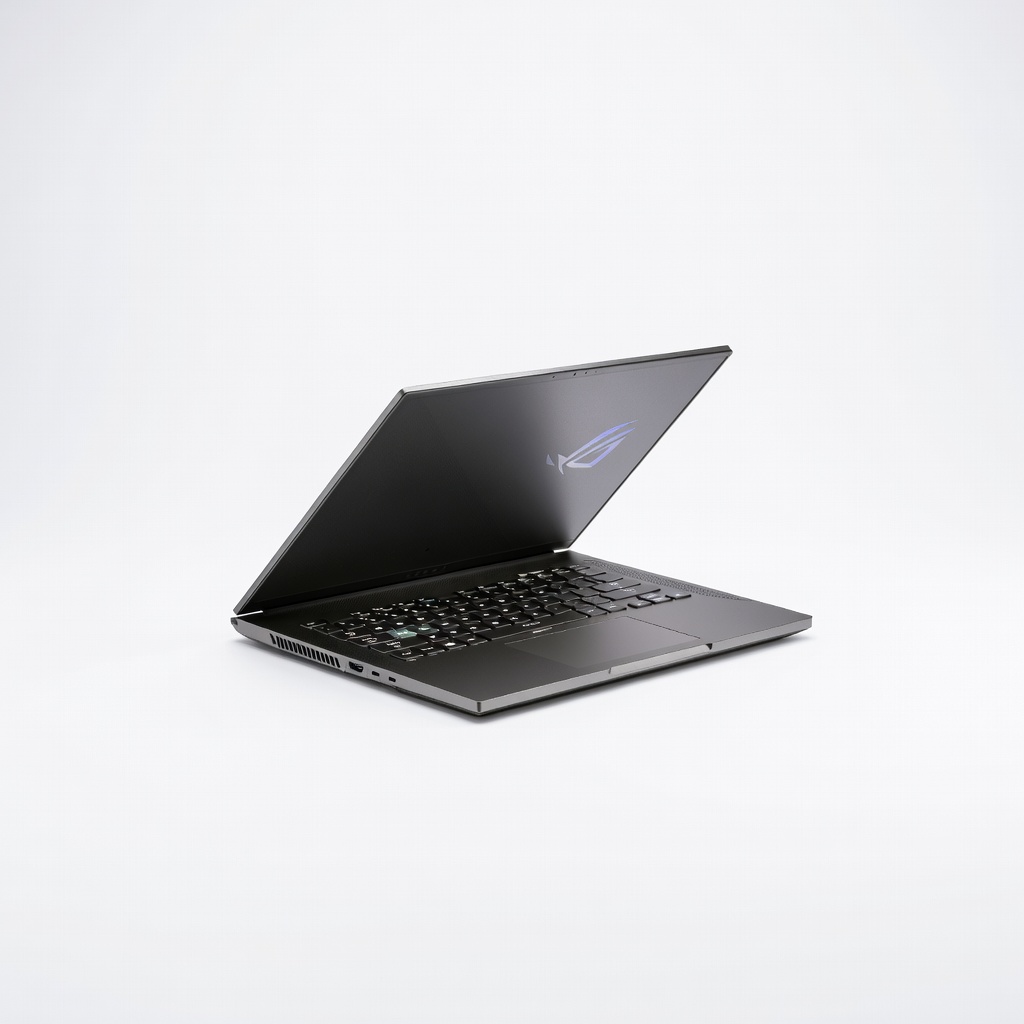
The ROG Zephyrus G14 packs an RTX 4060 (and optional RTX 4070) GPU in a compact 14-inch chassis, giving you CUDA cores for local model training, game development, or GPU-accelerated image processing. It also features a lovely 120Hz OLED panel, which is a bonus for visual work. The trade-off is that the GPU drains the battery quickly, and the fans get noisy under stress, so you’ll want to keep it plugged in for long training runs.
Main limitation: Battery life drops to roughly four hours under light use, and the turbo mode produces noticeable fan noise that can be distracting in a quiet office.
Skip if: If you don't need CUDA acceleration and just write standard web or backend code, you’d be overpaying for a GPU you won’t use.
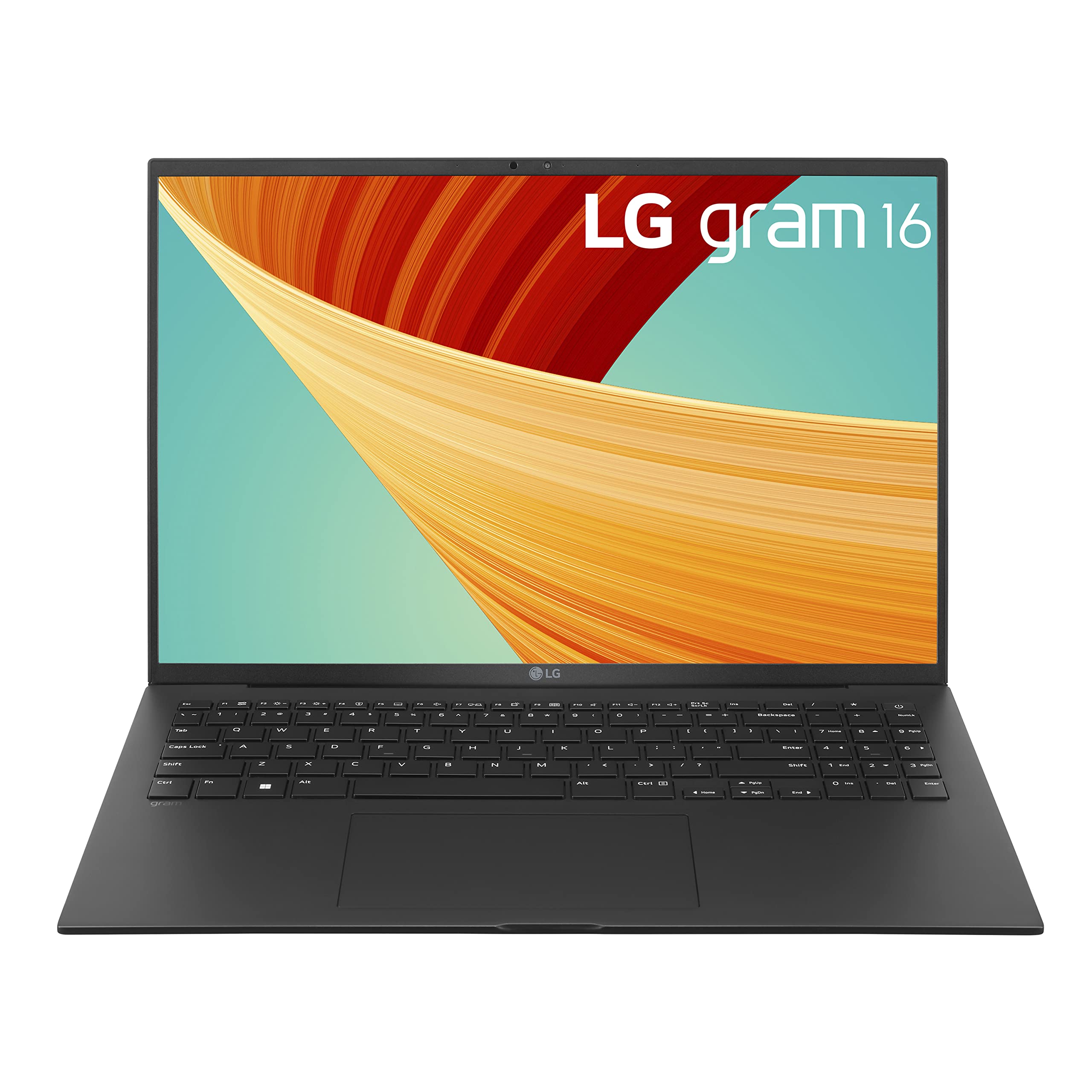
The LG Gram 16 is a featherweight 2.6-pound laptop with a large 16-inch 2560x1600 display and a battery that genuinely lasts up to 15 hours of mixed use. That makes it a perfect companion for developers who spend long days in lecture halls, coffee shops, or conference rooms. The trade-off is its all-plastic chassis feels less premium than rivals, and the colors on the IPS panel are not as vivid as on competing OLED screens.
Main limitation: The construction is a bit creaky, and the down-firing speakers are weak, so you’ll want headphones for any media playback.
Skip if: If you’re a gamer or need strong GPU acceleration, the integrated graphics on the LG Gram won’t cut it—you’ll need a machine with a dGPU.
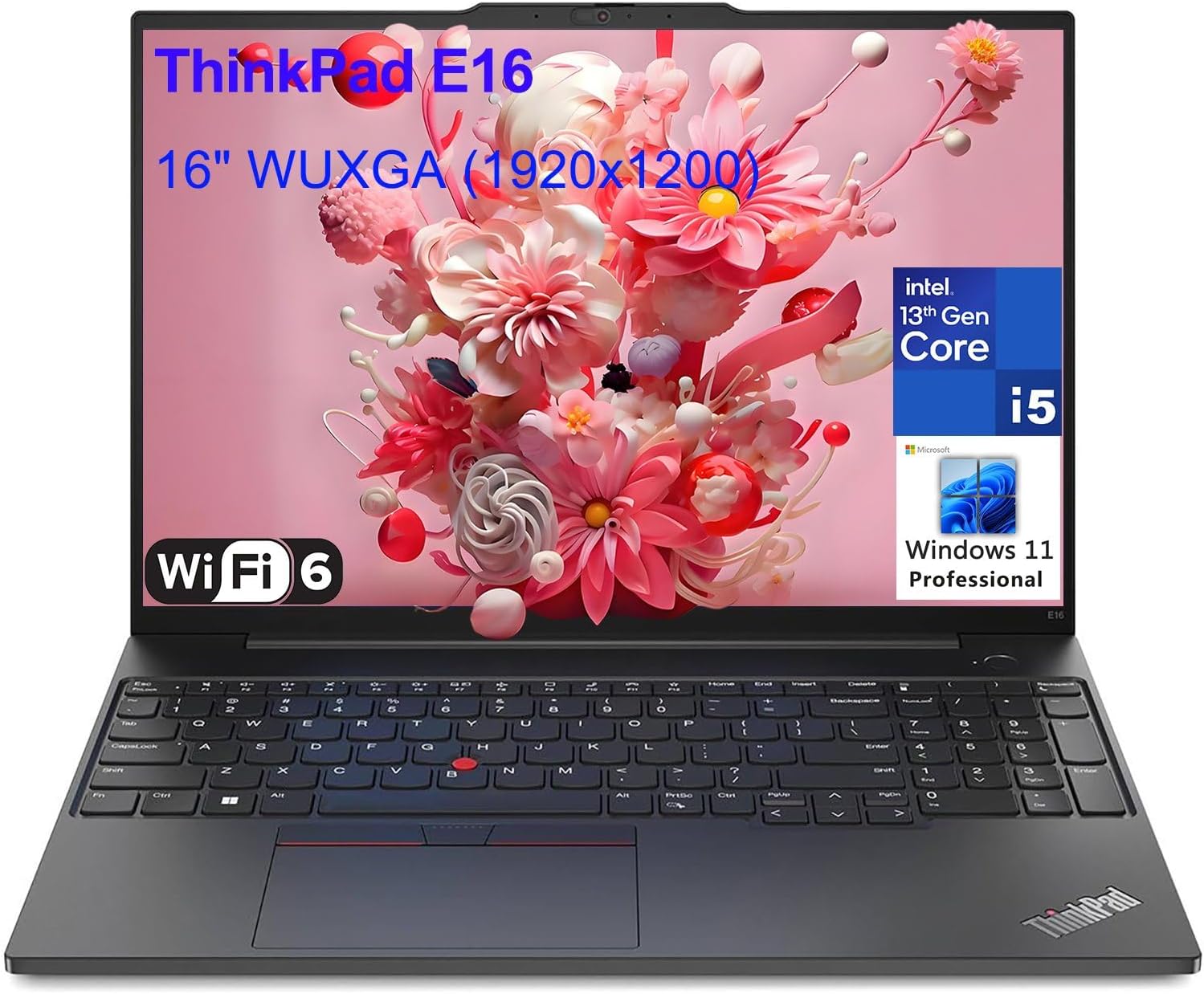
For corporate developers who spend hours typing, the ThinkPad X1 Carbon Gen 12 is still the gold standard thanks to its legendary island-style keyboard and rigid MIL-SPEC chassis. The latest version includes an Intel Core Ultra 7 processor, optional 5G WWAN, and the full complement of ports you expect from a business machine (including USB-A and HDMI). It’s not the cheapest or the fastest, but its build quality, security features, and IT-support compatibility make it a hit on enterprise fleets. The biggest trade-off is the display: the base model is only full HD, and even the 2.8K OLED is an expensive extra.
Main limitation: The base model’s 1080p panel is adequate but not inspiring, and the 57Wh battery won’t last through a full day of heavy compiling, especially with the more powerful Core Ultra 7.
Skip if: If you’re a Linux user who wants complete control over firmware (like coreboot), or you’re buying for yourself on a budget, this isn’t the best value.
The M3 MacBook Air is the go-to laptop for computer science undergraduates: it’s silent, fanless, and has enough horsepower to run VS Code, Xcode, or Eclipse while sipping only 15W of power. The base model now comes with 16GB of unified memory, which is essential for running a solid dev environment. The trade-offs are the 60Hz display (which feels less smooth than Pro-motion) and the lack of active cooling, which means long, CPU-intensive builds may throttle the chip to keep temperatures down.
Main limitation: With no fan, the M3 can thermal-throttle during sustained heavy compiles, and you’ll need an adapter for more than one external display.
Skip if: If you’re planning to develop Android apps with the Android Emulator or play PC games, you’ll be frustrated by the Mac’s compatibility and GPU limitations.
Compare key specs and features of all our recommendations side-by-side
| Product | Recommendation | Rating | Price |
|---|---|---|---|
Apple MacBook Pro 14-inch M4 Pro Rank #1 | 🏆 Top Pick | 9.3/10 | $2,199–$2,499 Check current price → |
Acer Aspire 5 (A515-58) Rank #2 | 💰 Budget Pick | 8.0/10 | $499–$599 Check current price → |
System76 Lemur Pro 14 Rank #3 | ⭐ Editor's Choice | 8.4/10 | $1,399–$1,749 Check current price → |
Asus ROG Zephyrus G14 (2026) Rank #4 | — | 8.2/10 | $1,599–$1,899 Check current price → |
LG Gram 16 (2026) Rank #5 | — | 7.8/10 | $1,499–$1,699 Check current price → |
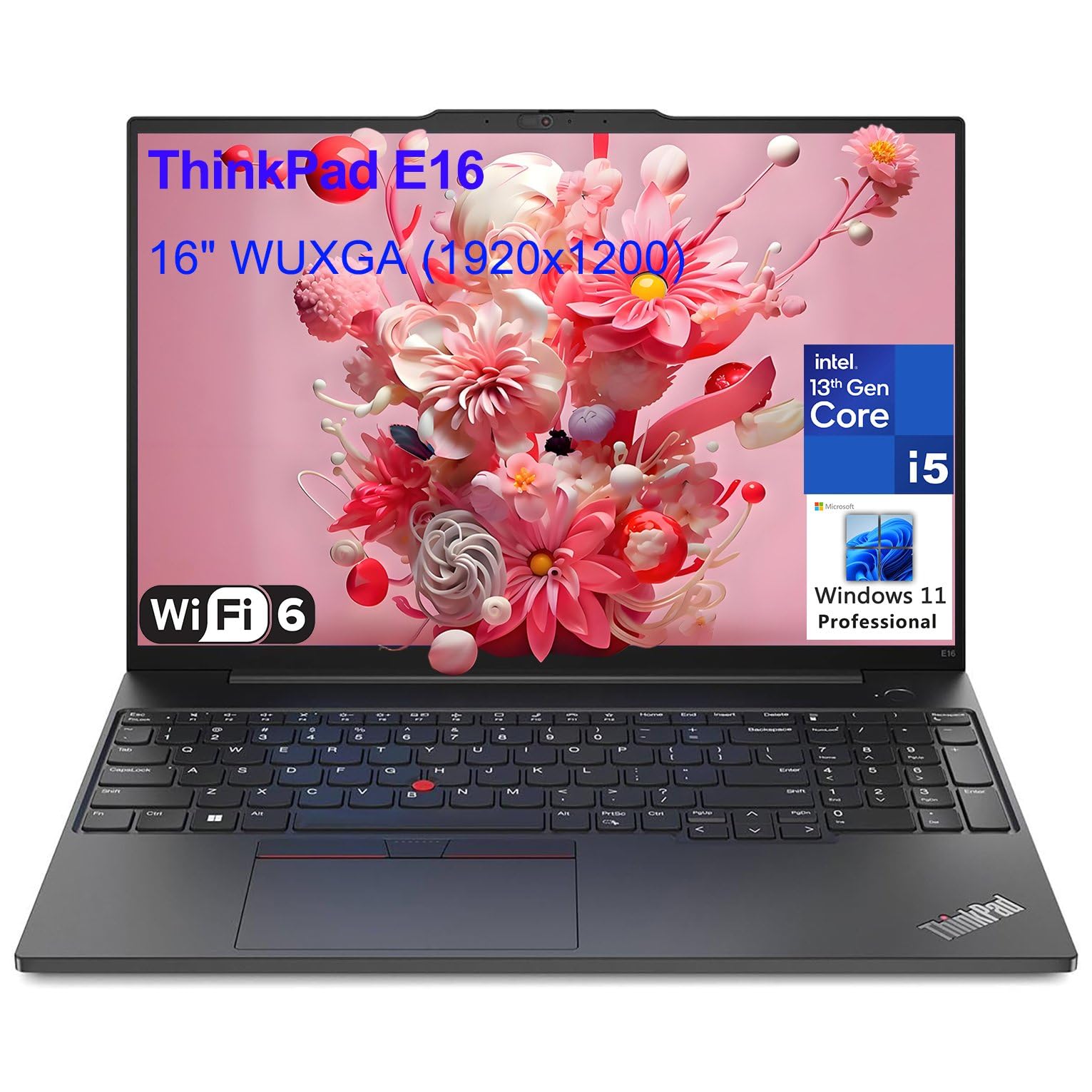 Lenovo ThinkPad X1 Carbon Gen 12 Rank #6 | — | 4.6 4.6 | $1,499–$1,799 Check current price → |
Apple MacBook Air 13-inch (M3, 16GB RAM) Rank #7 | — | 8.6/10 | $1,099–$1,299 Check current price → |
Common questions buyers have about this category.
At least 16GB is the sweet spot for most development work, because a single IDE like VS Code can consume 2-4GB on its own, and running a local database, a browser with several tabs, and a dev server simultaneously quickly eats up 8-12GB. If you plan to run multiple virtual machines or work with large datasets, we’d recommend 32GB to avoid constant swap-file thrashing. Unless your laptop has soldered RAM (like MacBooks), you might be able to upgrade later, but for future-proofing, starting with 16GB is wise and 32GB is safer.
Both are perfectly capable, but the choice often comes down to your target platform and personal workflow. macOS is built on a Unix kernel, which means you get a native terminal with tools like bash/zsh, and it’s the only OS you can use to develop iOS applications. Windows is required for .NET development, most Unity game development, and some enterprise tooling like Dynamics 365. Many developers use both, either via dual-boot or virtual machines, but if you have a choice, pick the OS that matches your project requirements—if you aren’t sure, macOS tends to be a smoother experience for general coding due to its Unix heritage.
For most programming tasks—web development, backend work, writing APIs, even Android app development—a dedicated GPU is not necessary. Integrated graphics in modern CPUs (Intel Iris Xe, AMD Radeon, Apple M-series) handle 2D rendering and even 4K displays without breaking a sweat. However, if you train neural networks, do data science with GPU-accelerated libraries like TensorFlow, or develop video games, then a discrete GPU with CUDA support (NVIDIA) becomes essential. In that case, look for at least an RTX 4060-class GPU; lower-end options may struggle with larger models.
A 14-inch laptop is the best compromise between portability and productivity: it’s heavy enough to feel stable on your lap, yet light enough for a backpack. A 16-inch screen provides more real estate for side-by-side windows, but the added weight and bulk can become annoying during a long commute. Many developers actually pair a 13- or 14-inch laptop with an external monitor when at their desk—so before buying, decide whether you’ll use your laptop screen as your primary display or just a portable companion. Also, look for a 16:10 or 3:2 aspect ratio, as the extra vertical pixels reduce the need to scroll through long blocks of code.
Battery life is critical if you often work without a reliable power outlet—couples of hours in a coffee shop can become four if your laptop drains quickly. A heavy-duty branch, like running a full-stack dev server and a browser, can cut official battery estimates in half. We recommend looking for laptops that are tested to last at least 8 hours on normal office workloads; if you rely on your laptop for 10+ hours without charging, go for a model with a large battery (80Wh or more) like the LG Gram or MacBook Air. Just remember that battery life is not an excuse to ignore performance—your computer still needs to work when unplugged.
If you’re not comfortable troubleshooting hardware issues, a preinstalled Linux laptop (like the System76 Lemur Pro) is worth the extra cost, because the manufacturer ensures that Wi-Fi, sleep/wake, and power management work out of the box. Installing Linux on a Windows laptop is often straightforward, but you may run into problems with Secure Boot, proprietary Wi-Fi drivers, or discrete GPUs not switching properly. Check the Linux Hardware Compatibility Database (kernel.org/linux) and look up “Ubuntu certified hardware” before buying a standard laptop. Many popular ThinkPads and Dell XPS models have very good support, but a Ubuntu-certified model gives you the most peace of mind.
Products we evaluated but did not recommend — and why.
