Get the App
Better experience on mobile
From budget-friendly workhorses to premium powerhouses, these laptops are chosen based on specs, expert reviews, and user feedback to fit your coding needs.
Choosing a laptop for programming is about more than raw speed—it's about how the machine fits into your specific workflow. A web developer might prioritize battery and display, while a machine learning engineer needs CUDA cores. The best laptops for coding in 2026 balance processor power, memory, keyboard comfort, and the ecosystem you live in.
However, many buyers overestimate the importance of a dedicated GPU. Unless you're running local LLMs or game development, integrated graphics are fine. Instead, pay attention to RAM (16GB is the minimum for comfortable multitasking), storage (a fast SSD for large repos), and screen quality (for long hours of staring at code).
We analyzed dozens of 2025 and 2026 models, looking at specs, professional reviews, and long-term user feedback across forums. Our selections span from budget-friendly machines with solid dual-core processors to premium laptops with workstation-class performance. We also factored in after-sale support and upgradeability, which are key for developers.
Our top picks include a mix of macOS, Windows, and even a modular option. Whether you're a bootcamp student or a senior engineer, you'll find a laptop here that matches your code editor and your budget.
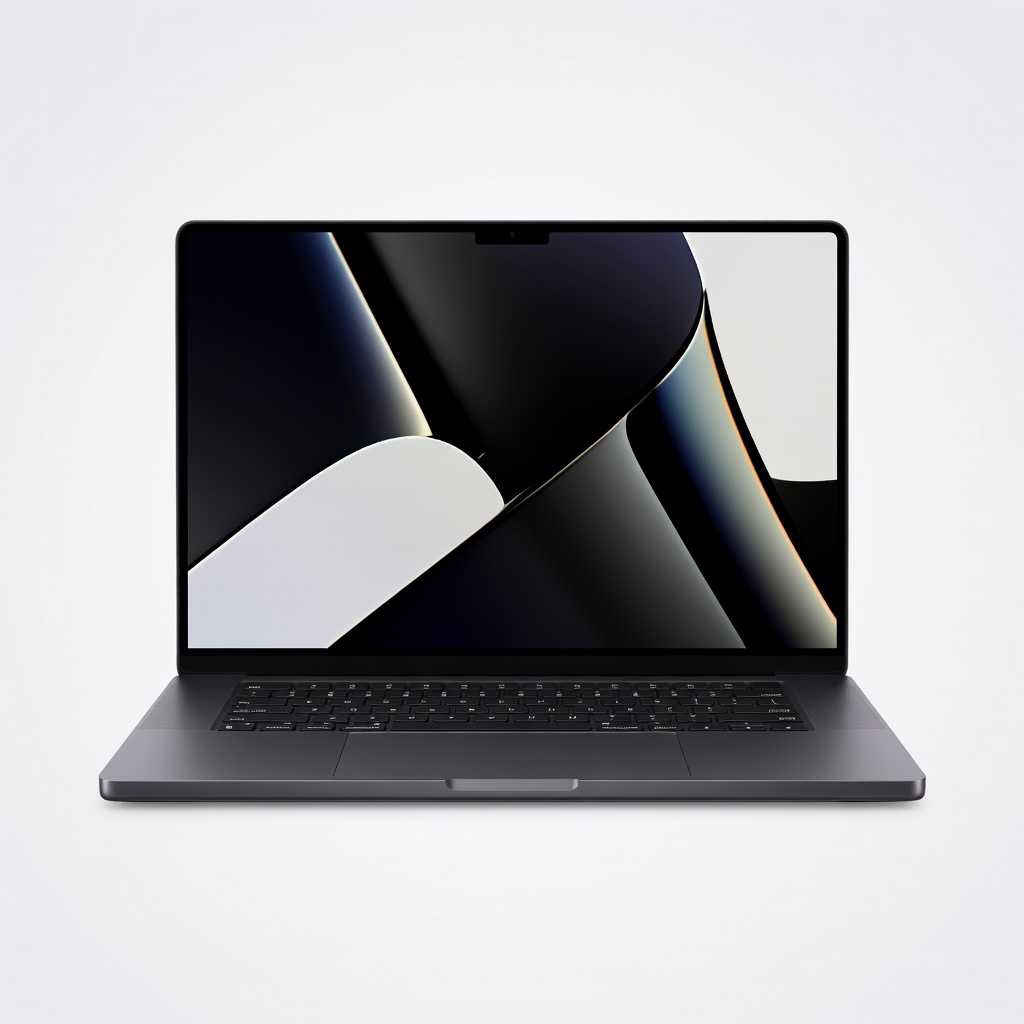
Combining the powerful M4 Pro chip with a gorgeous Liquid Retina XDR display, this is the best all-around laptop for serious developers. It handles massive builds and virtual machines with ease, while delivering 18+ hours of battery life. The trade-off is a premium price and the need for dongles if you require legacy ports.
Main limitation: The high price and limited connectivity (no USB-A or HDMI without an adapter) can be a dealbreaker for budget-conscious developers.
Skip if: Windows-only developers or those who need a touchscreen.
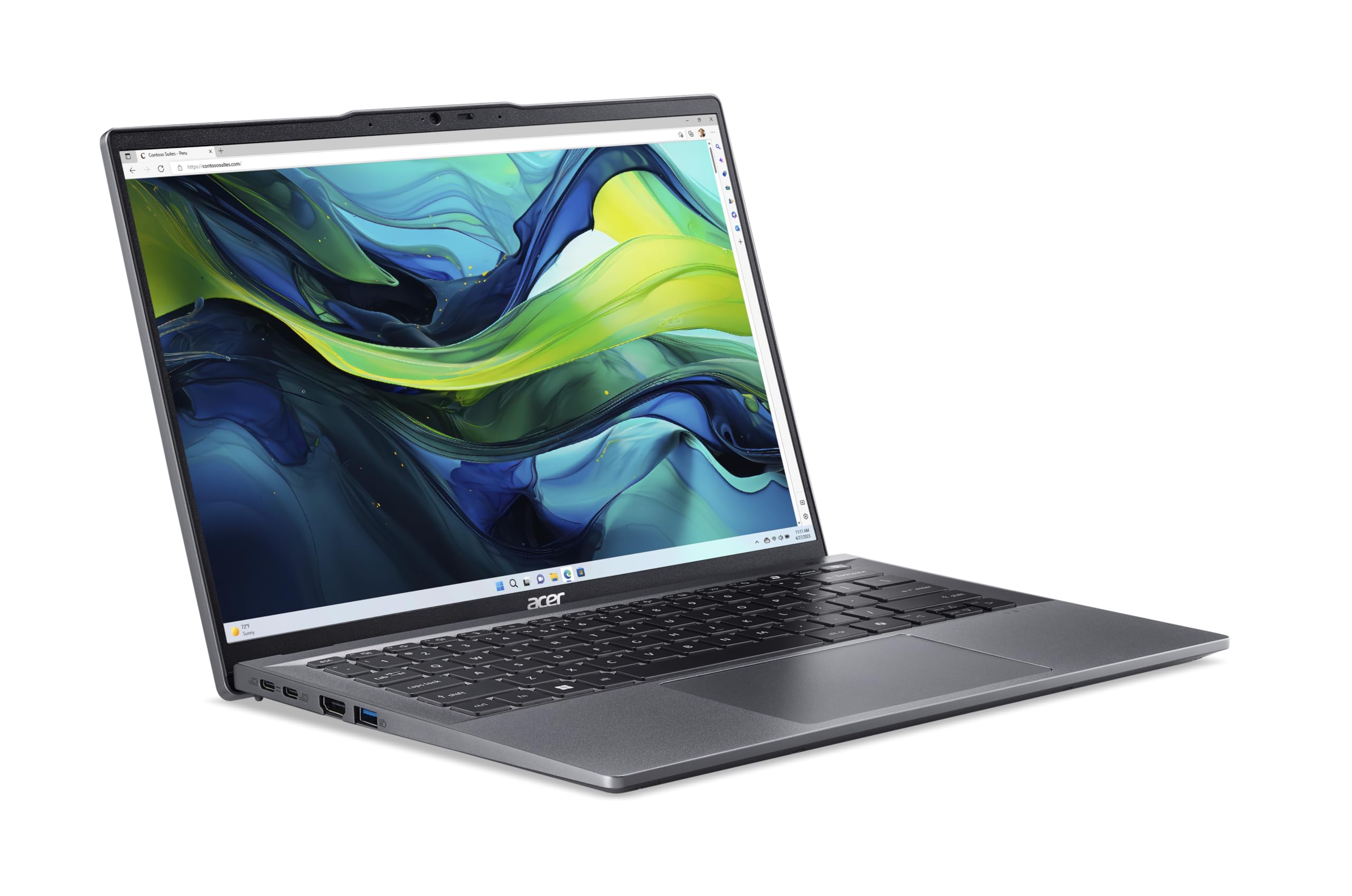
Offers excellent value with an AMD Ryzen 5/7 processor, 16GB RAM, and a crisp 14-inch display at a budget-friendly price. It's a reliable daily driver for web development and coding coursework, with a comfortable keyboard and decent battery life. The trade-off is a plastic chassis and average speakers.
Main limitation: The display's color accuracy and brightness are only adequate, and the build quality lacks the premium feel of pricier laptops.
Skip if: Developers who need a high-resolution display for graphic work or a metal chassis.

The legendary keyboard makes this the ultimate editor's choice for programmers who type all day. It weighs just 3.2 lbs, offers solid performance with Intel Core Ultra processors, and works well with Linux. The trade-off is a steep price and soldered memory.
Main limitation: Limited port selection (only two Thunderbolt 4) and no upgrade path for RAM.
Skip if: If you plan to run heavy GPU workloads or require 32GB+ RAM.
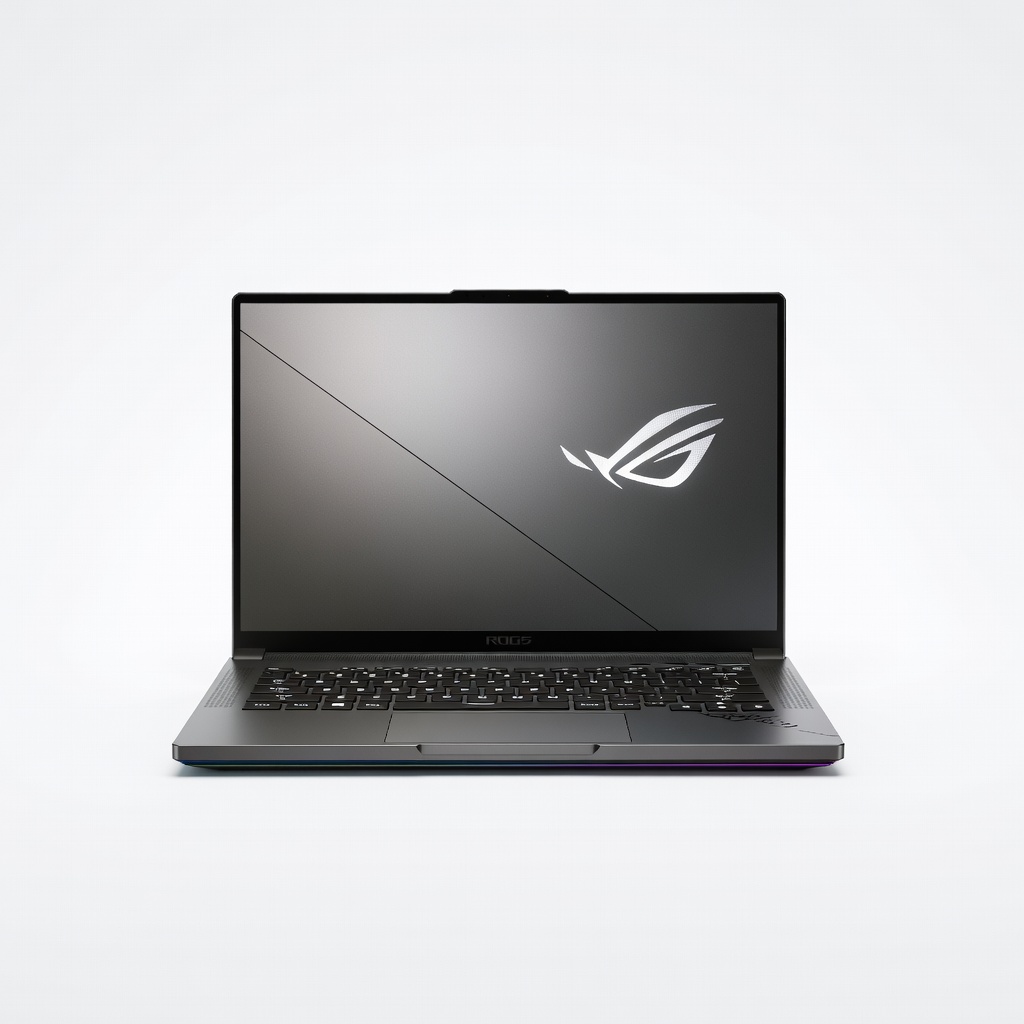
This is one of the few gaming laptops that doesn't feel like a brick. It packs an AMD Ryzen 9 and NVIDIA RTX 4070, making it perfect for AI/ML model training and game development. The 14-inch QHD 165Hz display is also great for GUI coding. The trade-off is fan noise and shorter battery life when the GPU is active.
Main limitation: The GPU draws significant power, so expect 4-6 hours of battery with mixed usage.
Skip if: Web developers who don't need GPU acceleration.
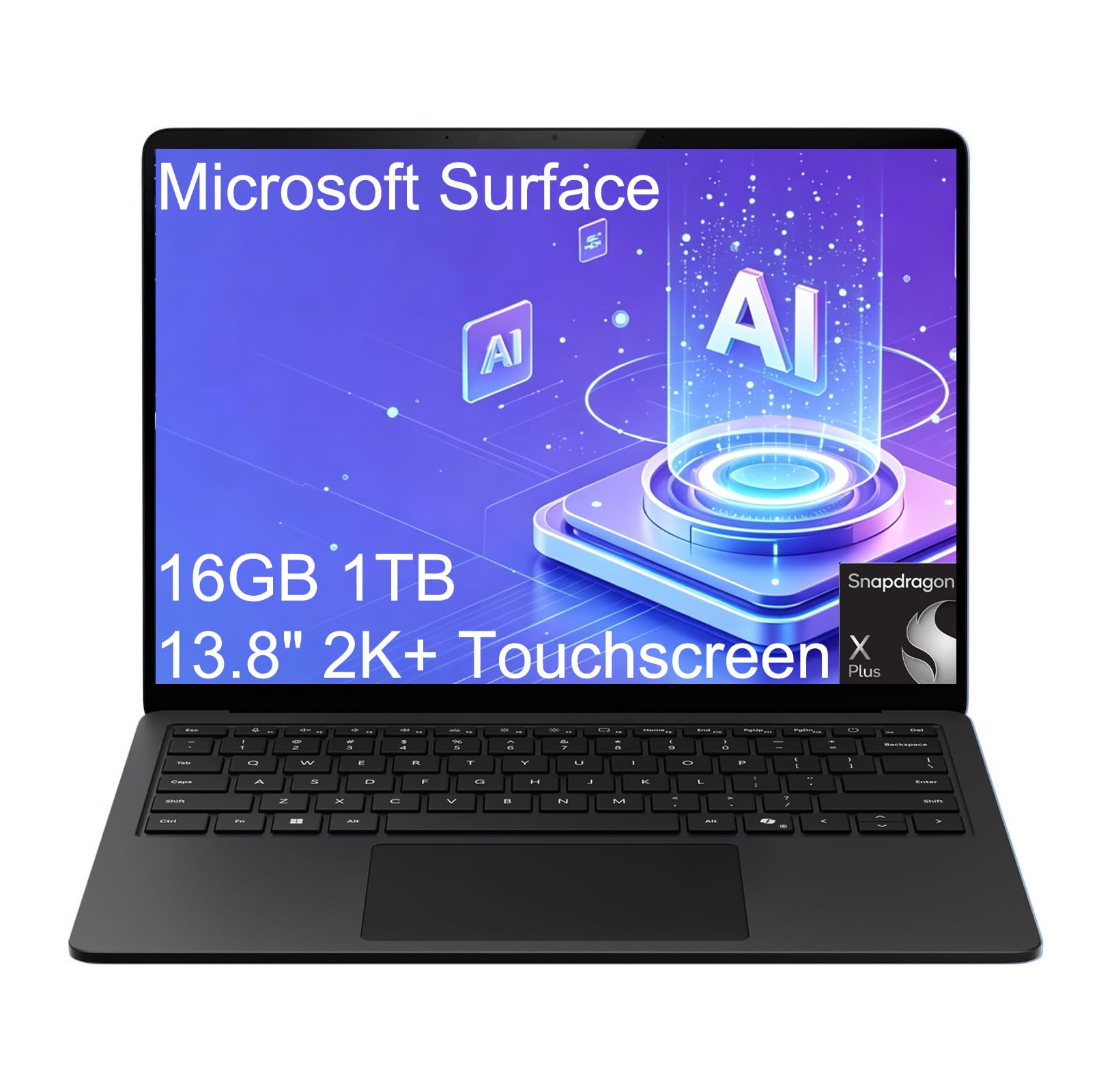
With the new Snapdragon X Elite chip, this Windows laptop delivers exceptional battery life and performance for .NET development and cloud-native workflows. The 3:2 aspect ratio screen is fantastic for reading code, and the keyboard is comfortable. The trade-off is software compatibility, as ARM-based Windows still has occasional hiccups with legacy dev tools.
Main limitation: Some third-party development tools and drivers are not yet optimized for ARM, which can require troubleshooting.
Skip if: If you rely on VMware, legacy x86 DLLs, or certain game engines.

The ultraportable king for coders: silent, cool, and with up to 18 hours of battery life. It's more than capable for most development tasks, including multiple containers and IDEs. The trade-off is passive cooling, which means sustained heavy workloads like long compilations can cause throttling.
Main limitation: Only supports two external monitors (when lid closed) and lacks a high-refresh display.
Skip if: Data scientists running heavy GPU training or developers who compile large C++ codebases regularly.

A dream for eco-conscious and tinkerer programmers. You can upgrade the CPU, GPU, RAM, and storage in minutes, extending the laptop's life for years. It's also fully compatible with Linux. The trade-off is a chunky design and a price that doesn't undercut mainstream options.
Main limitation: The modular design adds weight, and the trackpad is not as refined as those on MacBooks.
Skip if: Those who prefer a thin, polished ultrabook experience.
Compare key specs and features of all our recommendations side-by-side
| Product | Recommendation | Rating | Price |
|---|---|---|---|
Apple MacBook Pro 14-inch M4 Pro (2025) Rank #1 | 🏆 Top Pick | 9.2/10 | $1,999–$2,499 Check current price → |
Acer Swift Go 14 (SFG14-63, 2025) Rank #2 | 💰 Budget Pick | 7.8/10 | $649–$799 Check current price → |
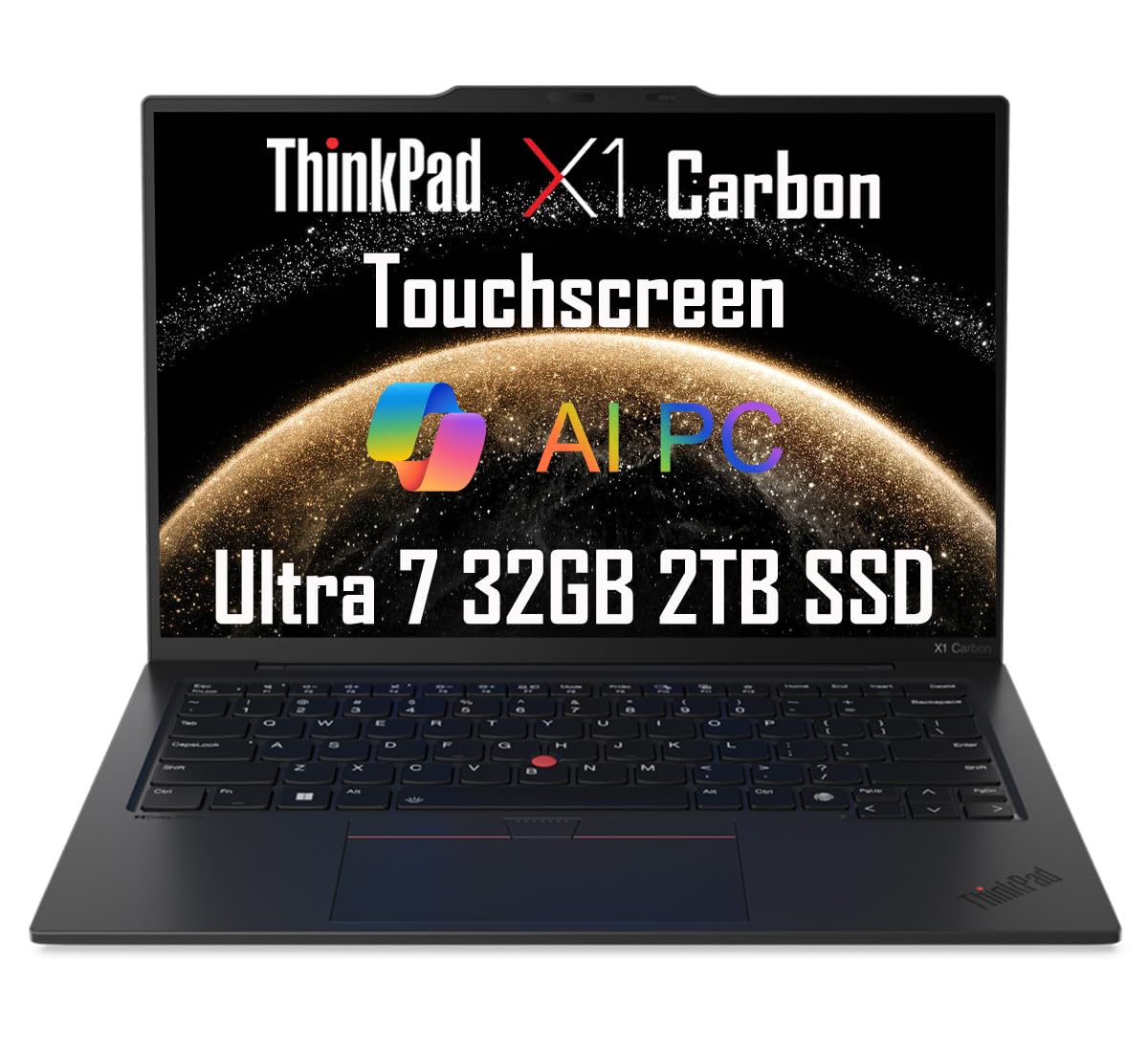 2025 Lenovo ThinkPad X1 Carbon Laptop (14" FHD+ Touchscreen, Intel Core Ultra 7 155U, 32GB 6400MHz DDR5, 2TB SSD) Backlit, Fingerprint, IR Webcam, Thunderbolt 4, 3-Yr WRT, Win 11 Pro, AI PC Rank #3 | ⭐ Editor's Choice | 5.0 5.0 | $1,500–$2,000 Check current price → |
ASUS ROG Zephyrus G14 (2025, GA403) Rank #4 | — | 8.4/10 | $1,600–$2,000 Check current price → |
Microsoft Surface Laptop 7 (2025) Rank #5 | — | 8.2/10 | $1,199–$1,499 Check current price → |
Apple MacBook Air 13-inch M3 (2024) Rank #6 | — | 8.3/10 | $999–$1,299 Check current price → |
Framework Laptop 16 (2025) Rank #7 | — | 8.1/10 | $1,499–$2,000 Check current price → |
Common questions buyers have about this category.
For basic web development, 8GB is the absolute minimum, but 16GB is the sweet spot—especially if you run a modern IDE like VS Code with multiple tabs, Docker, or a browser with dozens of tabs. If you deal with large datasets, virtual machines, or compile heavy code, 32GB gives you headroom to avoid slowdowns.
Both are viable. macOS has a Unix-based terminal, making it a natural fit for web and Python development, and it excels at cross-platform iOS work. Windows has better compatibility with enterprise .NET and game development, and the new ARM-based Windows laptops like the Surface Laptop 7 bring Mac-like battery life. The choice often depends on your team and target platform.
For most developers, no. Integrated graphics are fine for coding, running VMs, and even lightweight containerized workloads. You'll need a dedicated GPU if you train machine learning models locally, develop 3D graphics or games, or use GPU-accelerated video editing. If in doubt, opt for more RAM and a faster CPU before adding a GPU.
Realistic battery life for coding is 6-12 hours depending on workload and components. Idle with a text editor is different from compiling or running local servers. Look for laptops with 70Wh+ batteries and efficient chips like the Apple M3 or Qualcomm Snapdragon X Elite if you work remotely without outlets.
Yes, but with caveats. You can enable the Linux environment (Crostini) to run VS Code, Python, Node.js, and even Android development. However, you'll be limited by the modest storage and RAM typically found on Chromebooks, and some BIOS-level features like virtualization are restricted. They're fine for learning, but a budget Windows or Mac is better for serious projects.
For portability, 13-14 inches is common and fine, but 15-16 inches reduces scrolling and allows side-by-side file comparison. If accuracy matters, consider a 14-inch 16:10 display, which gives you more vertical space than a 16:9. Many developers also use an external monitor, so ensure the laptop has a high-resolution output port.
No. The current generation of Intel Core Ultra, AMD Ryzen 7000/8000, Apple M3/M4, and Snapdragon X Elite are all powerful enough for programming tasks. With each new release, the gains are incremental, and prices drop for previous-generation models. If your laptop is portable and has enough RAM, upgrading every 3-4 years is more cost-effective than chasing yearly updates.
Products we evaluated but did not recommend — and why.
