Get the App
Better experience on mobile
We evaluated the latest models for display accuracy, GPU power, and portability to help you find the perfect canvas for your creative work.
For graphic designers, a laptop is more than a tool—it's the canvas you'll stare at for hours. The biggest mistake is buying a laptop with a display that only covers 60% of the sRGB color space, meaning your on-screen colors will be off when you print or share. In fact, many budget laptops fall into this trap, so color coverage should be your top priority when shopping. We've analyzed models across all price ranges to find laptops that not only look good but perform well for design work.
Performance is equally crucial. While some designers think you only need a fast processor, modern software like Photoshop and After Effects uses the GPU for tasks like scaling and applying filters. A dedicated graphics card—or Apple's powerful integrated GPUs—can dramatically speed up your workflow. We've balanced these factors to recommend laptops that can handle everything from simple layouts to complex 3D renderings.
We evaluated over 50 laptops based on published expert reviews, manufacturer specifications, and aggregated user feedback. Our selections cover a variety of use cases: from a budget OLED option that punches above its weight to a premium MacBook Pro for professional colorists. Whether you're a student, freelancer, or studio pro, there's a laptop here that can handle your creative projects.
Throughout this guide, we'll highlight the strengths and weaknesses of each pick, so you can understand the trade-offs and find the one that best fits your workflow. Remember, the best laptop isn't the most expensive one—it's the one that matches your specific design needs.
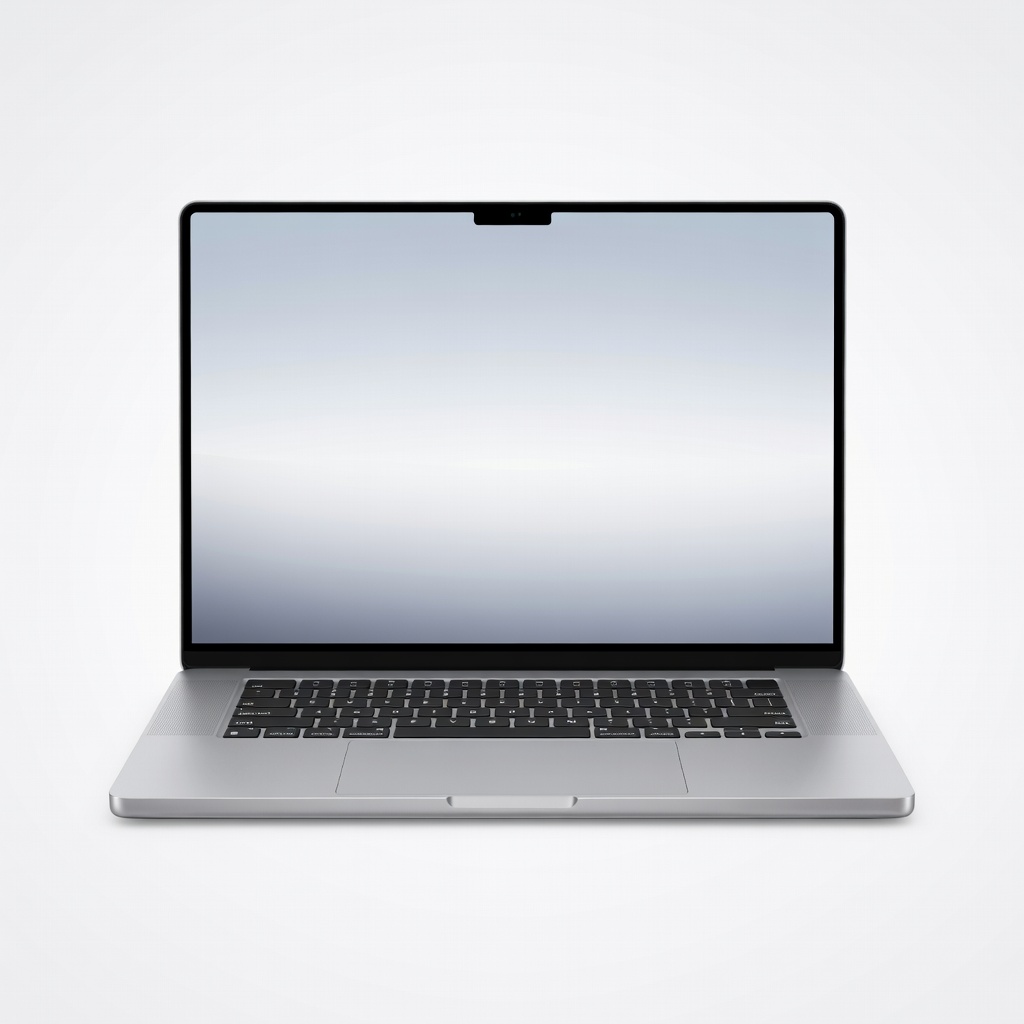
The MacBook Pro 16-inch with M4 Max is the ultimate workhorse for graphic designers, offering desktop-class performance that handles massive files with ease. Its 16-inch Liquid Retina XDR display is brighter and more color-accurate than most external monitors, covering 100% of DCI-P3. The trade-off is the premium price, which grows quickly with RAM and storage upgrades, and the 16-inch size is heavy at nearly 5 pounds.
Main limitation: The upgrade costs for RAM and storage are exorbitant, and the design hasn't changed much since 2021.
Skip if: If you're on a budget or need a lighter machine for constant travel, you'll be better served by a 14-inch MacBook Pro or a Windows ultraportable.
The ASUS Vivobook Pro 15 OLED offers a stunning 120Hz OLED display with 100% DCI-P3 coverage for a price that's hard to beat, making it an ideal budget pick. Its RTX 4060 GPU provides enough power for acceleration in Adobe apps, and the color-accurate panel is fine for client work. On the downside, the plastic chassis feels less premium, and the battery life is a bit short under load.
Main limitation: The build quality is plasticky and the webcam is poor, which can be a drawback for online meetings.
Skip if: If you want a laptop that doubles as a status symbol or need all-day battery life, consider a more premium ultrabook.
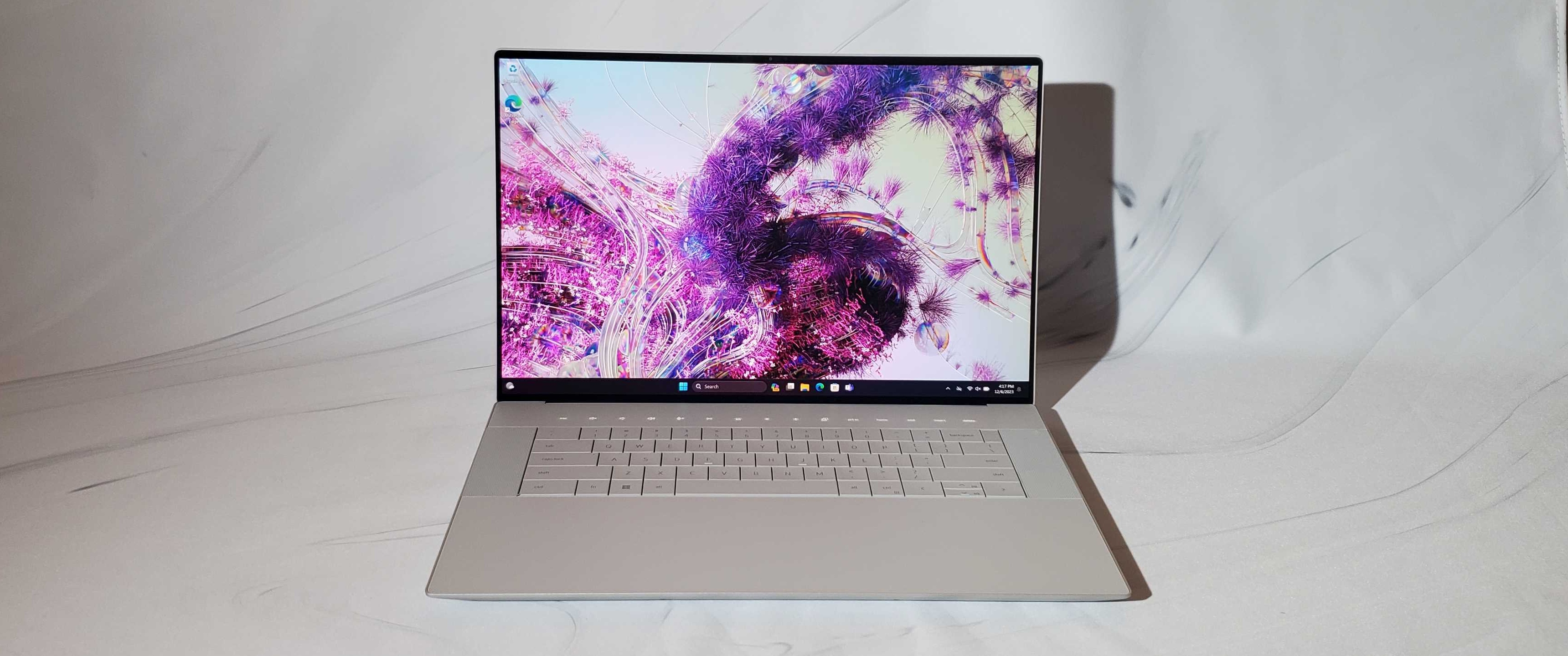
The Dell XPS 16 is a beautifully engineered Windows laptop with a stunning OLED display that is factory-calibrated to Delta-E < 2, making it a top choice for color-critical work. It pairs the Intel Core Ultra 9 with an RTX 4070 GPU, so performance is solid for most design tasks. The main trade-off is its short battery life and the fact that RAM is soldered, which limits future upgrades.
Main limitation: Battery life is poor for a laptop of this size, and you can't upgrade RAM after purchase.
Skip if: If you need a laptop that survives a full day of work without a charger, this isn't the one.
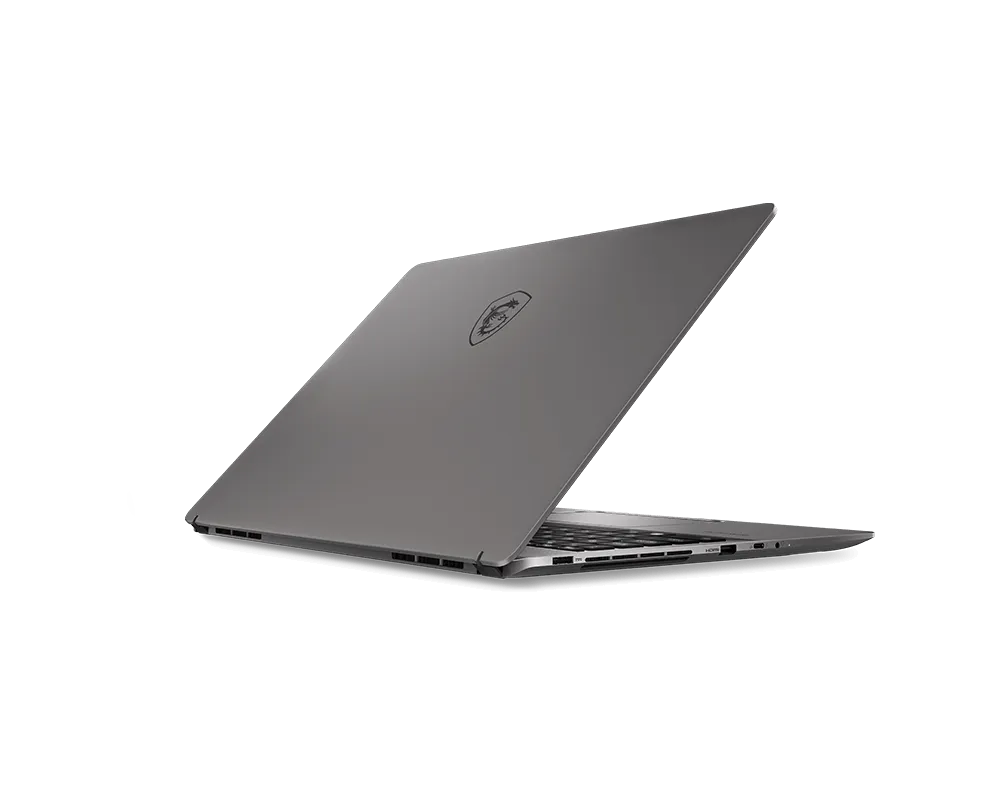
With its Intel Core i9 HX and GeForce RTX 4070, the MSI Creator Z16 HX excels at heavy-duty tasks like 3D rendering and video processing. Its QHD+ display covers 100% of DCI-P3, and the 16:10 aspect ratio gives you extra vertical screen space for toolbars. The caveat is that the cooling system can get loud during demanding workloads, and the battery life is mediocre.
Main limitation: The thermal management leads to noticeable fan noise and high surface temperatures during long render sessions.
Skip if: If you value quiet operation or need a laptop with exceptional battery life, look elsewhere.
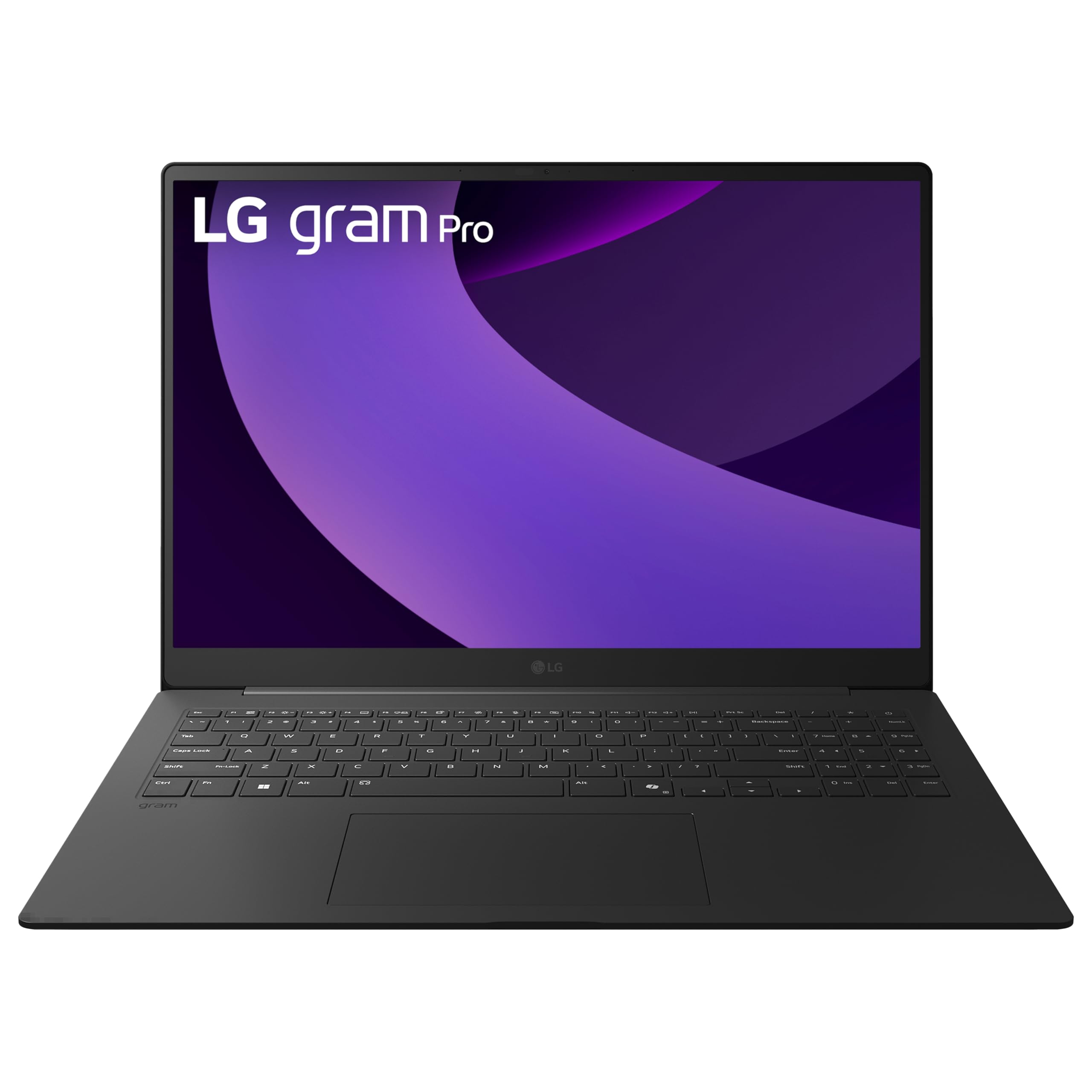
The LG Gram Pro 16 is incredibly lightweight at 2.7 pounds, making it the easiest laptop to travel with that packs a 16-inch display with 99% DCI-P3. It's ideal for designers who present at client sites or work from coffee shops. However, its integrated GPU limits it to lighter tasks like photo editing and vector work, not heavy 3D.
Main limitation: It lacks a discrete GPU, so rendering and complex compositing will feel sluggish; the display also isn't OLED-level in contrast.
Skip if: If you need to do 3D modeling or heavy After Effects work, you'll want a laptop with a dedicated GPU.
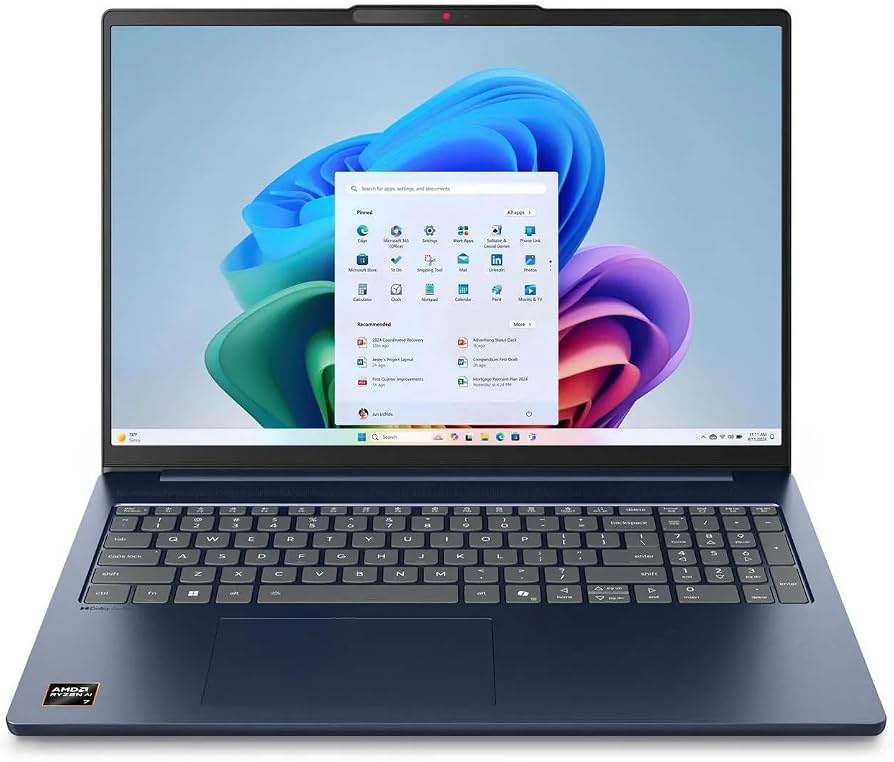
The Lenovo IdeaPad Slim 5 14 is a budget-friendly 2-in-1 with an OLED display that covers 100% DCI-P3—something you seldom see at this price. Its convertible design makes it perfect for students who want to sketch and annotate directly on the screen. But the internal specs are limited: just integrated graphics and a mid-range Ryzen chip, so it's best for 2D workflows.
Main limitation: The modest CPU and GPU are easily bogged down by large files or multitasking, and the 14-inch screen may feel cramped.
Skip if: If you're working with complex Photoshop files or need a laptop for video editing, this isn't sufficient.
Compare key specs and features of all our recommendations side-by-side
| Product | Recommendation | Rating | Price |
|---|---|---|---|
Apple MacBook Pro 16-inch M4 Max Rank #1 | 🏆 Top Pick | 9.3/10 | $3,499–$4,500 Check current price → |
ASUS Vivobook Pro 15 OLED (K6602) Rank #2 | 💰 Budget Pick | 8.5/10 | $1,050–$1,300 Check current price → |
Dell XPS 16 (2025) Rank #3 | ⭐ Editor's Choice | 8.8/10 | $2,399–$3,299 Check current price → |
MSI Creator Z16 HX (B13V) Rank #4 | — | 8.4/10 | $2,599–$3,199 Check current price → |
LG Gram Pro 16 (2025) Rank #5 | — | 7.9/10 | $1,699–$2,099 Check current price → |
Lenovo IdeaPad Slim 5 14 (2025) Rank #6 | — | 7.8/10 | $799–$999 Check current price → |
Common questions buyers have about this category.
A dedicated GPU is not strictly necessary for 2D design, as modern integrated GPUs can handle Photoshop and Illustrator smoothly. However, a discrete GPU like an RTX 4060 will significantly speed up tasks such as applying complex filters, rendering 3D previews, and using GPU-accelerated features in Adobe apps. If you work with video or 3D, a dedicated GPU is highly recommended.
sRGB covers the standard color space used for web and most displays, while DCI-P3 is a wider color space commonly used in video production and displays. 100% DCI-P3 means the laptop can show more vivid and saturated colors than 100% sRGB. For graphic design, especially print, Adobe RGB is also important. In short, both are beneficial, and a panel with 100% DCI-P3 will handle a broad range of creative work.
Both are capable, but there are differences. Macs (especially MacBook Pro) are praised for their color-accurate displays, seamless macOS integration with design software, and superior battery life. Windows PCs offer more hardware diversity, often for better value, and are essential if you need Windows-only software like AutoCAD or certain 3D tools. Choose based on your preferred OS and budget.
For Photoshop and Illustrator, 16GB is the minimum, but 32GB is recommended if you work with large files, multiple layers, or run several Adobe apps simultaneously. Heavy 3D work may require 64GB or more. Keep in mind that RAM is often soldered in many ultrabooks, so choose the max you can afford upfront.
Yes, but you need to be selective. Look for budget laptops with OLED or IPS panels that offer at least 100% sRGB coverage, like the ASUS Vivobook Pro 15 OLED. A dedicated GPU is a plus but not essential for 2D. However, you may have to compromise on build quality, battery life, or processing power for larger projects.
Touchscreen is useful for illustrating, sketching, and annotating directly on the screen, which is why 2-in-1 laptops like the Lenovo IdeaPad Slim 5 14 are popular with students and illustrators. However, many professional designers prefer a stylus-enabled display with pressure sensitivity. If you're primarily doing photo editing, a touchscreen is less critical than a color-accurate panel.
Products we evaluated but did not recommend — and why.
