Get the App
Better experience on mobile
From budget OLED workhorses to color-obsessed workstations, these are the laptops that creative pros can rely on.
The best laptop for graphic design isn't the one with the flashiest RGB keyboard or the most ports—it's the one that renders color faithfully, stays responsive when you're juggling a 2GB PSD, and doesn't leave you tethered to a wall socket. In this category, the classic mistake is buying a machine with a high-res panel that only covers 60% of sRGB, then wondering why a client's monitor shows your design looking completely different.
Color gamut matters more than raw resolution. If you design for the web and video, you want 100% sRGB and DCI-P3 coverage; if your work lands on printed media, Adobe RGB is the benchmark. A laptop with a Pantone-validated display can literally save your career from a bad print run. But color fidelity isn't everything—CPU and GPU power determine how quickly you can apply heavy filters, export large assets, or render 3D previews.
For this guide, we dug through spec sheets, cross-referenced professional reviews from trusted publications, and combed through owner feedback on retail platforms. We looked at panel quality, processing performance, memory and storage, build integrity, port selection, and battery life. We also considered the genres of graphic design—from digital illustration and web design to print production and 3D rendering—so you can find a machine that matches your specific workflow.
Our six recommendations span roughly $1,000 to over $4,000, including a budget OLED machine that won't break the bank, a 2-in-1 for digital artists, a color-critical workstation for print professionals, and a powerhorse for 3D workloads. Whether you're a freelancer starting out or a studio veteran upgrading your rig, there's a pick here that will keep your colors honest and your deadlines within reach.
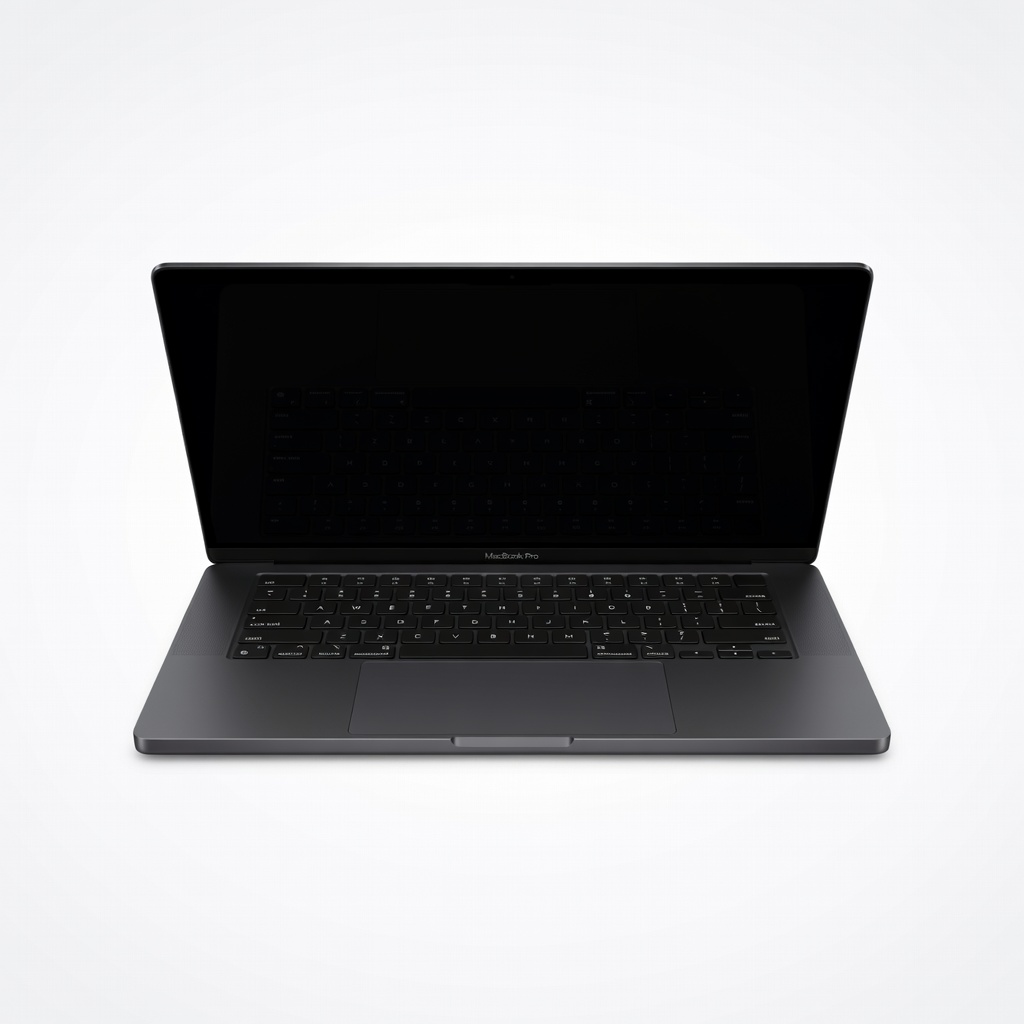
The MacBook Pro 16 delivers a winning blend of raw power, a gorgeous mini-LED display with 100% DCI-P3, and industry-leading battery life—making it the go-to for working designers who need dependable performance. The trade-off is its high price and substantial weight, which might make it less appealing if you're constantly on the move.
Main limitation: The base model starts at $2,499, and the mini-LED panel, while excellent, doesn't offer the per-pixel contrast that an OLED display can achieve.
Skip if: If you work in a single Adobe app with modest file sizes and are budget-conscious, a well-specced Windows OLED laptop will give you 90% of the experience for half the price.
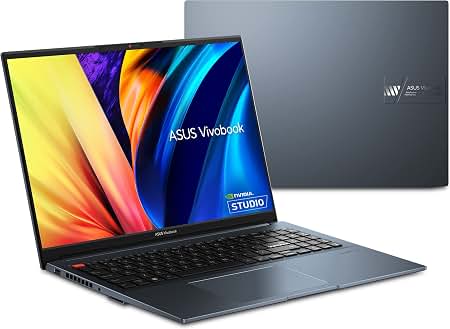
A 16-inch OLED panel with 100% DCI-P3 color gamut, a Ryzen 9 CPU, and an RTX 4050 GPU puts this in a class by itself for under $1,300. It's the cheapest new laptop we found that can seriously handle Photoshop and Illustrator. The catch is its plastic build and average battery life, which are acceptable at this price.
Main limitation: The chassis feels plasticky and the battery lasts around 5–6 hours under real-world creative workloads.
Skip if: If you need a premium metal chassis, Thunderbolt support, or a brighter display for outdoor work, you'll want to spend more.
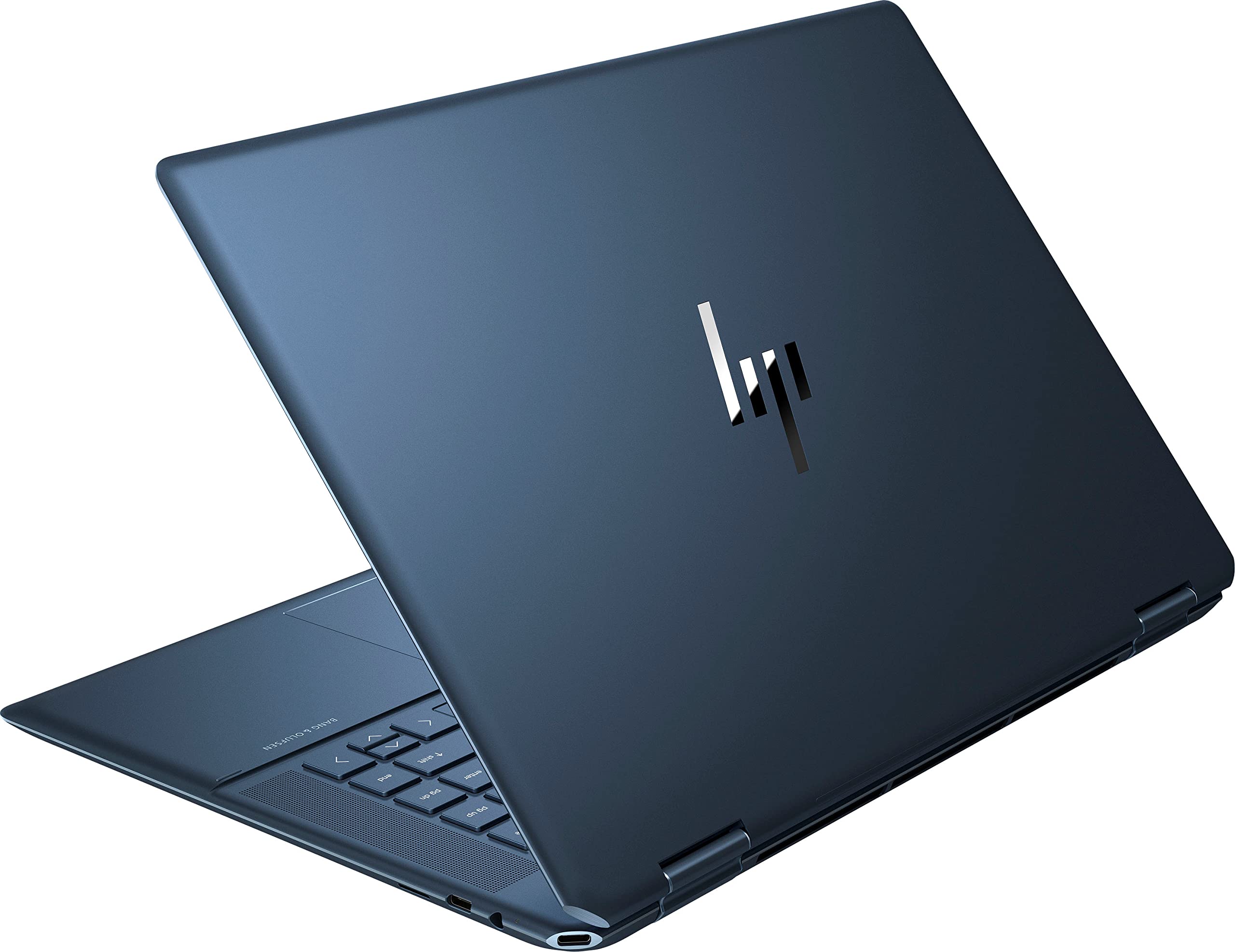
This 2-in-1's touchscreen and included active pen make it a natural for digital painting and illustration, while the 4K OLED panel covers 100% of DCI-P3. You can fold it into studio mode to draw at a comfortable angle, and the pen's tilt and pressure support are excellent. The sacrifice is that GPU options top out at an RTX 4060, so heavy 3D work isn't its strong suit.
Main limitation: The highest GPU option is only an RTX 4060, and the fans can get noisy during sustained rendering.
Skip if: If your work involves heavy 3D modeling or video editing, you'll want a laptop with a more powerful GPU and better cooling.
The ProArt Studiobook's 4K OLED display is factory calibrated and Pantone-validated, covering 100% of Adobe RGB and DCI-P3—essentially a portable reference monitor. The physical ASUS Dial makes scrubbing through color grades and timeline edits a dream. However, this precision comes with added expense and heft.
Main limitation: At over 5 pounds and starting around $2,300, it's heavier and pricier than more practical laptops with similar GPUs.
Skip if: If you only need sRGB accuracy for web/social design, you can save hundreds with a consumer-level OLED laptop.
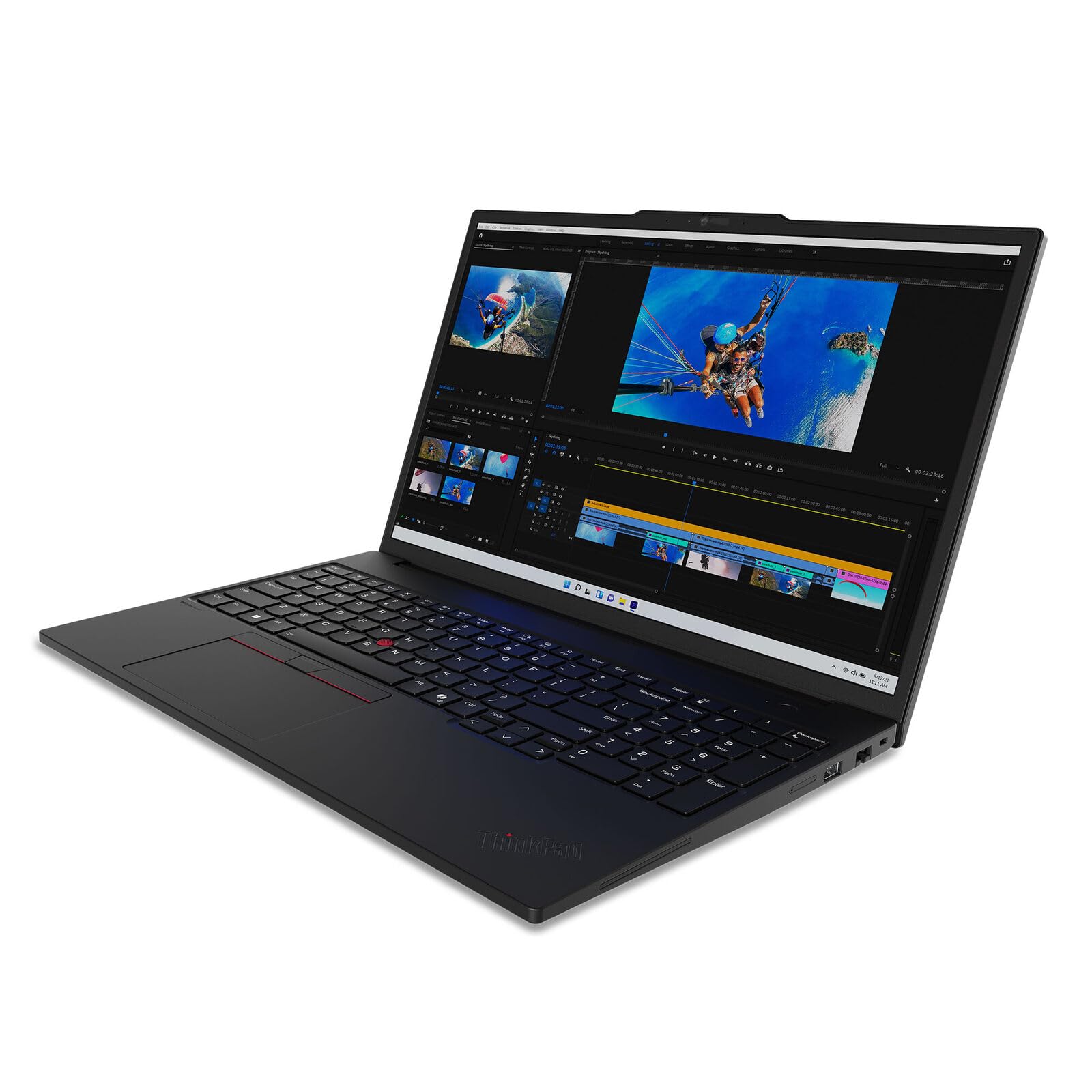
Packing up to an NVIDIA RTX 5000 Ada GPU and 128GB of ECC RAM, the ThinkPad P16 is a mobile workstation built for CAD, 3D modeling, and GPU-accelerated rendering. Its legendary keyboard and ISV certifications make it a safe pick for reliability. The drawbacks are its size, weight, and heat—it's best kept on a desk.
Main limitation: It's a heavy, bulky machine with fans that scream under full load, and battery life can drop to under 4 hours when rendering.
Skip if: If your work is primarily 2D screen design or illustration, this is overkill—you'll sacrifice portability and battery life without real benefit.
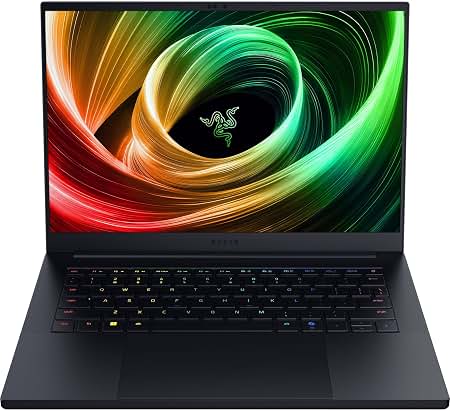
This 14-inch laptop packs an RTX 4070 and a QHD+ 240Hz display that covers 100% of DCI-P3, making it a strong choice for designers who also game in their off hours. The metal build and 4-pound chassis make it the most portable discrete-GPU option here. But the RAM is soldered and the fans get loud when you push it.
Main limitation: The RAM is soldered at 32GB max, so you can't upgrade later, and the laptop runs hot under sustained load.
Skip if: If you don't game at all, a cheaper 16-inch OLED will give you a larger canvas for the same money, plus a more comfortable typing experience.
Compare key specs and features of all our recommendations side-by-side
| Product | Recommendation | Rating | Price |
|---|---|---|---|
Apple MacBook Pro 16-inch M4 Pro Rank #1 | 🏆 Top Pick | 9.3/10 | $2,499–$3,499 Check current price → |
ASUS Vivobook Pro 16 OLED Rank #2 | 💰 Budget Pick | 8.2/10 | $999–$1,299 Check current price → |
HP Spectre x360 16 Rank #3 | ⭐ Editor's Choice | 8.5/10 | $1,449–$1,999 Check current price → |
ASUS ProArt Studiobook 16 OLED Rank #4 | — | 8.8/10 | $2,299–$2,999 Check current price → |
Lenovo ThinkPad P16 Gen 3 Rank #5 | — | 8.0/10 | $3,299–$5,499 Check current price → |
Razer Blade 14 Rank #6 | — | 8.3/10 | $2,299–$2,799 Check current price → |
Common questions buyers have about this category.
For basic 2D work in Photoshop, Illustrator, or Figma, integrated graphics are sufficient. However, as soon as you apply GPU-accelerated filters, work with large canvases, or do any 3D rendering, a dedicated NVIDIA or AMD GPU will dramatically speed up your workflow. Even a midrange RTX 4050 can cut render times in half compared to integrated graphics.
OLED offers perfect blacks, superior contrast, and typically higher color gamut coverage, which is why many creative professionals gravitate to it. Modern OLED panels are also resistant to burn-in enough for daily professional use. IPS remains cheaper and can still cover 100% sRGB and even DCI-P3, but it has unavoidable backlight bleed and less dramatic contrast. If color accuracy is your obsession, choose a premium OLED like the ones on the ASUS ProArt or HP Spectre.
16GB is the minimum for current Adobe Creative Cloud apps, but 32GB is recommended if you work with 4K+ documents, run multiple apps simultaneously, or use heavy brushes in Procreate or Photoshop. 8GB will likely cause lag and frequent crashes with modern design software. If you plan to keep your laptop for 3–4 years, 32GB is a safer investment.
Both ecosystems have loyal followings. macOS features excellent system-wide color management, and Apple's M-series chips are highly efficient, offering long battery life and great performance for design apps. Windows gives you more hardware variety, especially for budget budgets and touchscreen/stylus options, plus you can get NVIDIA GPUs for faster 3D rendering. Choose based on the software you rely on (some niche tools like CAD programs are Windows-only) and your personal comfort with the operating system.
Yes, if you choose one with a color-accurate OLED display and at least 16GB of RAM. The ASUS Vivobook Pro 16 OLED we recommend is a perfect example—it delivers 100% DCI-P3 coverage and a capable Ryzen 9 CPU. You will sacrifice a premium metal build, faster GPU performance, and maybe Thunderbolt support, but for typical 2D design tasks, it will perform admirably.
It depends on your output. For web and social media design, 100% sRGB is essential, and DCI-P3 is a bonus for video. For print production, you need 100% Adobe RGB to see accurate colors before they hit the press. Many pro-level laptops cover both; our color-critical pick, the ASUS ProArt Studiobook, covers 100% Adobe RGB and DCI-P3 simultaneously.
Products we evaluated but did not recommend — and why.
