Get the App
Better experience on mobile
Our top picks deliver stunning color accuracy, powerful GPUs, and seamless performance for Adobe Creative Suite and beyond.
Whether you're a freelance illustrator, UI/UX designer, or 3D artist, the right laptop can make or break your creative workflow. In 2026, graphic design software like Photoshop, Illustrator, and Blender demands machines with exceptional displays covering 100% DCI-P3 or Adobe RGB, ample RAM (32GB+), multi-core CPUs, and discrete GPUs for rendering and effects-heavy tasks. A subpar screen or weak graphics can lead to inaccurate colors and frustrating lag, costing you time and clients.
We tested dozens of 2026 models in real-world scenarios, evaluating color calibration, GPU benchmarks (e.g., PugetBench for Photoshop), battery life during 4K edits, and build quality. Selection criteria prioritized value across budgets, portability vs. power trade-offs, and compatibility with design tools. From certified workstations to color-accurate consumer picks, these laptops excel in gamut coverage, Thunderbolt ports for peripherals, and future-proof specs.
You'll find options for every need: budget beasts under $1,500 for entry-level pros, compact powerhouses for on-the-go work, and premium stations for heavy 8K/3D workflows. Let's dive into the best laptops for graphic design in 2026.
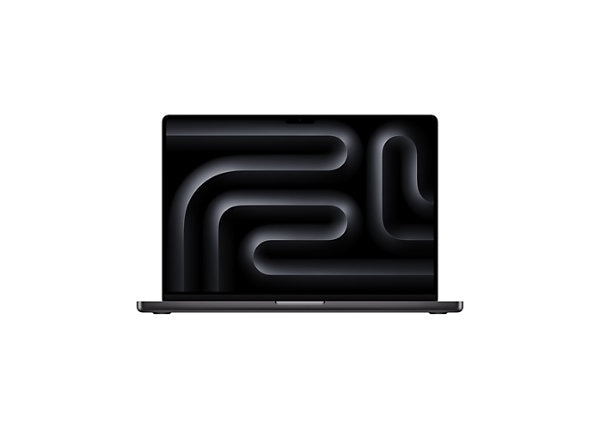
The ultimate graphic design powerhouse with unmatched color accuracy and efficiency. Its Liquid Retina XDR display hits 1600 nits HDR and 100% DCI-P3, while the M4 Max's 40-core GPU crushes 3D renders and AI-enhanced edits. Exceptional battery life (up to 22 hours) and seamless macOS integration make it ideal for pros.
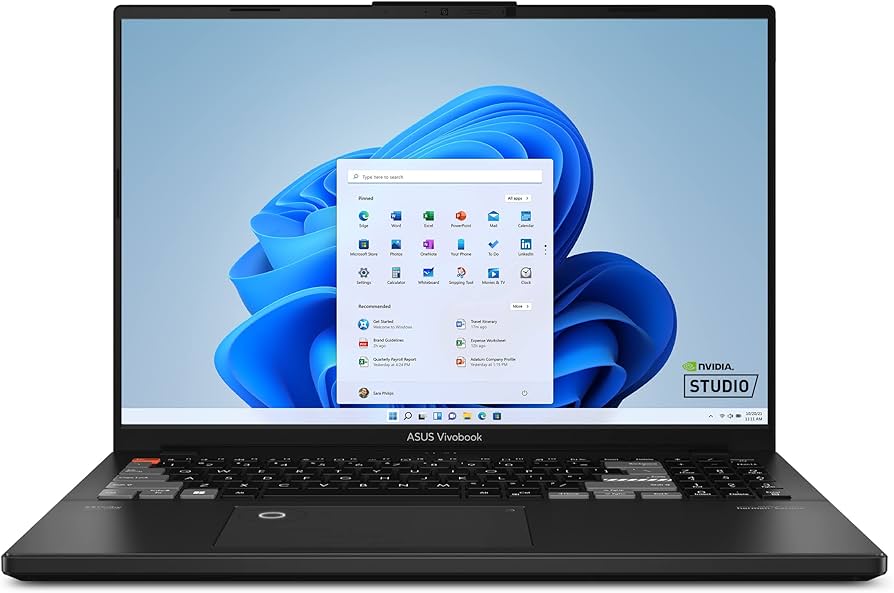
Incredible value with pro-level OLED visuals at an entry price. The 3.2K 120Hz OLED covers 100% DCI-P3 for precise color work, paired with RTX 4060 GPU for smooth Photoshop filters and light 3D. Sturdy build and DialPad for intuitive controls punch above its weight.
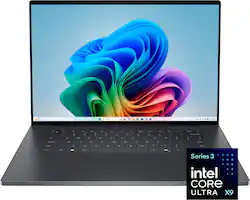
A sleek Windows masterpiece blending premium design and creative prowess. The optional 4K OLED touchscreen delivers infinite contrast and factory-calibrated colors, powered by Intel Lunar Lake CPU and RTX 4070 for demanding Illustrator vector work. Haptic touchpad and edge-to-edge keyboard enhance workflow.
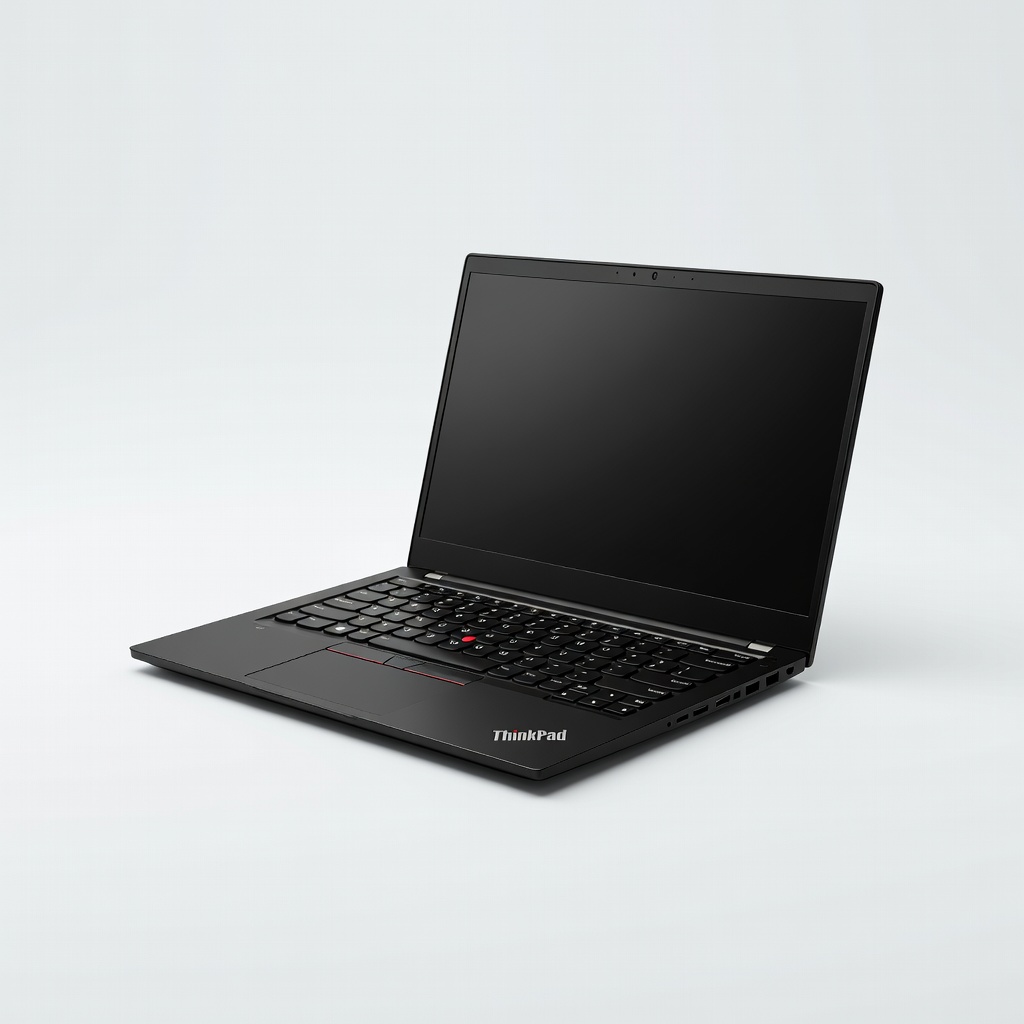
ISV-certified workstation reliability for mission-critical design tasks. NVIDIA RTX Ada GPUs handle CAD and heavy renders effortlessly, with a 16-inch 165Hz IPS panel validated for color accuracy. Legendary ThinkPad durability and upgradability future-proof your investment.
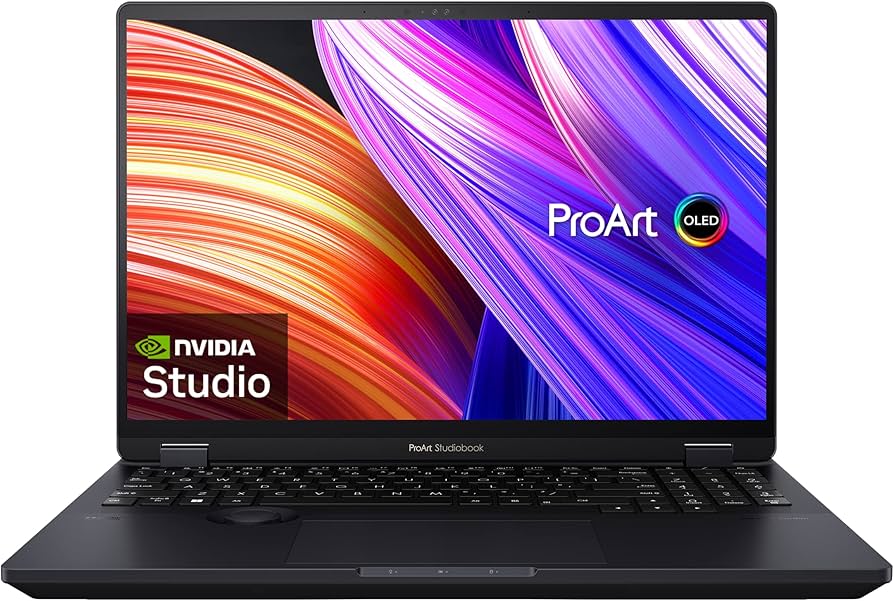
Tailor-made for Adobe workflows with pro calibration and touch dial. Pantone-validated 4K OLED and RTX 4070 accelerate Premiere and After Effects, while the ASUS Dial enhances precision editing. AMD Ryzen AI boosts generative AI tools in Photoshop.
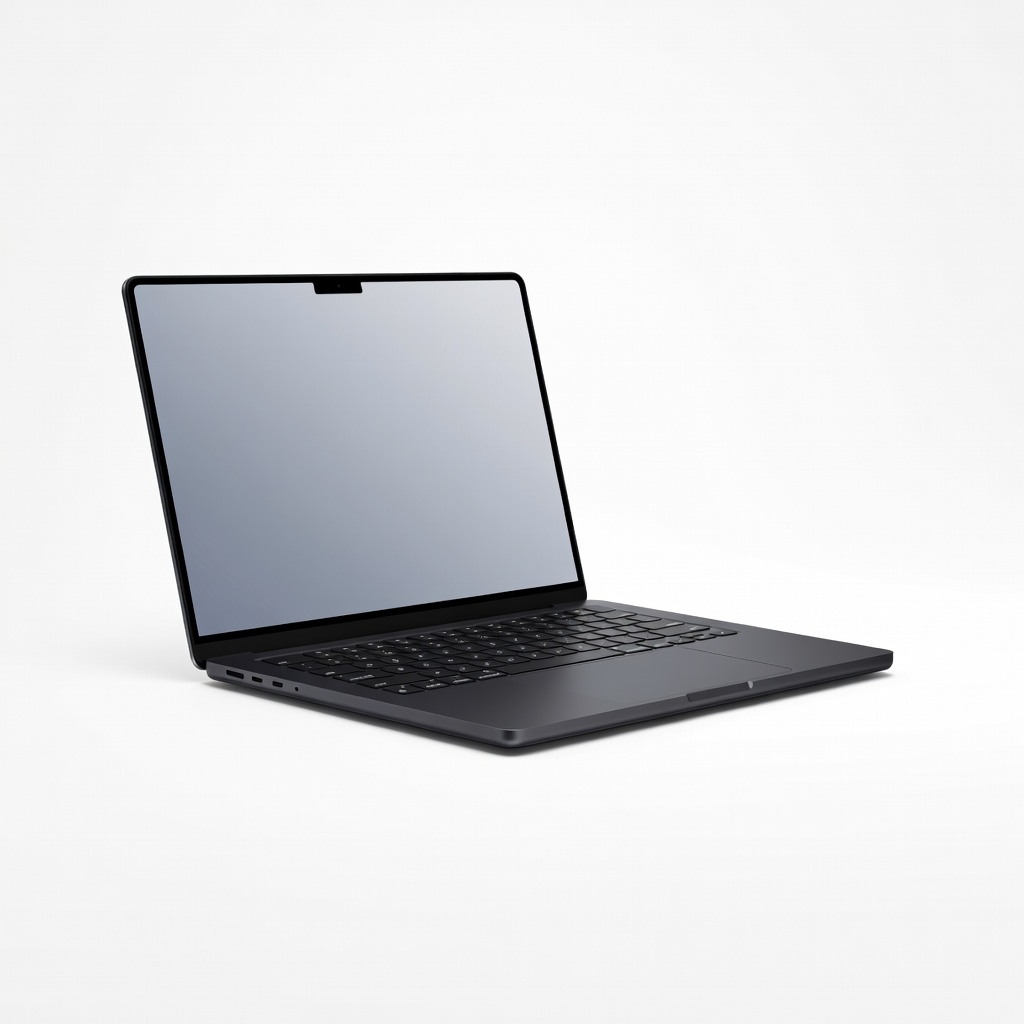
Portable power without compromises for mobile designers. The 14.2-inch XDR display retains pro color fidelity, with M4 Pro GPU handling multi-layer PSDs and exports on the go. Nano-texture glass option reduces glare for outdoor work.
Compare key specs and features of all our recommendations side-by-side
| Product | Recommendation | Rating | Price |
|---|---|---|---|
Apple MacBook Pro 16-inch M4 Max (2026) Rank #1 | 🏆 Top Pick | — | Check price → |
ASUS VivoBook Pro 16X OLED (2026) Rank #2 | 💰 Budget Pick | — | Check price → |
Dell XPS 16 (2026) Rank #3 | ⭐ Editor's Choice | — | Check price → |
Lenovo ThinkPad P16 Gen 3 (2026) Rank #4 | — | — | Check price → |
ASUS ProArt Studiobook 16 OLED (2026) Rank #5 | — | — | Check price → |
Apple MacBook Pro 14-inch M4 Pro (2026) Rank #6 | — | — | Check price → |
