Get the App
Better experience on mobile
Seven laptops that balance battery life, portability, performance, and price for dorm life and lecture halls.
The best college laptop is rarely the one with the highest benchmark score. It’s the one that survives a backpack, lasts through a three-hour lecture plus a library shift, and still has enough memory for 30 browser tabs, Zoom, and a half-finished essay. That practical reality should shape every buying decision more than raw CPU numbers or RGB lighting.
Major matters more than most buying guides admit. A computer science student running virtual machines, an architecture student using CAD, and an English major writing papers have wildly different needs. Before comparing specs, check your department’s software requirements — especially if you’re considering a Mac or an ARM-based Windows laptop.
This guide covers seven laptops across budget, midrange, and premium tiers. The picks lean on published expert reviews, manufacturer specifications, aggregated buyer feedback, and common higher-education workloads. We prioritized battery life, keyboard comfort, portability, durability, RAM capacity, and value rather than chasing the fastest chip in every price bracket.
You’ll find a clear best overall pick, a strong budget option, a 2-in-1 for handwritten notes, a creative powerhouse, a gaming-capable machine, a premium Windows ultraportable, and a battery champion for long campus days. Each recommendation includes the trade-off you’ll live with, because no college laptop is perfect for every student.
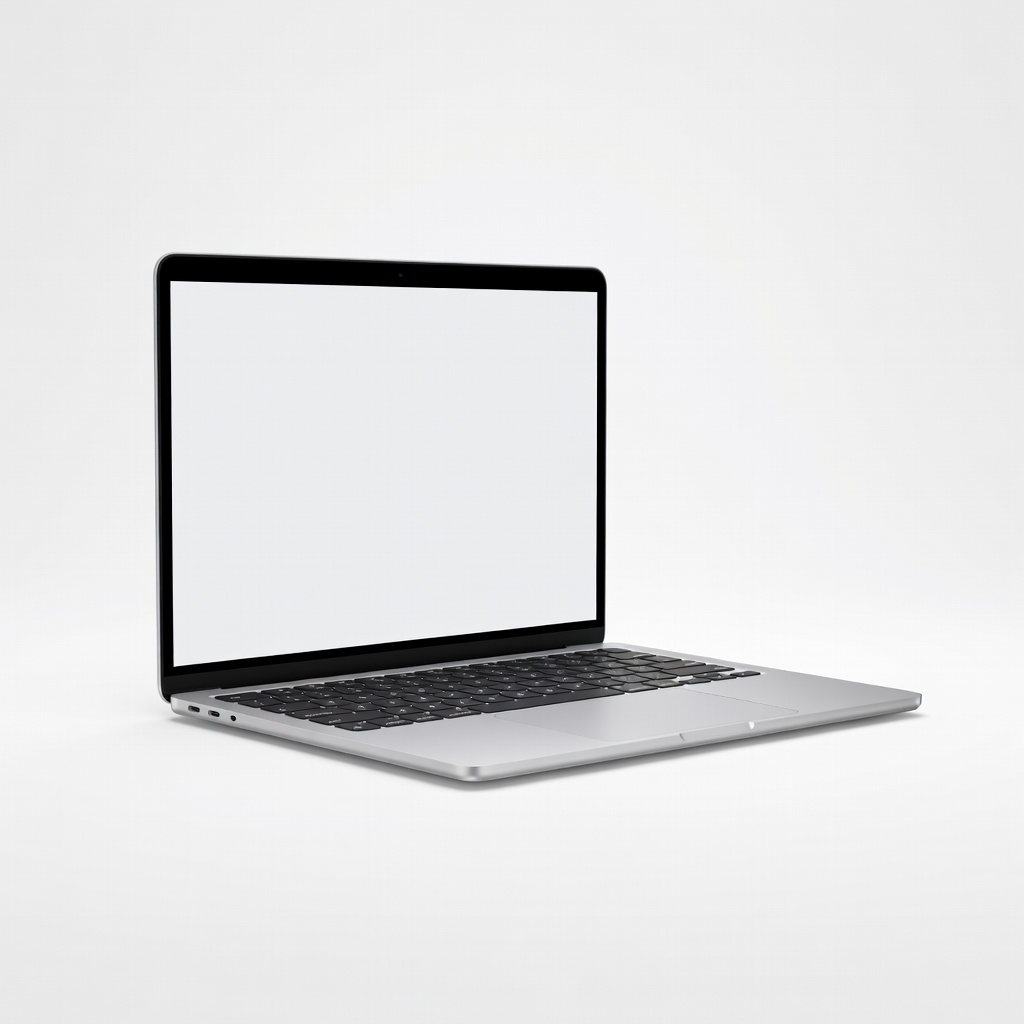
The M4 MacBook Air hits the best balance of battery, performance, and portability for most college students. It handles writing, research, coding, and light creative work without fan noise, and it stays cool in a backpack. The main trade-off is limited port selection and a higher entry price than budget Windows laptops.
Main limitation: The base model has only two Thunderbolt ports and no USB-A or HDMI, so many students will need a dongle or hub.
Skip if: Students who need native Windows software for engineering, dedicated-GPU gaming, or a touchscreen with stylus support should look elsewhere.
For students on a tight budget, the Vivobook 16 delivers a large screen, 16GB RAM, and a 512GB SSD for hundreds less than premium ultrabooks. It’s capable for papers, research, streaming, and light coding. The trade-off is a plastic build, average display, and modest battery life.
Main limitation: The display is dim and covers a limited color gamut, making it a poor fit for color-critical creative work.
Skip if: Students who need all-day battery life, Thunderbolt, or a premium keyboard and chassis should spend more.
The Yoga 7i is the best 2-in-1 for students who take handwritten notes, sketch diagrams, or want a tablet mode for reading. It has a bright OLED touchscreen, a comfortable keyboard, and enough power for everyday coursework. The trade-off is that it’s heavier than a clamshell and not built for sustained gaming or 3D rendering.
Main limitation: OLED panels can consume more power under bright conditions, and the Yoga 7i’s battery life trails the MacBook Air in long lecture days.
Skip if: Students who mostly type and never use a stylus can get better performance or battery for the same money.
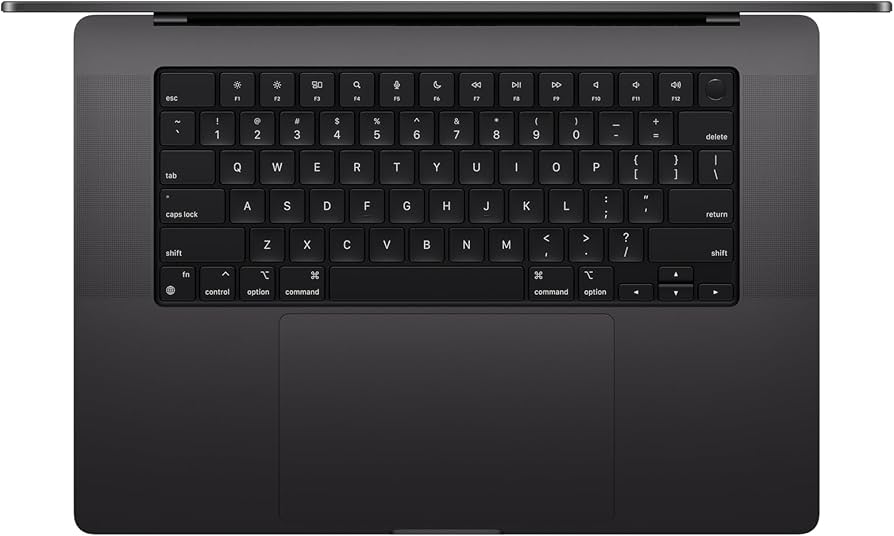
For film, design, music production, and heavy computer science workloads, the MacBook Pro 14 brings pro-level performance, a stunning mini-LED display, and long battery life. It’s overkill for most majors, but it can replace a desktop for demanding creative work. The obvious trade-off is price and weight.
Main limitation: It costs significantly more than a MacBook Air and is heavier, so casual users pay for power they may never use.
Skip if: Budget-conscious students or anyone who only needs browser, word processing, and streaming should choose the Air or a midrange Windows laptop.
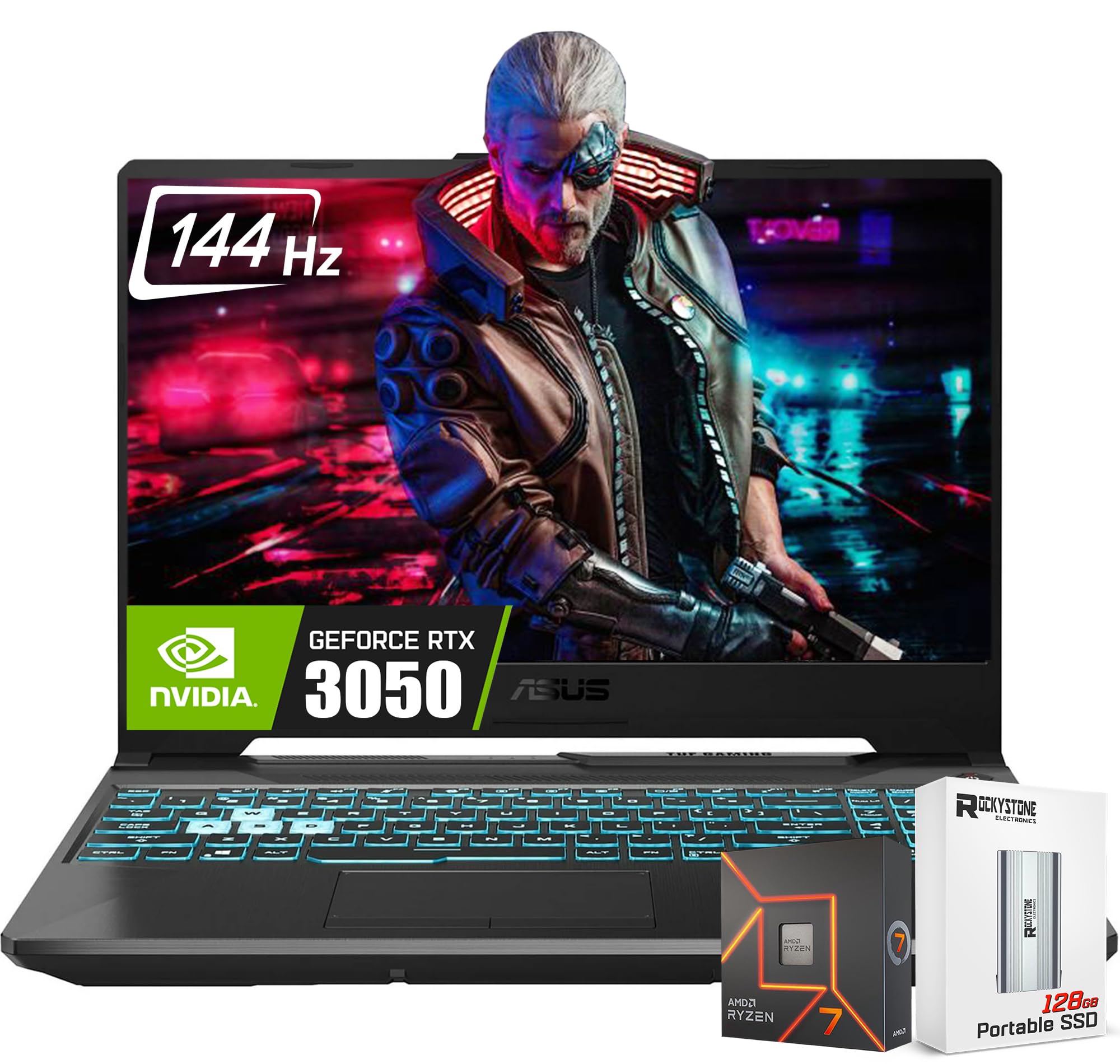
The TUF Gaming A15 is a practical gaming laptop that also handles engineering CAD, video editing, and data-heavy coursework. It offers a dedicated RTX GPU, upgradeable RAM and storage, and a durable chassis at a midrange price. The trade-off is short battery life and a bulky design that’s a pain to carry all day.
Main limitation: Battery life is measured in a few hours under load, so you’ll need to keep the charger nearby for back-to-back classes.
Skip if: Students who prioritize portability and all-day battery should avoid gaming laptops and choose an ultrabook instead.
The XPS 13 is a premium Windows ultraportable with a gorgeous display, excellent build quality, and Intel Core Ultra efficiency. It’s ideal for business, humanities, and social science students who want a Windows machine that feels as polished as a MacBook. The trade-off is a high price and a minimalist port selection that will require adapters.
Main limitation: There are only two Thunderbolt 4 ports and no USB-A or HDMI, so you’ll need a dongle for projectors, mice, or flash drives.
Skip if: Students who need lots of ports, a numeric keypad, or a budget under $1,000 should look at other Windows laptops.
The OmniBook X 14 is built for students who bounce between classes, library, and home without wanting to hunt for an outlet. Its Snapdragon X Elite chip and efficient display deliver some of the longest battery life in the Windows ecosystem, and it stays cool and quiet. The main trade-off is ARM compatibility: some specialized engineering and gaming apps may not run natively.
Main limitation: Windows on ARM can stutter or fail with older x86 software and many games, so it’s not a safe pick for every major.
Skip if: Engineering students who rely on x86-only CAD tools, or gamers who need a dedicated GPU, should choose a different laptop.
Compare key specs and features of all our recommendations side-by-side
| Product | Recommendation | Rating | Price |
|---|---|---|---|
Apple MacBook Air 13-inch M4 (2025) Rank #1 | 🏆 Top Pick | 9.4/10 | $999–$1,299 Check current price → |
ASUS Vivobook 16 M1605 (2025) Rank #2 | 💰 Budget Pick | 8.1/10 | $499–$649 Check current price → |
Lenovo Yoga 7i 14 Gen 10 (2025) Rank #3 | ⭐ Editor's Choice | 8.7/10 | $849–$1,099 Check current price → |
Apple MacBook Pro 14-inch (M4 Pro, 2024) Rank #4 | — | 9.2/10 | $1,599–$1,999 Check current price → |
ASUS TUF Gaming A15 (2025) Rank #5 | — | 8.3/10 | $999–$1,299 Check current price → |
Dell XPS 13 (9350, 2025) Rank #6 | — | 8.6/10 | $1,199–$1,599 Check current price → |
HP OmniBook X 14 (2025) Rank #7 | — | 8.4/10 | $899–$1,199 Check current price → |
Common questions buyers have about this category.
For most students, 16GB is the practical baseline in 2026. It gives you room for a browser with many tabs, Zoom or Teams, Office apps, and background sync without constant slowdowns. Choose 8GB only if your work is truly basic and you want the lowest possible price; consider 32GB if you run virtual machines, large data sets, or professional creative software.
Neither is universally better — it depends on your major and budget. MacBooks tend to excel in battery life, build quality, and creative software, while Windows laptops offer wider hardware variety, more gaming options, and native support for some engineering and business applications. Check your department’s software list before deciding.
Only if you play modern games, edit video regularly, or run 3D/CAD software that benefits from GPU acceleration. For writing, research, coding, and streaming, integrated graphics are more efficient and help battery life. A dedicated GPU adds weight, heat, and cost, so skip it unless your workload truly requires it.
A 13- to 14-inch screen is the best compromise for most students because it fits in a backpack and works on small lecture desks. A 15- to 16-inch display is better for multitasking, spreadsheets, and creative work, but it adds weight and bulk. If you choose a larger laptop, make sure you’re comfortable carrying it every day.
Battery life is one of the most important specs because campus outlets are limited and back-to-back classes leave little time to charge. Look for a manufacturer estimate of at least 12 hours of video playback, then expect real-world mixed use to be somewhat lower. USB-C charging is also useful because it lets you top up from a power bank or a compact charger.
A 2-in-1 is worth it if you take handwritten notes, sketch diagrams, or read a lot of PDFs with a stylus. For students who mostly type, a traditional clamshell usually gives better performance, battery life, and keyboard comfort for the same price. Try one in person if possible, because hinge design and stylus support vary widely.
A realistic range in 2026 is $500–$800 for a capable budget laptop, $900–$1,200 for the best balance of performance and portability, and $1,500+ for premium creative or gaming machines. Spending more can buy better build quality, battery life, and display, but diminishing returns hit quickly for basic coursework. Student discounts and certified refurbished models can save 10–20% without much risk.
Products we evaluated but did not recommend — and why.
