Get the App
Better experience on mobile
From under $500 to premium machines, these seven laptops balance battery life, performance, and portability for campus life.
A laptop for college is a four-year commitment. It'll carry your term papers, group chats, and note apps through late-night cramming sessions and early-morning lectures. The best choice isn't about benchmarking scores — it's about getting a durable, fast, and portable machine that fits your major and your lifestyle. The common mistake is to overbuy for gaming or premium specs you don't need, or to underspend on a machine that dies within two years.
We've researched the current laptop landscape to bring you a list that spans budget workhorses under $600 to powerful creative rigs. To narrow it down, we weighed seven key criteria: build quality, keyboard comfort, display quality, battery life, weight, upgradeability, and real-world performance for everyday academic software. We've purposefully selected laptops that can take a tumble in a backpack and survive the chaotic college schedule.
Our top picks run the gamut: Apple's MacBook Air M4 leads the pack for most students because it blends performance, battery life, and portability with a price that's palatable. Meanwhile, Acer's Aspire 5 gives tight budgets a legitimate option, and the ASUS ROG Zephyrus G14 covers the STEM crowd. We've also included a 2-in-1, a Snapdragon-powered Surface, and a creator-class MacBook Pro so you can match the tool to the major.
Before you click 'buy', keep in mind that a laptop's specs only matter if you'll actually have it with you. Heavy gaming machines can be more of a burden than a blessing when you're toting them across campus. Our goal is to help you find a laptop that gets out of your way and lets you focus on what actually matters: your degree.
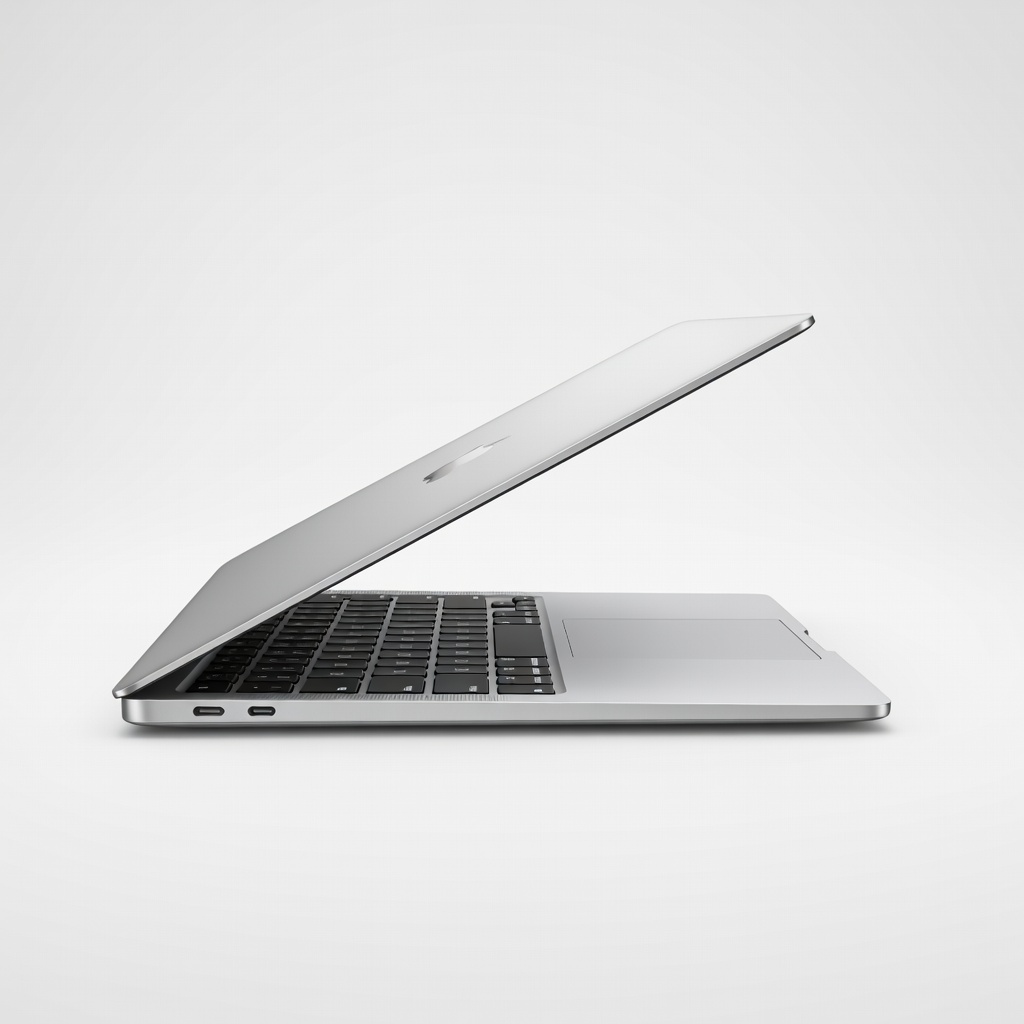
The MacBook Air M4 delivers the perfect balance of all-day battery life (up to 18 hours), a bright Retina display, and silent, fanless operation. Its lightweight design and excellent keyboard make it a zero-friction companion for writing, research, and streaming. The trade-off: it's more expensive than many Windows rivals and macOS isn't the right tool for everyone.
Main limitation: Only two ports and no fanless cooling means it can throttle under sustained heavy loads like video editing.
Skip if: Engineering or CS students who need native support for legacy Windows-only lab software or a discreet GPU.
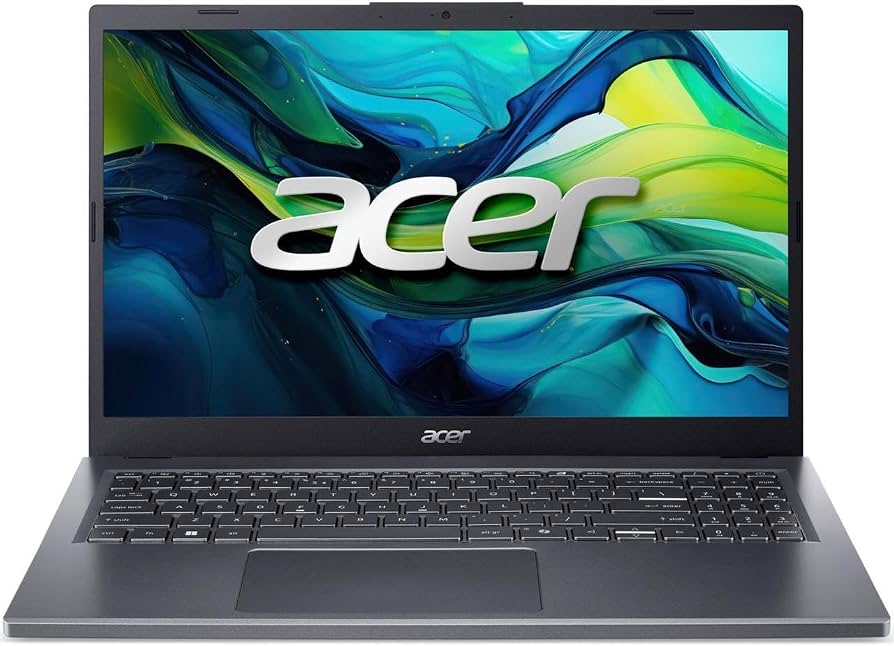
Acer's reliable Aspire 5 line gets the job done for under $600, offering a solid Ryzen 5 processor, 16GB of RAM, and a comfortable keyboard. It's the best value pick for students who need a dependable workhorse for Chrome, Word, and Slide decks without draining their savings. The trade-off: battery life hovers around 8 hours, and the plastic chassis isn't going to win any style points.
Main limitation: Battery life is below average and the screen washes out in direct sunlight.
Skip if: Students who need a portable machine to carry between classes all day without hunting for outlets.
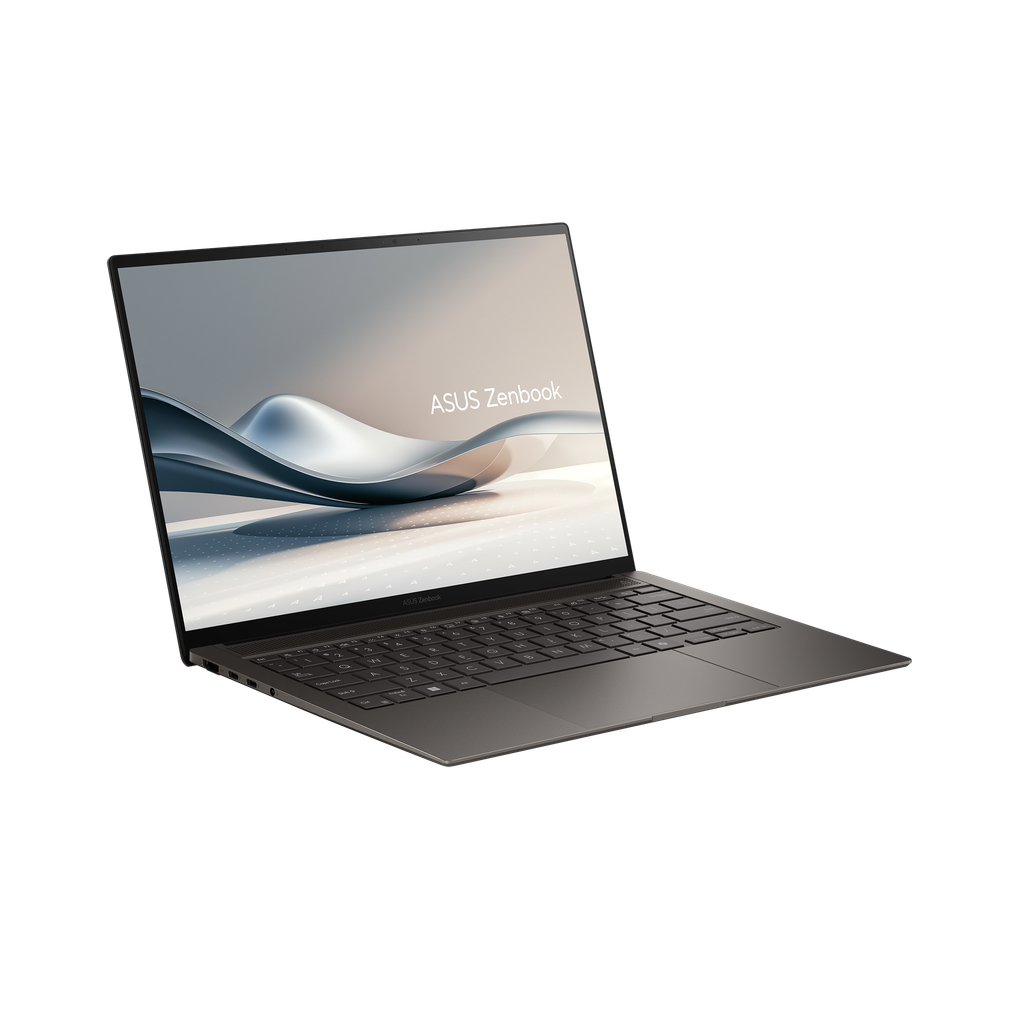
The Zenbook 14 OLED packs a stunning 2.8K OLED touchscreen with 120Hz refresh rate, making everything from PDFs to Netflix look crisp and vibrant. It's a great all-rounder for visual-heavy coursework and occasionally light photo editing. The trade-off is that the OLED display's rich colors can come at the cost of some battery life, and the base config only includes 16GB of non-upgradable memory.
Main limitation: OLED panels are more prone to burn-in over time if you keep static images on screen for hours.
Skip if: Strict budget shoppers who can't stretch beyond $500 and don't care about color accuracy.
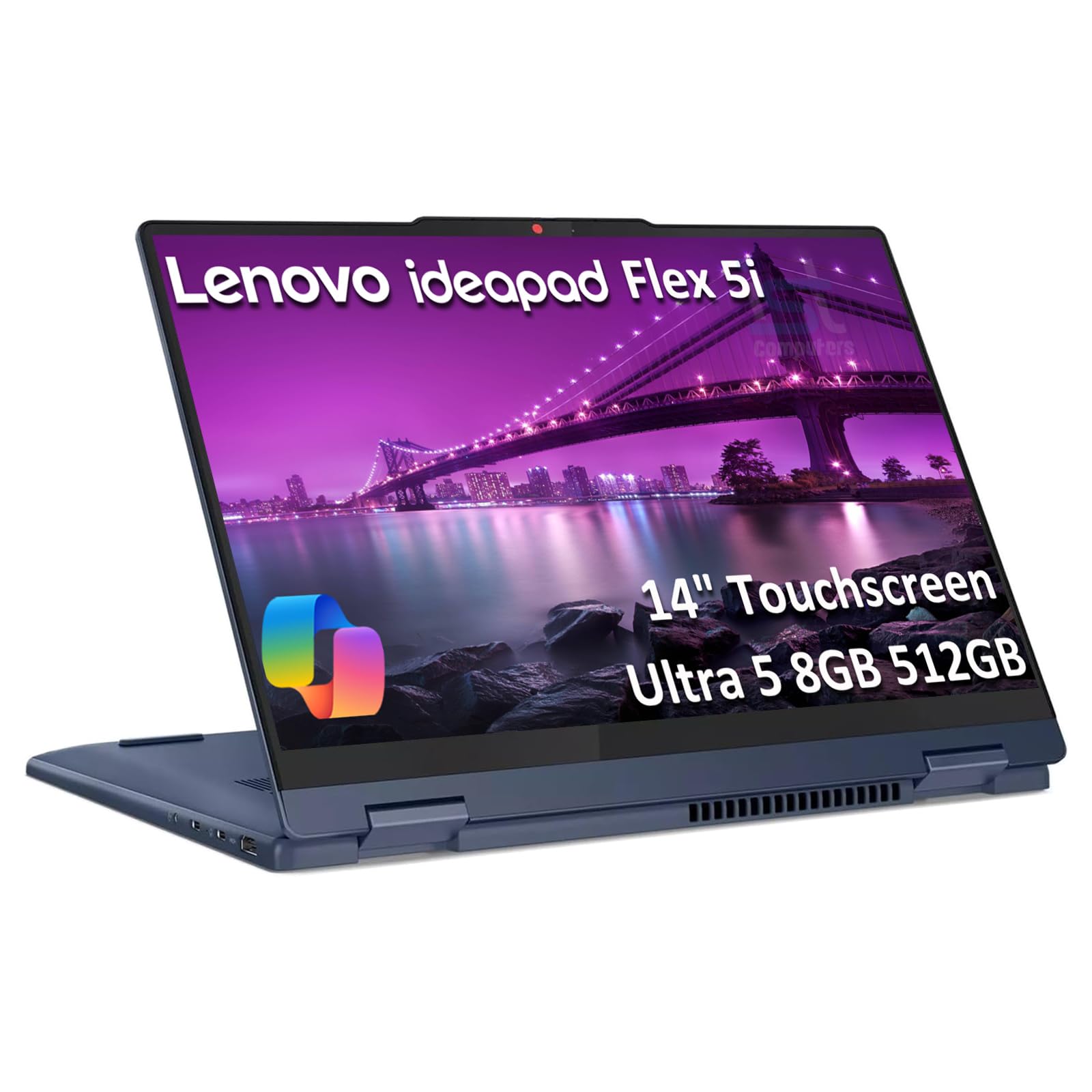
This 14-inch 2-in-1 convertible gives you a rugged build, a responsive touchscreen with a garaged pen, and the option to use it in tent or tablet mode for drawing and handwritten notes. The Ryzen 5 processor keeps up with everyday coursework, and the 360-degree hinge is perfect for group projects. The trade-off: the display gets plenty bright, but the battery life is only a middling 10 hours and it's a bit heavy for a convertible.
Main limitation: The 14-inch chassis weighs over 3.3 pounds, making it less comfortable to hold as a tablet.
Skip if: Students who don't need to write on their screens and would rather have a lighter, traditional clamshell.
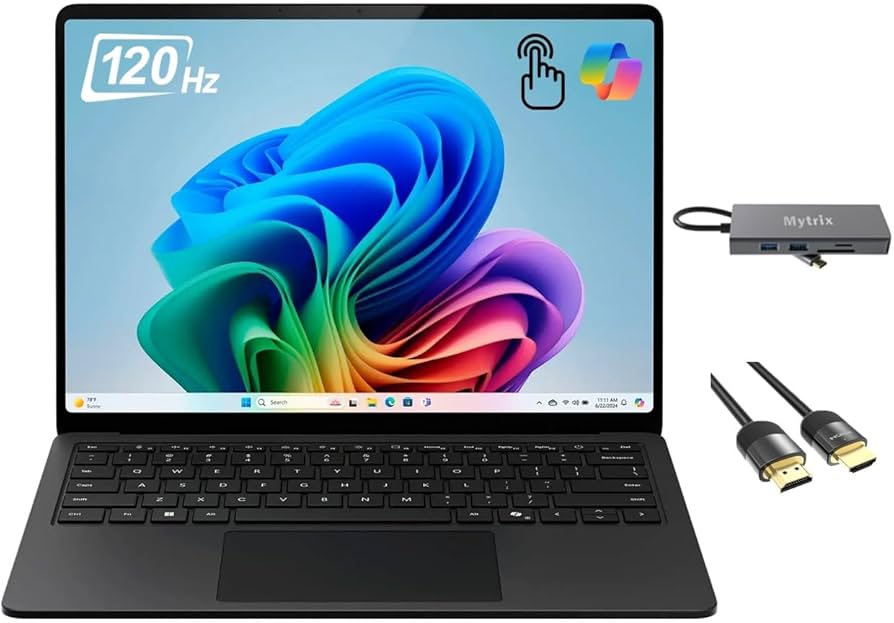
Powered by the Snapdragon X Elite chip, the Surface Laptop 7 delivers elite battery life (up to 20 hours at moderate use) and a crisp PixelSense touchscreen in a sub-3-pound body. It's also the smoothest Windows experience for most students, with excellent speakers and a superb keyboard. The trade-off: some older academic software won't run natively on the Arm processor, and it's pricey for a base model with just 16GB.
Main limitation: Arm architecture may require workarounds for x86-only medical and engineering software.
Skip if: Students in majors where professors assign Windows-only apps that rely on x86 drivers (e.g., some GIS or statistical packages).

With a Ryzen AI 9 processor, 32GB of RAM, and up to an RTX 5070 GPU, the G14 can chew through CAD models, statistical simulations, and even some AAA gaming on the side. It's a compact 14-inch machine that doesn't scream 'gamer', and its OLED display makes your lab reports look amazing. The trade-off: heavy loads will trigger fan noise, and the battery life is far shorter than on a traditional ultrabook.
Main limitation: Throttles heavily when running unplugged on battery, so it isn't a reliable on-the-go powertool.
Skip if: Students who need all-day battery life or who are only taking note-heavy classes with no compute-heavy software.
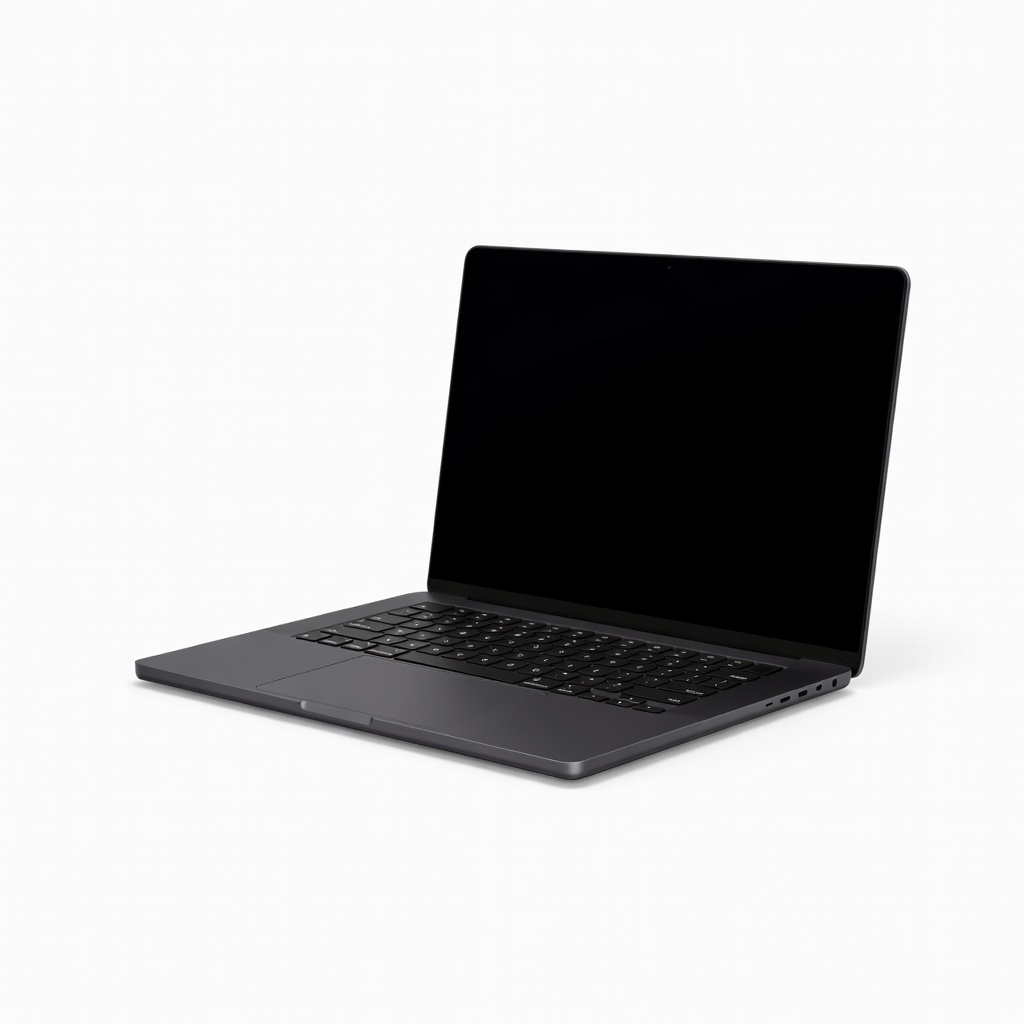
If you're a film student, graphic designer, or data-obsessed researcher, the MacBook Pro 14 with the M4 Pro chip is an all-rounder of a powerhouse. It handles 4K video timelines, large datasets, and complex rendering jobs with more quiet efficiency than almost any Windows laptop its size. The trade-off is its premium price and the fact that you'll need to sacrifice repairability for that chassis.
Main limitation: The 14-inch M4 Pro can get expensive once you configure storage, and it's heavier than the MacBook Air.
Skip if: Students on a limited budget or whose major doesn't justify the processing muscle.
Compare key specs and features of all our recommendations side-by-side
| Product | Recommendation | Rating | Price |
|---|---|---|---|
Apple MacBook Air 13-inch M4 Rank #1 | 🏆 Top Pick | 9.2/10 | $999–$1,299 Check current price → |
Acer Aspire 5 (2025, 14-inch) Rank #2 | 💰 Budget Pick | 7.9/10 | $480–$550 Check current price → |
Asus Zenbook 14 OLED (UX5406) Rank #3 | ⭐ Editor's Choice | 8.4/10 | $749–$899 Check current price → |
Lenovo IdeaPad Flex 5i 2-in-1 (Gen 8) Rank #4 | — | 8.2/10 | $650–$749 Check current price → |
Microsoft Surface Laptop 7 13.8-inch Rank #5 | — | 8.5/10 | $999–$1,299 Check current price → |
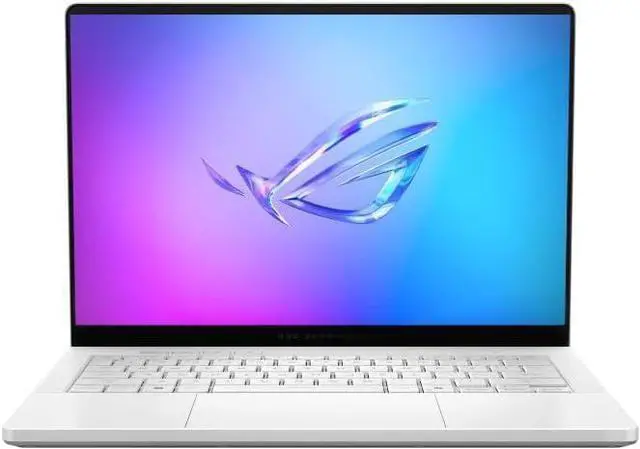 ASUS ROG Zephyrus Gaming Laptop 14" 120Hz OLED 2.8K 500 nits DCI-P3 100% (AMD Ryzen AI 9 HX 370, GeForce RTX 5070 Ti 12GB, 32GB LPDDR5X, 1TB SSD, RGB KB, Copilot, Win11Pro) w/DKZ USB Port Expander Rank #6 | — | 8.3/10 | $1,299–$1,499 Check current price → |
Apple MacBook Pro 14-inch M4 Pro Rank #7 | — | 8.7/10 | $1,699–$2,199 Check current price → |
Common questions buyers have about this category.
8GB is the absolute minimum, but 16GB is the safe bet for students who work with multiple browser tabs, Word, and PDFs simultaneously. If you plan to edit video, run virtual machines, or use heavy data analysis tools, 32GB is worth the extra cost.
Not necessarily. Many students find that typing notes on a traditional clamshell is faster and cheaper. A 2-in-1 becomes useful if you prefer handwriting on screen or need to sketch diagrams in classes like chemistry or engineering, but it adds weight and compromises battery life.
It depends on your major. Most general education courses work on both platforms, but engineering, finance, and some science programs require Windows-only tools like AutoCad or SPSS. If you're already an iPhone user and don't need those apps, a MacBook integrates beautifully with your other devices and holds its resale value.
Aim for at least 8–10 hours to cover three or four class sessions plus study time without carrying a charger. If you have long lab days or often work in cafes and parks, a 12–14 hour laptop like the MacBook Air or Surface Laptop 7 will keep you unplugged.
Only if your coursework genuinely requires a powerful GPU, such as for 3D modeling or video rendering. Gaming laptops are heavier, run louder, and have shorter battery life than ultrabooks. If you're just gaming occasionally, consider a cheaper machine with a mid-range GPU and accept the trade-offs.
Back-to-school season (July to September) offers the strongest discounts and often bundles with accessories like headphones or a mouse. You'll also find reduced prices on previous-generation models right after new chip launches, which typically happen in the spring or fall.
If you're buying a laptop over $800, accidental damage coverage can be a lifesaver for drops and spills in dorms or cafes. Check the manufacturer's standard warranty first — many cover one year of parts and labor, and some credit cards add extra coverage at no cost. But third-party protection plans are often overpriced; read the terms carefully.
Products we evaluated but did not recommend — and why.
