Get the App
Better experience on mobile
Portable powerhouses that handle note-taking, projects, streaming, and light gaming without breaking the bank.
Heading back to college means juggling classes, assignments, group projects, and a social life—all while on a student budget. A reliable laptop is your ultimate sidekick, powering through essays, Zoom lectures, coding homework, and Netflix binges between dorm room naps. But with endless options, how do you pick one that won't die mid-exam or weigh you down on campus walks?
We tested dozens of 2026 models focusing on what students need most: all-day battery life (10+ hours), lightweight designs under 4 lbs, at least 8GB RAM (16GB ideal), sharp displays for reading PDFs, and solid webcams for virtual office hours. Value for money was key—we balanced performance, build quality, and price across budgets from sub-$500 Chromebooks to premium ultrabooks over $1,500.
Our seven picks cover every scenario: budget warriors for freshmen, gaming beasts for CS majors, and upgradeable gems for tinkerers. Whether you're team Apple, Windows, or ChromeOS, there's a top performer here to ace your semester.
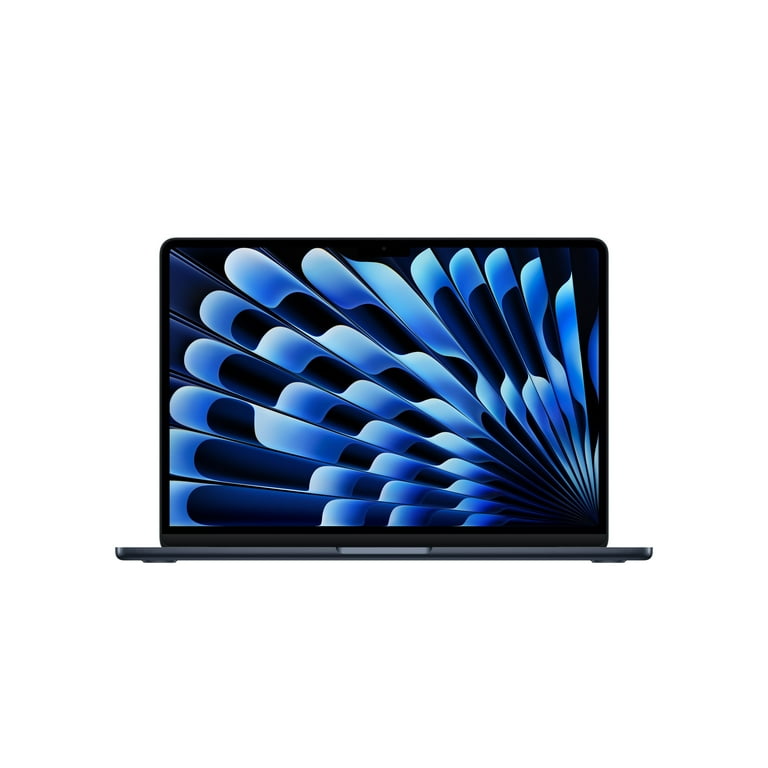
The gold standard for student multitasking. Powered by the efficient M4 chip, it breezes through research papers, video edits, and 20+ browser tabs while delivering 18+ hours of battery life. At just 2.7 lbs with a stunning Retina display, it's perfect for carrying to every lecture hall.
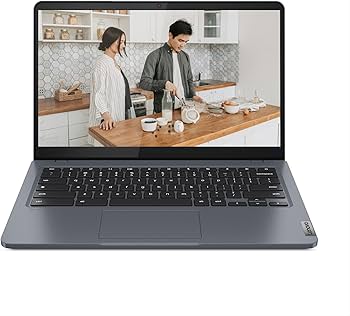
Affordable reliability without skimping on essentials. This Windows laptop offers snappy performance for Google Docs, virtual classes, and light Photoshop at a steal. With 12-hour battery and a comfy keyboard, it's the freshman dorm essential that punches above its weight.
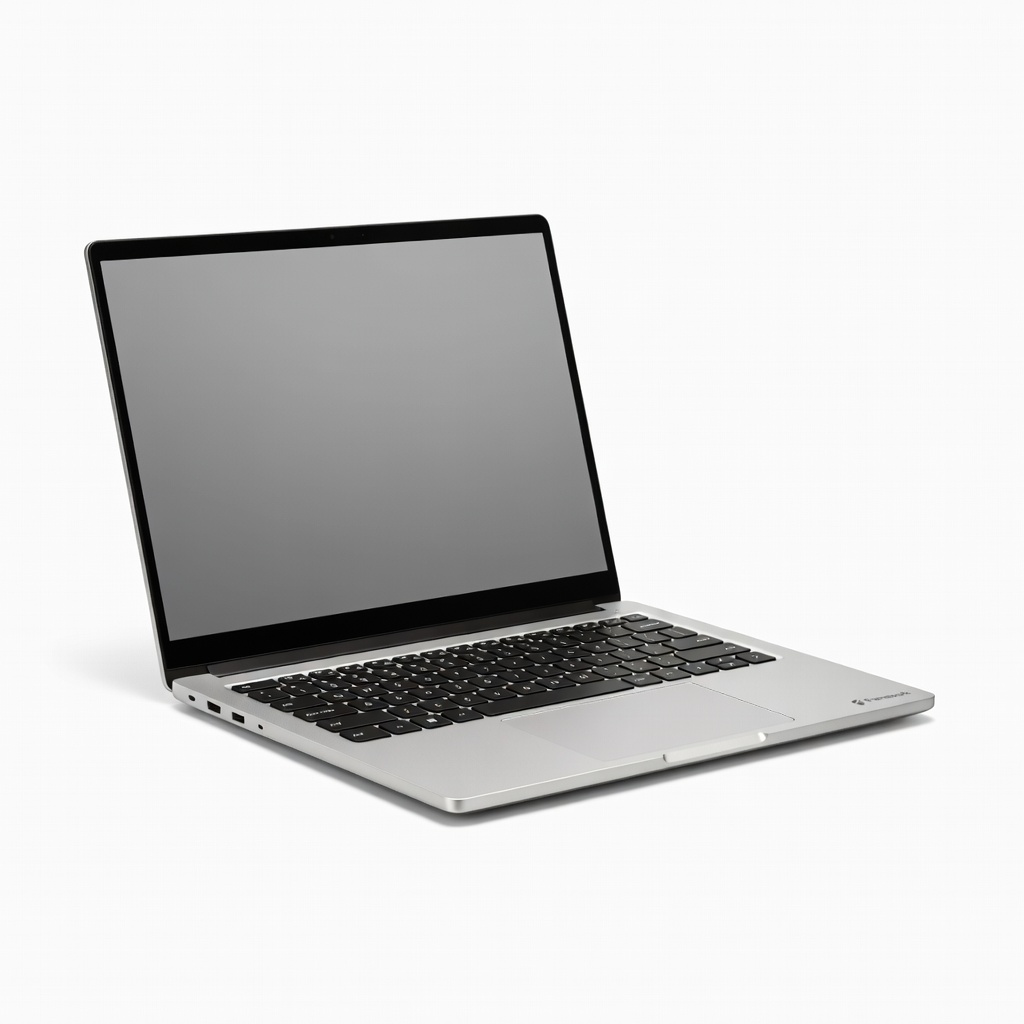
Ultimate upgradeability for tech-savvy students. Swap ports, RAM, or even the screen yourself as your needs evolve—perfect for engineering or CS majors tinkering with hardware. High performance meets sustainability in a 2.8 lb chassis that rivals premium laptops.
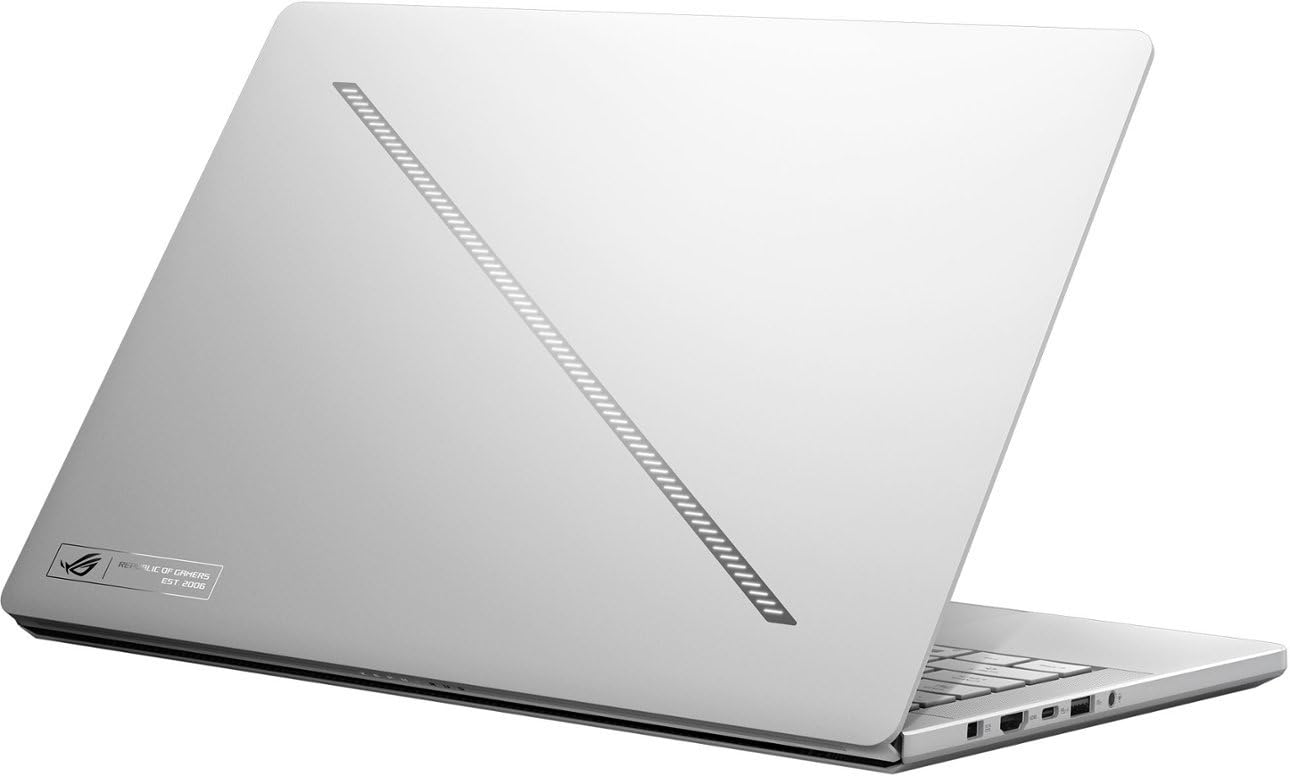
Game hard, study smart between levels. This slim gamer crushes Fortnite and Cyberpunk while handling AutoCAD or data analysis with its RTX 4060 GPU and blazing Ryzen AI CPU. 10-hour battery in productivity mode keeps it viable for all-day classes.
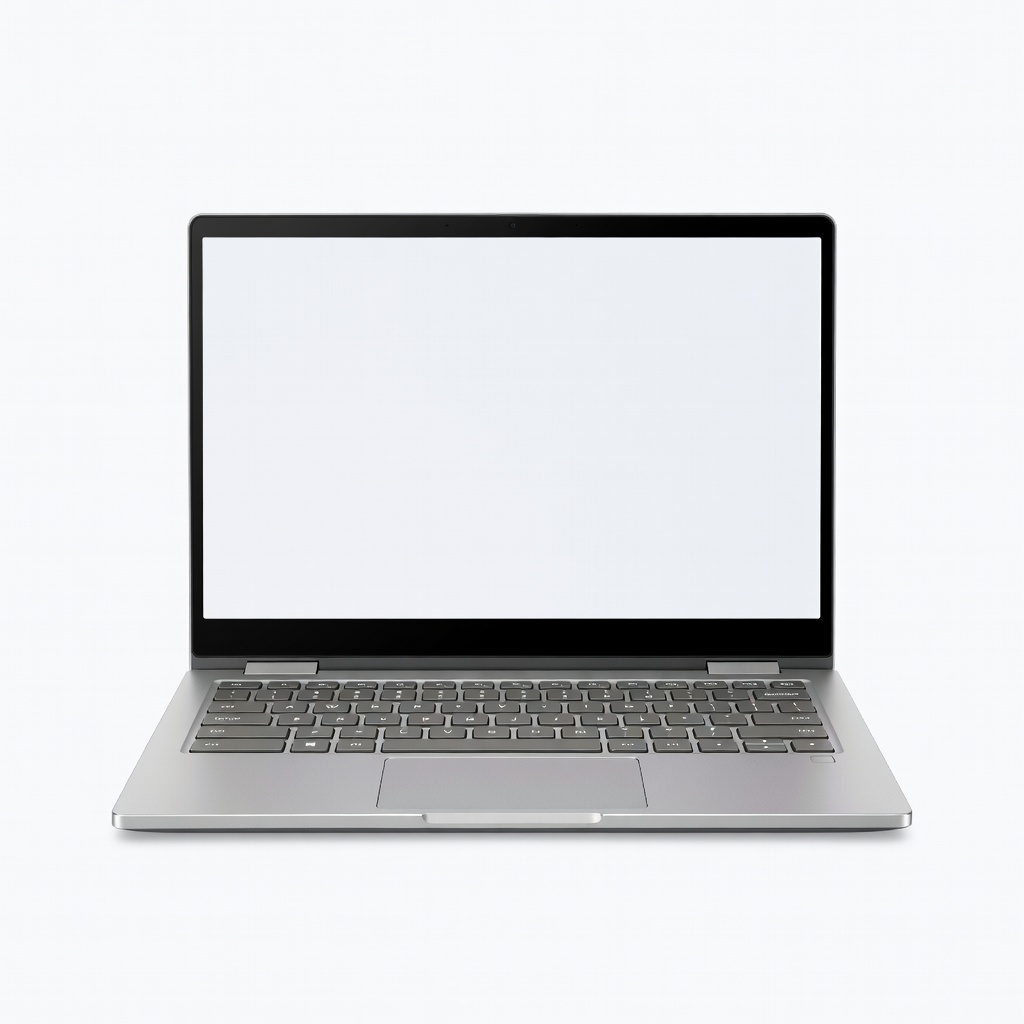
Lightning-fast for Google-centric workflows. Seamlessly integrates with Docs, Meet, and Android apps for cloud-based studying, with AI features boosting productivity. Massive 15-hour battery and spacious keyboard make it a no-brainer for collaborative projects.
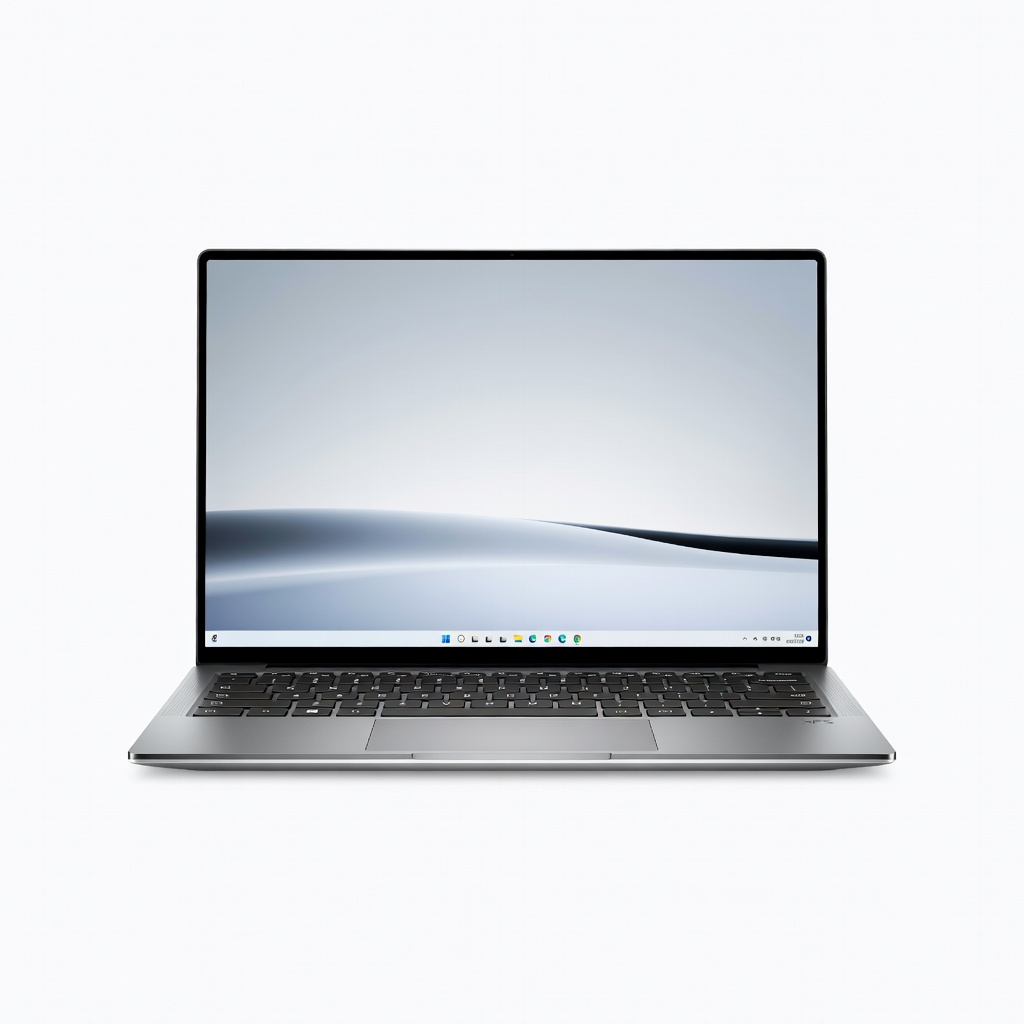
Pocket-sized premium powerhouse. Lunar Lake's efficiency delivers 20+ hour battery in a bezel-less 13-inch InfinityEdge display ideal for coding marathons or reading dense textbooks. Featherlight at 2.2 lbs, it's the ultimate backpack companion.
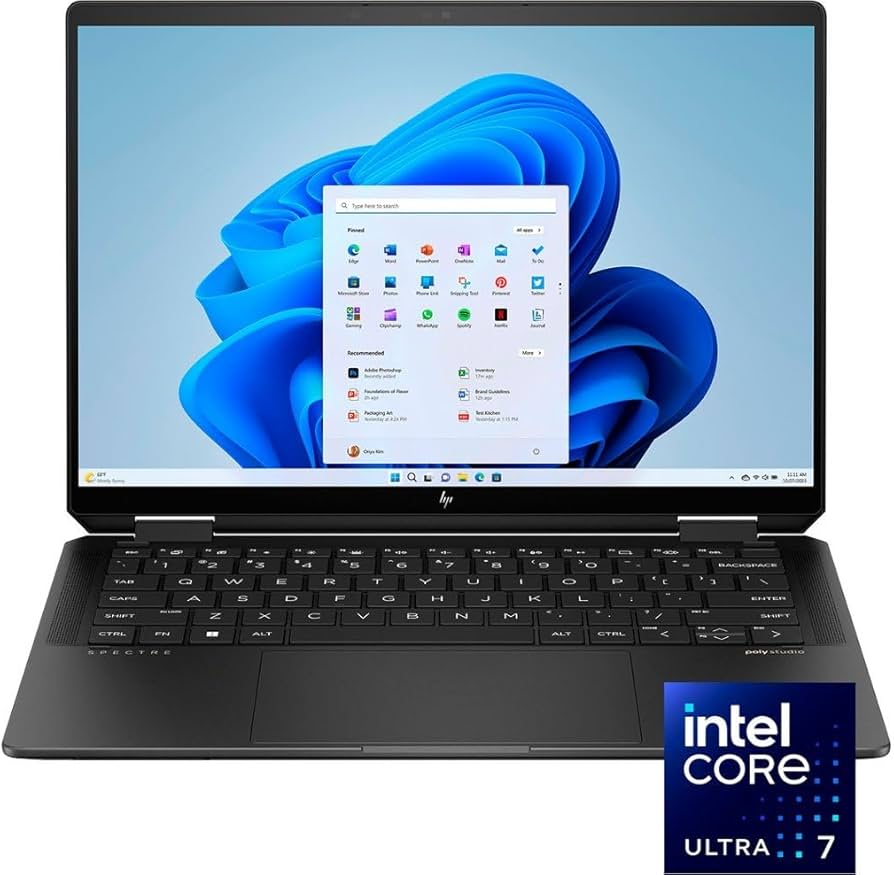
Versatile convertible for digital note-takers. Flip to tablet mode for OneNote sketches or presentations, with a gorgeous OLED touchscreen and stylus support. PenTile keyboard and 360-degree hinge make hybrid learning a breeze.
Compare key specs and features of all our recommendations side-by-side
| Product | Recommendation | Rating | Price |
|---|---|---|---|
Apple MacBook Air 13-inch (M4 chip, 16GB RAM) Rank #1 | 🏆 Top Pick | — | Check price → |
Lenovo IdeaPad Slim 3i 14-inch (Intel Core Ultra 5 125H) Rank #2 | 💰 Budget Pick | — | Check price → |
Framework Laptop 13 (AMD Ryzen AI 9 365, 2026 Edition) Rank #3 | ⭐ Editor's Choice | — | Check price → |
ASUS ROG Zephyrus G14 (2026) AMD Ryzen AI 9 HX 370 RTX 4060 Rank #4 | — | — | Check price → |
Acer Chromebook Plus 515 (2026, Intel Core Ultra 5) Rank #5 | — | — | Check price → |
Dell XPS 13 (Intel Core Ultra 7 258V Lunar Lake, 2026) Rank #6 | — | — | Check price → |
HP Spectre x360 14 (Intel Core Ultra 7 155H, OLED, 2026) Rank #7 | — | — | Check price → |
