Get the App
Better experience on mobile
Seven sub-$500 laptops that balance performance, battery life, and build quality for work, school, and casual use.
A $500 laptop no longer means a sluggish machine with a spinning hard drive. In 2026, you can get a responsive Windows laptop with a solid-state drive and 8GB of RAM. The catch? You'll have to choose between a sharper screen, longer battery life, or a lighter frame. Most budget laptops have fewer than 15 watts of TDP, but that's enough for everyday tasks like word processing, spreadsheets, video calls, and web browsing. The key is knowing which sacrifices matter — and which ones make a machine frustrating to use. This guide breaks down the best options under $500, from a fast 15-inch productivity workhorse to a convertible Chromebook that lasts all day. We've covered a range of sizes, styles, and operating systems so you can find a laptop that matches your specific needs without blowing your budget.
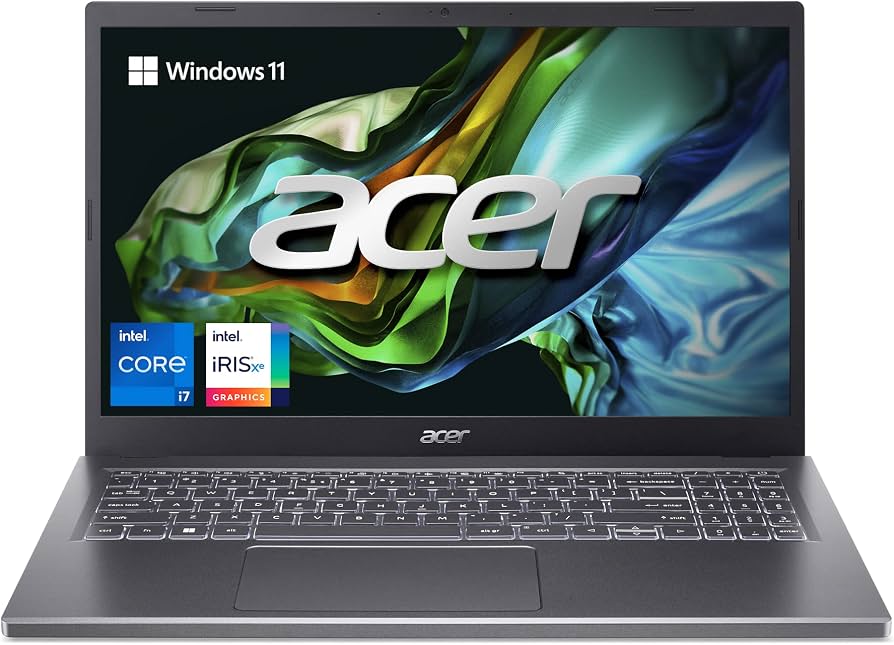
The Acer Aspire 5 strikes the best balance between everyday speed, a comfortable screen, and a reasonable price. With an Intel Core i5 and 256GB NVMe SSD, it handles multitasking and boot times with ease. The trade-off is a generic plastic chassis and speakers that lack bass.
Main limitation: Battery life falls short of all-day durability (around 6–7 hours of mixed use).
Skip if: Buyers who need a featherlight ultraportable or more than 8GB of RAM for video editing.
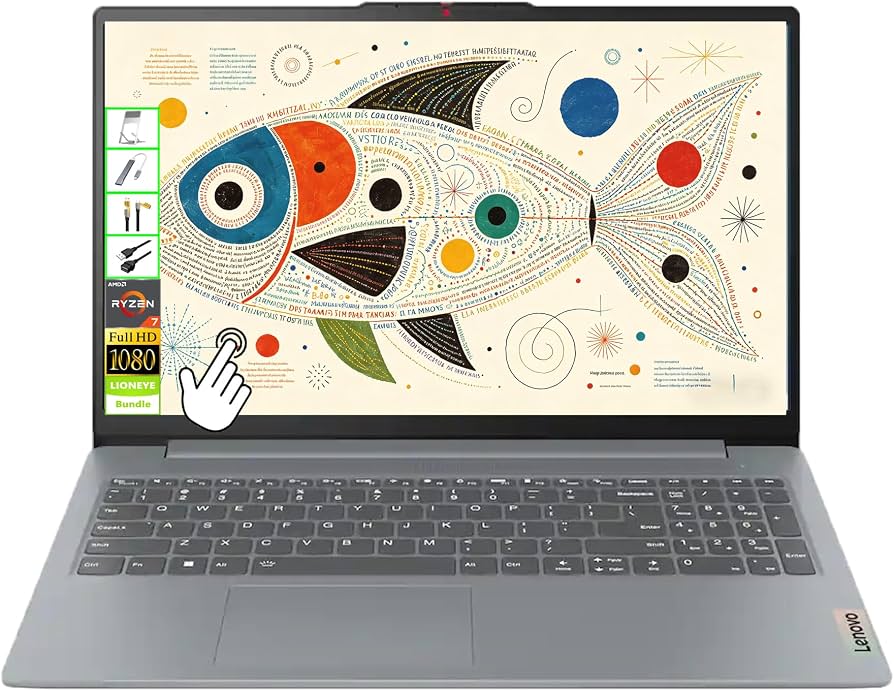
For well under $400, the IdeaPad 3 offers surprising performance with a Ryzen 5 processor and 8GB of RAM. It’s the cheapest way to get a true multipurpose laptop, though the display is noticeably dim and off-axis viewing is poor.
Main limitation: The screen’s color accuracy and brightness (around 250 nits) are below average.
Skip if: Creative professionals or media enthusiasts who need accurate color and wide viewing angles.
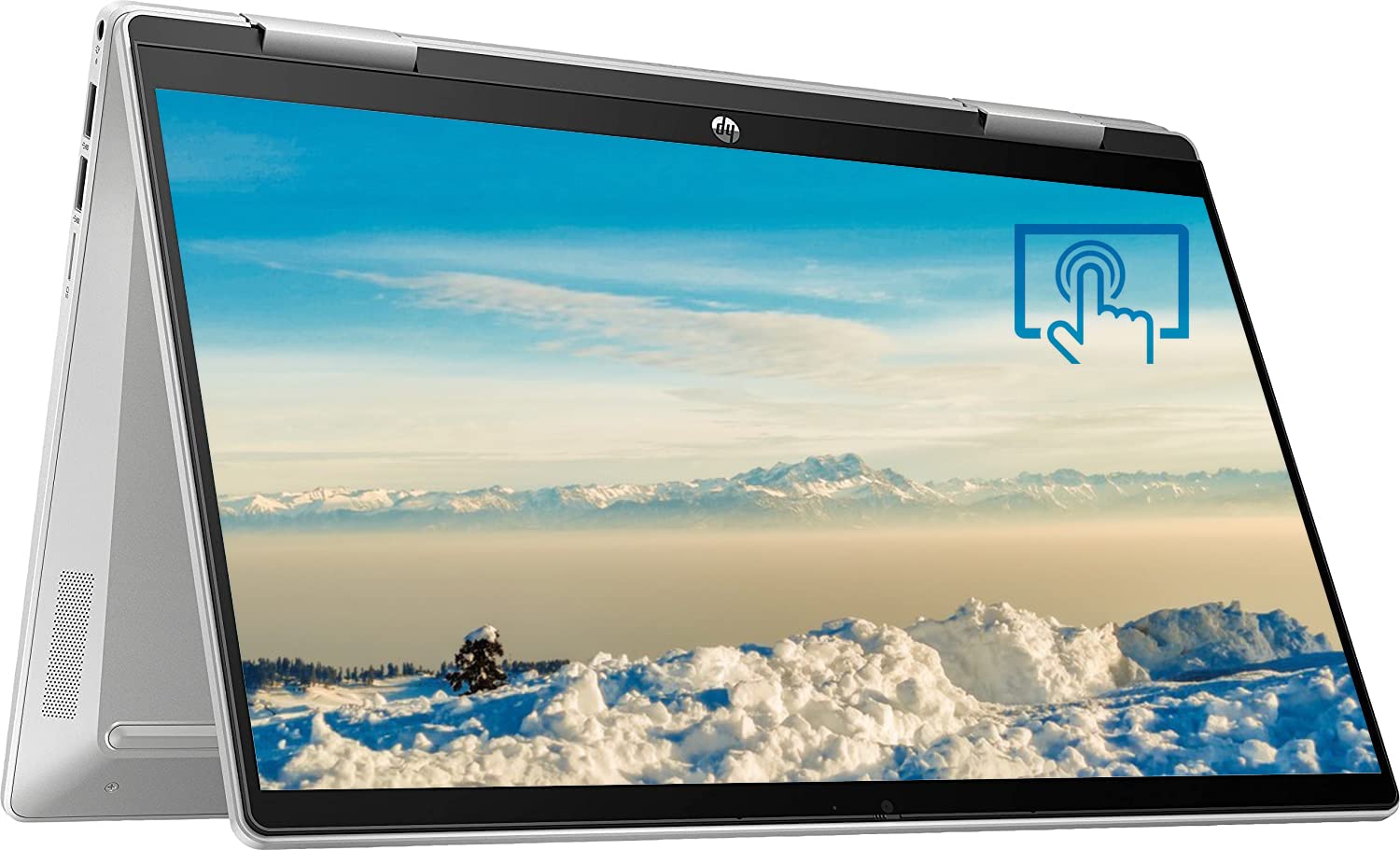
This convertible from HP lets you go from laptop to tablet to tent mode, making it perfect for note-taking, drawing, or binge-watching. It’s priced at the very edge of our budget but the 360-degree hinge and touchscreen add real versatility. The main catch is limited storage and a keyboard that flexes slightly when typing.
Main limitation: The 128GB eMMC storage fills up quickly and is slower than an SSD.
Skip if: Users who store large media libraries or install multiple heavy softwares.
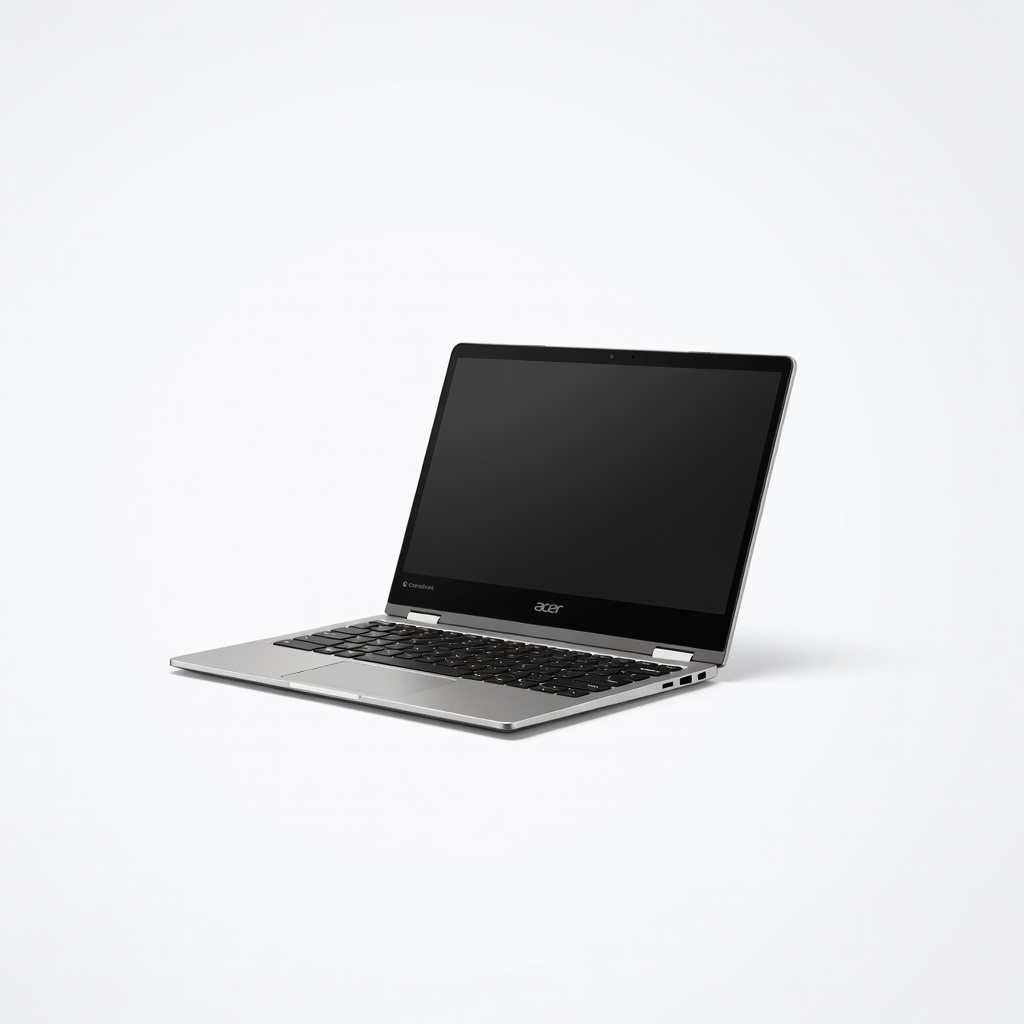
With a sleek aluminum build and a Ryzen 3 chip, this Chromebook keeps going for a solid 10-plus hours on a charge. Chrome OS is fast and secure for browsing, Docs, and streaming. Just remember it's limited to Android and web apps — Windows and Mac software won't run.
Main limitation: The 128GB eMMC storage is slower than a solid-state drive, and the touchscreen is glossy and reflects light.
Skip if: Users who depend on specific Windows-only or macOS applications, or need offline productivity beyond Google's suite.
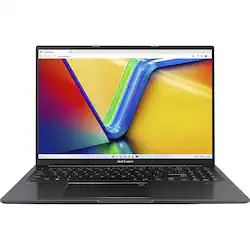
A massive 16-inch WUXGA display and a full-size numpad make this Vivobook a productivity beast for spreadsheets, data entry, and side-by-side windows. The AMD Ryzen 5 chip keeps things snappy. However, the oversized screen adds weight and the plastic lid feels thin.
Main limitation: The chassis feels less premium and the extra screen width makes the laptop bulky for a 15-inch class.
Skip if: People who carry their laptop daily and want a lightweight compact frame.
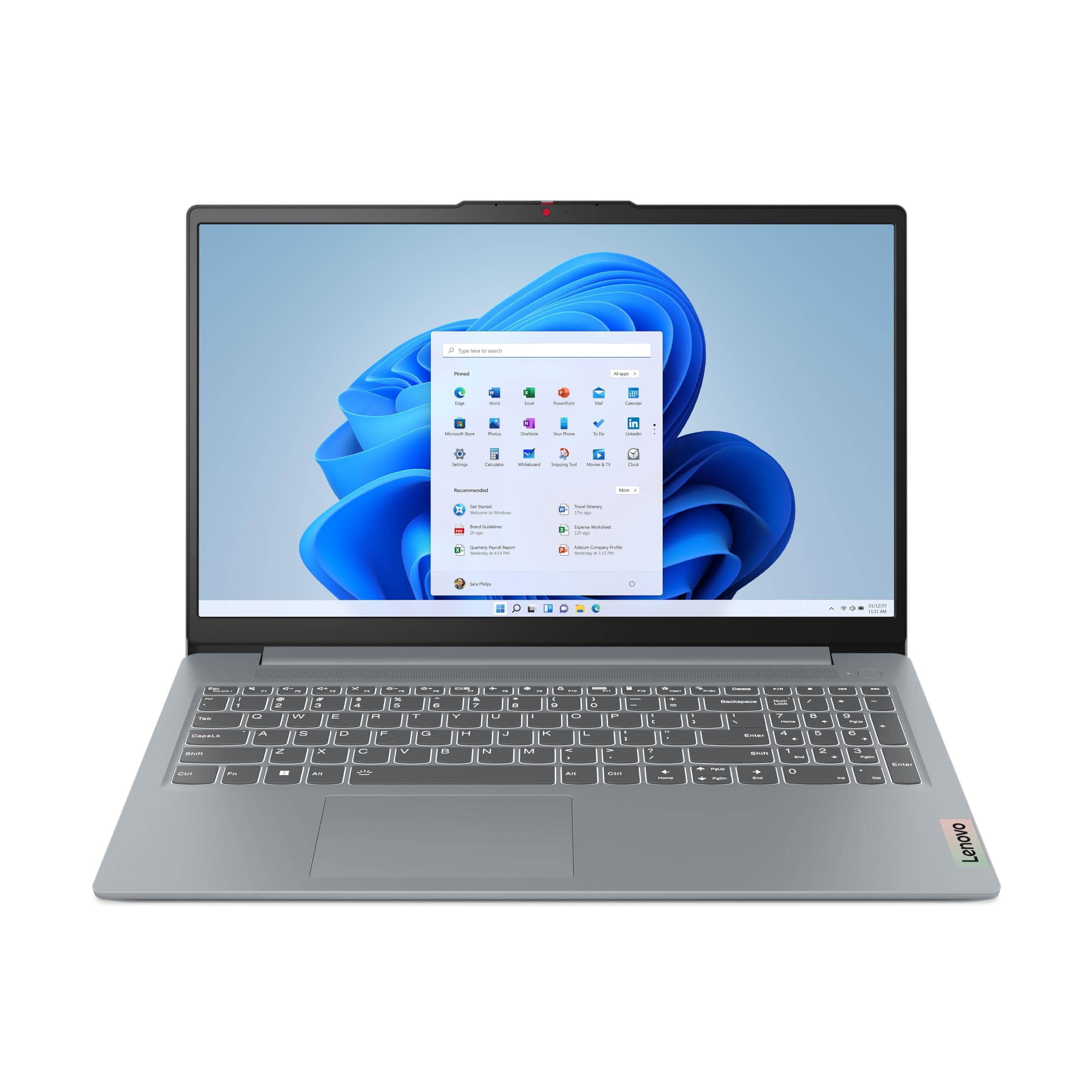
Under 3.3 pounds, the IdeaPad Slim 3 is the lightest 15-inch laptop you'll find in this price range. It still packs an Intel Core i3, 8GB RAM, and a 256GB SSD, all in a slim profile that slips into a backpack without strain. The trade-off is a dim, muted screen and only one USB-C port.
Main limitation: Port selection is sparse (USB-C, USB-A 3.0, USB-A 2.0, HDMI), and the speakers produce weak, tinny audio.
Skip if: Users who need USB-C charging with multiple peripherals, or who prioritize screen quality.
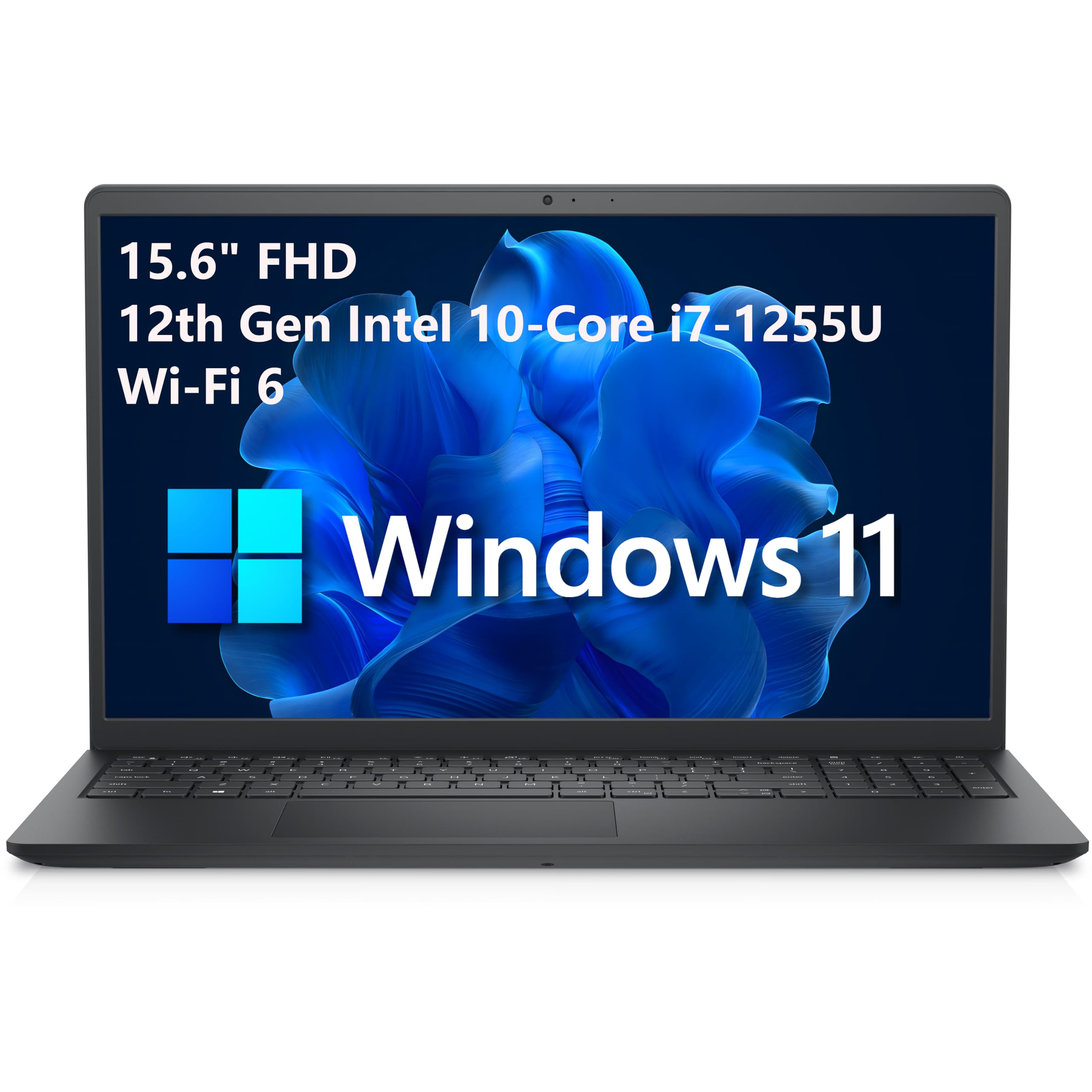
One of the few budget laptops with a panel that pops off easily, the Inspiron 15 lets you upgrade RAM and storage later — a plus if you want to extend its life. It runs on an Intel Core i5 and comes with a spacious 256GB SSD. Downside: the standard TN display is poor by modern standards.
Main limitation: The screen has poor viewing angles and only 60% sRGB coverage, making it unpleasant for photo work.
Skip if: Anyone who wants a visually stunning display out of the box or prefers a slim design.
Compare key specs and features of all our recommendations side-by-side
| Product | Recommendation | Rating | Price |
|---|---|---|---|
Acer Aspire 5 A515-58M (2026) Rank #1 | 🏆 Top Pick | 8.8/10 | $450–$480 Check current price → |
Lenovo IdeaPad 3 15.6" (2026) Rank #2 | 💰 Budget Pick | 8.0/10 | $350–$400 Check current price → |
HP Pavilion x360 14 (2026) Rank #3 | ⭐ Editor's Choice | 7.9/10 | $480–$510 Check current price → |
Acer Chromebook Spin 514 CP514-3H (2026) Rank #4 | — | 7.8/10 | $380–$430 Check current price → |
ASUS Vivobook 16 (M1605YA, 2026) Rank #5 | — | 7.7/10 | $450–$500 Check current price → |
Lenovo IdeaPad Slim 3 15.6" (2026) Rank #6 | — | 7.5/10 | $410–$450 Check current price → |
Dell Inspiron 15 3520 (2026) Rank #7 | — | 7.4/10 | $470–$510 Check current price → |
Common questions buyers have about this category.
Yes, 8GB is the minimum you should consider, and it's sufficient for typical workloads like web browsing, Office, Netflix, and light photo editing. If you often have 20+ browser tabs or multitask heavily, look for a model with a 2nd RAM slot or a user-replaceable stick so you can add another 8GB later. Avoid 4GB laptops, even if they're cheaper, unless you only plan to use them for very basic tasks.
If your life lives in a browser (Gmail, Google Docs, Netflix, etc.) and you want long battery life and low maintenance, a Chromebook is often a smarter value. If you need to install Windows software like Microsoft Office (desktop version), Adobe's basic photo apps, or any legacy programs, choose a Windows laptop. For most budget shoppers, Windows is the safer choice because it offers broader software compatibility, but be prepared for more updates and generally shorter battery life.
You can play older and indie games (like Stardew Valley, League of Legends, or Counter-Strike 2 at 720p on low settings) if the laptop has at least a modern Intel Iris Xe or AMD Radeon integrated GPU. But don't expect AAA titles to run smoothly — those require a dedicated graphics card which usually starts at $700. For cloud gaming (Xbox Game Pass, GeForce Now), any $500 laptop with a decent internet connection will work well.
SSDs (especially NVMe) are much faster, typically 3–5 times faster than eMMC drives. That translates to faster boot times, snappier app launches, and better overall responsiveness. eMMC is a slower flash storage tech often used in cheap Chromebooks and entry-level Windows laptops; it's fine for light use but can feel sluggish if you multitask. If a laptop only has eMMC, at least ensure it's 128GB and see if there's an empty M.2 slot for a later SSD upgrade.
Yes, a certified refurbished business laptop (like a Lenovo ThinkPad or Dell Latitude) can give you better build quality and performance for under $500, often with an extended warranty from the seller. Just make sure it comes from a reputable source (Dell Outlet, Lenovo Outlet, or a high-rated Amazon Renewed seller) and includes a 30-day return policy. The trade-off is you might get slightly older hardware and less battery life than a new budget laptop — but often at a lower price.
With a modern 12th- or 13th-gen Core i3/Ryzen 5, 8GB RAM, and an SSD, a well-maintained laptop can last 4 to 5 years for basic tasks. The first thing to wear down is usually the battery (after 2–3 years), and the second is the overall performance of open apps as software gets more demanding. To extend its lifespan, choose a model with upgradeable RAM or storage, keep the cooling vents unobstructed, and disable unnecessary startup programs.
Yes, for most people, these low-end processors are too slow for Windows 11 in 2026. They often pair with only 4GB RAM and eMMC, which compounds the sluggishness. You'll notice stuttering, lag, and delayed responses even when browsing. If your budget is tight, look for an older generation Core i3 or a Ryzen 3 instead — they offer dramatically better performance for just a slight price bump.
Products we evaluated but did not recommend — and why.
