Get the App
Better experience on mobile
From budget-friendly 1080p editors to powerhouse 8K workstations, these seven laptops are ranked for real-world video work.
Video editing is one of the few workloads that can bring even a top-tier laptop to its knees — but not because of raw power. The real bottlenecks are sustained thermal performance, memory bandwidth, and an accurate display you can trust. A processor that peaks for 30 seconds then throttles will churn through a 4K export far slower than a lower-powered chip that keeps its cool.
In this guide, we've sorted through dozens of current laptops based on published expert reviews, manufacturer specs, and patterns from verified buyer feedback. We focused on the factors that matter for editors: CPU and GPU sustained performance, RAM capacity and speed, storage speed, color-accurate displays, and portability. We also considered real-world battery life and price at typical retail.
You'll find options from around $850 to $4,500, covering everything from a student cutting 1080p vlogs to a colorist finishing HDR documentaries. Each pick is assigned a unique angle, and we haven't shied away from naming trade-offs — because there's no perfect editor for everyone. If a machine's biggest weakness would ruin your workflow, we tell you exactly that.
Read on for the seven best video-editing laptops in 2026, plus a comparison of also-rans, a no-nonsense buying guide, and answers to the questions we hear most often.
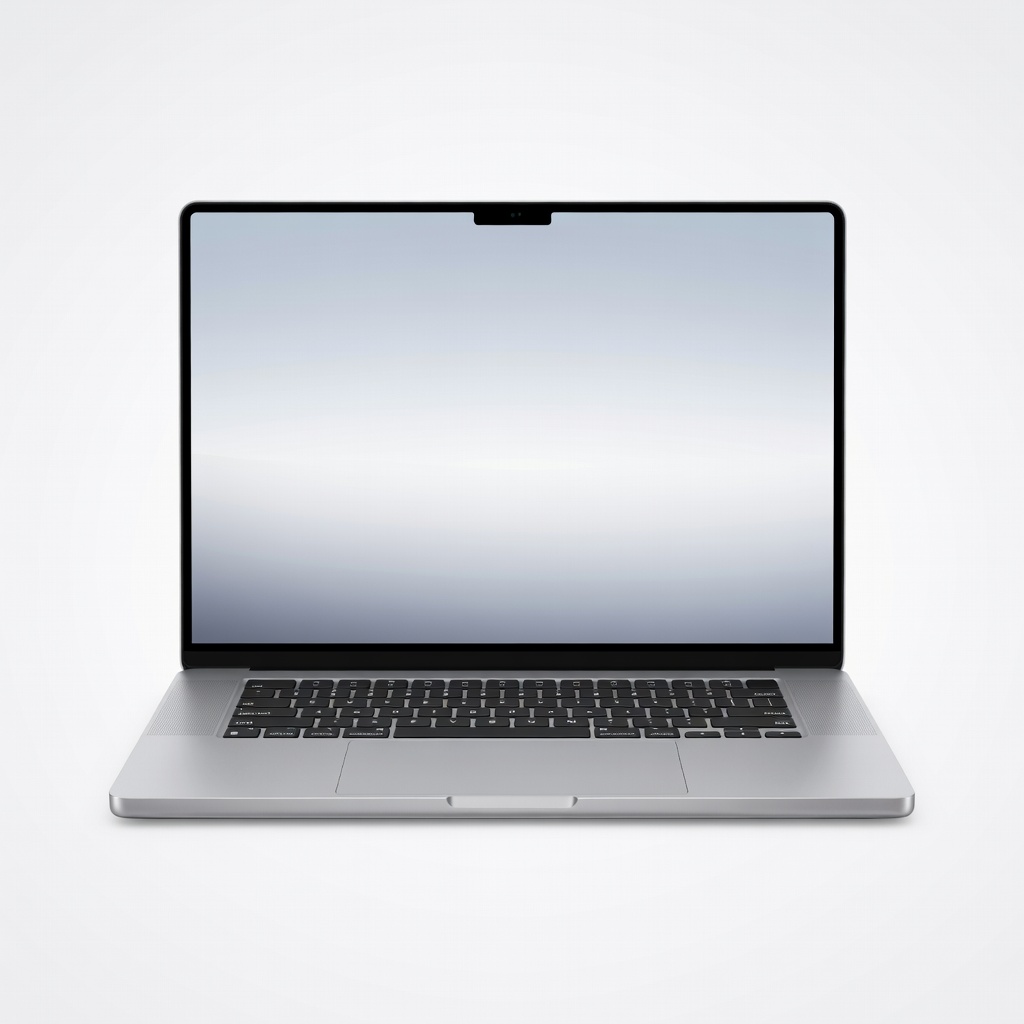
The M4 Max MacBook Pro sets the standard for laptop video editing, with blazing CPU/GPU performance, an 1000-nit XDR display, and hardware ProRes acceleration that makes 4K and 8K timelines feel effortless. Its battery life is extraordinary for a machine this fast, and the build quality is second to none. The trade-off is price: this is a serious investment, and the 16-inch chassis is heavy enough that you'll notice it in a backpack all day.
Main limitation: It's one of the most expensive laptops on the market, and the 16-inch form factor is heavy for frequent travel.
Skip if: You should skip the MacBook Pro 16 if you're on a tight budget or you absolutely need Windows-only software and CUDA acceleration.
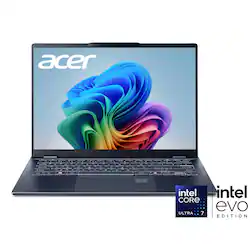
The Acer Swift Go 14 OLED delivers a gorgeous OLED touchscreen and far better than expected video editing performance thanks to its Intel Core Ultra 7 processor and Arc integrated graphics. For under $1,000, you can smoothly cut 1080p and modest 4K timelines with proxies. The trade-off is the integrated GPU, which will struggle with layered 4K effects and long render times.
Main limitation: Integrated graphics and a fanless design limit it to lighter 4K work and cause noticeable slowdown on complex timelines.
Skip if: You should skip the Swift Go 14 if you regularly edit 4K multicam projects or rely on CUDA-accelerated effects in Premiere Pro.

The ASUS ProArt P16 is a creator-focused workstation with a 4K OLED display that is individually calibrated to Delta E < 1, covering 100% of the P3 and Adobe RGB color spaces. It pairs an AMD Ryzen AI 9 HX 370 CPU with an RTX 4070 GPU, giving you serious power for rendering and color grading. The trade-off is that it's expensive and the OLED panel can show faint reflections in bright environments.
Main limitation: The glossy OLED panel can cause glare issues if you're editing in a brightly lit room, and the laptop gets warm near the top row of keys.
Skip if: You should skip the ProArt P16 if you're working primarily in Final Cut Pro, since the Windows software stack and NVIDIA GPU won't unlock Apple's ProRes hardware acceleration.
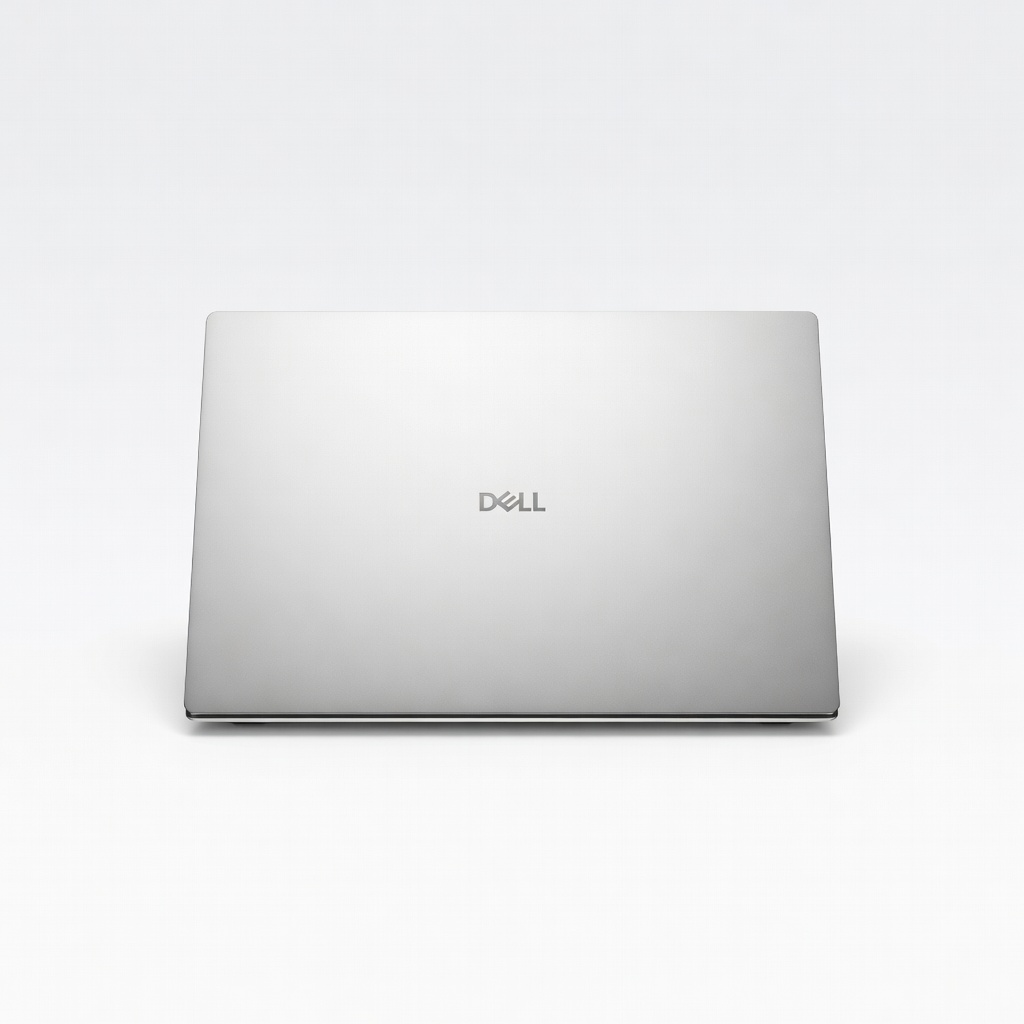
The Dell XPS 16 is the closest Windows laptop gets to a MacBook Pro: premium CNC aluminum, a stunning OLED infinity display, and a clean but powerful design. Its Intel Core Ultra 9 and RTX 4060/4070 combo handle 4K timelines with ease, and the touchpad haptics feel great. The trade-off is that the base model comes with only 16GB RAM, and the upsell to 32GB is expensive.
Main limitation: RAM and storage are soldered, so you can't upgrade later, and the glass-covered touchpad adds fingerprints annoyingly fast.
Skip if: You should skip the XPS 16 if you need expandable storage, a full-size SD card slot, or a laptop that can handle sustained 8K renders without thermal throttling.
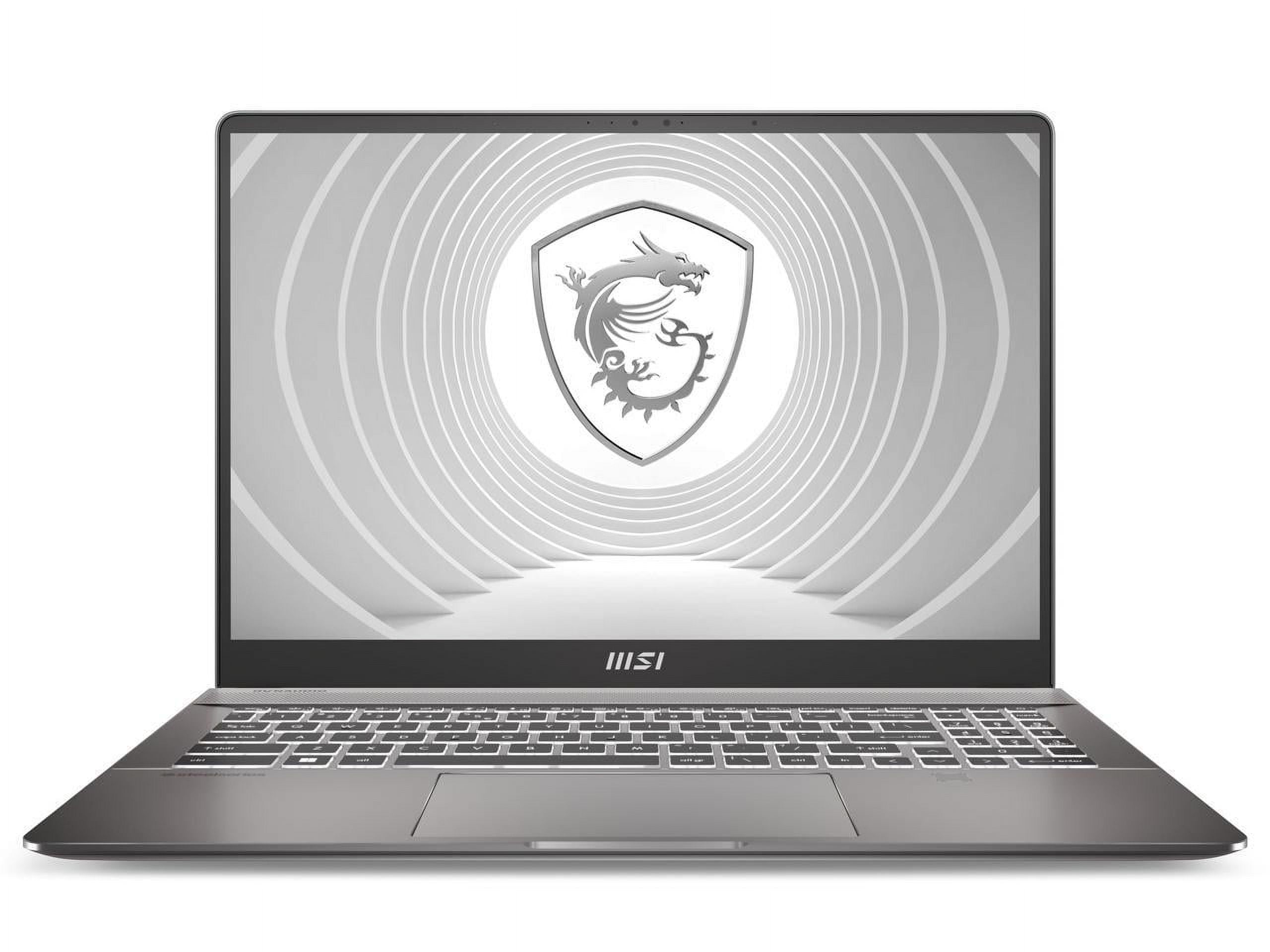
The MSI Creator Z16 HX packs a desktop-class Intel Core i9-14900HX and RTX 4080 GPU into a slim chassis, making it a monster for processing high-bitrate 4K and RAW footage. Its 16-inch QHD+ display offers 100% DCI-P3, and you get a full SD card reader and Thunderbolt 4 ports for fast media transfer. The trade-off is that the fans get loud under load, and battery life is short when you're pushing the GPU.
Main limitation: Fan noise is noticeable during heavy renders, and the H-series CPU drains the battery quickly when editing unplugged.
Skip if: You should skip the Creator Z16 HX if you edit mostly in Final Cut Pro or need a laptop with longer unplugged battery life for on-location shoots.
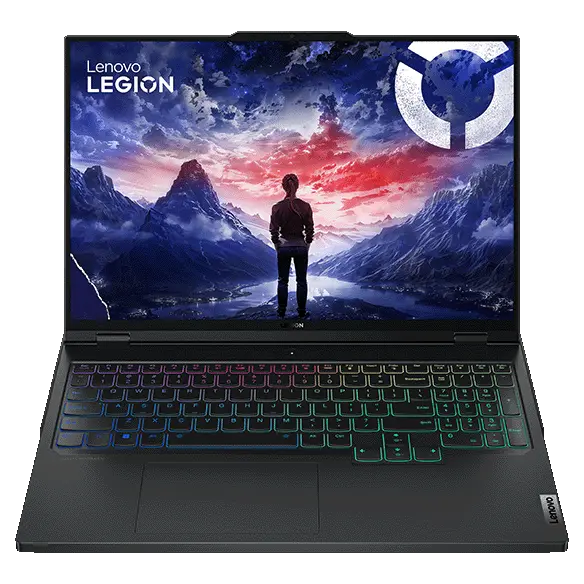
The Lenovo Legion Pro 7i brings serious rendering muscle—up to an Intel Core i9-14900HX and RTX 4090 Laptop GPU—for less than most dedicated creator workstations. The 16-inch QHD+ 240Hz display is fast and bright, though not as color-accurate as OLED alternatives. Its robust cooling system sustains high loads for long exports, making it a great pick for video editors who also game or use GPU-accelerated renders.
Main limitation: The display's color gamut is 'just' 100% sRGB, not P3, and it's not certified for color-critical work; the laptop is also bulky and weighs almost 6 pounds.
Skip if: You should skip the Legion Pro 7i if you're a colorist who needs reference-grade panel out of the box, or if you want a quiet, subtle-looking laptop.
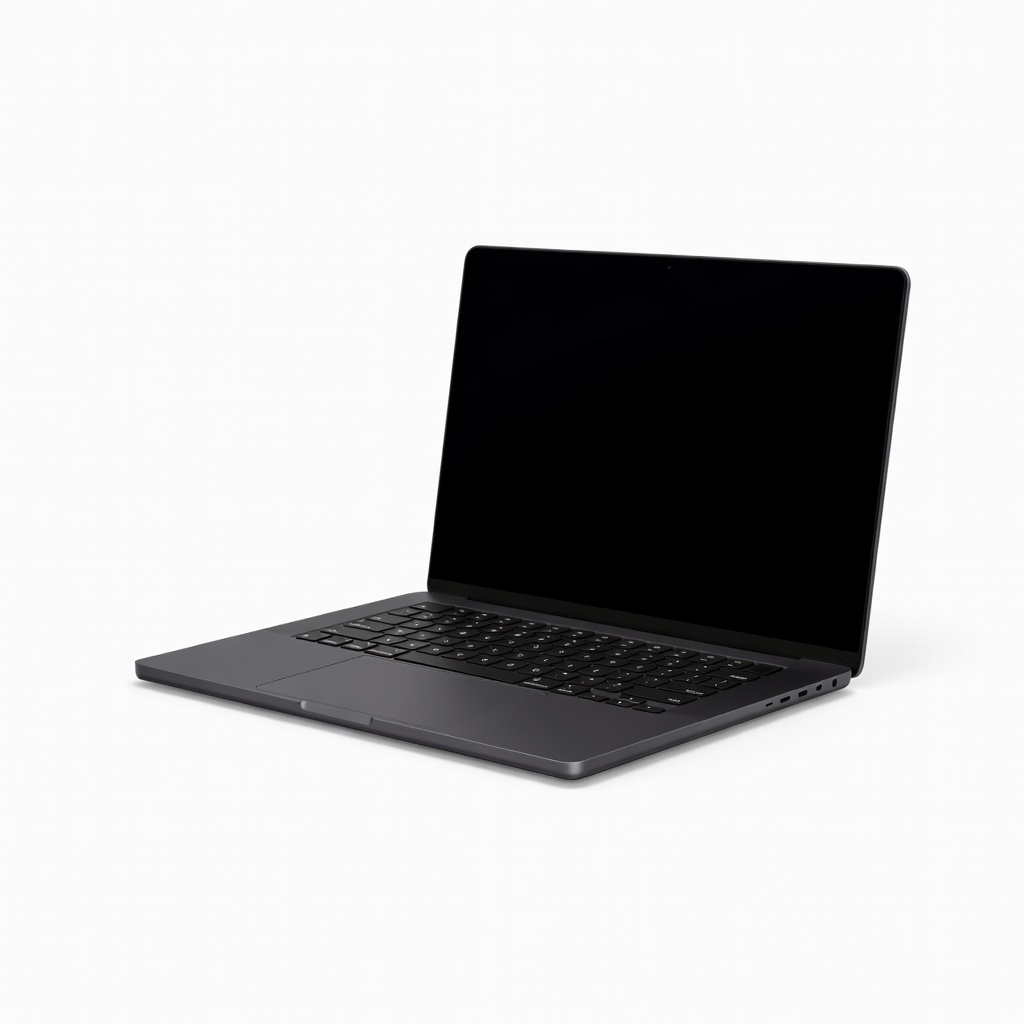
The MacBook Pro 14 with M4 Pro delivers nearly all the performance of its 16-inch sibling in a smaller, more portable package. It's fast enough for 4K multi-stream editing in Final Cut Pro or Premiere Pro, and its mini-LED display hits 1,600 nits for HDR. The trade-off is shorter battery life than the 16-inch under heavy load, and you'll eventually wish for a bigger screen if you're tied to a desk.
Main limitation: The 14-inch chassis can get warm on your lap during prolonged renders, and the battery drains faster than the 16-inch model.
Skip if: You should skip the MacBook Pro 14 if you split your time between a desk and on-set work—the 16-inch's extra screen real estate and battery life may be worth the weight.
Compare key specs and features of all our recommendations side-by-side
| Product | Recommendation | Rating | Price |
|---|---|---|---|
Apple MacBook Pro 16-inch M4 Max Rank #1 | 🏆 Top Pick | 9.3/10 | $3,499–$4,599 Check current price → |
Acer Swift Go 14 OLED (SF14-51) Rank #2 | 💰 Budget Pick | 8.0/10 | $850–$1,100 Check current price → |
ASUS ProArt P16 (H7606) Rank #3 | ⭐ Editor's Choice | 8.7/10 | $1,999–$2,499 Check current price → |
Dell XPS 16 (9640) Rank #4 | — | 8.4/10 | $2,299–$3,199 Check current price → |
MSI Creator Z16 HX (B14VOG) Rank #5 | — | 8.5/10 | $2,899–$3,699 Check current price → |
Lenovo Legion Pro 7i 16 (Gen 9, 16IRX9) Rank #6 | — | 8.3/10 | $2,199–$2,999 Check current price → |
Apple MacBook Pro 14-inch M4 Pro Rank #7 | — | 8.8/10 | $1,999–$2,699 Check current price → |
Common questions buyers have about this category.
Yes, for most NLEs except Final Cut Pro, which leverages Apple Silicon's unified memory and hardware encoders. A discrete GPU with at least 6GB VRAM accelerates timeline playback, effects, and render times, especially in Premiere Pro and DaVinci Resolve.
RAM comes first when you're scrubbing timelines and running multiple apps, but a fast CPU determines export speeds. Aim for 16GB minimum and 32GB for 4K; choose at least a high-performance H-series laptop CPU or Apple M-series with a strong multicore score.
Yes, if it has a modern processor with good integrated graphics and you use proxies or optimized media. Budget laptops with dedicated GPUs like an RTX 4050 can handle less complex 4K timelines, but expect slower exports and the need to close other applications.
It depends on your software: Final Cut Pro runs significantly faster on Apple Silicon's hardware encoders, while Premiere Pro and DaVinci Resolve are well optimized on both but often favor NVIDIA CUDA acceleration on Windows. Choose based on your editing platform and workflow.
Not necessarily—for pixel-level scrutiny, feel free. Many editors prefer a 1080p or 1440p display at 100% scale. But color space matters more than resolution; look for 100% sRGB and at least 90% DCI-P3 coverage if you're outputting for web or HDR.
At minimum 1TB, because a 4K project with proxies and media can consume 100GB per hour. Choose a laptop with two NVMe slots or use external storage for large libraries, but a fast internal SSD is critical for smooth playback.
Yes, gaming laptops often provide high-performance CPUs and GPUs for a lower price than creator laptops. The trade-offs are typically a higher-wattage display tuned for gaming rather than color, louder fans, and heavier AC adapters—all manageable if you're on a budget.
Products we evaluated but did not recommend — and why.
