Get the App
Better experience on mobile
From featherlight ultrabooks to budget-ready workhorses — laptops that make carry-on travel easier.
The best travel laptop is the one you don't notice until you need it. That means a light chassis, all-day battery life, and a durable build that survives airports, coffee shops, and cramped airplane seats. Perfection doesn't exist — every design makes a trade-off, so the key is knowing which compromise you can live with.
In 2026, the landscape is more varied than ever. Apple's M4 MacBook Air continues to redefine mainstream ultraportables, while Windows laptops like the ThinkPad X1 Carbon and Asus Zenbook 14 deliver serious power efficiency. Budget options like the Acer Swift Go prove you don't need to spend a fortune to get a travel-ready machine. And if you crave flexibility, 2-in-1s like the Surface Pro 11 offer a tablet-laptop hybrid that adjusts to your day.
We evaluated dozens of candidates based on published expert reviews, manufacturer specs, and aggregated buyer feedback. Our focus: sub-3.5-pound weight, at least 10 hours of real-world battery life, and a keyboard that stays comfortable for marathon typing sessions. We also looked at port selection, webcam quality, and durability for life on the road.
Whether you're a frequent flyer, a digital nomad, or a student bouncing between classes and cafés, this roundup has a pick for you. The options below range from around $600 to over $2,000, each chosen for a specific travel scenario. Read on to find your perfect carry-on companion.
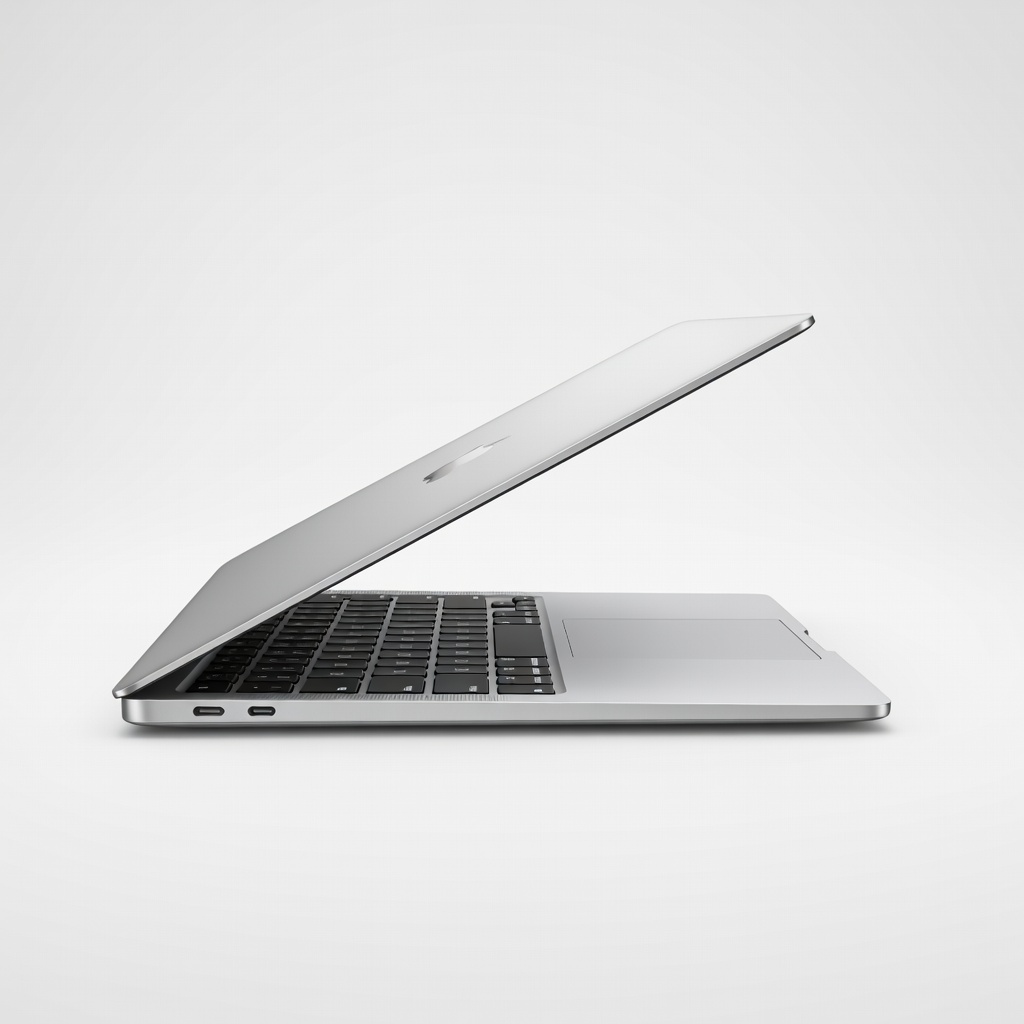
The MacBook Air M4 is the best travel laptop for most people: it weighs just 2.7 pounds, runs for up to 18 hours on a charge, and offers lightning-fast performance for everyday tasks. The build quality and trackpad are unmatched at this size, but you'll pay a premium for the Apple ecosystem.
Main limitation: The 60Hz screen and limited port selection (only two USB-C ports) may disappoint power users.
Skip if: Stick with a Windows laptop if you rely on specialized Windows-only software or prefer more connection options.
The Acer Swift Go 14 delivers 12 hours of battery life, a bright 14-inch OLED screen, and a comfy keyboard for around $700. It's thin and light enough for daily commutes, though the plastic chassis feels less premium than pricier options.
Main limitation: The 720p webcam and mediocre speakers are below average for this price bracket.
Skip if: Skip this if you need a premium metal chassis or plan to play games — the integrated graphics are only good for light viewing.
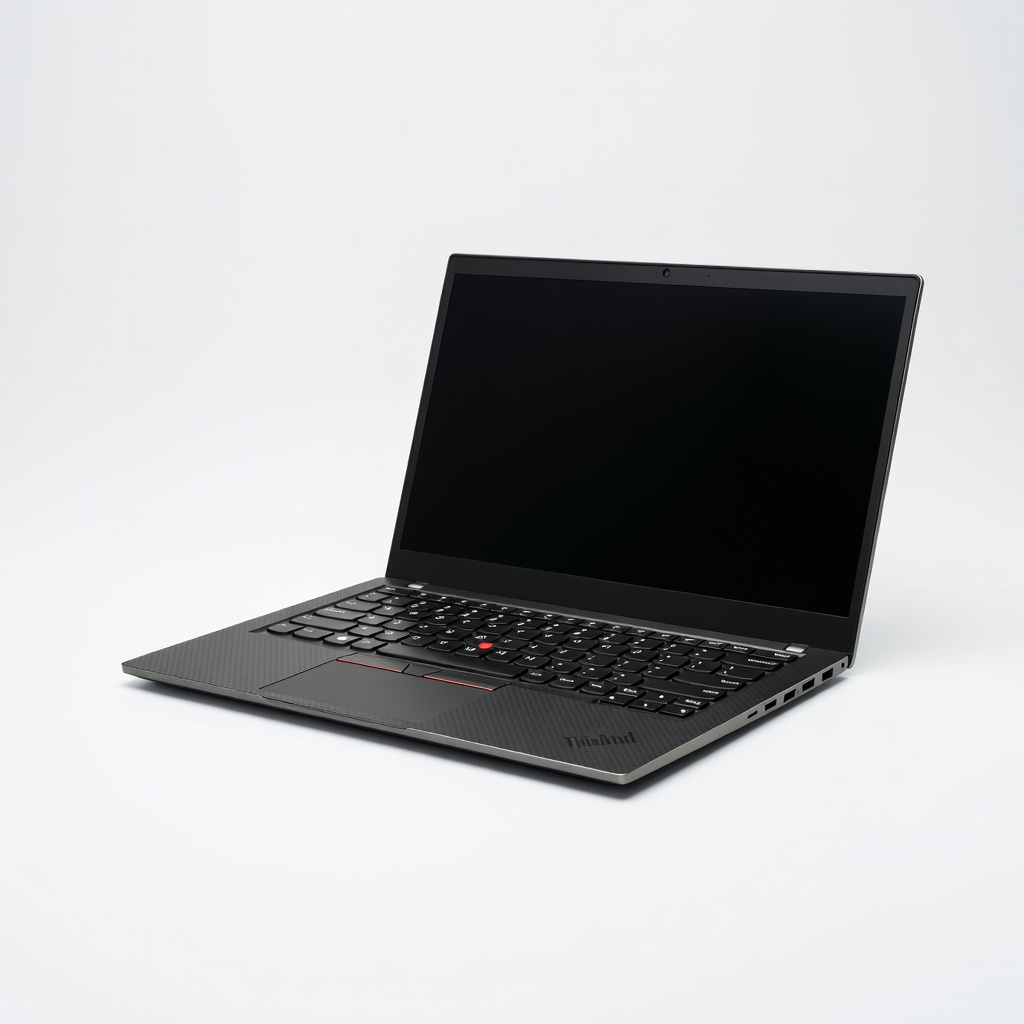
The ThinkPad X1 Carbon Gen 13 is the ultimate business traveler's companion: 2.1 pounds, a legendary keyboard, and MIL-SPEC durability. It also features enterprise security and AI-powered noise suppression, making it ideal for working from anywhere.
Main limitation: It's pricey, and the soldered memory means no upgrades after purchase.
Skip if: If you're not a frequent business traveler or need a dedicated GPU for creative work, this overkill is likely too much.
With up to 20 hours of video playback on a single charge, the Asus Zenbook 14 OLED tops battery charts while keeping weight under 2.7 lbs. Its OLED panel is stunning for streaming, and the keyboard is comfortable for all-day typing.
Main limitation: The OLED screen can cause reflections in bright environments, and the port selection is limited to USB-C.
Skip if: If you work in bright sunlight often or need an HDMI port for presentations, look elsewhere.
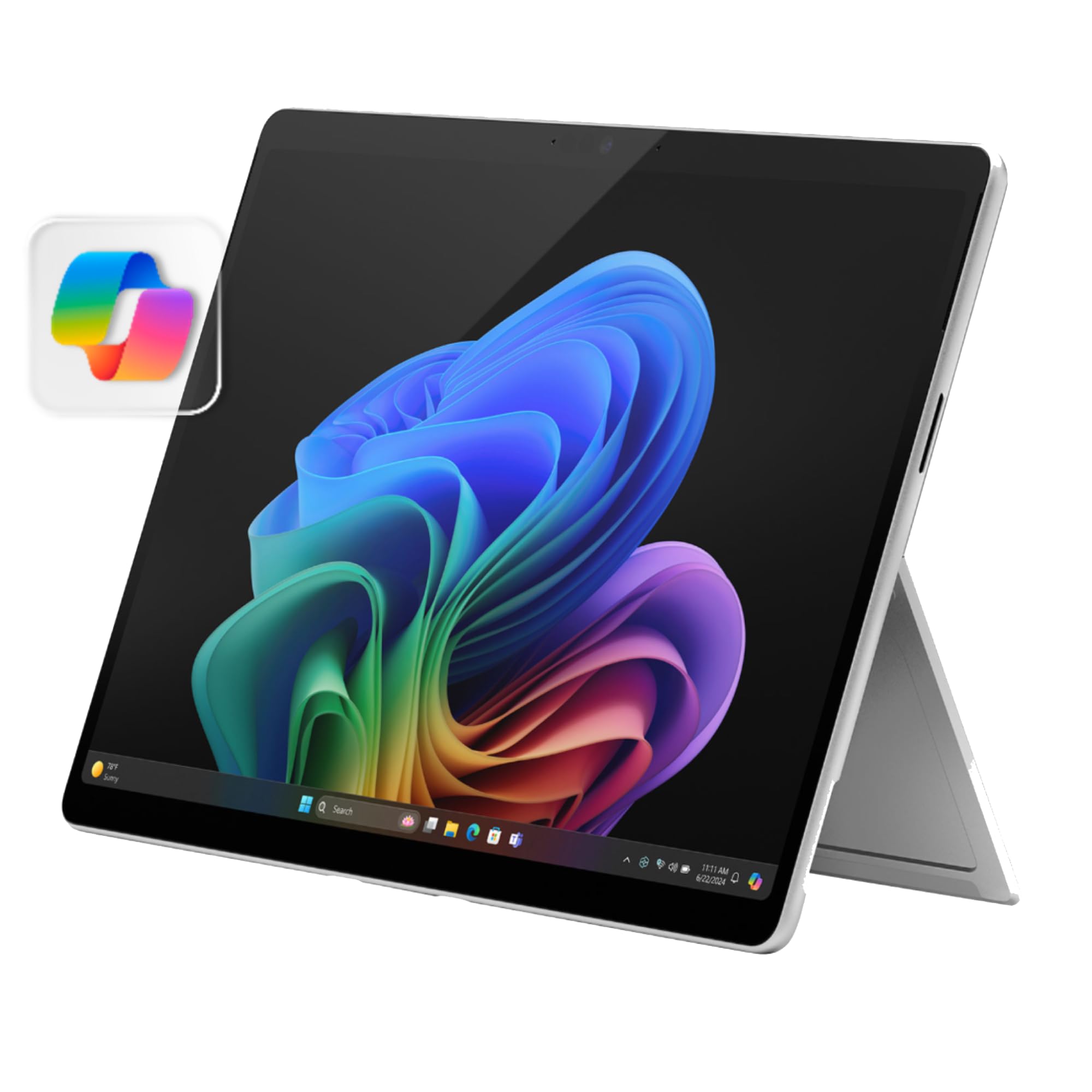
The Surface Pro 11 combines a full Windows 11 laptop with a detachable tablet, giving you a 13-inch touchscreen that's perfect for note-taking and sketching on the go. With an ARM-based Snapdragon X Elite chip, it offers impressive efficiency and constant connectivity.
Main limitation: You'll need to buy the Type Cover and Slim Pen separately, driving up the cost, and the kickstand can be awkward on your lap.
Skip if: If you never use a pen or touchscreen, a traditional laptop is lighter and cheaper for the same performance.
The LG gram SuperSlim lives up to its name at just 2.2 lbs, making it the lightest 15-inch laptop available. It has a stunning OLED display and an excellent 14-hour battery, so weight-conscious travelers can stretch their gear allowance without sacrificing screen size.
Main limitation: The ultra-thin chassis feels somewhat delicate, and the single-fan design can cause throttling under heavy loads.
Skip if: If you're heavy-handed or need a rugged machine, this delicate featherweight might not survive year-round abuse.
Compare key specs and features of all our recommendations side-by-side
| Product | Recommendation | Rating | Price |
|---|---|---|---|
Apple MacBook Air 13-inch M4 Rank #1 | 🏆 Top Pick | 9.0/10 | $1,099–$1,499 Check current price → |
Acer Swift Go 14 (2025) Rank #2 | 💰 Budget Pick | 8.0/10 | $599–$749 Check current price → |
Lenovo ThinkPad X1 Carbon Gen 13 Rank #3 | ⭐ Editor's Choice | 8.5/10 | $1,899–$2,499 Check current price → |
ASUS Zenbook 14 OLED (2025) Rank #4 | — | 8.3/10 | $999–$1,299 Check current price → |
Microsoft Surface Pro 11 Rank #5 | — | 8.0/10 | $1,199–$1,599 (plus keyboard accessory) Check current price → |
LG gram SuperSlim 15 Rank #6 | — | 8.2/10 | $1,499–$1,799 Check current price → |
Common questions buyers have about this category.
For most air travel, aim for under 3 pounds — anything heavier quickly becomes a burden in a backpack. The lightest ultrabooks are around 2.2 pounds, like the LG gram SuperSlim. Remember that the power adapter adds weight too, so factor that in.
Look for at least 10 hours of mixed-use battery life. If you'll be away from outlets during a full workday on a 6+ hour flight, 12–14 hours gives you a safety buffer. Manufacturer claims are often optimistic, so read real-world tests and checked user reviews.
2-in-1s like the Surface Pro offer flexibility — you can use them as a tablet for reading or presenting and flip into laptop mode for typing. However, they typically require buying the keyboard separately and may be less stable on your lap. If you seldom use touch, a traditional clamshell is lighter and more durable.
If gaming is a priority, look for a laptop with a dedicated RTX 4060 or better, but expect shorter battery life and added weight. For most travelers, the integrated graphics in ultrabooks handle streaming and light gaming at 1080p. Dedicated gaming laptops are definitely not travel-first.
Features like a fingerprint reader, Windows Hello IR face recognition, and a physical webcam shutter add important protections against theft and snooping. A privacy screen filter is also helpful for working in public places. For business travel, a TPM module and enterprise-level recovery tools are worth the premium.
Chromebooks can work if all your tasks are browser-based and you rely on Google Drive or cloud services. They're lighter and cheaper, but Android app compatibility varies and offline functionality is limited. For most professionals, a Windows or Mac laptop remains a better all-purpose investment.
Lowering screen brightness, activating battery saver mode, and closing background apps are easy fixes. Disabling features like Bluetooth and GPS helps too. Also, invest in a compact USB-C power bank with Power Delivery (PD) capacity — it can add another 50% of a charge to many ultrabooks.
Products we evaluated but did not recommend — and why.
