Get the App
Better experience on mobile
Five essential components to build a comfortable and productive workspace without breaking your bank.
The $1000 home office budget forces a strategic compromise: you can't have everything, but you can prioritize the items that impact your health and productivity most. Most first-time setup builders overspend on a desk or monitor, only to end up with a $200 chair that ruins their posture. The real secret is to allocate funds proportionally — splurge on the pieces you interact with all day, and save on the ones you can upgrade later.
We've researched the market based on expert reviews, manufacturer specs, and buyer feedback to identify the five components that make the biggest difference. Our selections are designed to fit together seamlessly under your budget, with no single item eating up more than a third of your funds. Each pick is a best-in-class option at its price point, and we've highlighted its single biggest trade-off so you can make an informed decision.
From a standing desk that keeps your body moving to a monitor that reduces eye strain, these products cover the essentials: desk, chair, display, peripheral inputs, and video conferencing. We focused on ergonomics, adjustability, and connectivity—the features that matter most for daily work. Whether you're a freelancer, a remote employee, or a student, this guide will help you allocate your $1000 wisely.
We also answer common questions about building a setup, so you can avoid the usual pitfalls. Let's get into the picks.
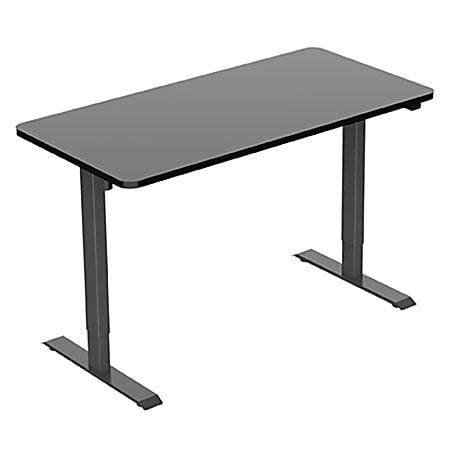
The FlexiSpot EC1 delivers smooth electric height adjustment and a sturdy steel frame at a price that leaves room in your budget for other essentials. It's the best all-around desk we've found under $300, but you'll need to set aside time for assembly.
Main limitation: The desktop is laminate rather than solid wood, and the included motor is a bit noisier than premium models.
Skip if: Skip this if you need a deep desktop (over 28 inches) or you want a built-in cable tray.
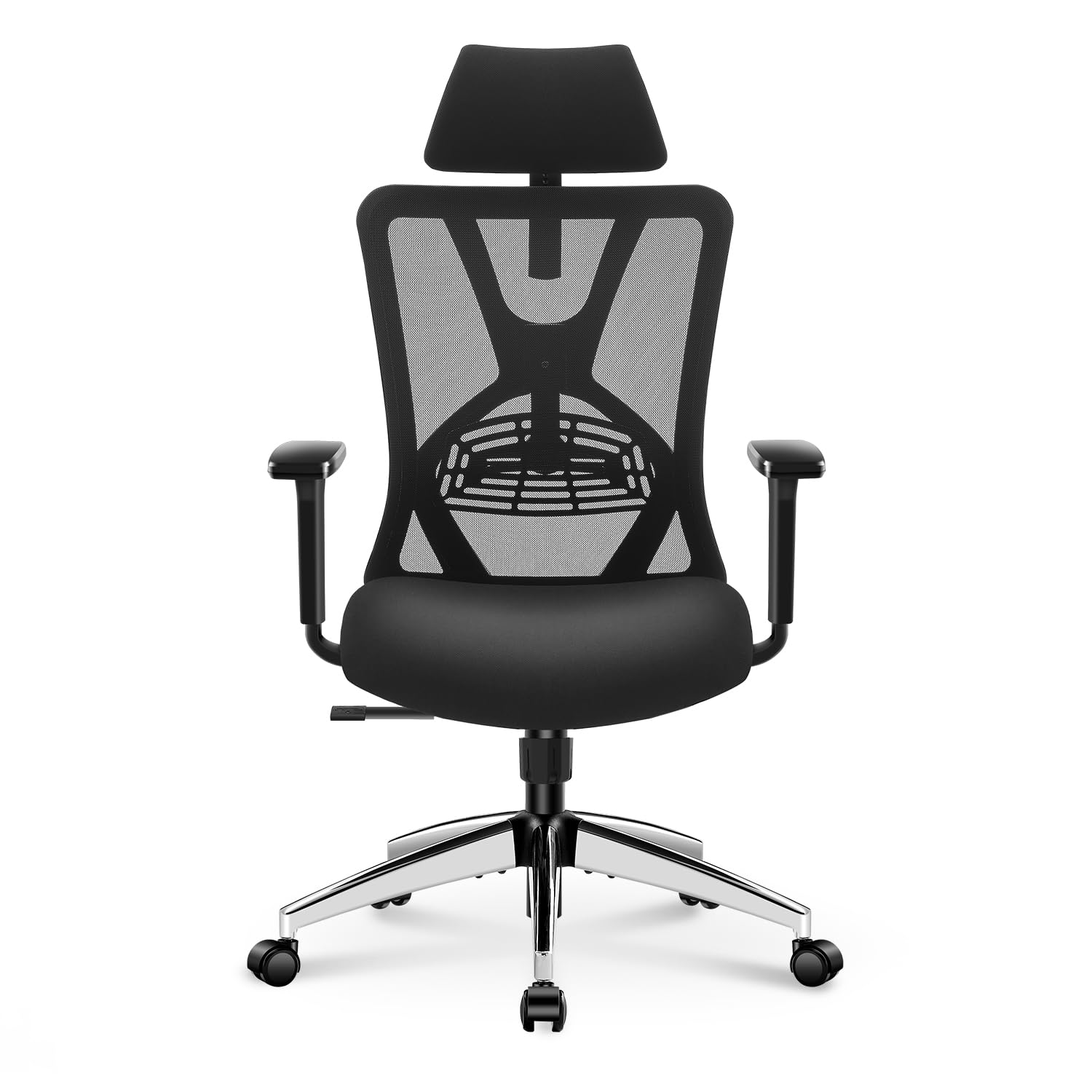
The Ticova delivers exceptional comfort for its price, with adjustable lumbar support, a headrest, and breathable mesh that keeps you cool. It's the budget pick that forces you to question why ergonomic chairs cost so much more, though the seat cushion may compress after extended use.
Main limitation: The seat foam loses its firmness after a year or two, and the armrests are only 2D adjustable.
Skip if: Taller users (over 6'2') might find the backrest too short.
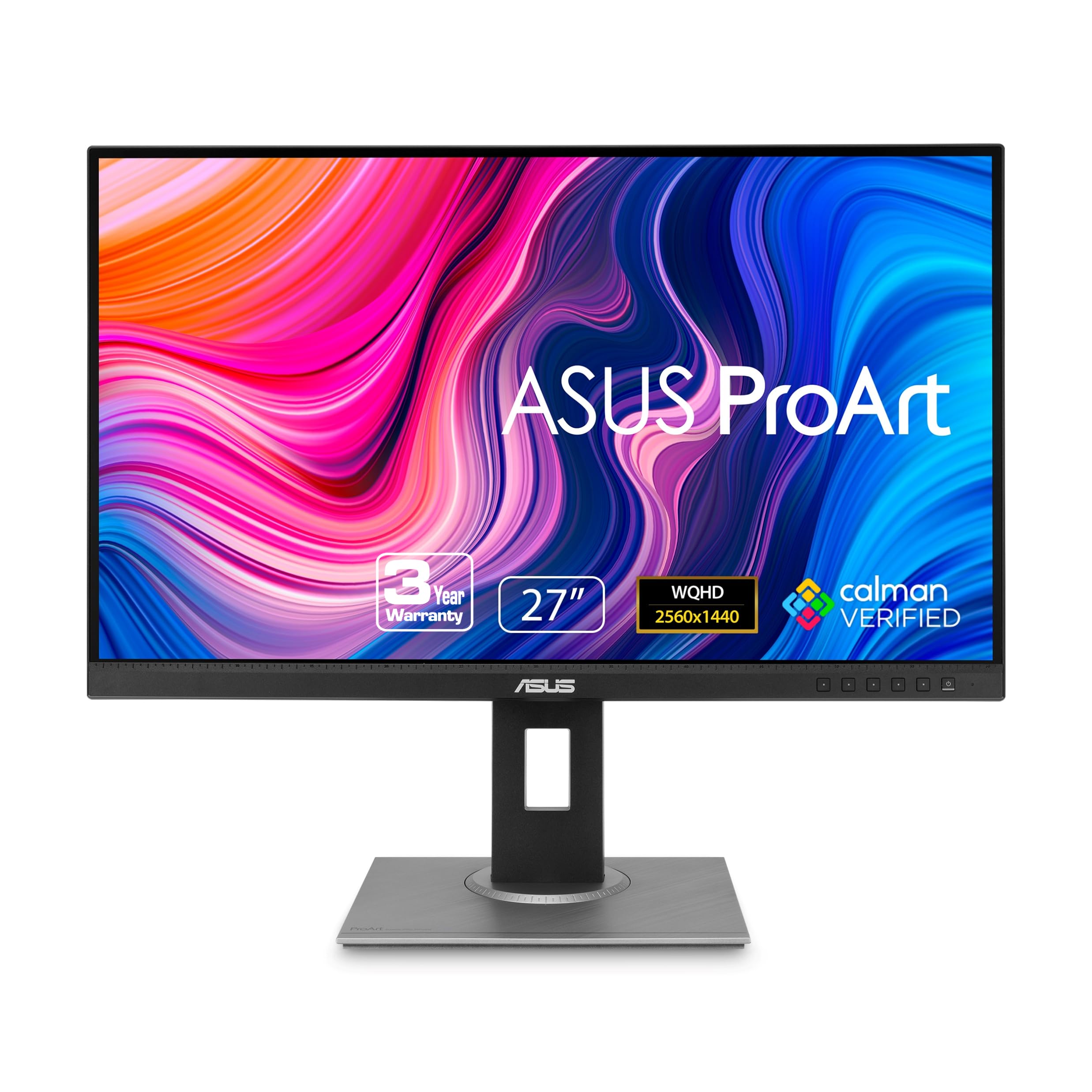
For work involving design or photo editing, the ProArt PA278QV covers 100% sRGB and 100% Rec.709 out of the box, with factory-calibrated colors. It also has excellent ergonomic adjustments, but it's a 2K resolution rather than 4K, and its refresh rate isn't geared toward gaming.
Main limitation: The OSD menu is clunky and the built-in speakers are weak.
Skip if: If you do 4K video editing or want a monitor with USB-C power delivery, this isn't it.
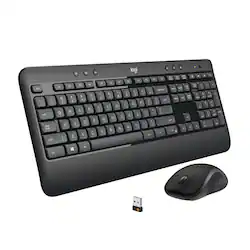
This combo pairs a comfortable keyboard with a sculpted mouse that supports natural wrist posture, all over a reliable 2.4GHz connection. The key travel is a bit shallow, but for the price, you get a full-size layout and 3-year battery life.
Main limitation: The mouse only has basic buttons and no Bluetooth support, and the keyboard is a bit bulky.
Skip if: If you need a tenkeyless layout or a mechanical keyboard for gaming, look elsewhere.
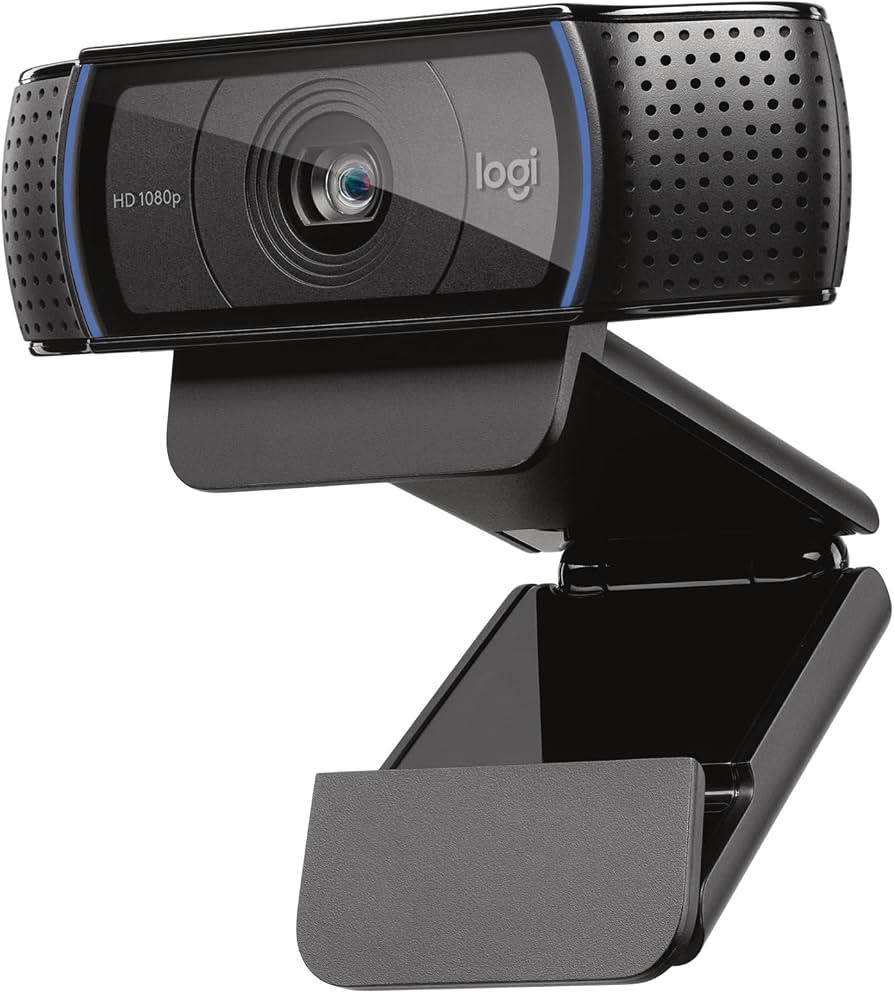
The C920x remains a top choice for its excellent 1080p video quality, dual mics with noise reduction, and wide dynamic range that adapts to uneven lighting. The clamps are durable and the mounting is versatile, but it lacks a built-in privacy shutter.
Main limitation: The USB cable is only five feet long, and there's no 4K resolution or AI-framing feature.
Skip if: If your monitor has a built-in webcam and you rarely join video calls, this is an unnecessary splurge.
Compare key specs and features of all our recommendations side-by-side
| Product | Recommendation | Rating | Price |
|---|---|---|---|
Flexispot EC1 Electric Standing Desk Rank #1 | 🏆 Top Pick | 8.6/10 | $249-$279 Check current price → |
Ticova Ergonomic Office Chair Rank #2 | 💰 Budget Pick | 8.2/10 | $150-$180 Check current price → |
ASUS ProArt PA278QV 27-inch 2K Monitor Rank #3 | ⭐ Editor's Choice | 8.4/10 | $239-$280 Check current price → |
Logitech MK540 Advanced Wireless Combo Rank #4 | — | 7.6/10 | $44-$60 Check current price → |
Logitech C920x Pro HD Webcam Rank #5 | — | 8.0/10 | $59-$79 Check current price → |
Common questions buyers have about this category.
A comfortable, adjustable chair is the most critical investment, since you'll spend most of your time in it. However, a standing desk can also be a valuable ergonomic upgrade if you already have a good chair. We recommend allocating about $200 to the chair and another $250 to a monitor to avoid neck strain.
If you're currently using a dining chair, buy an ergonomic chair first—it's more likely to cause back pain. If you already have a decent chair, a standing desk with height presets lets you vary your posture and keeps you active. Ideally, you can fit both into a $1000 budget by choosing budget picks.
For a 27-inch monitor, 1440p (2560x1440) offers a good balance of sharpness and affordability. 4K is nice if you do video editing or use multiple windows, but you'll need to pay a premium. Keep in mind that your computer's graphics output must support the resolution and scaling.
If you frequently join video conferences, a dedicated webcam like the Logitech C920x significantly improves image quality and microphone pickup. Laptop webcams are often low-res and positioned poorly. A webcam with a clip-on mount can also be placed at eye level, reducing angular distortion.
You can get a reliable wireless combo for around $50, which is sufficient for most productivity work. Spending more than $100 for features like mechanical switches or customizable buttons only makes sense if you type extensively or need specific shortcuts.
Yes, you can assemble a functional setup for under $500 by choosing a budget desk, a simple chair, and a smaller monitor. You'll sacrifice ergonomic adjustments and screen size, but it's a good starting point for occasional work.
Set up your monitor at eye level, keep your feet flat on the floor, and use lumbar support to maintain the natural curve of your spine. Also, take hourly breaks to stand, stretch, and change posture. Our picks for the chair and monitor arm can help.
Products we evaluated but did not recommend — and why.
