Get the App
Better experience on mobile
We've scoured the market to find pre-built gaming desktops that deliver serious performance without blowing your budget.
A $2,000 gaming budget is enough to get you a serious rig—but it's also right around where manufacturers start making tough compromises. You can blow it on a flashy GPU or you can balance it across a fast CPU, plenty of RAM, and a system that won't feel obsolete in two years. The smartest buying move in this category is to focus on overall balance rather than chasing one headline spec.
In this guide, we've sorted through pre-built gaming desktops that deliver real value under the $2,000 cap. We looked at the actual components (not just marketing names), how well the cooling actually works, what buyers say after months of use, and how easy each rig is to upgrade when you inevitably want more. The result is a list of five machines that each nail a different priority—raw value, small size, frame rate, and future-proofing.
If you're a gamer who wants to play modern titles at 1440p with high settings and still hold 60+ fps, you're in the right place. We've also made sure that every pick leaves room in your budget for a decent 1440p monitor and peripherals if you factor them in on top of the PC. No pick here is perfect, and we've been upfront about each system's weaknesses so you can make an informed call.
All of the options below are available from major retailers and come with a manufacturer's warranty. Whether you're building your first setup or upgrading from a laptop, these are the best gaming desktops you can get today without crossing that $2,000 line.
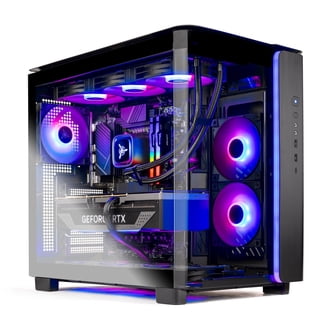
The Skytech Chronos hits the sweet spot for 1440p gaming: a Ryzen 7 7800X3D and RTX 4070 Super handle the latest titles at high refresh rates, and 32GB of DDR5 keeps multitasking smooth. It's also one of the easier pre-builts to open up and upgrade later if you want to swap storage or add a second drive. The trade-off is that the case runs a bit warm under sustained load, and the stock fans are functional but not premium.
Main limitation: The stock cooling system runs a bit loud during extended gaming sessions, and the interior cable management isn't as clean as pricier brands.
Skip if: If you prefer a compact, understated tower or want more storage out of the box, you'll be better served elsewhere.
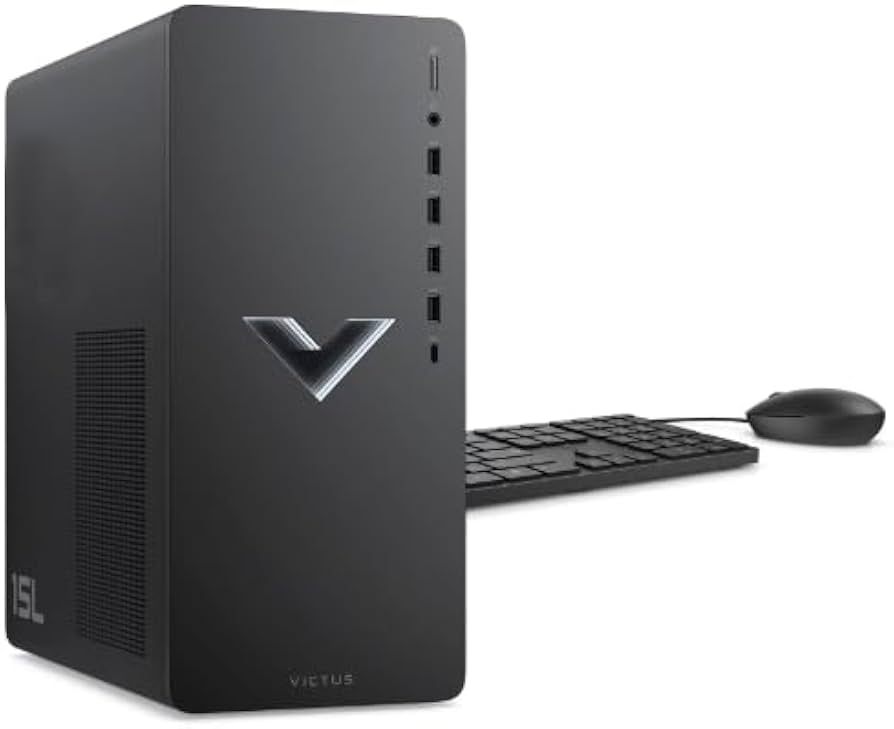
For less than $900, the HP Victus 15L delivers reliable 1080p gaming with an RTX 4060 and a speedy Ryzen 5 chip. It's a no-frills system that nails the essentials without a huge price tag. The catch: it uses a small form-factor motherboard and a 400W PSU, so future GPU upgrades are limited without a significant overhaul.
Main limitation: Minimal upgrade headroom due to the compact case and limited PSU, and the single exhaust fan can get a bit loud under load.
Skip if: If you want a quiet, easily expandable tower or plan to run 1440p at ultra settings, this budget pick isn't for you.
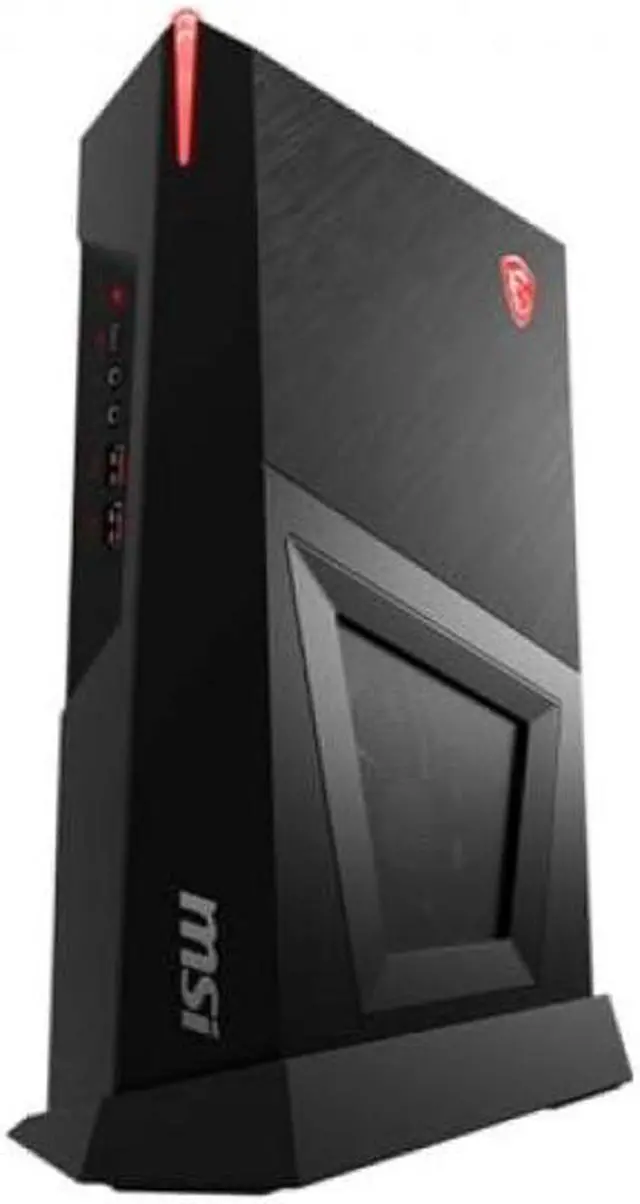
The MSI Trident 3 crams desktop-grade components into a chassis about the size of a gaming console, making it perfect for dorm rooms or small desks. Despite its size, it still packs an RTX 4070 for 1440p gaming. The trade-off is that upgrades are tricky—the proprietary motherboard and slim cooler are hard to swap, and it's pricier than a comparable mid-tower.
Main limitation: Upgradeability is severely constrained; even adding a second SSD requires digging through proprietary mounting points.
Skip if: If you value long-term tinkerability or have room for a full-size tower, this compact system isn't the best value.
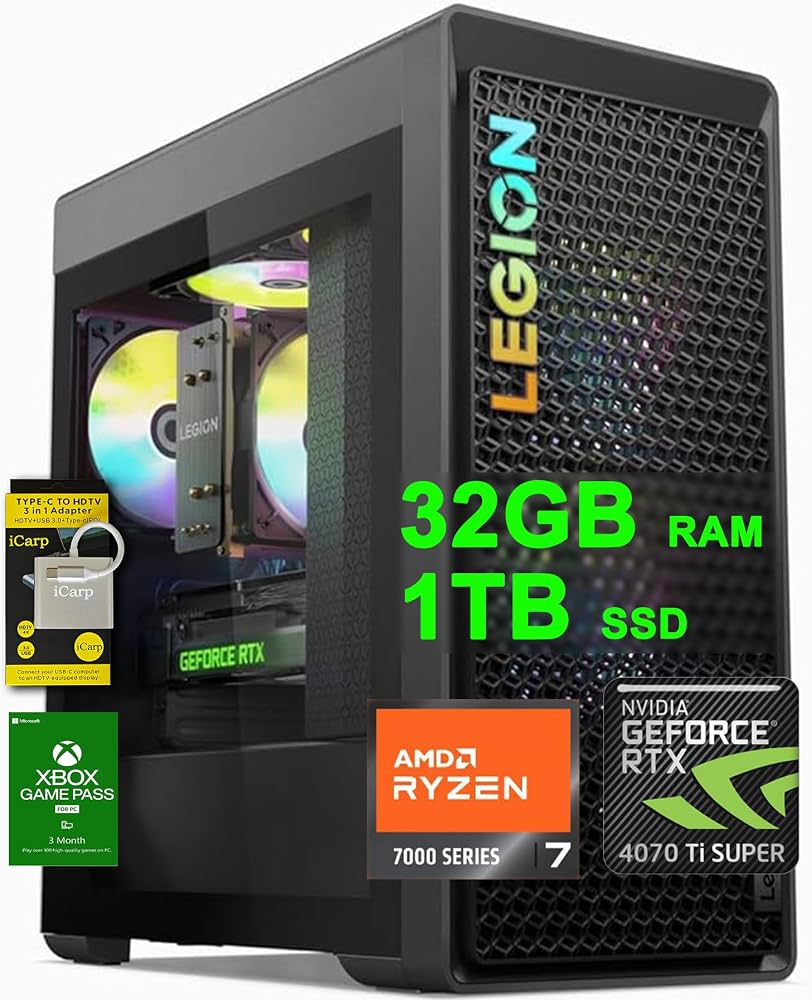
The Legion Tower 5 pairs a potent Ryzen 7 7700 with an RTX 4070, hitting the performance plateau that competitive and AAA gamers want for fast-paced shooters and responsive 1080p/1440p play. It's a solidly built machine with good thermals and a clean design. The downside is that the included 1TB SSD fills up quickly if you install modern hit games, and the rear I/O is a little sparse.
Main limitation: Storage capacity is tight for heavy installers, and the rear USB configuration isn't as generous as some competitors.
Skip if: If you need a lot of storage out of the box or plan to replace the CPU cooler, this config may not fit your needs.
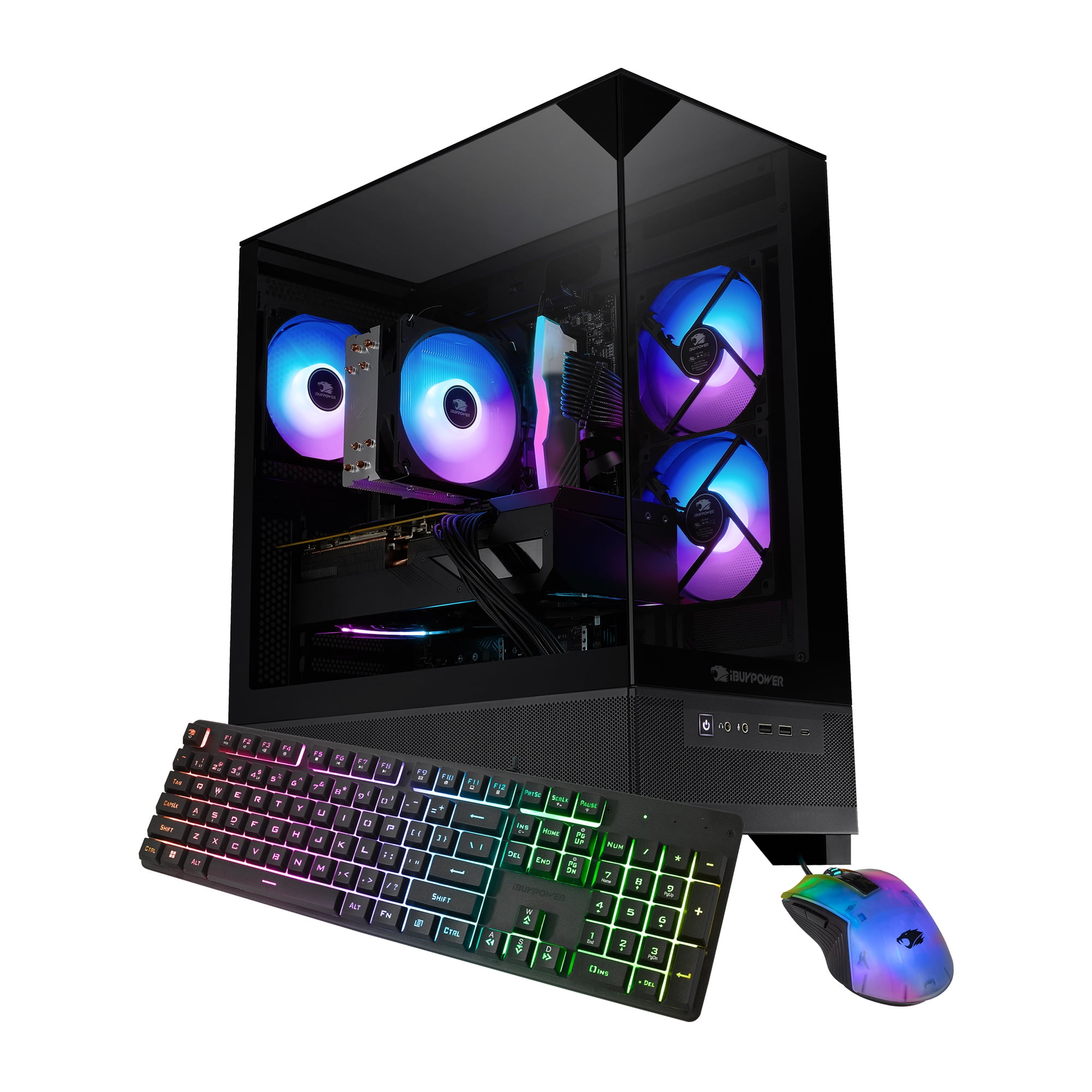
The iBUYPOWER Slate 4 is one of the few budget pre-builts that puts you on AMD's AM5 platform, so you can later drop in a faster Ryzen 7 or 9 when prices fall. The RTX 4060 Ti is great for 1080p and light 1440p, and the 1TB storage is reasonable. The trade-off is a 500W power supply that limits how far you can push future GPU upgrades without also swapping the PSU.
Main limitation: The 500W PSU is just enough for the current configuration, but a future high-end GPU will need a simultaneous upgrade to the power supply.
Skip if: If you plan to immediately play at 1440p max settings or want to upgrade the GPU within the next year, look elsewhere.
Compare key specs and features of all our recommendations side-by-side
| Product | Recommendation | Rating | Price |
|---|---|---|---|
Skytech Chronos Gaming Desktop (Ryzen 7 7800X3D, RTX 4070 Super, 32GB DDR5, 1TB NVMe) Rank #1 | 🏆 Top Pick | 9.0/10 | $1,499–$1,699 Check current price → |
HP Victus 15L Gaming Desktop (Ryzen 5 7500F, RTX 4060, 16GB DDR5, 512GB NVMe) Rank #2 | 💰 Budget Pick | 8.2/10 | $749–$899 Check current price → |
MSI Trident 3 13th Gen (Core i7-13700F, RTX 4070, 16GB DDR5, 1TB NVMe) Rank #3 | ⭐ Editor's Choice | 8.3/10 | $1,299–$1,499 Check current price → |
Lenovo Legion Tower 5 (Ryzen 7 7700, RTX 4070, 32GB DDR5, 1TB NVMe) Rank #4 | — | 8.6/10 | $1,399–$1,599 Check current price → |
iBUYPOWER Slate 4 (Ryzen 5 7500F, RTX 4060 Ti, 16GB DDR5, 1TB NVMe) Rank #5 | — | 8.0/10 | $1,099–$1,299 Check current price → |
Common questions buyers have about this category.
Yes, building your own can save you 10-15% if you wait for sales, and it lets you pick exactly the components you want. However, pre-builts offer a single warranty, plug-and-play convenience, and you avoid the risk of assembly mistakes. For beginners, a good pre-built is often worth the premium.
At this budget, the RTX 4070 Super or RTX 4070 offer the best balance of 1440p performance and value. The RTX 4060 Ti is a great budget choice for 1080p. Expect to see these GPUs in pre-builts ranging from $1,000 to $1,700.
Yes, 16GB is still sufficient for most games, but 32GB is becoming the recommended sweet spot for many new AAA titles, especially when you have Discord, Chrome, and a game running simultaneously. If you can stretch to 32GB, it'll save you from worrying about future games.
Laptops offer portability, but desktops deliver twice the performance for the same price, along with easier upgrades and better cooling. If you need mobility for school or work, a laptop is fine; if not, a desktop will give you significantly more FPS for your money.
It's a significant factor if you want the system to last longer. Look for a case with room for larger GPUs, a standard ATX motherboard, and at least a 750W power supply. These three factors let you swap components later without rebuilding the whole PC.
We recommend a 1440p 144Hz+ monitor, which complements the performance of an RTX 4070 Super class GPU. You can find good options for $300-$400, leaving room in your budget for peripherals. A 4K display is possible but may push your total setup over $2000 if you're counting everything.
Products we evaluated but did not recommend — and why.
