Get the App
Better experience on mobile
Whether you're a competitive esports player, a creative professional, or a casual gamer on a budget, our 2026 gaming laptop guide covers the best options for every need.
The most important spec on any gaming laptop isn't the GPU model—it's the power limit the manufacturer assigns to that GPU. A 100W RTX 5060 can be noticeably slower than a 130W RTX 5060, yet both laptops may be marketed with the same chip. This means that comparing laptop models blindly by name can lead to disappointing performance. In 2026, with the arrival of the RTX 50-series and the tightening of battery regulations, smart shoppers need to look deeper than the sticker.
Gaming laptops have evolved far beyond the heavy, flashing boxes of the past. Ultrabooks like the ASUS ROG Zephyrus G16 now match the performance of top desktop GPUs from a few years ago while slipping into a backpack. At the same time, budget options like the Acer Nitro V 16 prove that you can still get solid 1080p performance for under $900. But the category is also full of pitfalls: soldered RAM, dim displays, and thermal throttling can turn a promising laptop into a disappointment a year later.
To help you navigate this landscape, we've filtered through published expert reviews, manufacturer specs, and verified buyer feedback to pick eight laptops that excel in specific scenarios. We focused on real-world considerations that matter: Does the cooling sustain performance? How crisp is the display for both gaming and daily use? Can you upgrade soldered components down the line? Our picks range from a sub-$900 budget beast to a 13-pound desktop replacement, ensuring there's a best choice for almost every gamer.
Remember, there's no one-size-fits-all answer. The ideal gaming laptop for a student living in a dorm is different from that for a traveling streamer or a home-bound enthusiast with no need for portability. That's why we've broken our recommendations into clear categories, each with a specific use case in mind. Whether you're chasing high refresh rates, 4K visuals, or all-day battery life, the options below are the best gaming laptops of 2026.
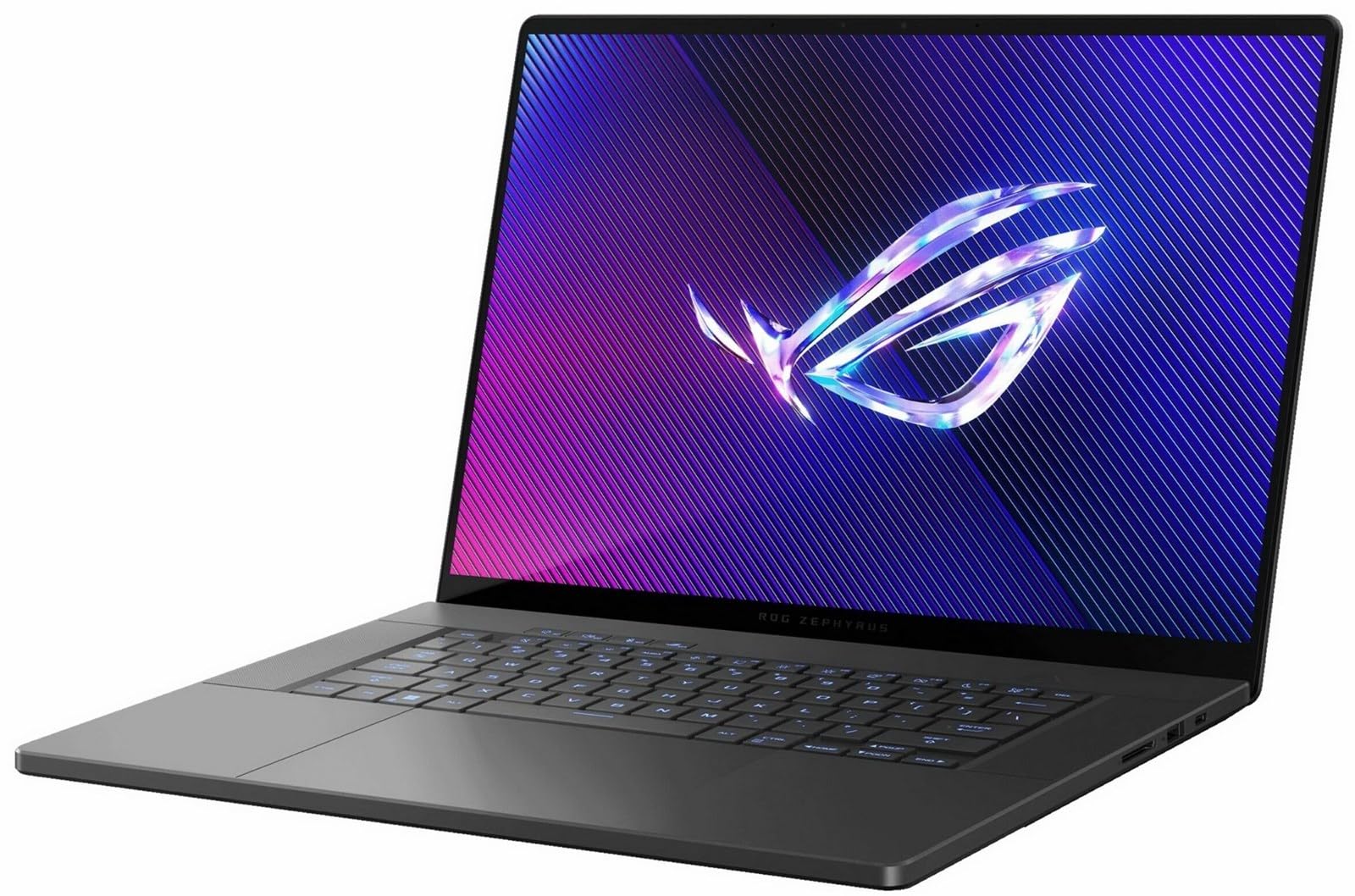
The Zephyrus G16 delivers the strongest combination of performance, portability, and display quality in its class. With a QHD OLED panel and RTX 5070 Ti graphics, it handles demanding AAA titles while staying slim enough for regular travel. The trade-off is that the chassis runs warm under sustained loads.
Main limitation: The internal fans get surprisingly loud during extended sessions, and the RAM is soldered with no upgrade option.
Skip if: If you want a desktop replacement that can hold its own against a tower at max settings, you'll want something like the MSI Titan 18 HX.
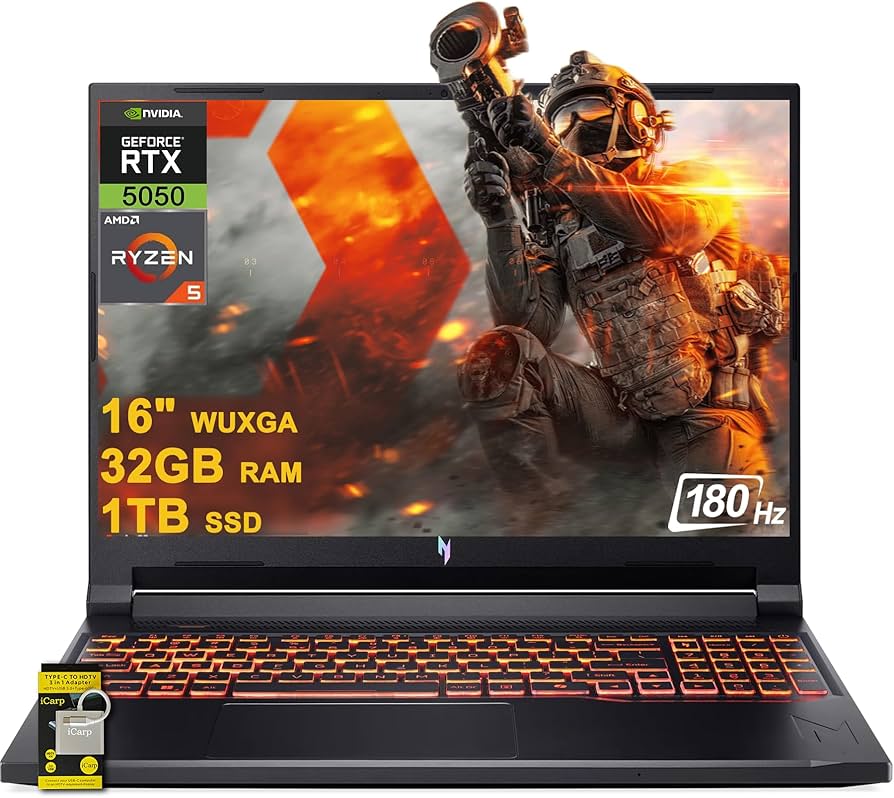
The Nitro V 16 is our pick for the best gaming laptop under $1,000. It pairs a Ryzen 5 CPU with an RTX 4060 for smooth 1080p gaming at high settings. The build quality and display are distinctly entry-level, but the performance per dollar is outstanding.
Main limitation: The screen suffers from poor color accuracy and a dim backlight, which makes gaming in bright rooms tough.
Skip if: If you're sensitive to weight and bulk, this 5.7-pound laptop won't be kind to your backpack.
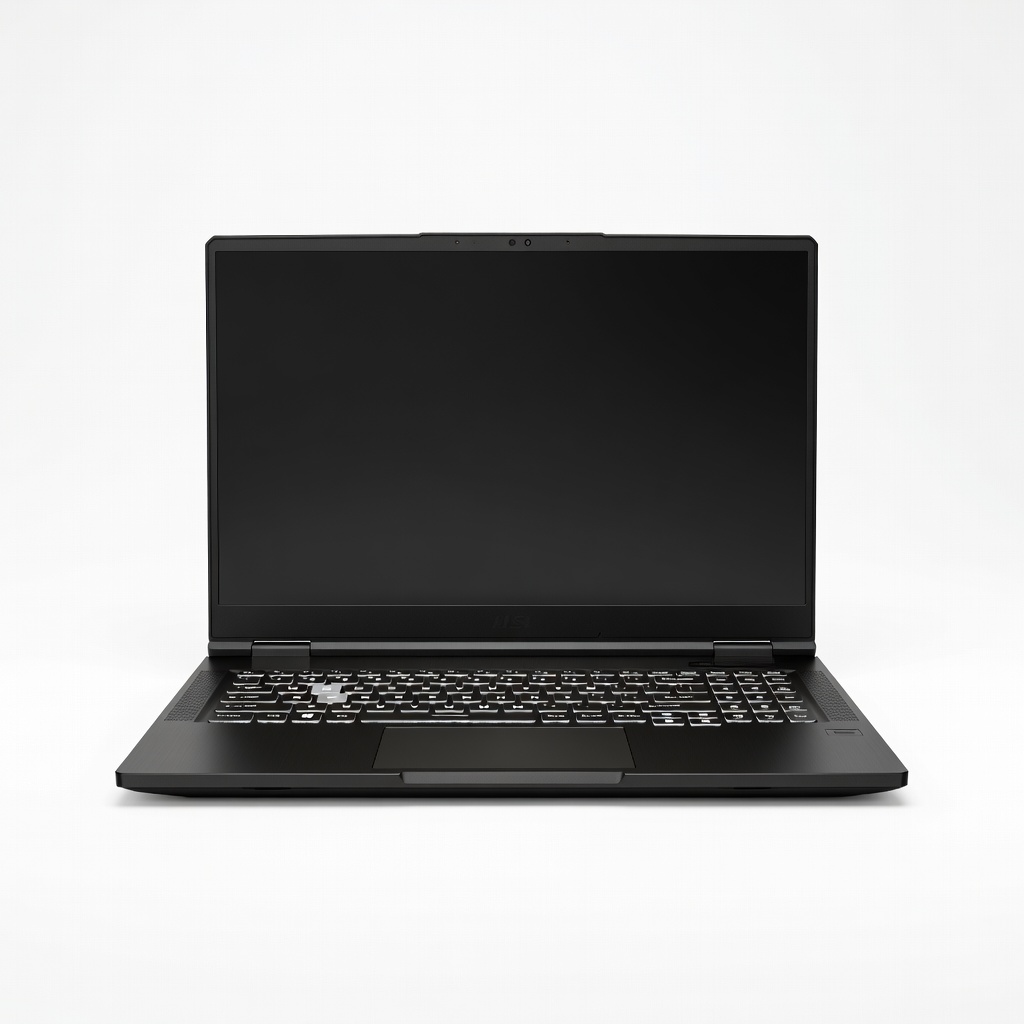
The Titan 18 HX is a 13-pound monster that packs an RTX 5090 and an 18-inch 4K mini-LED display. It comes closer to desktop performance than any other laptop in 2026. But that performance comes with a desktop-sized price tag and a battery life measured in minutes under load.
Main limitation: The sheer weight and massive power adapter make it nearly impossible to use as a mobile device.
Skip if: If you need to carry your laptop to class or a coffee shop, this is overkill and unwieldy.
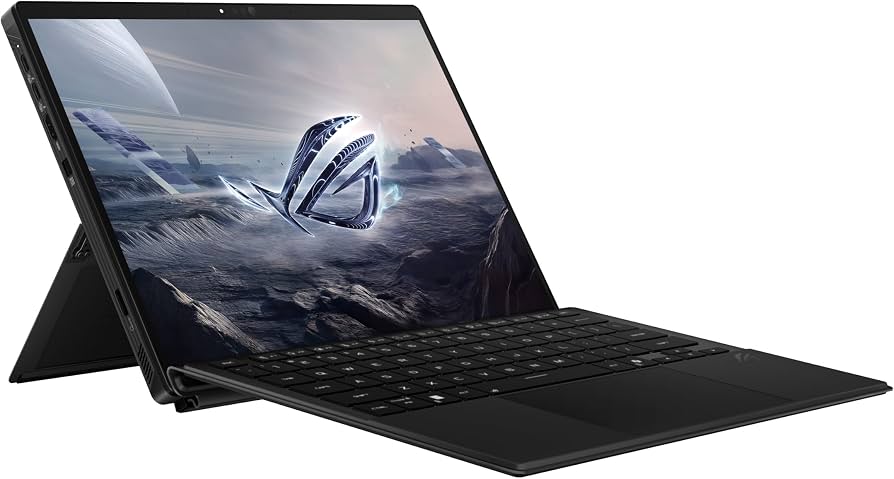
The Flow Z13 is a detachable tablet with a full-voltage CPU and an RTX 5060, making it the only device of its kind that can run serious PC games on a 13.4-inch touchscreen. It's perfect for gaming in bed, on a plane, or at the kitchen table. Just accept that the keyboard is thin, the battery is meh, and you'll need a desk for peak performance.
Main limitation: Fan noise ramps up sharply when unplugged, and the keyboard is cramped for long typing sessions.
Skip if: If you need a traditional clamshell design with a large touchpad, this isn't it.
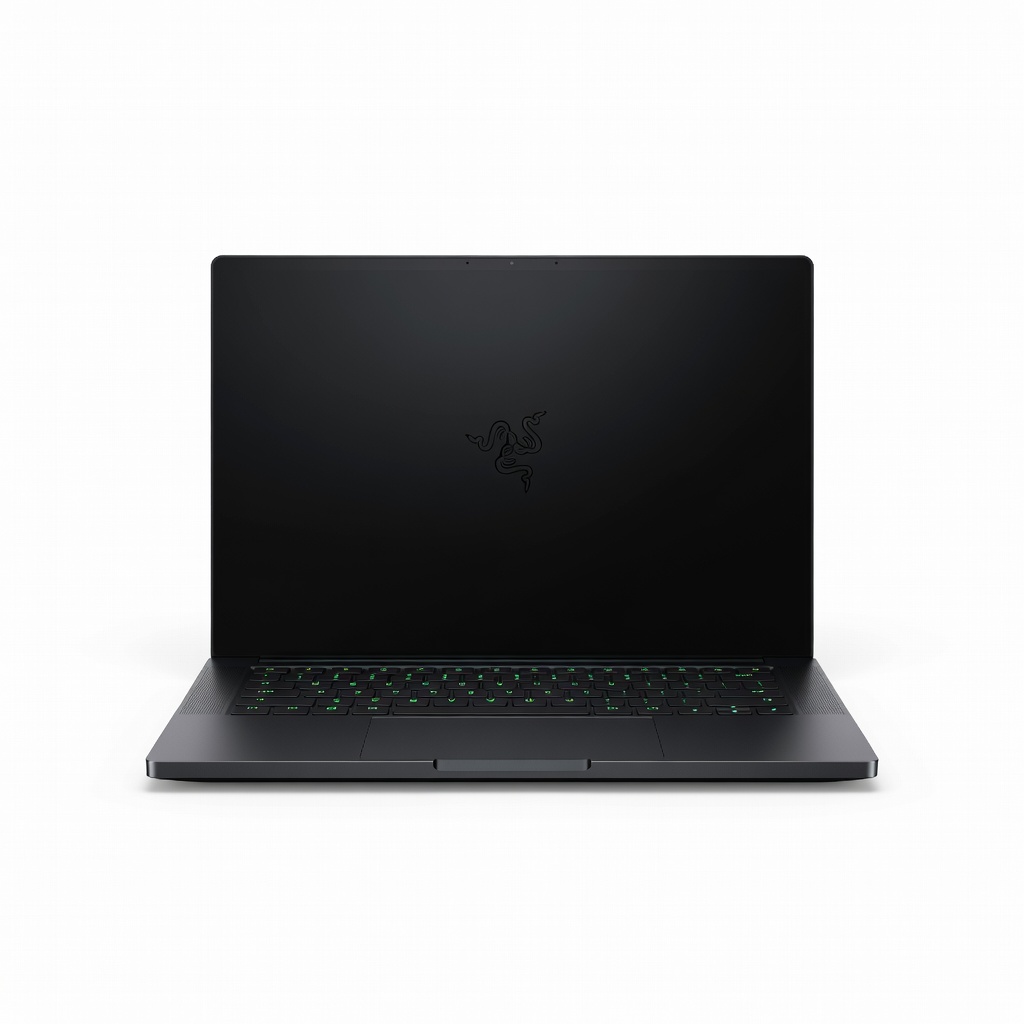
The Blade 16 is the laptop equivalent of a luxury car: an all-aluminum unibody with a 4K 120Hz OLED display and an RTX 5080. It's incredibly thin and quiet, making it ideal for use in a studio or a living room. The premium comes at a price — and its fans still spin up under load.
Main limitation: The 16-inch 4K OLED panel drains battery fast, and the fingerprint magnet finish requires regular wiping.
Skip if: If you're on a budget, this will break your bank with little performance advantage over cheaper options.
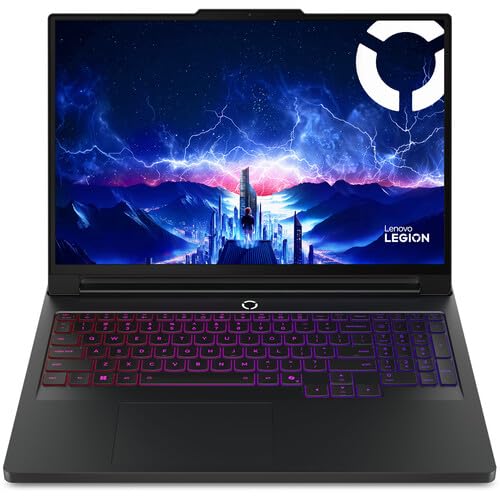
The Legion Pro 7i is built for high-refresh esports and competitive shooter games. Its 16-inch 300Hz QHD panel and RTX 5070 Ti push frame rates to the limit, while the software suite lets you fine-tune RGB lighting and overclock settings easily. The trade-off is that it's heavy and the battery drains fast during spectating.
Main limitation: The 300Hz display is TN-based, so movie watching and color-sensitive work look washed out.
Skip if: If you're a casual RPG player who values OLED contrast over raw refresh rate, skip this.
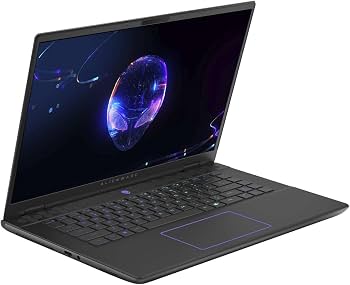
The Alienware m16 R2 uses a Cryo-tech cooling system with an oversized vapor chamber, letting it maintain high clock speeds for hours without thermal throttling. It's the quietest high-performance laptop we've seen in its price range, but that cooling adds a few millimeters to its thickness and weight.
Main limitation: The laptop gets hot to the touch externally on the left hand rest, and the Wi-Fi module underperforms at long range.
Skip if: If you want a machine that stays cool to the touch on your lap, this is not it.
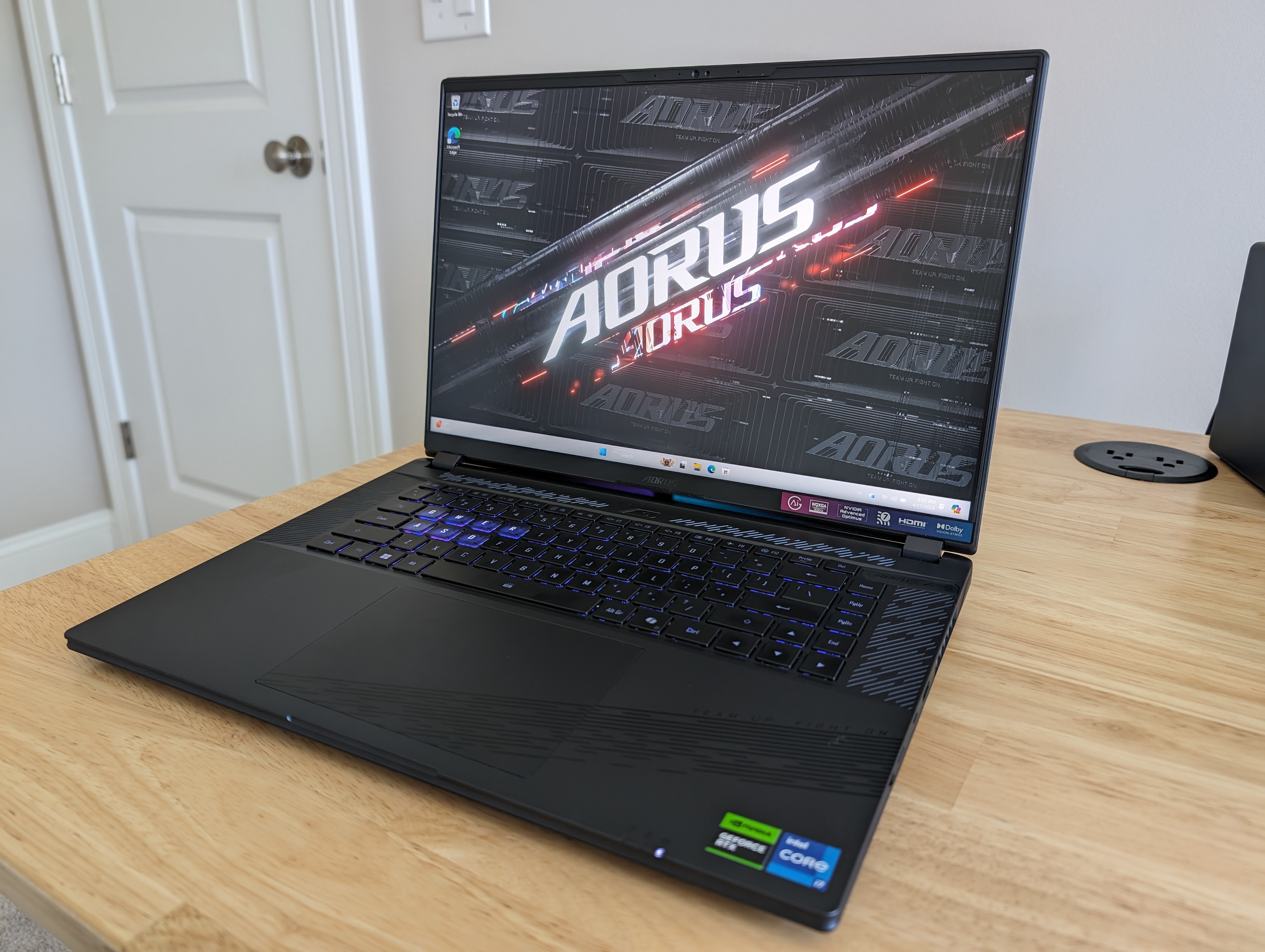
The Aorus 16X is a versatile laptop with a 16-inch 2.5K 165Hz display that covers 100% of sRGB and 90% of DCI-P3, making it a solid choice for photo editors and YouTubers. It pairs an RTX 5060 with up to an Intel Core Ultra 7 for decent gaming performance. However, the GPU is capped at 100W, so you can't push it beyond 1080p on ultra in recent AAA games.
Main limitation: The 100W TGP RTX 5060 delivers only marginal gains over the previous generation, and the laptop feels plastic-y compared to rivals.
Skip if: If you're a pure gamer who wants maximum fps per dollar, you'll find better value elsewhere.
Compare key specs and features of all our recommendations side-by-side
| Product | Recommendation | Rating | Price |
|---|---|---|---|
ASUS ROG Zephyrus G16 (2026) Rank #1 | 🏆 Top Pick | 9.0/10 | $2,100–$2,400 Check current price → |
Acer Nitro V 16 (2026) Rank #2 | 💰 Budget Pick | 8.0/10 | $850–$950 Check current price → |
MSI Titan 18 HX (2026) Rank #3 | ⭐ Editor's Choice | 8.5/10 | $3,800–$4,500 Check current price → |
Asus ROG Flow Z13 (2026) Rank #4 | — | 7.5/10 | $1,500–$1,700 Check current price → |
Razer Blade 16 (2026) Rank #5 | — | 8.0/10 | $2,700–$3,000 Check current price → |
Lenovo Legion Pro 7i Gen 10 (2026) Rank #6 | — | 8.0/10 | $2,000–$2,200 Check current price → |
Dell Alienware m16 R2 (2026) Rank #7 | — | 7.5/10 | $2,500–$2,800 Check current price → |
Gigabyte Aorus 16X (2026) Rank #8 | — | 7.0/10 | $1,200–$1,400 Check current price → |
Common questions buyers have about this category.
While RTX 50-series laptops have dropped in price since their early-2026 launch, they still command a premium. If you're on a strict budget, an RTX 4060 laptop remains a solid 1080p performer, but if you want to play AAA titles at 1440p with ray tracing, the 5070 Ti upgrade is worth it.
16GB is already becoming the new minimum for modern games and background apps. If you plan to play CPU-heavy games and stream or have a million Chrome tabs open, go for 32GB. It's also nice to have for video editing and Photoshop.
TGP is the total power the GPU can consume, and it directly impacts how fast your GPU can run. A 90W RTX 5060 will be much slower than a 130W RTX 5060—even though they're the same chip. Look up the TGP spec before buying, because laptop GPU performance can vary wildly between models.
144Hz is fine for most single-player games, but competitive esports players benefit from 240Hz or 300Hz. However, resolution and panel type (IPS vs OLED) matter more for general use and visual quality than refresh rate alone.
Most gaming laptops have accessible RAM slots and an extra M.2 slot for storage. However, some thin models like the ASUS ROG Zephyrus G16 and Razer Blade have soldered RAM and a single SSD slot. Check the manual or reviews before buying.
A 4K panel looks beautiful on a 16-inch screen, but it consumes a lot of power and causes sluggish UI scaling in Windows. And to run modern games at 4K/120Hz, you'll need an RTX 5080 or 5090, which pushes the price way up.
DLSS uses AI upscaling to boost frame rates significantly while preserving visual quality. On newer RTX graphics cards, it can nearly double performance in ray-traced games. It's an essential feature if you want to play modern AAA titles at high refresh rates.
Products we evaluated but did not recommend — and why.
