Get the App
Better experience on mobile
From budget-friendly options to desktop-replacement flagships, here are the gaming laptops that deliver the best performance for your money.
In 2026, the average gaming laptop has become a true desktop replacement, with RTX 50-series GPUs delivering performance that only a $2,000 desktop could match three years ago. Yet the market is more segmented than ever: from ultra-budget models that barely break $800 to $4,000 monsters with OLED panels and 480Hz displays. The hardest part isn’t finding a capable laptop — it’s deciding which compromises you’re okay with.
This guide is the result of extensive research into published reviews, manufacturer spec sheets, and verified user feedback from dozens of sources. We evaluated 30+ models across all price points, focusing on three key questions: How well does it perform while playing? How portable is it really? And what do you give up for the price? We also weighed less-obvious factors like GPU wattage, screen quality, keyboard comfort, and real-world battery life.
Our selections span from a $1,000 Acer Nitro V 16 that’s perfect for entry-level 1080p gaming to the $3,400 Lenovo Legion Pro 7i that can practically replace your desktop. In between, you’ll find specialized picks like the Razer Blade 14 for travelers, the MSI Stealth 14 for content creators, and the Dell Alienware m16 R2 for esports enthusiasts. We’ve also flagged the trade-offs in every laptop, so you can match a machine to your own priorities.
The most important takeaway: there is no one 'best' gaming laptop. The right choice comes down to your budget, how much you move, and what games you play. Read on to find the one that fits your life.
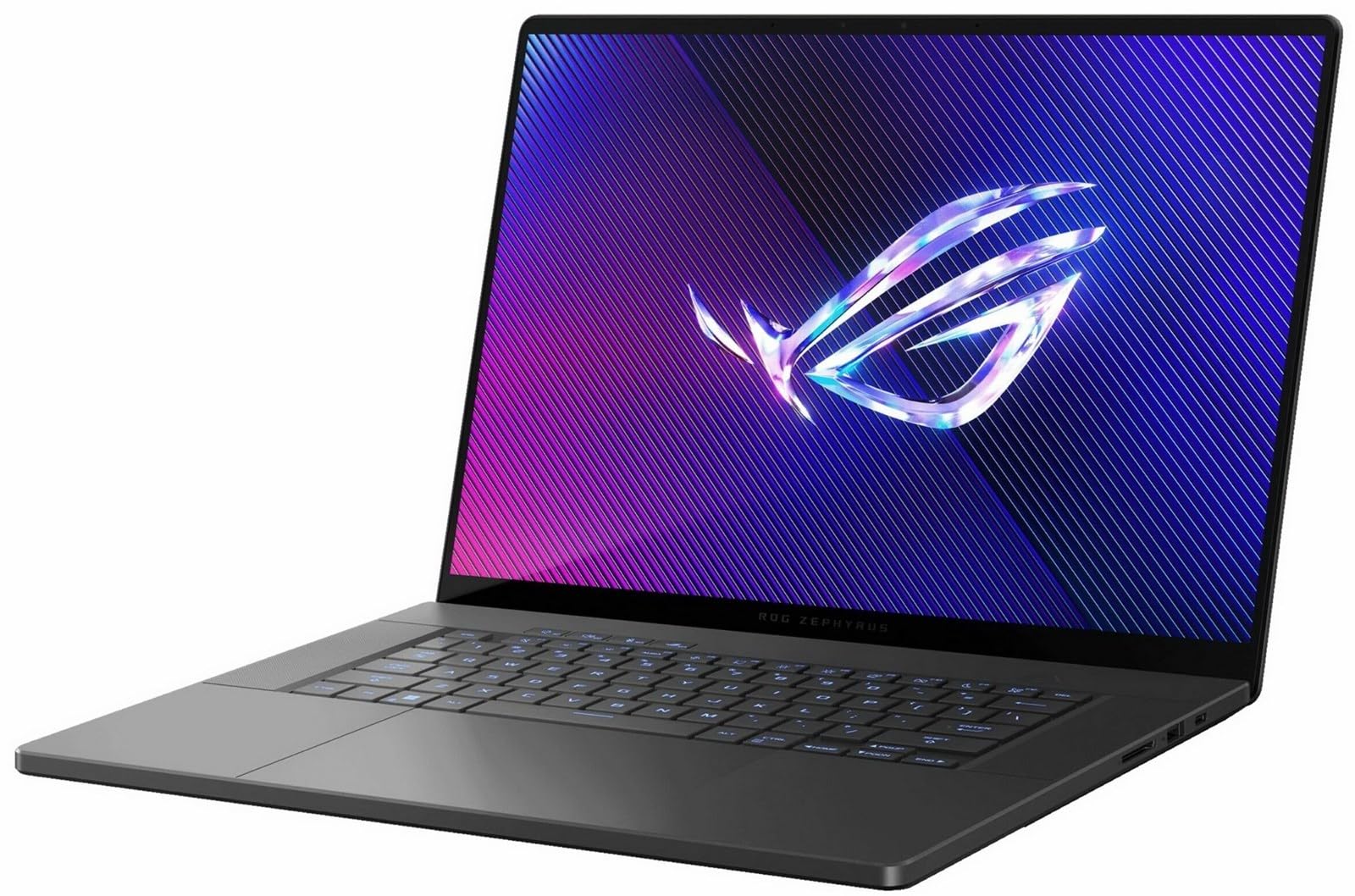
The Zephyrus G16 nails the delicate balance between performance, portability, and build quality. With an RTX 5070/5080 GPU and a gorgeous 240Hz OLED display, it delivers desktop-class gaming in a chassis that’s just 0.7 inches thick. The trade-off is price: you’ll pay a premium for the sleek aluminum design and excellent trackpad.
Main limitation: The 16GB of RAM on base models is limiting for heavy multitasking, while the upgrade to 32GB gets expensive.
Skip if: If you need raw performance per dollar and don't care about portability, a brick-style laptop will give you more FPS for less.
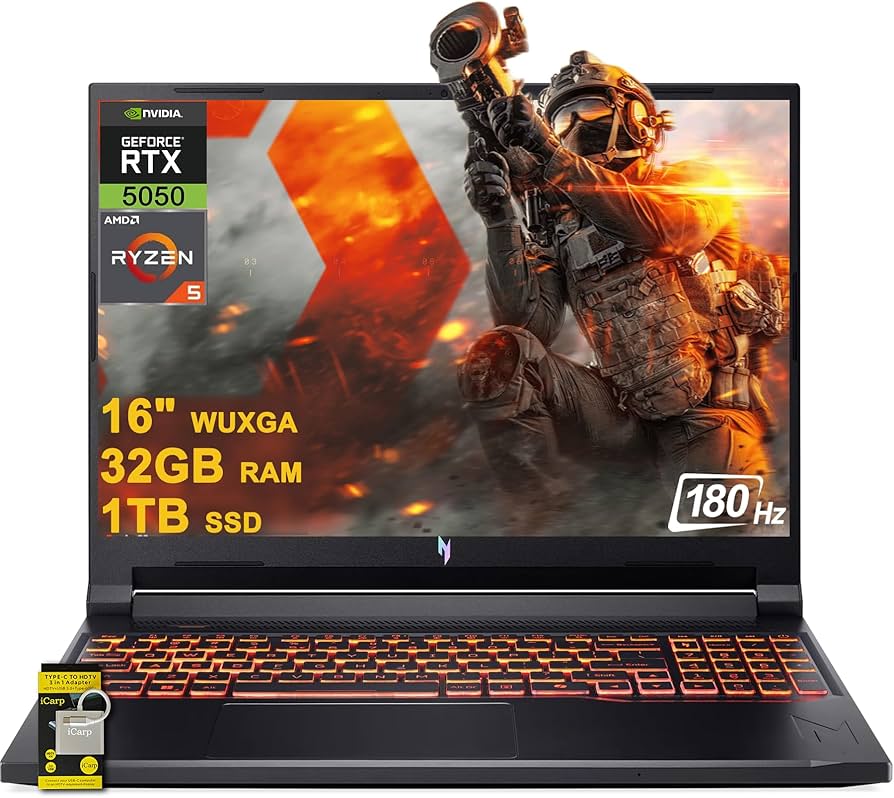
The Nitro V 16 is the value king, offering RTX 5060 performance and a 165Hz display for around $1,000. It handles 1080p gaming without breaking a sweat, and its cooling is surprisingly effective for the price. The catch: a plastic chassis that flexes and a dim screen that struggles outdoors.
Main limitation: The display’s 250-nit brightness and average color coverage make it less suitable for creative work or bright rooms.
Skip if: If you prefer a more portable or sturdier machine, spending a bit more on the TUF G16 series is worth it.
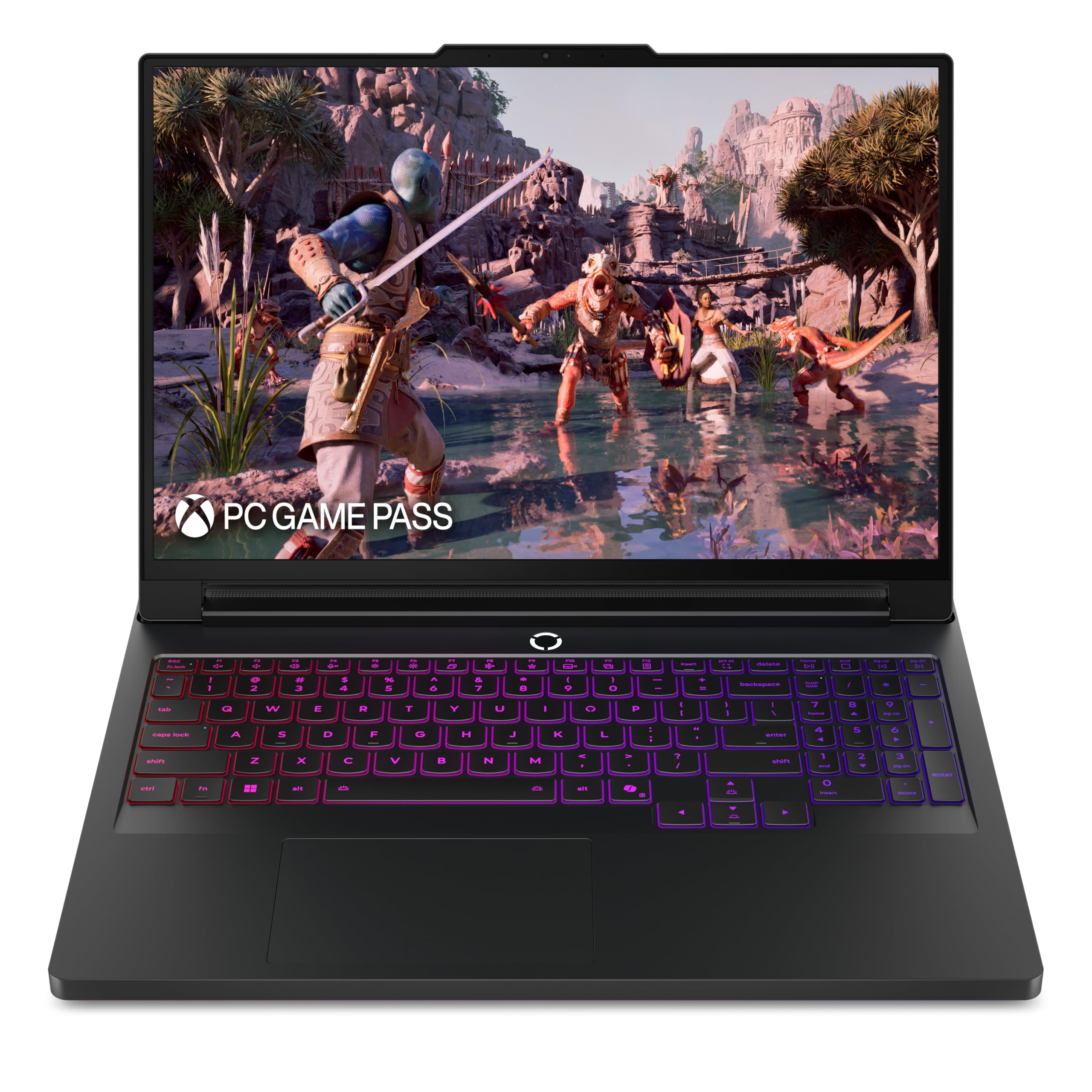
If you want maximum FPS in a portable package, the Legion Pro 7i pairs the RTX 5080 with a 240Hz display and a scorching 275HX processor, delivering performance that rivals desktop PCs. Its full-size keyboard and sturdy build make it a daily driver, but the 5.3-pound weight and 330W power brick remind you it's not a featherweight.
Main limitation: The fan noise under full load is noticeable, and the 430-nit display is not the brightest in high-end competition.
Skip if: If you need to commute daily for hours, this is more of a luggable desktop replacement than a true portable.
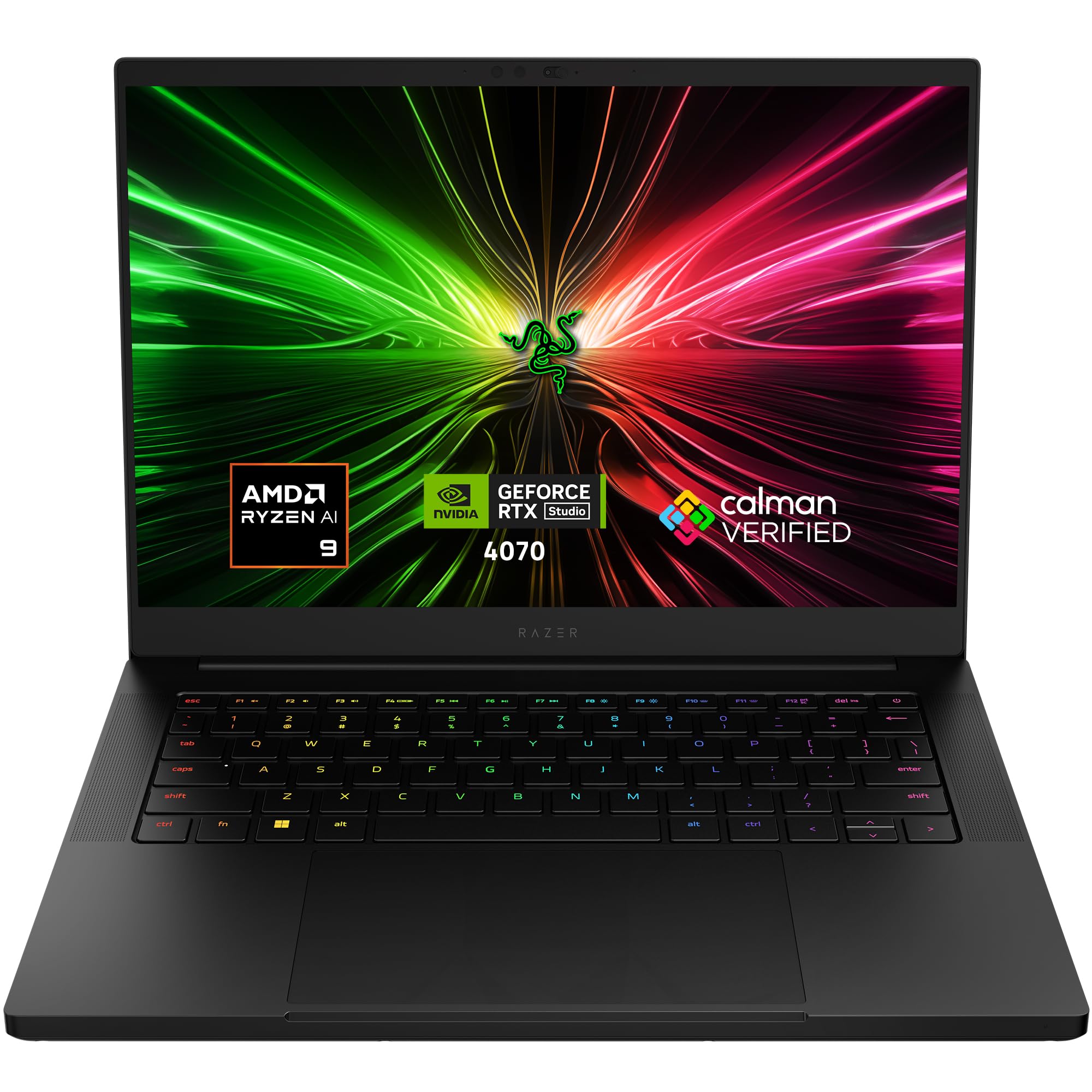
The Blade 14 packs an RTX 5070 into a 14-inch aluminum unibody that’s just 4.0 pounds, making it the ultimate gaming machine for travelers. The QHD 240Hz display and vapor chamber cooling keep it competitive, but you pay a luxury premium for the sleek design, and the soldered RAM means no upgrades later.
Main limitation: With a base price over $2,500, it’s one of the most expensive ways to get an RTX 5070.
Skip if: If you prioritize frame rates over form factor, the heavier Legion offers better performance per dollar.
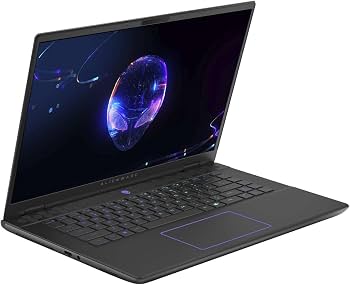
The m16 R2 is one of the first gaming laptops to offer a 480Hz native refresh rate, which is a game-changer for CS2, Valorant, and Overwatch players who need the smoothest possible motion. Its powerful RTX 5070/5080 and low-latency display can dominate, but the battery life suffers drastically when the screen runs hot.
Main limitation: The 480Hz display is only 1080p; for those who want 1440p, you’ll have to choose a different model.
Skip if: If you play story-driven games or prefer a higher-resolution display, the Legion or Zephyrus will look better.
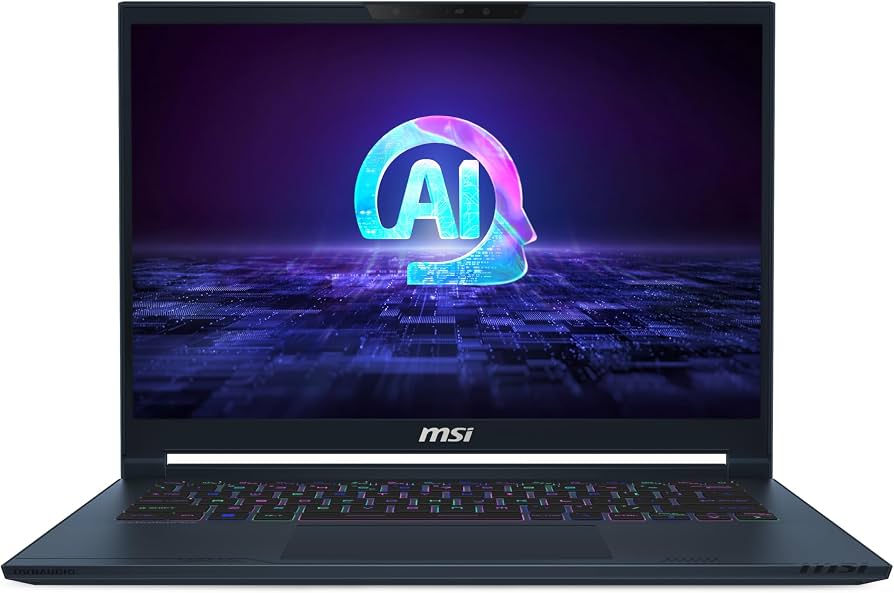
The Stealth 14 Studio is tuned for content creators who game: its factory-calibrated 14-inch 2.5K display covers 100% DCI-P3, and the RTX 5070 handles 4K video editing alongside high-end gaming. It’s also one of the lightest 14-inch gaming laptops at 3.75 pounds. But the compact chassis limits the total GPU power, so hardcore gamers may notice lower sustained clock speeds compared to larger laptops.
Main limitation: The 50Wh battery runs out in under three hours of mixed use, and the cooling fans can get whiny under load.
Skip if: If you need a desktop-class 175W GPU, the bigger Legion will sustain higher performance.
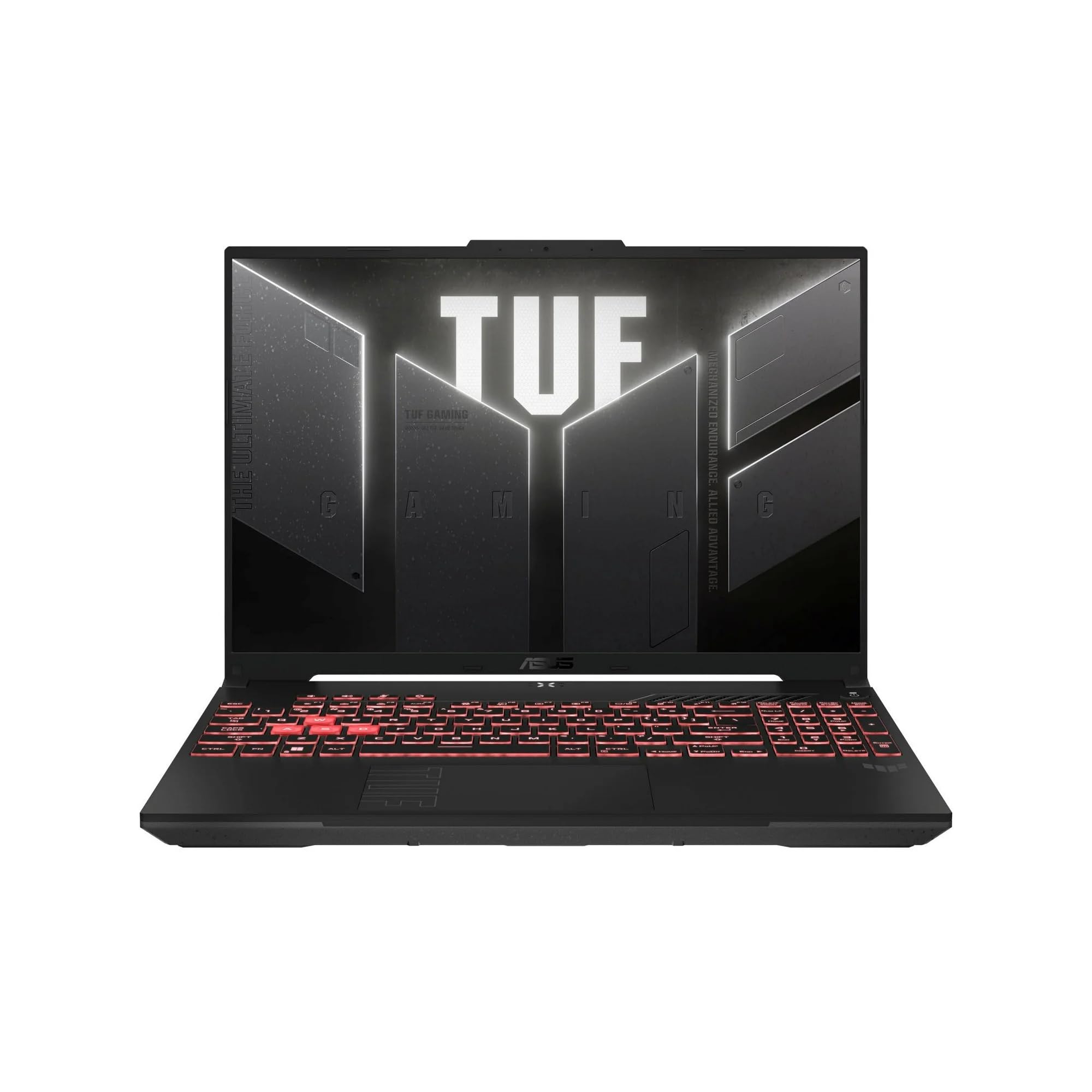
The TUF A16 is built for rough handling, meeting MIL-STD-810H standards for shock, vibration, and temperature. It’s also one of the most reliable mid-range gaming laptops, with a 90Wh battery and efficient Ryzen 9000-series CPU. But the 16-inch display, while sharp, has lower peak brightness than pricier OLED rivals.
Main limitation: The 300-nit screen and slower 165Hz panel are decent but not as immersive as other options in this price range.
Skip if: If color accuracy or HDR is critical, this military-grade chassis won't satisfy you.
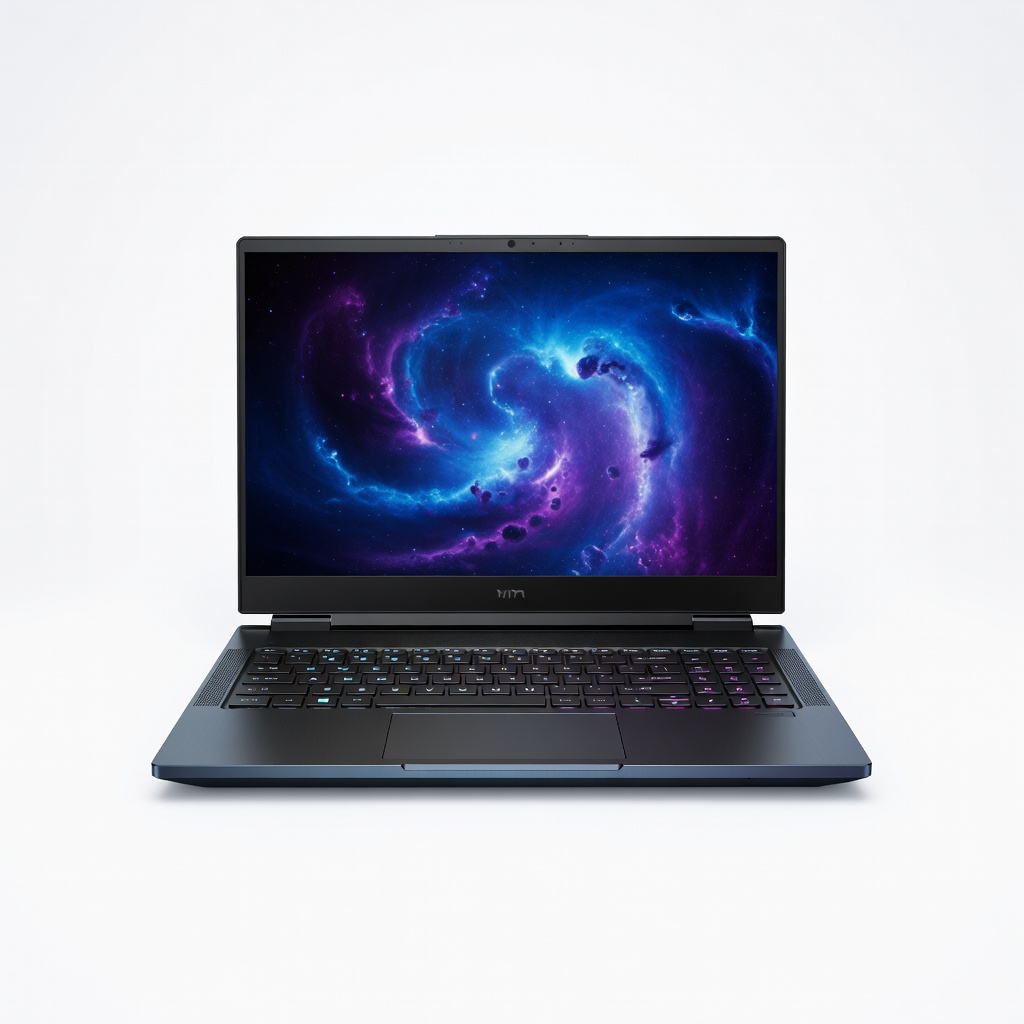
If you want a massive 17.3-inch immersive display, the Omen 17 delivers a gorgeous QHD 240Hz panel with fantastic sound and a dedicated overclock button. It’s heavy at over 6 pounds, but that size provides serious thermal headroom for sustained load. The price is mid-range, but you'll need a strong backpack for this beast.
Main limitation: The 18-inch model gets noticeably hot near the trackpad, and the battery drains fast with the screen at max brightness.
Skip if: If you fly often, the 17-inch form factor will be a burden; a 14-inch model is better for tight airline trays.
Compare key specs and features of all our recommendations side-by-side
| Product | Recommendation | Rating | Price |
|---|---|---|---|
ASUS ROG Zephyrus G16 (2026) Rank #1 | 🏆 Top Pick | 9.0/10 | $2,300 – $2,900 Check current price → |
Acer Nitro V 16 (2026) Rank #2 | 💰 Budget Pick | 8.0/10 | $950 – $1,150 Check current price → |
Lenovo Legion Pro 7i (2026) Rank #3 | ⭐ Editor's Choice | 8.5/10 | $3,000 – $3,400 Check current price → |
Razer Blade 14 (2026) Rank #4 | — | 8.2/10 | $2,500 – $2,800 Check current price → |
Dell Alienware m16 R2 (2026) Rank #5 | — | 8.4/10 | $2,700 – $3,000 Check current price → |
MSI Stealth 14 Studio (2026) Rank #6 | — | 8.1/10 | $2,000 – $2,400 Check current price → |
ASUS TUF Gaming A16 (2026) Rank #7 | — | 8.3/10 | $1,400 – $1,700 Check current price → |
HP Omen 17 (2026) Rank #8 | — | 8.0/10 | $2,500 – $2,900 Check current price → |
Common questions buyers have about this category.
16GB is still the sweet spot for pure gaming, but many new titles and background apps (Discord, Chrome, streaming) can easily push past 10GB. For long-term futureproofing, especially if you stream or do creative work, 32GB is a safer investment today.
The RTX 5080 offers roughly 25-30% more raw compute performance, which translates to higher framerates at 1440p and smoother 4K gaming. If you're playing at 1080p or 1440p, the RTX 5070 is a much better value; the 5080 becomes worthwhile when you have a high-refresh 1440p or 4K display.
For most single-player games, 144Hz is very smooth, and the difference between 144Hz and 240Hz is subtle outside of fast-paced esports titles. If you play competitive shooters, however, a 240Hz panel provides less ghosting and input lag, which can give you a small edge. A 480Hz screen is only useful for extremely high-FPS games and is not worth the premium unless you're a pro.
No, laptop GPUs are permanently soldered to the motherboard. That means the GPU you buy is the GPU you keep. If you think you'll want more performance in the future, spend more upfront or consider an external GPU enclosure (eGPU) through Thunderbolt, though that adds cost and loses performance.
Gaming laptops typically last only 2 to 4 hours while gaming, as the dedicated GPU drains the battery quickly. On light workloads, with integrated graphics and optimized settings, many 2026 models can reach 6 to 8 hours, which is enough for a day of classes or flights. Look for laptops with 'Advanced Optimus' or iGPU-mode switches to extend battery life.
A typical 15.6-inch gaming laptop weighs between 4.5 and 5.5 pounds, while 14-inch models like the Razer Blade 14 can be under 4 pounds. If you plan to carry it in a backpack daily, aim for under 5 pounds. Powerful 17-inch and 18-inch models often weigh 6 pounds or more, which is best kept on a desk.
Yes, gaming laptops feature fast CPUs, ample RAM, and excellent displays, making them capable workstation replacements. Look for models with high TGP GPUs and good cooling if you'll be running long compilation tasks or AI training. Portability and battery life may be a trade-off, but thin-and-light gaming laptops like the Zephyrus G16 are very popular among developers.
Products we evaluated but did not recommend — and why.
