Get the App
Better experience on mobile
From budget-friendly esports machines to desktop replacements, here are the gaming laptops that deliver the best balance of performance, price, and portability in 2026.
The biggest mistake when buying a gaming laptop is assuming more RGB and a higher price tag automatically mean a better experience. In 2026, the gap between mid-range and premium machines has narrowed significantly, while thermal design and screen quality have become the real differentiators. A well-cooled laptop with an RTX 5070 can often outperform a poorly cooled RTX 5080, and a vibrant 1440p display will do more for your enjoyment than a 4K panel that tanks your frame rates.
Gaming laptops have also become more versatile than ever. Many models now offer battery life that can get you through a workday, and their designs are subtle enough for the office. But this versatility means more choices—and more chances to overspend on features you don't need or overlook critical specs. Whether you're a competitive esports player, a traveling professional, or a student on a tight budget, the right laptop depends on how and where you'll use it.
Our recommendations are based on thorough research of expert reviews, user feedback, and spec analysis. We've curated eight standout models across price points, from under $1,000 to over $4,000, each with a clear strength and an honest trade-off. You'll find options for raw power, all-day battery life, portability, and content creation.
Below, you'll find our top pick for most people, the best budget choice, and specialized picks for niche needs. We also explain what to look for in a gaming laptop in 2026, so you can confidently choose the one that fits your life and your playstyle.
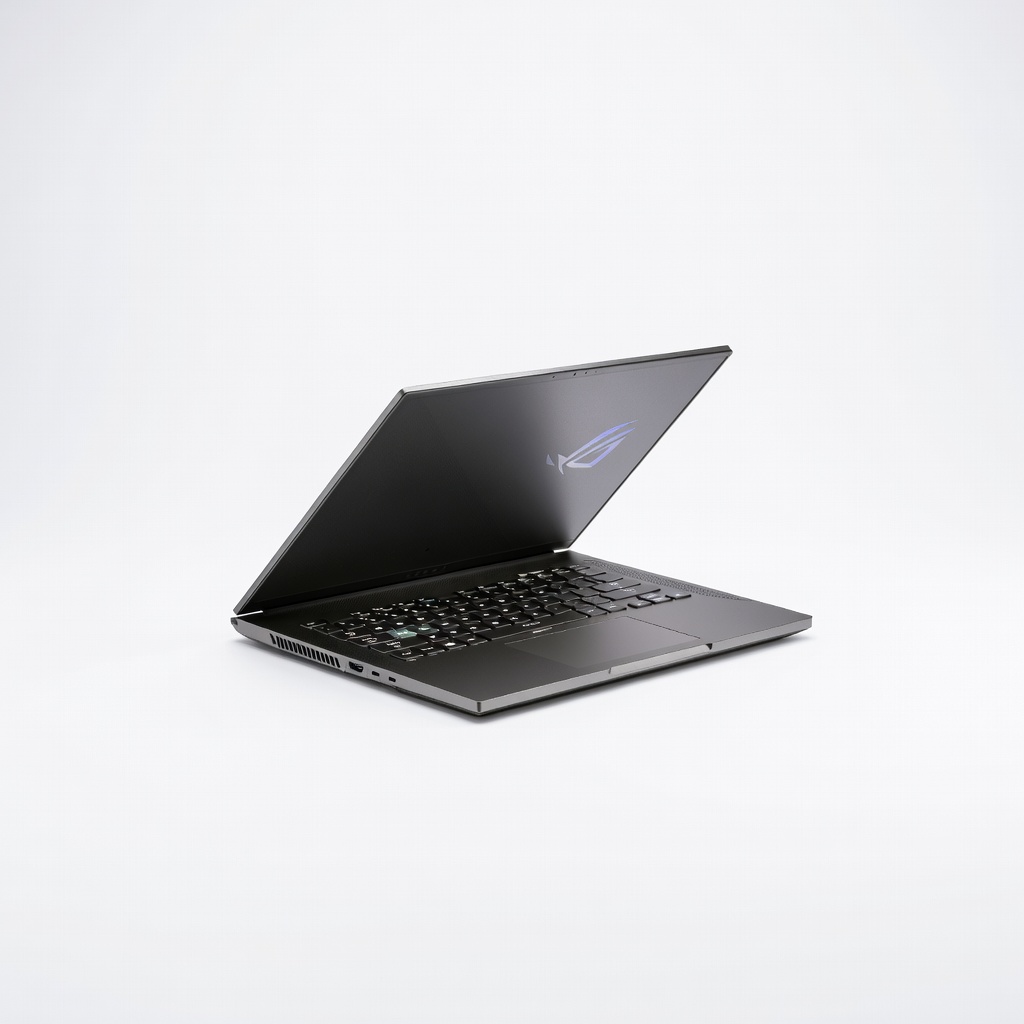
The Zephyrus G14 continues to be the gold standard for balancing portability and power. It packs top-tier components into a 14-inch chassis that weighs under 4 pounds, making it ideal for gamers who also need to carry their laptop daily. The main trade-off is that its compact size limits upgradeability and can lead to higher fan noise under load.
Main limitation: The soldered RAM and single SSD slot mean you can't easily upgrade storage or memory after purchase.
Skip if: Skip it if you need a large 17-inch screen for immersive gaming or require extensive upgrade options.
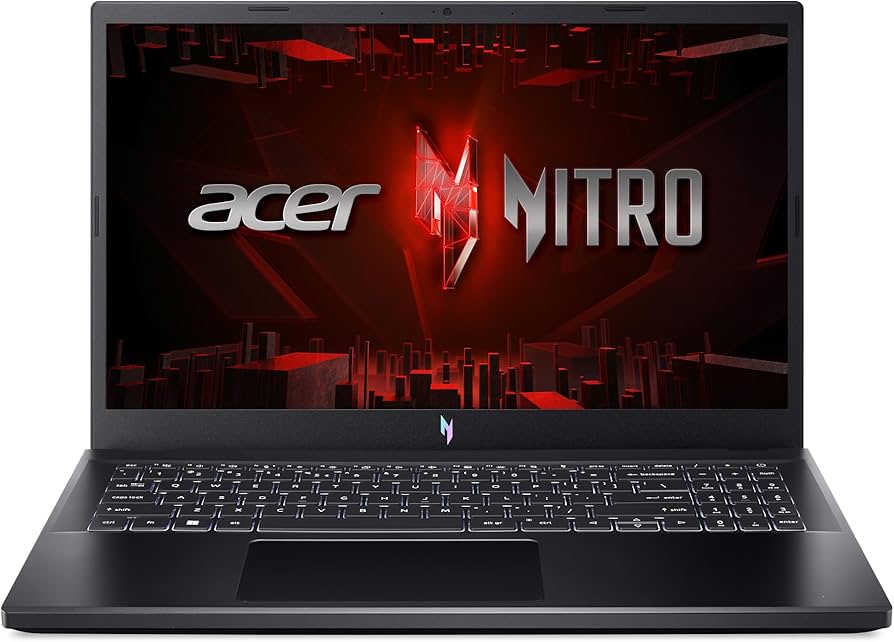
The Nitro V 15 proves you don't need to spend a fortune to get into PC gaming. It offers solid 1080p performance with a 144Hz display and the latest entry-level RTX graphics, all for under $1,000. The trade-off is a plastic build and average battery life, but for budget-conscious gamers, it's a fantastic starting point.
Main limitation: The chassis feels plasticky and the display covers only 65% sRGB, making colors look washed out for creative work.
Skip if: Skip it if you need a color-accurate screen for photo or video editing, or if you prefer a premium metal build.
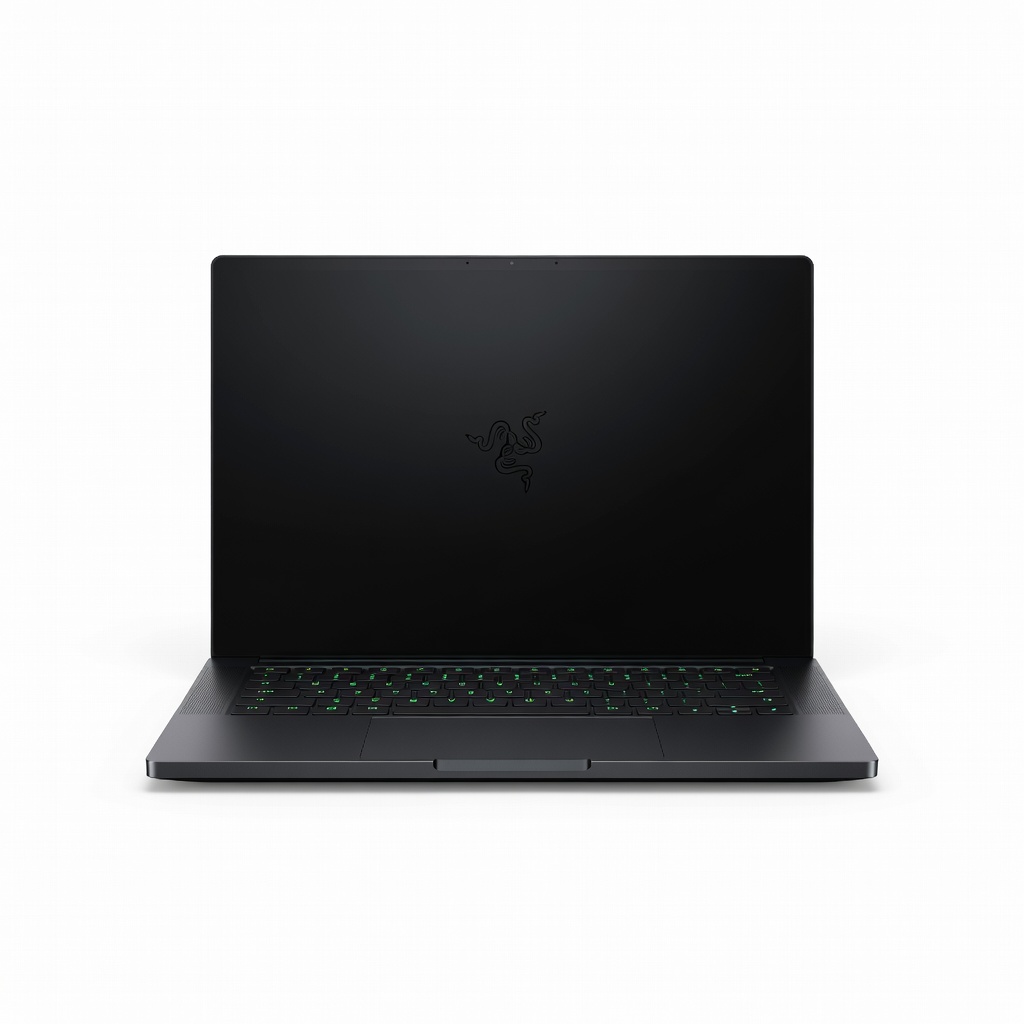
The Razer Blade 16 is a powerhouse for gamers who also create content. Its stunning 16-inch OLED display covers 100% DCI-P3, and the CNC aluminum unibody rivals MacBook build quality. You pay a premium for the brand and design, and the high-end configurations can exceed $4,000, but for those who want one machine for work and play, it's unparalleled.
Main limitation: It runs hot under sustained loads, and the fans can get loud when pushing high frame rates.
Skip if: Skip it if you're on a strict budget or prefer a matte screen, as the OLED panel is glossy.
The Alienware m18 is a no-compromise desktop replacement that delivers near-desktop performance. With up to an RTX 5090 and an 18-inch 480Hz display, it's built for enthusiasts who want the absolute best and don't need to move it often. The downside is its massive size and weight, plus a very high price tag.
Main limitation: It weighs over 9 pounds and the power brick is enormous, making it impractical for travel.
Skip if: Skip it if you need a portable laptop for LAN parties or daily commuting.
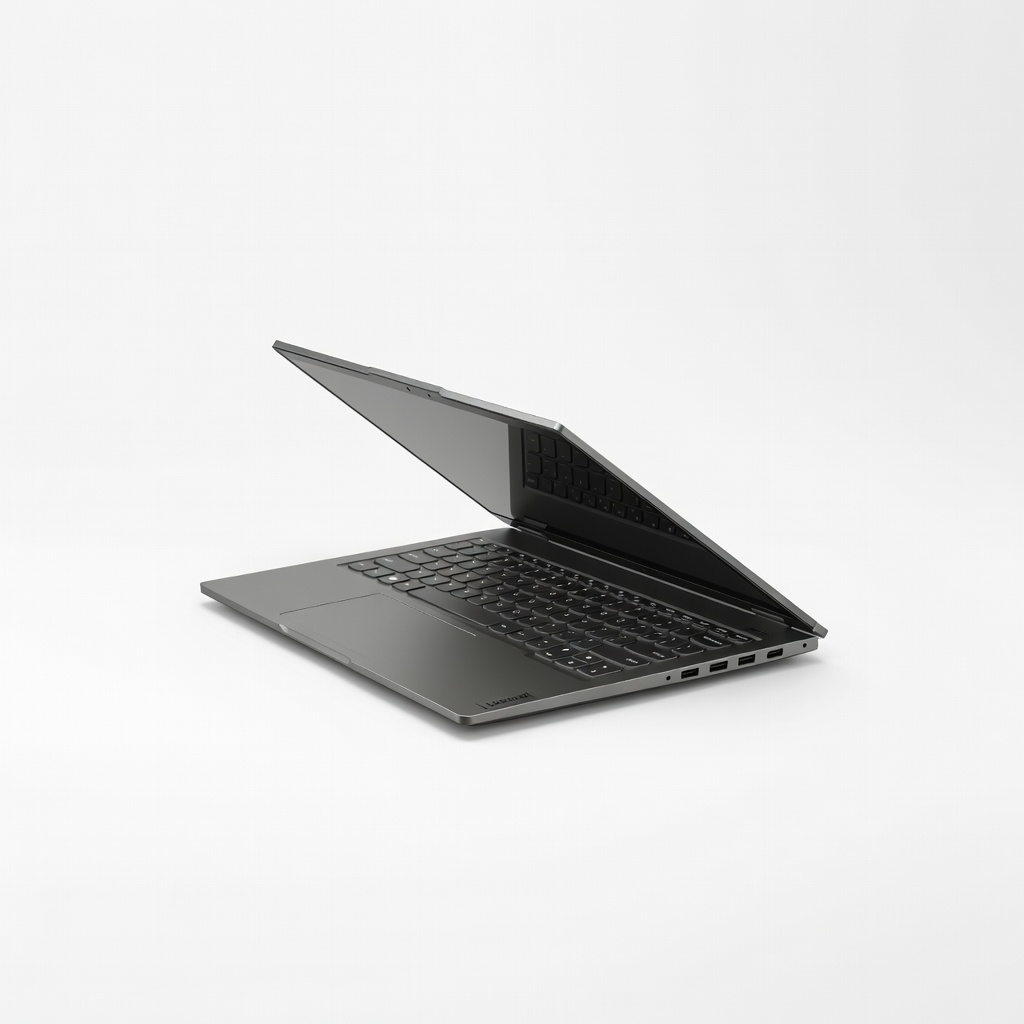
The Legion Slim 7i defies the stereotype that gaming laptops have terrible battery life. With a 99.9Wh battery and efficient components, it can last up to 8 hours for light tasks, while still delivering strong gaming performance. The trade-off is that it's not the most powerful option, but it's perfect for gamers who need to work unplugged.
Main limitation: The maximum GPU is an RTX 5070, so it can't match the raw frame rates of thicker desktop replacements.
Skip if: Skip it if you need the absolute highest frame rates for 4K gaming or plan to use it primarily plugged in.
The HP Omen 16 is tuned for competitive esports, offering high refresh rates and low input lag. Its 16-inch 240Hz display and snappy keyboard give you a competitive edge in titles like Valorant and CS2. The trade-off is that its color accuracy is mediocre, so it's less ideal for content creation.
Main limitation: The display covers only 72% NTSC, which is acceptable for gaming but not for professional color work.
Skip if: Skip it if you need a laptop for video editing or graphic design where color accuracy is critical.
The ROG Flow Z13 is a tablet that doubles as a gaming laptop, ideal for ultra-portable gaming. It features a detachable keyboard and a 13-inch touchscreen, and it can be paired with an external GPU for desktop-class performance. The main limitation is that as a standalone tablet, its gaming performance is limited compared to traditional laptops.
Main limitation: Without the XG Mobile external GPU, it relies on integrated graphics that struggle with demanding AAA titles.
Skip if: Skip it if you primarily play graphically intensive games and don't want to carry an external GPU.
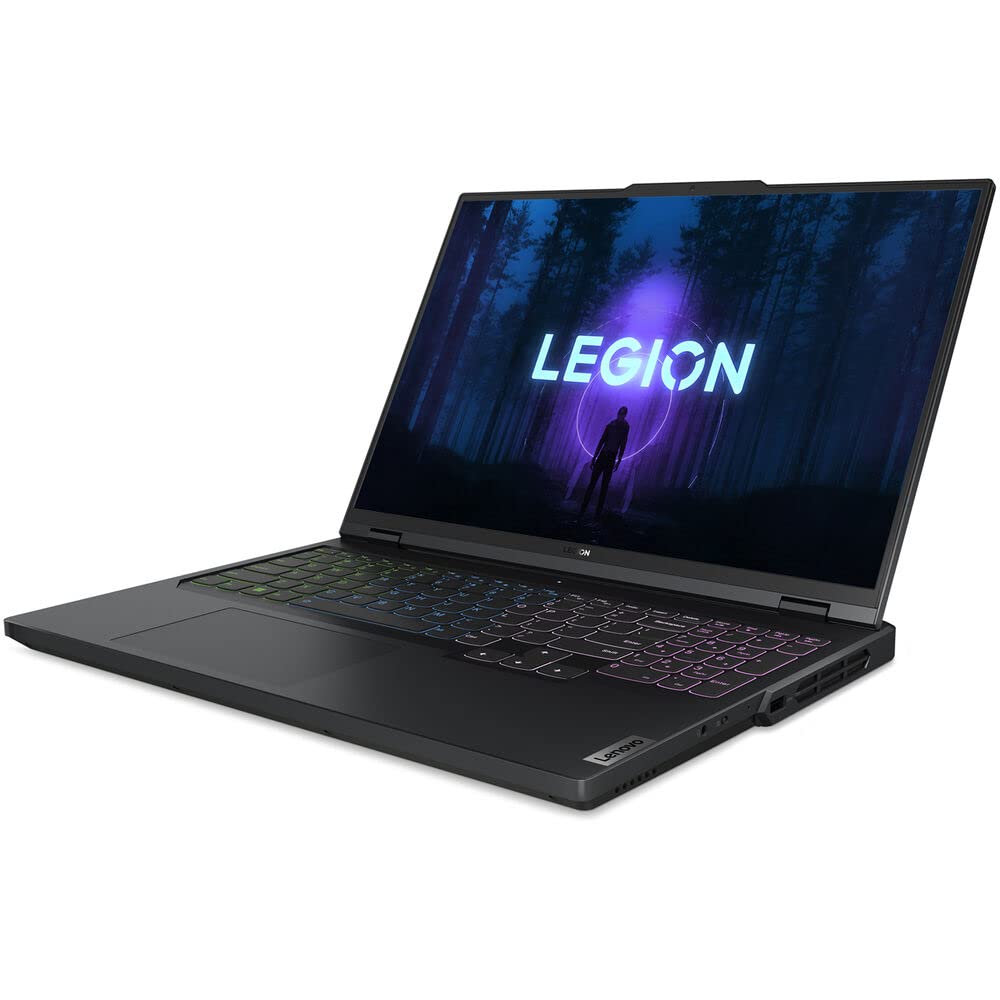
The Legion Pro 5i strikes an excellent balance between price and performance, offering RTX 5070 graphics and a 165Hz display for around $1,500. It's well-built, has a comfortable keyboard, and runs relatively cool. The trade-off is that it's on the heavier side, but for the price, it's hard to beat.
Main limitation: At 5.5 pounds, it's not the most portable, and the battery life is average at best.
Skip if: Skip it if you need a lightweight laptop for daily travel or prefer a more premium design.
Compare key specs and features of all our recommendations side-by-side
| Product | Recommendation | Rating | Price |
|---|---|---|---|
Asus ROG Zephyrus G14 (2026) Rank #1 | 🏆 Top Pick | 9.2/10 | $1,599–$2,199 Check current price → |
Acer Nitro V 15 (2026) Rank #2 | 💰 Budget Pick | 8.0/10 | $799–$999 Check current price → |
Razer Blade 16 (2026) Rank #3 | ⭐ Editor's Choice | 8.8/10 | $2,999–$4,499 Check current price → |
Alienware m18 (2026) Rank #4 | — | 8.7/10 | $3,499–$5,299 Check current price → |
Lenovo Legion Slim 7i (2026) Rank #5 | — | 8.5/10 | $1,799–$2,499 Check current price → |
HP Omen 16 (2026) Rank #6 | — | 8.3/10 | $1,299–$1,899 Check current price → |
Asus ROG Flow Z13 (2026) Rank #7 | — | 8.0/10 | $1,799–$2,199 (plus $1,500 for XG Mobile) Check current price → |
Lenovo Legion Pro 5i (2026) Rank #8 | — | 8.6/10 | $1,399–$1,799 Check current price → |
Common questions buyers have about this category.
For 1080p at high settings and 60+ fps, an NVIDIA RTX 5050 or RTX 5060 is sufficient. If you want to hit 144Hz in competitive titles, aim for an RTX 5070 or higher. The GPU is the most critical component, so prioritize it over the CPU if your budget is limited.
Yes, 16GB is the sweet spot for most games in 2026. It handles modern titles and background tasks without issue. Only consider 32GB if you're into heavy multitasking, streaming, or running virtual machines alongside games.
Higher refresh rates (144Hz and above) make motion look significantly smoother and can improve your reaction time in fast-paced games. For casual or story-driven games, 60Hz is acceptable, but once you try 144Hz, it's hard to go back. Prioritize refresh rate over resolution if you play esports.
Many gaming laptops allow you to upgrade RAM and storage, but CPUs and GPUs are almost always soldered and cannot be changed. Check the model's specifications before buying; some thin-and-light models solder RAM, limiting future upgrades. Look for laptops with accessible SO-DIMM slots and an extra M.2 slot if upgradeability matters to you.
Gaming laptops generally have poor battery life under load—expect 2 to 4 hours of actual gaming. For light tasks like web browsing or video playback, some models can last up to 8 hours. If battery life is crucial, look for laptops with large batteries (99Wh or more) and efficient components, and consider undervolting.
For most gamers, a high-refresh 1440p or 1080p display is a better choice than 4K. 4K is very demanding on laptop GPUs, often forcing you to lower settings to maintain smooth frame rates. It's more relevant for content creators who need the extra resolution for editing. If you want sharp visuals without sacrificing performance, 1440p at 165Hz or higher is ideal.
Refurbished gaming laptops can offer significant savings—often 20-30% off new—but it's essential to buy from a reputable seller that includes a warranty and a hassle-free return policy. Check the condition grade and ensure the battery has been tested. If you're comfortable with minor cosmetic wear, a refurbished unit can be a smart way to get more performance for your money.
Products we evaluated but did not recommend — and why.
