Get the App
Better experience on mobile
Eight laptops that get the fundamentals right — with honest notes on where each one falls short.
The spec sheet is the least reliable way to judge a gaming laptop in 2026. Two machines can list the same GPU and CPU and still differ by a wide margin in real frame rates, because what actually determines performance is how much power the manufacturer lets the GPU draw, how well the cooling system sustains that draw over an hour-long session, and whether the laptop can route the discrete GPU directly to the display instead of through the integrated one. A 175W implementation of a mid-tier GPU will routinely outperform a 90W implementation of a tier above it — which is why "which graphics card" is the wrong first question.
The second thing most buyers learn too late is that form factor and performance are locked in a trade-off you can't negotiate your way out of. A slim 14-inch laptop with a beautiful OLED panel is a joy to carry and a compromise to game on for four hours straight; an 18-inch desktop replacement will crush anything you throw at it and will not leave your desk. Neither is wrong. The mistake is buying the portable machine and expecting desktop-class sustained performance, or buying the desktop replacement and then resenting its weight every time you move it.
Price has also shifted meaningfully at the low end. Budget gaming laptops in the 2026 market are genuinely capable of running modern titles at 1080p with sensible settings, which means the entry point into PC gaming is lower than it has been in years — provided you accept plastic chassis, dimmer panels, and less headroom for future titles. At the top end, flagship machines have crept past $4,000, and the returns diminish sharply once you cross roughly $2,500.
This guide covers eight laptops across that entire span, from a sub-$800 starter machine to a $5,000-plus desktop replacement, plus a repairable outlier for people who hate planned obsolescence. Each entry includes the trade-off you're accepting, because there always is one.
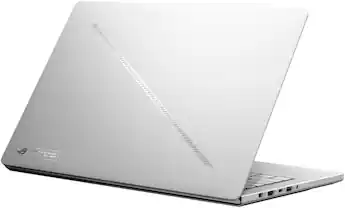
The G14 is the rare gaming laptop that works as a daily driver first and a gaming machine second, pairing a genuinely portable CNC-machined chassis with a color-accurate OLED display and enough GPU headroom for current titles at high settings. It's the pick for people who want one laptop for everything, not a gaming rig that happens to have a battery. That versatility costs a premium, and its thin frame can't match thicker 16-inch rivals under sustained load.
Main limitation: Its slim chassis constrains sustained GPU power, so it runs warmer and louder during long sessions than bulkier laptops using the same graphics chip.
Skip if: Skip it if you want the most frames per dollar, need a 17- or 18-inch screen, or rely on a numeric keypad for work.
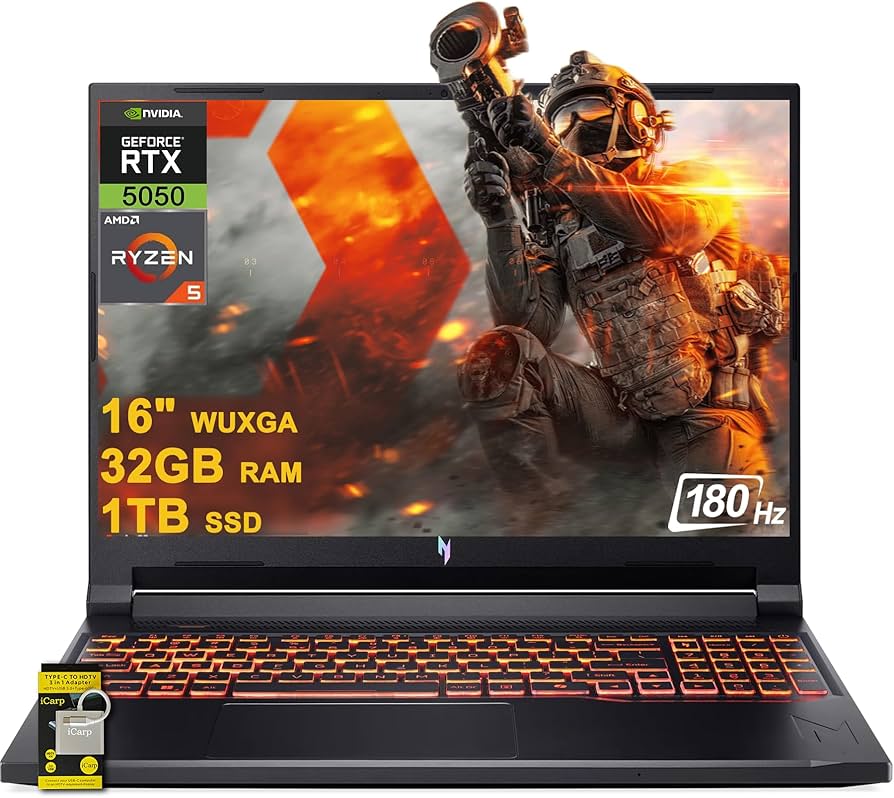
The Nitro V line has become the reliable answer for shoppers who want a legitimate gaming laptop without crossing the $1,000 mark, and the 16-inch model is the sweet spot in that family — a large enough screen to game comfortably, dual storage and memory slots for future upgrades, and enough GPU power for esports titles and modern games at moderate settings. Where it saves money is obvious the moment you touch it.
Main limitation: The chassis is entirely plastic and the base display panel is dim with mediocre color accuracy, so it's a poor choice for any kind of creative work.
Skip if: Skip it if you edit photos or video, want a premium-feeling machine, or expect high frame rates in the most demanding new releases.
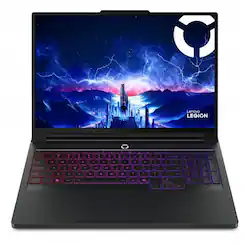
If your priority is winning firefights rather than editing video, the Legion Pro 7i is built for exactly that: a fast, responsive panel, one of the best keyboards on any gaming laptop, and a cooling system that holds high frame rates through long sessions instead of fading after twenty minutes. It's also the most consistently well-reviewed performance-per-dollar machine in the premium tier. Just don't plan on carrying it anywhere.
Main limitation: At roughly six pounds plus a very large power adapter, it is effectively a stationary machine despite the laptop form factor.
Skip if: Skip it if you need portability, want a quiet fan profile during meetings, or only game casually a few hours a week.
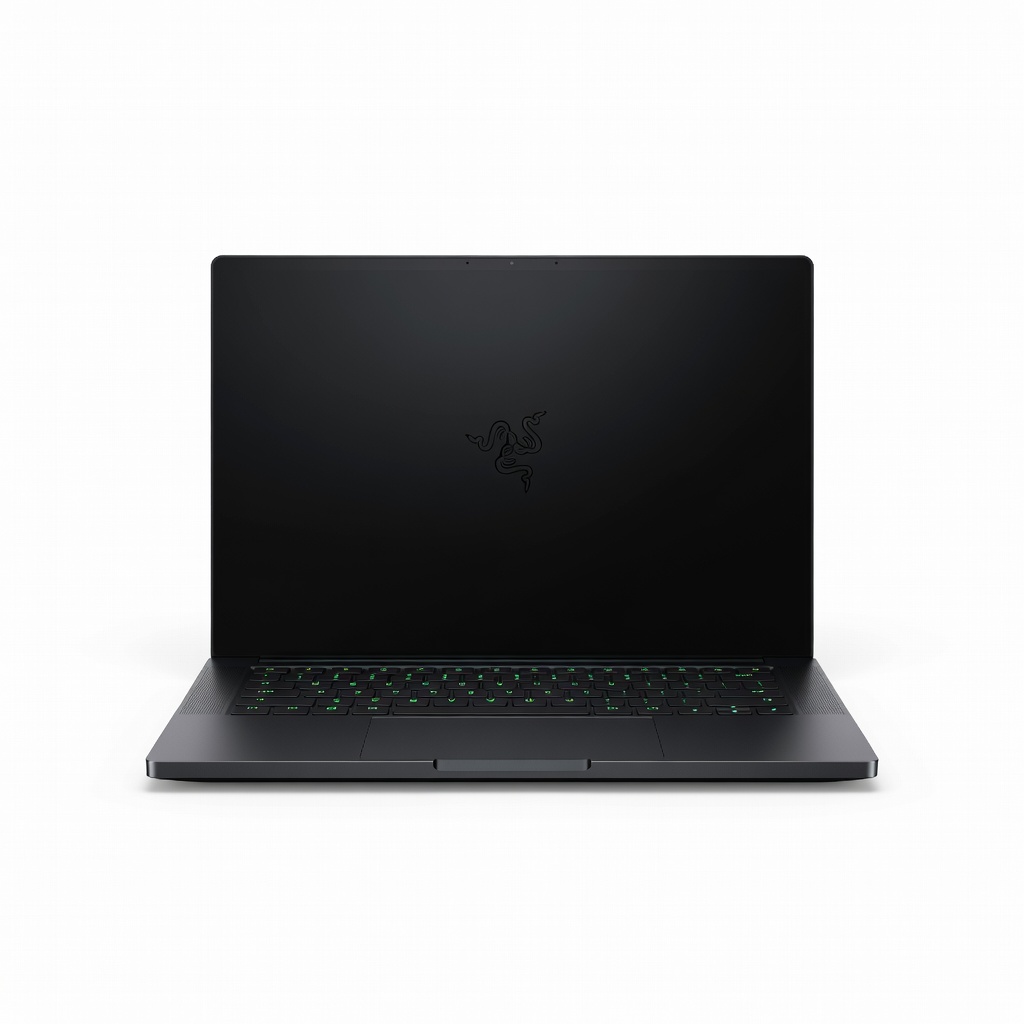
The Blade 16 is the gaming laptop you buy when materials and design matter as much as frame rates — a unibody aluminum chassis that feels closer to a MacBook Pro than a typical gaming rig, a superb OLED display, and flagship-class graphics squeezed into a body thin enough for a briefcase. Razer charges accordingly, and the gap versus comparably equipped rivals is substantial.
Main limitation: It costs several hundred dollars more than similarly specced competitors, and Razer's replacement parts and out-of-warranty service are notoriously expensive.
Skip if: Skip it if maximizing performance per dollar matters more than build quality, or if you're rough on your gear.
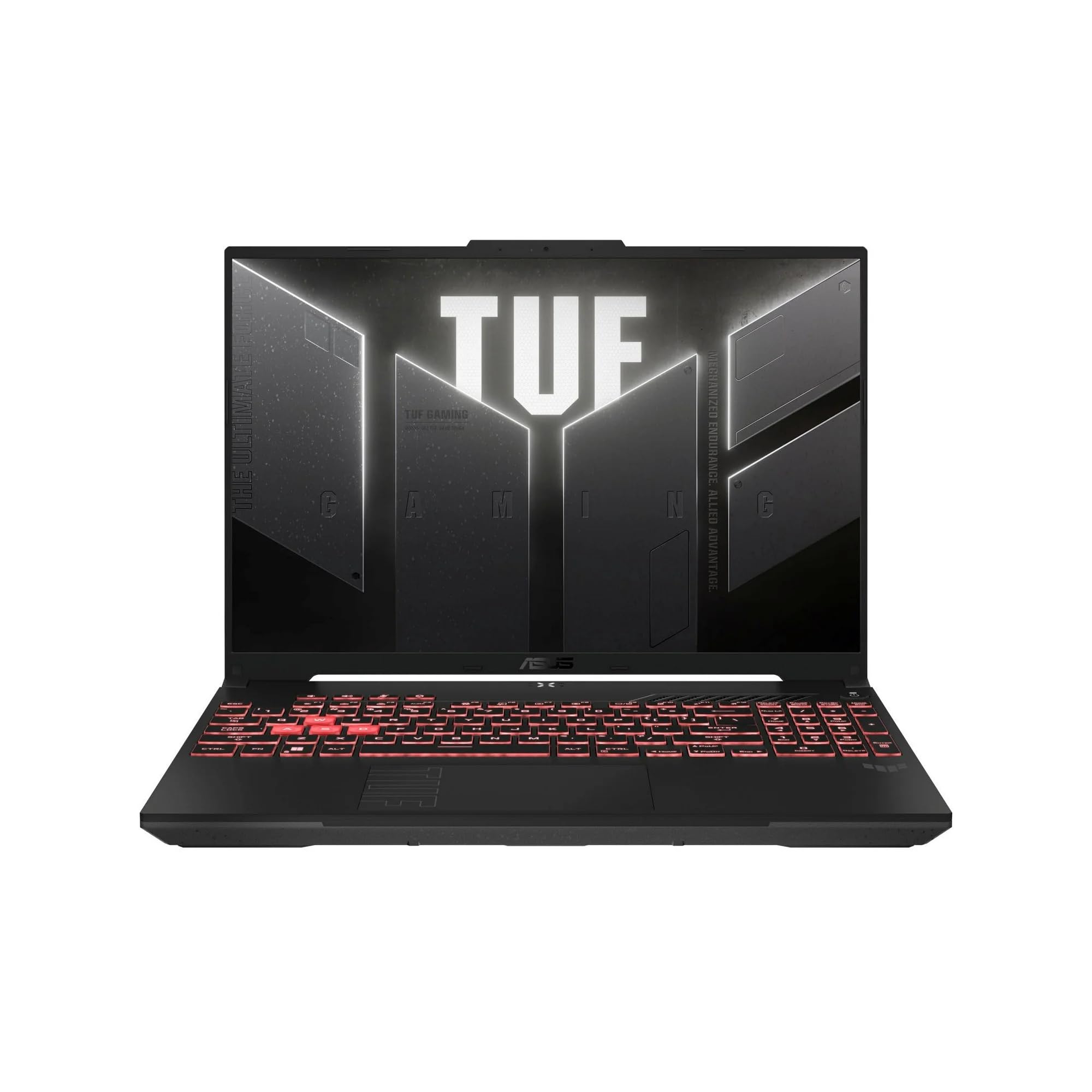
The TUF A16 leans on an efficient AMD processor with capable integrated graphics to do something most gaming laptops can't: survive a full day of classes on battery and still play games in the evening. It's also unusually upgrade-friendly for the price, with accessible memory and dual SSD slots. The savings show up in the display and speakers, which are merely adequate.
Main limitation: The screen is noticeably dimmer and less color-accurate than what you get one tier up, and the speakers are thin and quiet.
Skip if: Skip it if you need a color-accurate panel for creative coursework, or if you want the lightest possible backpack load.
The Stealth 16 AI+ is aimed at people whose laptop has to render before it plays — a neural processing unit for AI-assisted workloads, a factory-calibrated high-resolution display on select configurations, and enough GPU muscle for both timeline scrubbing and gaming. It's a genuinely dual-purpose machine rather than a gaming laptop with a creator sticker on it. The slim chassis is the compromise you accept for that.
Main limitation: Its thin profile means the top graphics configurations run near their thermal ceiling under prolonged load, and the chassis deck shows some flex under firm typing pressure.
Skip if: Skip it if you only game and don't need color accuracy or AI acceleration — you'll pay for features you won't use.
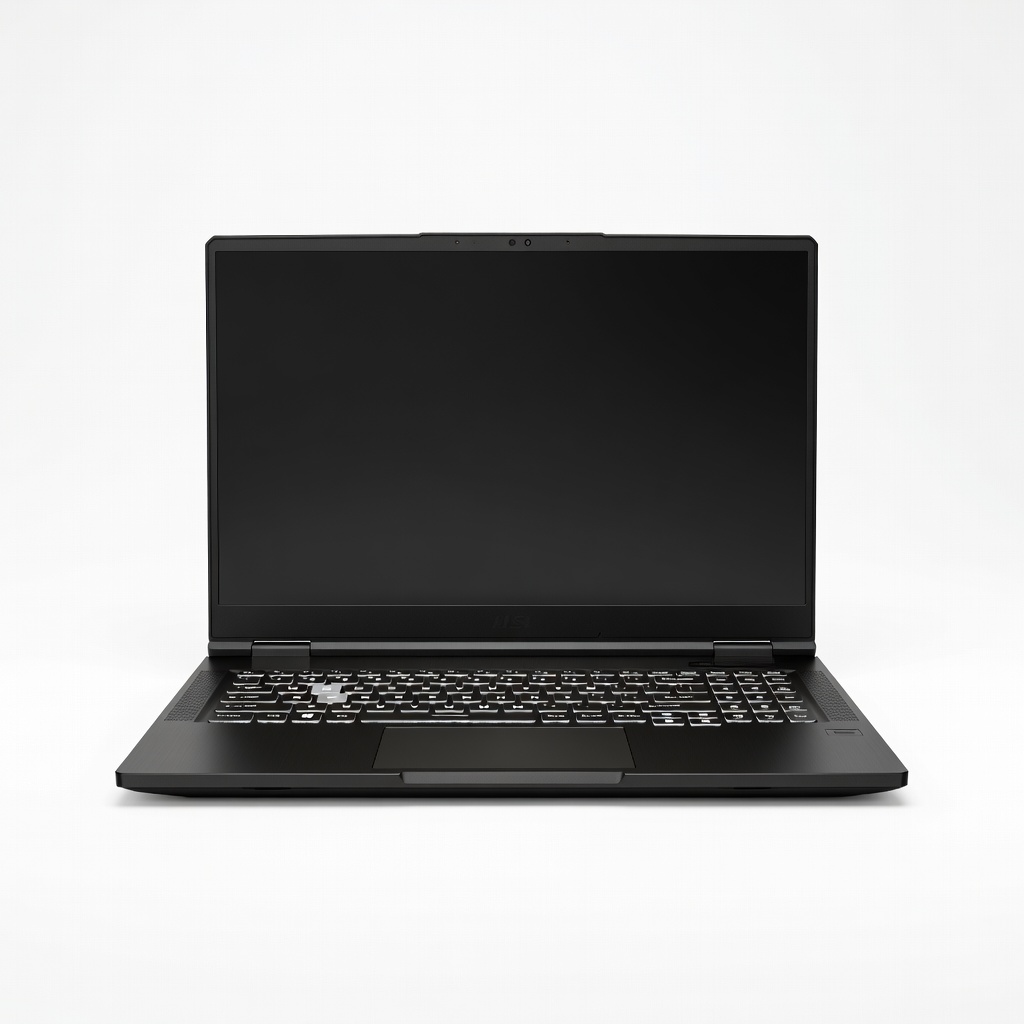
The Titan 18 HX exists for people who want the fastest possible laptop and don't care that it will never leave the desk. An 18-inch mini-LED panel, unrestricted power delivery to the flagship GPU, and a quad-fan vapor chamber cooling system make it the closest thing to a desktop in laptop clothing. It's also the most expensive and heaviest machine on this list by a wide margin.
Main limitation: At well over seven pounds with an enormous power adapter and a starting price above $4,000, it's impractical for anyone who needs to move their machine.
Skip if: Skip it if you travel at all, have a budget under $4,000, or don't specifically need 18 inches of screen real estate.

The Framework Laptop 16 is the only gaming laptop here you can meaningfully upgrade years from now — a swappable graphics module, replaceable ports, and published repair guides for essentially every component. For buyers who resent throwing away a working machine because one part failed, that's worth real money. It is not, however, a performance bargain.
Main limitation: Gaming performance trails conventional laptops at the same price, and the modular expansion bay adds both cost and bulk.
Skip if: Skip it if you want maximum frames per dollar, don't enjoy tinkering, or need a machine that's fully assembled and tuned out of the box.
Compare key specs and features of all our recommendations side-by-side
| Product | Recommendation | Rating | Price |
|---|---|---|---|
ASUS ROG Zephyrus G14 (2026, 14-inch OLED) Rank #1 | 🏆 Top Pick | 9.2/10 | $1,699–$2,499 Check current price → |
Acer Nitro V 16 (2026) Rank #2 | 💰 Budget Pick | 8.2/10 | $749–$999 Check current price → |
Lenovo Legion Pro 7i 16-inch (2026) Rank #3 | ⭐ Editor's Choice | 9.0/10 | $2,099–$3,299 Check current price → |
Razer Blade 16 (2026) Rank #4 | — | 8.6/10 | $2,999–$3,999 Check current price → |
ASUS TUF Gaming A16 (2026) Rank #5 | — | 8.3/10 | $1,099–$1,599 Check current price → |
MSI Stealth 16 AI+ (2026) Rank #6 | — | 8.1/10 | $1,999–$2,699 Check current price → |
MSI Titan 18 HX (2026) Rank #7 | — | 8.4/10 | $4,299–$5,999 Check current price → |
Framework Laptop 16 (2026) Rank #8 | — | 7.8/10 | $1,700–$2,700 Check current price → |
Common questions buyers have about this category.
For most people, the sweet spot is roughly $1,200 to $1,800, where you get a capable mid-to-upper tier GPU, a decent high-refresh display, and cooling that can sustain performance. Below $900 you can still game comfortably at 1080p with moderate settings, but you'll accept plastic build quality and a dimmer panel. Above roughly $2,500, returns diminish quickly unless you specifically need a desktop replacement or the fastest available mobile GPU.
Often, yes. A lower-tier GPU running at a high power limit can outperform a higher-tier GPU capped at a low limit, because power delivery directly determines clock speeds under sustained load. When comparing laptops, find the advertised TGP in the specifications or a published review rather than assuming the chip name tells the whole story. This is also why thin-and-light machines sometimes underperform thicker laptops with nominally weaker hardware.
A 14-inch model is enough if portability is your priority and you're willing to accept lower sustained performance and a smaller screen for inventory-heavy games. A 16-inch laptop is the best compromise for most buyers, offering meaningfully better cooling and screen area without becoming a burden to carry. An 18-inch machine is essentially a portable desktop and only makes sense if it stays in one place.
OLED offers better contrast, faster pixel response, and more vivid color, which makes games look noticeably better — but it carries a long-term burn-in risk from static interface elements like health bars and minimaps. IPS panels are generally brighter at the top end, cheaper, and immune to burn-in, which makes them the safer pick for competitive gamers and anyone who keeps a laptop for five or more years. If you go OLED, use dark modes and screen savers to reduce static content.
It can, but only if you accept the trade-offs: a desktop replacement is heavy, loud, expensive relative to equivalent desktop parts, and difficult to upgrade beyond memory and storage. What you gain is a single machine that travels and a much smaller footprint. If you never move your computer, a desktop paired with a cheap laptop generally delivers more performance per dollar.
For pure gaming, 16GB remains sufficient for the large majority of titles, and 32GB provides little benefit in frame rate. Where 32GB helps is multitasking — streaming while gaming, running a browser with many tabs, or doing video editing and 3D work alongside play. Buy a laptop with upgradeable memory slots where possible, since adding RAM later is far cheaper than paying a manufacturer's configuration premium up front.
A mid-range gaming laptop typically remains comfortable for demanding titles for about three to four years, then continues to handle esports and older games for several more. The limiting factor is almost always the GPU, since graphics cards are soldered and cannot be upgraded on nearly all models. Buying one tier above what you need today is usually a better investment than buying the cheapest option and replacing it sooner.
Products we evaluated but did not recommend — and why.
