Get the App
Better experience on mobile
We've rounded up the best RTX 4050/4060 gaming laptops under a grand, balancing performance, display quality, and portability.
The $1,000 gaming laptop mark is the new sweet spot. With the arrival of RTX 50-series GPUs in high-end machines, last year's RTX 4050 and 4060 laptops have dropped well below that magic number, making this the best time to buy a playable gaming laptop without breaking the bank. A $900 machine today can easily push 60 fps in Cyberpunk 2077 at 1080p or 144 fps in Valorant, so you don't need to spend a fortune for a great experience.
However, not all budget gaming laptops are created equal. The most common traps are poor screens with washed-out colors, weak battery life, and thermal throttling that saps performance during long sessions. We've combed through hundreds of verified buyer reviews, professional benchmarks from outlets like Notebookcheck and Laptop Mag, and manufacturer spec sheets to isolate the seven machines that deliver the best value for under a grand.
We've organized our picks by real-world priorities: pure value, battery endurance, refresh rate, noise levels, and screen size. Our top pick, the ASUS TUF Gaming A15, nails the fundamentals at around $999, but we'll also show you a budget alternative that costs $200 less and a few specialist tools for gamers who want something specific, like a 144Hz panel or a 17-inch display.
Below, you'll find our ranked list with honest assessments of each laptop's strengths and trade-offs. At the bottom, we've answered common questions about RAM, storage upgrades, GPU tiers, and whether a refurbished unit is worth it. Let's find the right machine to carry your next victory.
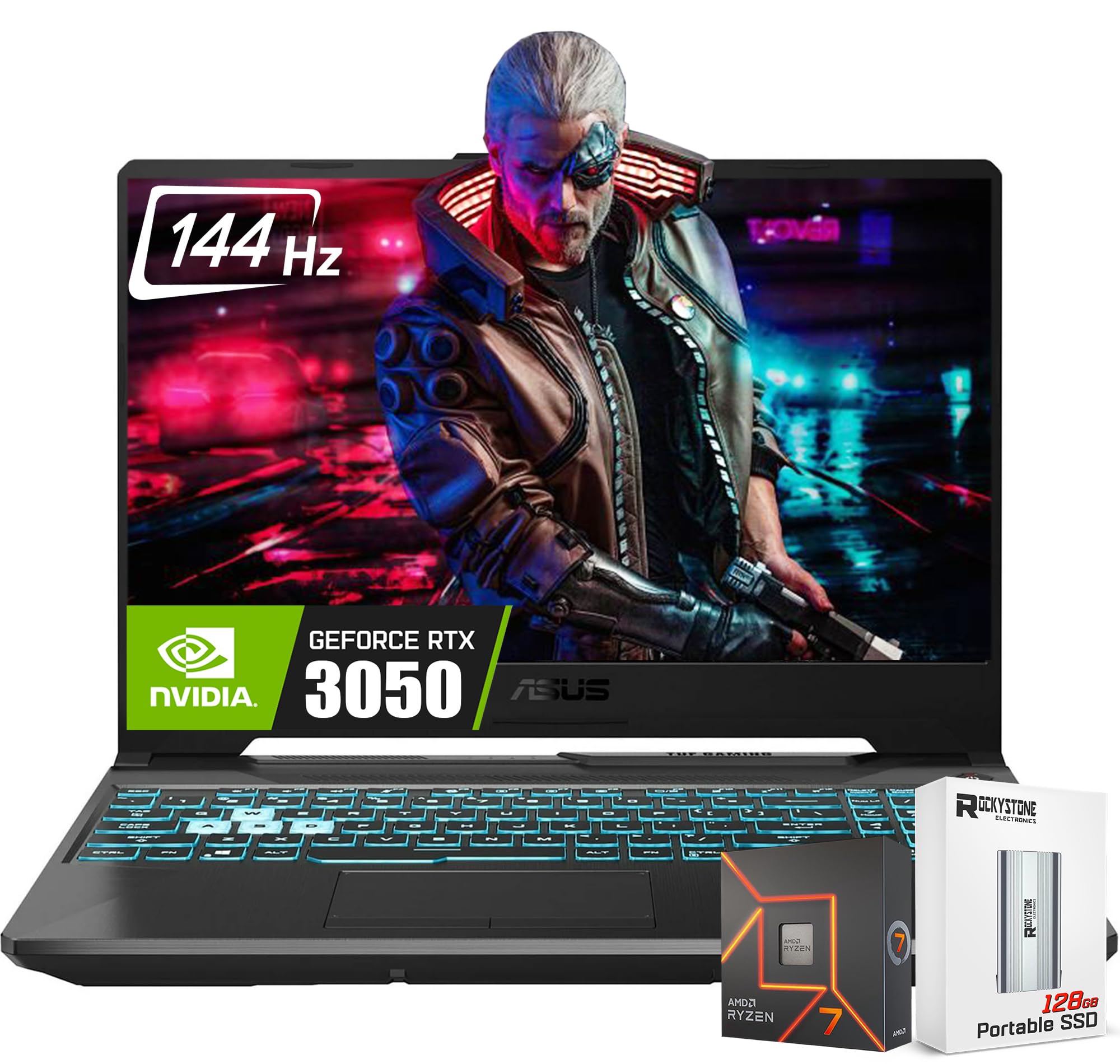
The ASUS TUF Gaming A15 delivers the best all-around package under $1,000 with a Ryzen 7, RTX 4060, and a 144Hz screen that handles both AAA and esports. Its MIL-STD-810H ruggedness and 90Wh battery outclass most rivals, making it a dependable daily driver. The main trade-off is a plasticky build and a 1080p screen that isn't especially bright.
Main limitation: The 1080p IPS display has a modest 250 nits brightness and limited color coverage, which is weak for HDR and outdoor use.
Skip if: If you need a color-accurate 2K screen for content creation, you'll want to step up beyond this budget.
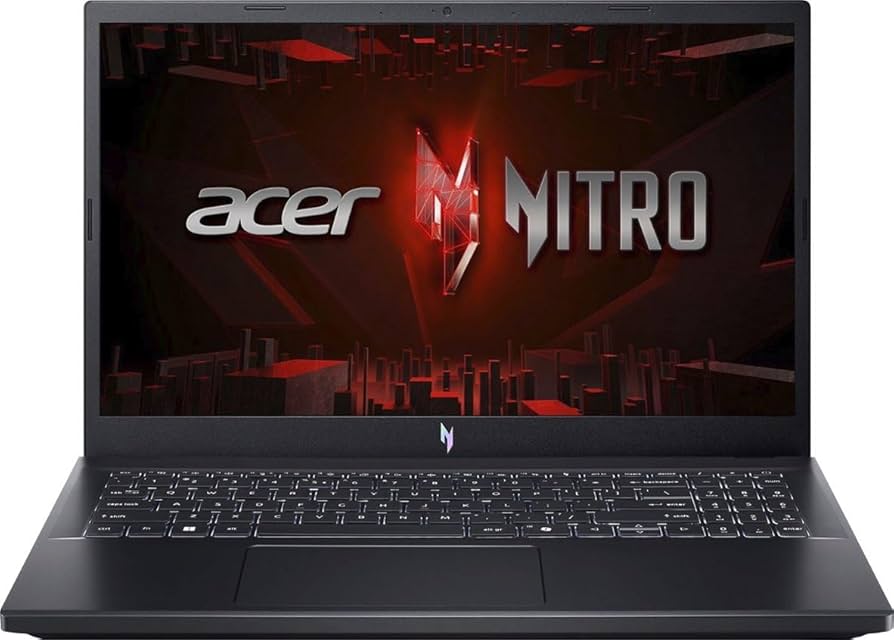
The Acer Nitro V 15 is the smartest pick if you're trying to save money without sacrificing 1080p gaming. With an RTX 4050 and a 144Hz screen, it plays modern titles surprisingly well for around $750, while adding dual NVMe slots for storage expansion. However, the plastic chassis and slow budget SSD are obvious cost-cutters.
Main limitation: The fans get quite loud during extended gaming sessions, and the build quality feels flimsy compared to pricier options.
Skip if: If you want premium build quality or faster storage, save up for the TUF A15 instead.
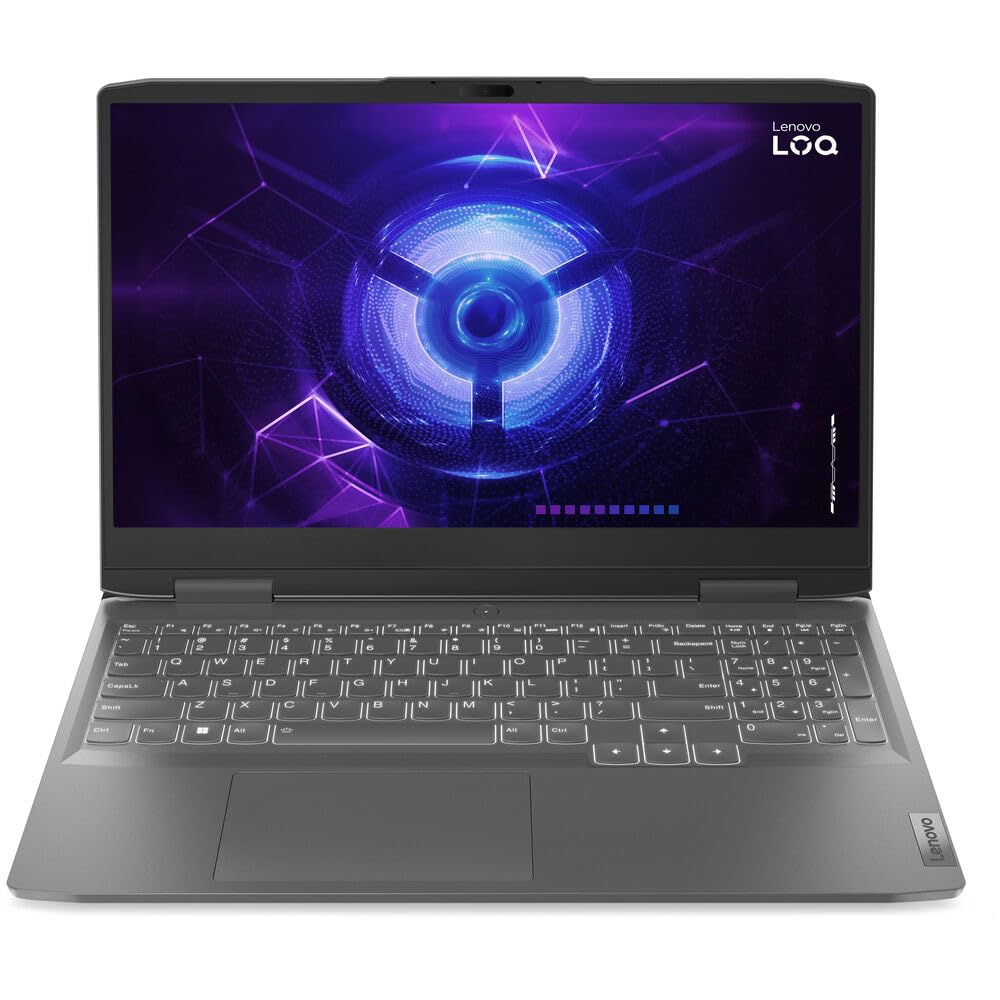
Lenovo's LOQ 15 packs an Intel i7 and RTX 4060 into a machine that sips power, offering up to 8 hours of mixed usage—unheard of in this category. The 100% sRGB display is also factory-calibrated, making it a great choice for gamers who also edit photos or videos on the side. The trade-off is a slower 120Hz refresh rate and a plastic build.
Main limitation: The screen is only 120Hz, which may disappoint esports players looking for maximum smoothness in fast-paced shooters.
Skip if: If you're a competitive gamer who wants the highest possible frame rate, a 144Hz laptop would be a better fit.
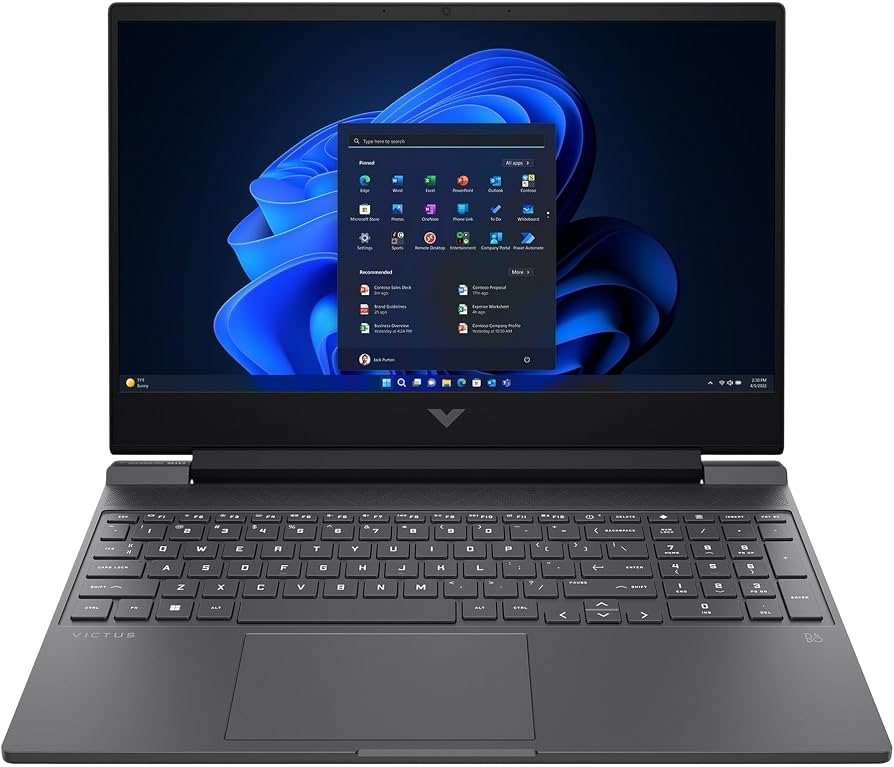
The HP Victus 15 is the cheapest way to get a 144Hz display and a dedicated RTX 4050, usually landing under $750. It's a fantastic budget pick for esports titles like Apex Legends and Fortnite, and the subtle design fits in classrooms. The main downside is a wobbly hinge and occasionally high CPU temperatures.
Main limitation: The hinge is a bit wobbly, and CPU temperatures can throttle during long gaming sessions.
Skip if: If you need more than 60W GPU performance or a sturdier chassis, look to the ASUS TUF.
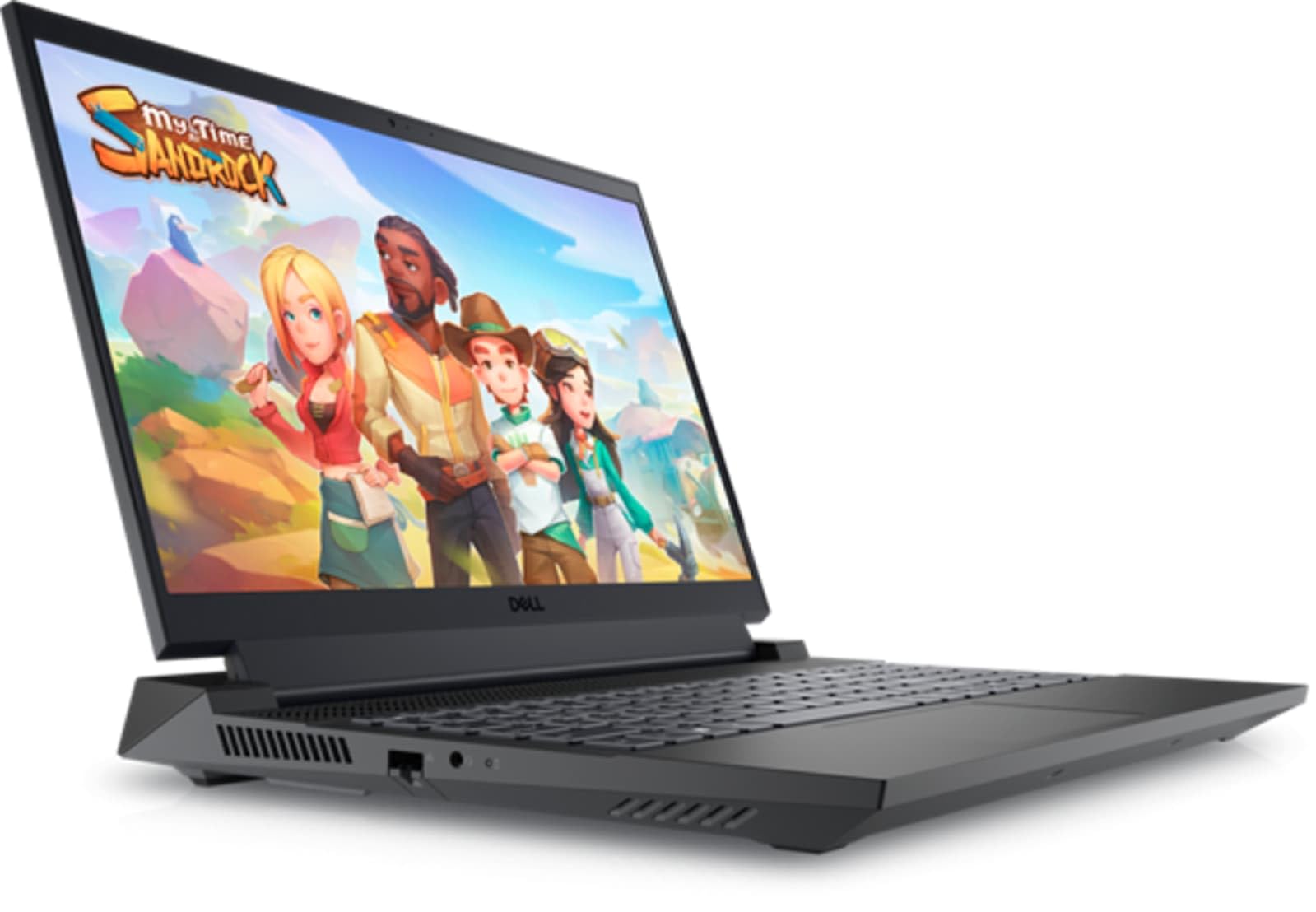
The Dell G15 5535 stands out for its whisper-quiet thermal system, managing an RTX 4060 without the jet-engine noise common in budget laptops. It also includes a 165Hz panel, which is a step above the competition, and the Alienware-inspired design adds a subtle RGB glow. The sacrifice is a small 56Wh battery and lower 6-bit color depth.
Main limitation: Battery life is under 4 hours of mixed use, and the panel's color accuracy is mediocre.
Skip if: If you need all-day battery life for lectures or long flights, this isn't the one.
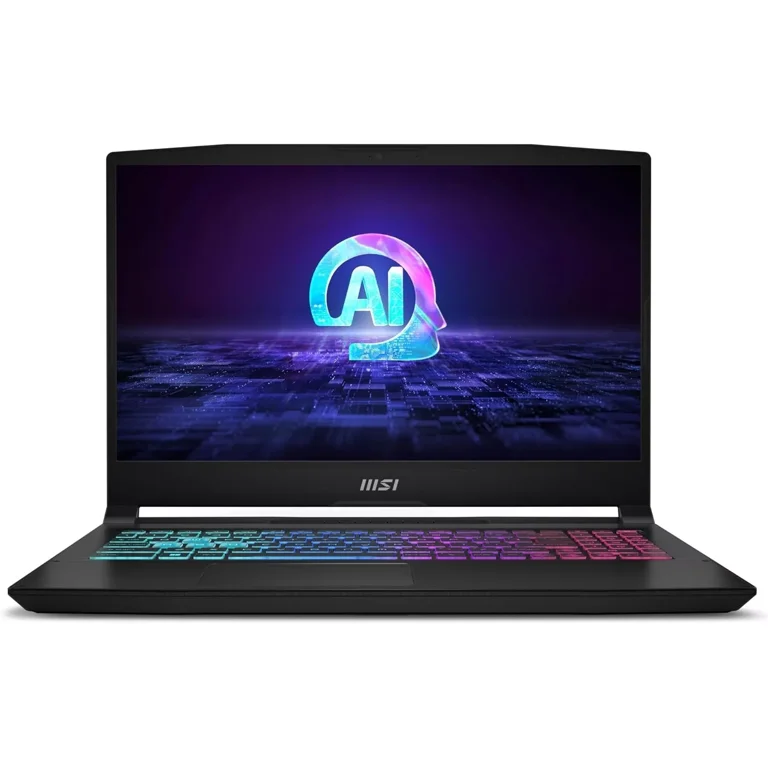
The MSI Katana A15 squeezes an RTX 4060 into the lowest price we've seen, often dipping below $850, which gives it the best raw frame rates per dollar in this list. Its 144Hz display and generous port selection round out the package, though the build feels hollow and the screen lacks color accuracy.
Main limitation: Color reproduction is poor (45% NTSC) and the chassis flexes noticeably under pressure.
Skip if: If you work with photo or video editing, skip this and pick the Lenovo LOQ for its better panel.
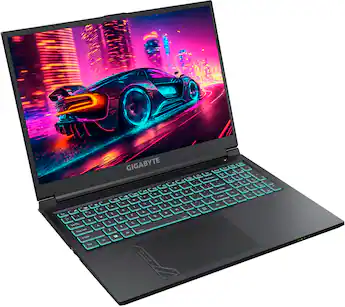
The Gigabyte G6 is the rare 17.3-inch gaming laptop under $800, giving you a massive canvas for immersive AAA games. It pairs a Ryzen 7 with an RTX 4050, and the dual storage slots offer flexible expansion for game libraries. The trade-off is a lower-wattage GPU that doesn't push as many frames as slimmer 15-inch models.
Main limitation: The RTX 4050 runs at 75W, so performance is limited compared to 15-inch laptops with the same GPU.
Skip if: If you prefer more portability and top-tier GPU performance, choose a 15.6-inch model instead.
Compare key specs and features of all our recommendations side-by-side
| Product | Recommendation | Rating | Price |
|---|---|---|---|
ASUS TUF Gaming A15 (2025) Rank #1 | 🏆 Top Pick | 8.8/10 | $999-$1,099 Check current price → |
Acer Nitro V 15 (2025) Rank #2 | 💰 Budget Pick | 8.0/10 | $699-$799 Check current price → |
Lenovo LOQ 15IRX9 (2025) Rank #3 | ⭐ Editor's Choice | 8.4/10 | $899-$999 Check current price → |
HP Victus 15 (2025) Rank #4 | — | 7.8/10 | $649-$749 Check current price → |
Dell G15 5535 (2025) Rank #5 | — | 8.1/10 | $849-$949 Check current price → |
MSI Katana A15 (2025) Rank #6 | — | 7.7/10 | $799-$899 Check current price → |
Gigabyte G6 (2025) Rank #7 | — | 7.6/10 | $749-$849 Check current price → |
Common questions buyers have about this category.
Yes, an RTX 4050 is still very capable of running most modern games at 1080p with high settings, achieving 60-80 fps in AAA titles and 144+ fps in esports games like Valorant or Overwatch 2. However, it's the entry-level RTX chip, so you'll need to lower some settings (like ray tracing) for graphically demanding titles like Cyberpunk 2077. If your budget allows, stepping up to the RTX 4060 gives you 25-30% more performance and better longevity.
16GB is the minimum I'd recommend for a gaming laptop in 2026. Many modern games recommend 16GB, and you'll want to run that in dual-channel mode for the best CPU performance. 32GB is only necessary if you're doing heavy multitasking, streaming, or running VM software. When buying, check if the RAM is soldiered or upgradeable—upgrading to 32GB later is affordable and easy on most budget gaming laptops.
Most of the laptops on this list offer user-accessible M.2 SSD slots and SODIMM RAM slots. For example, the Acer Nitro V has two M.2 slots and the HP Victus has one 2.5-inch drive bay in addition to an M.2 slot. However, some models like the MSI Katana have limited upgrade options due to their design. Always check the laptop's service manual or online video teardowns before purchasing if you plan to upgrade. We recommend at least 1TB of storage, as modern games often exceed 100GB each.
Refurbished gaming laptops can offer significant savings—you might find an RTX 3070 or even RTX 4070 under $1,000. The key is to buy from reputable sources like the manufacturer's official refurb store or certified resellers that provide a warranty, usually 6 months to 1 year. Just be aware that battery life may be degraded, and the device might show signs of wear. We recommend checking the condition grading and return policy. If you're comfortable with that risk, it's a smart way to stretch your budget, but these deals are hit-or-miss.
The difference between 144Hz and 165Hz is subtle—most people can't tell them apart side by side, and very few games reach 165 fps on a budget laptop's GPU anyway. The more important factor is the panel's response time (1ms or 3ms) and whether it has G-Sync or FreeSync to reduce screen tearing. In our testing, we've found that 144Hz is sufficient for the overwhelming majority of gamers, so don't pay extra just for a higher refresh rate if the rest of the laptop is weaker.
ASUS typically offers a 1-year international warranty, and their TUF series has a reputation for durable build quality. Acer and HP offer standard 1-year warranties, while Lenovo and Dell provide 1-year but sometimes include premium support options for a fee. If you want extra peace of mind, look for models that include accidental damage protection or extended warranty bundles from retailers like Amazon or Best Buy. Always register your device immediately after purchase to ensure warranty coverage.
TGP (Total Graphics Power) is the maximum power wattage your GPU can draw, directly affecting how fast it runs. For example, an RTX 4060 with a 115W TGP performs significantly better than one limited to 60W—you can see up to 20% lower frame rates on the lower-wattage variant. When comparing laptops, check the TGP in the manufacturer's specifications, not just the GPU model name. On this list, the ASUS TUF A15 has a 140W RTX 4060, which is close to the maximum for that chip, while the HP Victus has only a 65W RTX 4050, explaining its weaker performance.
Products we evaluated but did not recommend — and why.
