Get the App
Better experience on mobile
We've ranked the best budget laptops for 2026, covering everything from affordable Chromebooks to premium ultraportables, so you can find the right mix of price and performance.
The best budget laptop isn't about a spec sheet packed with core counts—it's about the small decisions that keep a machine feeling responsive three years from now. After combing through recent releases and buyer reports, the biggest differentiator between a laptop that lasts and one that feels sluggish within months isn't the processor; it's the amount of RAM and the quality of the display. Many budget laptops ship with just 8GB of RAM and dim, low-saturation panels, which can make even basic multitasking feel cramped and colors look muddy.
When you're shopping on a budget, it's tempting to chase the largest hard drive or the fastest CPU, but those specs matter less than how the entire package comes together. A laptop with a mediocre screen will wear you out during a long study session, and one with only one USB-C port can force you to lug a dongle everywhere. The best budget laptops—whether they cost $400 or $1,400—excel at balance: enough memory for today's browser tabs, a keyboard that doesn't cramp your hands, and a battery that gets you through the day.
Our selection process focused on models that consistently appear in expert roundups positive reviews and that offer honest value at their price points. We considered everything from entry-level Chromebooks for web-centric users to ultra-portable Windows machines and a few premium picks for those who want to invest more in longevity. Each laptop we recommend has a clear strength, but we also highlight the trade-offs so you know exactly what you're giving up.
From the Acer Aspire 5 that breaks the $500 barrier to the premium ThinkPad X1 Carbon built for road warriors, this guide covers ten desktop-replacement machines across three price tiers: budget (under $700), mid-range ($700 to $1,200), and premium (over $1,200). No laptop is perfect, and we've pointed out every flaw that matters, so you can decide which imperfections you're willing to live with.
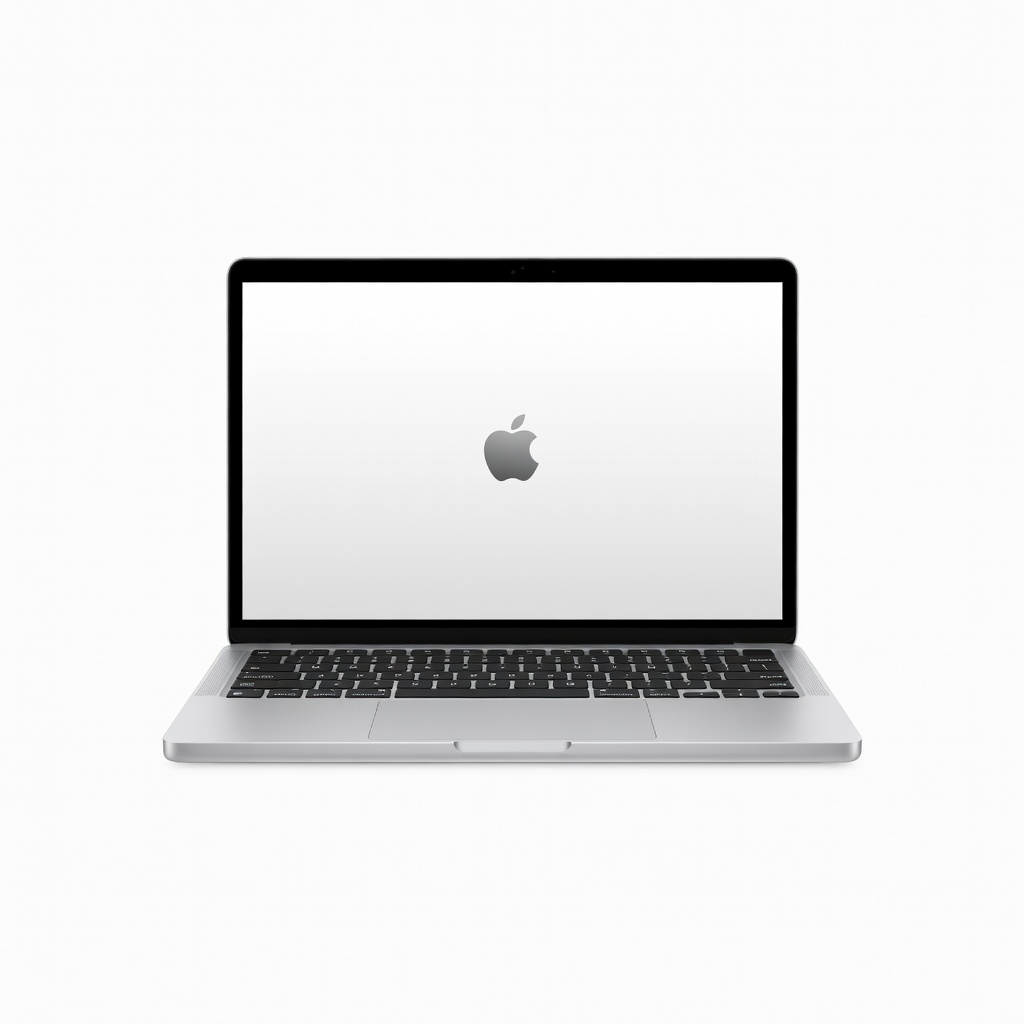
The MacBook Air M3 combines exceptional performance with a fanless design and 18-hour battery life, making it the best all-around laptop for most people. Its 13.6-inch Liquid Retina display and premium aluminum body justify a higher price, but the base 8GB RAM and two ports are limiting if you multitask heavily.
Main limitation: Only two Thunderbolt ports and no SD card slot means you'll likely need a dongle for almost every peripheral.
Skip if: Anyone who needs more than 8GB of RAM in the base model or insists on Windows-only software.
The Acer Aspire 5 delivers reliable performance for daily tasks with its 12th-gen Intel Core i5 processor and Full HD display. It's an unbeatable value under $500, though the plastic chassis and modest battery life are clear trade-offs.
Main limitation: The 1080p IPS display is dim (under 250 nits) and colors look washed out in bright light.
Skip if: Users who want a premium feel or plan to do heavy photo/video editing.
This 2-in-1 convertible offers a touch screen, 360-degree hinge, and solid performance for a student-friendly price. It's an excellent choice for note-taking and light video editing, though battery life falls short of the best in its class.
Main limitation: Battery life of around 8 hours is below average for ultraportables in 2026.
Skip if: Students who need a dedicated GPU for gaming or a larger display.
The XPS 13 remains the gold standard for premium Windows ultrabooks with its stunning 3.2K OLED display and CNC aluminum build. It's a hefty investment at over $1,200, but for those who want a carry-everywhere machine, it's worth it.
Main limitation: The base configuration only comes with 8GB RAM, and upgrading is pricey.
Skip if: Buyers on a strict budget or those who require more than one USB-A port.
With up to 15 hours of real-world battery life and a gorgeous OLED panel, the Zenbook 14 is a productivity machine that rarely needs a charge. It's a strong mid-range pick, though the dark chassis picks up fingerprints easily.
Main limitation: The compact 14-inch screen might be too small for split-screen multitasking.
Skip if: Gamers needing discrete graphics or users who prefer a numpad.
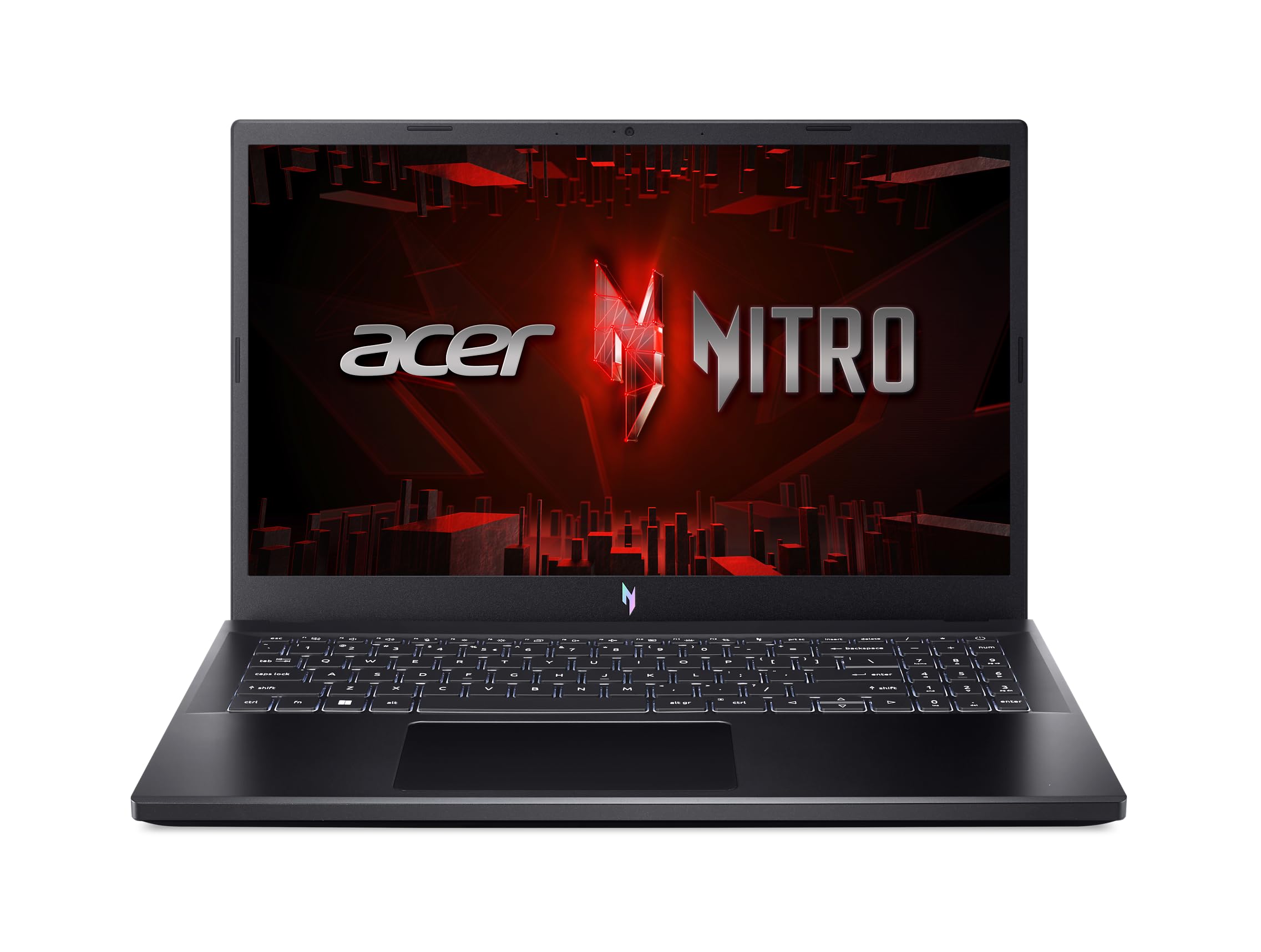
For under $700, the Nitro V 15 packs a GTX 1650 GPU and a 144Hz display, making it an ideal entry-level gaming laptop. It's bulky and heavy, but it's the best way to get smooth esports performance on a budget.
Main limitation: The CPU runs hot under load, and fan noise gets intrusive.
Skip if: Serious gamers wanting 1440p or ray tracing; those who prioritize portability.
The Spin 714 is a convertibles Chromebook with a vibrant 16:10 display and excellent build quality for the price. It runs Android apps flawlessly and everything cloud-based, making it perfect for web-centric workflows.
Main limitation: Limited offline functionality if you rely heavily on desktop apps.
Skip if: Those who need full Windows/macOS software for work or heavy multitasking.
The Pavilion Plus 14 offers an OLED display and an Intel Core i7 processor in a slim chassis, making it a great pick for photo editing and design work on a budget. The battery life is only average, and the build isn't as premium as pricier rivals.
Main limitation: The base model includes only 8GB RAM, which can bottleneck creativity apps.
Skip if: YouTubers editing long 4K videos that require sustained CPU performance.

The X1 Carbon is the ultimate business ultrabook with its legendary keyboard, magnesium chassis, and IT-friendly features like vPro and robust security. It's pricey, but if you live in airports and conference rooms, this is your shell.
Main limitation: The base model's 1080p display feels dated for the premium price.
Skip if: Consumers who prefer a thin-and-light for personal use without a business budget.
If the MacBook Air is too pricey, the Surface Laptop Go 3 offers a beautiful 12.4-inch 3:2 display and premium feel for just over $600. It's light and easy to carry, but the base model has a paltry 256GB SSD and only 8GB RAM.
Main limitation: The processor is a 10th-gen Intel chip, which lags in performance tests against newer rivals.
Skip if: Power users running heavy virtual machines or rendering videos.
Compare key specs and features of all our recommendations side-by-side
| Product | Recommendation | Rating | Price |
|---|---|---|---|
Apple MacBook Air 13-inch M3 (2024) Rank #1 | 🏆 Top Pick | 9.0/10 | $999–$1,199 Check current price → |
Acer Aspire 5 (A515-57-53G5) Rank #2 | 💰 Budget Pick | 7.5/10 | $380–$480 Check current price → |
Lenovo IdeaPad Flex 5 14 (14IAU7) Rank #3 | ⭐ Editor's Choice | 8.0/10 | $499–$649 Check current price → |
Dell XPS 13 (9340) Rank #4 | — | 8.8/10 | $1,299–$1,499 Check current price → |
ASUS ZenBook 14 OLED (UM3402) Rank #5 | — | 8.3/10 | $699–$849 Check current price → |
Acer Nitro V 15 (ANV15-51) Rank #6 | — | 7.8/10 | $599–$749 Check current price → |
Acer Chromebook Spin 714 (CP714-2W) Rank #7 | — | 8.0/10 | $499–$599 Check current price → |
HP Pavilion Plus 14 (14-ek0013dx) Rank #8 | — | 7.9/10 | $699–$899 Check current price → |
 Lenovo ThinkPad X1 Carbon Gen 11 Rank #9 | — | 4.6 4.6 | $1,499–$1,699 Check current price → |
Microsoft Surface Laptop Go 3 (12.4-inch) Rank #10 | — | 7.6/10 | $599–$799 Check current price → |
Common questions buyers have about this category.
8GB is the absolute minimum for light productivity, but we strongly recommend 16GB if you plan to keep the laptop for more than two years. Web browsers and messaging apps easily consume 6GB-8GB of RAM, and if you open multiple tabs, 8GB will cause slow-downs. Many budget laptops allow RAM upgrades, but some (like the MacBook Air) have it soldered, so consider your needs upfront.
Budget laptops cut costs in three key areas: display quality (often 250-nit panels with poor color accuracy), build materials (plastic chassis instead of aluminum), and battery capacity (often 4-6 hours instead of 10-15). They also come with slower SSDs, fewer ports, and older webcams. You can still find good performance for under $500, but don't expect a premium-feel ultraportable at that price.
Yes, especially for students who work entirely in Google Workspace or web-based platforms. Chromebooks are more affordable, boot quickly, receive automatic updates for years, and the Spin 714 in this guide can handle Android apps for note-taking. However, if your coursework requires specialized software like Adobe Creative Cloud or CAD programs, a Windows laptop is necessary.
For general use, any platform works, but it depends on your existing devices and software. Windows offers the widest compatibility with business apps and hardware, macOS shines with its ecosystem and trackpad, and Chromebooks are ideal for web-centric tasks. If you're already an iPhone user, a MacBook Air is an easy recommendation; if you need a specific Windows application, pick a Windows laptop.
It's arguably the most important spec because you look at it for hours. A dim, low-resolution screen causes eye strain and makes content look dull. Look for at least a 1080p IPS panel with around 300 nits brightness and decent color coverage (sRGB 100% is ideal). OLED displays, like on the Zenbook or Pavilion Plus, provide superior colors and contrast but often cost slightly more.
Refurbished laptops can be a great value if they come from a reputable seller and include a warranty. Often, you can get a business-class machine like a ThinkPad or Dell Latitude for half its retail price. However, verify the condition (like battery health) and return policy. For budget buyers, a new Acer Aspire 5 is sometimes a better bet than a three-year-old premium laptop that may have a degraded battery.
Products we evaluated but did not recommend — and why.
